
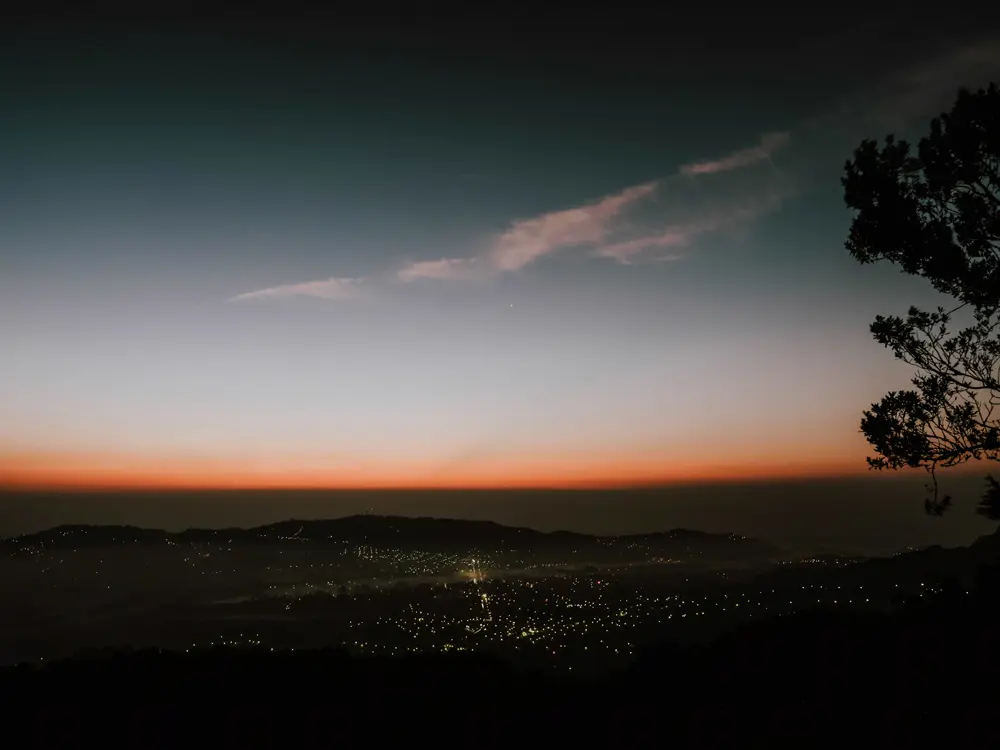
Sunset and Sunrise Wallpapers: Vibrant 5K for Laptops
The allure of a stunning sunset or the fresh promise of a sunrise can transform a mundane day into something special. Bringing these breathtaking moments to your laptop screen with high-resolution wallpapers is a simple yet effective way to personalize your digital space and boost your mood. This article explores the world of 5K sunset and sunrise wallpapers, offering insights into finding the perfect visuals for your laptop and understanding the benefits of high-resolution imagery.
In today’s digital age, our laptops are more than just tools; they’re extensions of our personalities. Choosing a wallpaper that resonates with you is a small but significant step in creating a workspace that inspires and motivates. Whether you prefer the fiery hues of a desert sunset or the soft pastels of a coastal sunrise, there’s a wallpaper out there to suit every taste.
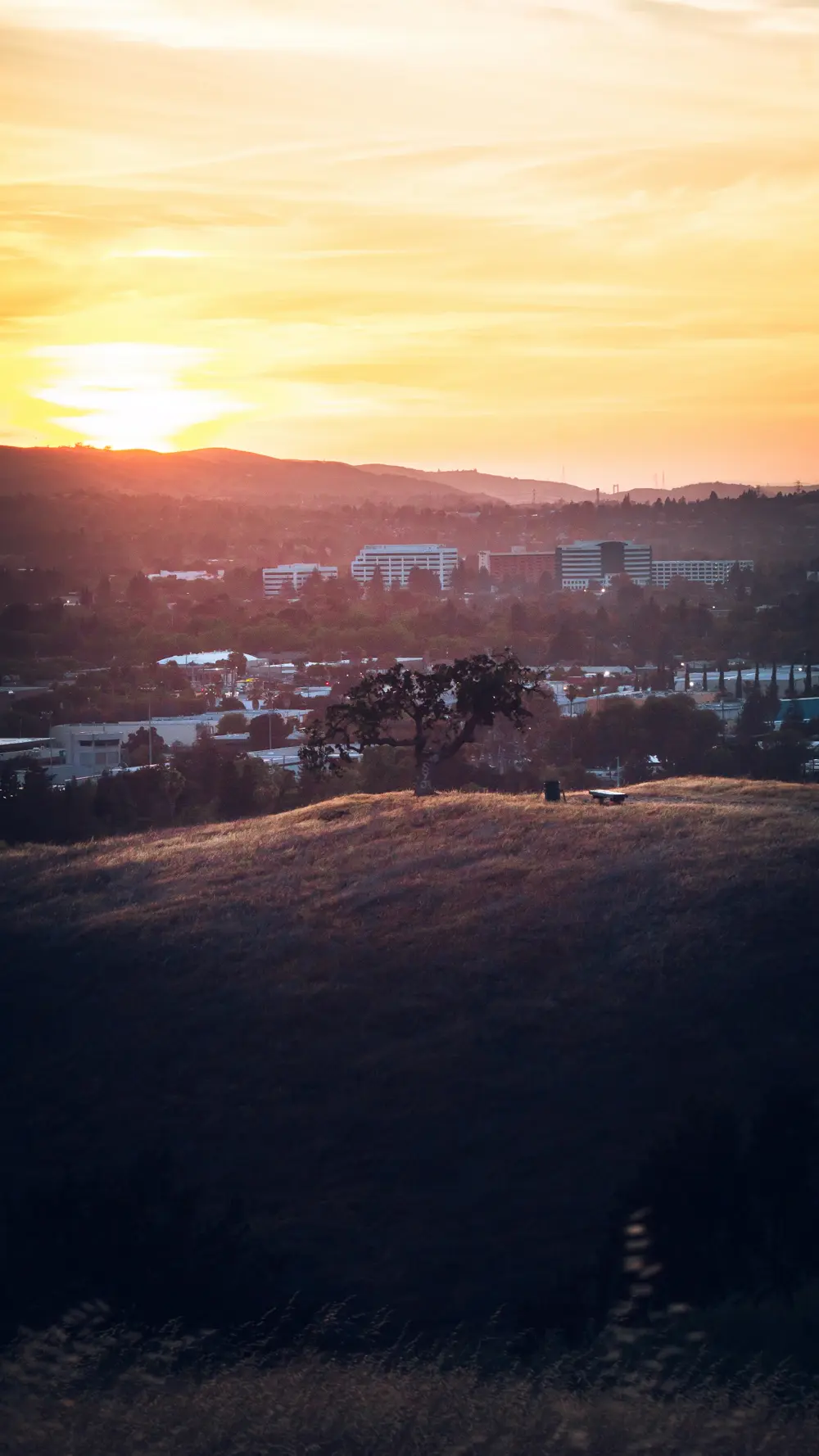
Why Choose 5K Resolution?
When it comes to laptop wallpapers, resolution matters. 5K (5120 x 2880 pixels) offers an incredibly detailed and sharp image, especially beneficial for laptops with high-resolution displays. Here’s why opting for 5K wallpapers is a worthwhile investment:
- Enhanced Visual Clarity: 5K resolution ensures that every detail of the sunset or sunrise is rendered with exceptional clarity, creating a more immersive and realistic experience.
- Scalability: High-resolution images scale down beautifully without losing quality, meaning they’ll look fantastic on various laptop screen sizes.
- Future-Proofing: As display technology continues to advance, 5K wallpapers will remain relevant and visually appealing for years to come.
- Reduced Pixelation: Say goodbye to blurry or pixelated images. 5K resolution eliminates these issues, providing a consistently crisp and clear visual.
Finding the Perfect Sunset Wallpaper
Sunsets evoke feelings of peace, tranquility, and reflection. A sunset wallpaper can add a touch of warmth and serenity to your laptop. Consider these variations when searching:

- Desert Sunsets: Dramatic landscapes with fiery orange and red hues.
- Ocean Sunsets: Calming scenes with reflections on the water.
- Mountain Sunsets: Majestic views with silhouettes of peaks.
- Tropical Sunsets: Vibrant colors and lush vegetation.
When selecting a sunset wallpaper, think about the overall aesthetic you want to create. A bold and vibrant sunset might be perfect for a creative workspace, while a more subdued and pastel-toned sunset could be ideal for a calming environment. You might also consider how the colors of the wallpaper complement your laptop’s design.
Exploring Sunrise Wallpapers
Sunrises symbolize new beginnings, hope, and energy. A sunrise wallpaper can inject a sense of optimism and motivation into your day. Here are some sunrise themes to explore:
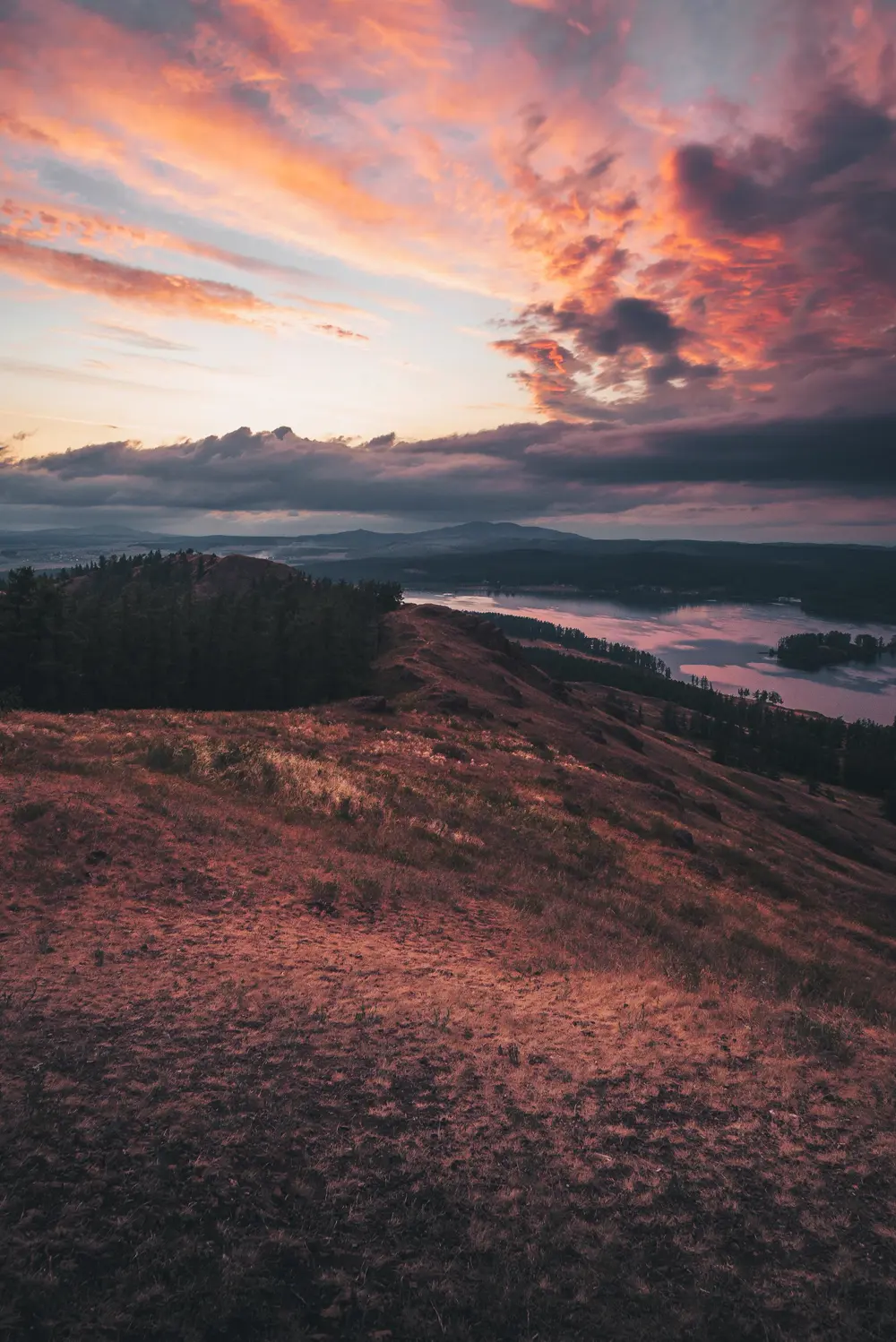
- Coastal Sunrises: Gentle waves and soft pastel colors.
- Forest Sunrises: Sunlight filtering through trees.
- Mountain Sunrises: Golden light illuminating peaks.
- City Sunrises: Urban landscapes bathed in morning light.
Sunrise wallpapers often feature softer colors and a more delicate aesthetic than sunset wallpapers. They can be a great choice for those who prefer a more subtle and calming visual. If you find yourself needing a little extra motivation in the mornings, a vibrant sunrise wallpaper could be just what you need. Finding the right image can also influence your productivity.
Where to Download 5K Wallpapers
Numerous websites offer high-quality 5K wallpapers. Here are a few popular options:
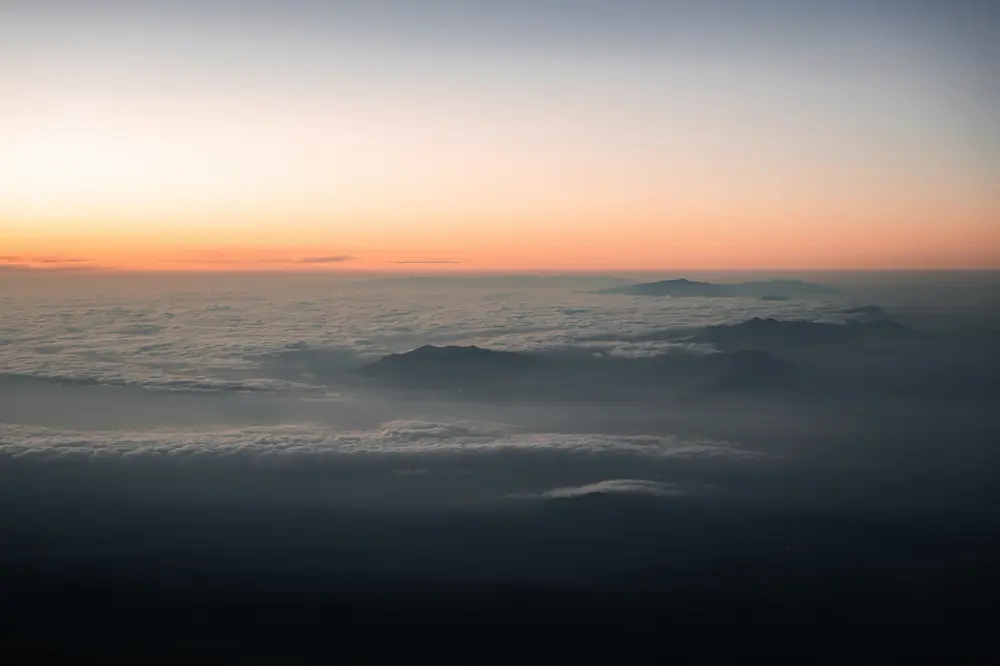
- Unsplash: A vast library of free, high-resolution photos, including stunning sunsets and sunrises.
- Pexels: Another excellent source for free stock photos and wallpapers.
- Pixabay: Offers a wide range of free images, including 5K wallpapers.
- Wallhaven: A dedicated wallpaper website with a large collection of user-submitted images.
When downloading wallpapers, always ensure that the website is reputable and that the images are licensed for personal use. Pay attention to the file size, as larger files may take longer to download and could potentially impact your laptop’s performance.
Optimizing Your Wallpaper for Laptop Performance
While 5K wallpapers offer incredible visual quality, they can also consume more system resources. Here are a few tips to optimize your wallpaper for laptop performance:
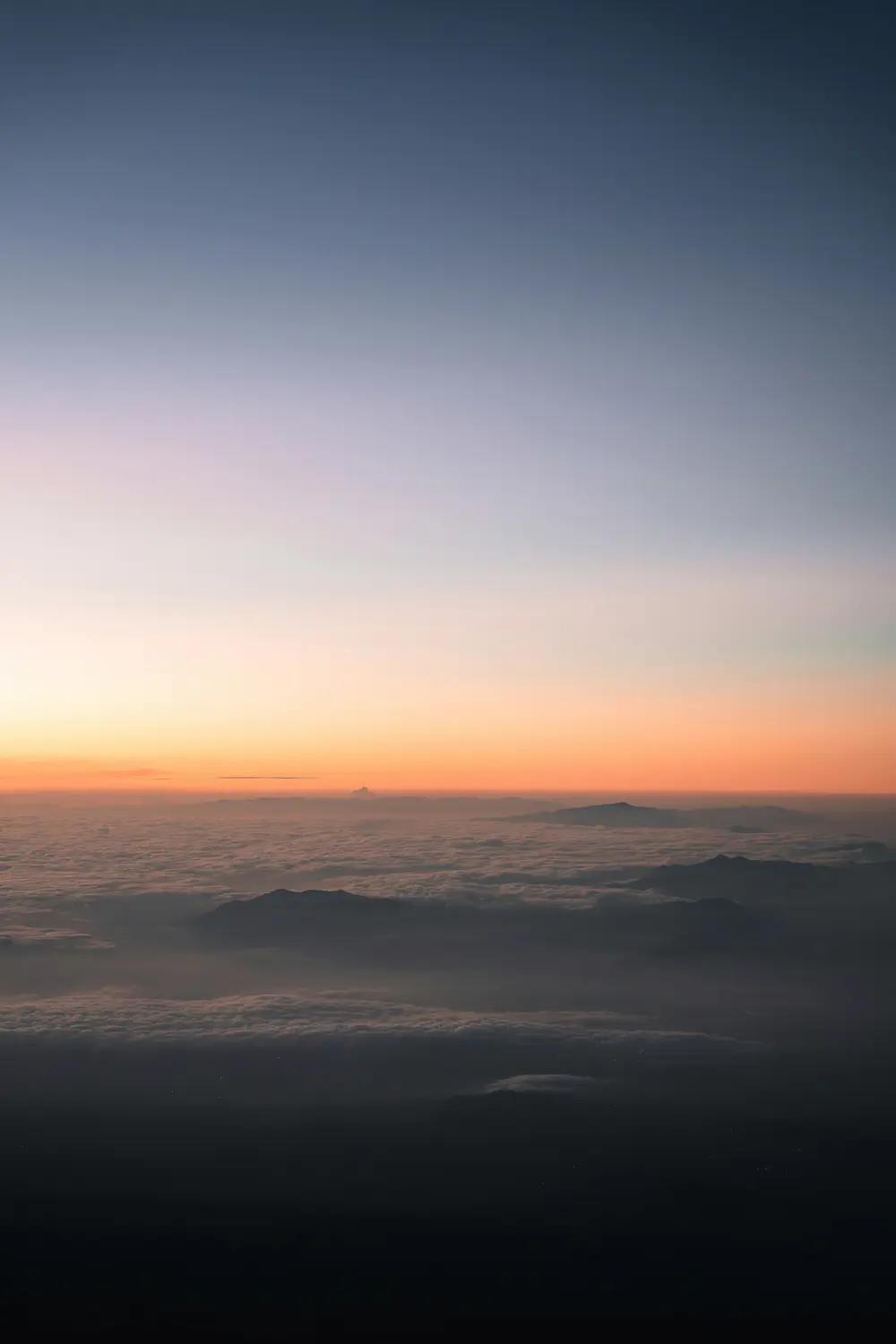
- Choose a Wallpaper with Simpler Composition: Images with fewer details and less complex patterns may require less processing power.
- Adjust Wallpaper Scaling: Some operating systems allow you to adjust how wallpapers are scaled to fit your screen. Experiment with different scaling options to find the best balance between visual quality and performance.
- Close Unnecessary Applications: Closing unused applications can free up system resources and improve overall performance.
Beyond Aesthetics: The Psychological Impact
The images we surround ourselves with can have a significant impact on our mood and well-being. Choosing a sunset or sunrise wallpaper isn’t just about aesthetics; it’s about creating a digital environment that supports your emotional state. The calming colors of a sunset can help reduce stress, while the energizing hues of a sunrise can boost your motivation. Consider the psychological effects of different colors and scenes when selecting your wallpaper. A well-chosen image can even enhance your focus during work or study.
Conclusion
Transforming your laptop screen with a vibrant 5K sunset or sunrise wallpaper is a simple yet powerful way to personalize your digital experience. By understanding the benefits of high-resolution imagery, exploring different themes, and optimizing your wallpaper for performance, you can create a workspace that inspires, motivates, and enhances your overall well-being. Take the time to find the perfect image that resonates with you and enjoy the beauty of nature every time you open your laptop.
Frequently Asked Questions
1. Where can I find truly free 5K wallpapers without watermarks?
Unsplash, Pexels, and Pixabay are excellent resources for free 5K wallpapers without watermarks. These sites offer a wide variety of high-quality images licensed for personal use. Always double-check the license terms to ensure compliance.
2. Will a 5K wallpaper slow down my older laptop?
It’s possible. Older laptops with less processing power and limited RAM might experience some slowdown with a 5K wallpaper. Try choosing simpler images or adjusting the wallpaper scaling settings to reduce the strain on your system. Closing unnecessary applications can also help.
3. What’s the best file format for 5K wallpapers (JPG vs. PNG)?
PNG generally offers better quality and supports transparency, but JPG files are typically smaller in size. For most sunset and sunrise wallpapers, JPG is a good choice as it provides a good balance between quality and file size. However, if the image contains text or sharp lines, PNG might be preferable.
4. How do I set a 5K wallpaper on Windows 10/11?
Right-click on your desktop, select “Personalize,” then “Background.” Choose “Picture” from the dropdown menu and browse to the location of your downloaded 5K wallpaper. Select the image and choose a “Fit” or “Stretch” option to ensure it displays correctly.
5. Are there any tools to automatically change wallpapers daily?
Yes, several applications can automatically change your wallpaper on a schedule. Dynamic Wallpaper (Windows) and Wallpaper Engine (Windows, macOS) are popular choices. These tools allow you to create playlists of wallpapers and set them to rotate at intervals you specify.
Related posts:

Still browsing? Futuristic City Wallpapers: 5K Concepts for Tech Fans is another collection worth a look — fresh picks in the same spirit.
Bookmark this collection so your next wallpaper swap is one click away.
