
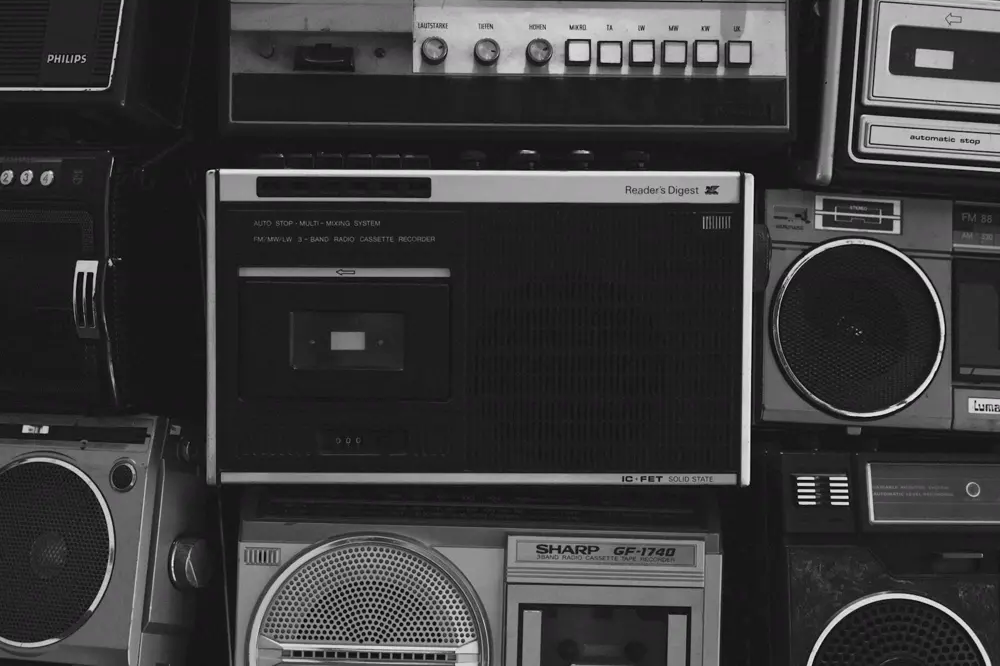
Embracing the Timeless Appeal of Black Retro Wallpaper Backgrounds
In the modern digital era, where screens are constantly bombarding us with high-saturation colors and relentless notifications, there is a growing movement toward minimalist sophistication. One of the most effective ways to achieve this is through the use of a black retro wallpaper background. This specific aesthetic combines the deep, calming void of a dark theme with the nostalgic, textured charm of previous decades. Whether you are a fan of the neon-soaked 80s, the groovy patterns of the 70s, or the gritty, lo-fi vibes of the 90s, a dark retro theme offers a sense of visual comfort and personality that standard solid colors simply cannot match.
- Why choose dark retro aesthetics?
- Iconic retro eras for wallpaper design
- Understanding texture and depth
- Optimizing your display for dark themes
- How to create your own custom backgrounds
Why Choose a Black Retro Aesthetic for Your Devices?
Choosing a black retro wallpaper background is more than just a stylistic choice; it is a functional one. For many users, the primary motivation is the reduction of eye strain. In a world of bright white backgrounds, a dark theme allows the eyes to rest, especially during late-night browsing sessions. When you layer retro elements—such as film grain, scanlines, or vintage geometric patterns—onto a black canvas, you create a high-contrast environment that is both easy on the eyes and visually stimulating.
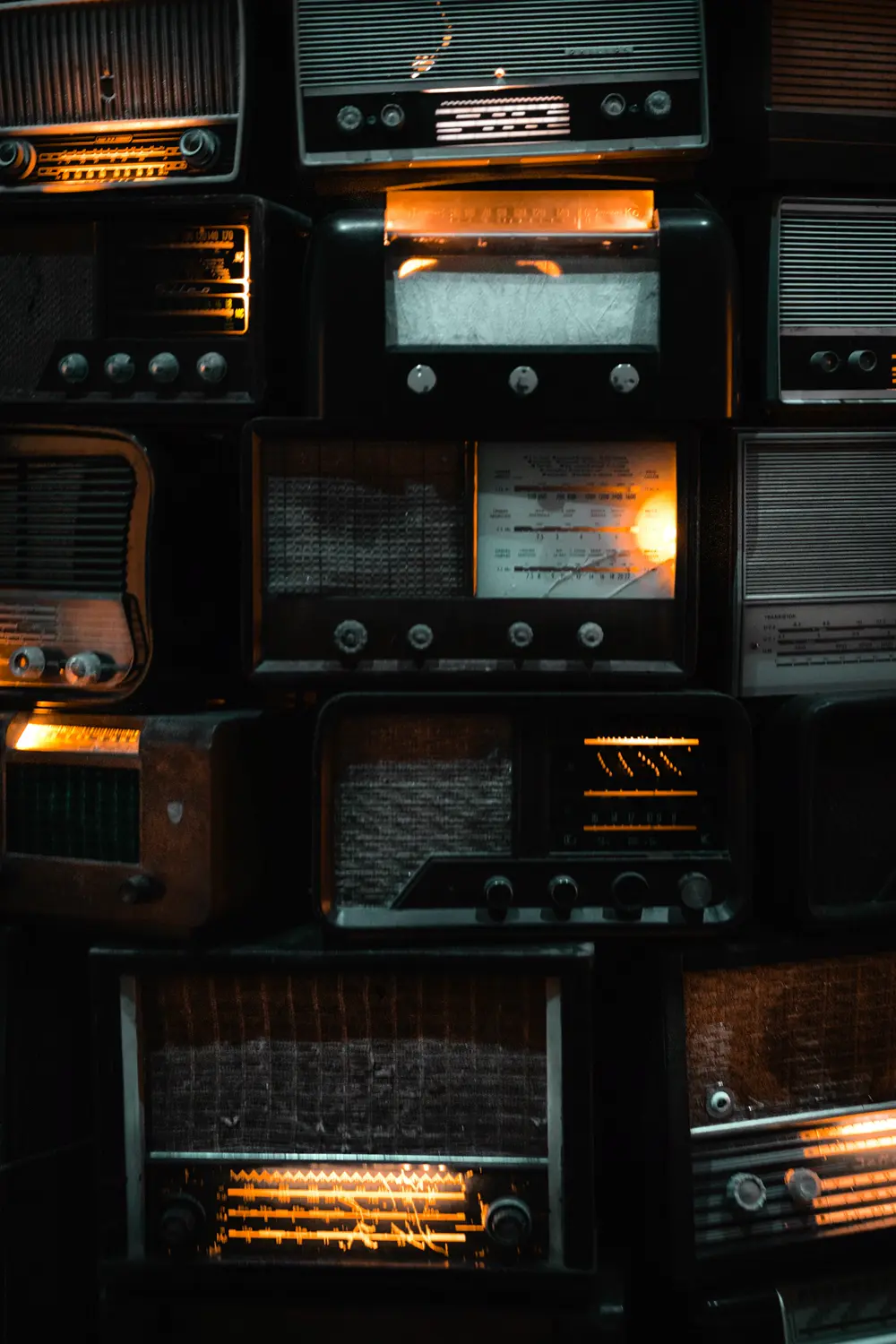
Furthermore, the retro aesthetic taps into a deep sense of digital nostalgia. It reminds us of the tactile nature of old technology—the soft glow of a CRT monitor, the texture of printed paper, and the warmth of analog media. By integrating these elements into your desktop or mobile background, you bridge the gap between the cutting-edge technology you use today and the comforting designs of the past. If you are looking to explore more design trends, you can search for retro elements or find the perfect wallpaper to suit your unique personality.
Iconic Retro Eras and Their Visual Language
To master the black retro wallpaper look, it is essential to understand the specific visual cues that define different eras. Each period offers a unique way to interact with a dark color palette.
The 80s Synthwave and Neon Noir Aesthetic
The 1980s are perhaps the most popular era for dark wallpapers. The synthwave aesthetic relies heavily on a jet-black background to make neon pinks, electric blues, and vibrant purples pop. Common motifs include:
- Retro-futuristic grids: Glowing perspective lines that create a sense of infinite digital space.
- Chrome textures: Shiny, metallic reflections that contrast against the dark void.
- Sunset gradients: Deep oranges and purples that fade into a pitch-black sky.
The 70s Groovy Geometric Vibe
While the 70s are often associated with warm, earthy tones, they look stunning when reimagined on a black background. Instead of beige and brown, imagine muted mustard yellows, burnt oranges, and avocado greens set against a deep charcoal or black. The focus here is on organic shapes, flowing curves, and psychedelic patterns that feel both retro and modern.
The 90s Lo-Fi and Grunge Movement
For those who prefer something less polished, the 90s lo-fi aesthetic is the perfect choice. This style celebrates imperfection. A black retro wallpaper from this era might include:
- VHS scanlines: Horizontal lines that mimic the look of an old television set.
- Pixel art: Low-resolution graphics that evoke the early days of gaming.
- Glitch effects: Distorted colors and ‘broken’ digital textures that add a sense of raw energy.
The Importance of Texture in Dark Backgrounds
A common mistake when creating or selecting a black retro wallpaper background is making it too flat. A purely solid black background can feel empty and uninspired. The secret to a professional-looking wallpaper lies in textural depth. Adding a subtle layer of noise or film grain can transform a flat image into a rich, tactile experience.
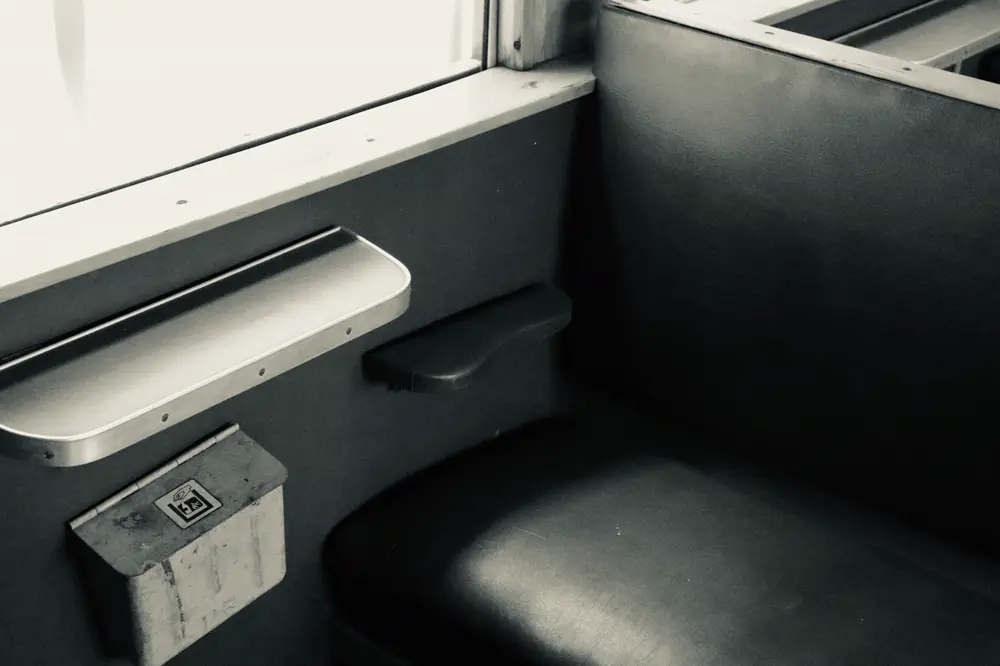
Grainy textures simulate the look of old film stock, providing a sense of history and warmth. Grunge textures, such as subtle scratches or dust particles, can give your wallpaper a ‘lived-in’ feel. When working with dark mode, these textures are particularly effective because they catch the light in a way that creates micro-contrast, making the black areas feel deeper and more immersive.
Optimizing Your Display for Black Retro Wallpapers
Not all screens are created equal, and your choice of wallpaper should account for your hardware. If you are using an OLED or AMOLED display, a true black background is highly beneficial. On these screens, black pixels are actually turned off, which means a black retro wallpaper can significantly improve battery life and provide infinite contrast.
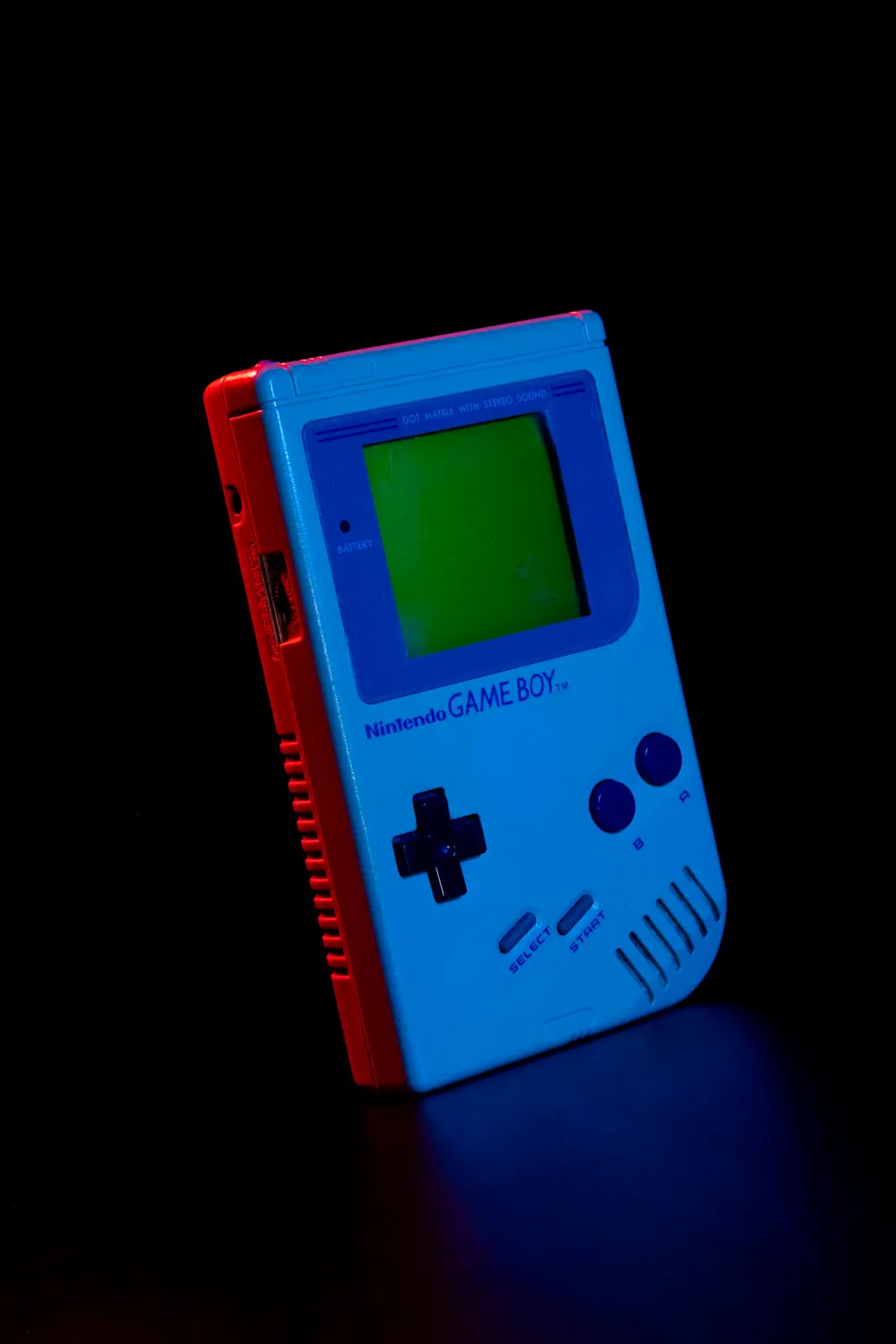
For standard LCD or IPS panels, the black will appear as a very dark gray. In this case, you should focus more on the gradient transitions and the vibrancy of the retro accents to ensure the design doesn’t look washed out. Regardless of your screen type, ensure your wallpaper is high-resolution (at least 4K for desktops) to prevent the retro textures from looking like accidental digital artifacts.
How to Design Your Own Custom Retro Wallpaper
If you cannot find the perfect black retro wallpaper background, you can create one using digital design tools like Photoshop, Canva, or even mobile apps. Follow these steps to ensure a high-quality result:
- Start with a True Black Base: Use the hex code #000000 for the deepest possible black.
- Layer Your Elements: Add your era-specific shapes (like 80s grids or 70s swirls) in a separate layer.
- Apply Color Theory: Use high-contrast colors for accents. Think neon for the 80s or muted earth tones for the 70s.
- Add the ‘Soul’ with Noise: Apply a subtle noise filter (around 2-5%) to create that essential vintage texture.
- Adjust the Vignette: Adding a slight vignette (darkening the edges) can help draw the eye toward the center of the screen and enhance the noir atmosphere.
Conclusion
The black retro wallpaper background is a versatile and sophisticated choice for any digital enthusiast. By blending the functional benefits of dark mode with the emotional resonance of nostalgic design, you create a workspace or mobile environment that is both beautiful and practical. Whether you opt for the high-energy neon of the 80s or the textured, lo-fi grit of the 90s, the key is to embrace texture, contrast, and era-specific motifs to bring your digital space to life.
Frequently Asked Questions
1. Will a black retro wallpaper help save my phone battery?
If your smartphone has an OLED or AMOLED screen, yes. Because black pixels are essentially turned off on these displays, using a wallpaper with significant black areas can reduce power consumption.
2. How can I prevent my retro wallpaper from looking ‘blurry’ on high-res screens?
The ‘blurriness’ you might perceive is often intentional film grain or lo-fi textures. To ensure it looks intentional, always use high-resolution source images and avoid over-compressing the file.
3. What are the best colors to pair with a black retro background?
For an 80s look, use neon pink, cyan, and purple. For a 70s look, use mustard yellow, burnt orange, and cream. For a 90s look, try muted teals, grays, and glitchy primary colors.
4. Can I use these wallpapers for professional desktop setups?
Absolutely. A minimalist black retro design is professional because it is non-distracting. It provides a sophisticated backdrop that doesn’t interfere with your icons or workflow.
5. Where can I find high-quality retro textures?
You can find high-quality textures on stock photo sites, or by searching for ‘vintage grain overlays’ and ‘retro pattern vectors’ in design asset libraries.
Related posts:



Plenty more backgrounds are waiting in the related collections below — keep browsing until one sticks.
Bookmark this collection so your next wallpaper swap is one click away.
