
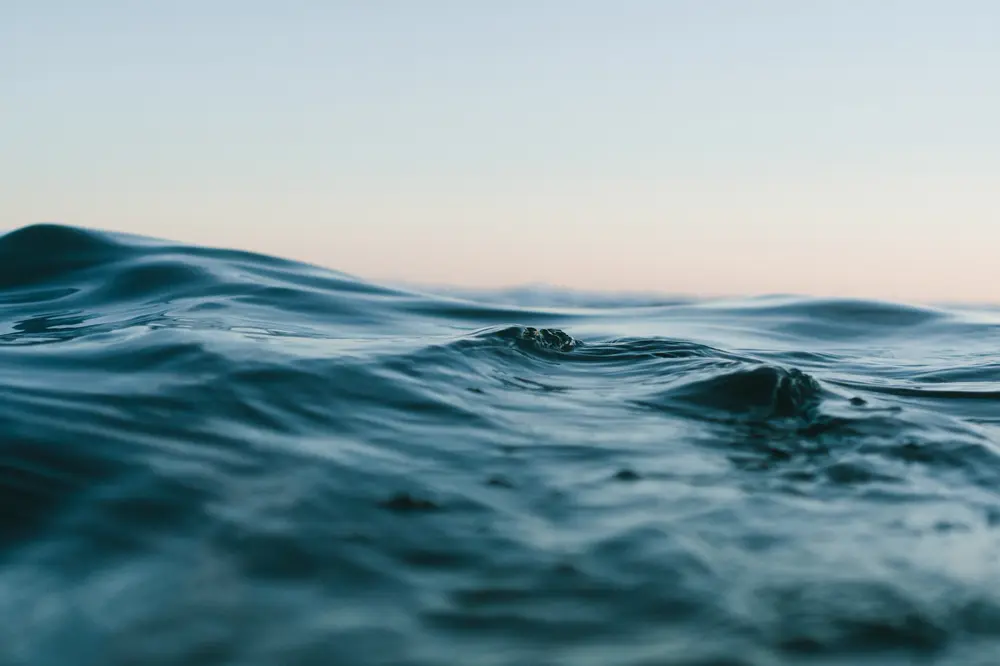
In an era where our smartphones are constant companions, the visual environment we choose for our screens plays a significant role in our daily mood and mental state. One of the most popular trends in mobile customization is the use of a live ocean wallpaper for lockscreen displays. There is something uniquely soothing about watching the rhythmic ebb and flow of waves or the gentle swaying of seaweed through a high-definition lens. This guide explores how to transform your device into a window to the deep blue sea, the technical nuances of animated backgrounds, and how to optimize your experience without draining your battery.
“,
“In This Article”: “
- Why Choose Live Ocean Wallpapers?
- Popular Styles of Animated Marine Backgrounds
- Setting Up Ocean Motion on iOS and Android
- Performance and Battery Life Optimization
- Best Sources for High-Definition Sea Visuals
“,
“html_content_continued”: “
The Psychological and Aesthetic Benefits of Sea Motion
Integrating nature into our digital interfaces is more than just an aesthetic choice; it is a way to practice digital mindfulness. The concept of ‘Blue Mind’—the mildly meditative state we enter when near water—can be partially replicated through high-quality visual stimuli. When you glance at a live ocean wallpaper for lockscreen, the subtle movement of water can act as a momentary micro-break for your brain, reducing stress and providing a sense of tranquility during a busy day.
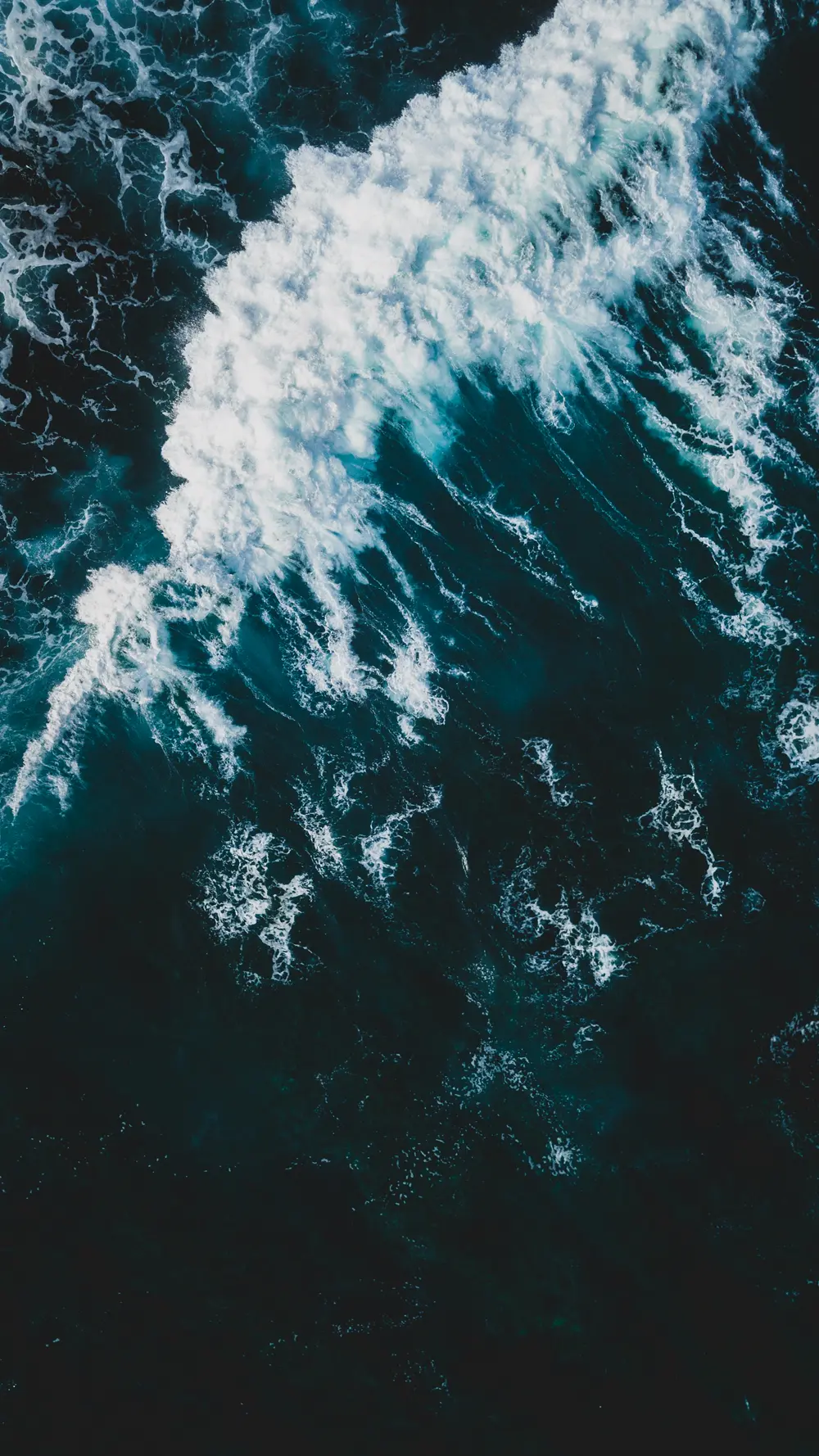
Beyond the psychological perks, the visual depth provided by moving water effects adds a layer of sophistication to your smartphone. Unlike static images, dynamic wallpapers interact with the way light hits your screen, creating a sense of dimension that makes your device feel alive. Whether you are drawn to oceanic themes or simply want a more modern look, the ocean offers endless variety. Many users also combine these backgrounds with aesthetic trends like minimalism or dark mode to create a cohesive device theme.
Popular Styles of Animated Marine Backgrounds
Not all ocean wallpapers are created equal. Depending on your personality and the time of day, you may prefer different aquatic environments. Here are the most sought-after styles:
1. Tropical Coral Reefs and Marine Life
For those who crave color and energy, underwater reef animations are the perfect choice. These wallpapers often feature vibrant corals, schools of colorful fish, and sunlight filtering through the surface of the water. This style is best for users who want their lockscreen to feel bright, lively, and full of movement.
2. Dark Deep-Sea Abyss
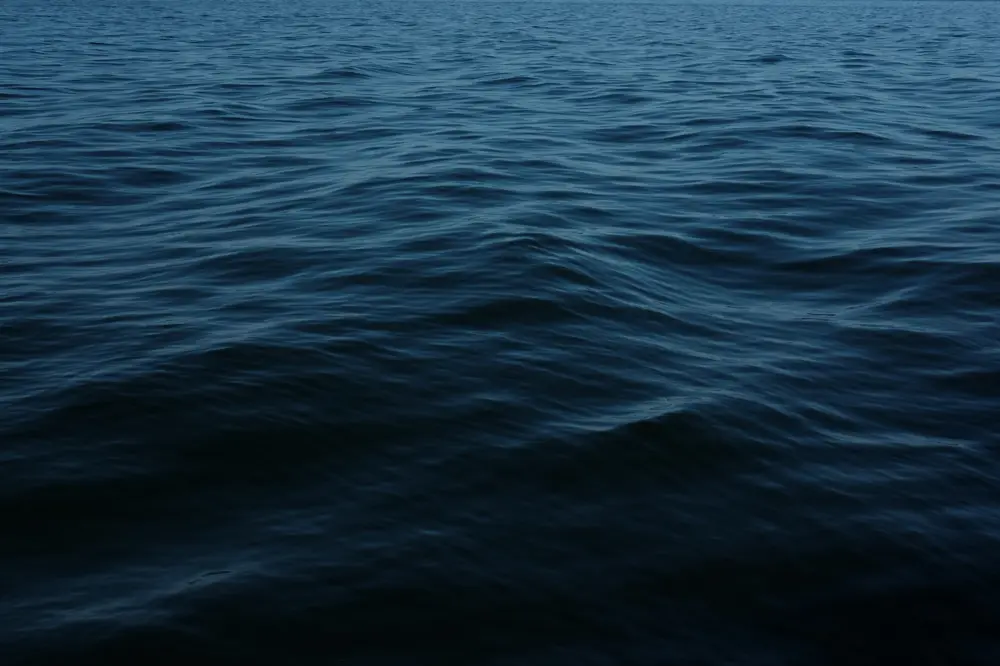
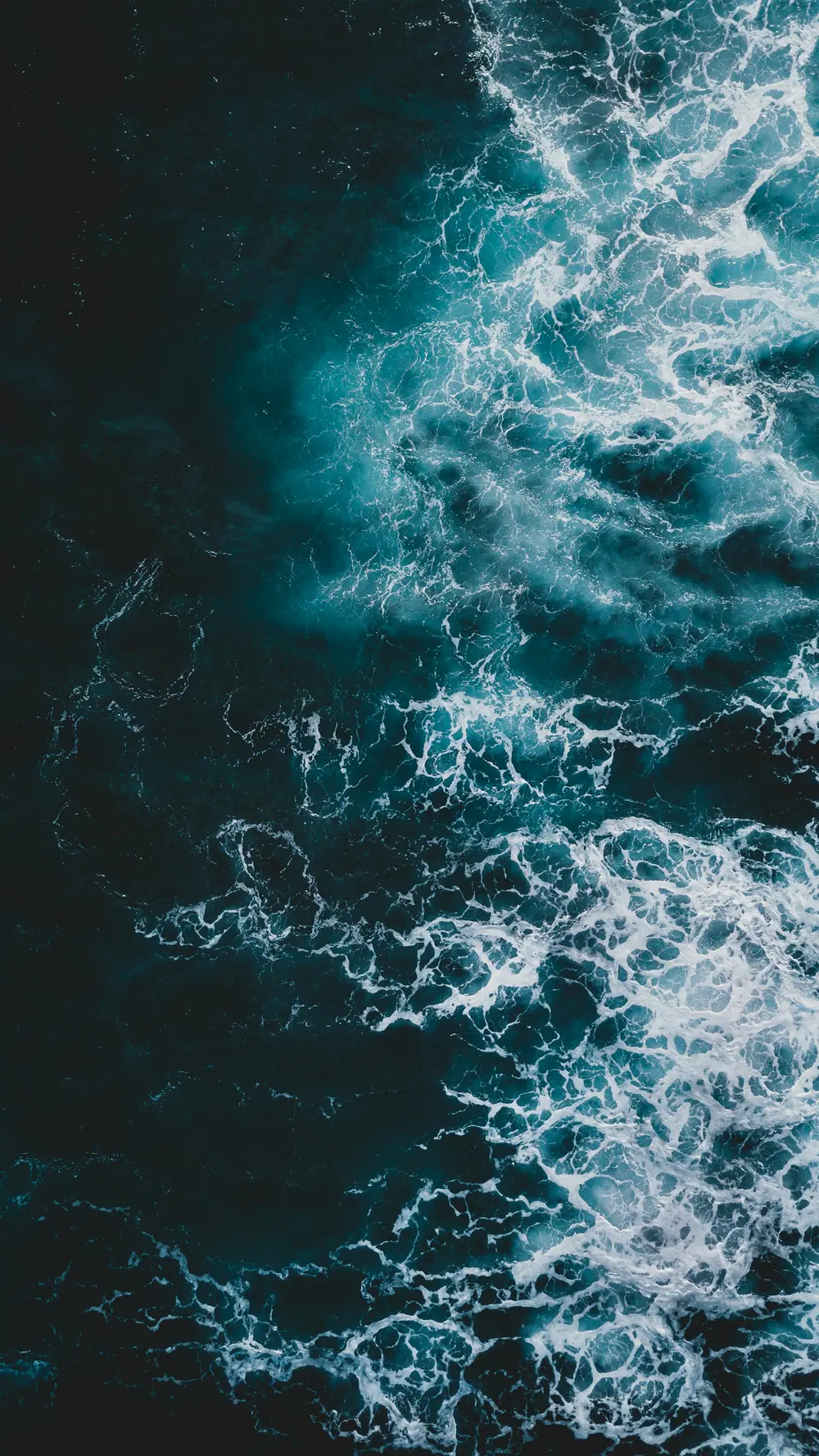
If you prefer a dark mode aesthetic, the deep-sea abyss provides a mesmerizing experience. These wallpapers focus on the mystery of the ocean depths, featuring bioluminescent creatures, subtle silhouettes, and deep indigo hues. They are exceptionally easy on the eyes during nighttime use and are perfect for OLED screens.
3. Stormy Atlantic Waves
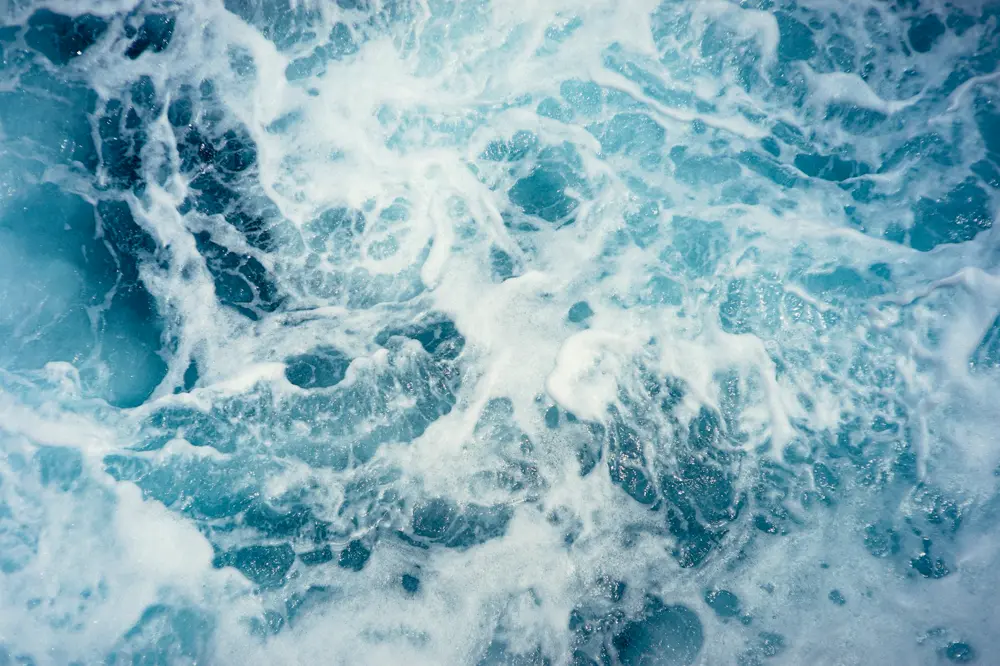
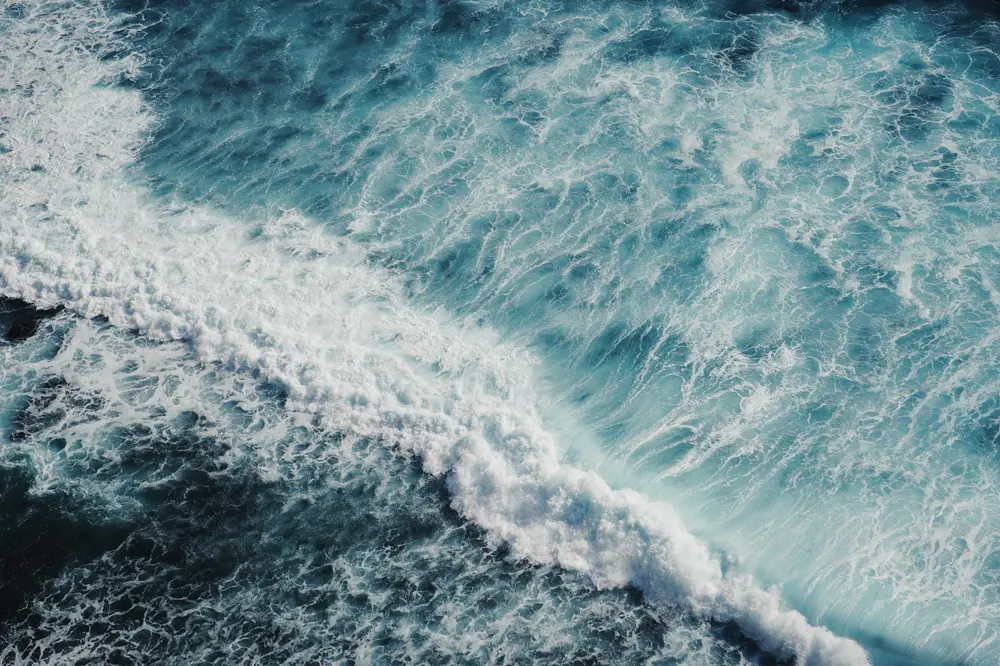
For a more dramatic and powerful look, crashing wave wallpapers offer unmatched intensity. These animations capture the raw power of the ocean, with white sea foam, rolling swells, and moody, overcast skies. This style is ideal for users who want their device to reflect a sense of strength and natural grandeur.
4. Minimalist Shoreline and Sand
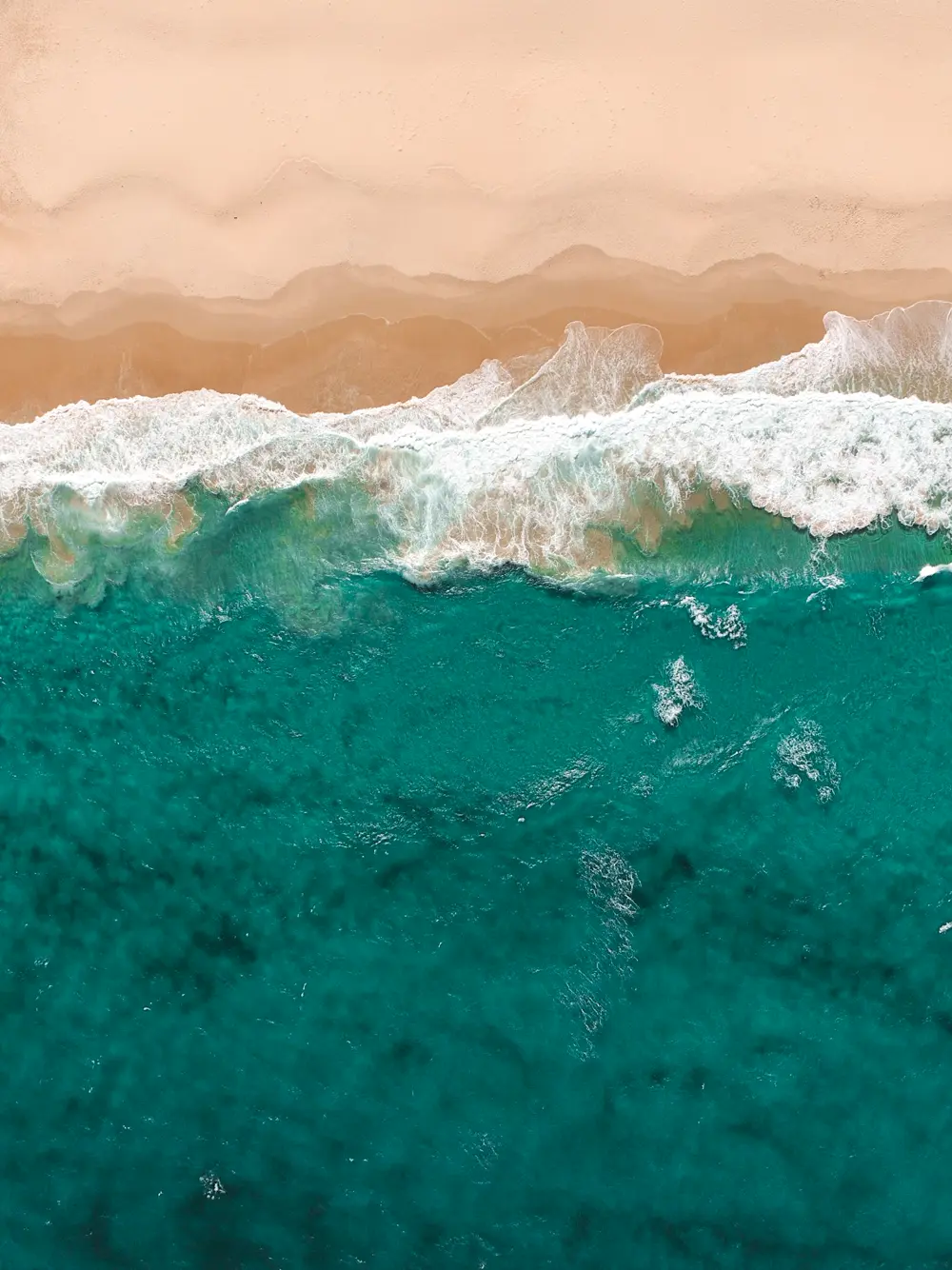
Sometimes, less is more. Minimalist wallpapers might focus on a single line of foam meeting the sand or a gentle ripple on a calm surface. These are perfect for professionals who want a calming lockscreen that isn’t distracting during meetings or work sessions.
Setting Up Ocean Motion on iOS and Android
Implementing a live ocean wallpaper for lockscreen requires different approaches depending on your operating system. It is important to understand the technical limitations and capabilities of your specific device.
Instructions for iPhone Users
Apple has transitioned the way ‘Live Wallpapers’ work over recent iOS updates. Previously, you would long-press the screen to trigger a Live Photo. In newer versions, the focus has shifted toward depth effect wallpapers and cinematic motions. To get the best ocean effect:
- Use Live Photos: Capture or download a high-quality Live Photo of the ocean. Set it as your wallpaper, ensuring the ‘Live Photo’ toggle is active during the setup process.
- Depth Effect: Choose an image where the waves or sea foam overlap slightly with the clock to trigger the beautiful iOS depth effect.
Instructions for Android Users
Android offers much more flexibility when it comes to dynamic backgrounds. You are not limited to Live Photos; you can use full video loops or specialized live wallpaper apps.
- Native Settings: Some manufacturers like Samsung include built-in dynamic wallpapers. Check your ‘Wallpaper and Style’ settings to see if ocean motions are available.
- Third-Party Apps: Apps like Zedge or specialized 4K live wallpaper engines allow you to download MP4 files and set them directly as your moving background.
- Video to Wallpaper: You can use many free utilities to convert any high-quality ocean video into a functional live wallpaper file.
Performance and Battery Life Optimization
A common concern among users is whether an animated lockscreen will significantly impact battery longevity. The short answer is: yes, but it is manageable.
OLED vs. LCD Technology: If your phone has an OLED or AMOLED screen, using a dark ocean wallpaper (like the deep-sea abyss mentioned earlier) can actually save battery. This is because OLED pixels turn off completely to display true black. Conversely, a bright, sunlit tropical reef wallpaper will consume more power because more pixels are actively emitting light.
Frame Rate and Resolution: To optimize performance, avoid using 8K videos if your phone is a mid-range device. A 1080p high-bitrate animation is often indistinguishable from 4K on a small smartphone screen but requires significantly less processing power and battery. To keep your device running smoothly, ensure that your live wallpaper app is not running unnecessary background processes.
Best Sources for High-Definition Sea Visuals
To ensure your live ocean wallpaper for lockscreen looks crisp and professional, you must source high-quality content. Avoid low-resolution GIFs, as they often appear pixelated and lack the fluid motion of real water. Instead, look for:
- Stock Video Platforms: Sites like Pexels or Pixabay offer free, high-quality ocean footage that can be converted into wallpapers.
- Specialized Wallpaper Apps: Dedicated apps in the Google Play Store or Apple App Store often provide optimized files specifically designed for mobile aspect ratios.
- Cinematic Creators: Many creators on platforms like YouTube offer ‘4K Ocean Ambience’ videos which are perfect for high-end device customization.
In conclusion, a live ocean wallpaper for lockscreen is a powerful tool for personalizing your digital life. Whether you seek the calming rhythm of gentle waves or the dramatic intensity of a storm, the right animated background can turn your smartphone into a source of peace and beauty. By choosing the right style and optimizing your settings, you can enjoy the majesty of the ocean every time you wake your screen.
Frequently Asked Questions
Do live ocean wallpapers drain more battery?
Yes, they consume more power than static images because the processor and screen must work to render movement. However, on OLED screens, using darker ocean themes can mitigate this drain.
Can I use a standard video as a lock screen wallpaper?
On Android, this is quite simple through various apps. On iOS, you generally need to convert the video into a ‘Live Photo’ format to achieve a similar effect.
What is the best resolution for ocean live wallpapers?
For most modern smartphones, 1080p is the sweet spot for balancing visual clarity and battery efficiency. Only opt for 4K if you have a high-end device and are not concerned about battery life.
How do I stop a live wallpaper from moving?
You can easily switch back to a static image by going to your device’s display or wallpaper settings and selecting a standard photo instead of a live or motion-based option.
Why does my live wallpaper look blurry?
This is usually due to low resolution or an improper aspect ratio. Ensure the source file matches your phone’s screen dimensions and is at least 1080p for maximum sharpness.
Related posts:

Collections like this one connect to a bigger animated-wallpapers library — Dynamic Gaming Wallpaper for Dual Monitor: Ultimate Guide is a good thread to pull next.
Know someone whose screen needs a refresh? Pass this link along.
