
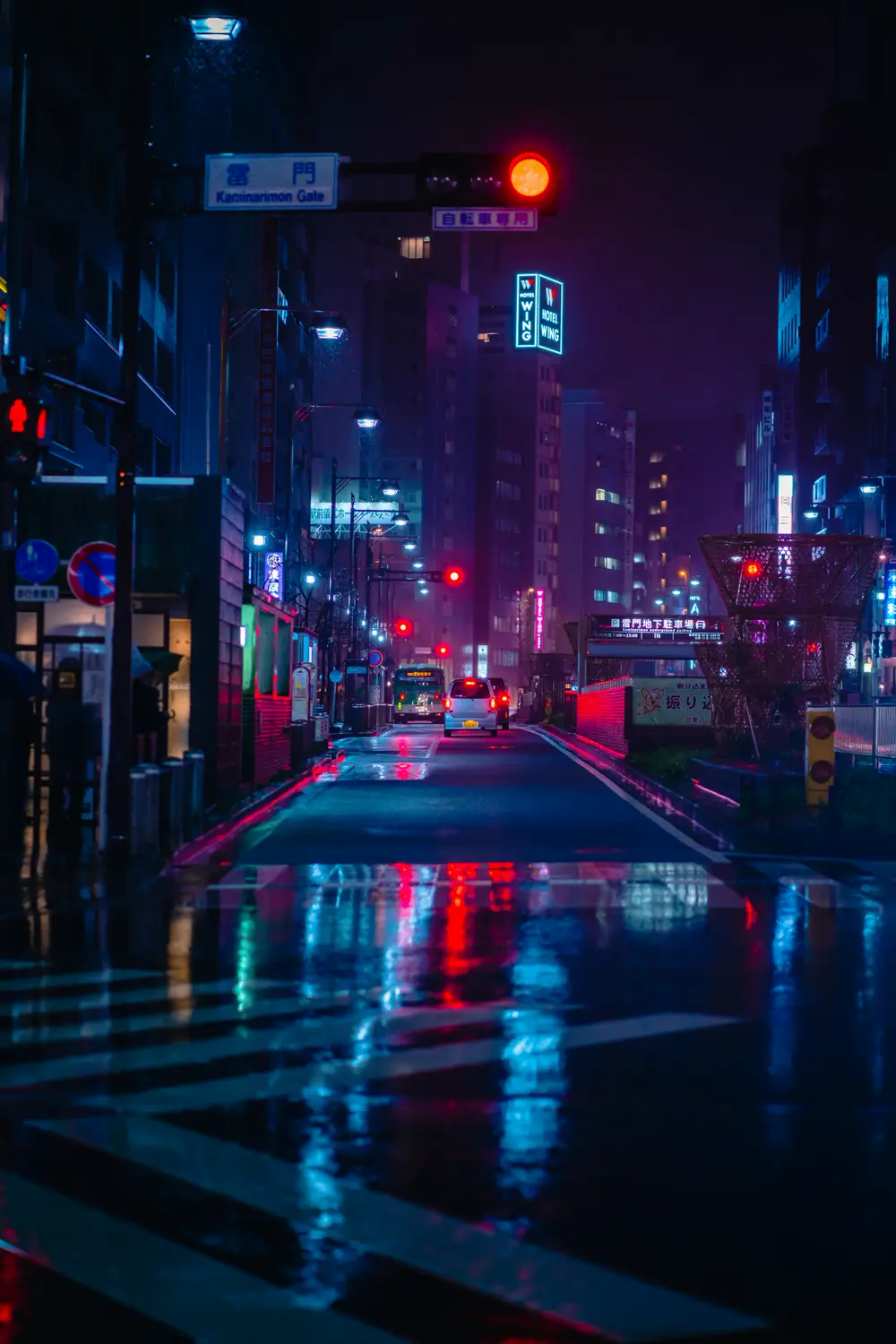
In the modern digital age, our devices are no longer just tools; they are extensions of our personal style and mood. For iPad users, the transition from a static screen to a dynamic, breathing environment can completely transform the user experience. Using an animated city wallpaper for iPad allows you to bring a sense of life, depth, and atmosphere to your tablet, making every interaction feel more immersive and high-end.
- The Appeal of Urban Motion
- Popular Styles: Cyberpunk, Lofi, and Realistic
- How to Install Motion Wallpapers
- Battery Life and Performance Optimization
- Finding the Perfect Resolution
The Psychological Appeal of Urban Motion Backgrounds
There is something inherently captivating about the movement of a city. The flickering of neon lights, the rhythmic flow of traffic, and the gentle drift of clouds over a skyline create a sense of continuous life. When you apply a high-quality wallpaper to your device, you aren’t just decorating a screen; you are setting a mental tone. For many, a bustling metropolis background fosters a feeling of productivity and energy, while a quiet, rainy alleyway can promote focus and calm.
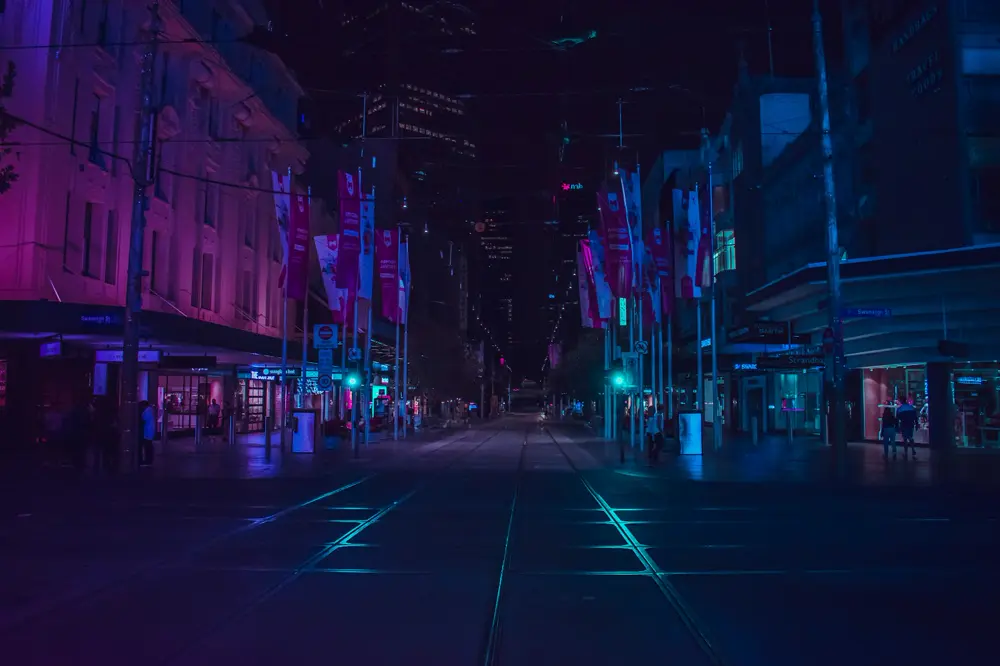
The ability to customize your ipad with such specific environmental cues is one of the greatest strengths of iPadOS. By selecting an animated cityscape, you leverage the high-pixel density of the Retina display to create an illusion of depth that static images simply cannot match. This is particularly effective on the iPad Pro models, where the ProMotion technology makes the motion feel incredibly fluid and natural.
Exploring Popular Animated Urban Styles
Not all cityscapes are created equal. Depending on your personality and the time of day you use your tablet, you might prefer different aesthetic directions. Here are the most sought-after styles for motion backgrounds.
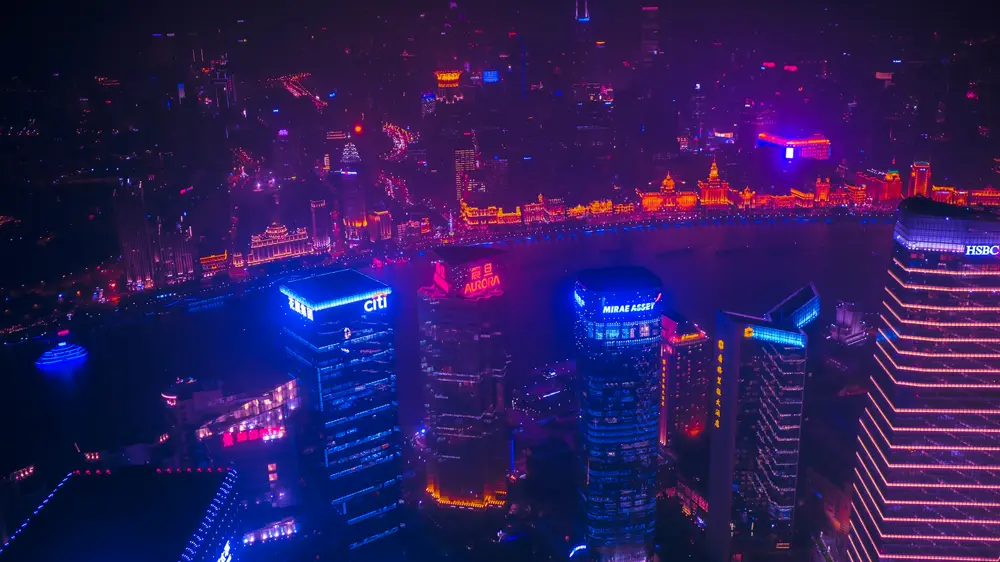
Cyberpunk and Neon Futurism
If you are a fan of science fiction and high-tech aesthetics, the cyberpunk style is the ultimate choice. Imagine a sprawling megacity drenched in pink, teal, and violet hues, with rain slicking the streets and flying vehicles cutting through the fog. These wallpapers often feature heavy contrast and saturation, which looks stunning on iPad screens. The movement in these wallpapers usually involves light trails, flickering signage, and atmospheric particle effects like smoke or digital rain.
Lofi and Chill Aesthetic Urbanism
For those who use their iPad for studying, reading, or relaxation, lofi city wallpapers are the gold standard. These are typically inspired by Japanese anime aesthetics, featuring cozy apartment windows, soft pastel sunsets, and gentle movement like a steaming cup of coffee or a swaying tree branch against a city backdrop. The movement is subtle and non-distracting, designed to provide a sense of ambient tranquility rather than high-energy stimulation.
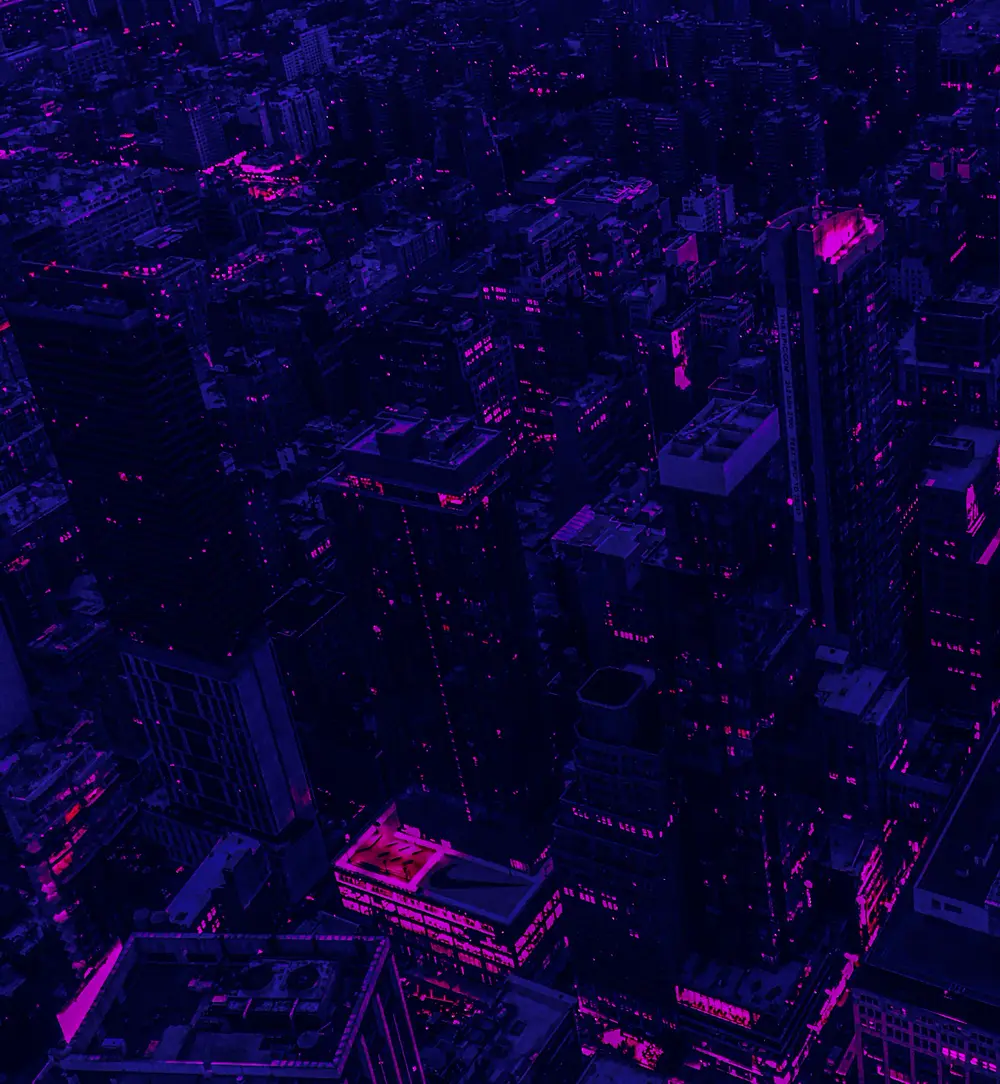
Realistic Time-lapse Cityscapes
For the purists, nothing beats the beauty of a real-world skyline. High-definition time-lapse videos of cities like New York, Tokyo, or London provide a sophisticated look. These backgrounds capture the actual movement of the sun setting behind skyscrapers or the lights of the city slowly turning on as dusk approaches. This style is perfect for professionals who want their device to look elegant and grounded in reality.
How to Set Animated Wallpapers on Your iPad
Setting up a dynamic background on iPadOS has evolved significantly over the years. While Apple has tightened security and simplified the interface, there are still several effective ways to achieve the motion effect you desire.
Utilizing Live Photos for Motion
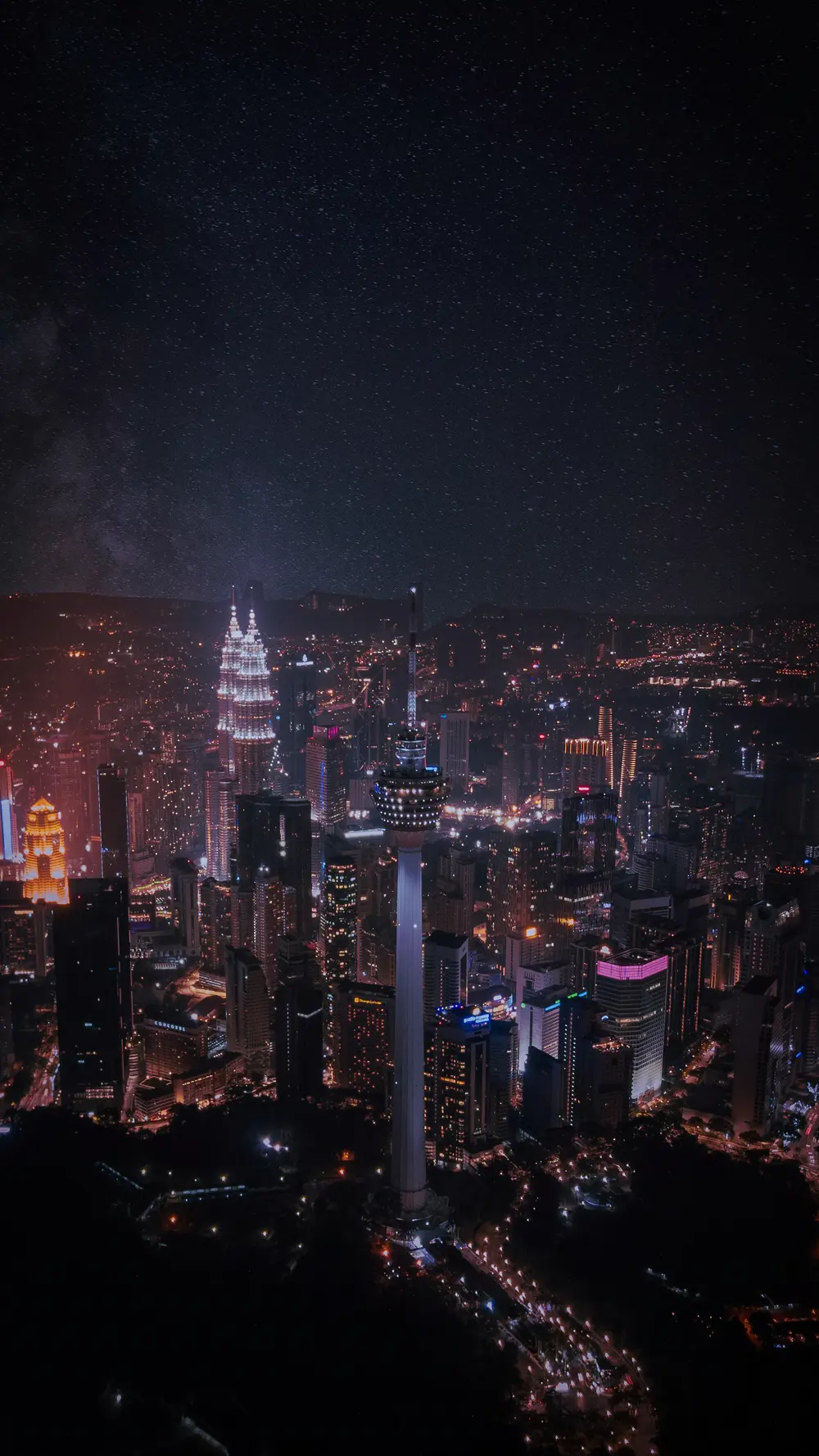
The most native way to get movement on your lock screen is through the Live Photo feature. If you have a Live Photo of a city scene, you can set it as your wallpaper. When you wake the screen or press down on it (depending on your specific iPadOS version), the image will come to life. This is a great way to use your own photography to personalize your device.
Third-Party Apps and Video Loops
Because iPadOS handles video files differently than a computer, many users turn to dedicated wallpaper apps. These apps provide curated libraries of high-quality loops specifically optimized for the iPad’s aspect ratio. When using these apps, look for those that offer ‘seamless loops’ to ensure that the transition between the end and the beginning of the animation is invisible, maintaining that infinite motion effect.
Performance and Battery Life Considerations
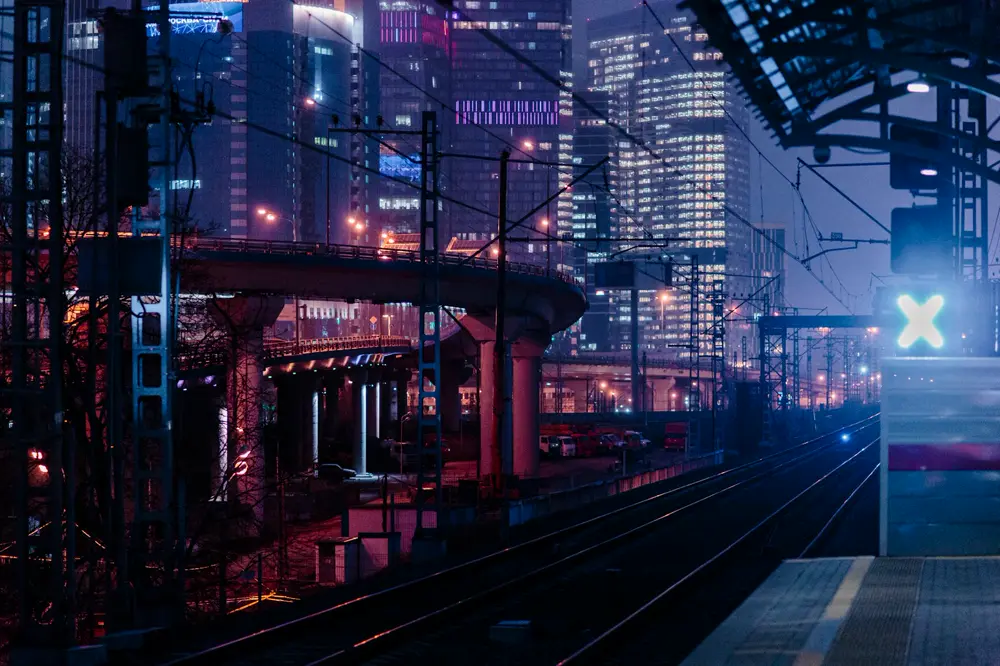
A common concern among users is whether an animated city wallpaper will drain the battery. The short answer is: yes, but the impact depends heavily on your hardware. On modern iPads with OLED or Liquid Retina XDR displays, the impact is minimized if the wallpaper uses true blacks. Since OLED pixels turn off completely to display black, an animated city at night with dark shadows will actually be quite power-efficient.
However, if you are using a standard LCD-based iPad and a bright, colorful cyberpunk animation, the processor and the backlight will work harder to render those colors and movements. To optimize performance, it is recommended to choose animations that are not overly frantic and to avoid using high-bitrate video loops that might cause the device to warm up during extended use.
Choosing the Best Resolution for iPadOS
To prevent your wallpaper from looking blurry or pixelated, you must match the resolution to your iPad’s specific screen. An iPad Pro 12.9-inch requires a much higher resolution than an iPad Mini. Always look for 4K or ultra-high-definition assets. When selecting an animated file, ensure the aspect ratio is vertical or optimized for a tablet’s landscape and portrait orientations. A high-quality motion background should feel like it belongs to the hardware, not like a stretched-out phone wallpaper.
Conclusion
Upgrading to an animated city wallpaper for iPad is one of the simplest yet most impactful ways to personalize your digital workspace. Whether you crave the high-octane energy of a cyberpunk metropolis or the soothing vibes of a lofi urban scene, the right motion background can enhance your mood and make your technology feel truly alive. By choosing the right style, ensuring high resolution, and being mindful of battery life, you can create a stunning visual experience that makes your iPad stand out from the crowd.
Frequently Asked Questions
Can I use any video as an animated wallpaper on iPad?
Not directly. iPadOS primarily uses Live Photos for lock screen animation. To use a standard video, you often need to convert it into a Live Photo format using a third-party app.
Do animated wallpapers affect iPad gaming performance?
Generally, no. Once you navigate away from the lock screen to an app or a game, the wallpaper is no longer being actively rendered, meaning it won’t consume CPU or GPU resources while you play.
What is the best file format for motion backgrounds?
For most apps and tools, .MP4 or .MOV are the standard. However, for the native Apple experience, converting these to the .HEIC (Live Photo) format is often necessary.
Will a dark city wallpaper save battery on my iPad?
If your iPad has an OLED screen, yes. Darker colors and black backgrounds allow the pixels to draw less power. For LCD screens, the power saving is negligible.
Where can I find high-quality 4K city animations?
You can find premium animations on stock footage sites, specialized wallpaper apps, or even by creating your own through high-quality drone footage and conversion tools.
Related posts:
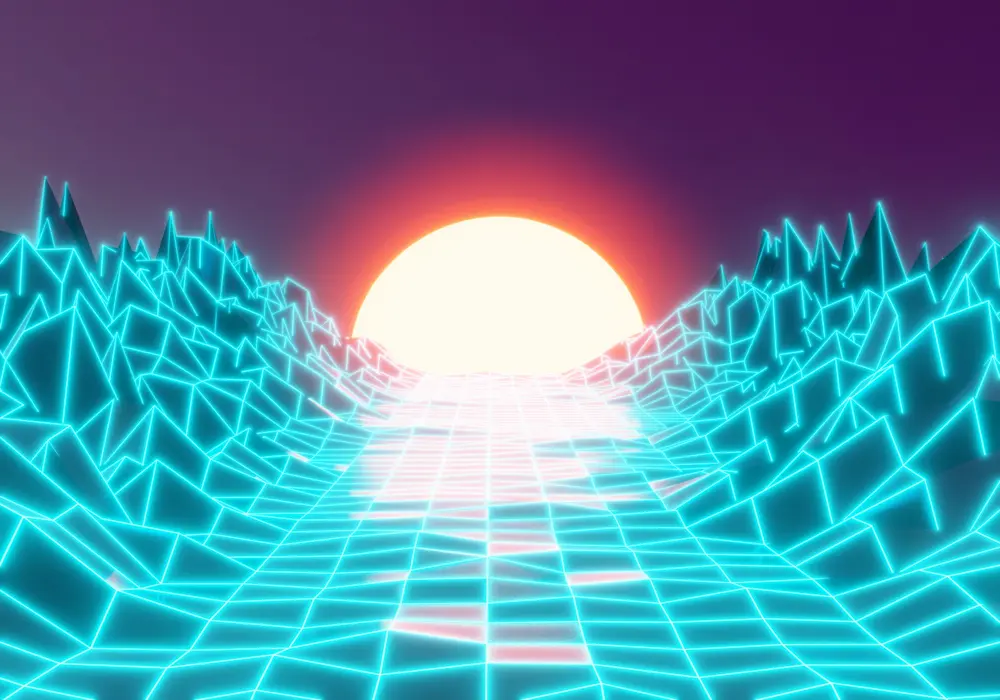
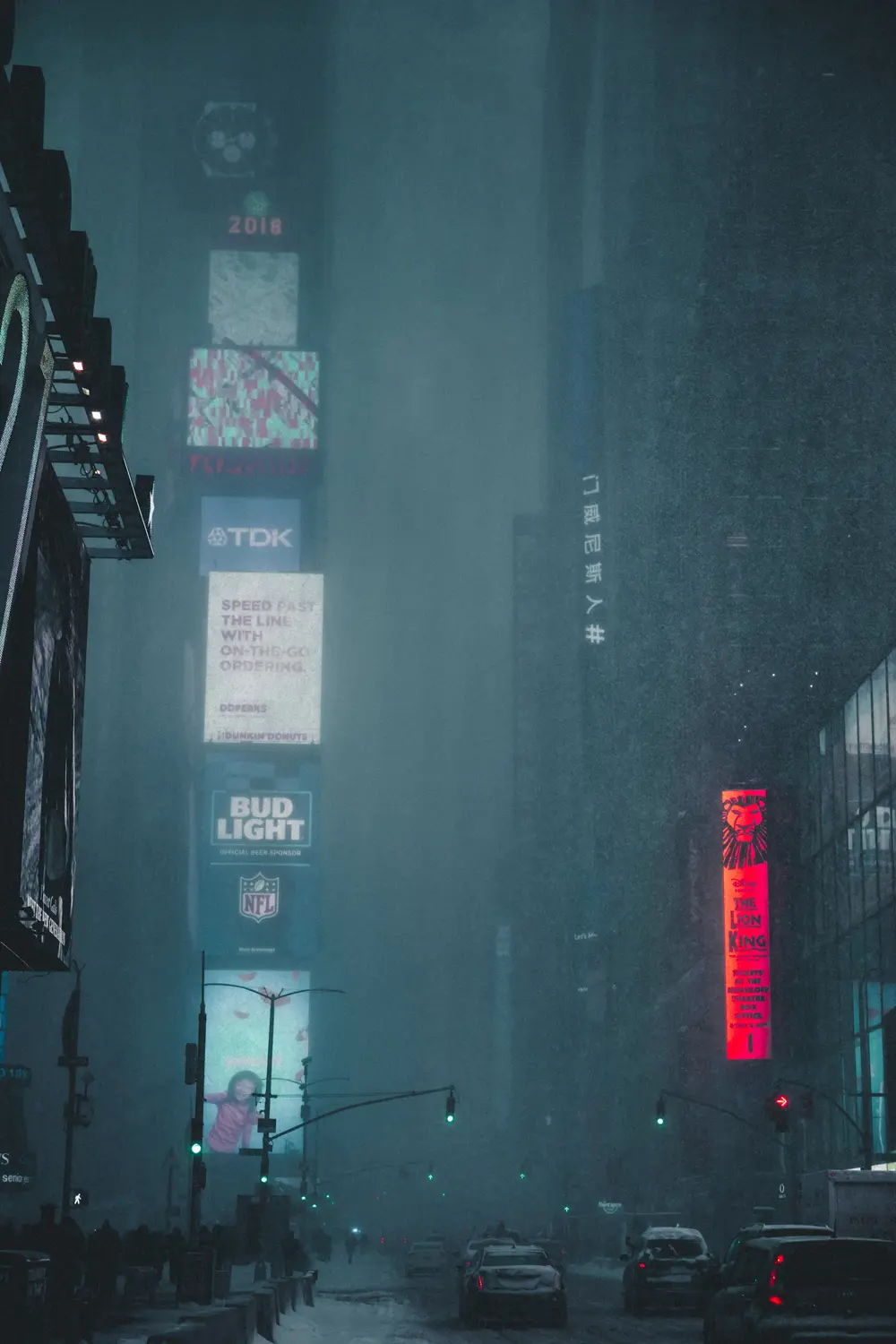
This set is just one corner of aesthetic-cityscape. Plenty more backgrounds in the same category are waiting for you.
Share this page with a friend who is hunting for a fresh background.
