
Transforming Your Tablet Experience with HD Fire Wallpapers
The visual aesthetic of your device is more than just a superficial choice; it is a reflection of your personal style and a way to enhance your daily interaction with technology. For iPad users, whose devices boast some of the most advanced Liquid Retina and OLED displays in the consumer market, choosing the right background is essential. An HD fire wallpaper for iPad offers a unique combination of intense color, dynamic movement, and high-contrast textures that can truly make your screen pop. Whether you are looking for the calming glow of embers or the aggressive energy of a roaring inferno, fire imagery provides a depth that few other themes can match.
- Understanding the impact of fire visuals
- Exploring different fire-themed styles
- Technical requirements for iPad resolutions
- Tips for aesthetic customization
- Frequently Asked Questions
The Visual Impact of Fire on High-Resolution Displays
When you consider the sheer quality of a modern ipad, you realize that low-resolution images are a disservice to the hardware. Fire is a complex subject for any digital sensor or artist to capture because it involves a wide spectrum of light, from deep crimsons and burnt oranges to brilliant yellows and whites. When these colors are rendered on a high-PPI (pixels per inch) screen, the result is a vibrant color gamut that feels almost three-dimensional.
Using high-definition fire backgrounds allows you to take advantage of the high dynamic range (HDR) capabilities of newer iPad models. The way light interacts with the dark shadows of a night scene, contrasted against the sudden burst of a flame, creates a sense of visual depth. This depth prevents your home screen from feeling flat and helps integrate the hardware and software into a single, cohesive experience. To get the best results, always ensure you are sourcing images that match or exceed your device’s native resolution to avoid pixelation or color banding.
The Psychology of Warm Colors
Colors play a significant role in our mood and cognitive state. Fire-themed wallpapers primarily utilize warm color palettes. These tones—reds, oranges, and yellows—are known to evoke feelings of energy, passion, and warmth. For some users, a fiery background can serve as a source of motivation and high energy during work sessions. For others, the soft, slow-burning glow of charcoal or embers can provide a meditative atmosphere that aids in relaxation and focus.
Exploring Different Fire-Themed Styles
Not all fire wallpapers are created equal. Depending on your personal preference and the way you use your iPad—whether for professional creative work, gaming, or media consumption—you might prefer one style over another. Exploring the variety within this niche allows you to find the perfect aesthetic balance.
1. Cinematic Embers and Bokeh
If you prefer a minimalist and sophisticated look, cinematic embers are an excellent choice. Instead of a full-blown flame, these wallpapers focus on tiny, glowing particles floating in a dark, out-of-focus background. This style utilizes bokeh effects, where the light sources are blurred into soft circles. This is particularly effective on an iPad because it doesn’t distract from your app icons, allowing for a clean, organized, and professional appearance while still providing a sense of warmth.
2. Abstract Flame Art
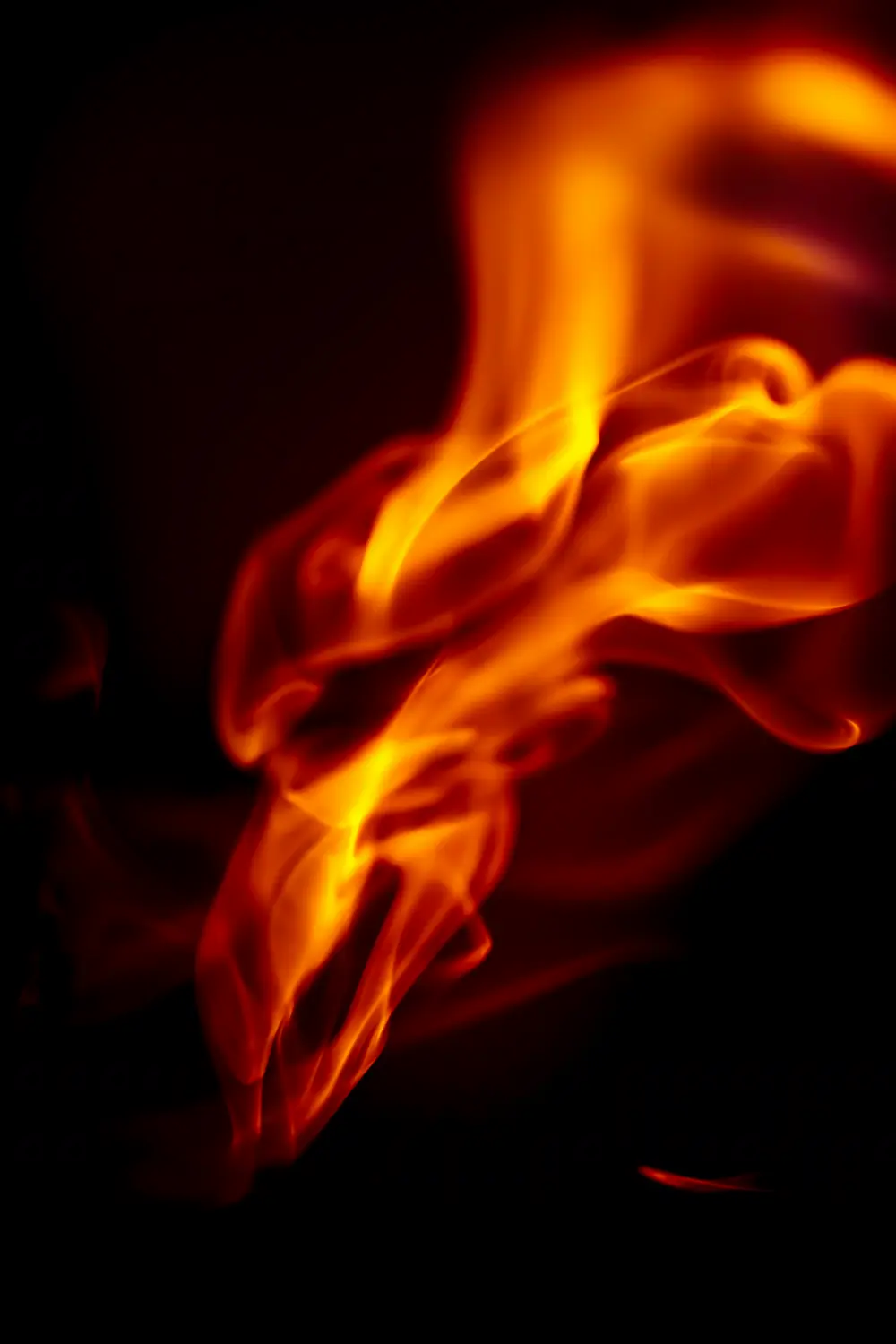
For those who appreciate modern art, abstract flame imagery offers a way to enjoy the colors of fire without the literal representation. These often involve fluid shapes, swirling smoke patterns, and gradient transitions that mimic the movement of heat. Abstract designs are highly versatile and work exceptionally well with both Light Mode and Dark Mode settings in iPadOS, as they tend to blend seamlessly with the UI elements.
3. Hyper-Realistic Wildfires and Blazing Heat
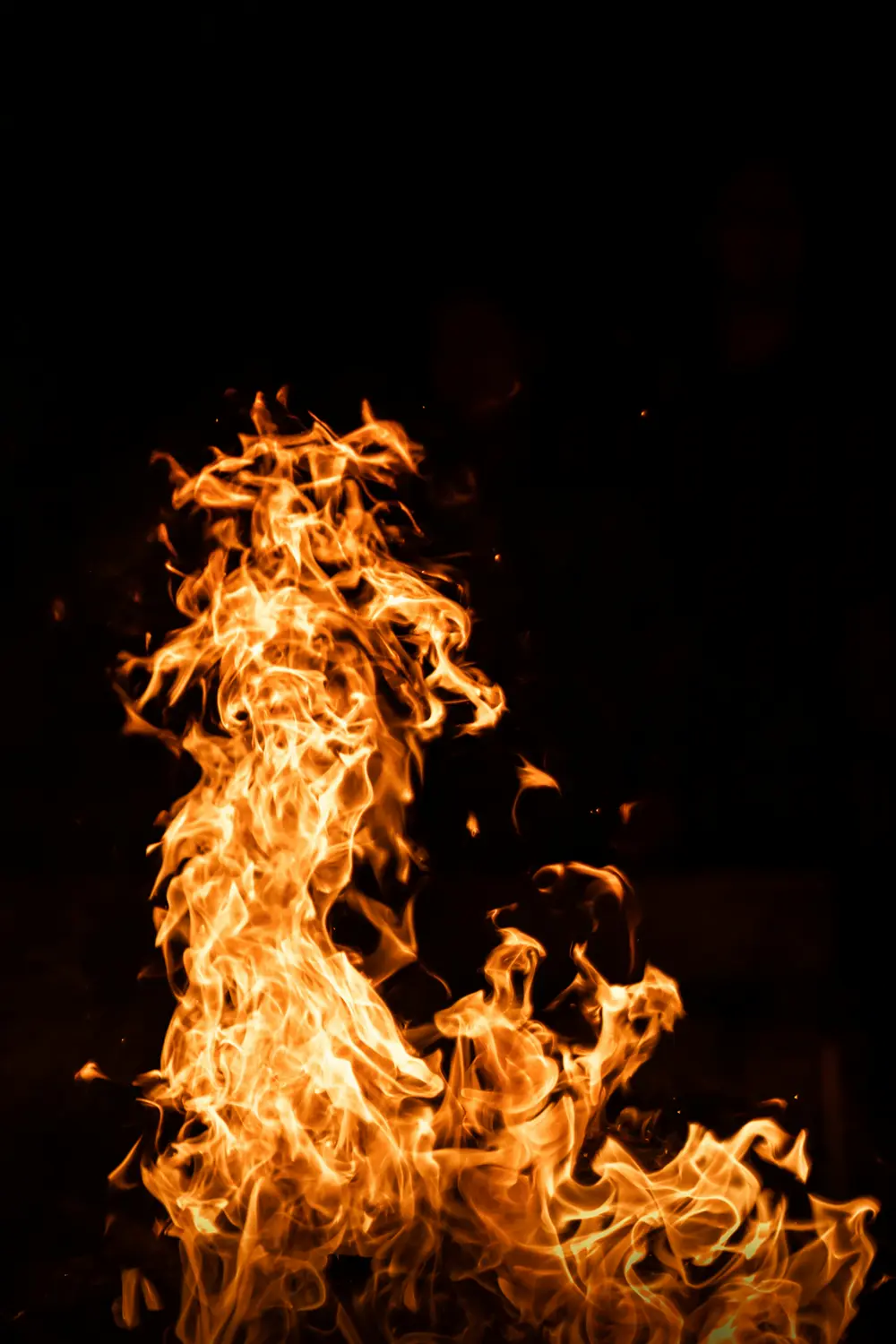
If you want your iPad to feel powerful and intense, hyper-realistic imagery is the way to go. These images capture the raw power of nature—the licking tongues of flame, the thick textures of smoke, and the intense brightness of a core fire. These high-fidelity textures are best suited for the iPad Pro models, where the brightness levels (nits) are high enough to reproduce the intense white-hot centers of the flames without washing out the surrounding details.
Technical Requirements: Resolution and Aspect Ratio
To ensure your HD fire wallpaper for iPad looks professional, you must understand the technical specifications of your device. An iPad is not a standard smartphone; it has a much larger surface area and a unique aspect ratio, typically around 4:3. Using a standard 16:9 phone wallpaper will result in unwanted cropping or stretching, which ruins the visual integrity of the flame patterns.
- Resolution: Aim for at least 2732 x 2048 pixels for larger iPad models to ensure crispness.
- PPI (Pixels Per Inch): High PPI is vital for preventing the ‘staircase effect’ on curved lines of smoke or flame.
- Color Profile: Look for images in the P3 color gamut if your iPad supports it, as this will provide much richer reds and oranges than the standard sRGB.
When downloading images, always opt for lossless formats like PNG or high-quality JPEGs. Compressed files often introduce artifacting in the dark areas of the image, which is especially noticeable in fire photography where the transition from deep black to bright orange needs to be perfectly smooth.
Customizing Your iPad Aesthetic
Once you have found the perfect fire wallpaper, the next step is integration. A great wallpaper should complement your entire setup. Consider the color of your iPad case or the themes of your most-used apps. If you use many dark-themed apps, a wallpaper featuring dark embers or a night-time fire will create a seamless user interface (UI) experience. Conversely, if you prefer a bright, airy setup, a more golden, sun-like fire aesthetic might be more appropriate.
You can also use the iPadOS features to create a layered look. By using widgets with complementary colors, you can turn your home screen into a curated piece of digital art. For example, using a translucent widget over a fiery background can create a stunning layering effect that adds complexity and visual interest to your device.
Conclusion
Choosing an HD fire wallpaper for iPad is an effective way to leverage the incredible display technology of your tablet. From the intense energy of realistic flames to the soothing, minimalist beauty of glowing embers, there is a style to suit every mood and usage pattern. By paying attention to resolution, aspect ratio, and color gamuts, you can ensure that your wallpaper doesn’t just look good, but looks spectacular. Elevate your iPad experience today by embracing the warmth and power of high-definition fire imagery.
Frequently Asked Questions
1. Will a high-resolution fire wallpaper drain my iPad battery faster?
While displaying a very bright image can consume slightly more power, the impact of a static wallpaper is negligible on modern iPad models. The primary battery drain comes from screen brightness settings and active processing, not the image itself.
2. What is the best way to prevent my wallpaper from looking blurry?
Always match the image resolution to your iPad’s native screen resolution. For example, if you have an iPad Pro 12.9-inch, look for images that are at least 2732 x 2048 pixels to ensure maximum clarity.
3. Can I use fire wallpapers for both my Lock Screen and Home Screen?
Yes! In fact, using the same theme for both creates a more cohesive look. However, many users prefer a more detailed, ‘busy’ image for the Lock Screen and a simpler, more minimal version (like embers) for the Home Screen to make icons easier to see.
4. Where can I find high-quality, royalty-free fire images?
Websites like Unsplash, Pexels, and Pixabay offer high-resolution images that are often free to use for personal customization. Always check the specific license for each image.
5. Why do the colors of my fire wallpaper look different on my iPad compared to my phone?
This is due to differences in panel technology (like OLED vs. LCD) and color calibration. iPads often have a wider color gamut (P3), meaning they can display much more saturated and accurate oranges and reds than many standard smartphones.
Related posts:

New screens deserve new looks — the digital-fire shelf keeps growing, so check back for the latest drops.
Share this page with a friend who is hunting for a fresh background.
