
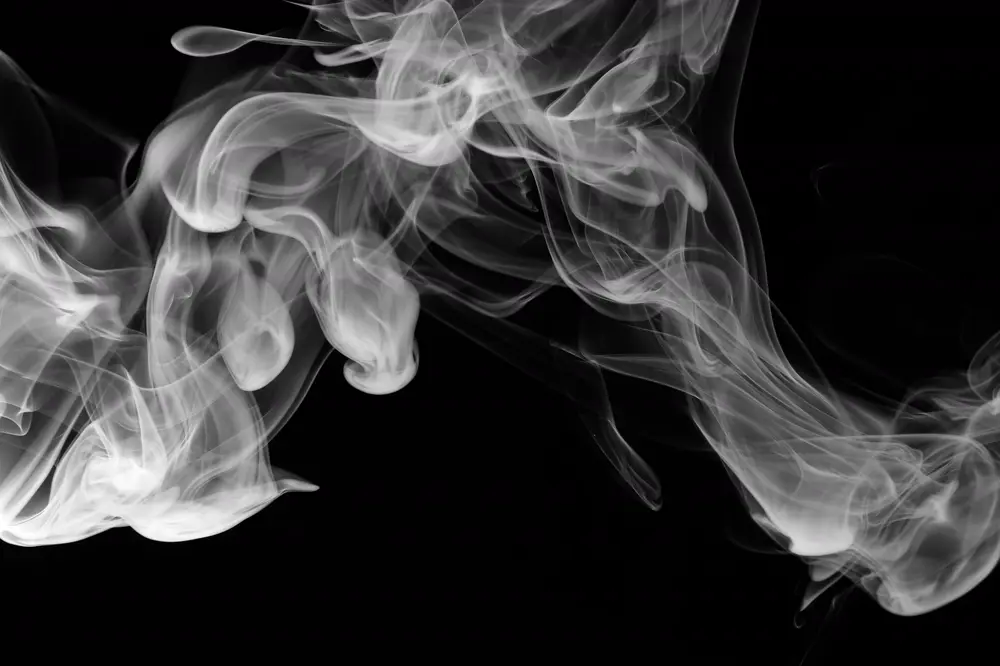
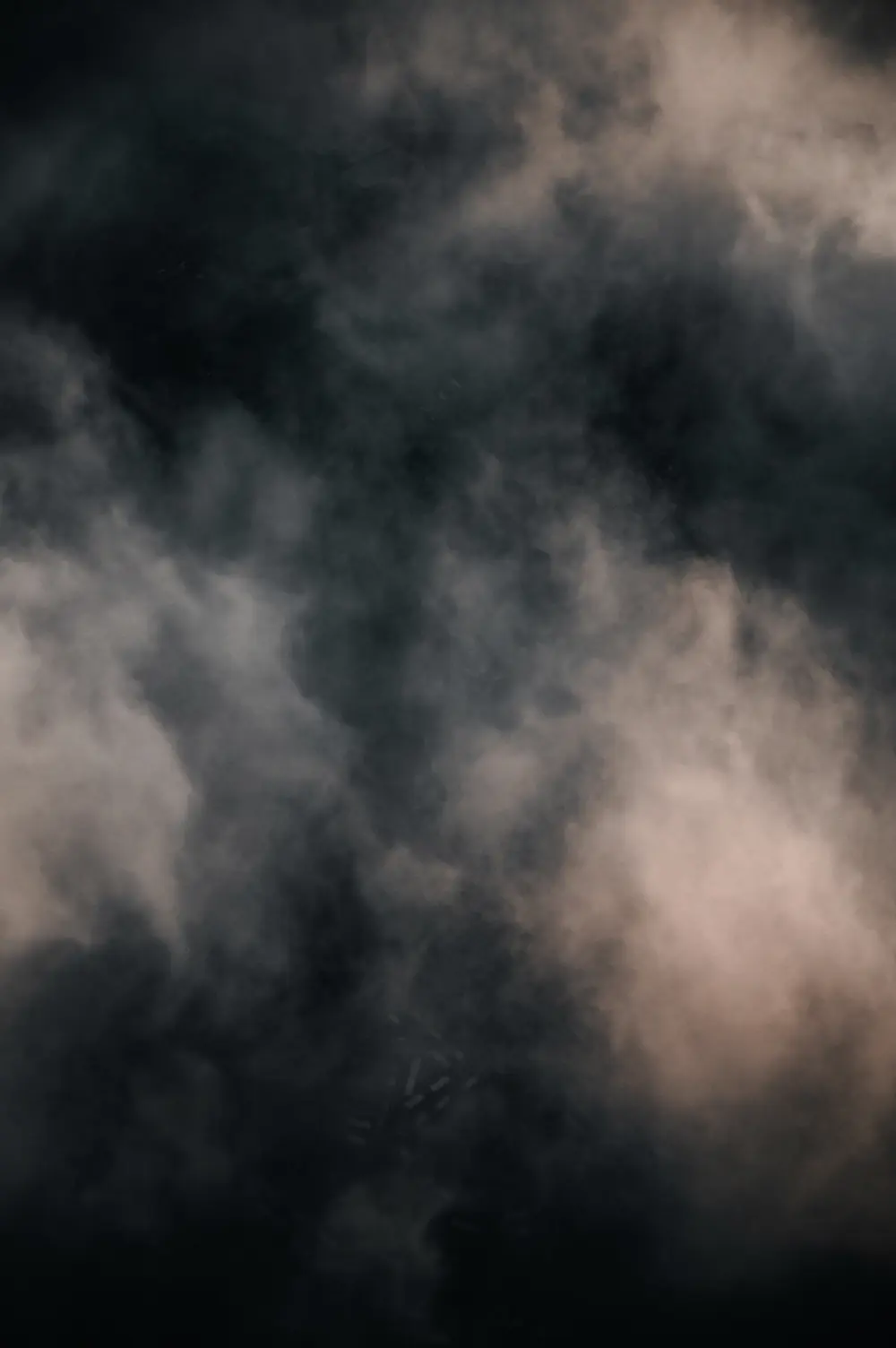
Imagine a screen that feels less like a digital display and more like a window into a serene, ethereal dimension. 4K cream smoke wallpaper has emerged as a staple for users seeking a balance between modern minimalism and organic softness. Unlike harsh high-contrast images, these wallpapers utilize muted beige tones and fluid, smoke-like textures to create a calming visual environment. This aesthetic is not just about looks; it is a deliberate choice to reduce digital eye strain and enhance the overall ambiance of your workspace or home setup. In this guide, we explore why this specific aesthetic is gaining traction, how it impacts user experience, and practical tips for optimizing your display settings to fully appreciate these subtle gradients.
- The Psychology of Soft Aesthetics
- Technical Requirements for 4K Smoke Effects
- Optimizing Display Settings for Muted Tones
- Pairing with Minimalist Themes
- FAQs on Performance and Compatibility
The Psychology of Soft Aesthetics
In the world of digital design, color psychology plays a crucial role in how users perceive their environment. Cream and beige tones are often associated with safety, warmth, and neutrality. When combined with the dynamic, flowing motion of smoke, the result is a visual experience that feels both static and alive. This duality appeals to individuals who find strong colors or busy patterns distracting. By choosing a smoke based background, you are opting for a visual anchor that remains unobtrusive. It allows your content to stand out without competing for attention. The soft edges and diffused lighting inherent in these designs help to lower cognitive load, making it easier to focus on tasks such as reading, coding, or creative work. This is not merely a trend; it is a functional approach to digital ergonomics. Many users report feeling a sense of calm when switching to these types of backgrounds, citing a reduction in screen fatigue during long work sessions. The gentle transition from light to dark within the cream palette mimics natural lighting conditions, which our brains are evolved to process easily. This naturalistic quality makes the digital space feel more welcoming and less sterile. Furthermore, the lack of sharp lines or aggressive contrast helps to prevent visual vibration, a common complaint among users with sensitive eyes. By integrating these elements into your daily digital routine, you create a harmonious interface that supports productivity and well-being. The aesthetic choice here is deeply personal, but the benefits of reduced visual stress are universally acknowledged in ergonomic studies. It is about creating a digital sanctuary that reflects a desire for order and tranquility.
Technical Requirements for 4K Smoke Effects
To truly appreciate the nuance of a 4K cream smoke wallpaper, your hardware must meet certain standards. First and foremost, you need a display with a resolution of at least 3840×2160 pixels. This high pixel density ensures that the fine details of the smoke wisps are rendered crisply without pixelation. On lower resolution screens, the gradients may appear banding or muddy, losing the ethereal quality that defines this aesthetic. Additionally, the bit depth of your monitor is critical. An 8-bit display might struggle to show the subtle variations in cream and beige, resulting in visible color steps. A 10-bit or 12-bit display is recommended for the smoothest transitions. Your graphics card should also be capable of handling high-resolution textures, although static wallpapers place minimal load on the GPU. However, if you opt for animated smoke effects, a dedicated GPU with sufficient VRAM becomes essential to maintain frame rates. File format also matters; PNG is generally preferred for static images to preserve transparency and sharpness, while JPG may introduce compression artifacts in dark or shadowed areas. Ensure that the image you download is specifically tagged as 4K or higher to avoid upscaling, which can degrade image quality. For users with ultrawide monitors, look for wallpapers with an aspect ratio of 21:9 or higher to cover the entire screen without cropping. The goal is to have the smoke elements flow naturally across the entire field of view, creating a seamless visual experience. Checking the metadata of the image file can confirm its native resolution and color profile. Using a high-quality source is non-negotiable if you want to maintain the integrity of the aesthetic. Cheaply generated images often lack the depth and complexity found in professionally designed smoke textures. Investing time in finding the right file is part of the process of curating your digital space. The technical foundation supports the aesthetic goal, ensuring that what you see is as intended by the designer.
Optimizing Display Settings for Muted Tones
Even with the perfect wallpaper, incorrect display settings can ruin the experience. Brightness and contrast levels must be tuned to reveal the subtleties of the cream palette. Start by lowering the brightness to a level that is comfortable for your ambient lighting. Too much brightness will wash out the lighter creams, making the image look flat. Conversely, too little brightness will make the darker smoke areas lose detail. Contrast settings should be adjusted to ensure that the wisps of smoke are visible against the background. You may need to increase the contrast slightly to bring out the texture without clipping the highlights. Gamma correction is another factor to consider; a standard gamma of 2.2 is usually ideal for most environments. Calibrating your monitor using a hardware calibration tool can provide the most accurate color representation. This ensures that the cream tones are true to the original design intent. If you do not have a calibrator, use built-in OS tools to adjust white balance. A slight warmth in the white point can enhance the cozy feel of the cream aesthetic. Avoid using extreme saturation settings, as these can make the neutral tones look unnatural or yellowish. The goal is a balanced, natural look that feels organic. Test the wallpaper with different content types, such as text-heavy documents or video, to ensure that the background does not interfere with readability. If the text becomes hard to read, you may need to adjust the opacity of the wallpaper or choose a darker variant. Some operating systems allow you to set a specific opacity level for the desktop background, which can be a useful tool for maintaining focus. Regularly check your display settings, as they can drift over time due to environmental changes. Maintaining the right settings is part of the ongoing care for your digital aesthetic. It is a small investment of time that yields significant returns in visual comfort and clarity.
Pairing with Minimalist Themes
A 4K cream smoke wallpaper is not just a background; it is a foundation for a cohesive interface. Pairing it with minimalist themes enhances the overall aesthetic. Choose a color scheme that complements the cream tones, such as soft grays, whites, and light browns. Avoid bright, clashing colors that can disrupt the harmony of the setup. The taskbar and window borders should be subtle, allowing the smoke texture to remain the focal point. Fonts should be clean and sans-serif, with a moderate size to ensure readability against the light background. Icons should be simple and monochromatic, blending seamlessly with the neutral palette. If you use a dark mode theme, ensure that the transition between the dark UI elements and the light wallpaper is smooth. A slight gradient or blur effect can help bridge this gap. The goal is a unified look where the interface feels like an extension of the wallpaper. This cohesion reduces visual noise and creates a sense of order. Many users find that this approach makes their digital environment feel more professional and polished. It also aids in reducing distraction, as the lack of visual clutter allows the mind to settle. Consider using a consistent icon pack across your system to maintain this unity. The details matter; even small elements like the cursor color or notification styles can affect the overall feel. Take the time to customize these aspects to align with the cream smoke aesthetic. This level of attention to detail is what separates a good setup from a great one. It is about creating a digital space that reflects your personal style and values. The result is an interface that is not only beautiful but also functional and calming. This holistic approach to design ensures that every element works together to support your goals.
Conclusion
Adopting a 4K cream smoke wallpaper is a thoughtful choice that prioritizes visual comfort and aesthetic harmony. By understanding the technical requirements and optimizing your display settings, you can fully enjoy the subtle beauty of these designs. Pairing them with a minimalist theme creates a cohesive digital environment that supports productivity and well-being. This is not just a trend but a practical approach to digital ergonomics. Take the time to curate your setup, and you will find that the right background can transform your daily digital experience. The calming effect of soft tones and fluid textures is worth the effort. Embrace the simplicity and let your screen become a sanctuary of calm.
Frequently Asked Questions
Does a 4K cream smoke wallpaper slow down my computer?
No, static wallpapers have negligible impact on system performance. Even animated smoke effects, if optimized, consume minimal resources. Ensure your GPU drivers are up to date for the best experience.
What is the best file format for high-quality smoke textures?
PNG is generally the best format for static images as it supports lossless compression and transparency. This preserves the fine details and gradients essential for the smoke aesthetic.
How do I make the cream tones look more vibrant without distortion?
Adjust the contrast and gamma settings on your monitor. Slightly increasing contrast can enhance the visibility of the smoke wisps. Avoid oversaturating the colors to maintain the natural look.
Can I use this aesthetic on a laptop with a smaller screen?
Yes, but ensure the wallpaper resolution matches your screen’s native resolution to avoid blurriness. Look for scaled-down versions of 4K images if necessary.
How often should I change my wallpaper to avoid visual fatigue?
There is no fixed rule, but changing the wallpaper every few weeks can keep the visual experience fresh. However, if the current setup is comfortable, there is no need to change it frequently.
Related posts:

This set is just one corner of 4k-wallpapers. Plenty more backgrounds in the same category are waiting for you.
Save your favourites and share the rest — good wallpapers travel fast.
