
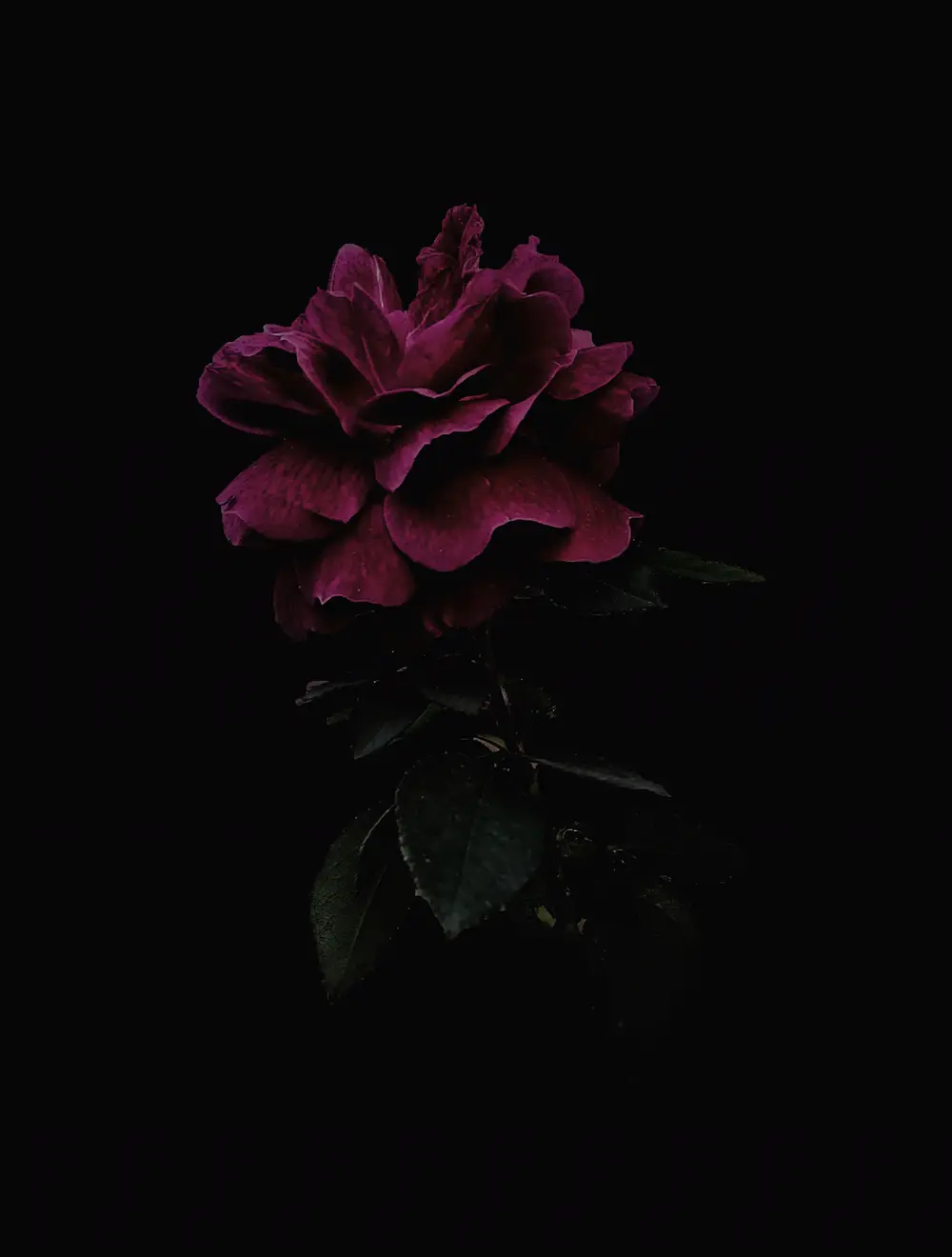
Dark floral aesthetics have surged in popularity, offering a sophisticated alternative to bright, high-key imagery. Whether you are looking to set a moody vibe for your desktop or seeking a calming visual anchor for your mobile screen, 4k dark flower wallpaper options provide exceptional clarity and depth. The combination of high resolution and low-light tones creates a visual experience that is both striking and easy on the eyes, especially during late-night usage.
In This Article
- The Psychology of Dark Floral Imagery
- Why 4K Resolution Matters for Detail
- Choosing the Right Palette: Black, Deep Purple, and Midnight Blue
- Optimizing Your Display for Dark Modes
- Common Mistakes to Avoid When Selecting Wallpapers
The Psychology of Dark Floral Imagery
Dark themes are not just about style; they engage the brain differently than light backgrounds. In the context of digital art, dark floral elements often symbolize mystery, elegance, and resilience. Flowers like black roses, night-blooming jasmine, or deep purple orchids convey a sense of quiet strength. For many users, switching to a darker aesthetic reduces visual fatigue, as the lower luminance levels require less effort from the eye muscles. This is particularly beneficial for individuals who spend long hours in front of screens, whether for work, gaming, or creative pursuits.
Emotional Impact of Contrast
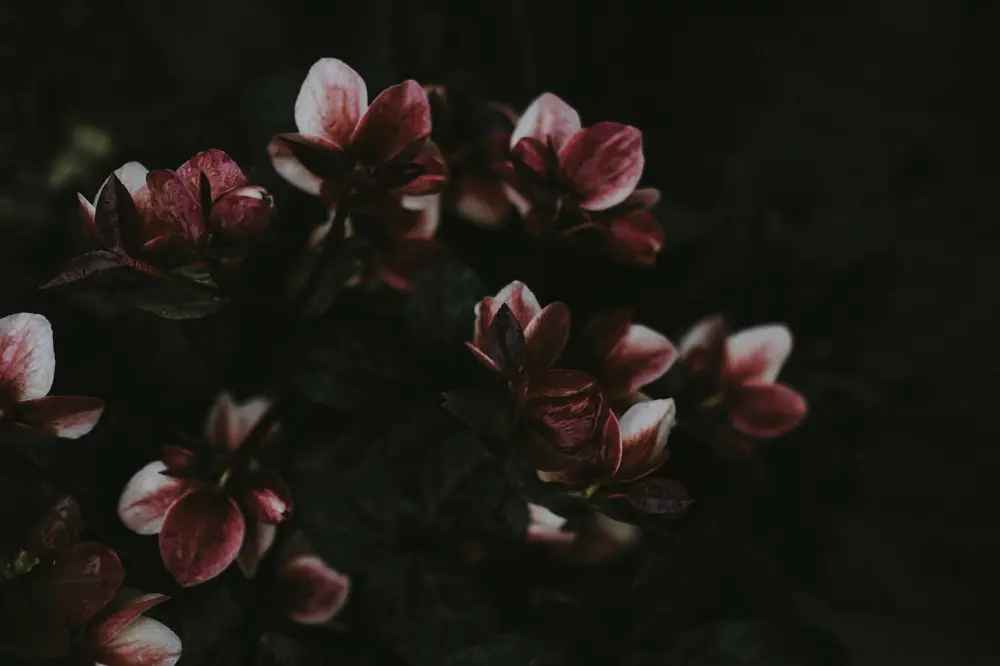
The contrast between the delicate petals and the dark background creates a powerful focal point. This visual tension draws the viewer’s attention to the intricate details of the flower, such as the texture of the leaves or the dew drops on the petals. This level of detail is what separates a generic image from a high-quality 4k dark flower wallpaper. When the background is not competing for attention, the subject matter becomes the star, allowing for a more immersive viewing experience.
Why 4K Resolution Matters for Detail
Resolution is the backbone of any digital image. A 4k resolution typically refers to 3840×2160 pixels, which provides a significantly higher pixel density than standard HD (1920×1080) or even 2K displays. When it comes to dark imagery, resolution is even more critical because shadows can often hide compression artifacts and pixelation. In lower-resolution images, the transition from black to dark gray can appear jagged or muddy. However, in a true 4K image, these transitions are smooth and gradual, preserving the richness of the dark tones.
Pixel Density and Sharpness
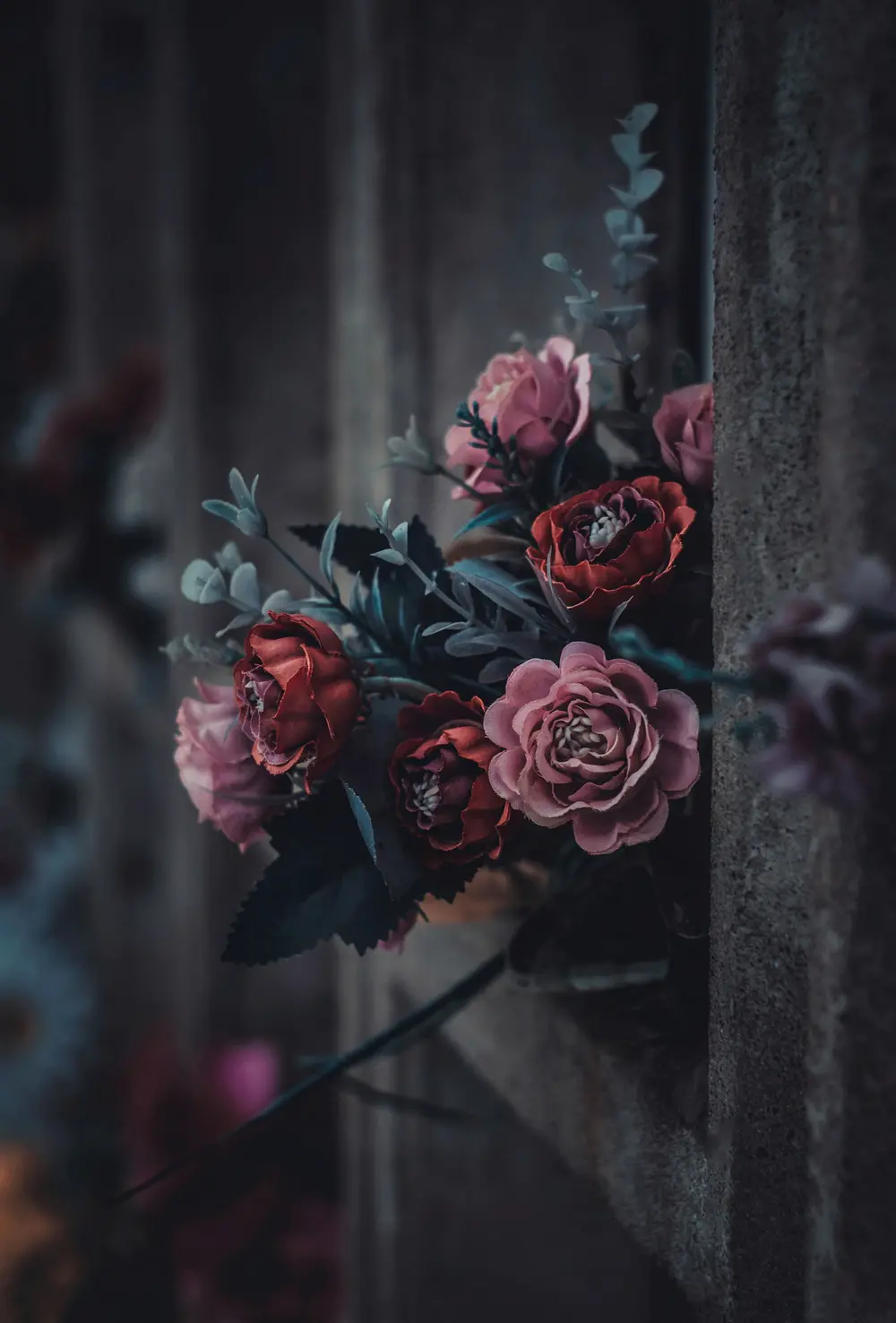
On high-DPI screens, such as those found in modern ultrawide monitors or smartphones, a 4K image ensures that every petal edge is crisp. If you use a lower-resolution image and stretch it to fill a 4K screen, the result is often a blurry, unprofessional look. Always ensure that the source file matches or exceeds your display’s native resolution. For mobile users, this might mean looking for images that are at least 1440×2560 pixels to maintain clarity on high-end devices.
For more insights on display technology, you might want to explore monitor specifications to understand how your screen handles contrast ratios. Additionally, if you are interested in other aesthetic styles, check out our guide on minimalist design trends. And for those who love nature-themed visuals, our collection of floral wallpapers offers a wide variety of options.
Choosing the Right Palette: Black, Deep Purple, and Midnight Blue
Not all dark wallpapers are created equal. The specific shade of dark can drastically change the mood of your interface. Pure black (hex #000000) is the most aggressive choice, offering maximum contrast and the deepest shadows. It is ideal for OLED screens, where true black pixels turn off completely, resulting in infinite contrast ratios. However, pure black can sometimes feel too stark for daytime use.
Deep Purple and Indigo
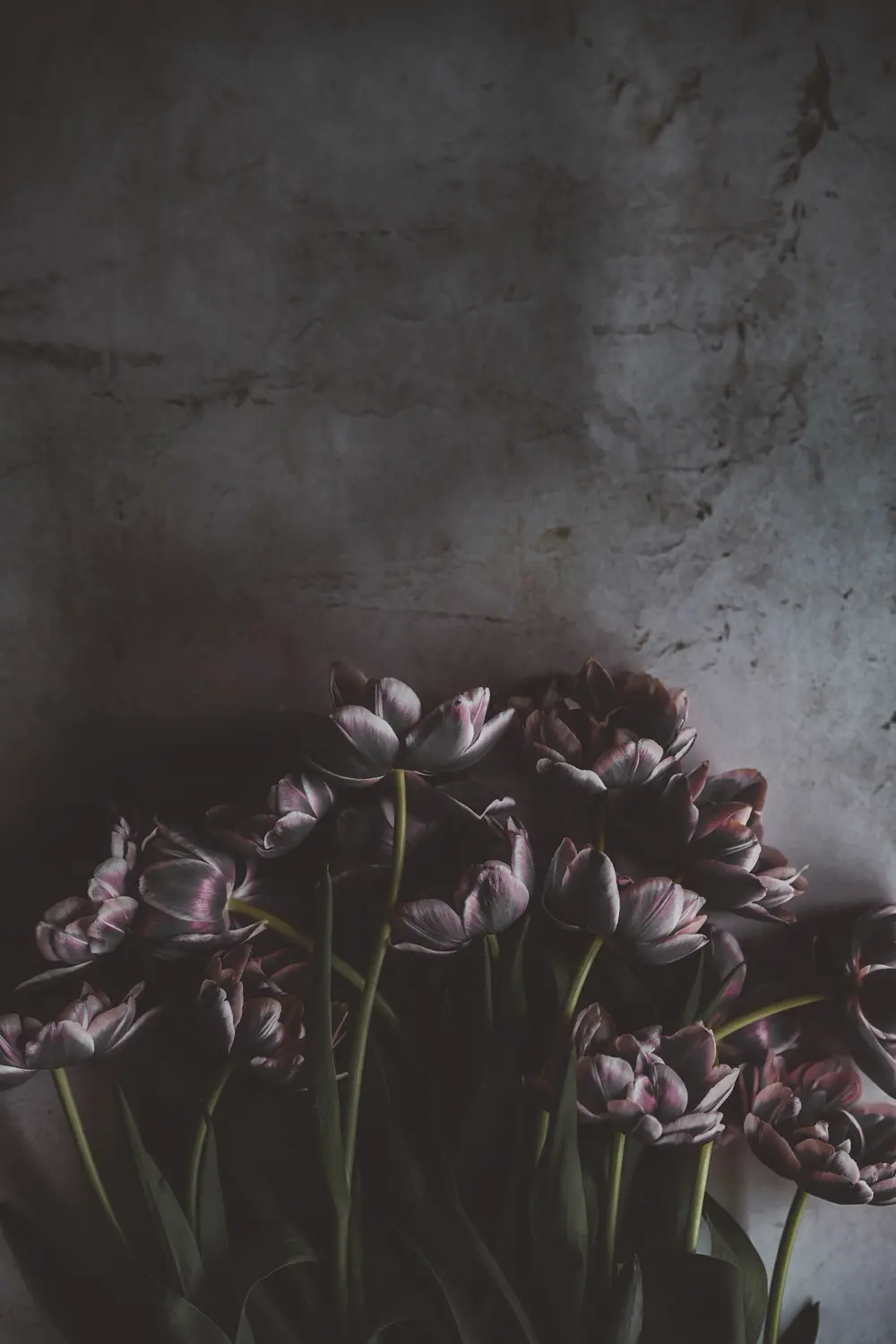
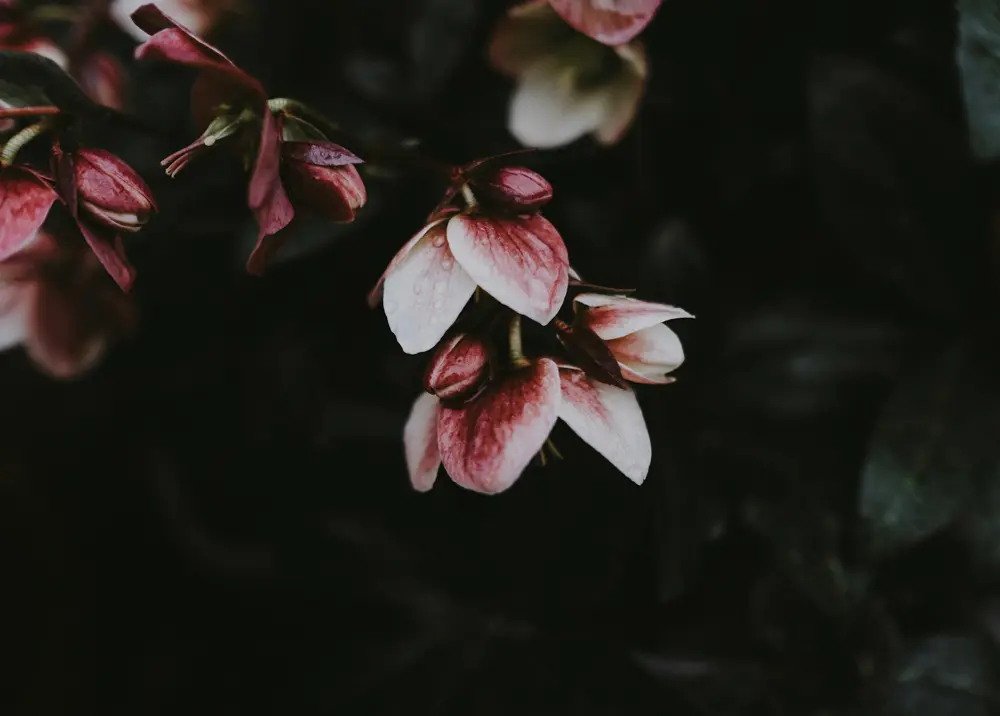
Deep purple hues offer a softer alternative. These colors retain the moody atmosphere of black but introduce a warm undertone that feels less harsh. This is a popular choice for those who want a 4k dark flower wallpaper that feels sophisticated rather than somber. Indigo and midnight blue, on the other hand, provide a cool, calming effect. These shades are often associated with night skies and can create a serene digital environment.
Color Temperature Considerations
When selecting a wallpaper, consider the color temperature of your display. If your screen has a warm white point, cool-toned dark wallpapers (like deep blue) can create a balanced look. Conversely, if your screen is calibrated to a cool white point, warmer dark tones (like dark brown or deep purple) may feel more natural. Experimenting with these combinations can help you find the perfect visual harmony for your setup.
Optimizing Your Display for Dark Modes
Installing a dark wallpaper is only half the battle. To get the full benefit, you should align your system settings with the visual theme. Most operating systems now offer a system-wide dark mode, which changes the color of windows, text, and icons to lighter shades against a dark background. This consistency ensures that your eyes do not have to constantly adjust between bright UI elements and a dark background.
Adjusting Brightness and Contrast
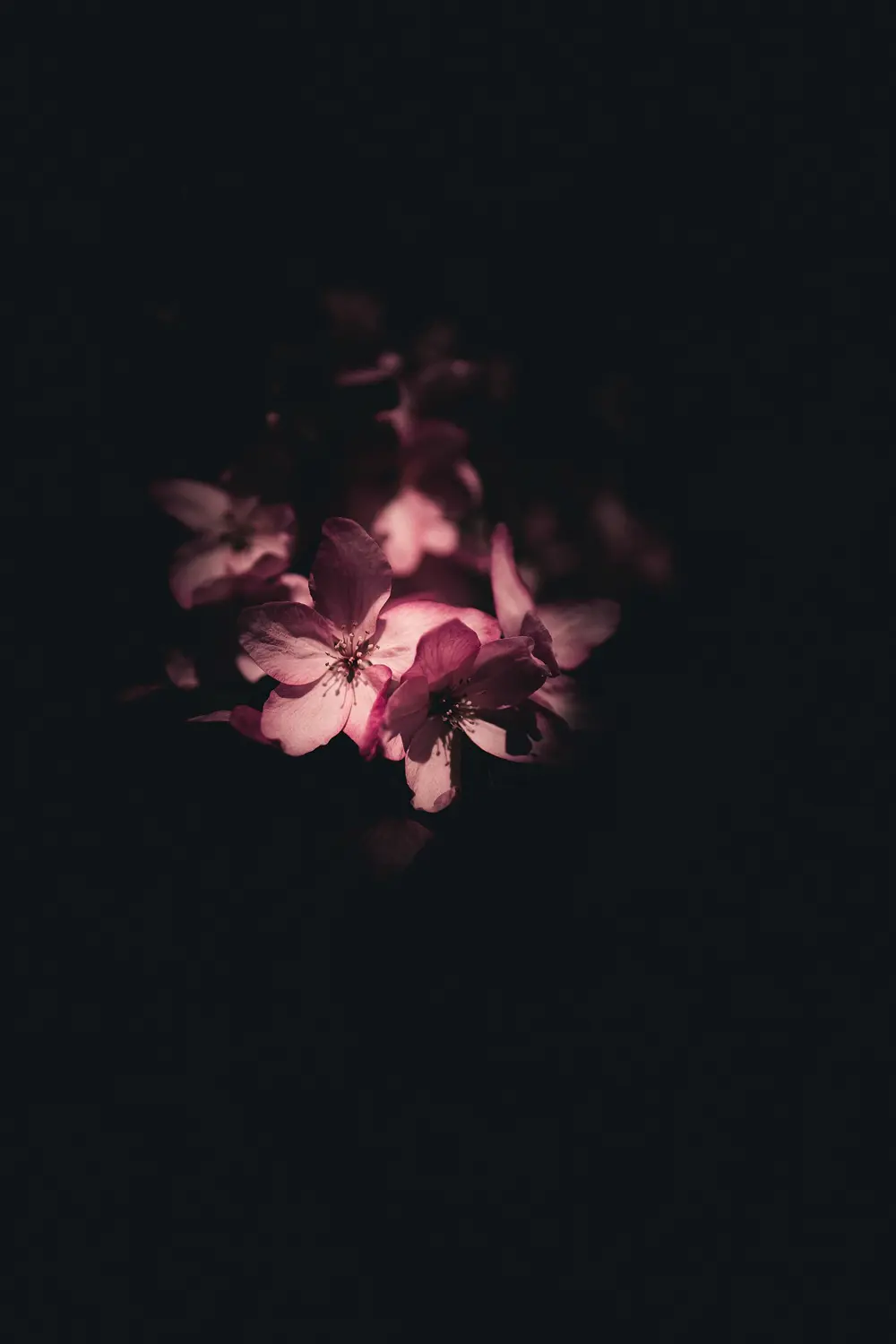
Even with a perfect wallpaper, improper brightness settings can ruin the experience. If your screen is too bright, the blacks will look gray, and the whites will blow out, reducing the dynamic range. Lowering your brightness to a comfortable level enhances the perceived depth of the shadows. Additionally, adjusting the contrast slider can help bring out the details in the darker parts of the image, ensuring that the dark floral elements remain visible and distinct.
Using Night Light or Blue Light Filters
For evening use, enabling night light or blue light filter features can complement a dark wallpaper by shifting the color temperature to warmer tones. This not only reduces eye strain but also enhances the moody aesthetic of the image. The combination of warm screen tones and dark, cool-toned flowers creates a unique visual layer that is both functional and beautiful.
Common Mistakes to Avoid When Selecting Wallpapers
While the process of choosing a wallpaper seems simple, there are several common pitfalls that can detract from the overall experience. One of the most frequent errors is ignoring aspect ratio. If the wallpaper does not match your screen’s aspect ratio, the system will either stretch the image, causing distortion, or crop it, potentially cutting off important parts of the flower. Always look for images that are labeled with your specific screen resolution or aspect ratio, such as 16:9, 21:9, or 9:16 for mobile.
Ignoring File Format and Compression
Another mistake is using heavily compressed JPEG files for dark images. JPEG compression is lossy, meaning it discards data to reduce file size. In dark areas, this loss manifests as banding, where smooth gradients between black and gray appear as distinct, visible steps. To avoid this, opt for PNG files or high-quality JPEGs with minimal compression. While PNG files are larger, they preserve the integrity of the image, ensuring that the 4k dark flower wallpaper looks as intended.
Overlooking Dynamic Range
Finally, many users ignore the dynamic range of their display. If you are using an LCD monitor with limited contrast, a very dark wallpaper may not show as much depth as it would on an OLED screen. In such cases, choosing a wallpaper with slightly higher luminance in the background can help maintain visibility and detail. Understanding your hardware’s capabilities is key to selecting the right image.
Conclusion
Selecting the right 4k dark flower wallpaper is about more than just picking a pretty picture. It involves understanding the interplay between resolution, color palette, and display technology. By choosing high-resolution images with deep, rich tones and aligning your system settings to match, you can create a digital environment that is both aesthetically pleasing and functionally comfortable. Whether you prefer the stark elegance of pure black or the soft warmth of deep purple, there is a dark floral aesthetic that suits your taste. Take the time to experiment with different options, and you will find the perfect backdrop for your daily digital interactions.
Frequently Asked Questions
Q: What is the best file format for a 4K dark flower wallpaper?
A: PNG is generally the best format for dark wallpapers because it is lossless and preserves the smooth gradients in dark areas, avoiding banding issues common with compressed JPEGs. However, if file size is a concern, a high-quality JPEG with minimal compression is also acceptable.
Q: Why do dark wallpapers look better on OLED screens?
A: OLED screens use individual pixels that emit their own light. In a dark wallpaper, the black pixels turn off completely, resulting in true black and infinite contrast ratios. This makes the dark floral elements stand out with greater clarity and depth compared to LCD screens, which require backlighting.
Q: How do I ensure my wallpaper doesn’t look blurry on a 4K monitor?
A: Always download images that match or exceed your monitor’s native resolution (3840×2160 for standard 4K). Avoid stretching lower-resolution images to fill the screen, as this will result in pixelation and loss of detail, especially in the intricate parts of the flower.
Q: Can dark wallpaper reduce eye strain during late-night use?
A: Yes, dark wallpapers can help reduce eye strain by lowering the overall luminance of the screen. This reduces the amount of light hitting your eyes, which can be particularly beneficial in low-light environments. Combining a dark wallpaper with reduced screen brightness and blue light filters can further enhance comfort.
Q: What are some popular color combinations for dark floral wallpapers?
A: Popular combinations include black roses against a pure black background for high contrast, deep purple orchids on a midnight blue backdrop for a moody yet warm feel, and white lilies on a dark gray background for a classic, elegant look. The key is to ensure that the flower’s colors provide sufficient contrast against the dark background.
Related posts:


New screens deserve new looks — the 4k-dark-flower-wallpaper shelf keeps growing, so check back for the latest drops.
Know someone whose screen needs a refresh? Pass this link along.
