

Integrating cool black skull wallpaper into your digital environment is more than just a visual choice; it is a statement of aesthetic preference that blends gothic elegance with modern minimalism. In the realm of digital design, the skull has transcended its traditional associations to become a versatile symbol of edgy sophistication, often found in high-end graphic design and personal branding. Whether you are looking to customize your smartphone interface, set a moody background for your desktop, or create a consistent visual identity for social media, understanding the nuances of this aesthetic is essential for achieving a polished look. This guide explores the design principles, technical considerations, and creative applications that make dark skull imagery a staple in contemporary digital culture.
- Design Principles and Aesthetic Value
- Technical Considerations for Digital Displays
- Customization and Personalization Strategies
- Psychological Impact and User Perception
- Maintenance and Update Cycles
Design Principles and Aesthetic Value
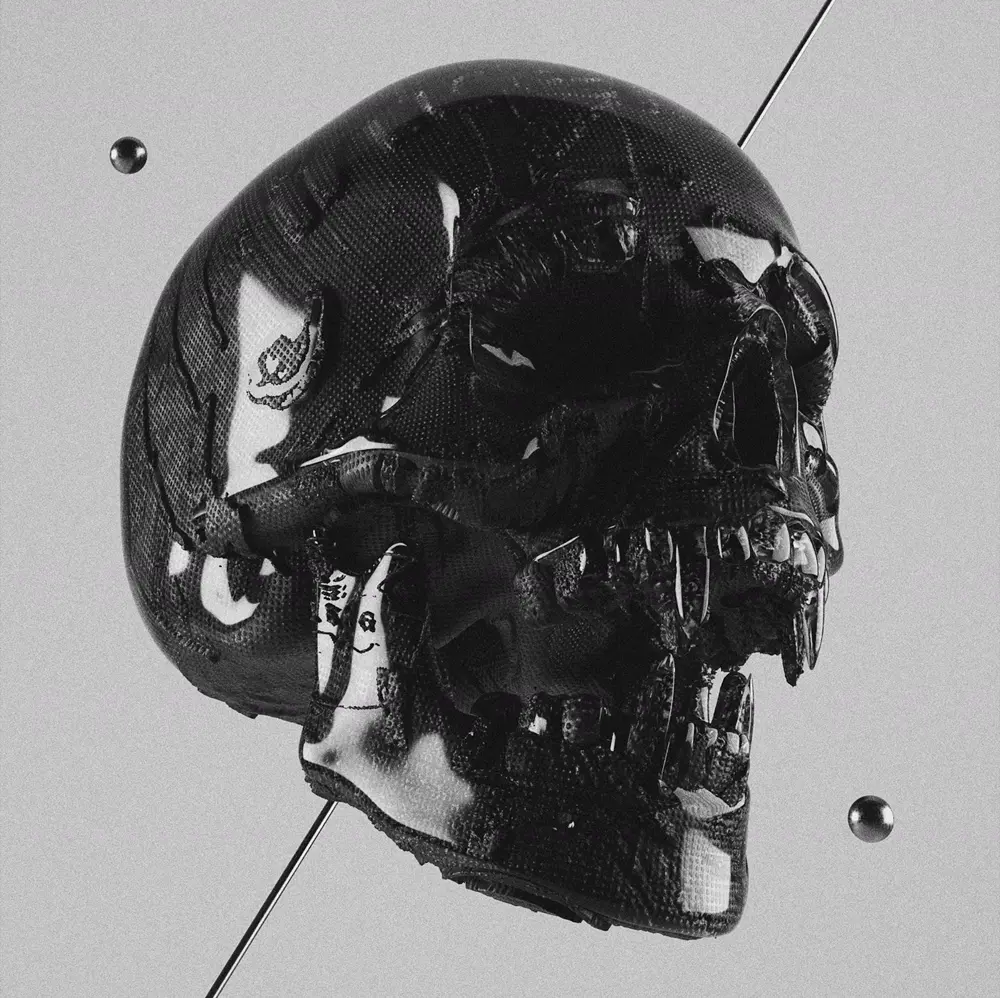
The appeal of a cool black skull wallpaper lies in its stark contrast and symbolic depth. Unlike colorful or busy backgrounds, black-dominated images provide a neutral canvas that allows other interface elements to pop. From a design perspective, this is known as utilizing negative space effectively. The skull itself, rendered in high contrast or subtle gradients, adds focal points without overwhelming the user experience. Many users prefer these images because they evoke a sense of mystery and strength, aligning with subcultures that value individuality and non-conformity. When selecting or creating such wallpapers, it is important to balance detail with clarity. Overly intricate designs can become distracting, especially on smaller screens where pixels are limited. Therefore, the best aesthetic choices often feature clean lines, sharp definitions, and a monochromatic palette that emphasizes form over color. This approach ensures that the wallpaper remains visually striking while maintaining readability for text and icons overlaid on top of it.

The Role of Contrast in Visual Hierarchy
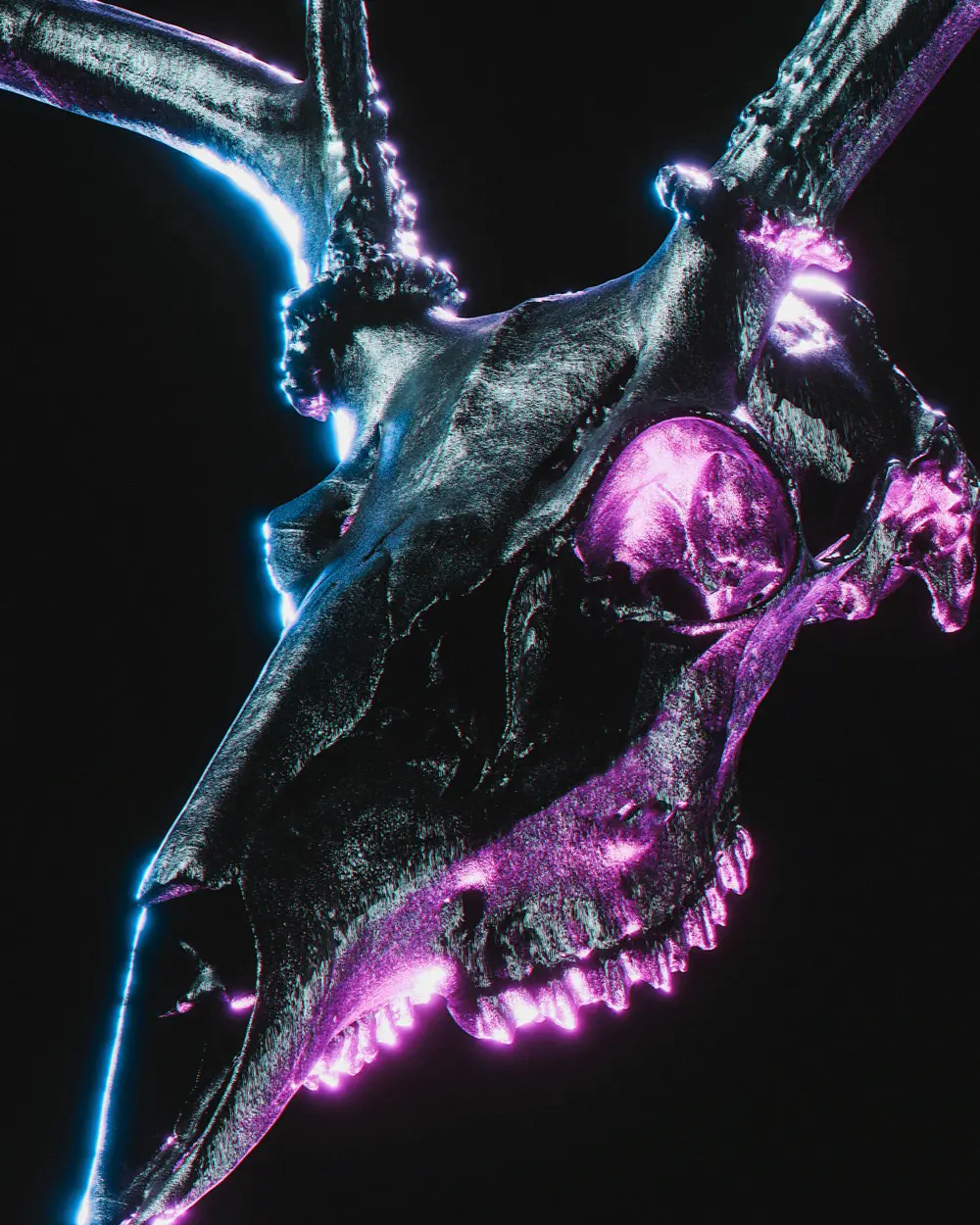
Contrast is the single most important factor in ensuring usability. A pure black background with white or light gray skull details creates the highest level of contrast, making it ideal for users who prioritize readability. Conversely, designs that incorporate shades of dark gray or deep purple introduce subtle variations that can reduce eye strain during long periods of use. It is recommended to test your chosen wallpaper with both light and dark mode themes to ensure that icons and notification badges remain visible. For instance, a skull with glowing eyes or neon accents can serve as a dynamic element that draws attention without requiring bright, saturated colors that might cause glare. This balance between intensity and subtlety is what distinguishes a professional-grade digital asset from a generic clip-art image.
Technical Considerations for Digital Displays
Before applying any image as a background, understanding the technical specifications of your device is crucial. Resolution, aspect ratio, and file format all play significant roles in how the final image appears on screen. A high-resolution image ensures that details remain sharp when zoomed in or viewed on high-density displays such as Retina screens or 4K monitors. However, larger file sizes can slow down load times or consume excessive storage space, particularly on mobile devices with limited capacity. Therefore, optimizing your black skull images for web or mobile use is a necessary step. Most modern devices support standard formats like JPEG and PNG, but for static backgrounds, JPEG is generally preferred due to its smaller file size. PNG should be reserved for images that require transparency or have smooth gradients, as the file size penalty can be significant. Additionally, the aspect ratio must match the screen dimensions to avoid awkward cropping or stretching. For smartphones, a vertical orientation is standard, while desktops typically require horizontal layouts. Users should always preview the image on their specific device before finalizing their choice to ensure the skull is centered and not obscured by the home bar, dock, or notification center.
Resolution and Pixel Density
Pixel density, measured in PPI (pixels per inch), determines how crisp an image appears. On high-end devices with over 400 PPI, a low-resolution wallpaper will appear pixelated or blurry. To avoid this, select images with dimensions that are at least 1.5 times the native resolution of your screen. For example, if your phone has a 1080×2400 resolution, a 1620×3600 image will provide ample detail. This extra buffer allows for slight adjustments in positioning without losing quality. Furthermore, consider the color depth of the image. 8-bit color is standard, but 16-bit images offer smoother transitions in dark tones, preventing banding effects in the black areas. While most users will not notice the difference in standard use, those with professional-grade monitors may benefit from higher bit-depth files for a more refined visual experience.
Customization and Personalization Strategies
One of the primary advantages of using digital wallpapers is the ability to customize them to fit your personal style. Many users choose to edit stock images to add unique elements such as custom text, logos, or additional graphic overlays. This process can be done using free and accessible tools available on most operating systems. For instance, adding a small, elegant font in a corner can personalize the image without detracting from the main subject. You can also experiment with color grading to shift the tone of the image from pure black to deep midnight blue or charcoal gray. These adjustments can subtly change the mood of the workspace, making it feel more inviting or intense depending on the desired atmosphere. Additionally, layering is a powerful technique where multiple images are combined to create depth. A subtle texture layer, such as smoke or mist, can be placed behind the skull to add dimension and interest. This technique transforms a flat image into a more dynamic visual experience, enhancing the perceived quality of the wallpaper. Users should be cautious, however, not to over-complicate the design, as the primary goal is to create a background that supports, rather than competes with, the user interface.

Using Filters and Effects
Modern editing applications offer a variety of filters that can enhance the gothic aesthetic of skull wallpapers. Applying a vignette effect, which darkens the edges of the image, can help focus attention on the central subject and blend the background more seamlessly with the screen edges. Similarly, increasing the contrast and sharpening the details of the skull can make it stand out more prominently. Some users also experiment with glitch effects or digital distortion to create a cyberpunk-inspired look. These effects can add a layer of modernity to the traditional symbol, appealing to those involved in tech, gaming, or digital art communities. However, it is important to maintain a cohesive style; mixing too many different effects can result in a cluttered and unprofessional appearance. Consistency in color palette and effect intensity is key to achieving a polished final product.
Psychological Impact and User Perception
The choice of a black skull wallpaper can have subtle psychological effects on the user. While often associated with darkness or morbidity, in the context of personal device customization, it can symbolize resilience, protection, or a reminder of mortality that encourages living in the present. This concept, known as memento mori, has been used in art and design for centuries to convey deep philosophical messages. For many users, having such a prominent image on their screen serves as a daily reminder to stay focused and mindful. Moreover, the monochromatic nature of the design can reduce cognitive load, as there are fewer visual stimuli to process compared to colorful, busy backgrounds. This can lead to a more calm and focused state, particularly during work or study sessions. However, individual reactions can vary. Some users may find the imagery unsettling or distracting, which is why it is important to monitor your own comfort levels. If the image causes stress or anxiety, it may be better to switch to a softer design. The ultimate goal of personalization is to create an environment that supports productivity and well-being, not one that detracts from it.

Social and Cultural Context
In social settings, your digital wallpaper can also serve as a form of self-expression. When sharing screens or video calls, a distinctive wallpaper can spark conversations and signal your interests or affiliations. In subcultures such as punk, goth, or biker communities, the skull is a recognized symbol of identity and belonging. By displaying such imagery, users may feel a sense of connection to these groups, even if they are not deeply involved in every aspect of the culture. This social signaling can be powerful, creating a shared language of visual cues among peers. Conversely, in professional settings, such as corporate video calls, a bold skull wallpaper may be perceived as unprofessional or distracting. Therefore, it is advisable to have a separate, more neutral wallpaper set for work-related contexts. Many operating systems allow for automatic switching of wallpapers based on the time of day or the active application, providing a seamless way to manage different aesthetic needs without manual intervention.
Maintenance and Update Cycles
Digital wallpapers are not static assets; they should be part of a regular maintenance and update cycle. Over time, the novelty of a specific image can fade, and the visual fatigue that comes with staring at the same background can become noticeable. Regularly rotating your wallpapers, perhaps once a month or seasonally, can help keep your digital environment fresh and engaging. This rotation can also serve as an opportunity to experiment with new design trends or different artistic interpretations of the skull motif. For example, one month you might prefer a realistic, detailed skull, while the next you might opt for a minimalist line drawing. This variety prevents boredom and keeps the user interface feeling dynamic. Additionally, checking the file integrity of your wallpapers is a good practice. Corrupted files can sometimes cause display glitches or slow loading times. Ensuring that your image files are properly saved and backed up prevents the frustration of losing a favorite design. Many users organize their wallpapers into folders by theme or style, making it easy to switch between different aesthetics as desired. This organization also helps in maintaining a clean and efficient file system, reducing clutter on your device.
Backup and Storage Solutions
To safeguard your digital assets, it is recommended to store high-quality wallpaper files in a cloud service or an external drive. This ensures that if your device is lost, damaged, or reset, you can easily restore your preferred backgrounds. Cloud storage also allows for synchronization across multiple devices, ensuring that your phone, tablet, and computer all share the same aesthetic. When transferring files, be mindful of compression artifacts that can occur during upload or download. Using high-quality settings for image export preserves the integrity of the dark tones and fine details, which are critical for the aesthetic appeal of black skull wallpapers. By treating your digital wallpapers as valuable personal assets, you can ensure a consistent and enjoyable user experience across all your devices.
Conclusion
In conclusion, the use of cool black skull wallpaper is a deliberate design choice that balances aesthetic appeal with functional considerations. By understanding the principles of contrast, resolution, and personalization, users can create a digital environment that is both visually striking and practical. Whether you are drawn to the symbolic depth of the skull or simply appreciate the sleekness of a monochromatic design, the key is to tailor the image to your specific device and personal preferences. Regular updates and proper file management ensure that your digital space remains engaging and efficient. Ultimately, the best wallpaper is one that resonates with your personal style and enhances your daily interaction with technology, providing a subtle yet powerful backdrop to your digital life.
Frequently Asked Questions
What is the best resolution for a black skull wallpaper on mobile devices?
For most modern smartphones, a resolution of at least 1080×2400 pixels is recommended to ensure sharpness on high-density screens. However, for the best quality, choose an image that is 1.5 to 2 times the native resolution of your specific device to allow for cropping and positioning without losing detail.
Does using a dark wallpaper save battery life on OLED screens?
Yes, on OLED and AMOLED displays, using a dark or black wallpaper can significantly save battery life. This is because OLED pixels emit their own light, and black pixels are turned off completely, consuming less power than pixels displaying white or bright colors.
How can I add a custom name or text to a skull wallpaper?
You can use free image editing apps available on your device to add text. Choose a font that contrasts well with the background, such as white or light gray, and place it in a less busy area of the image. Ensure the text is not too large to avoid obscuring the main subject of the wallpaper.
Is it professional to use a skull wallpaper for work video calls?
It depends on the industry and company culture. In creative or tech-focused fields, it may be acceptable if done tastefully. However, in conservative corporate environments, it is generally safer to use a neutral, professional background to avoid any potential distraction or misinterpretation by colleagues or clients.
How often should I change my digital wallpaper?
There is no strict rule, but many users find that changing their wallpaper every month or quarter helps prevent visual fatigue. Rotating between different styles or themes can keep your digital environment feeling fresh and engaging, especially if you spend long hours looking at your screen.
Related posts:


New screens deserve new looks — the black-skull-wallpaper shelf keeps growing, so check back for the latest drops.
Know someone whose screen needs a refresh? Pass this link along.
