
Have you ever felt a sudden surge of nostalgia while staring at a flickering neon sign or a grainy VHS tape? That is the power of retro aesthetics. In the digital age, dynamic retro wallpaper has emerged as more than just a background; it is a form of personal expression and atmospheric design. Whether you are setting up a gaming station or a creative workspace, understanding the nuances of this visual trend can transform your digital environment. This guide explores the history, technical implementation, and psychological impact of using animated, vintage-inspired backgrounds.
- The Evolution of Retro Aesthetics
- Technical Foundations of Dynamic Visuals
- Psychological Impact on User Experience
- Optimizing Performance and Battery Life
- DIY Creation and Design Principles
- Frequently Asked Questions
The Evolution of Retro Aesthetics
The term “retro” is a shortened version of retrospective, referring to a revival of styles from a previous era. In the context of digital art, this usually points to the 1970s, 1980s, and early 1990s. These decades saw the birth of personal computing, arcade gaming, and analog television. Today, designers curate elements from this period to create a sense of warmth and imperfect beauty that modern, sterile interfaces often lack.
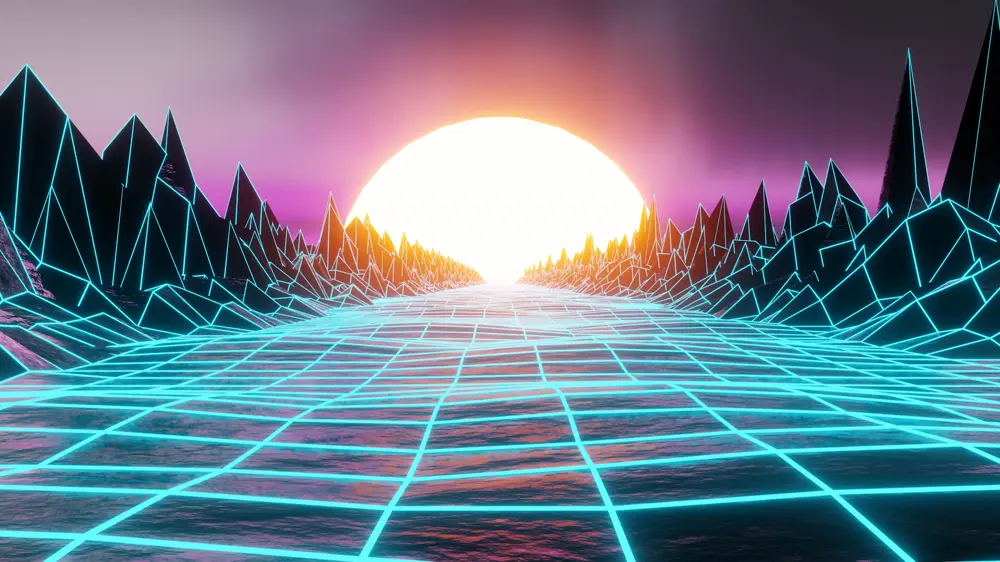
Key Visual Elements
Identifying a true retro style requires looking for specific visual cues. These elements define the genre and help distinguish it from generic “vintage” looks. Common characteristics include:
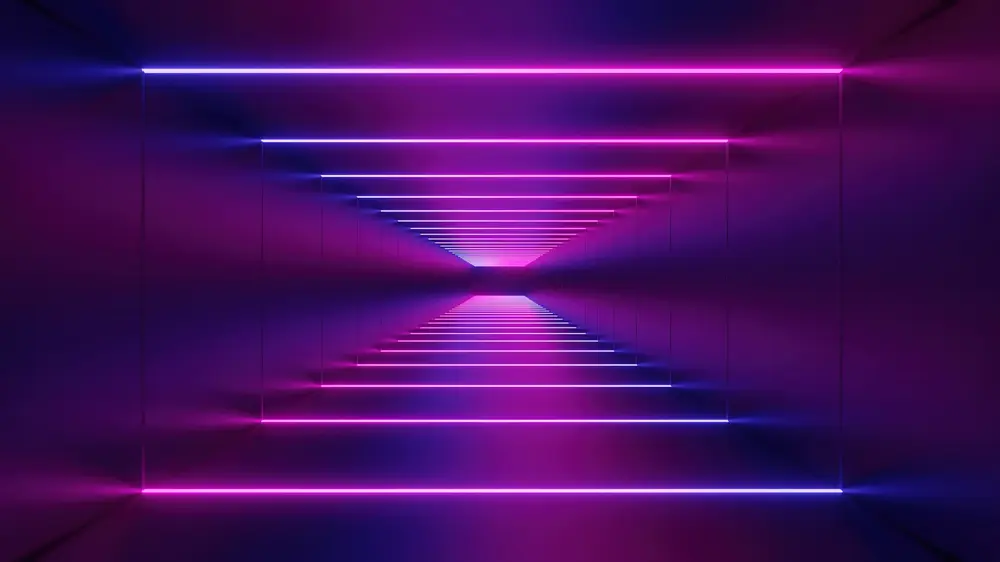
- Neon Colors: Bright pinks, cyans, and purples that mimic the glow of CRT monitors and neon signs.
- Pixel Art: Low-resolution graphics that pay homage to the hardware limitations of early consoles.
- Chromatic Aberration: Color fringing that simulates the optical flaws of old lenses and screens.
- Scan Lines: Horizontal lines that replicate the refresh rate interference of cathode-ray tubes.
For those interested in exploring more visual styles, you might also want to check out our guide on minimalist design principles to see how less can be more in contrast to the busy retro aesthetic.
Technical Foundations of Dynamic Visuals
A static image is different from a dynamic retro wallpaper. Dynamic visuals involve motion, which adds a layer of complexity to the user interface. These wallpapers are typically implemented using video loops, GIFs, or real-time rendering engines. The motion can range from subtle, such as slowly drifting smoke or flickering lights, to complex, such as animated cityscapes or pulsating geometric patterns.
File Formats and Rendering
Not all dynamic wallpapers are created equal. The file format dictates how the image is processed by your device. MP4 and WebM are common video formats that offer good compression and compatibility. However, for true interactivity, some applications use WebGL or HTML5 Canvas to render graphics in real time. This approach allows for effects that react to mouse movements or system audio, creating an immersive experience. It is important to balance visual fidelity with file size. A high-resolution 4K video loop can consume significant storage and bandwidth, whereas a well-optimized 1080p loop strikes a better balance for most users.
If you are looking for other visual inspiration, exploring abstract art concepts can help you understand how movement and color interact in non-representational ways.
Psychological Impact on User Experience
Why do people choose busy, animated backgrounds over clean, static ones? The answer lies in environmental psychology. Our workspace, even if digital, influences our mood and cognitive state. A dynamic retro wallpaper can serve as a focal point that reduces distraction. Paradoxically, a gentle, predictable animation can be calming, similar to the effect of watching rain or a fireplace. The nostalgic elements trigger positive memories, which can reduce stress and increase creative flow.

Nostalgia and Dopamine
Nostalgia is a powerful emotional state. When we see visual cues associated with our childhood or earlier decades, the brain releases dopamine, a neurotransmitter associated with pleasure and reward. This subtle chemical response can make the act of working or gaming feel more enjoyable. However, it is crucial to avoid overstimulation. If the motion is too fast or the colors too harsh, it can lead to eye strain and cognitive fatigue. The key is to find a balance where the background is present and engaging but never intrusive.
Optimizing Performance and Battery Life
One of the primary concerns with using animated backgrounds is system performance. Running a continuous video loop or real-time rendering engine consumes CPU and GPU resources. On laptops, this can significantly reduce battery life. To mitigate these issues, users should take several steps to optimize their setup.
Hardware Considerations
- GPU Usage: Ensure that the wallpaper application is set to use hardware acceleration. This offloads the rendering work from the CPU to the dedicated graphics card, which is more efficient for video decoding.
- Resolution Matching: Match the wallpaper resolution to your screen resolution. Upscaling a lower-resolution video causes pixelation and forces the GPU to work harder to smooth the image.
- Frame Rate: Lowering the frame rate from 60fps to 30fps or even 24fps can reduce power consumption without a noticeable loss in smoothness for slow-moving animations.
For users concerned about energy efficiency, checking our article on eco friendly tech practices can provide additional tips for reducing digital footprint.
DIY Creation and Design Principles
You do not need to be a professional video editor to create a compelling dynamic retro wallpaper. With the right tools and an understanding of design principles, you can craft a unique background that fits your personal style. The process involves selecting a base image or scene, adding motion, and applying post-processing effects.
Step-by-Step Design Process
- Choose a Theme: Decide on the specific era or vibe you want to capture. Is it 1980s synthwave, 1950s pin-up, or 1990s cyberpunk?
- Create the Base: Use vector graphics or pixel art to create a static scene. Keep the composition simple to allow the motion to stand out.
- Add Motion: Introduce subtle animations. For example, have stars twinkle, clouds drift, or neon signs flicker. Avoid large, sweeping movements that can distract the user.
- Apply Effects: Use video editing software to add scan lines, grain, and color grading. This step is crucial for achieving the authentic retro look.
- Optimize and Export: Compress the video file to a suitable size and format. Use a loop point that is seamless to avoid jarring transitions.
Conclusion
Dynamic retro wallpapers offer a unique blend of nostalgia, art, and technology. They transform the digital screen into a canvas that reflects personal taste and evokes emotional responses. By understanding the history, technical requirements, and psychological effects, users can make informed choices about how to enhance their digital environment. Whether you choose to download pre-made loops or create your own, the key is to balance aesthetic appeal with system performance. As technology continues to evolve, the retro aesthetic is likely to remain a popular counter-culture trend, offering a warm and human touch to our increasingly digital lives.
Frequently Asked Questions
What is the best file format for dynamic retro wallpapers?
MP4 and WebM are generally the best formats for video loops. They offer good compression and wide compatibility across operating systems. For interactive wallpapers, HTML5 Canvas or WebGL are preferred, but they require more technical knowledge to implement.
Do animated wallpapers significantly reduce laptop battery life?
Yes, they can. Continuous video playback or real-time rendering consumes GPU power. To minimize this impact, lower the frame rate, use hardware acceleration, and consider pausing the wallpaper when the system is on battery power.
How can I make my retro wallpaper look more authentic?
Authenticity comes from the details. Add grain, scan lines, and slight chromatic aberration. Use a color palette that mimics the limitations of old CRT monitors, such as muted greens, blues, and bright neons. Avoid overly sharp, high-definition elements that break the vintage illusion.
Can I use a dynamic wallpaper on my smartphone?
Yes, but with caution. Mobile devices have limited processing power and battery capacity. Use highly optimized, low-resolution video loops. Avoid complex animations that can cause overheating or rapid battery drain. Some apps allow you to set a video as a live wallpaper, but ensure it is well-compressed.
What are the common mistakes to avoid when designing a retro wallpaper?
Common mistakes include using too much motion, which can be distracting, and ignoring the aspect ratio of the target screen. Also, avoid using copyrighted music or visual assets without permission. Ensure the loop is seamless to prevent visual glitches when the video repeats.
Related posts:


Collections like this one connect to a bigger desktop-customization library — 4K Watercolor Wallpaper: Guide to Widescreen Beauty is a good thread to pull next.
Bookmark this collection so your next wallpaper swap is one click away.
