
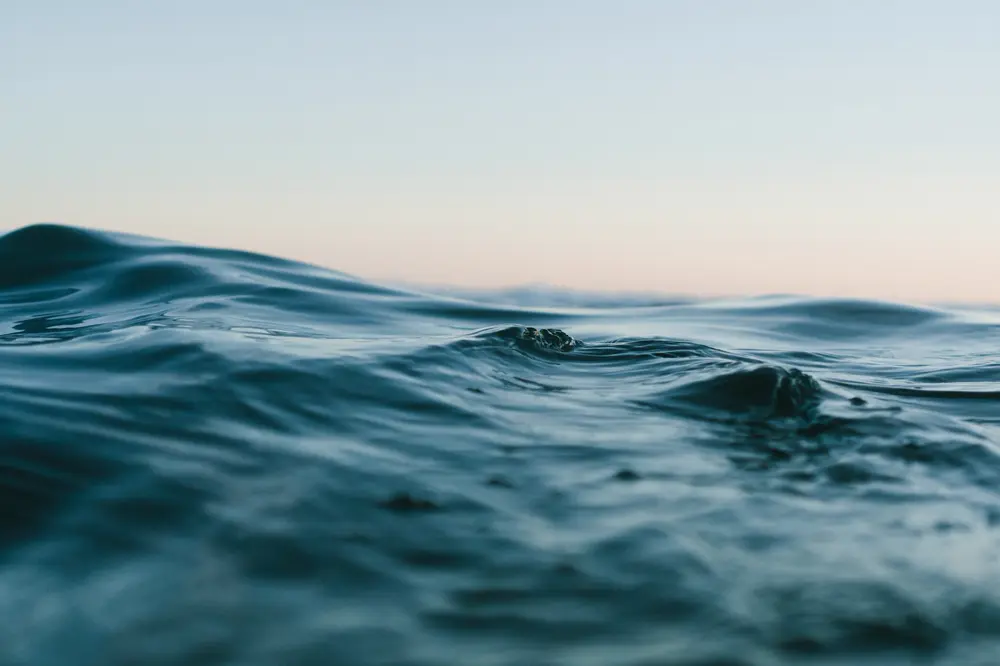
In the modern digital era, our smartphones are more than just communication tools; they are personal extensions of our identity and emotional state. One of the most effective ways to transform the user experience of your device is through visual customization. Specifically, choosing a high-quality hd ocean wallpaper for android can turn a mundane piece of hardware into a window of tranquility. Whether you are looking for the calming rhythm of gentle waves or the powerful energy of a storm at sea, the ocean offers an endless palette of colors and textures that cater to every mood.
- Why choose ocean themes for your Android device?
- Exploring different types of ocean aesthetics.
- Technical specs: Resolution and Display optimization.
- Maximizing battery life with dark ocean themes.
- How to maintain visual clarity on mobile screens.
Why High-Definition Ocean Wallpapers Matter for Android Users
The visual quality of your screen is directly tied to the quality of the assets you use. When you select an hd ocean wallpaper for android, you are not just picking a pretty picture; you are engaging with color science and pixel density. Low-resolution images often appear muddy or pixelated, which can detract from the premium feel of high-end Android devices. By opting for high-definition assets, you ensure that every ripple in the water and every grain of sand is rendered with precision.
Integrating elements of nature into your daily digital interaction has been shown to reduce stress and improve focus. This concept, known as biophilic design, suggests that humans have an innate connection to the natural world. Similarly, finding the perfect wallpaper can act as a micro-meditation every time you unlock your phone. A crisp, clear seascape provides a moment of mental respite in a busy day.
The Diverse Aesthetics of Marine Landscapes
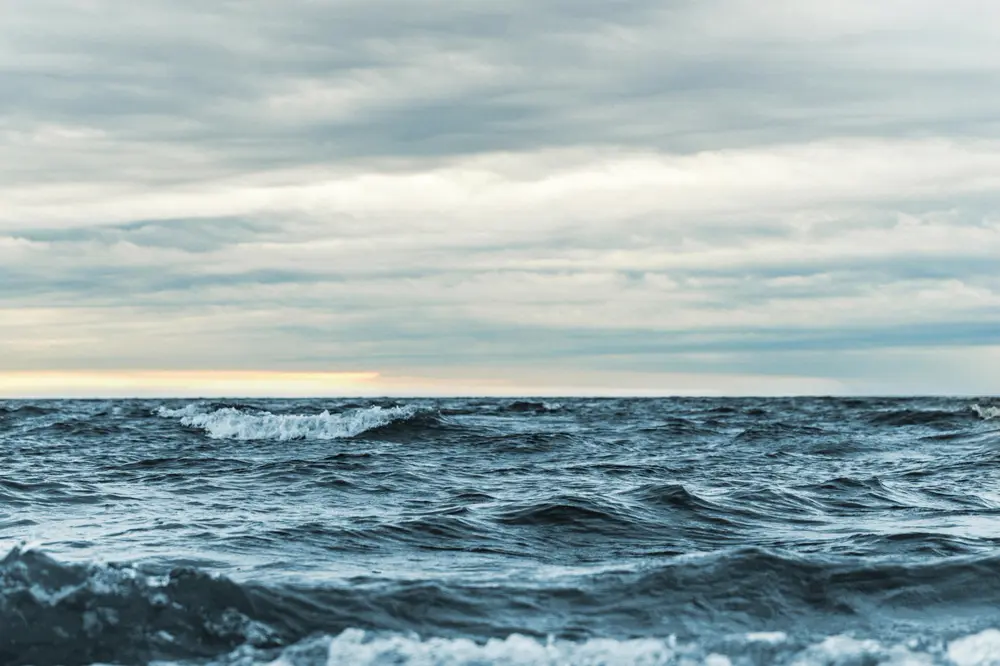
The ocean is not a monolithic entity; it encompasses a vast array of visual styles. Depending on your personality and the current vibe of your Android UI, you might prefer one of these distinct categories:
Tropical Turquoise and Coral Reefs
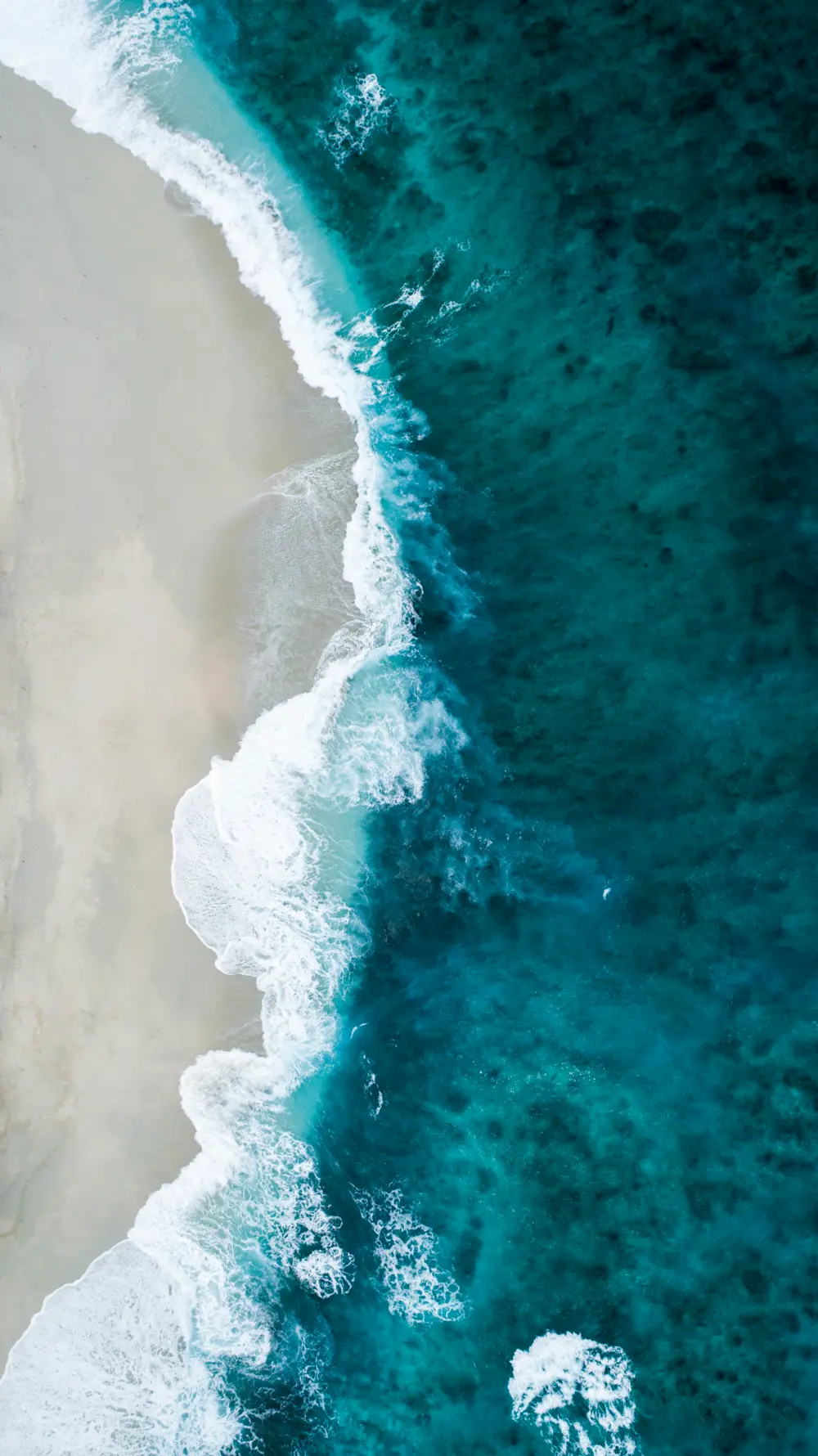
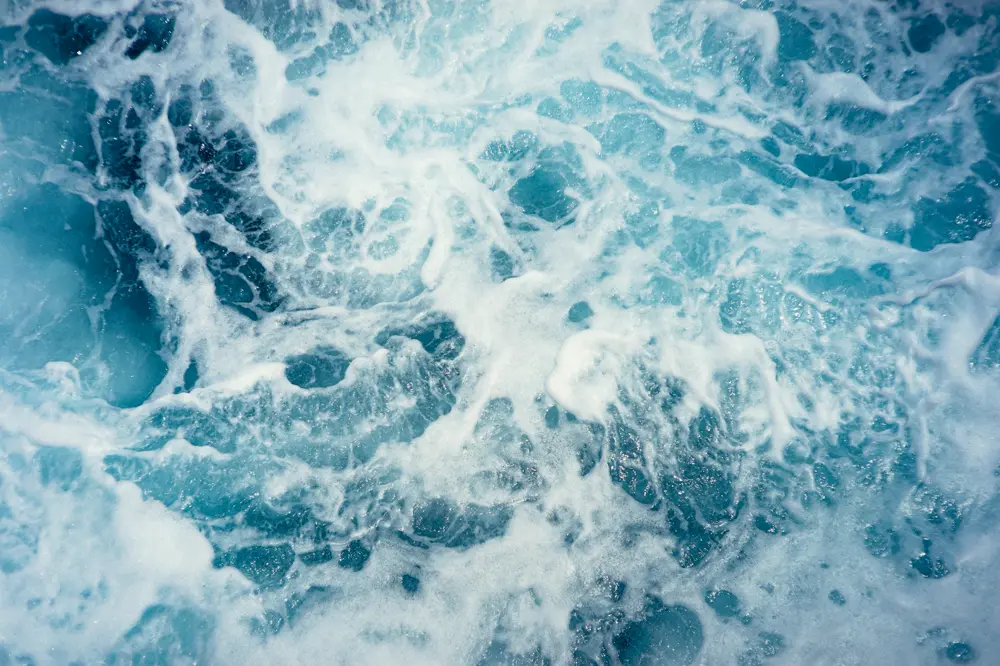
For those who crave sunshine and warmth, tropical ocean wallpapers are the ideal choice. These images typically feature shallow water, bright turquoise hues, and visible coral structures. The high luminance and saturation of these images can make your screen look incredibly vibrant, making it perfect for bright environments. They evoke feelings of vacation, relaxation, and warmth.
Deep Sea Depths and Midnight Blues
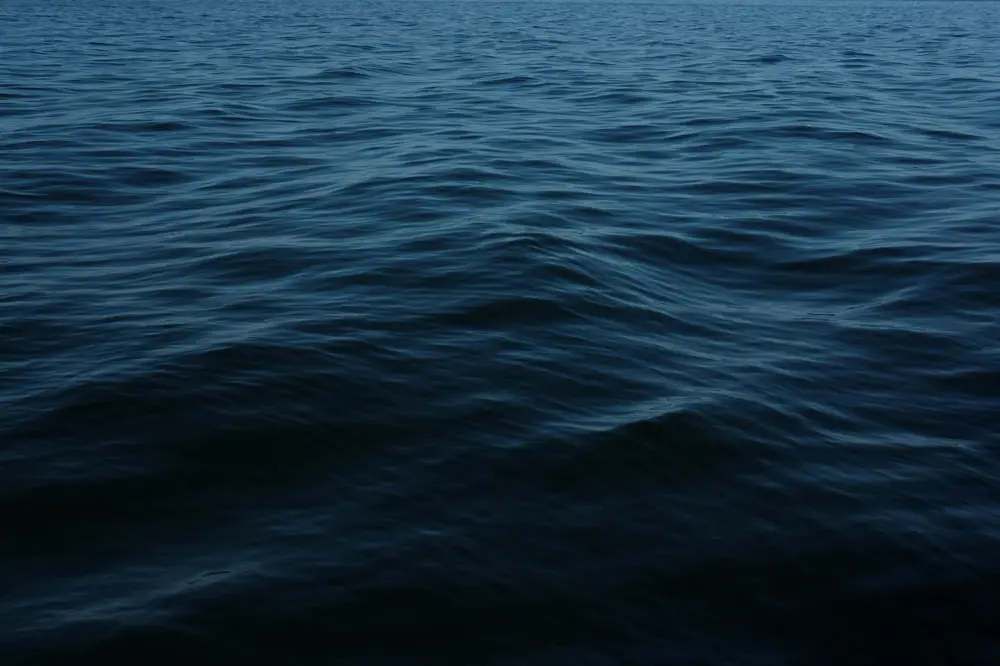
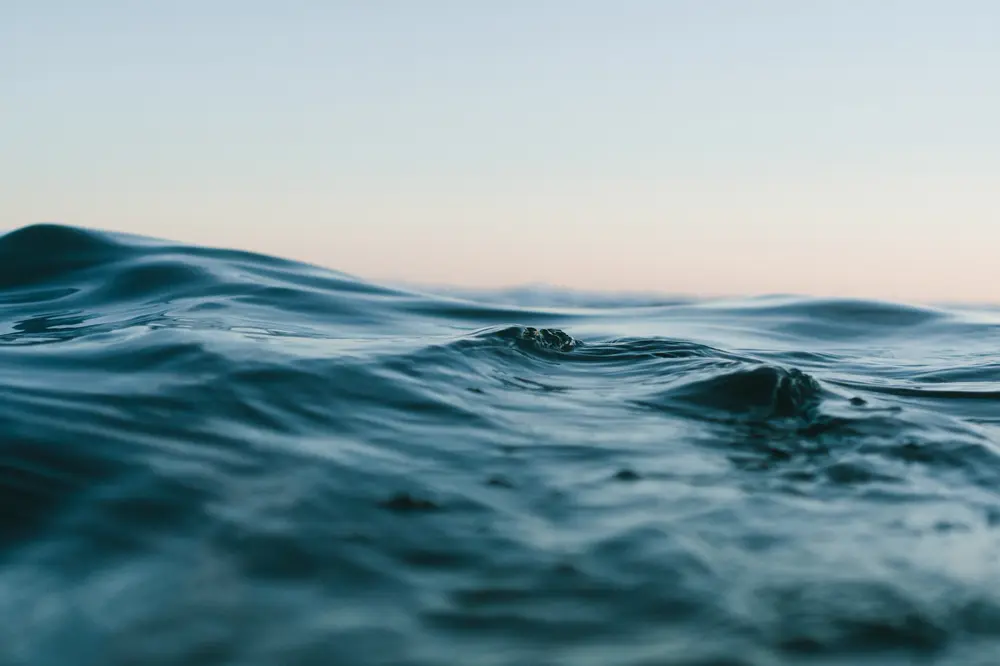
If you prefer a more sophisticated or moody look, deep sea aesthetics are unparalleled. These wallpapers focus on navy blues, indigo, and deep teals. They often feature minimal light, focusing instead on the gradients of the abyss. This style is particularly beneficial for users who enjoy a minimalist home screen setup, as the darker colors prevent the background from clashing with app icons.
Dynamic Coastal Waves and Crashing Surf
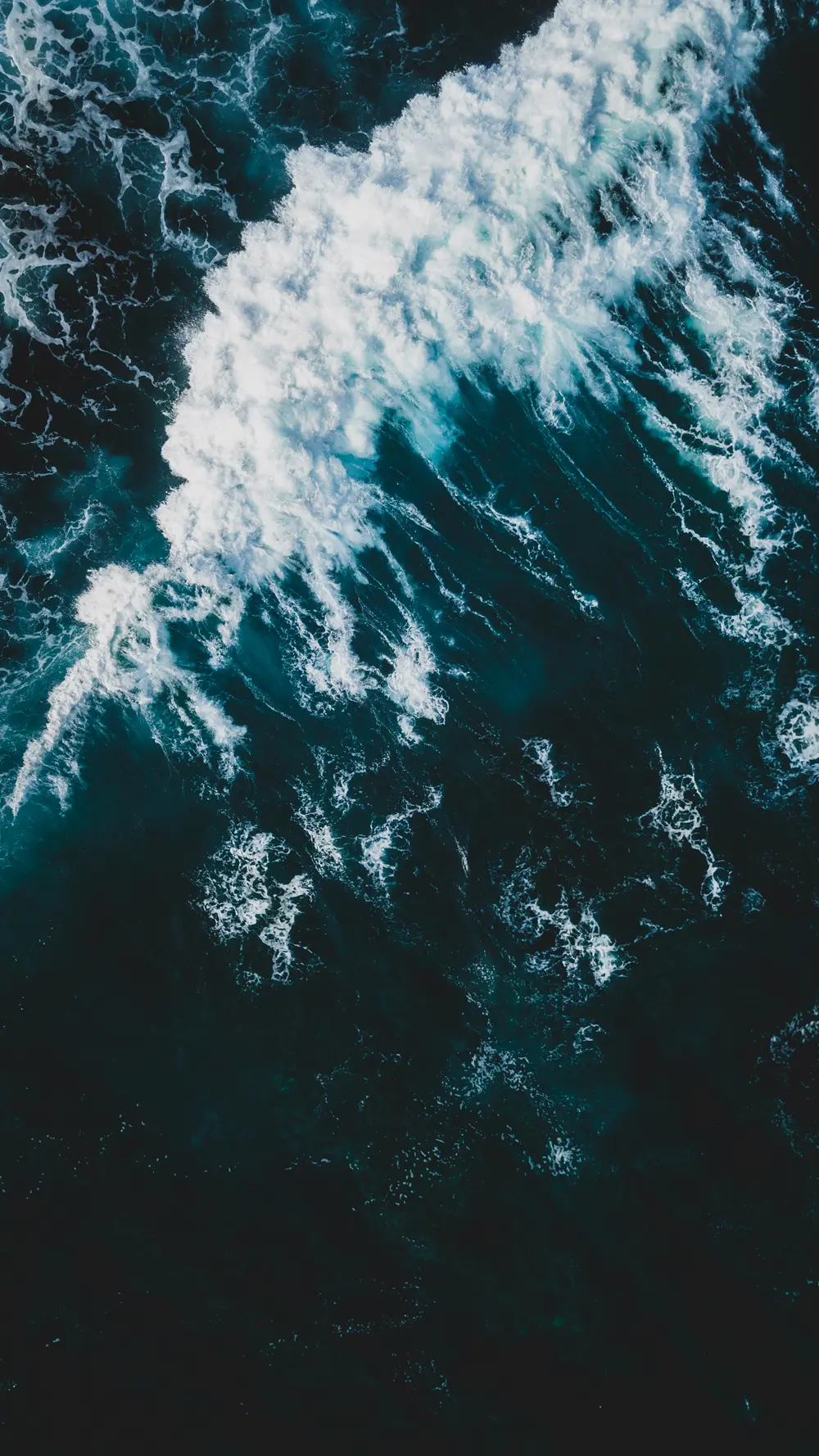
For users who find peace in energy and movement, waves and surf photography offer a sense of dynamic motion. High-speed photography captures the white foam (sea spray) and the powerful curl of a breaking wave. These images provide high contrast, which can make an Android display look exceptionally sharp and energetic.
Technical Considerations for Mobile Wallpapers
To get the most out of your hd ocean wallpaper for android, you must understand the technical aspects of your device’s hardware. A great image on a desktop might look terrible on a mobile device if the aspect ratio and DPI (Dots Per Inch) are not considered.
Optimizing for AMOLED and OLED Displays
Most flagship Android devices now utilize AMOLED or OLED technology. These screens work by turning off individual pixels to produce true black. If you choose an ocean wallpaper with deep, dark blue or black tones, you can actually save battery life. The power consumption of an OLED screen is directly proportional to the number of lit pixels; therefore, a dark seascape is both aesthetically pleasing and functionally efficient.
Resolution, Aspect Ratio, and Pixel Density
When searching for wallpapers, always aim for at least 1080p or, ideally, 4K resolution. Even though your phone’s screen may not have a physical 4K resolution, using a higher-resolution image allows the Android system to scale and crop the image without losing visual fidelity. Furthermore, ensure the image is in a vertical orientation (usually 9:16 or 19.5:9) to prevent awkward stretching or heavy cropping that might cut out the most interesting part of the ocean view.
Best Practices for Android Home Screen Customization
Setting a wallpaper is only the first step. To create a truly professional look, you need to consider how the wallpaper interacts with your widgets and app icons.
Balancing Icon Visibility with Background Detail
One common mistake is choosing a wallpaper that is too “busy.” If your ocean wallpaper has too many intricate details—like thousands of tiny bubbles or complex coral textures—it can make it difficult to read your app labels. We recommend using a depth-of-field effect where the foreground is slightly blurred, allowing your icons to pop against a softer background. This maintains the ocean aesthetic while maximizing usability.
Live Wallpapers vs. Static High-Res Images
Android allows for live wallpapers, which use animation to simulate moving water. While these are incredibly immersive, they come with a trade-off. Live wallpapers require more CPU and GPU resources, which can lead to increased battery drain and potentially slight lag on lower-end devices. If you prioritize longevity and smoothness, stick to high-quality static PNG or JPG files. If you want maximum ‘wow factor,’ go with a high-frame-rate live water animation.
Conclusion
Choosing the right hd ocean wallpaper for android is a perfect blend of art and technology. By understanding your device’s display capabilities—specifically AMOLED optimization and resolution requirements—you can select an image that not only looks stunning but also enhances your device’s performance and battery life. From the bright corals of the tropics to the dark mysteries of the deep sea, the ocean provides a limitless source of inspiration for your digital sanctuary.
Frequently Asked Questions
What is the best resolution for ocean wallpapers on Android?
For most modern smartphones, a resolution of at least 1080 x 2400 pixels is recommended. However, if you have a high-end device, searching for 4K assets will ensure the highest level of detail and crispness.
Do dark ocean wallpapers actually save battery?
Yes, if your Android phone has an AMOLED or OLED screen. Darker colors, especially true blacks, allow the pixels to remain turned off, which significantly reduces power consumption compared to bright, white-heavy wallpapers.
How can I prevent my wallpaper from looking blurry?
Ensure that the image aspect ratio matches your phone’s screen. Avoid using images downloaded from social media platforms, as they are often heavily compressed. Always look for ‘high-resolution’ or ‘original size’ versions of ocean photography.
Are live ocean wallpapers bad for performance?
They aren’t necessarily ‘bad,’ but they do require more processing power. On older or budget Android devices, a live wallpaper might cause slight lag in animations or drain the battery faster than a static image.
Where can I find the best free HD ocean wallpapers?
High-quality stock photo websites like Unsplash, Pexels, and Pixabay are excellent resources for professional-grade, high-resolution ocean photography that is free to use for personal customization.
Related posts:
Plenty more backgrounds are waiting in the related collections below — keep browsing until one sticks.
Bookmark this collection so your next wallpaper swap is one click away.
