
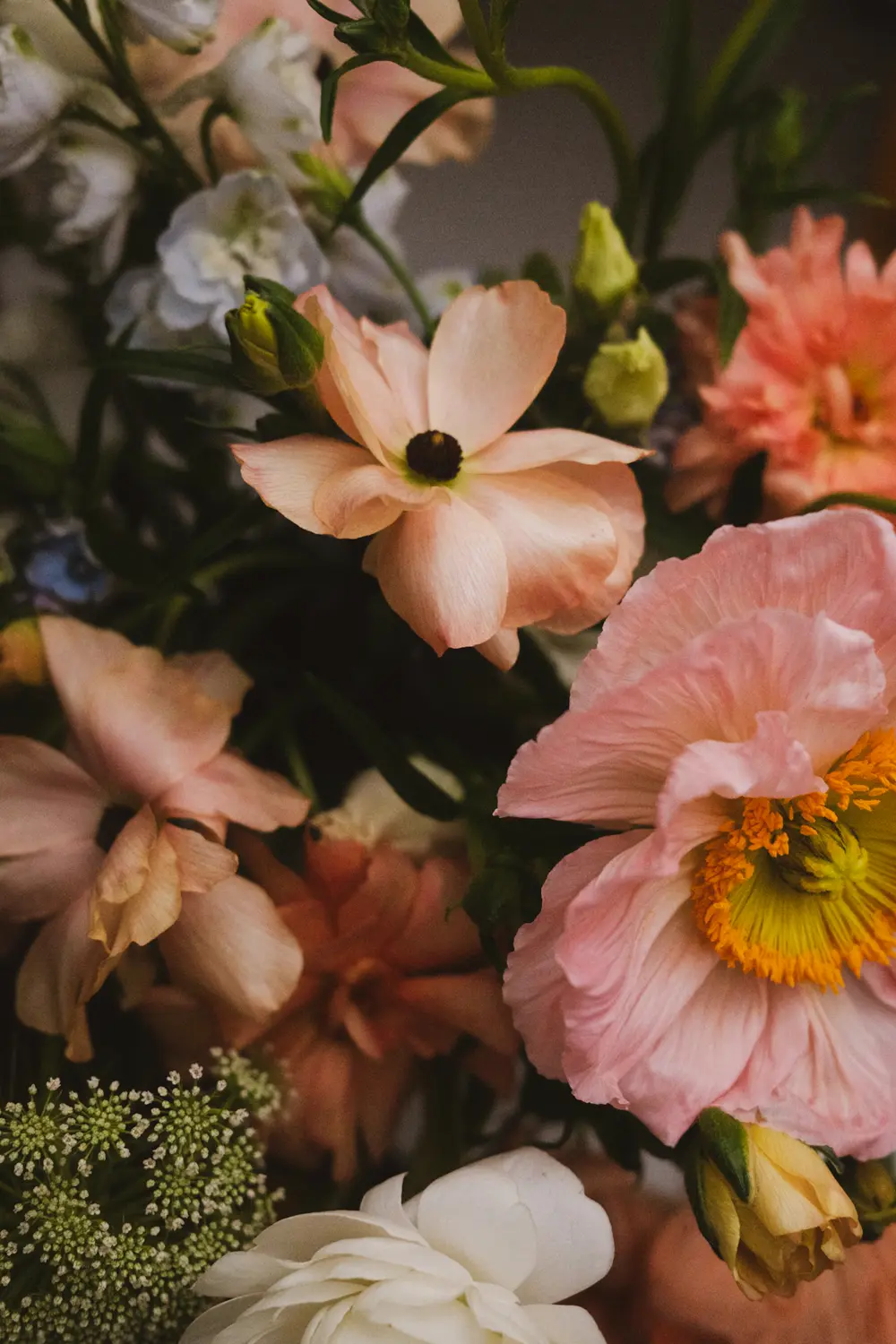
Are you looking to transform your digital environment into a serene, calming space? Live pastel flower wallpaper offers a sophisticated way to bring nature’s softness to your screen without the maintenance of real plants. Unlike static images, these dynamic backgrounds feature gentle movements, such as petals drifting or leaves swaying, creating a living aesthetic that reduces eye strain and enhances focus. In this comprehensive guide, we will explore the aesthetic value, technical implementation, and psychological benefits of using soft, animated floral backgrounds on your devices.
- The Aesthetic Appeal of Soft Colors
- Technical Implementation on Mobile & Desktop
- Psychological Benefits of Nature-Based UI
- Optimizing Performance & Battery Life
- Curating Your Perfect Visual Experience
The Aesthetic Appeal of Soft Colors
The popularity of pastel color palettes in digital design is not just a trend; it is a response to the overwhelming saturation of modern screens. Soft pinks, lavenders, mints, and creams create a visual harmony that is easy on the eyes. When combined with floral motifs, these colors evoke a sense of tranquility and order. The key to a successful wallpaper is the balance between detail and simplicity. Overly complex animations can distract, while overly static ones lose the charm of a ‘live’ background. The ideal balance is found in subtle, looping movements that mimic natural rhythms, such as the gentle sway of a flower in a breeze.
Many users are drawn to these aesthetics because they offer a break from the harsh contrasts of standard operating system interfaces. It is important to choose high-resolution assets to ensure that the flowers remain crisp and detailed. For those interested in broader digital aesthetics, exploring minimalism can provide further insights into creating clean, uncluttered digital spaces. Additionally, understanding the principles of design helps in selecting wallpapers that complement your overall device theme rather than clash with it.
Why Pastels Work for Digital Wellness
Digital wellness is increasingly about managing the visual input we receive. High-contrast, high-saturation colors can lead to visual fatigue over long periods. Pastel tones reduce this contrast, allowing the eye to rest. This is particularly beneficial for users who spend hours on their devices for work or study. The softness of the palette creates a buffer between the user and the screen, promoting a more relaxed state of mind.
Technical Implementation on Mobile & Desktop
Implementing a live wallpaper requires different approaches depending on your operating system. On mobile devices, this is often built into the system settings or available through specific applications. On desktops, you may need dedicated software to handle video or GIF backgrounds efficiently.
Mobile Setup: iOS and Android
For Android users, the process is relatively straightforward. Many manufacturers include a ‘Live Wallpaper’ option in the display settings. You can also use third-party apps that utilize live object tracking or simple video loops. It is crucial to select an app that runs in the background efficiently to avoid draining your battery. For iOS users, options are more limited, but you can use ‘Live Photos’ as wallpapers. By selecting an animated flower image from your gallery and setting it as your wallpaper, you can achieve a similar effect when you press on the home screen. For more advanced customization, some users explore apps that offer dynamic background features, though Apple’s ecosystem restricts true video wallpapers outside of specific contexts.
Desktop Solutions: Windows and macOS
On Windows, you can use tools like Wallpaper Engine, which allows you to apply video files, GIFs, or even web-based animations as your desktop background. This offers the highest level of customization, allowing you to adjust the opacity, scale, and interaction with the cursor. On macOS, the options are more restrictive natively, but you can use applications like CrossWall or Lively Wallpaper to achieve similar results. These tools usually run as background services, so it is important to monitor their resource usage to ensure they do not slow down your system.
Psychological Benefits of Nature-Based UI
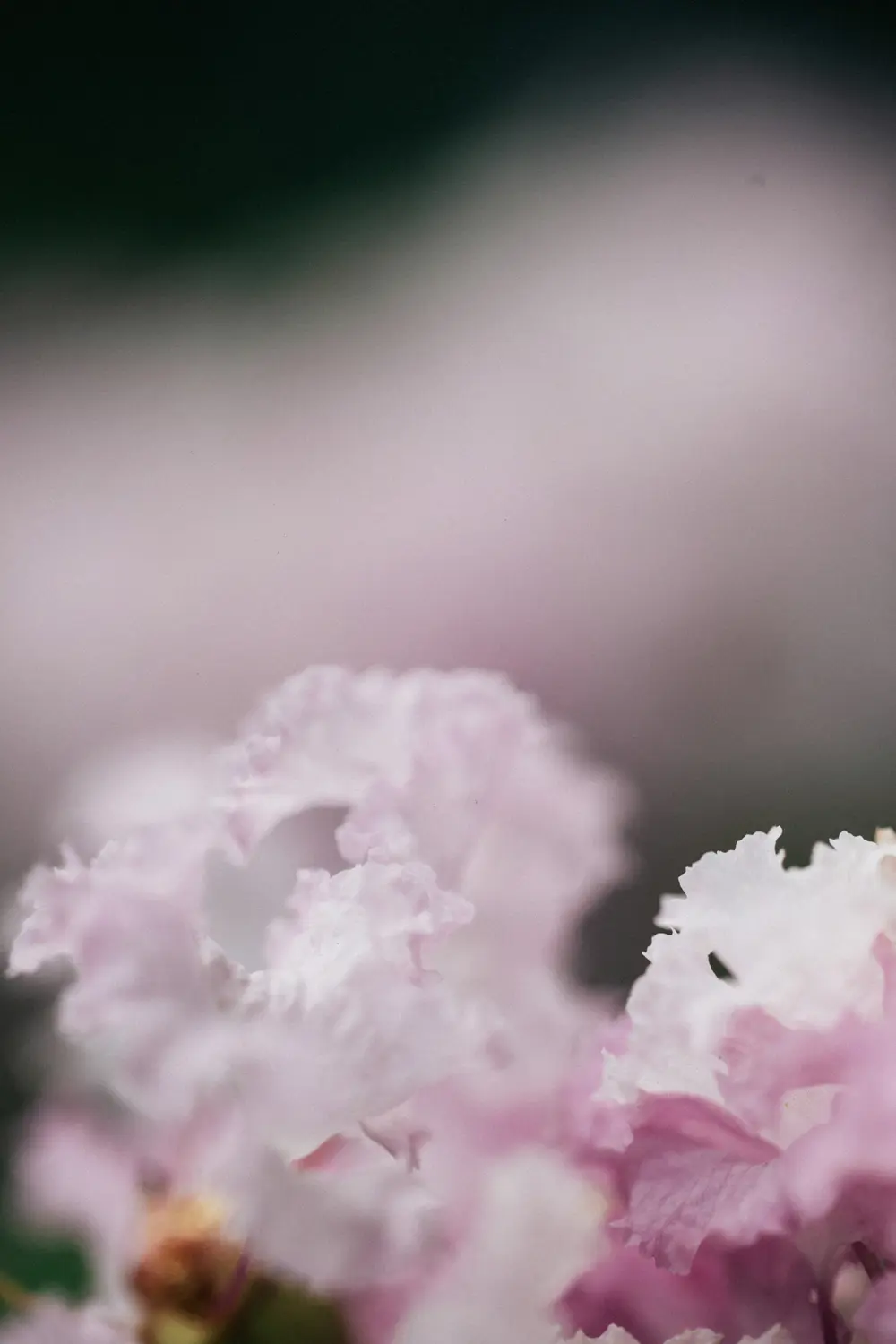
The use of nature-inspired imagery in digital environments is rooted in the concept of Biophilia. This theory suggests that humans have an innate tendency to seek connections with nature and other forms of life. When we see images of flowers, trees, or water, our brains respond positively, reducing stress levels and improving mood.
Impact on Focus and Productivity
Studies have shown that exposure to natural elements, even in digital form, can enhance cognitive function. A calm, pastel-colored floral background can serve as a subtle anchor for attention, helping to maintain focus during tasks that require sustained mental effort. Unlike distracting animations that move too quickly, the slow, rhythmic motion of a live flower wallpaper can actually help regulate breathing and heart rate, promoting a state of calm alertness. This makes it an excellent choice for professionals who work long hours in front of a computer.
Mood Regulation and Emotional Well-being
Colors have a profound impact on our emotions. Pastel colors are associated with feelings of peace, gentleness, and nostalgia. By surrounding your digital workspace with these hues, you create an environment that supports emotional well-being. This is particularly important in remote work settings, where the boundary between personal and professional life can blur. A soothing wallpaper can signal to your brain that it is time to relax or focus, helping to manage the transitions between different activities.
Optimizing Performance & Battery Life
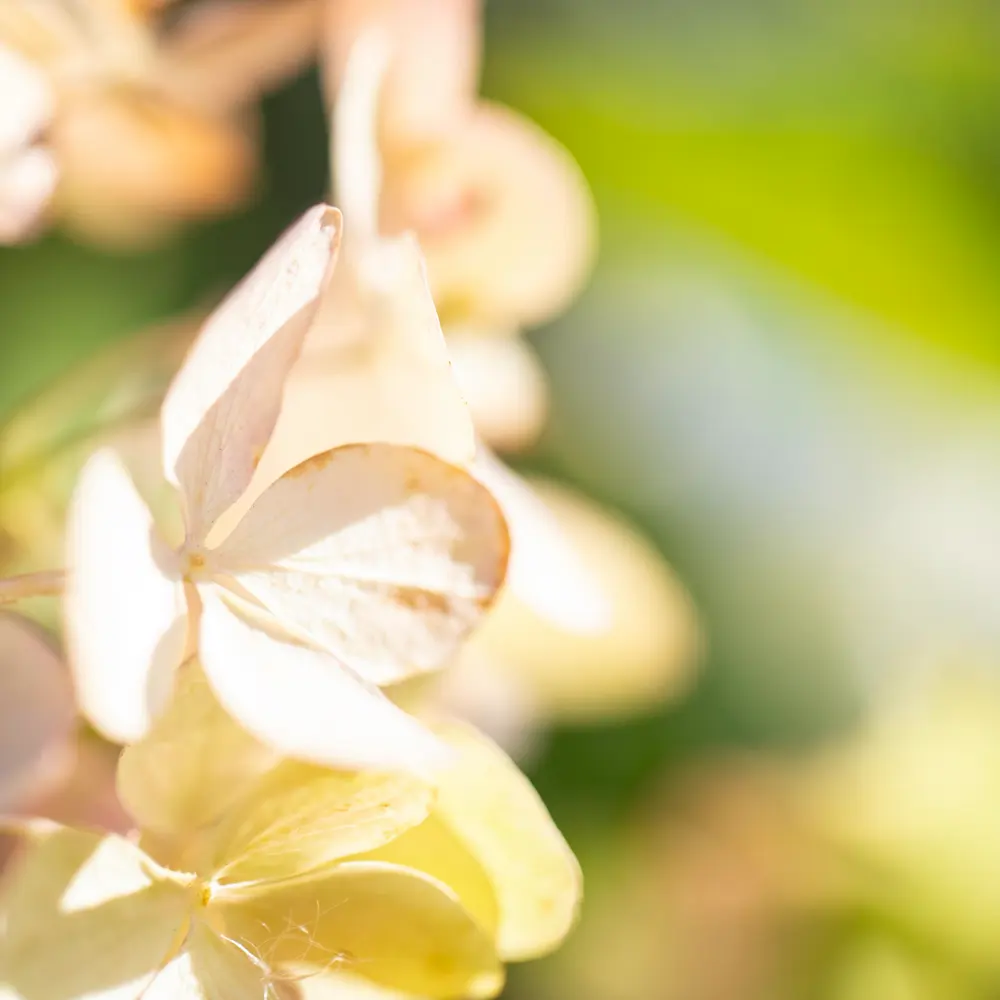
While live wallpapers are visually appealing, they can have a significant impact on device performance and battery life. Animated backgrounds require continuous processing power to render the frames, which can lead to increased heat generation and faster battery drain. To mitigate this, it is essential to choose optimized assets and manage your settings carefully.
Choosing the Right File Format
Not all file formats are created equal when it comes to live wallpapers. GIFs are widely supported but can be large in size and less efficient in terms of compression. Video files, such as MP4, are often more efficient and allow for smoother playback. When selecting a wallpaper, look for files that are optimized for your device’s resolution. Avoid using high-definition 4K videos on a standard 1080p screen, as this will waste processing power without any visible benefit. Additionally, ensure that the video loops seamlessly to avoid jarring transitions that can be distracting.
Managing Background Processes
On mobile devices, it is important to check your battery settings to ensure that the wallpaper app is not running excessively in the background. Some apps offer low-power modes that reduce the frame rate of the animation, extending battery life while still maintaining the visual effect. On desktops, you can configure the wallpaper software to pause the animation when the screen is locked or when the computer is on battery power. These small adjustments can make a significant difference in your overall device performance and longevity.
Curating Your Perfect Visual Experience
Selecting the right live pastel flower wallpaper is a personal choice, but there are several factors to consider to ensure the best experience. First, consider the resolution and aspect ratio of your screen. A wallpaper that is stretched or cropped incorrectly can look unprofessional and distracting. Second, think about the content of the animation. Do you prefer a single large flower or a dense field of blooms? Each choice has its own aesthetic impact. A single flower can create a sense of focus and elegance, while a field of blooms can evoke a sense of abundance and energy.
Matching Your Personal Style
Your wallpaper should reflect your personal style and preferences. If you are a fan of modern design, you might prefer a minimalist approach with a single, stylized flower against a solid pastel background. If you prefer a more organic feel, you might choose a realistic, high-detail animation of a garden in bloom. The key is to find a balance between what you find aesthetically pleasing and what is practical for your daily use. By taking the time to curate your visual environment, you can create a digital space that supports your well-being and enhances your daily experience.
Conclusion
Incorporating a live pastel flower wallpaper into your digital routine is more than just a cosmetic change; it is a deliberate choice to prioritize visual comfort and emotional well-being. By understanding the aesthetic, technical, and psychological aspects of these wallpapers, you can make informed decisions that enhance your user experience. Whether you are using a smartphone or a desktop computer, the right wallpaper can transform your screen into a calming, inspiring space. Take the time to explore different options, optimize your settings, and find the perfect background that resonates with you. Your digital environment is an extension of your personal space, and it deserves the same care and attention as your physical surroundings.
Frequently Asked Questions
Q: Do live wallpapers significantly drain battery life?
A: Yes, animated wallpapers can increase battery consumption because they require continuous processing. To minimize this impact, use optimized video files, lower the resolution if necessary, and enable low-power modes in your wallpaper app. On mobile devices, consider switching to a static image when on battery saver mode.
Q: What is the best file format for a live flower wallpaper?
A: MP4 is generally the best format for desktop and high-end mobile wallpapers due to its efficient compression and smooth playback. GIFs are easier to implement but often result in larger file sizes and lower quality. Avoid using unoptimized high-resolution videos that exceed your screen’s native resolution.
Q: Can I use a live flower wallpaper on my iPhone without third-party apps?
A: You can use a Live Photo as a wallpaper on iOS, which animates when you press and hold the screen. This is not a continuous loop like a video wallpaper, but it provides a dynamic effect. For continuous animation, iOS restricts third-party apps from setting full-screen video wallpapers, so you may need to rely on Live Photos or static images.
Q: How do I make sure the wallpaper doesn’t distract from my work?
A: Choose wallpapers with subtle, slow-moving animations and low-contrast pastel colors. Avoid bright, flashing, or rapidly moving elements. You can also adjust the opacity of the wallpaper in your settings to make it less prominent. The goal is to create a calming background that supports focus rather than drawing attention away from your tasks.
Q: Are there health benefits to using nature-based wallpapers?
A: While not a medical treatment, exposure to nature imagery can reduce stress and improve mood. Biophilic design principles suggest that connecting with natural elements, even digitally, can have a positive impact on mental well-being. A calm, floral background can help create a more relaxing and focused work environment.
Related posts:
Before you settle on one, glance at 1080p Pink Water Wallpaper: Aesthetic High-Definition Backgrounds too. It pairs nicely with what you just scrolled through.
Bookmark this collection so your next wallpaper swap is one click away.
