
The Aesthetic Allure of Monochromatic Nature
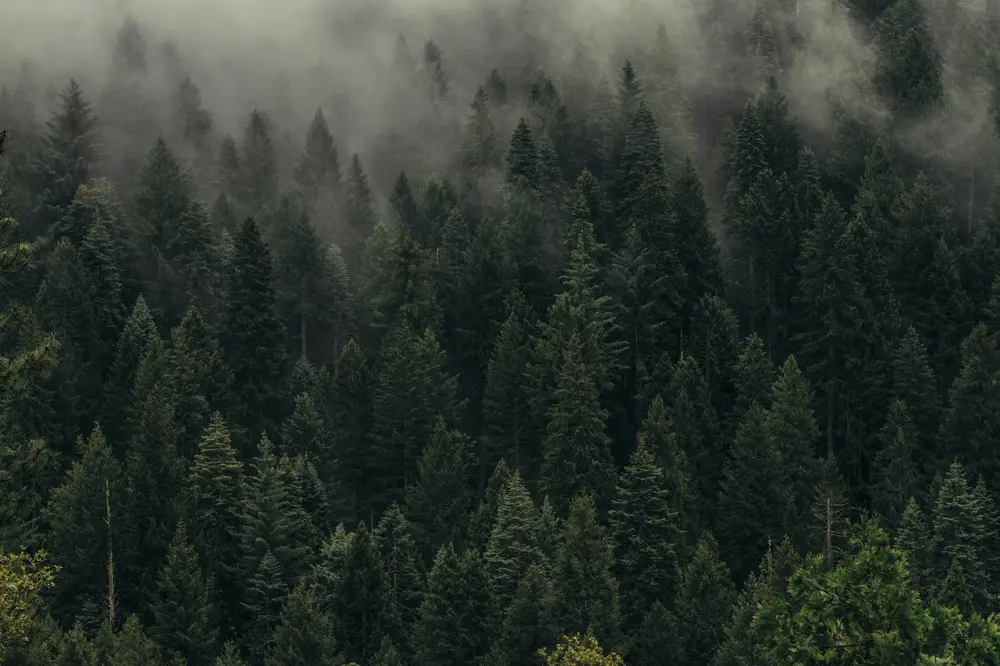
In an era dominated by high-saturation digital interfaces and constant visual stimulation, many professionals and creatives are turning toward minimalist aesthetics to reclaim their focus. An ultra hd grey forest wallpaper offers more than just a pretty picture; it provides a window into a tranquil, desaturated world that promotes mental clarity. By stripping away the chaotic vibrance of traditional color photography, monochromatic forest imagery allows the viewer to appreciate the intricate textures of bark, the delicate patterns of misty foliage, and the profound depth of woodland landscapes.
Choosing a grey-scale or desaturated forest theme is a deliberate design choice. It signals a move away from the ‘loud’ digital environment toward a more sophisticated, professional desktop setup. Whether you are a coder, a writer, or a digital artist, the right background can serve as a silent partner in your productivity, providing a sense of calm without the cognitive load of bright, distracting colors.
- Visual Tranquility: Reduces ocular fatigue.
- Professionalism: Creates a sleek, modern workspace.
- Depth Perception: High-resolution textures add dimension to your screen.
In This Article
- The Psychology of Grey Forest Landscapes
- Technical Requirements for Ultra HD Displays
- Exploring Different Grey Woodland Styles
- Optimizing Productivity with Minimalist Backgrounds
- Conclusion
The Psychology of Grey Forest Landscapes
Why does a monochromatic palette feel so different from a colorful one? The answer lies in color psychology and cognitive processing. When we look at a bright green forest, our brains process a wide spectrum of wavelengths, which can be energizing but also potentially distracting. In contrast, a grey forest landscape emphasizes luminance and contrast over hue. This shift allows the brain to focus on shapes, shadows, and the structural elegance of nature, leading to a state of relaxed alertness.
This phenomenon is often linked to the concept of biophilia—the innate human tendency to seek connections with nature. Even in a digital, desaturated form, the presence of organic shapes like trees and leaves can lower cortisol levels and reduce stress. When searching for the perfect forest scenery, look for images that feature natural fractals and soft gradients, as these are most effective at inducing calm. Many users find that curated wallpaper ideas involving grey tones help them transition into deep work states more efficiently.
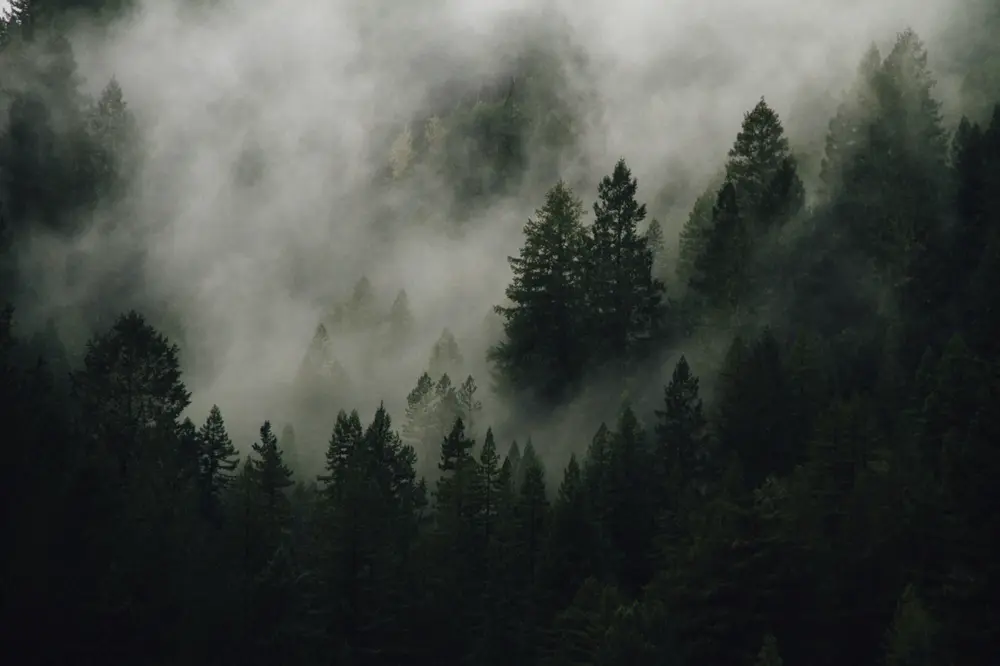
Furthermore, the use of grey tones mimics the atmosphere of a misty morning or a quiet twilight, periods of the day naturally associated with introspection and quietude. This makes the ultra hd grey forest wallpaper an ideal choice for those who work late hours or in high-pressure environments where maintaining a steady emotional baseline is crucial.
Reducing Cognitive Load
Cognitive load theory suggests that our working memory has a limited capacity. A cluttered, brightly colored desktop can act as ‘visual noise,’ consuming mental energy that should be directed toward tasks. By employing a low-saturation background, you effectively prune the unnecessary visual data, allowing your focal attention to remain on your primary windows and applications.
Technical Requirements for Ultra HD Displays
To truly appreciate the fine details of a forest—the individual needles on a pine branch or the swirling patterns of fog—you must ensure your hardware matches the quality of your imagery. An Ultra HD (UHD) resolution, typically 3840 x 2160 pixels, is the gold standard for modern monitors. When selecting an ultra hd grey forest wallpaper, pay close attention to several technical aspects to avoid a pixelated or ‘muddy’ appearance.
Resolution and Pixel Density
The pixel density (often measured in PPI) determines how sharp an image looks. For a high-end desktop experience, aim for images that exceed your native monitor resolution. If you are using a 4K monitor, a standard 1080p image will look blurry because the computer has to ‘stretch’ the pixels. Always prioritize high-bitrate images that capture the subtle gradations of grey, preventing color banding in the sky or misty areas.
Aspect Ratio and Composition
Not all monitors are created equal. While most are 16:9, some ultra-wide monitors require a 21:9 aspect ratio. A forest image designed for a standard screen may look awkward or cropped on an ultra-wide setup. Look for cinematic compositions that offer enough ‘breathing room’ on the sides, ensuring that your desktop icons do not obscure the most beautiful parts of the woodland photography.
File Formats: PNG vs. JPEG
When downloading high-resolution wallpapers, the file format matters. PNG files are lossless and are excellent for preserving the sharp edges and fine textures of a forest. However, they result in larger file sizes. JPEG files are more common and use lossy compression, which can sometimes introduce artifacts in the smooth gradients of a foggy sky. For the best aesthetic integrity, always opt for the highest quality setting available.
Exploring Different Grey Woodland Styles
The term ‘grey forest’ covers a vast range of artistic interpretations. Depending on your personal taste and the ‘vibe’ of your workspace, you might prefer one of the following visual styles:
Misty and Atmospheric Fog
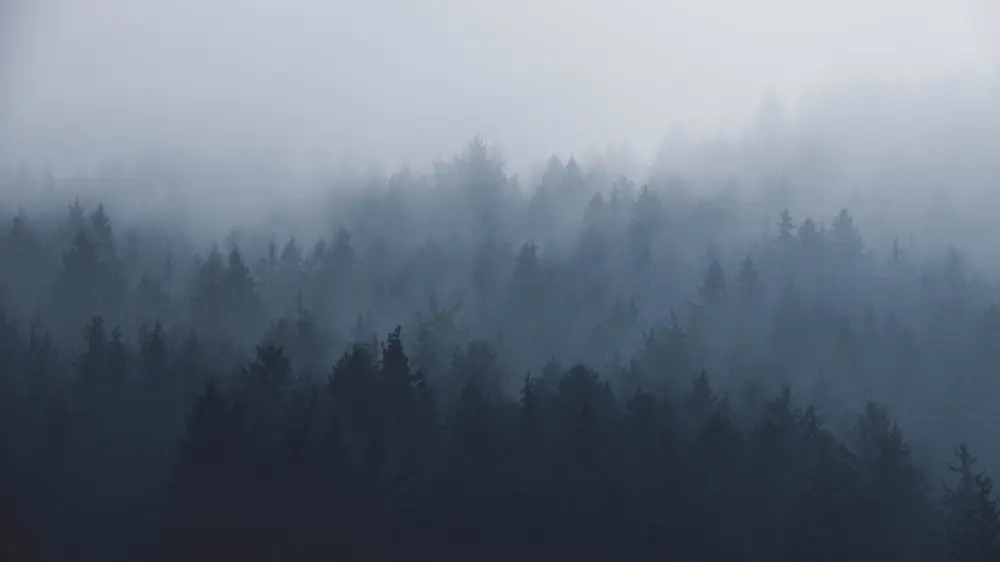
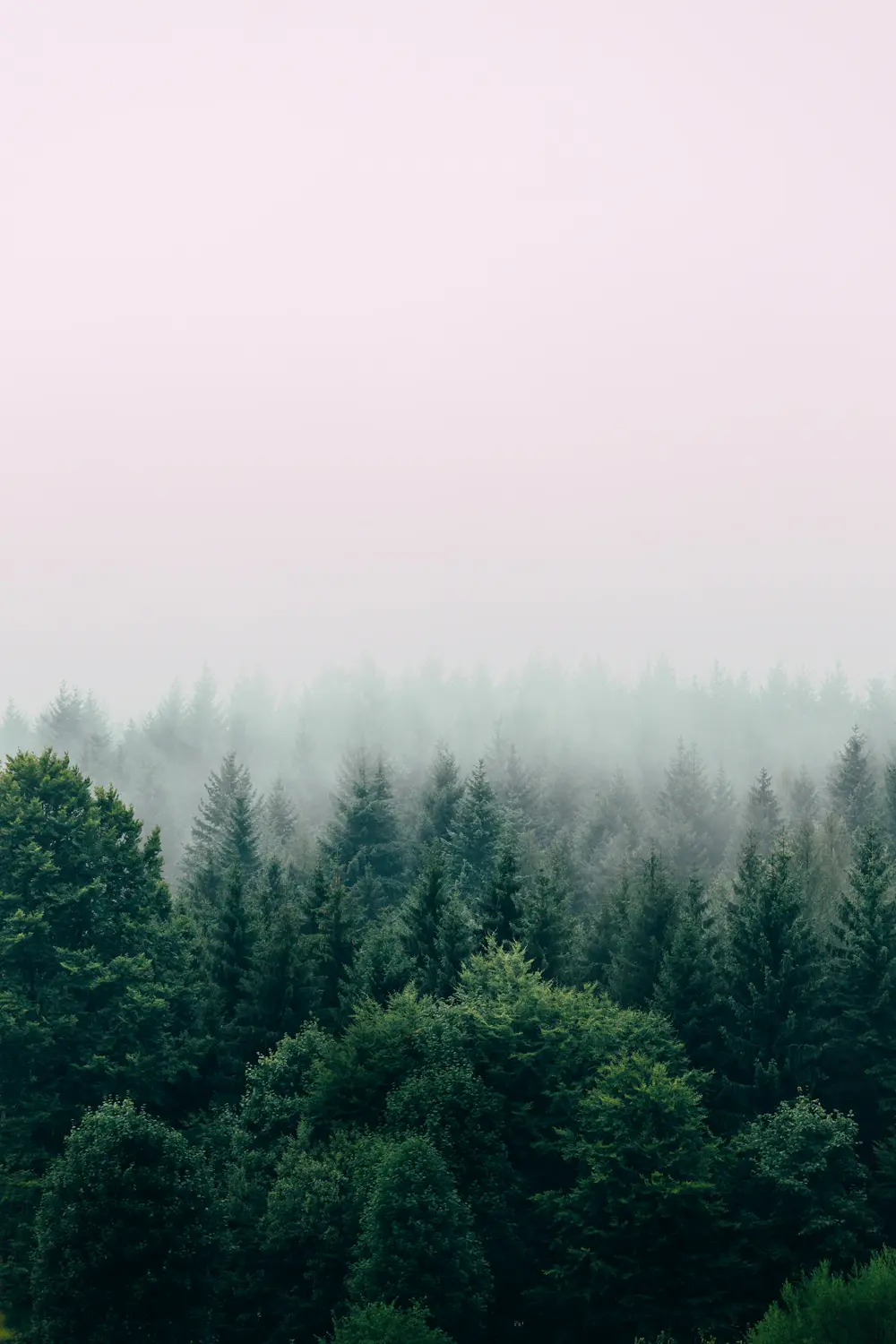
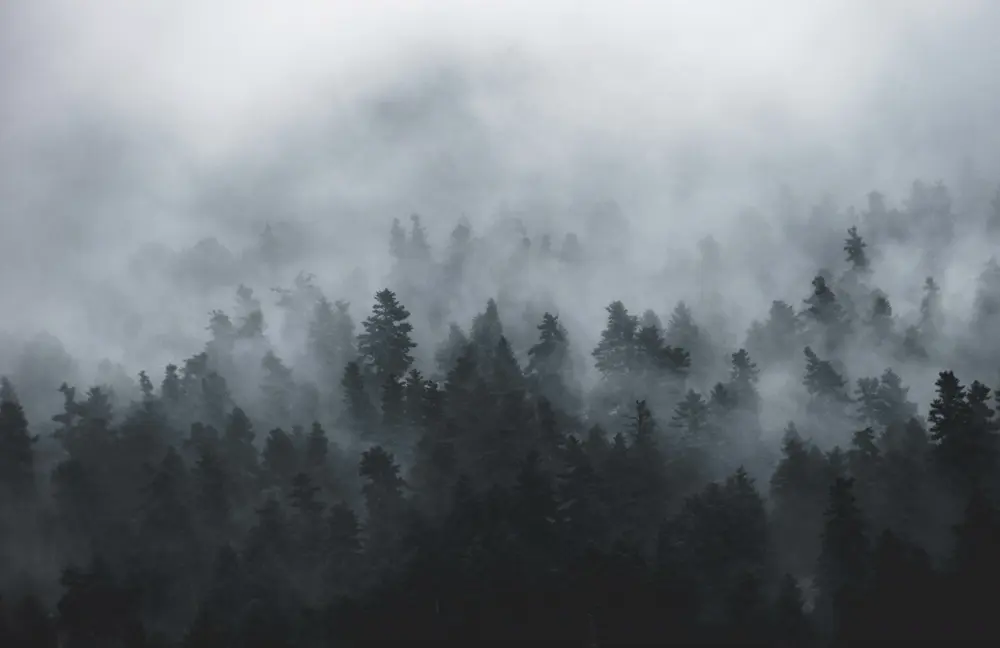
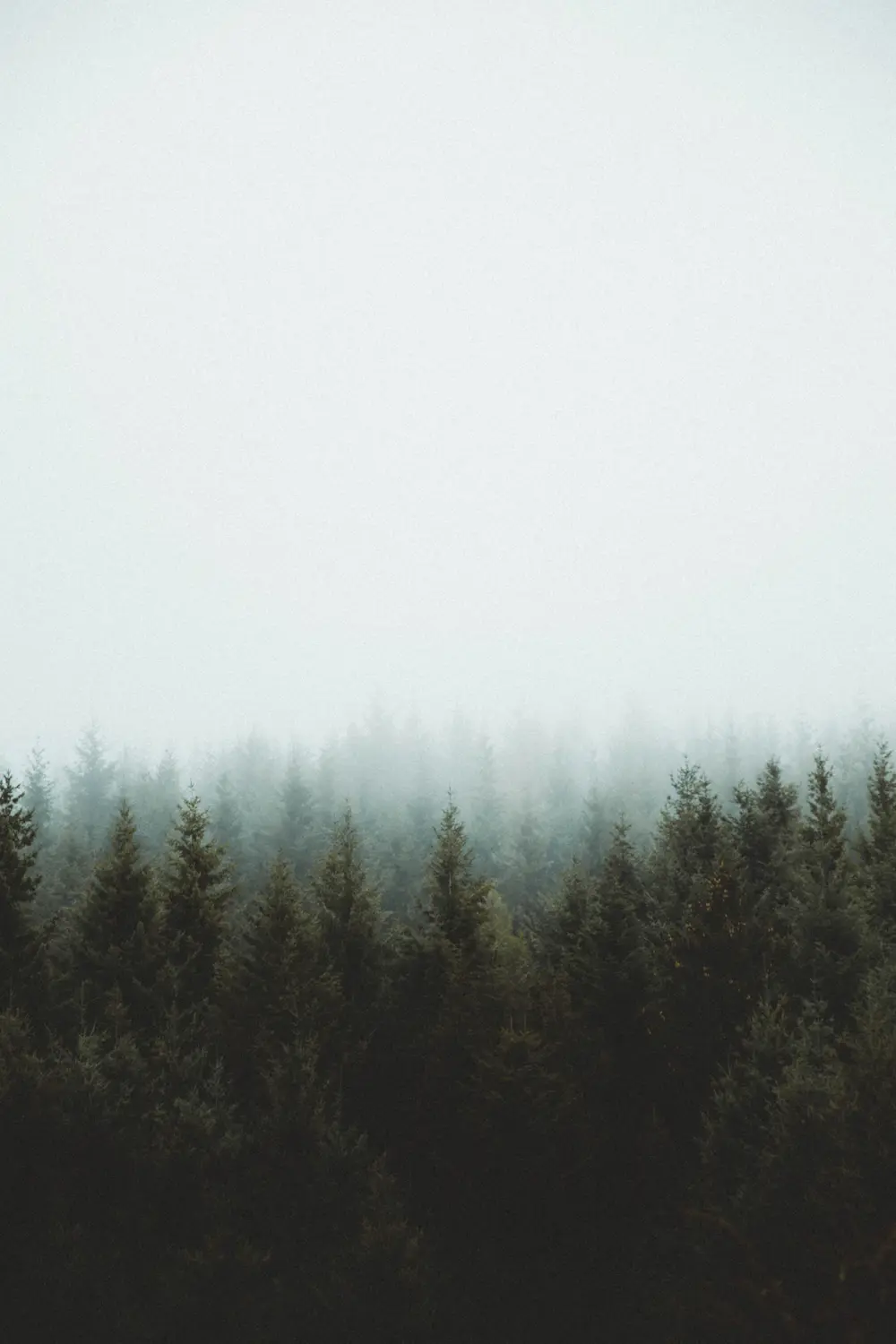
This is perhaps the most popular style. It features heavy atmospheric perspective, where trees in the distance fade into a soft, light grey haze. This creates an incredible sense of depth and scale, making your desktop feel like a vast, unending wilderness. It is particularly effective for creating a sense of mystery and calm.
Dark and Moody Noir
For those who prefer a ‘Dark Mode’ aesthetic, a low-key forest image is perfect. These wallpapers focus on deep blacks, charcoal greys, and heavy shadows. This style is excellent for OLED displays, as the true blacks can help save power and provide a striking contrast against bright text and icons. It feels grounded, serious, and highly sophisticated.
Minimalist Macro Textures
If you find large landscapes too overwhelming, consider macro photography. This involves close-up shots of forest elements—such as the intricate patterns of lichen on bark, the veins of a single leaf, or the frost on a twig—rendered in beautiful grayscale. This provides a minimalist texture that adds interest to your screen without demanding constant visual attention.
Optimizing Productivity with Minimalist Backgrounds
Beyond mere aesthetics, integrating an ultra hd grey forest wallpaper is a functional tool for workspace optimization. Many productivity experts suggest that our physical and digital environments should reflect our desired mental state. If you want to be focused, your environment should be orderly and calm.
Digital Decluttering: A dark or grey forest background makes it easier to see the outlines of your folders and applications. In a bright, colorful environment, icons can sometimes ‘get lost’ in the background. In a monochromatic setting, the contrast between your colorful app icons and the muted background makes your tools stand out clearly, speeding up your workflow navigation.
Eye Health and Longevity: Prolonged exposure to high-brightness, high-contrast screens can lead to digital eye strain. A desaturated, grey-toned background reduces the total amount of light emitted by your monitor. This can make long sessions of coding or writing much more comfortable, especially in dimly lit rooms where a bright, colorful wallpaper might cause significant discomfort.
Conclusion
An ultra hd grey forest wallpaper is a powerful way to transform your digital experience. By leveraging the psychological benefits of monochromatic nature and the technical brilliance of UHD resolution, you can create a workspace that is both beautiful and highly functional. Whether you choose the ethereal beauty of a misty morning or the striking shadows of a dark woodland, you are investing in a calmer, more focused professional life. Explore different styles, prioritize high resolution, and let the quiet elegance of the forest guide your digital journey.
Frequently Asked Questions
1. Why is a grey forest wallpaper better for concentration than a colorful one?
Grey tones reduce visual noise and chromatic distraction, allowing your brain to focus more easily on the tasks at hand without being constantly pulled away by bright colors.
2. What is the best resolution for a 4K monitor wallpaper?
You should always look for 3840 x 2160 resolution or higher. Using an image with a lower resolution will result in blurring and loss of detail on a 4K screen.
3. Will a dark forest wallpaper help save battery on my laptop?
If you have an OLED or AMOLED display, dark wallpapers (especially those with true blacks) can significantly save battery life because the pixels actually turn off to display black.
4. Can monochromatic wallpapers actually reduce eye strain?
Yes. By reducing the overall luminance and color complexity of the screen, monochromatic wallpapers can provide a more soothing visual experience during long working hours.
5. Where can I find high-quality, free forest wallpapers?
Websites like Unsplash, Pexels, and Pixabay offer excellent collections of high-definition nature photography that are free to use for personal and professional projects.
Related posts:
Still browsing? HD City Wallpaper for Dual Monitor: Best 4K Urban Scapes is another collection worth a look — fresh picks in the same spirit.
Know someone whose screen needs a refresh? Pass this link along.
