
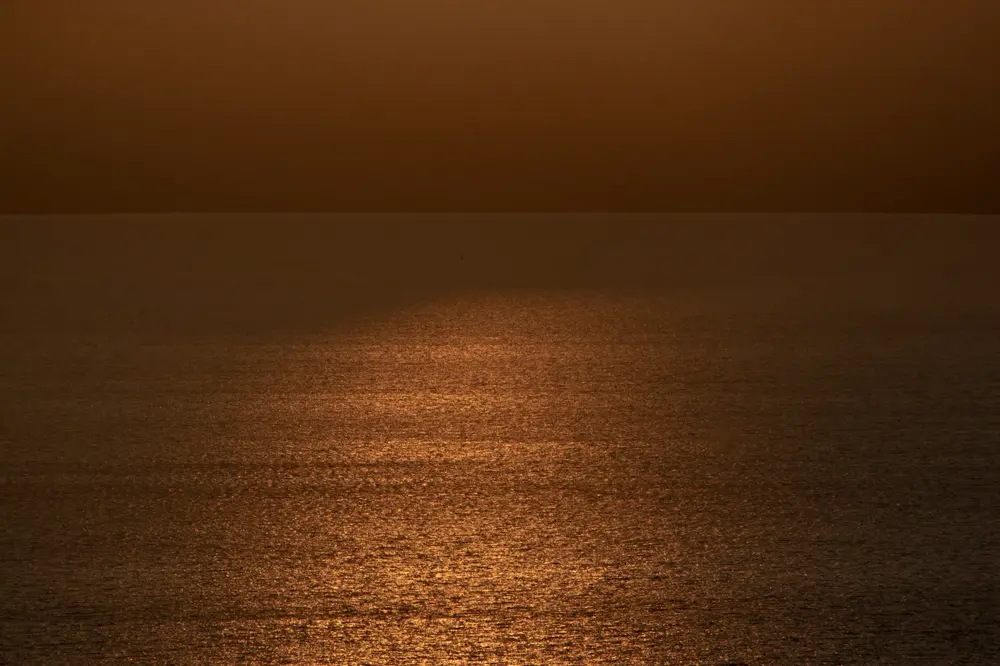
Imagine the warmth of a dusty sunset bleeding into the cool glow of a 1980s CRT monitor. This is the essence of brown vaporwave, a niche yet deeply resonant aesthetic that blends retro-futurism with earthy, nostalgic tones. Unlike the neon pinks and electric blues that dominate the standard vaporwave landscape, the brown variant offers a grounded, organic counterpoint. It evokes feelings of late afternoon heat, aged film grain, and the quiet hum of analog technology. For digital artists, interior designers, and desktop curators, finding the right visual anchor for this mood is crucial. This guide explores how to source, understand, and utilize brown vaporwave visuals for your personal or creative projects, ensuring you capture the specific semantic weight of this unique subculture.
- What Defines the Brown Vaporwave Aesthetic?
- Where to Find High-Quality Free Assets
- The Psychological Impact of Earthy Tones
- DIY: Creating Your Own Brown Vaporwave Art
- Conclusion
What Defines the Brown Vaporwave Aesthetic?
At its core, vaporwave is a genre of music and visual art that emerged in the early 2010s, heavily influenced by 1980s and 1990s culture. It often features glitch art, grid lines, palm trees, and Japanese characters. However, the brown vaporwave sub-genre shifts the palette away from synthetic neon colors toward a more organic spectrum. This includes shades of cocoa, caramel, terracotta, sepia, and muted olive. The result is a visual style that feels less like a digital hallucination and more like a memory of the past. It is often associated with a sense of calm, nostalgia, and even a touch of melancholy.
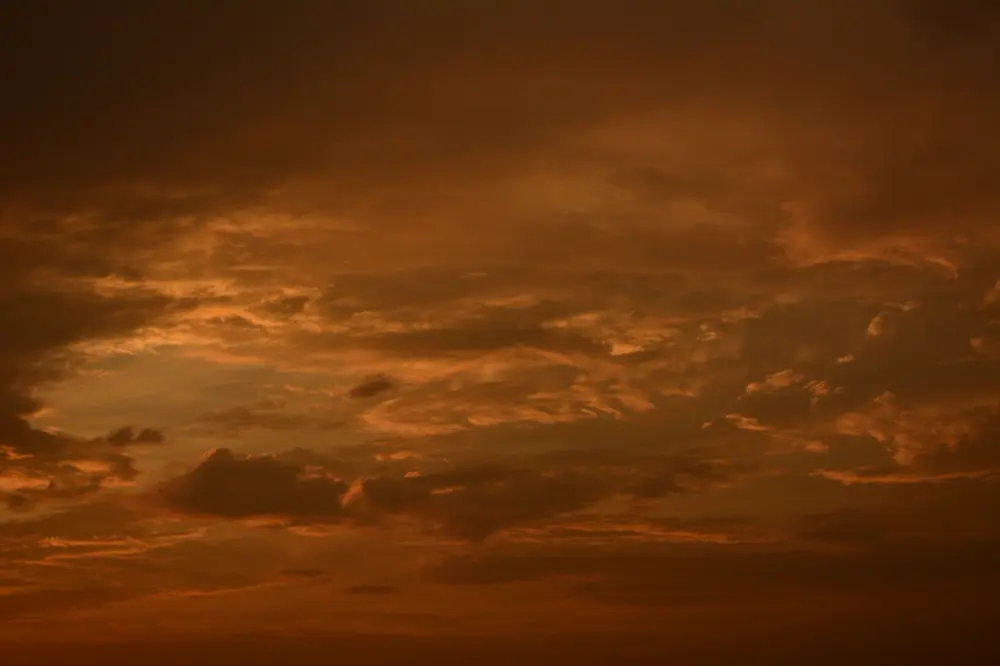
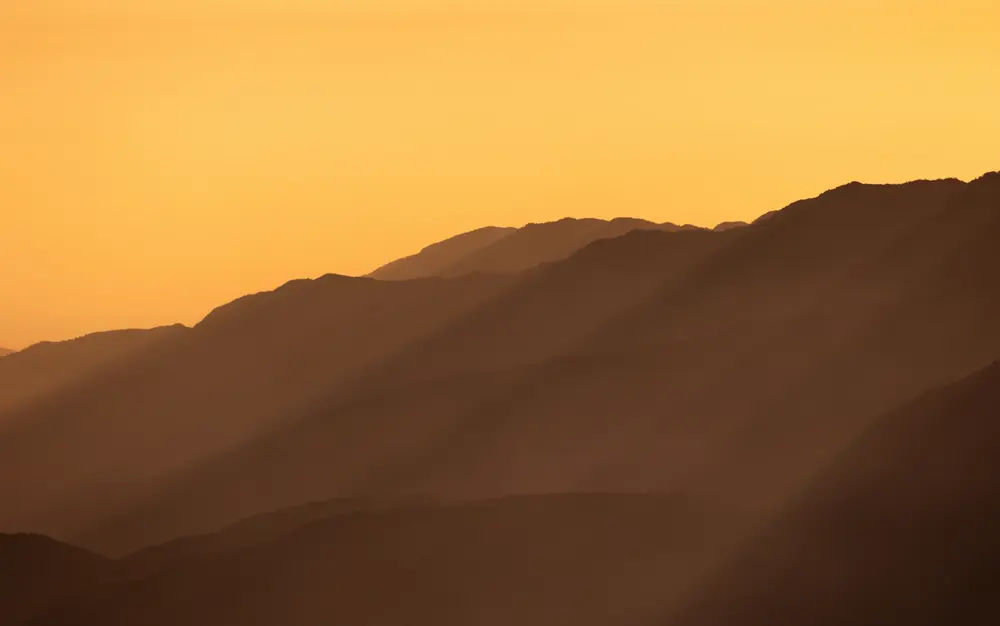
The use of brown in this context serves to ground the surreal elements of the genre. Instead of the floating, weightless quality of neon grids, brown tones provide a sense of materiality. Think of the warm glow of a sunset through dusty windows, the texture of old vinyl records, or the faded leather of a vintage car dashboard. This aesthetic is particularly popular among those who appreciate the nostalgia of analog eras but want to express it through a modern, curated lens. It bridges the gap between the organic and the digital, creating a unique visual language that stands out in a sea of blue and purple cyberpunk imagery.
Key Visual Elements
- Earth Tones: Dominant use of browns, tans, and beiges to create a warm, inviting atmosphere.
- Analog Texture: Visible grain, noise, and distortion that mimic film or videotape degradation.
- Retro Typography: Fonts that resemble 1980s corporate or software interfaces, often in cream or white.
- Natural Motifs: Palm trees, mountains, or sunsets rendered in sepia or monochrome brown scales.
Where to Find High-Quality Free Assets
Sourcing the right brown vaporwave wallpaper is a journey in itself. Many users assume that niche aesthetics require paid subscriptions, but the creative commons and open-source communities are rich with high-resolution assets. The key is knowing where to look and how to filter for the specific color palette you need. Unlike generic stock photo sites, specialized digital art platforms often host curated collections from artists who understand the semantic nuances of the genre.
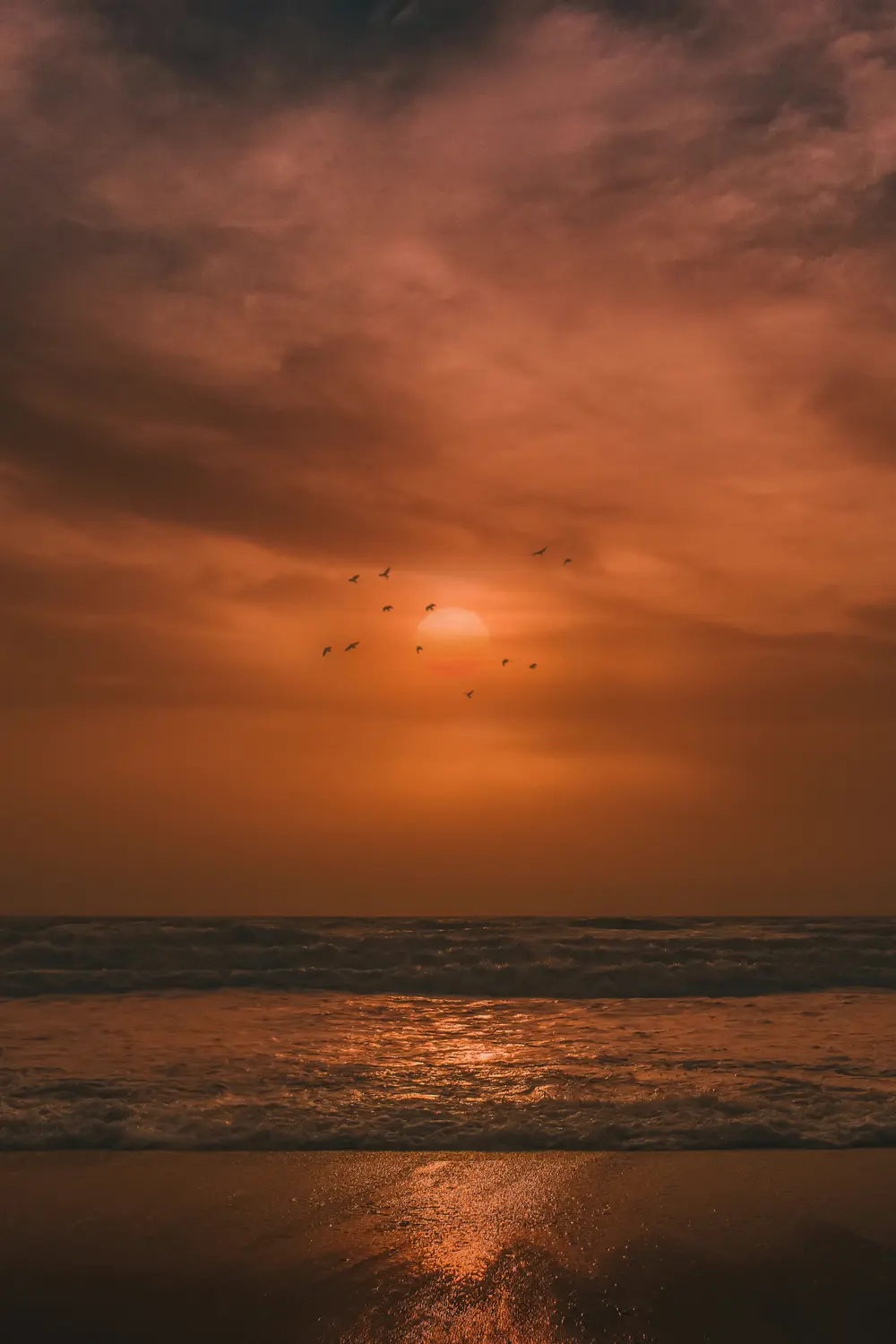
When searching for free resources, prioritize platforms that allow for personal and commercial use without attribution, or those that have clear licensing terms. Sites dedicated to digital art and wallpaper sharing often have specific tags for color palettes. Look for terms like “sepia grid,” “analog sunset,” or “earth tone retro.” It is important to check the resolution; for a modern 4K monitor, you will need assets that are at least 3840×2160 pixels to avoid pixelation, which can ruin the subtle grain effects that define the aesthetic.
Top Platforms for Free Downloads
- Unsplash & Pexels: Search for “brown sunset” or “sepia landscape” and apply filters to enhance the vaporwave feel.
- DeviantArt: Many artists upload free, high-res wallpapers under specific tags like “vaporwave” and “brown palette.”
- Reddit Communities: Subreddits dedicated to aesthetics often share links to free, high-quality assets created by community members.
Always verify the license. While most assets on these platforms are free for personal use, some may require credit if used in commercial projects. By focusing on high-quality, free sources, you can build a comprehensive library of brown vaporwave visuals without breaking the bank.
The Psychological Impact of Earthy Tones
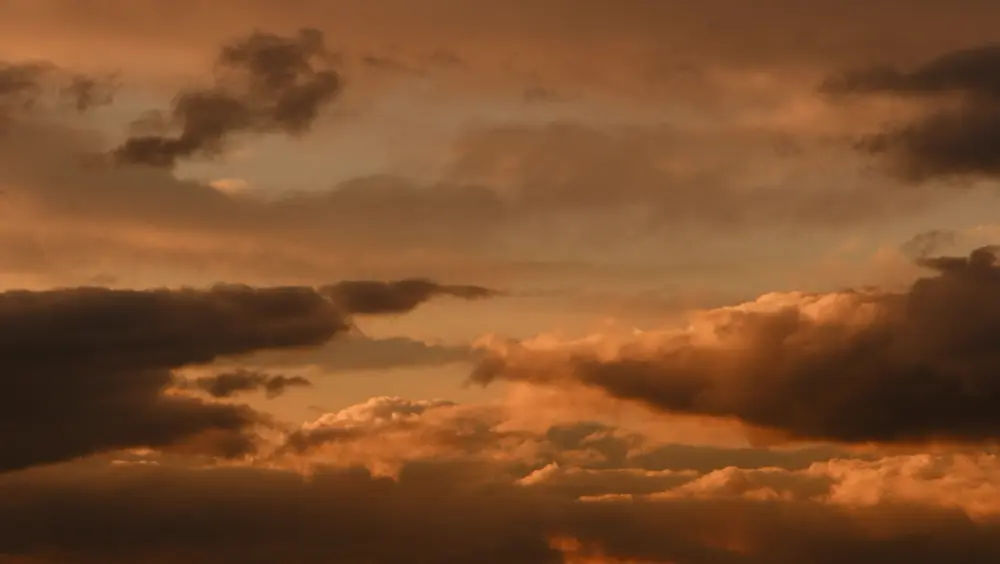
Color psychology plays a significant role in how we perceive digital spaces. Brown is often associated with stability, reliability, and warmth. In the context of a desktop or phone wallpaper, these associations can influence your mood and focus. Unlike the high-energy stimulation of neon colors, brown vaporwave encourages a state of relaxed alertness. It is ideal for environments where you need to maintain focus without feeling overwhelmed by visual noise.
This aesthetic is particularly effective for creative professionals who spend long hours in front of a screen. The muted tones reduce eye strain while the retro elements provide a subtle cognitive hook that keeps the mind engaged. It creates a balance between stimulation and calm, making it a popular choice for those who work in design, coding, or writing. The warmth of the brown palette can also make a cold, digital environment feel more inviting and human, adding a layer of comfort to the daily routine.
Enhancing Productivity with Color
Studies on color and productivity suggest that warm, neutral tones can help reduce cognitive load. By choosing a brown vaporwave wallpaper, you are creating a visual environment that supports sustained attention. The lack of harsh contrasts and bright colors means your brain does not have to process as much sensory information, allowing you to focus on the task at hand. This makes it an excellent choice for workstations and study spaces.
DIY: Creating Your Own Brown Vaporwave Art
If you cannot find the perfect brown vaporwave wallpaper, you can create one yourself. With basic photo editing software like GIMP, Photoshop, or even free online tools, you can transform a standard landscape photo into a piece of retro-futuristic art. The process involves adjusting the color palette, adding texture, and incorporating retro elements.
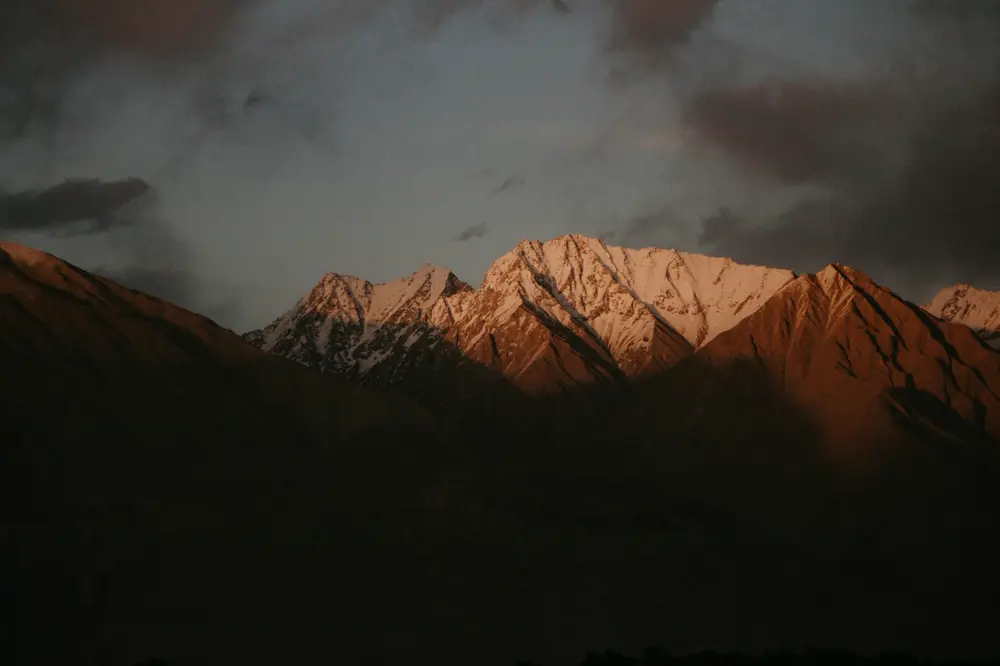
Start with a high-resolution image of a sunset, a cityscape, or a natural landscape. Apply a sepia or brown color overlay to shift the tones. Add a layer of noise or grain to simulate the look of old film. Finally, overlay a translucent grid or add retro typography to complete the look. This hands-on approach not only gives you a unique asset but also deepens your understanding of the aesthetic.
Step-by-Step Guide
- Select a Base Image: Choose a photo with strong lighting and clear shapes.
- Adjust Colors: Shift the hue towards brown, orange, and sepia. Reduce saturation for a muted look.
- Add Texture: Apply a noise filter to add grain and mimic analog media.
- Overlay Elements: Add a grid, glitch effects, or retro text to enhance the vaporwave feel.
Conclusion
The brown vaporwave aesthetic is more than just a color choice; it is a complete visual language that evokes warmth, nostalgia, and calm. By understanding its key elements and finding the right resources, you can create a digital environment that supports your focus and enhances your creative output. Whether you choose to download free assets or create your own, the goal is to find a visual that resonates with your personal style and needs. Embrace the earthy tones, the analog textures, and the retro-futuristic vibe to transform your digital space into a sanctuary of style and tranquility.
Frequently Asked Questions
What makes brown vaporwave different from standard vaporwave?
Standard vaporwave typically uses neon colors like pink, blue, and purple to create a synthetic, cyberpunk feel. Brown vaporwave uses earthy tones like sepia, cocoa, and tan to evoke a warmer, more organic, and nostalgic atmosphere, often associated with analog media and natural landscapes.
Are there any copyright issues with using free brown vaporwave wallpapers?
Most free wallpaper sites offer assets under Creative Commons or similar licenses, allowing for personal use without restriction. However, always check the specific license for each file. Some may require attribution, while others may prohibit commercial use. For personal desktop or phone use, you are generally safe with most free resources.
How can I make a standard photo look like brown vaporwave?
You can use photo editing software to shift the color palette towards browns and sepias, reduce saturation, and add a grain or noise overlay. Adding a translucent grid or retro typography can further enhance the vaporwave aesthetic. Free tools like GIMP or online editors can accomplish this with a few simple steps.
Is brown vaporwave suitable for professional workspaces?
Yes, the muted and warm tones of brown vaporwave can create a calm and focused environment, reducing visual strain and cognitive load. It is less stimulating than neon colors, making it a suitable choice for long work sessions while still maintaining a unique and stylish aesthetic.
Where can I find high-resolution brown vaporwave wallpapers for 4K monitors?
Look for assets labeled as 4K or high-resolution on platforms like Unsplash, Pexels, or specialized digital art communities. When searching, use specific keywords like “4K brown sunset” or “high-res sepia grid” to ensure you get images that are sharp and free of pixelation on larger screens.
Related posts:
Plenty more backgrounds are waiting in the related collections below — keep browsing until one sticks.
Save your favourites and share the rest — good wallpapers travel fast.
