
Android Wallpapers: Exploring Geometric Patterns
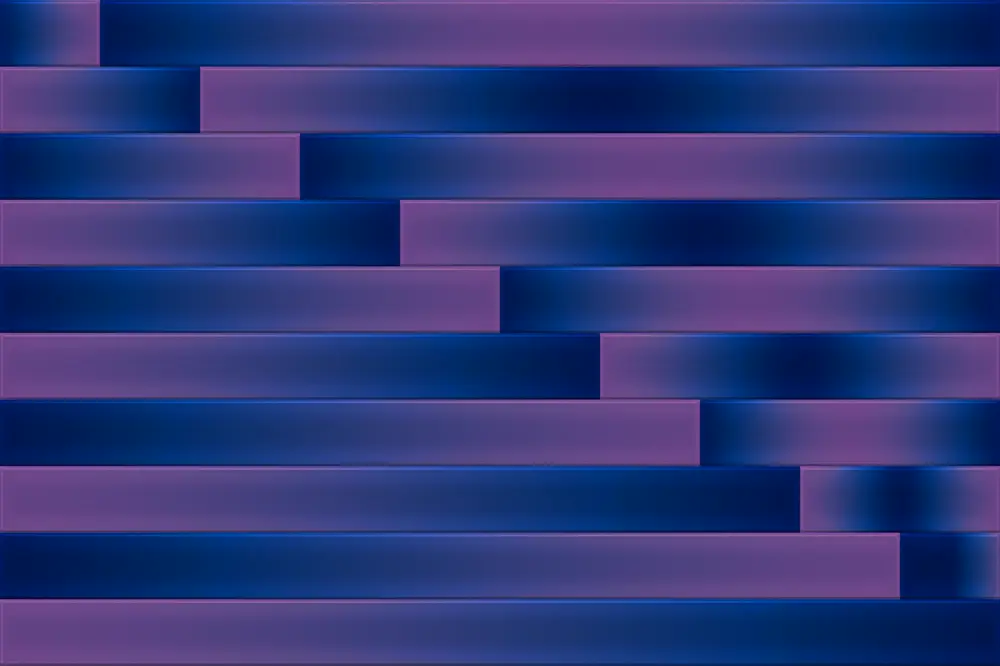
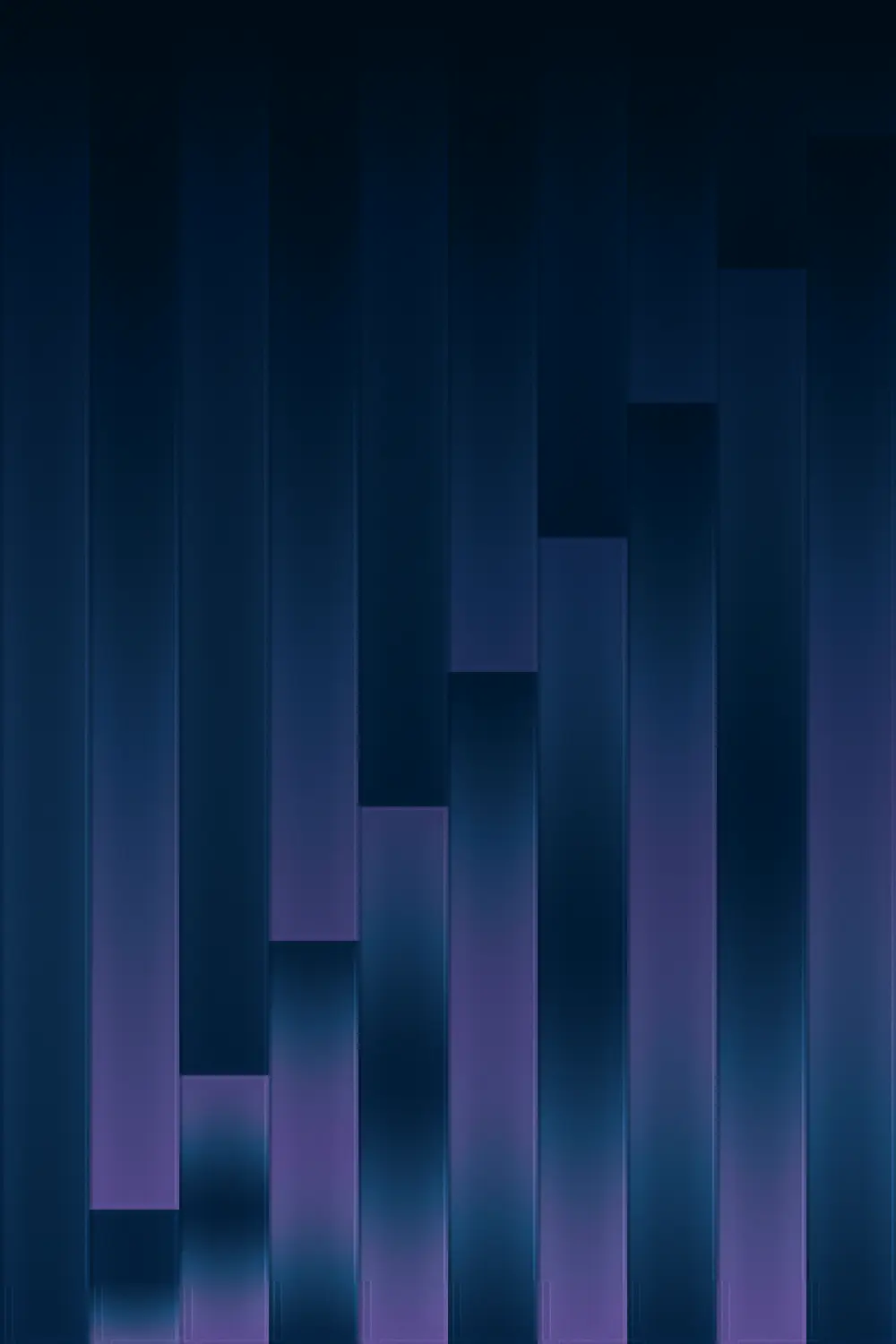
In the world of mobile customization, wallpapers play a crucial role in personalizing your device. While landscapes and portraits are popular choices, geometric patterns offer a unique blend of artistry and simplicity, perfectly suited for the Android platform. These designs can range from minimalist lines to complex tessellations, providing a visually appealing backdrop for your apps and widgets. This article delves into the appeal of geometric patterns as Android wallpapers, exploring different styles, where to find them, and how they can enhance your overall mobile experience.
The popularity of geometric designs stems from their inherent order and balance. They can create a sense of calm and sophistication, or conversely, a vibrant and energetic feel, depending on the colors and shapes used. Android’s flexibility in allowing custom wallpapers makes it an ideal platform to showcase these designs. Choosing the right wallpaper isn’t just about aesthetics; it’s about creating a digital environment that reflects your personality and enhances your daily interactions with your phone.
The Allure of Geometric Designs
Geometric patterns have a long history in art and design, appearing in cultures across the globe. From Islamic mosaics to Art Deco motifs, these designs have consistently captivated viewers with their precision and beauty. Their appeal lies in their ability to create visual interest without being overly distracting. This makes them an excellent choice for a phone wallpaper, where the primary focus should remain on the apps and information displayed.
Several factors contribute to the growing trend of geometric wallpapers. Firstly, they often complement the clean, modern aesthetic of many Android devices. Secondly, they are versatile enough to suit a wide range of tastes, from those who prefer subtle, understated designs to those who enjoy bold, colorful statements. Finally, the availability of high-resolution images ensures that these patterns look crisp and clear on even the most demanding displays.
Different Styles of Geometric Wallpapers
The world of geometric patterns is incredibly diverse. Here are some popular styles you’ll encounter when searching for Android wallpapers:
- Minimalist Lines: These wallpapers feature simple lines and shapes, often in monochrome or muted colors. They create a clean and uncluttered look, perfect for those who prefer a subtle aesthetic.
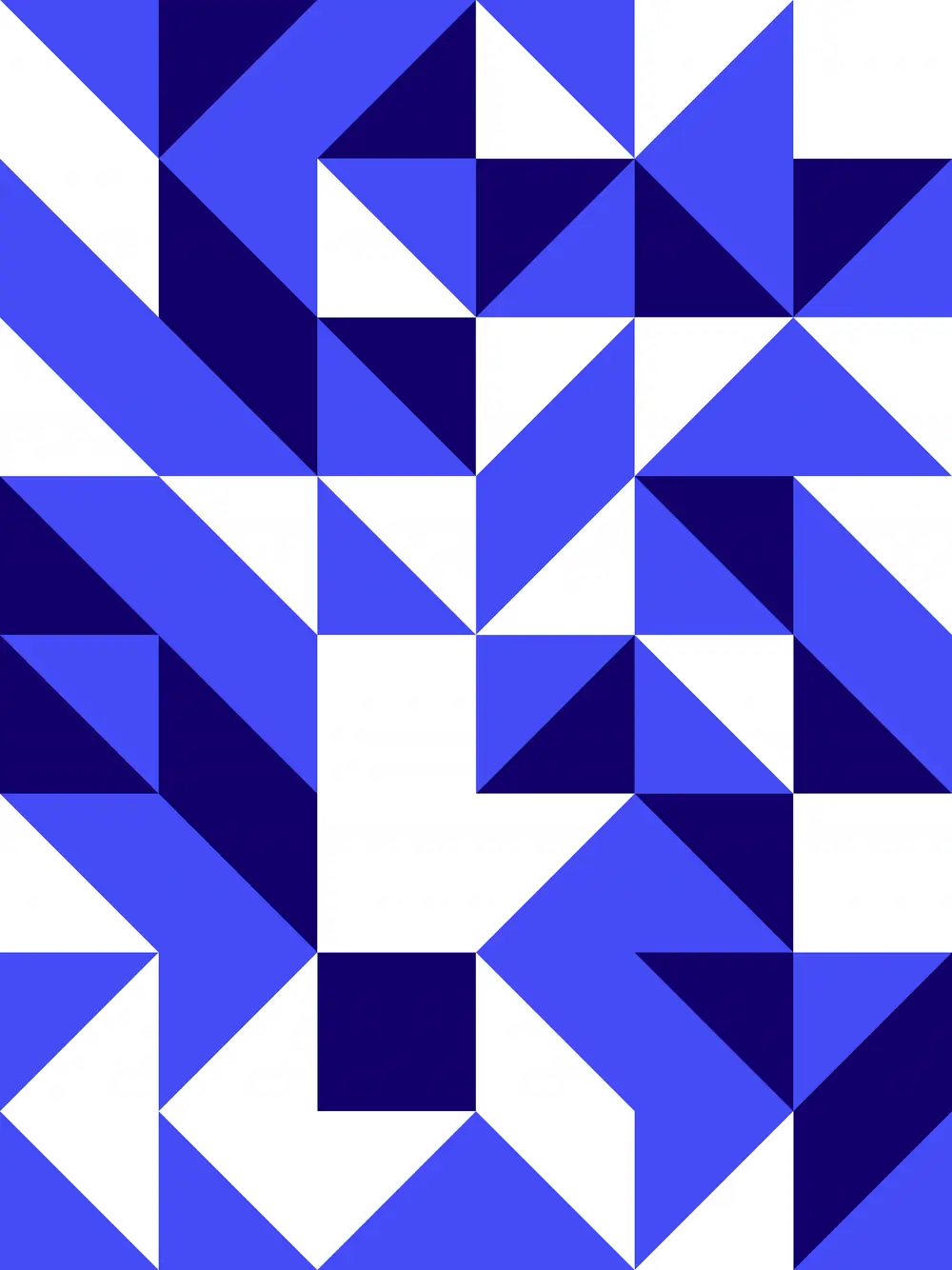
- Tessellations: Tessellations involve repeating geometric shapes to cover a surface without gaps or overlaps. They can be mesmerizing and visually complex, offering a dynamic backdrop for your phone.
- Polygonal Designs: These wallpapers utilize polygons – shapes with straight sides – to create abstract and often colorful compositions.
- Sacred Geometry: Inspired by ancient beliefs, sacred geometry wallpapers incorporate shapes like the Flower of Life and the Seed of Life, believed to hold symbolic meaning.
- 3D Geometric Patterns: These designs create an illusion of depth and dimension, adding a modern and futuristic touch to your phone’s display.
Choosing the right style depends on your personal preferences and the overall look you’re aiming for. Consider how the wallpaper will interact with your app icons and widgets. A busy pattern might clash with a cluttered home screen, while a minimalist design can provide a calming contrast.
Where to Find High-Quality Android Wallpapers
Numerous resources offer a vast selection of geometric wallpapers for Android. Here are a few popular options:
- Unsplash: A popular source for high-resolution, royalty-free images, including a wide variety of geometric patterns.
- Pexels: Similar to Unsplash, Pexels offers a curated collection of stunning wallpapers.
- Wallhaven: A dedicated wallpaper website with a large community and a focus on high-quality images.
- Zedge: A popular app for Android that offers wallpapers, ringtones, and notification sounds.
- Reddit (r/wallpapers, r/androidthemes): These subreddits are great places to discover unique and user-submitted wallpapers.
When downloading wallpapers, always ensure they are of sufficient resolution for your device’s screen. A low-resolution image will appear pixelated and blurry. Most modern Android phones have high-resolution displays, so aim for wallpapers that are at least 1920×1080 pixels, or even higher for QHD or 4K screens. If you’re looking for ways to further customize your phone, you might want to explore themes.
Optimizing Geometric Wallpapers for Your Android Device
Once you’ve found the perfect geometric wallpaper, it’s important to optimize it for your Android device. Here are a few tips:
- Crop the Image: Android allows you to crop wallpapers to fit your screen perfectly. Experiment with different crops to find the composition that looks best.
- Adjust Brightness and Contrast: If the wallpaper is too dark or too bright, you can adjust the brightness and contrast settings on your phone to improve its visibility.
- Consider Dark Mode: If you use dark mode on your Android device, choose a wallpaper that complements the dark background. Darker geometric patterns often work well in this scenario.
- Live Wallpapers: Explore live geometric wallpapers for a dynamic and animated background. However, be mindful that live wallpapers can consume more battery power.
Experimenting with these settings can significantly enhance the visual impact of your wallpaper and create a more personalized experience. Remember that the goal is to find a wallpaper that you enjoy looking at and that complements your overall mobile aesthetic. You can also explore different launchers to further customize your home screen.
Conclusion
Geometric patterns offer a compelling and versatile option for Android wallpapers. Their inherent beauty, combined with their ability to complement modern device aesthetics, makes them a popular choice for users seeking to personalize their mobile experience. Whether you prefer minimalist lines, complex tessellations, or vibrant polygonal designs, there’s a geometric wallpaper out there to suit your taste. By exploring the resources mentioned above and optimizing the wallpaper for your device, you can create a visually stunning and personalized Android home screen.
Frequently Asked Questions
1. Where can I find truly high-resolution geometric wallpapers?
Unsplash and Wallhaven are excellent resources for high-resolution geometric wallpapers. They offer a wide selection of images that are specifically optimized for modern displays. Always check the image dimensions before downloading to ensure they meet your device’s requirements.
2. Do live geometric wallpapers drain my battery faster?
Yes, live wallpapers generally consume more battery power than static images. This is because they are constantly animated and require processing power to run. If battery life is a concern, consider using a static geometric wallpaper instead.
3. How do I choose a geometric wallpaper that doesn’t clash with my app icons?
Opt for simpler geometric patterns with muted colors if you have a lot of colorful app icons. Alternatively, you can choose a wallpaper that incorporates colors that complement your app icons. Experiment with different wallpapers to see what looks best.
4. Can I create my own geometric wallpapers?
Absolutely! There are many graphic design tools available, both online and offline, that allow you to create your own geometric patterns. Canva, Adobe Illustrator, and Inkscape are popular options. This allows for complete customization and a truly unique wallpaper.
5. What’s the best way to crop a wallpaper on Android?
On most Android devices, you can crop a wallpaper by going to Settings > Wallpaper > Choose Wallpaper, then selecting the image and using the cropping tool. You can adjust the crop area to focus on the desired part of the image and ensure it fits your screen perfectly.
Related posts:
Collections like this one connect to a bigger android-wallpapers library — Notch Hiding Wallpapers: Creative Smartphone Backgrounds is a good thread to pull next.
Save your favourites and share the rest — good wallpapers travel fast.
