
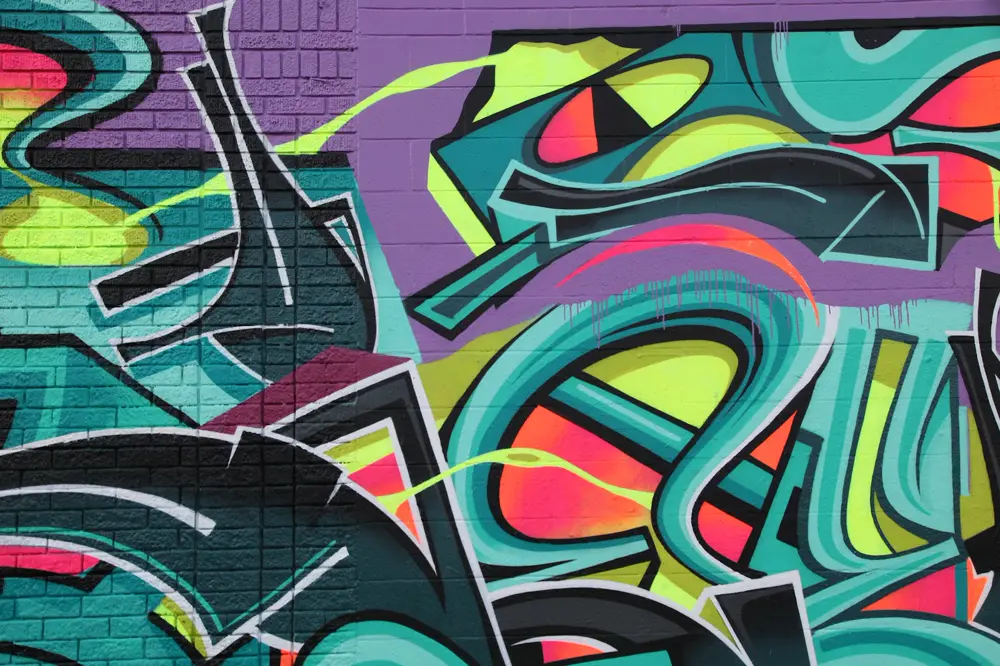
The Rise of Light Urban Aesthetics in Digital Design
In the modern era of digital customization, the way we present our workspaces says a lot about our personality. For years, the trend in desktop backgrounds leaned heavily toward either hyper-realistic landscapes or dark, gritty street art. However, a new movement is taking hold: the 1080p light graffiti wallpaper. This aesthetic combines the raw, rebellious energy of street culture with a soft, clean, and bright color palette that is easier on the eyes during long hours of work or gaming.
Choosing a light-themed urban background allows users to enjoy the complex textures of spray paint and stencil art without the visual heaviness of traditional dark graffiti. This balance of visual interest and minimalist brightness makes it a perfect choice for those who want an inspiring yet professional desktop environment. Whether you are a digital artist looking for inspiration or a student needing a focused workspace, these high-definition backgrounds offer a unique blend of culture and clarity.
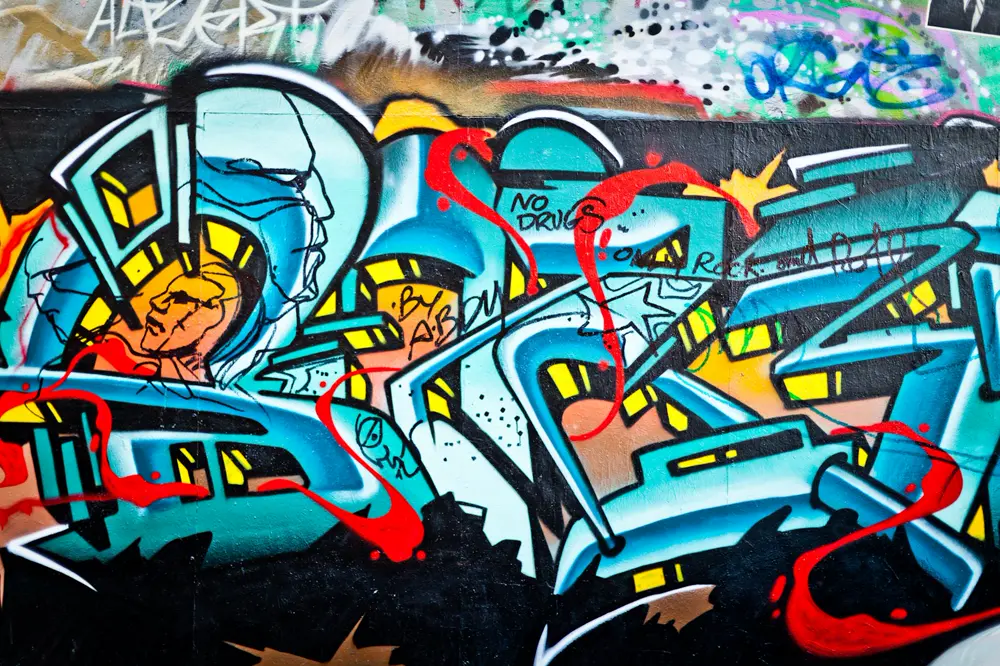
- The Appeal of Light Graffiti Backgrounds
- Popular Styles of Light Graffiti Art
- Technical Benefits of 1080p Resolution
- Color Theory and Visual Comfort
- How to Optimize Your Desktop Layout
Why Choose Light Graffiti Wallpapers?
The primary reason many users are pivoting toward lighter themes is the reduction of cognitive load. Traditional graffiti is often composed of high-contrast, dark colors that can feel overwhelming when viewed for extended periods. In contrast, a light graffiti style uses pastel tones, whites, and soft greys to create a sense of openness. This makes it much easier to locate desktop icons and navigate through folders without being distracted by the background.
Furthermore, the urban vibe provides a sense of movement and creativity. Unlike static geometric patterns, graffiti is inherently fluid. Even in a lighter color scheme, the swirling lines and overlapping layers provide a sense of depth and texture. This keeps the workspace feeling dynamic rather than sterile. If you are looking to refresh your digital environment, exploring different aesthetic choices is the first step toward a more personalized setup.
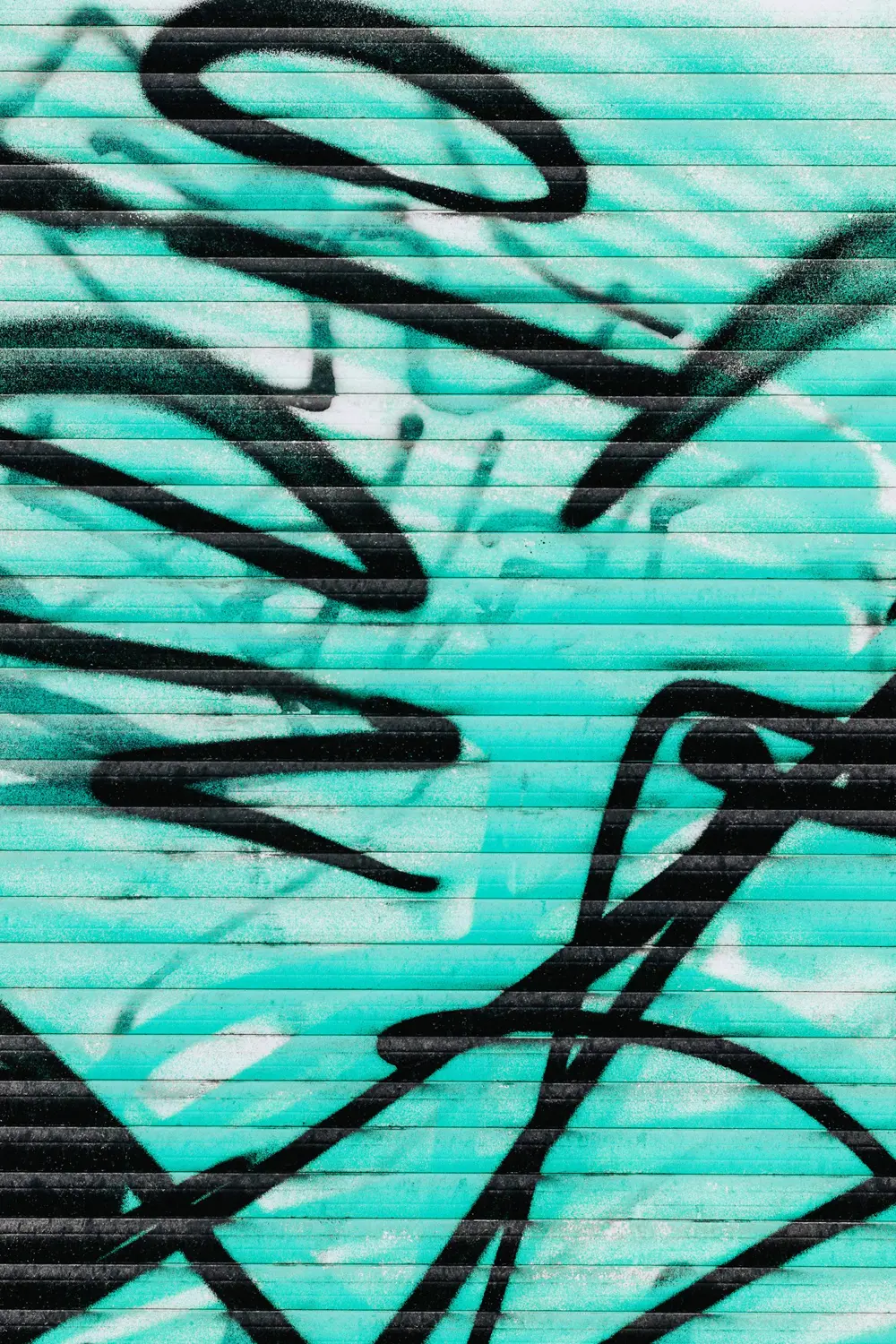
Mental Impact of Bright Workspace Environments
Psychologically, bright environments are often associated with increased alertness and positivity. By incorporating light graffiti, you are bringing a piece of energetic street art into your life, but in a way that promotes a calm and productive atmosphere. The use of off-white backgrounds paired with soft pinks, blues, or mint greens can significantly reduce the perceived “clutter” of a digital screen.
Popular Styles of Light Graffiti Art
Not all graffiti is created equal. When searching for the perfect 1080p background, it is helpful to understand the different sub-genres that fall under the ‘light’ umbrella. Each style offers a different mood for your computer or laptop.
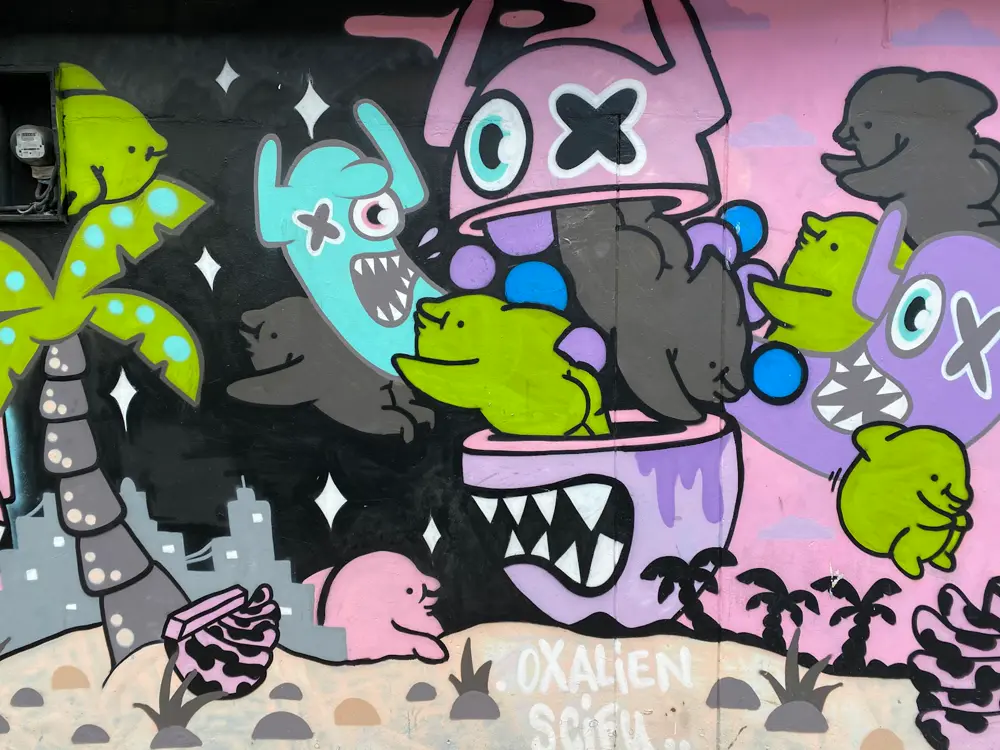
Minimalist Spray Paint Patterns
This style focuses on a single element—perhaps a single splash of color or a solitary tag—set against a vast, clean background. It is the ultimate choice for minimalists who want to maintain a clean look while still acknowledging their love for street culture. The lack of clutter ensures that your high-resolution display shines through without unnecessary distractions.
Pastel Bubble Letters
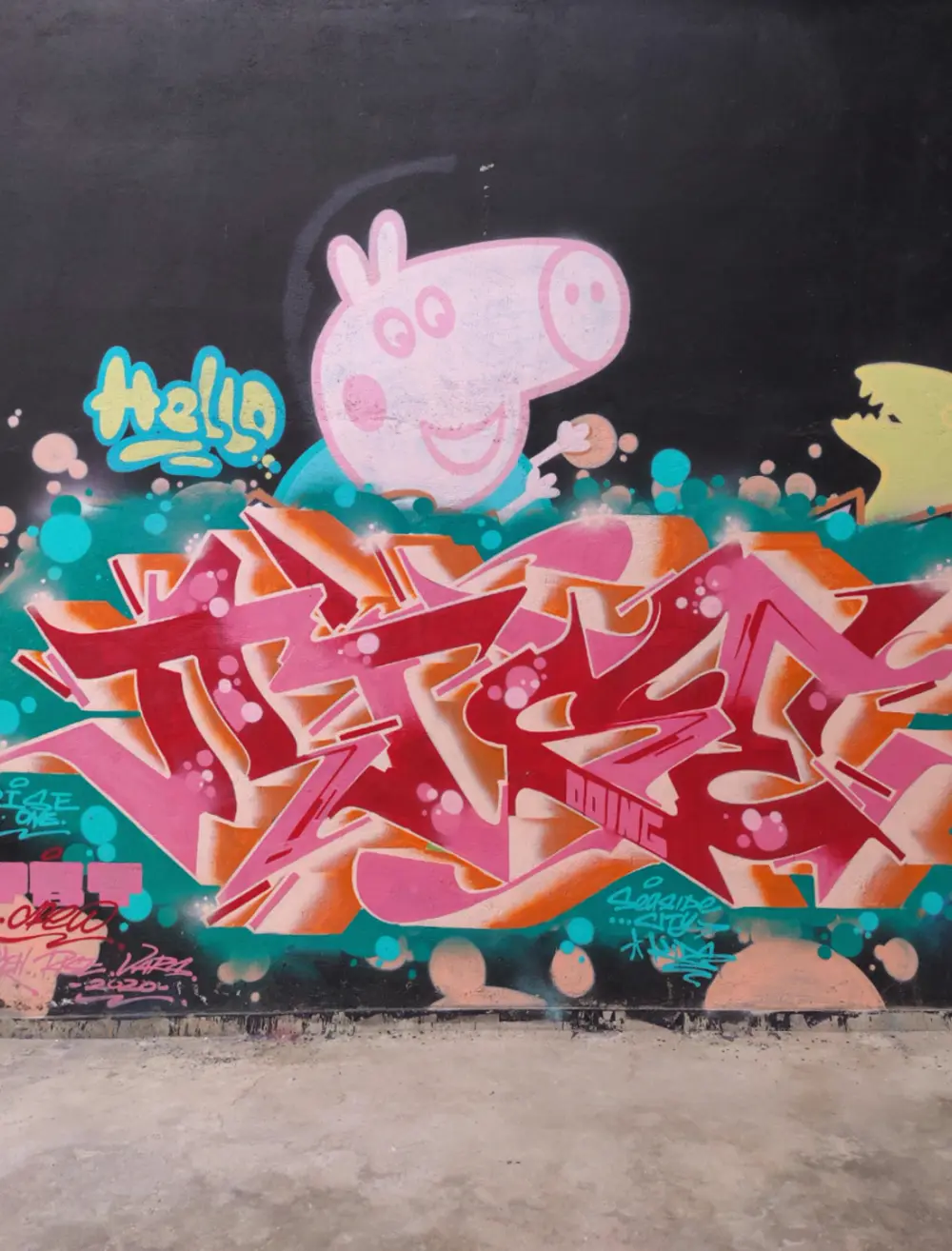
Bubble letters are a staple of classic graffiti, characterized by their rounded, soft edges. When rendered in pastel colors, these letters lose their aggressive edge and become playful and friendly. This style works exceptionally well for creative professionals, such as graphic designers or illustrators, who want a background that feels artistic and approachable.
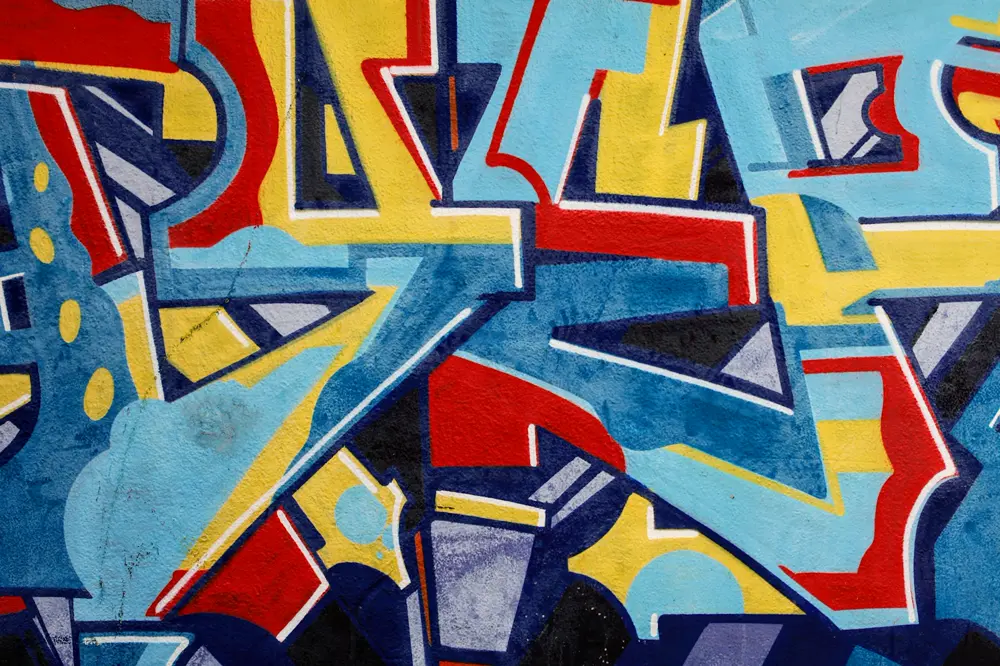
Abstract Aerosol Textures
For those who prefer something less literal, abstract aerosol textures are a fantastic option. These backgrounds focus on the texture of the paint itself—the drips, the fades, and the grain of the spray. By keeping the color palette light, these textures provide a sophisticated, almost marble-like appearance that looks stunning on high-quality LED screens.
Technical Benefits of 1080p Resolution
When discussing digital wallpapers, resolution is everything. A 1080p resolution (1920×1080 pixels) is the industry standard for most Full HD monitors. Using a wallpaper specifically optimized for this resolution ensures that your image remains crisp and free from pixelation.
While many people are moving toward 4K, 1080p remains highly relevant because it offers an optimal balance between file size and visual fidelity. A 1080p light graffiti wallpaper will load quickly, consume minimal system resources, and look perfectly sharp on the majority of consumer-grade displays. When the image is correctly scaled to your screen, the subtle gradients of the light colors will transition smoothly, avoiding the banding artifacts that often plague lower-quality images.
Aspect Ratio and Screen Fitting
It is important to ensure that your wallpaper matches your monitor’s aspect ratio. Most 1080p displays use a 16:9 ratio. If you attempt to use an image that is not formatted correctly, you may encounter stretching or unsightly black bars. Always look for backgrounds that are specifically labeled as 1080p to ensure a seamless, edge-to-edge experience.
Color Theory and Visual Comfort
The science of color plays a massive role in why 1080p light graffiti is becoming a trend. In color theory, lighter colors reflect more light, which can help illuminate a workspace. However, if a background is too bright, it can cause eye strain. The key is to find wallpapers that use muted tones rather than pure, blinding whites.
Soft blues and greens are known for their calming properties, making them ideal for long study sessions. Warm pastels like peach or lavender can make a workspace feel more inviting and cozy. By choosing a light graffiti background with a thoughtful color palette, you are essentially performing a DIY version of ergonomic design for your eyes.
Avoiding Visual Noise
One common mistake when choosing street art wallpapers is selecting designs that are too ‘busy.’ High-density patterns with too many overlapping elements create visual noise. This noise makes it difficult for the brain to filter out the background and focus on the foreground tasks (like reading a document or playing a game). A well-designed light graffiti wallpaper uses negative space effectively, allowing the eye to rest on the lighter areas.
How to Optimize Your Desktop Layout
Once you have found your perfect 1080p light graffiti wallpaper, the next step is to organize your digital space to complement it. A beautiful background can be ruined by a messy desktop.
- Use Transparent Icons: If your operating system allows it, use semi-transparent icons to allow the graffiti textures to peek through.
- Group Your Folders: Keep your most-used applications in a single, organized row to avoid overlapping with the main artistic elements of the wallpaper.
- Match Your Theme: If you are using a light wallpaper, consider switching your OS theme to ‘Light Mode’ for a cohesive aesthetic.
- Mind the Contrast: Ensure that your text and icon colors provide enough contrast against the light background so they remain readable.
Conclusion
The 1080p light graffiti wallpaper is more than just a visual choice; it is a way to blend the vibrant energy of urban life with the functional needs of a modern digital workspace. By prioritizing pastel palettes, high resolution, and minimalist compositions, you can create a desktop environment that is both inspiring and easy on the eyes. Whether you prefer abstract textures or soft bubble letters, the right background can transform your computer from a mere tool into a personal expression of style.
Frequently Asked Questions
1. Why is 1080p preferred over lower resolutions for wallpapers?
1080p provides a specific pixel density that ensures smooth lines and clear textures. Lower resolutions like 720p often appear blurry or pixelated on modern monitors, which ruins the intricate details of graffiti art.
2. Will a light wallpaper increase my screen brightness?
While a light wallpaper reflects more light than a dark one, it won’t change your monitor’s actual brightness setting. However, it may make the screen feel brighter to your eyes due to the higher amount of white/light pigment in the image.
3. Can I use light graffiti wallpapers on my smartphone?
Yes! While 1080p is a landscape resolution, you can find similar ‘light graffiti’ aesthetics in portrait orientation for mobile devices to maintain a consistent theme across all your gadgets.
4. How can I prevent eye strain when using bright wallpapers?
The best way is to choose wallpapers with muted pastels rather than stark, pure white. Additionally, adjusting your monitor’s blue light filter (Night Shift/Night Light) can help balance the brightness.
5. Are there specific file formats I should look for?
For the best quality, look for PNG or high-quality JPEG files. PNG is generally better for maintaining the sharp edges of digital art and avoiding compression artifacts.
Related posts:
If these hit the mark, 1080p Cream Cat Wallpaper: Best Aesthetic Feline Backgrounds keeps the streak going with more 1080p-wallpaper picks.
Save your favourites and share the rest — good wallpapers travel fast.
