
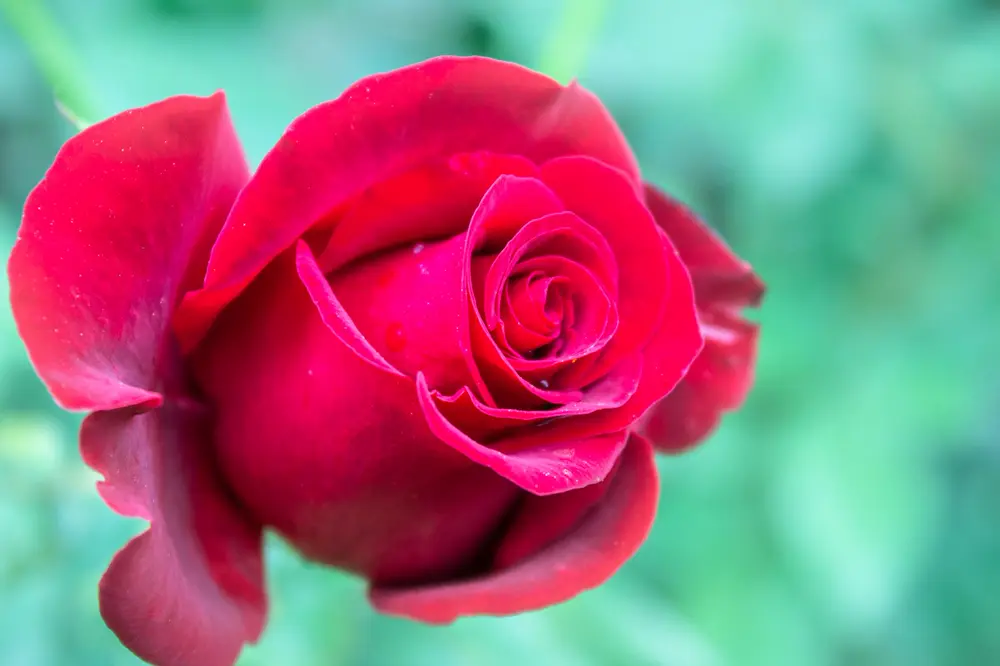
When selecting a visual backdrop for your digital workspace, few motifs rival the timeless elegance of the rose. For laptop users seeking that perfect blend of aesthetic appeal and technical precision, a full HD rose wallpaper offers a stunning solution. It transforms a standard screen into a canvas of color, depth, and tranquility, potentially boosting your mood and focus throughout the day. However, not all high-resolution images are created equal. Understanding how to choose the right file ensures your display remains crisp without compromising system performance.
- Understanding HD vs. Full HD
- Choosing the Perfect Rose Image
- Impact on System Performance
- Common Display Issues
- Frequently Asked Questions
Understanding HD vs. Full HD Resolution
Before downloading any image, it is crucial to understand the terminology surrounding screen resolutions. While many people use the term HD interchangeably with Full HD, they represent distinct pixel densities that affect image clarity. Standard High Definition typically refers to a resolution of 1280×720 pixels. In contrast, Full HD, or 1080p, operates at 1920×1080 pixels. This difference is significant for laptop users because most modern displays are calibrated to utilize the full 1080p range to deliver the sharpest possible image.
Why Pixel Density Matters
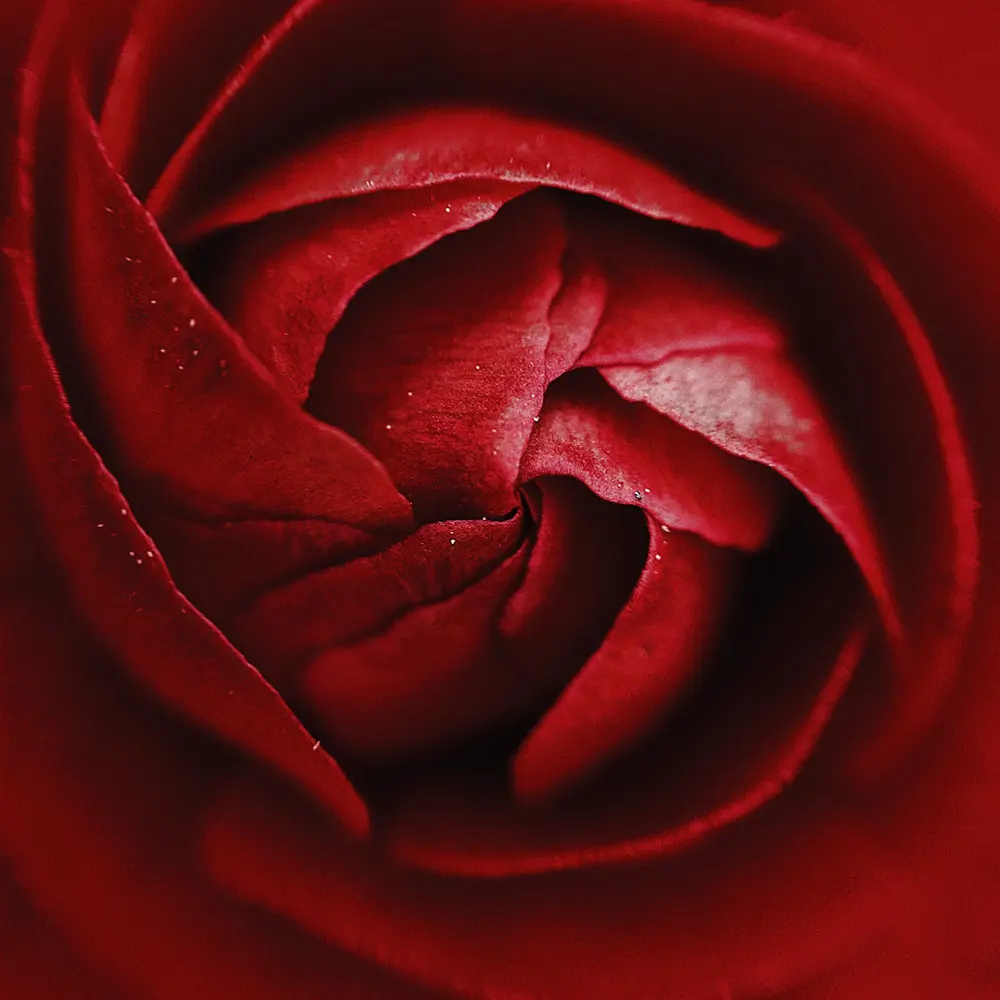
When you apply a lower-resolution image to a full HD screen, the operating system must upscale the pixels to fill the display area. This process often results in a blurry or pixelated appearance, particularly noticeable in detailed areas like rose petals or thorns. By selecting a native full HD rose wallpaper, you ensure that the image maps one-to-one with your screen’s physical pixels. This alignment preserves the fine textures of the flower, keeping the edges sharp and the colors vibrant. For those with 4K displays, a 1080p image will still be upscaled, but using a 4K source is ideal for maximum fidelity. For standard 1080p laptops, however, a 1920×1080 image is the gold standard.
Choosing the Perfect Rose Image for Your Workflow
Selecting the right rose image is not just about finding a pretty flower; it is about enhancing your user experience. The visual elements of the wallpaper should complement your work environment rather than distract from it. A well-chosen image can reduce eye strain and create a calming atmosphere, which is essential for productivity.
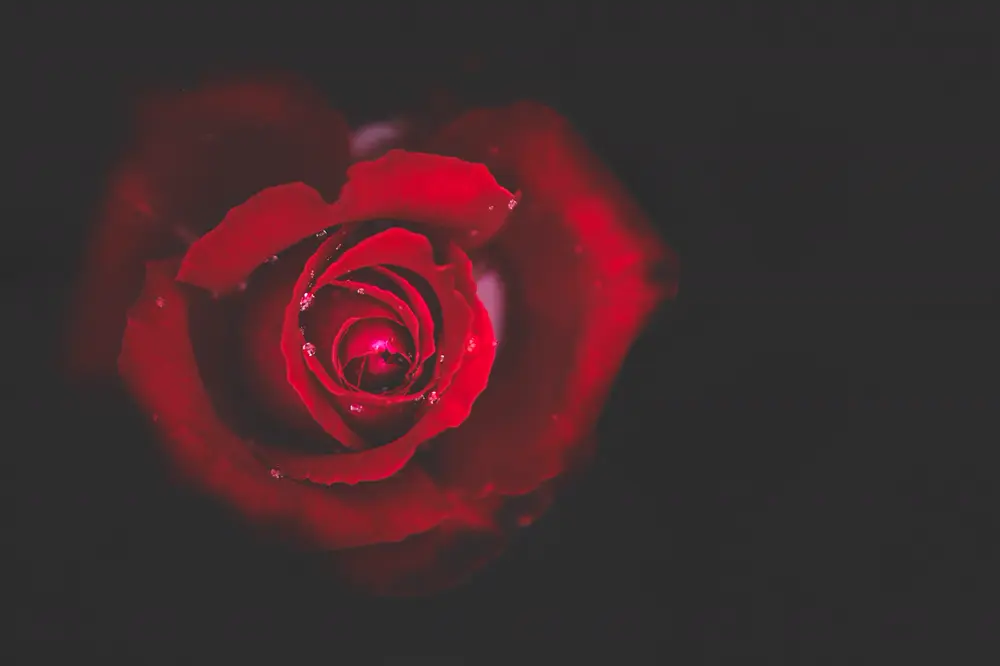
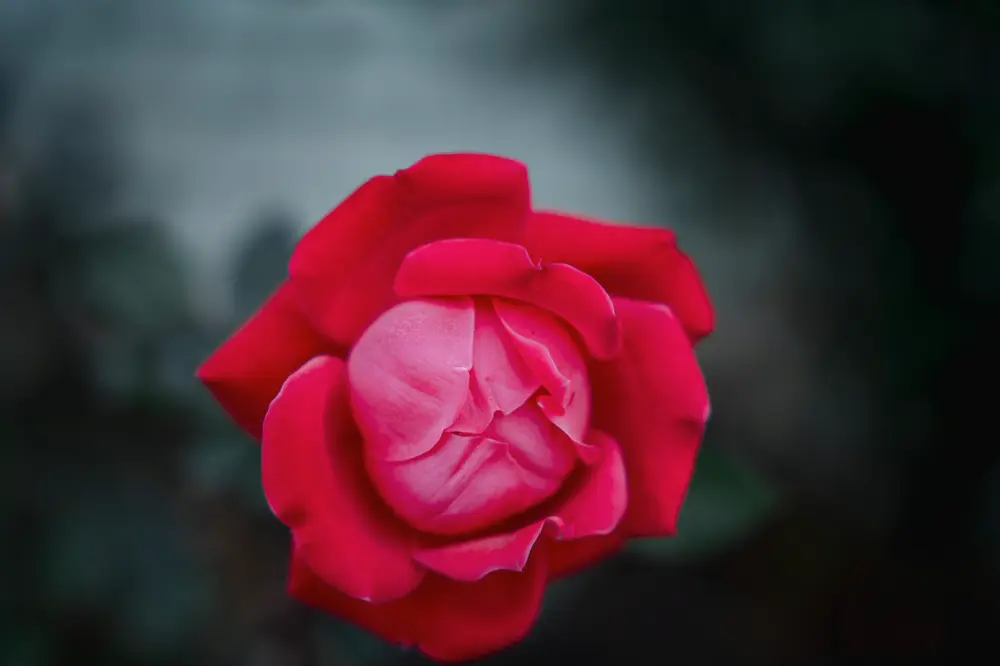
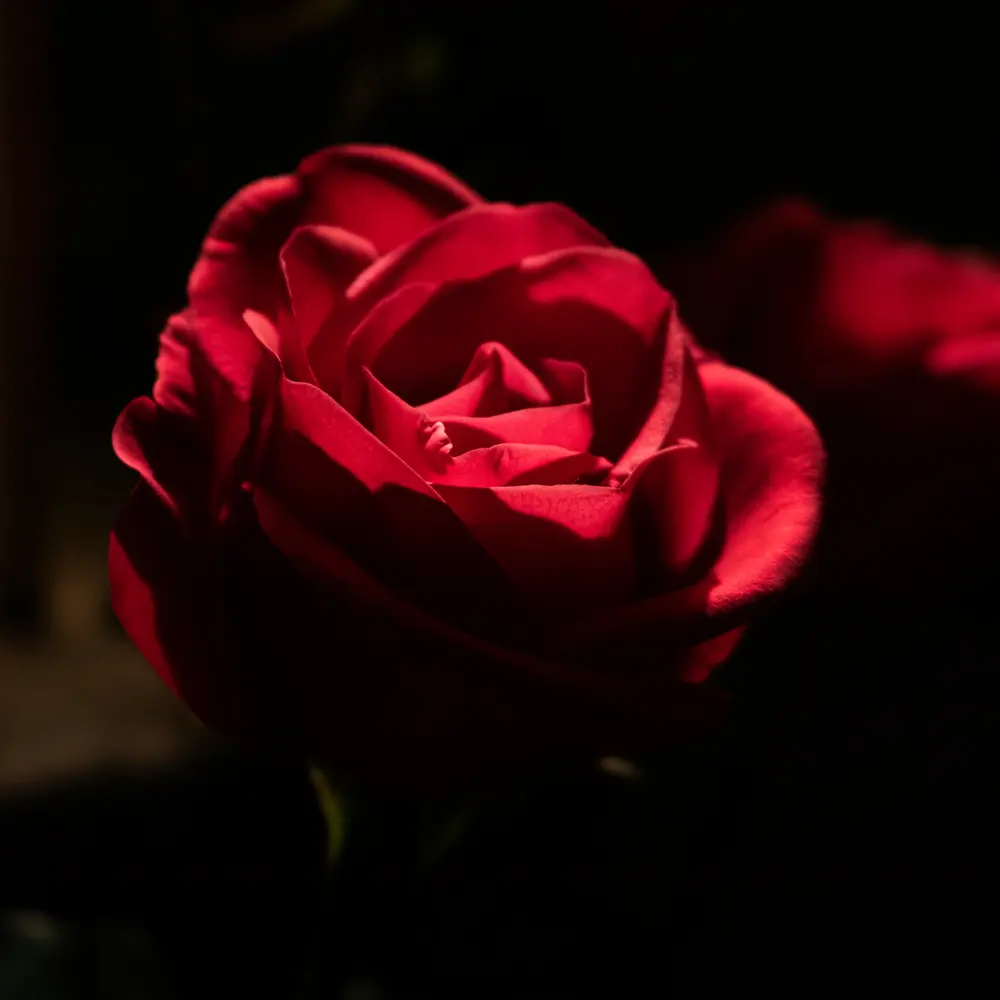
Consider the color palette of the rose. Bright red roses convey passion and energy, which might suit creative professionals or those who need a boost of motivation. Conversely, soft pink or white roses offer a serene and minimalist aesthetic, ideal for data entry or long reading sessions. You may also want to explore variations such as rose photography with dark backgrounds. Dark modes are increasingly popular because they reduce blue light emission, which can help regulate sleep cycles if you work late hours. Additionally, looking for images with ample negative space around the flower ensures that your desktop icons and taskbar remain visible and uncluttered.
Composition and Focal Points
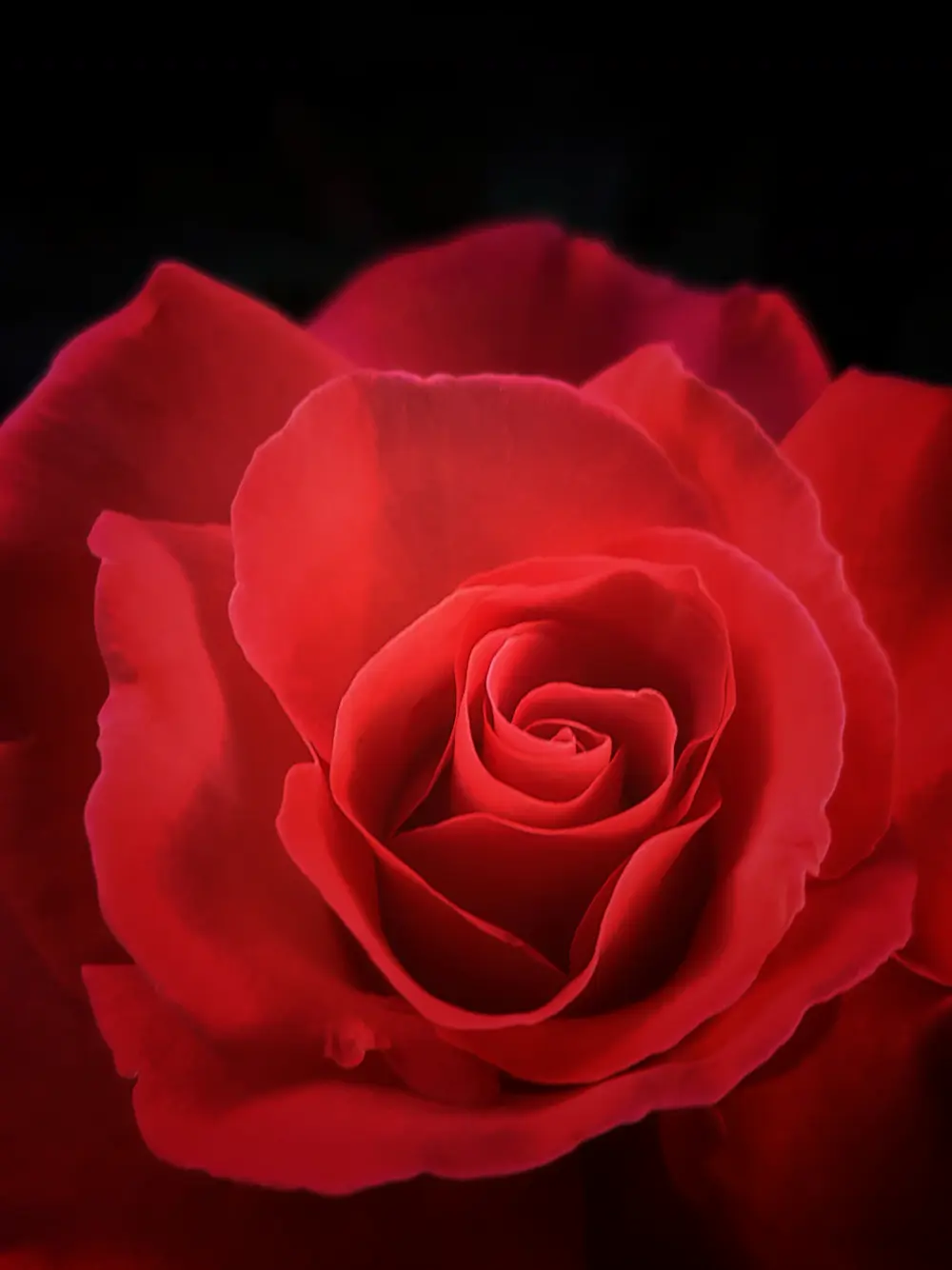
The composition of the photo plays a vital role in how the wallpaper interacts with your interface. A centered rose might clash with centrally placed icons, while a corner-focused composition allows for a more balanced desktop layout. High-quality stock photography often features shallow depth of field, blurring the background to make the rose pop. This technique is particularly effective for full HD rose wallpaper options because it draws the eye to the subject without overwhelming the user with excessive detail. When browsing for images, look for those with a clear focal point and a harmonious color gradient. Avoid images with harsh contrasts or overly busy backgrounds, as these can become visually fatiguing over time. You might also consider finding inspiration from flower design trends to see what styles are currently popular in digital art.
Impact on System Performance and Battery Life
A common misconception is that high-resolution wallpapers significantly drain battery life or slow down a laptop. In reality, the impact is negligible, but there are subtle factors worth considering. Modern operating systems like Windows 10 and macOS handle image rendering efficiently, meaning a static 1080p JPEG or PNG file consumes minimal resources. However, animated wallpapers or live backgrounds can have a more noticeable effect on CPU usage and battery longevity. If your primary goal is to save battery life, a static full HD rose wallpaper is the superior choice.
File Formats and Quality
The file format of your wallpaper also influences storage and loading speed. JPEG files are compressed and smaller in size, making them ideal for photographic wallpapers where minor compression artifacts are barely visible. PNG files, on the other hand, are lossless and support transparency, but they result in larger file sizes. For a rose photograph, a high-quality JPEG is usually sufficient. Ensure the image is not excessively compressed, as this can lead to color banding, where smooth gradients appear as distinct steps. This is particularly evident in the shadows of the petals. To avoid this, download images from reputable sources that offer high-bit-rate files. Additionally, check the color profile of the image. sRGB is the standard for web and most laptop screens, ensuring that the colors appear consistent across different devices.
Common Display Issues and How to Fix Them
Even with the best image, you may encounter display issues such as stretching, cropping, or color inaccuracies. These problems are often related to how the operating system applies the wallpaper to your specific screen resolution. If your rose wallpaper appears stretched or distorted, check your display settings. Ensure that the wallpaper is set to “Fit” or “Fill” rather than “Stretch.” The “Fill” option usually crops the image slightly to maintain the aspect ratio, which is generally preferred for preserving image integrity. If the colors look washed out, verify that your monitor is set to the correct color profile. Some laptops allow you to switch between sRGB and Adobe RGB profiles, so test both to see which renders the rose hues most accurately.
Adjusting for Multiple Monitors
If you use your laptop with an external monitor, the wallpaper application can become more complex. Most operating systems allow you to set different wallpapers for each screen. You might choose a high-contrast version of the rose for your primary display and a softer, blurred version for your secondary screen. This setup helps distinguish between the two displays while maintaining a cohesive aesthetic. Remember to download a version of the image that matches the resolution of each monitor to avoid scaling issues. For instance, if your external monitor is 1440p, a 1080p image will look blurry on that specific screen. Always prioritize native resolution for each display to ensure the best possible visual experience.
Conclusion
Choosing a full HD rose wallpaper is a simple yet impactful way to personalize your laptop and enhance your daily digital interactions. By understanding the technical aspects of resolution, file formats, and display settings, you can ensure that your chosen image looks its best. Whether you prefer the boldness of a red rose or the serenity of a white bloom, the right wallpaper can serve as a constant source of inspiration and comfort. Take the time to select an image that aligns with your aesthetic preferences and workflow needs, and enjoy a more visually pleasing and productive computing experience. Remember to periodically update your wallpaper to keep your desktop fresh and engaging.
Frequently Asked Questions
What is the best file size for a full HD rose wallpaper?
For a 1920×1080 resolution, a JPEG file between 500KB and 1MB is typically ideal. This size offers a good balance between image quality and storage efficiency. Larger files may not provide noticeable improvements in clarity on a standard laptop screen, while significantly smaller files may exhibit compression artifacts.
Does a high-resolution wallpaper affect gaming performance?
No, a static high-resolution wallpaper does not affect gaming performance. The image is rendered once and cached by the graphics driver. Only animated or live wallpapers can consume CPU or GPU resources, which might impact frame rates in demanding applications.
How do I prevent my rose wallpaper from looking pixelated?
Ensure the image resolution matches your screen’s native resolution. If your screen is 1080p, use a 1920×1080 image. Avoid using lower-resolution images that need to be upscaled, as this causes pixelation. Also, check that the image is not heavily compressed, which can degrade detail.
Can I use a PNG file for my rose wallpaper?
Yes, you can use a PNG file. PNG is a lossless format that preserves image quality perfectly. However, PNG files are larger than JPEGs. For photographic wallpapers like roses, a high-quality JPEG is usually sufficient and takes up less storage space. Use PNG if the image has transparency or requires extreme clarity.
What color profile should I use for the best rose colors?
sRGB is the standard color profile for most laptop screens and web images. Using an sRGB image ensures that the colors will display accurately on your device. If you use a profile like Adobe RGB, the colors might appear washed out or different on a screen that does not support that wider gamut.
Related posts:



Found a favourite here? 1080p Cream Grunge Wallpaper: Aesthetic & Download Guide is the natural next stop on this trail.
Save your favourites and share the rest — good wallpapers travel fast.
