
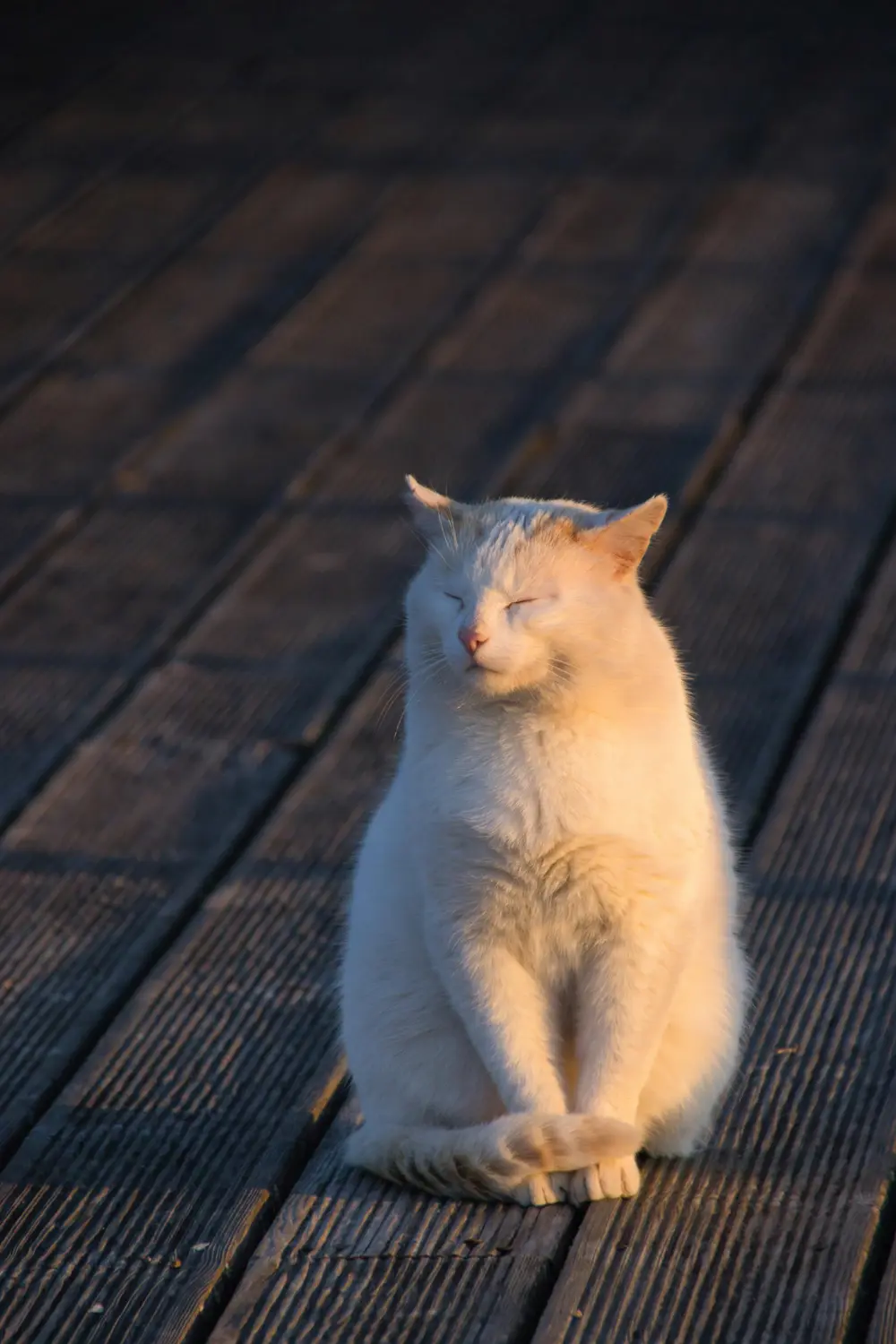
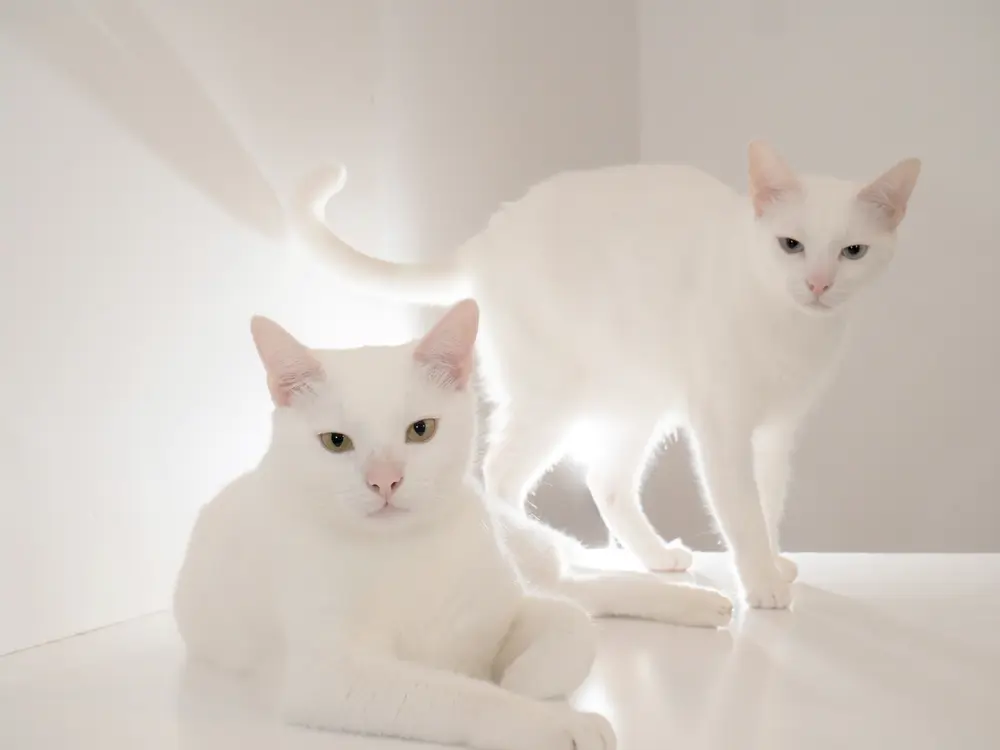
Are you looking to transform your digital workspace or physical living area with a touch of feline charm? A light cat wallpaper background is more than just a cute image; it is a strategic aesthetic choice that enhances user experience, reduces visual fatigue, and injects personality into your environment. Whether you are a developer optimizing a website, a designer curating a portfolio, or a user seeking a calming desktop aesthetic, understanding the nuances of light-toned cat imagery can significantly impact your overall vibe. In this comprehensive guide, we explore the best practices for selecting, implementing, and optimizing these backgrounds to ensure they serve both form and function without compromising performance or accessibility.
- design principles for light cat backgrounds
- Technical optimization for web and desktop use
- Psychological impact of soft imagery
- Common mistakes to avoid
- FAQs on usage and customization
The Aesthetic Appeal of Light Cat Wallpaper Backgrounds
Light cat wallpaper backgrounds typically feature cream, beige, white, or pastel-toned felines. These images stand in stark contrast to the dark mode trends that have dominated the tech industry in recent years. The primary appeal lies in their ability to create a clean, airy, and minimalist atmosphere. For users who find dark themes too stark or harsh on the eyes, light backgrounds offer a softer alternative that mimics natural daylight. This is particularly effective for users who work during the day, as it aligns with their circadian rhythms and reduces the jarring transition between screen and physical surroundings.

From a design perspective, light backgrounds allow for high-contrast text readability when used behind content. If you are using a light cat image as a website background, the subtle tones ensure that dark text remains legible without the need for heavy overlay filters. This seamless integration makes light cat wallpapers a favorite among web designers who prioritize both aesthetics and usability. The softness of the imagery also contributes to a sense of calm, which is why these backgrounds are frequently chosen for wellness apps, meditation platforms, and personal blogs focused on lifestyle and pet care.
Why Light Tones Matter in Visual Hierarchy
Visual hierarchy is a critical component of effective design. When using a light cat wallpaper background, the low-contrast nature of the image ensures that it stays in the background, literally and figuratively. Unlike vibrant or high-contrast images, light tones do not compete with foreground elements. This is crucial for productivity setups where the background must not distract from the primary task. Whether you are using a digital tool or physically printing a poster, the subtle detailing in light-toned cat images allows the viewer’s eye to rest while still enjoying the aesthetic benefit of the artwork.
Technical Optimization for Digital Devices
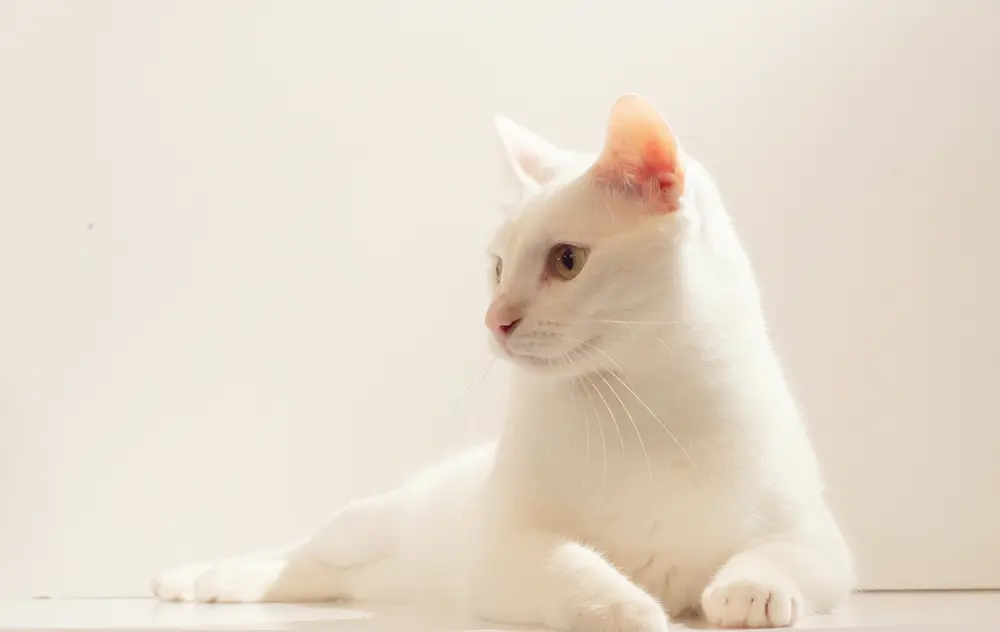
Choosing the right file format and resolution is essential for maintaining performance. For desktop use, a minimum resolution of 1920×1080 pixels is standard, but 4K (3840×2160) is recommended for high-DPI displays to prevent pixelation. For mobile devices, you should consider the aspect ratio, which varies between iPhone and Android models. Using a responsive image strategy ensures that the light cat wallpaper scales appropriately without cropping important details, such as the cat’s eyes or facial features.
File size is another critical factor. Large image files can slow down loading times, which is detrimental for web-based implementations. Compressing images using tools like TinyPNG or ImageOptim can reduce file size by up to 70% without noticeable quality loss. For websites, converting the image to WebP format offers superior compression rates compared to JPEG or PNG, ensuring faster load times and better Core Web Vitals scores. This technical approach is vital for maintaining a smooth user experience, especially on mobile networks with limited bandwidth.
Browser and OS Compatibility
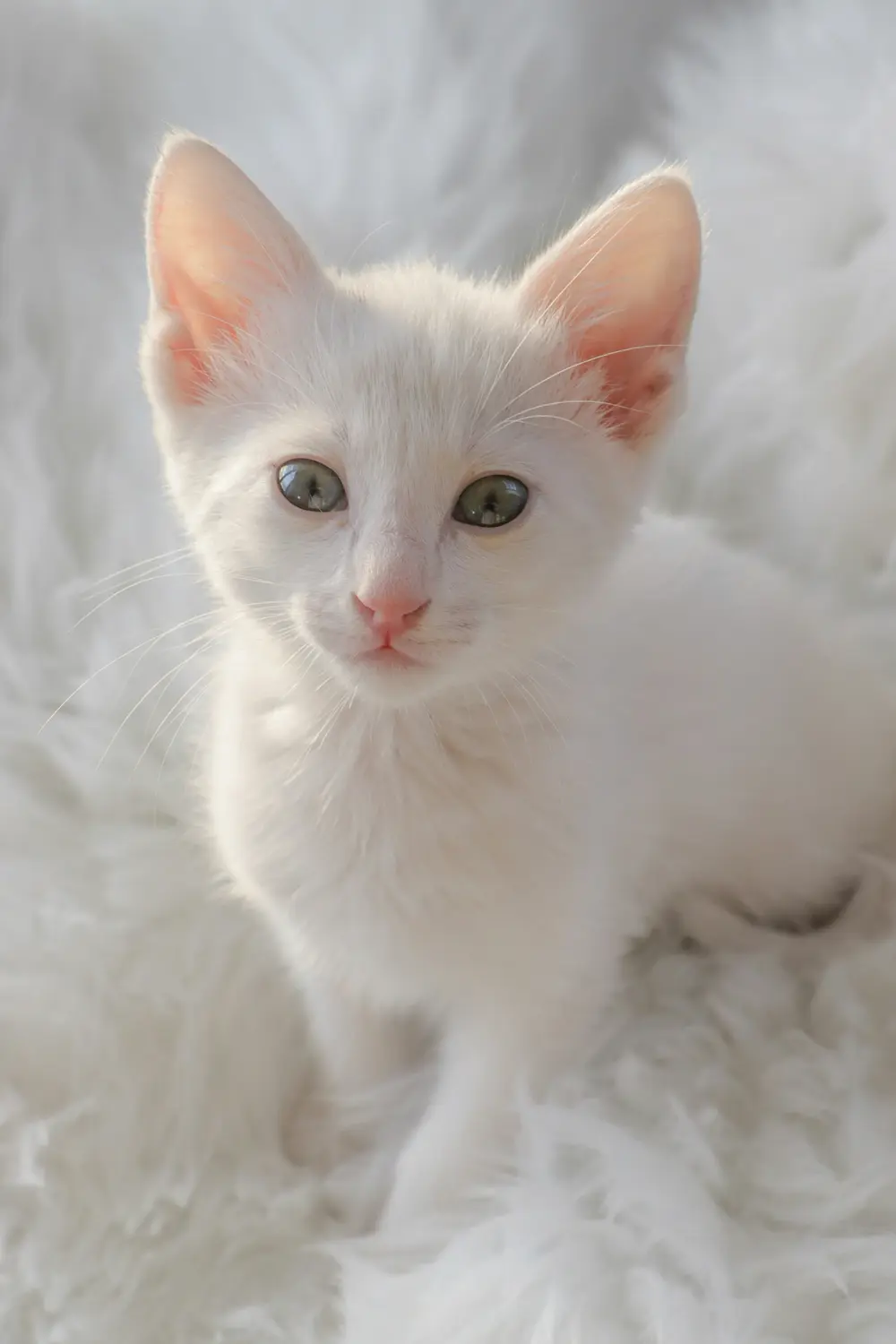
Different operating systems handle default wallpapers differently. Windows allows for simple background setting, while macOS integrates wallpapers more deeply with the desktop experience, including dynamic changes based on time of day. If you are using a light cat image as a static background, ensure that it is saved in a universally supported format like JPG or PNG. For advanced users, creating a custom dynamic wallpaper that shifts from a light morning cat to a slightly warmer evening tone can add an extra layer of sophistication to the setup.
Psychological Benefits of Soft Imagery
There is growing evidence that biophilic design elements, including nature and animal imagery, can reduce stress and improve cognitive function. Light cat wallpaper backgrounds tap into this principle by providing a gentle, non-threatening visual stimulus. Cats are often associated with independence, calm, and comfort, making them ideal subjects for relaxation-focused environments. The soft color palettes associated with light tones further enhance this effect, creating a serene atmosphere that can aid in focus and relaxation.
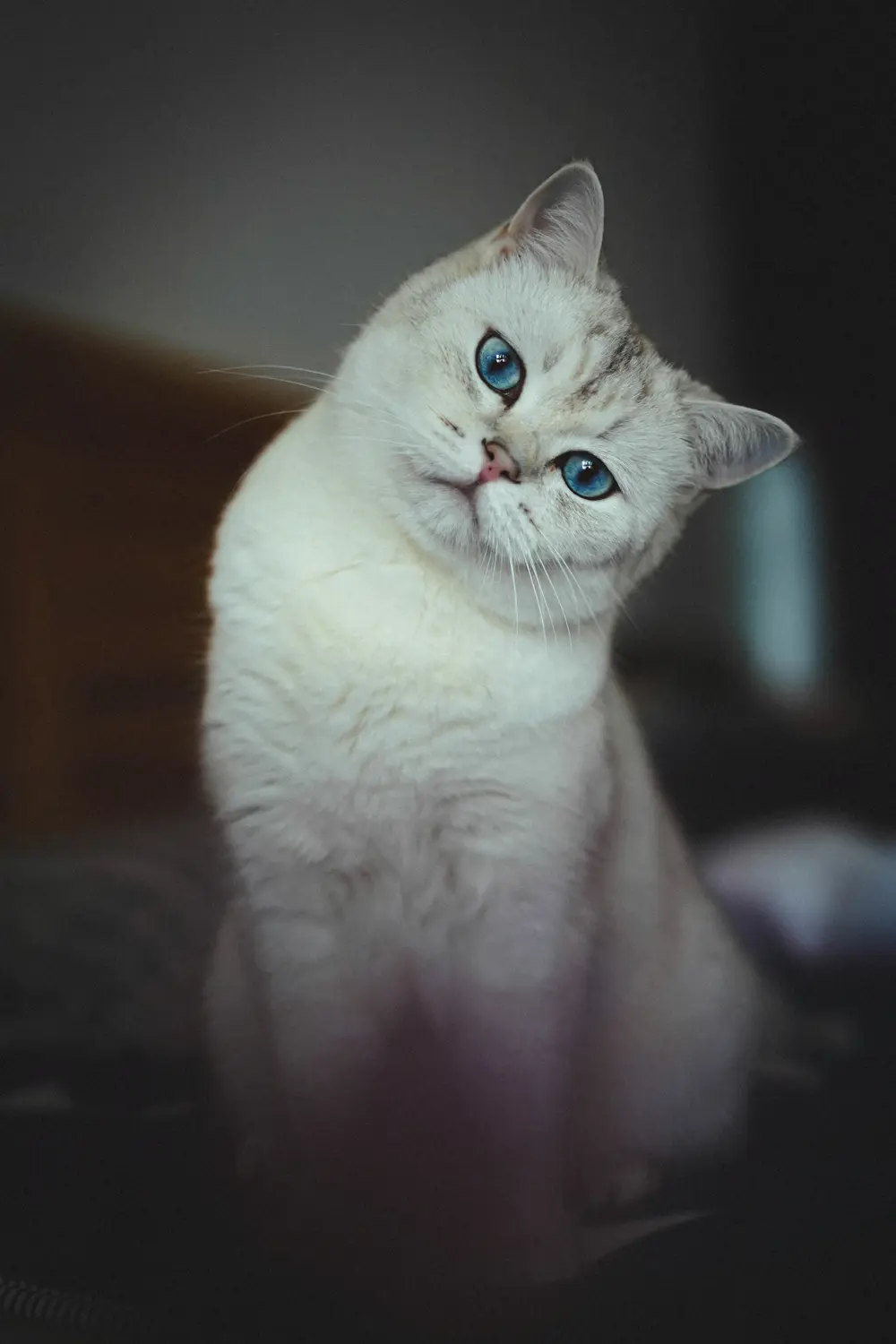
For individuals with ADHD or sensory processing sensitivities, light backgrounds can be particularly beneficial. High-contrast or chaotic images can be overstimulating, whereas the muted tones of a light cat wallpaper provide a stable visual anchor. This stability allows the mind to focus on tasks without the constant distraction of competing visual elements. Many productivity apps now offer ambient background options, and light cat imagery is a popular choice among users who seek a balance between engagement and calm.
Impact on Mood and Productivity
Studies in environmental psychology suggest that the colors and subjects in our visual environment influence our mood and productivity. Pastel and neutral tones are known to promote feelings of tranquility and clarity. When combined with the endearing nature of cats, these backgrounds can create a positive association with the workspace. This is especially true for remote workers who spend long hours in front of screens. A well-chosen light cat wallpaper can make the digital workspace feel more personal and inviting, reducing the sense of isolation often associated with remote work.
Common Mistakes to Avoid
While light cat wallpapers are versatile, there are common pitfalls that can undermine their effectiveness. One major mistake is choosing an image with poor compression, leading to visible artifacts or blurriness. Another is neglecting the aspect ratio, which can result in awkward cropping or stretched images. Additionally, using a light background in a dark room can cause eye strain due to the high brightness contrast. It is important to adjust the monitor brightness to match the ambient lighting conditions to ensure comfort.
Another error is using a light cat wallpaper as a full-screen background for text-heavy websites without considering contrast ratios. While the image may look beautiful, it may not meet WCAG accessibility standards for text legibility. Always test your background with both black and dark grey text to ensure that the contrast ratio is at least 4.5:1 for normal text. Using a semi-transparent overlay can help maintain the aesthetic while improving readability.
Avoiding Copyright Issues
One of the most overlooked aspects of using cat wallpapers is copyright compliance. Not all images found online are free to use. Always verify the license of the image, especially if you are using it for commercial purposes. Platforms like Unsplash, Pexels, and Pixabay offer high-quality, royalty-free images that are safe to use. If you are commissioning custom artwork, ensure that you have a clear license agreement that specifies the rights of usage and reproduction.
Conclusion
Implementing a light cat wallpaper background is a simple yet impactful way to enhance your digital and physical spaces. By considering aesthetic appeal, technical optimization, and psychological benefits, you can create an environment that promotes focus, calm, and enjoyment. Whether you are a designer, developer, or casual user, the key is to choose high-quality images that align with your specific needs and preferences. Remember to prioritize accessibility, performance, and copyright compliance to ensure a seamless and positive experience. As you explore different options, pay attention to the subtle details that make a light cat image truly special, from the softness of the fur to the warmth of the lighting. With the right approach, your background can become a source of inspiration and relaxation, adding a touch of feline charm to your daily routine.
Frequently Asked Questions
What is the best resolution for a light cat wallpaper on a 4K monitor?
For a 4K monitor, the ideal resolution is 3840×2160 pixels. This ensures that the image is sharp and detailed without any pixelation. If the image is smaller, it will be upscaled, which can result in a blurry appearance. Always download high-resolution images to maintain quality.
Can I use a light cat wallpaper for a commercial website?
You can use a light cat wallpaper for a commercial website if you have the appropriate license. Many stock photo sites offer commercial licenses for their images. However, you should always check the specific terms of use for the image you are using. Using copyrighted images without permission can lead to legal issues.
How do I make a light cat wallpaper dynamic on my phone?
To create a dynamic wallpaper on your phone, you can use apps that allow you to set different images for different times of the day. For example, you can use a lighter image in the morning and a slightly warmer tone in the evening. This creates a subtle change that mimics natural light. Alternatively, you can use video wallpapers that feature a cat moving gently.
Why do light backgrounds cause eye strain in dark rooms?
Light backgrounds cause eye strain in dark rooms because of the high contrast between the bright screen and the dark surroundings. This forces your pupils to constrict, which can lead to fatigue. To reduce eye strain, adjust your monitor brightness to match the ambient lighting in the room. Using a dim light in the room can also help reduce the contrast.
How do I ensure text is readable on a light cat wallpaper?
To ensure text readability on a light cat wallpaper, use dark text with a high contrast ratio. You can also use a semi-transparent overlay to darken the background slightly. This helps the text stand out without obscuring the image. Always test the background with different text colors to ensure legibility.
Related posts:


Collections like this one connect to a bigger aesthetic-background library — Light Flower Wallpaper Art: Trends & Inspiration is a good thread to pull next.
Save your favourites and share the rest — good wallpapers travel fast.
