
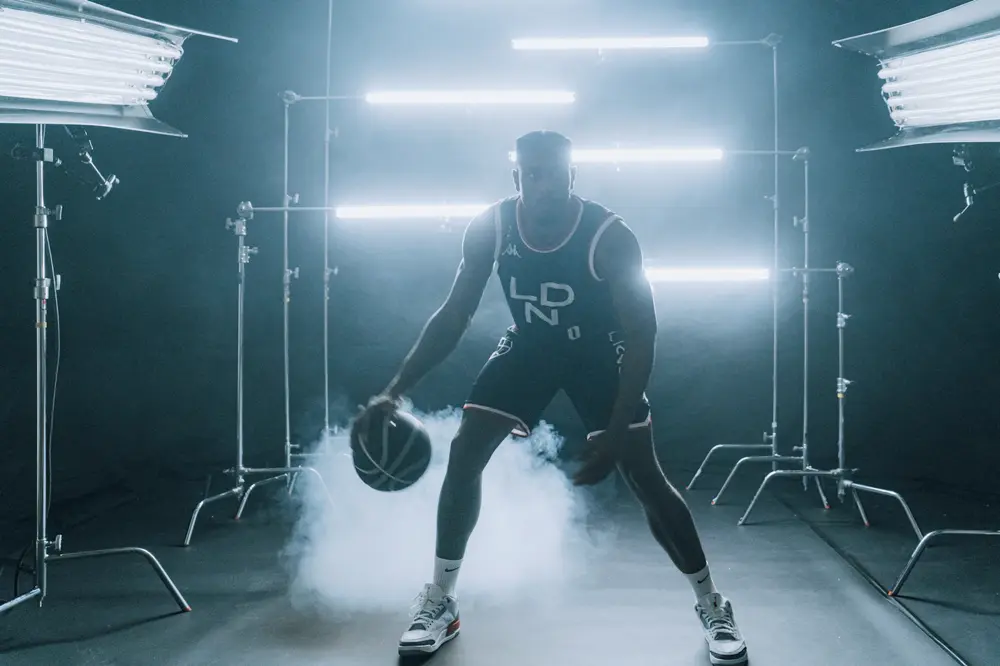
Why 8K White Basketball Wallpapers Dominate Visual Aesthetics
The digital landscape of sports imagery has shifted dramatically with the advent of ultra-high-resolution displays. For enthusiasts of the hardwood and basket, finding the perfect basketball wallpaper is no longer just about having a picture; it is about experiencing a visual immersion that matches the intensity of the game. The specific niche of 8K white basketball wallpaper has emerged as a premium choice for users who value clarity, minimalism, and high dynamic range. This specific aesthetic combines the stark, clean lines of a white background with the detailed texture of the leather ball, creating a striking contrast that pops on modern OLED and QLED monitors.
The demand for this specific style stems from several factors. First, white backgrounds reduce visual clutter, allowing the ball itself to be the sole focus. Second, 8K resolution ensures that even when zoomed in, the pebbled texture of the ball remains crisp and defined. This is crucial for users who use their desktops for design work, gaming, or simply as a statement piece in their home office or gaming setup. The interplay of light and shadow on a white sphere against a white or light gray backdrop creates a sophisticated, professional look that transcends typical fan gear.
- Understanding the technical benefits of 8K resolution
- How white backgrounds enhance visual hierarchy
- Best practices for file formats and settings
- Curating a personalized desktop experience
Technical Superiority of 8K Resolution in Sports Imagery
To appreciate the value of an 8K white basketball wallpaper, one must understand the underlying technology of high-resolution displays. 8K resolution refers to a screen resolution of approximately 7,680 x 4,320 pixels. This is four times the number of pixels found in a standard 4K UHD display. When applied to sports photography, particularly close-ups of a basketball, this pixel density allows for the preservation of minute details that would otherwise be lost in compression or downscaling.
Pixel Density and Texture Fidelity
In lower resolutions, the distinct pebbles on a basketball’s surface can blur into a uniform gray mass. However, at 8K, each individual texture point is rendered with precision. This level of detail is critical for maintaining the tactile realism of the image. For users with large monitors or high-density screens, using a lower resolution image results in visible pixelation and a soft, washed-out appearance. An 8K source file ensures that the image remains sharp and impactful, even on the largest professional-grade displays.
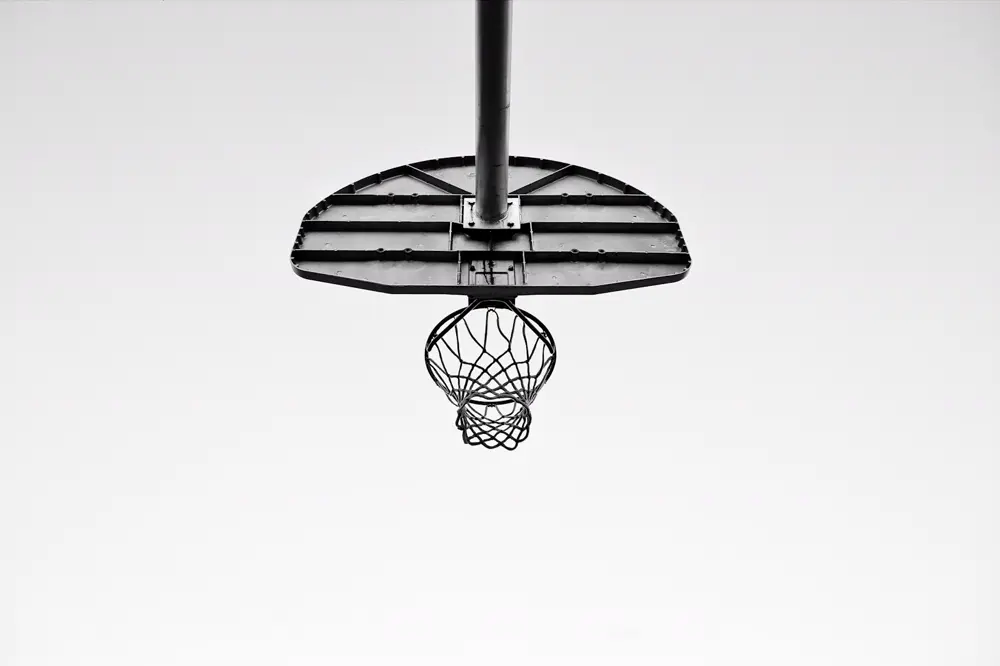
Color Accuracy and Dynamic Range
White is a complex color in digital imaging. It is not merely a single hex code but a spectrum of subtle grays and highlights that define the form of an object. In an 8K image, the dynamic range allows for a broader spectrum of these subtle tones to be displayed. This means that the highlights on the ball do not clip into pure, flat white, preserving the three-dimensional shape of the sphere. This technical fidelity is what separates a professional-grade wallpaper from a generic stock photo.
The Aesthetic Impact of the White Background
The choice of a white or monochromatic background is a deliberate design decision that serves specific psychological and functional purposes. In the context of desktop environments, visual noise is a primary culprit for cognitive fatigue. A busy background with logos, crowds, or court lines can distract from the user’s primary tasks. A white basketball wallpaper eliminates this distraction, offering a clean canvas that complements any icon set or window arrangement.
Minimalism and Professionalism
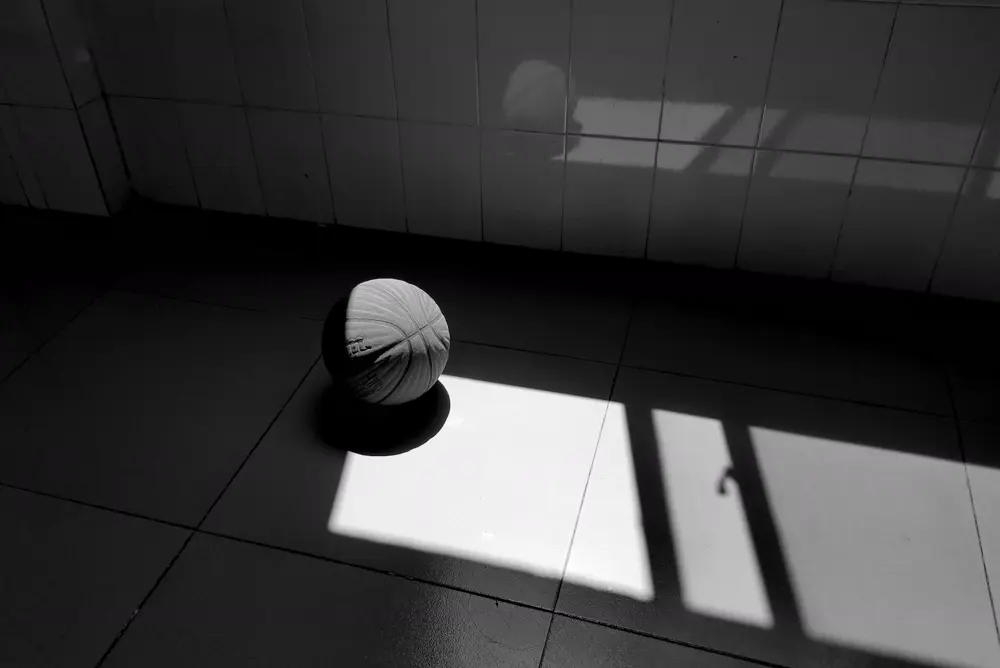
Minimalist design principles suggest that less is more. By stripping away the context of the gym or arena, the image becomes an abstract representation of the sport. This makes it suitable for professional settings where a more neutral aesthetic is preferred. The stark contrast between the dark seams of the ball and the bright white leather (or the shadow of the ball on a white surface) creates a visual anchor that is easy on the eyes yet visually engaging.
Lighting and Shadow Play
High-quality 8K wallpapers often rely on sophisticated studio lighting. In these images, the shadow cast by the basketball is as important as the ball itself. The softness or hardness of the shadow indicates the direction and intensity of the light source. A well-composed image will have a subtle gradient in the white background, providing depth without introducing clutter. This technique, known as chiaroscuro in a digital context, adds dimensionality to a two-dimensional plane.
Optimizing Your Desktop for High-Resolution Wallpapers
Having the best file is only half the equation; the other half is ensuring your system is configured to display it correctly. Many users download 8K images but fail to set their display scaling appropriately, leading to icons that are too small or images that are stretched and distorted.
File Formats: PNG vs. JPEG
When selecting an 8K white basketball wallpaper, the file format matters significantly. PNG files offer lossless compression, meaning no data is lost during the saving process. This is ideal for images with sharp lines and text, such as the black seams on a basketball. However, PNG files are larger in size. JPEG files use lossy compression, which reduces file size by discarding some data. For a smooth gradient background, a high-quality JPEG (quality 90-100) is often sufficient and loads faster. For the sharpest possible detail, especially if you plan to crop or zoom in, a PNG or even a TIFF is recommended.

Display Scaling and Native Resolution
It is important to note that if your monitor is only 4K, an 8K image will be downscaled. Most modern operating systems handle this downscaling very well, often resulting in a sharper image than a native 4K file because of the higher information density. However, if your monitor is 8K, you must ensure your graphics driver is set to the native resolution to take full advantage of the pixel count. Check your display settings to confirm that the resolution matches the maximum supported by your monitor.
Curation and Personalization of Sports Wallpapers
While a single high-quality image is impressive, many enthusiasts curate a collection of wallpapers to rotate through. This can be achieved using built-in operating system features or third-party software. For a cohesive look, it is advisable to stick to a consistent color palette. If you are using a white-themed wallpaper, consider pairing it with a matching taskbar color or a light-themed interface to maintain visual harmony.
You can also explore different angles and lighting conditions within the white theme. Some images may feature the ball from a top-down perspective, while others may be side-profiles with dramatic shadows. Experimenting with these variations allows you to find the specific mood that resonates with your personal aesthetic. Additionally, consider using design tools to add subtle personalizations, such as a small logo or a quote, without compromising the minimalist nature of the original image.

Common Mistakes to Avoid When Using 8K Wallpapers
Despite the availability of high-quality resources, users often make errors that diminish the visual impact of their wallpapers. One common mistake is using a compressed, low-quality image and forcing it to 8K resolution. This results in a blurry, pixelated image that looks unprofessional. Always download from reputable sources that offer original, uncompressed files.
Another error is ignoring the aspect ratio. If your image does not match the aspect ratio of your screen, the system will either crop the image or add black bars on the sides. For a white background, this is less noticeable, but the cropping might cut off important parts of the ball or the shadow. It is best to find an image that natively matches your screen’s aspect ratio or use software to resize and re-crop the image manually to preserve the key elements.
Conclusion
The 8K white basketball wallpaper represents the pinnacle of digital sports aesthetics. It combines technical excellence with minimalist design to create a visual experience that is both functional and beautiful. By understanding the technical aspects of resolution, file formats, and display settings, you can ensure that your desktop reflects the same precision and passion you have for the game. Whether you are a casual fan or a dedicated enthusiast, investing in high-quality visual assets enhances your daily digital interaction and serves as a constant, subtle reminder of the sport’s beauty.
Frequently Asked Questions
What is the difference between 4K and 8K basketball wallpapers?
The primary difference is pixel density. An 8K image contains four times as many pixels as a 4K image, allowing for significantly more detail in textures like the pebbled surface of a basketball. On high-density screens, 8K images appear sharper and more defined, whereas 4K images may start to show pixelation when viewed up close.
Why do white backgrounds make basketball images look more professional?
White backgrounds reduce visual clutter, allowing the viewer to focus entirely on the subject. In professional photography and design, a clean background is often used to highlight the form, texture, and lighting of an object without distraction. This minimalist approach is associated with high-end advertising and studio photography, lending an air of sophistication to the image.
Is a PNG file better than a JPEG for 8K wallpapers?
Generally, yes. PNG files use lossless compression, preserving every detail of the original image, including sharp lines and subtle color gradients. JPEG files use lossy compression to reduce file size, which can introduce artifacts or soften details. For an 8K image where detail is paramount, a PNG is the superior choice, provided you have sufficient storage space.
How do I ensure my 8K wallpaper doesn’t look blurry on a 4K monitor?
While an 8K image on a 4K monitor is technically downscaled, it should still look sharp if the source image is high quality. Ensure that your display is set to its native resolution (4K) and that the image is not being stretched. Modern operating systems handle downscaling very effectively, often resulting in a crisper image than a native 4K file due to the higher information density of the source.
Can I edit an 8K white basketball wallpaper to add my own branding?
Yes, you can edit 8K wallpapers using professional image editing software like Adobe Photoshop or GIMP. Due to the high resolution, you have ample space to add logos, text, or other elements without compromising the overall aesthetic. Just be careful to maintain the minimalist style by keeping added elements small and subtle.
Related posts:


New screens deserve new looks — the 8k-wallpaper shelf keeps growing, so check back for the latest drops.
Save your favourites and share the rest — good wallpapers travel fast.
