

Elevate Your Display with 1080p Clouds Wallpaper for iPhone 15
The iPhone 15 series, with its stunning Super Retina XDR display, offers one of the most vibrant and color-accurate viewing experiences on the market. To truly harness the power of this hardware, selecting a high-quality 1080p clouds wallpaper for iphone 15 is not just a matter of preference, but a way to showcase the device’s incredible contrast ratios and color depth. Whether you prefer the soft, ethereal glow of a morning mist or the dramatic, high-contrast shadows of a thunderstorm, cloud-themed backgrounds provide a sense of depth and openness that standard patterns often lack.
- Why clouds are the perfect aesthetic choice
- Exploring different cloud styles: from sunset to stormy
- Technical optimization for the iPhone 15 display
- How to leverage iOS customization features
- FAQ and expert tips
The Visual Allure of Sky-Themed Backgrounds
There is a psychological reason why so many users search for sky-based imagery. Clouds represent movement, change, and a sense of infinite space. On a handheld device, which can often feel like a closed environment, a cloud wallpaper creates a “window” effect, making your screen feel less like a piece of hardware and more like a portal to the outside world. When you choose a high-resolution wallpaper, you are essentially curating the visual mood of your daily digital interactions.

For iPhone users, the transition between the lock screen and the home screen is a key part of the user experience. A well-chosen iphone background can make this transition feel seamless. Because clouds have naturally soft edges and non-linear shapes, they do not clash with app icons or notification text, ensuring that your mobile interface remains clean and highly readable.
Why Resolution and Contrast Matter
While the iPhone 15 has a resolution higher than 1080p, using high-quality 1080p assets ensures that the pixel density is sufficient to prevent any visible graininess. The goal is to find images that capture the subtle gradients found in the sky. An OLED screen excels at displaying true blacks; therefore, choosing clouds with deep shadows can make the light parts of the image “pop” with incredible intensity, creating a 3D effect that standard LCD screens cannot replicate.

Exploring Different Aesthetic Cloud Themes
Not all clouds are created equal. Depending on your personality and the mood you want to set, different types of sky imagery can drastically change the “vibe” of your device.
Golden Hour and Sunset Skies
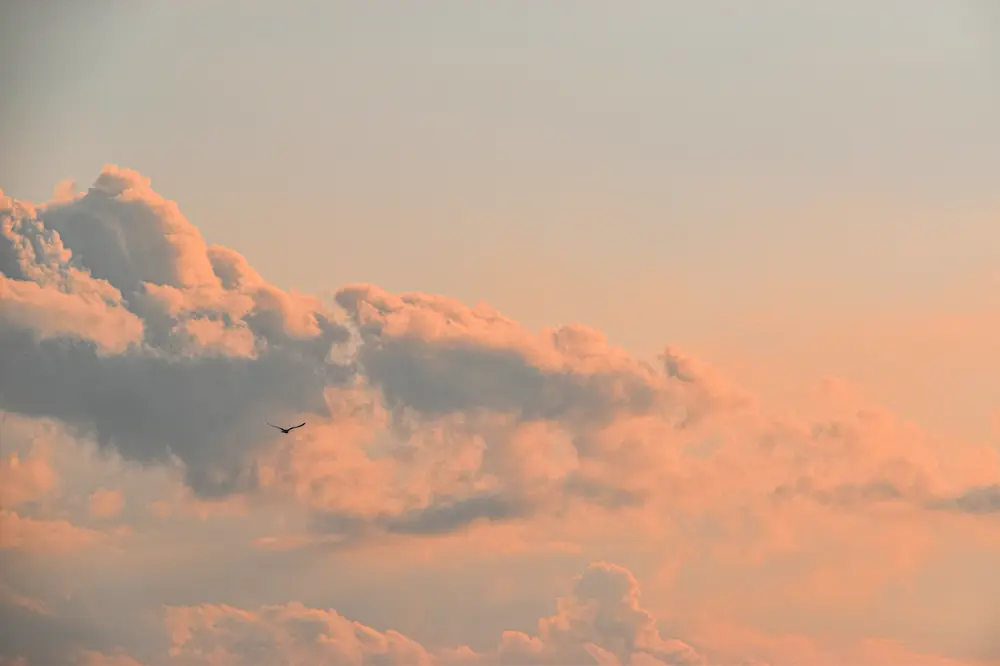
Golden hour imagery is perhaps the most popular choice for aesthetic enthusiasts. These wallpapers feature warm hues of orange, pink, and soft purple. These colors are scientifically proven to be soothing to the eye, making them an excellent choice for users who spend significant time on their phones in the evening. The warmth of a sunset cloud background complements the Night Shift feature on iOS, creating a cohesive, eye-friendly viewing experience.

Moody Storm Clouds and Dramatic Skies
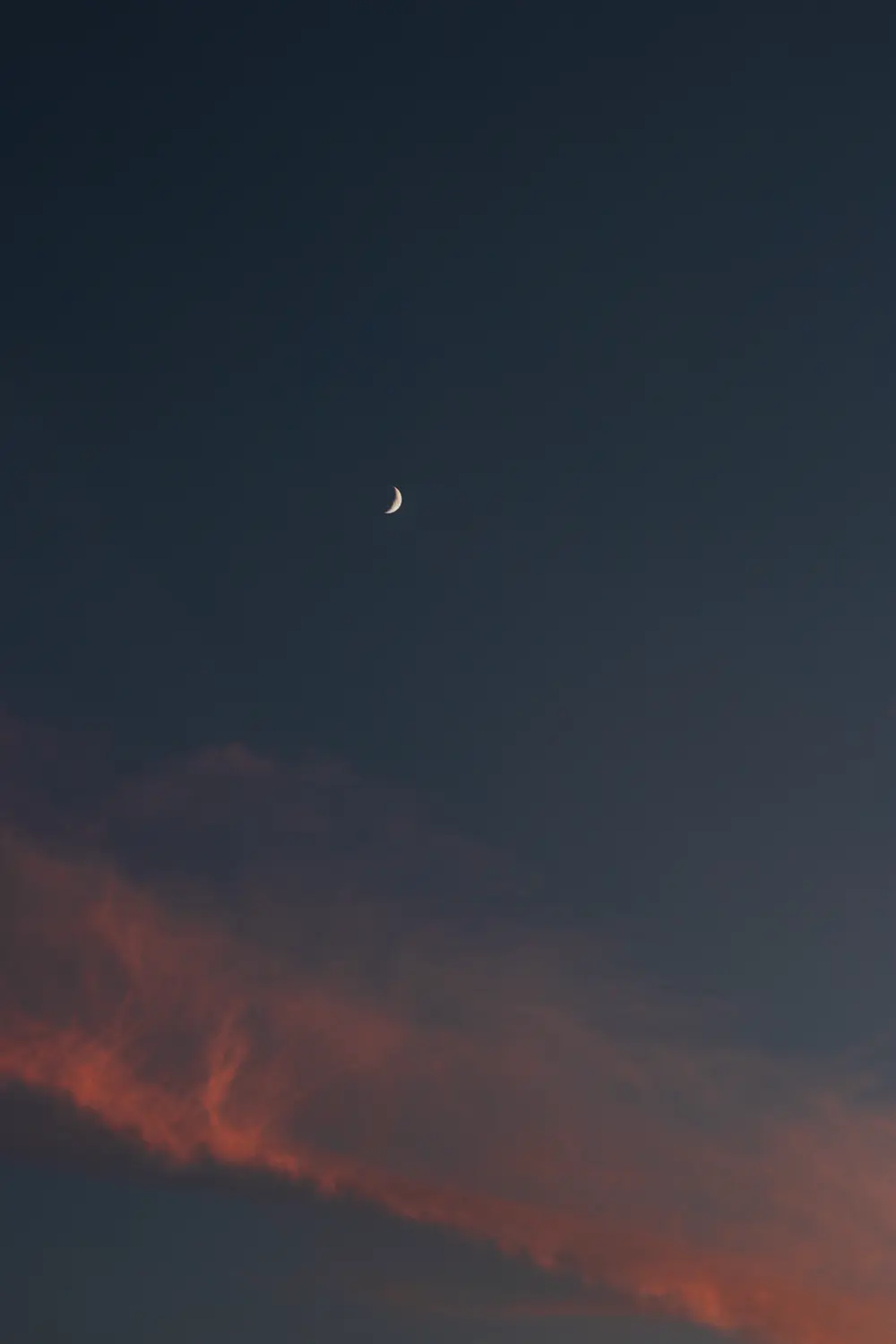
If you prefer a more intense or professional look, stormy clouds offer high-contrast drama. Dark grey, navy, and charcoal tones provide a sophisticated backdrop that makes your app icons stand out vividly. This style is particularly effective on the iPhone 15 Pro models, where the high dynamic range (HDR) can highlight the silver linings of dark clouds, creating a striking visual tension that is both modern and powerful.
Pastel Dreamscapes and Minimalist Clouds
For those who follow the ‘minimalist’ or ‘clean girl’ aesthetic, pastel clouds are the gold standard. Think soft baby blue, lavender, and cream. These wallpapers are low-stress and high-elegance. They work beautifully with simple, monochromatic app icons and provide a sense of calm and order. Minimalist sky backgrounds are also less likely to distract you when you are focusing on productivity tasks.
Technical Specifications for the Perfect Display
To get the most out of your 1080p clouds wallpaper for iphone 15, you must consider more than just the image itself. You need to consider how the image interacts with the iOS ecosystem.
Resolution and Aspect Ratio Optimization
The iPhone 15 utilizes a specific aspect ratio (approximately 19.5:9). When selecting a wallpaper, ensure the image is vertical. A landscape image will be cropped, potentially cutting out the most interesting part of the cloud formation. Even if the image is 1080p, it should be oriented vertically to ensure that the pixel mapping aligns perfectly with your screen’s grid, preventing any blurriness caused by digital zooming.
Why Color Depth Matters for OLED
The iPhone 15 features an OLED panel, which means each pixel is individually lit. This allows for perfect blacks. When looking for cloud wallpapers, seek out images with a wide color gamut. Images that have a wide range of shades—from the deepest shadow in a cumulus cloud to the brightest highlight of the sun—will take full advantage of the display’s ability to show millions of colors without losing detail in the highlights or shadows.
How to Customize Your iPhone 15 Lock Screen
With the introduction of advanced customization in recent iOS versions, your wallpaper is no longer a static image. You can now use the Depth Effect to create a stunning visual experience.
The Depth Effect allows the subject of your wallpaper (in this case, a specific cloud formation) to overlap slightly with the time on your lock screen. This creates a layered, parallax-like sensation. To achieve this with a cloud wallpaper, choose an image with a clear subject—such as a single, large, fluffy cloud against a clear sky. Avoid images that are too “busy” or cluttered, as the AI may struggle to distinguish the foreground from the background, preventing the effect from triggering.
Additionally, you can pair your cloud wallpaper with custom widgets. If you have a sunset cloud background, using widgets with warm colors can create a unified aesthetic. If you are using a dark, stormy theme, opting for dark-mode widgets will ensure the interface looks intentional and professional.
Maximizing Visual Comfort with Sky Backgrounds
Beyond aesthetics, there is a functional benefit to using sky wallpapers. Looking at images of nature, specifically the sky, can have a calming effect on the nervous system. In a world of constant notifications and high-stress digital environments, having a “breath of fresh air” every time you wake your phone can serve as a micro-moment of mindfulness. The soft gradients of a sky-themed background are much easier on the eyes during long browsing sessions than high-contrast, geometric, or neon-colored patterns.
Conclusion
Choosing the right 1080p clouds wallpaper for iphone 15 is an easy way to personalize your most used device. By understanding the technical aspects of the iPhone’s display and exploring different aesthetic styles—from the warmth of a sunset to the drama of a storm—you can transform your smartphone into a beautiful piece of digital art. Remember to prioritize high-resolution, vertical images that leverage the incredible OLED technology and Depth Effect features available in iOS.
Frequently Asked Questions
1. Will a 1080p wallpaper look blurry on an iPhone 15?
No, as long as the image is high-quality and correctly oriented. While the iPhone 15 has a higher native resolution, a sharp 1080p image will still look excellent due to the high pixel density of the Super Retina XDR display.
2. How do I get the ‘Depth Effect’ to work with my cloud wallpaper?
To use the Depth Effect, the image must have a clear subject in the foreground. A large, distinct cloud against a simpler background works best. Ensure the subject is not covering too much of the clock, or the effect will automatically disable.
3. What is the best time of day for a sky wallpaper aesthetic?
This depends on your preference! Sunset/Golden Hour is great for a warm, calming vibe, while midday blue skies are great for a bright, energetic feeling. Stormy clouds are perfect for a moody, sophisticated look.
4. Should I use light or dark wallpapers for battery saving?
On an OLED screen like the iPhone 15, dark wallpapers (like stormy skies or night clouds) can help save battery life because the pixels displaying black are actually turned off.
5. Can I use animated cloud wallpapers?
Yes, you can use ‘Live Wallpapers’ or use a video file to create a dynamic look, though standard high-resolution static images are often preferred for a cleaner, more professional appearance.
Related posts:

If these hit the mark, Dark Abstract Wallpaper Design: The Ultimate Aesthetic Guide keeps the streak going with more aesthetic-wallpapers picks.
Share this page with a friend who is hunting for a fresh background.
