
Transform Your Device with the Perfect Aesthetic Wallpaper for iPhone 14
Your smartphone is more than just a communication tool; it is an extension of your personal style and a reflection of your daily mood. For users of the iPhone 14, the high-resolution Super Retina XDR display offers a canvas capable of rendering breathtaking colors and deep contrasts. Choosing the right aesthetic wallpaper for iPhone 14 can turn a standard device into a personalized piece of digital art. Whether you prefer the calming influence of minimalist design or the vibrant energy of abstract gradients, your wallpaper sets the tone for your entire mobile experience.
- Understanding Display Compatibility
- Trending Aesthetic Styles for 2024
- Maximizing Battery Life with OLED Wallpapers
- How to Use iOS Depth Effect
- Customizing Your Lock Screen & Home Screen
Optimizing Visuals for the iPhone 14 Display
Before diving into styles, it is crucial to understand the technical side of mobile personalization. The iPhone 14 features a stunning screen that demands high-quality imagery to avoid pixelation or color banding. When searching for a new wallpaper, always prioritize high-definition (HD) or 4K resolution images. This ensures that the pixel density of your device is fully utilized, making every curve and shadow look crisp.

Furthermore, the aspect ratio of the iPhone 14 is optimized for vertical viewing. Selecting an image that is too wide or too narrow will result in awkward cropping, which can ruin the composition of your chosen aesthetic. When you find an image you love, look for portrait-oriented photography or digital art that allows the subject to sit naturally within the frame without being cut off by the clock or app icons.
The Role of Color Theory in Mobile Aesthetics
Colors evoke specific emotions. A monochromatic palette can provide a sense of order and calm, which is perfect for professionals who want to minimize digital distractions. On the other hand, saturated hues and vibrant gradients can boost creativity and energy. Understanding how color interacts with your iOS interface is key to a cohesive look.

Trending Aesthetic Styles for iPhone Users
Aesthetics are constantly evolving, driven by social media trends and digital art movements. Here are the most sought-after styles for the iPhone 14 currently dominating the design landscape.
Minimalist and Clean Lines
The minimalist aesthetic remains a perennial favorite. This style focuses on negative space, simple geometric shapes, and neutral color palettes like beige, cream, and soft grey. A minimalist wallpaper reduces visual clutter, making your app icons much easier to locate. This approach is ideal for users practicing digital minimalism, as it creates a peaceful, Zen-like environment every time you unlock your phone.
Pastel and Dreamy Gradients
For those who prefer a softer look, pastel aesthetics are incredibly popular. Think of soft pinks, lavender, and mint green blending into one another through smooth gradients. This style often incorporates elements of dreamcore or softcore aesthetics, utilizing light and airy textures to create a sense of nostalgia and comfort. These wallpapers work beautifully with the transparency effects found in iOS widgets.
Dark and Moody (OLED Optimized)
If you frequently use Dark Mode, a moody or dark aesthetic is the logical choice. This includes deep blacks, charcoal greys, and midnight blues. Beyond just looking sleek, there is a functional benefit: the iPhone 14 uses an OLED technology. In an OLED screen, true black pixels are actually turned off, meaning they consume zero power. Utilizing true black wallpapers can significantly enhance your battery longevity while providing a sophisticated, high-end look.
Retro, Lo-Fi, and Vintage Vibes
The nostalgia trend continues to thrive. Many users are opting for lo-fi photography, grainy textures, and retro-inspired illustrations that mimic the look of 90s film or early digital cameras. These wallpapers often feature muted tones, light leaks, and a sense of warmth that feels organic and human in an increasingly digital world.
Mastering the iOS Lock Screen Customization
With recent iOS updates, customizing your iPhone 14 has become a deeply interactive experience. The Depth Effect is one of the most powerful tools at your disposal. This feature allows certain subjects in your wallpaper—such as a mountain peak, a person, or a piece of architecture—to overlap slightly with the time and date, creating a stunning 3D parallax effect.
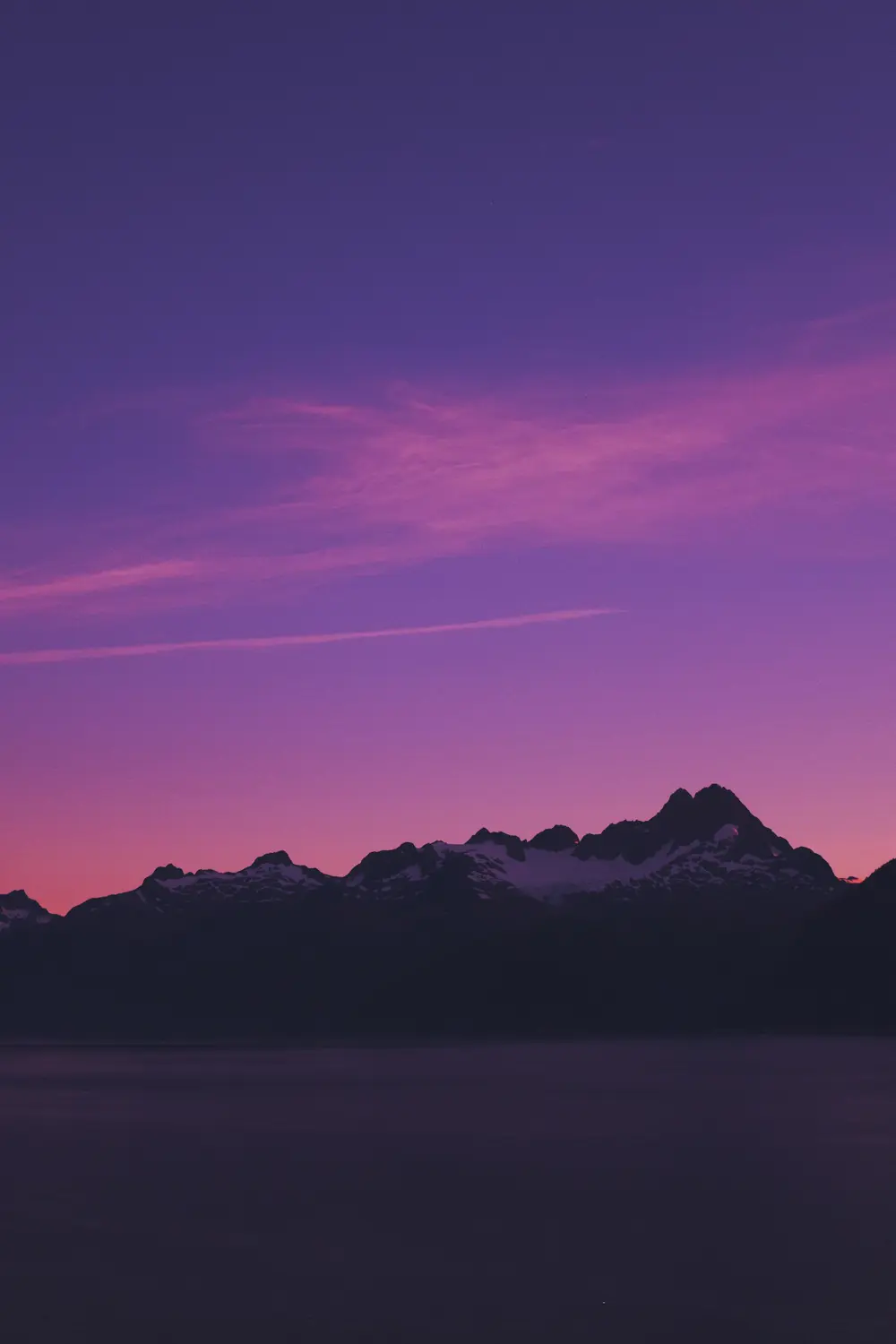
To make the most of this, choose a wallpaper with a clearly defined foreground subject and a relatively simple background. Avoid overly busy images, as the machine learning algorithms in iOS may struggle to identify the subject, preventing the depth effect from activating. Additionally, you can pair your aesthetic wallpaper with custom fonts and color-matched widgets to create a fully integrated visual ecosystem.
Syncing Home Screen and Lock Screen
While it is tempting to have a different wallpaper for both screens, many designers recommend a unified aesthetic. A common technique is to use a high-detail image for the Lock Screen to catch the eye, and a blurred or simplified version of that same image for the Home Screen. This prevents your app grid from competing with the wallpaper, maintaining a clean and organized appearance.
How to Create Your Own Custom Aesthetic
You don’t have to rely solely on pre-made images. With powerful tools available on your iphone, you can become your own digital artist. Apps like Canva, Procreate, or even the built-in Photos editor allow you to manipulate existing images to fit your specific vision.
- Adjusting Saturation: Lower the saturation for a vintage look or increase it for a pop-art vibe.
- Adding Grain: Use a grain filter to achieve that coveted lo-fi aesthetic.
- Color Grading: Use temperature sliders to make your wallpaper warmer (yellow/orange) or cooler (blue/teal).
- Composition: Crop images specifically to center the subject for the iPhone 14’s aspect ratio.
Conclusion
Finding the perfect aesthetic wallpaper for iPhone 14 is a journey of self-expression. By considering the technical capabilities of your OLED display, experimenting with color theory, and leveraging iOS customization features like the Depth Effect, you can transform your device into a personalized masterpiece. Whether you lean towards the calm of minimalism or the efficiency of dark mode, your wallpaper is the simplest and most effective way to refresh your digital life.
Frequently Asked Questions
1. What is the best resolution for iPhone 14 wallpapers?
For the best results, use images with a resolution of at least 1170 x 2532 pixels to match the native screen density and ensure clarity.
2. How can I save battery life with my wallpaper?
Switch to a dark aesthetic with plenty of true black (#000000) areas. Since OLED screens turn off pixels to display black, this reduces power consumption.
3. Why is my wallpaper depth effect not working?
The Depth Effect requires a clear subject in the foreground and a simple background. If the image is too busy or the subject is obscured by the clock, the effect will not trigger.
4. Can I use different wallpapers for the Lock Screen and Home Screen?
Yes, iOS allows you to set unique images for each. Many users prefer a striking image for the Lock Screen and a more subtle, less distracting one for the Home Screen.
5. Where can I find high-quality aesthetic images for free?
Websites like Unsplash, Pexels, and Pixabay offer high-resolution, royalty-free images that are perfect for mobile backgrounds.
Related posts:

Found a favourite here? Purple Fantasy Wallpaper Illustration: The Ultimate Art Guide is the natural next stop on this trail.
Know someone whose screen needs a refresh? Pass this link along.
