
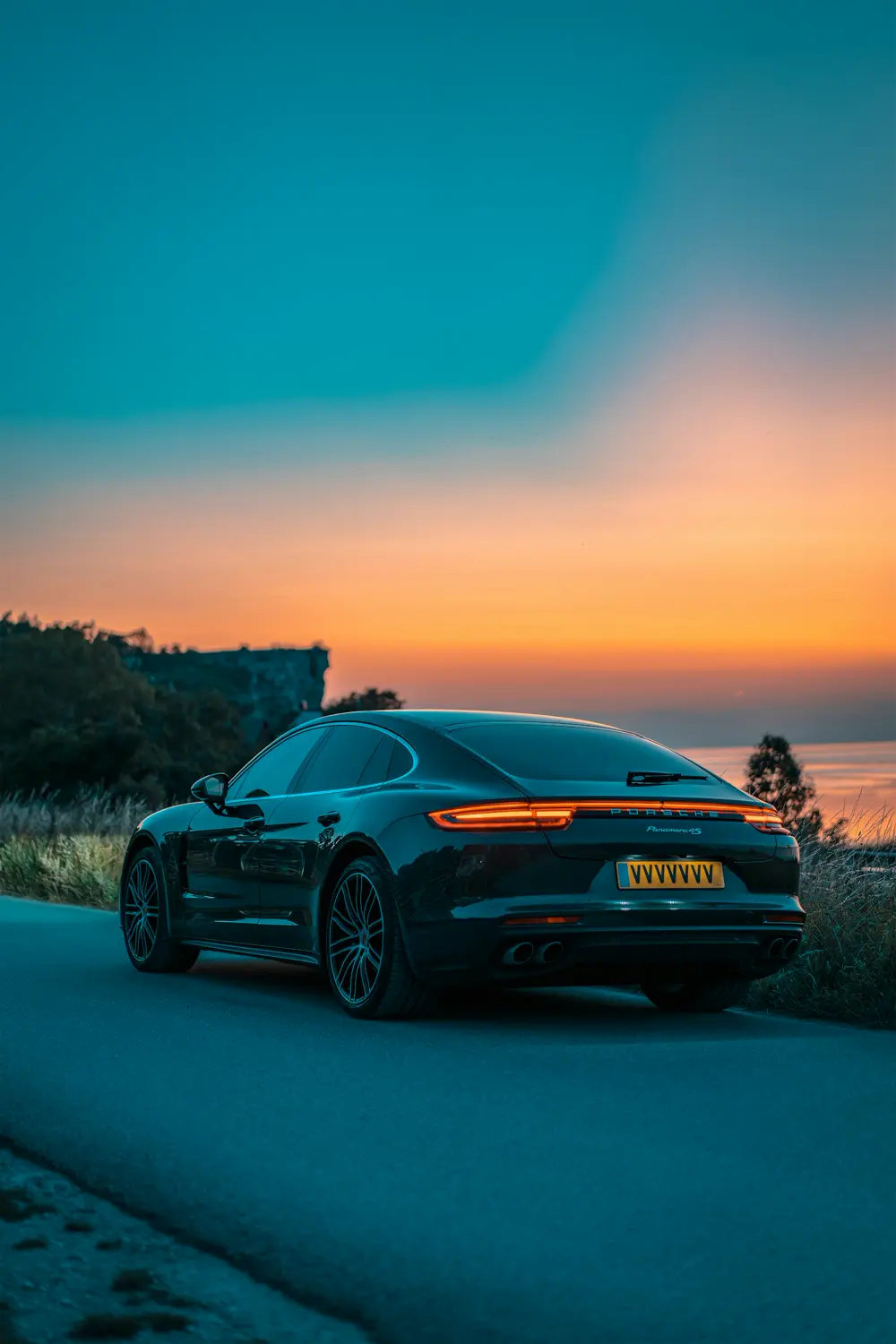
Elevate Your Mobile Aesthetic with Premium Car Wallpapers
The iPhone 15 series, with its stunning Super Retina XDR display, is more than just a communication device; it is a high-performance canvas. When you own a device capable of rendering billions of colors and deep, true blacks, the quality of your visual content matters immensely. Choosing a car wallpaper for iPhone 15 is not just about picking a random vehicle; it is about finding an image that complements the sharp resolution, high pixel density, and vibrant color gamut of your screen. Whether you are a fan of the roaring V12 engines of Italian supercars or the sleek, silent elegance of modern electric vehicles, the right background can transform your daily interaction with your phone into a luxury experience.
- Enhancing visual depth with OLED optimization
- Matching wallpaper styles to your personality
- Using iOS features like Depth Effect for automotive shots
- Technical requirements for the perfect mobile fit
Choosing the Perfect Resolution and Aspect Ratio
To truly maximize the impact of a car wallpaper for iPhone 15, you must understand the technical specifications of your hardware. The iPhone 15 and its Pro counterparts utilize a high-density display that demands high-resolution imagery to avoid pixelation or blurring. When searching for the ideal wallpaper, you should aim for images that are at least 1290 x 2796 pixels for the Pro Max models. Using a low-resolution image on such a high-end iphone will result in a soft, muddy appearance that fails to do justice to the hardware.
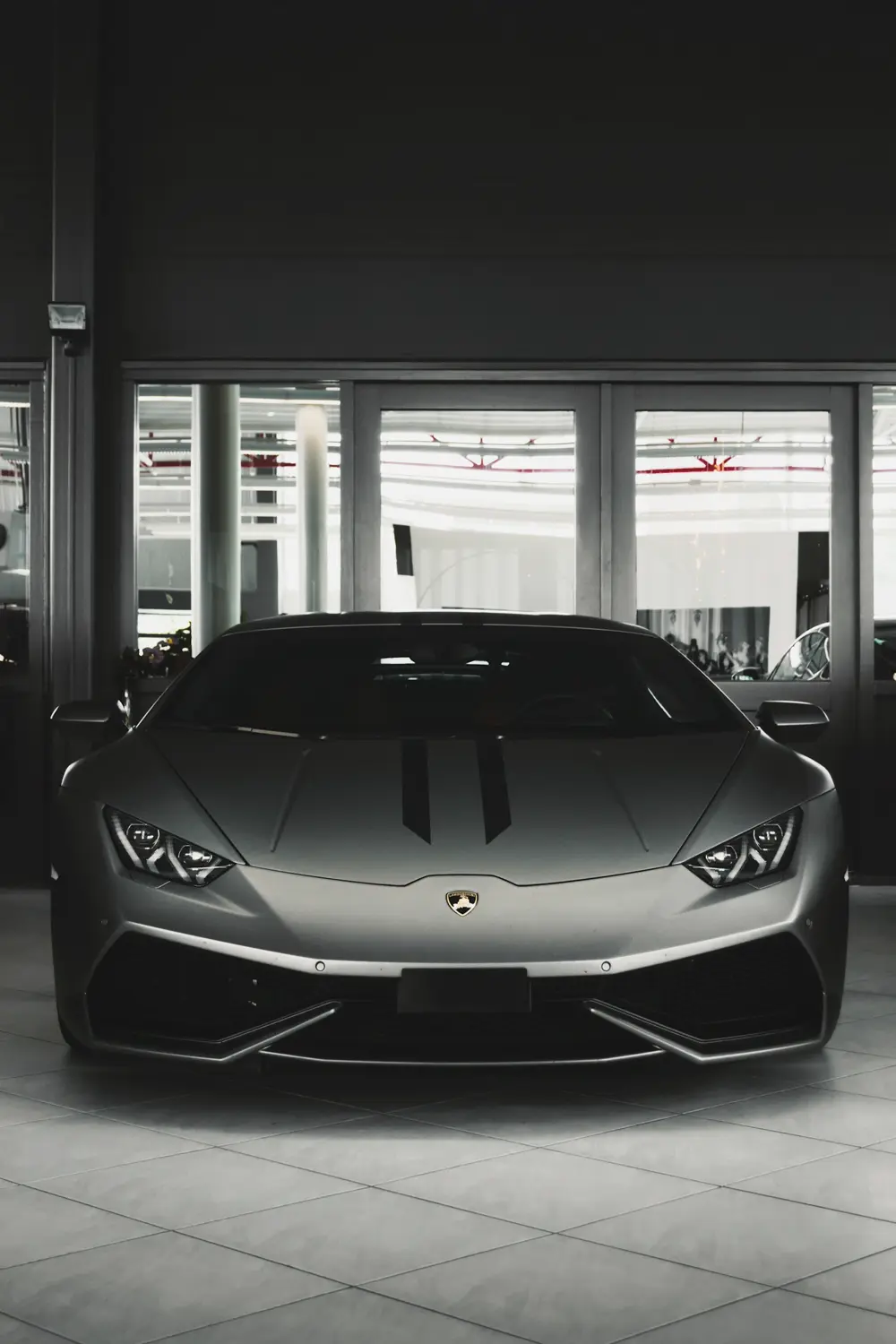
The aspect ratio is equally critical. iPhone screens use a tall, slim format. If you select a standard 4:3 landscape photo, you will likely lose the most important parts of the car—the front grille or the rear spoiler—when the device crops the image to fit the vertical orientation. Always look for vertical compositions or high-quality landscape shots that offer enough ‘negative space’ at the top and bottom to allow for intelligent cropping. This ensures that the vehicle remains the central focus without being awkwardly sliced by the edges of the screen.
Understanding Pixel Density and Sharpness
Because the iPhone 15 uses an advanced display technology, fine details such as the texture of carbon fiber, the reflections on a metallic paint job, or the intricate design of alloy wheels are highly visible. A 4K automotive wallpaper provides the necessary data for the pixels to render these textures with razor-sharp clarity. When browsing through galleries, prioritize images with high bit-depth to ensure smooth color gradients, especially in skies or shadows, preventing ‘banding’ effects.
Trending Car Wallpaper Styles for the iPhone 15
Automotive enthusiasts often fall into specific aesthetic camps. Depending on your taste, your lock screen can serve as a reflection of your passion. Here are the most popular styles currently trending in the mobile customization community.
High-Octane Supercars and Hypercars
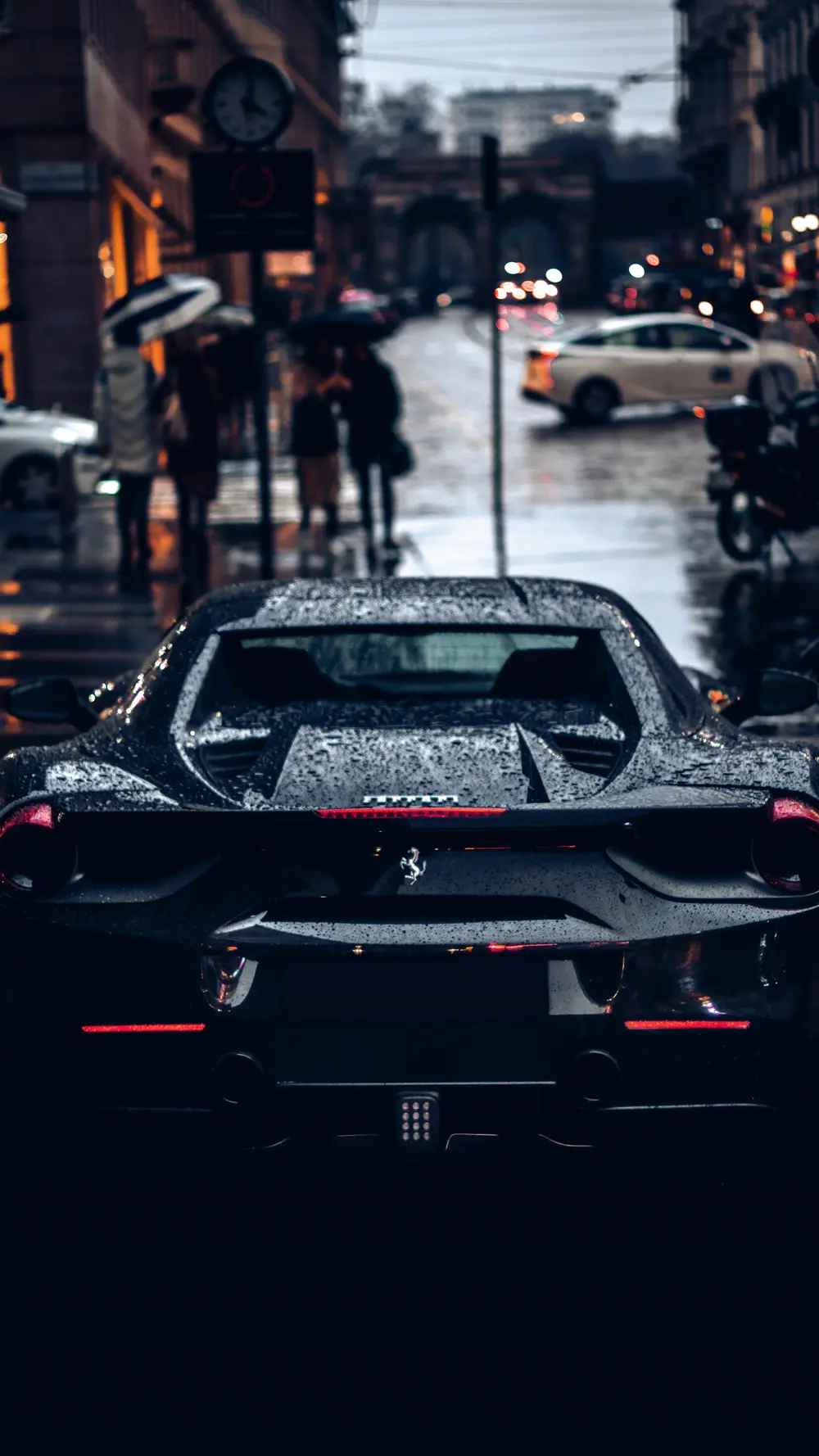
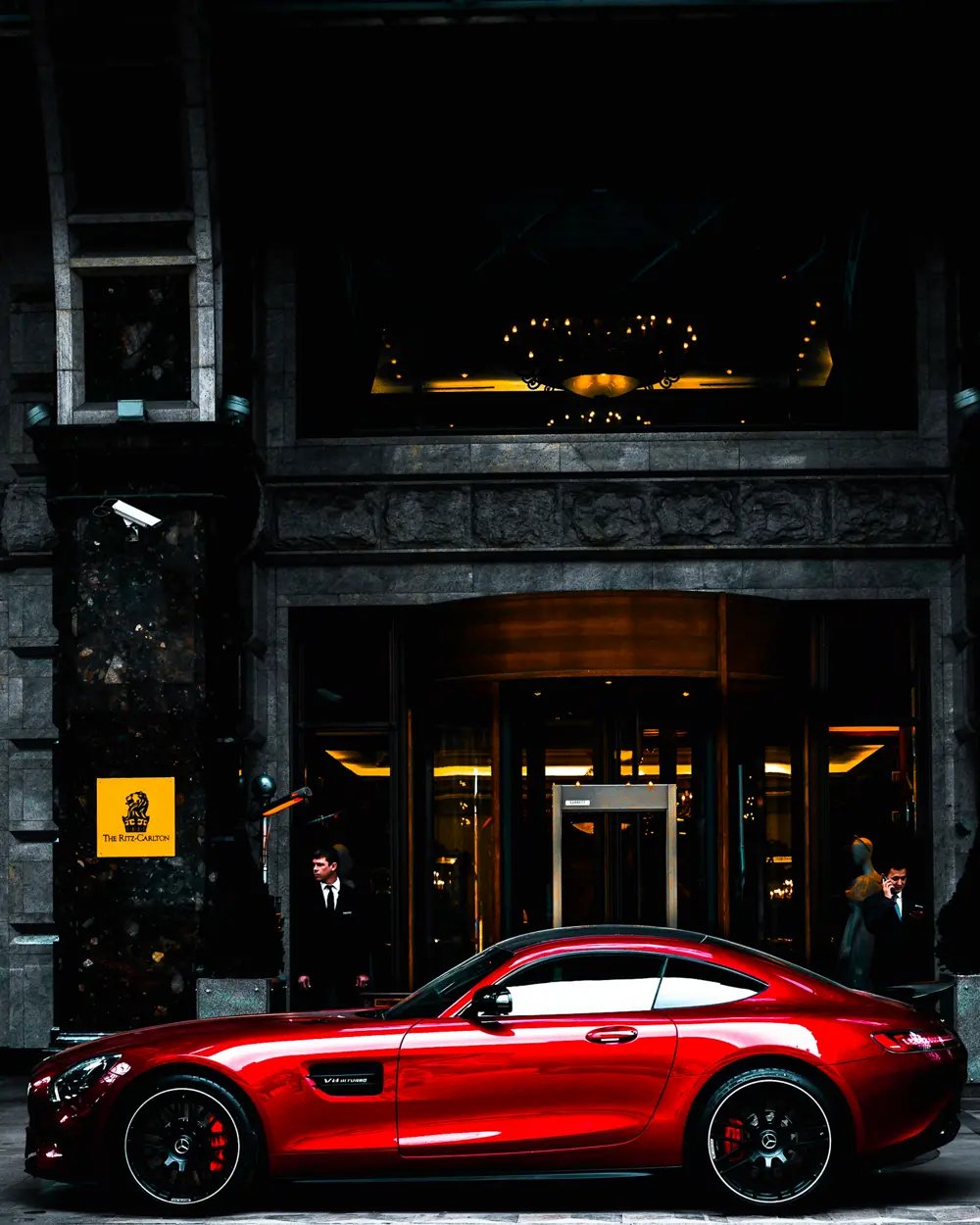
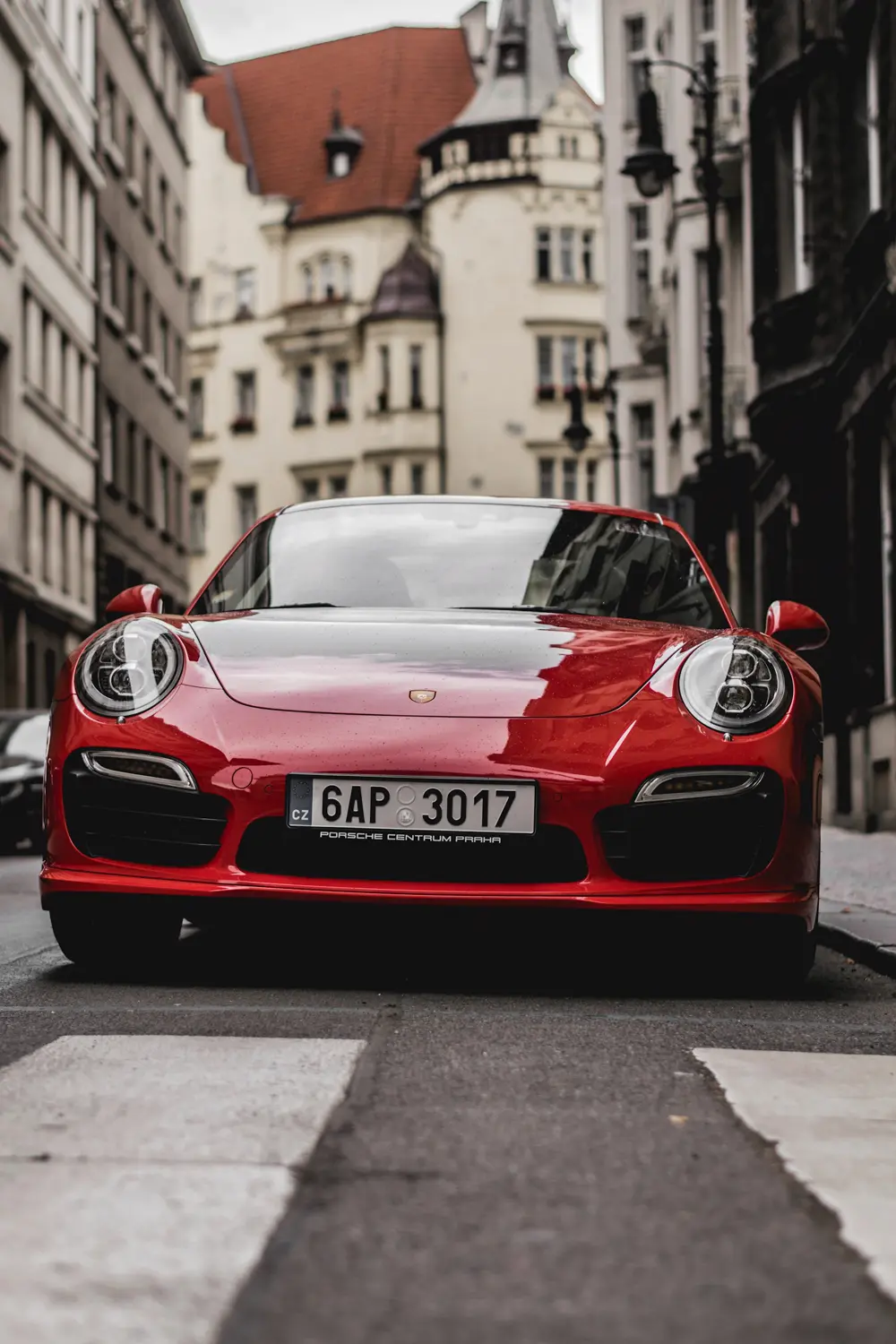
There is nothing quite like the visual drama of a Lamborghini, Ferrari, or McLaren. These vehicles are designed with aggressive aerodynamics and sharp lines that look incredible on the iPhone 15’s display. Look for shots taken during the ‘golden hour’—that period just before sunset—where the warm light dances off the curves of the car. This style works best with high-contrast imagery that emphasizes the vehicle’s silhouette against a dramatic sky.
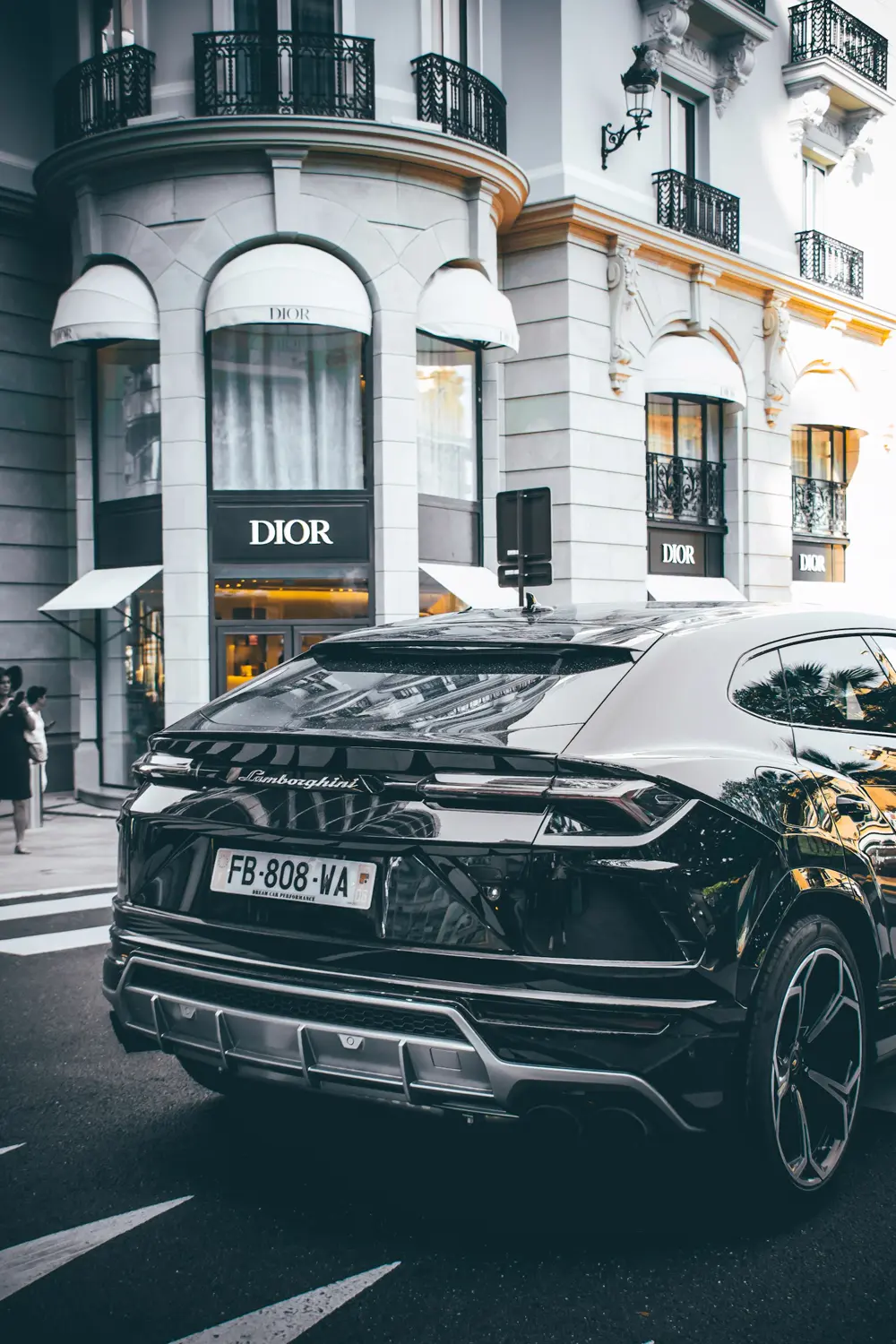
The Timeless Appeal of Vintage Classics
JDM Aesthetic: The Tuner Culture
For many, the ultimate car wallpaper is rooted in Japanese Domestic Market (JDM) culture. Images of a Nissan Skyline GT-R, Toyota Supra, or Mazda RX-7, often set against the neon lights of a Tokyo street, offer a vibrant, high-energy aesthetic. These wallpapers are perfect for users who want a colorful, ‘cyberpunk’ vibe on their lock screen. The high contrast between dark night scenes and bright neon reflections is where the iPhone 15’s OLED screen truly shines.
Minimalist Automotive Design
If you prefer a clean, distraction-free interface, minimalist car wallpapers are the way to go. Instead of a full shot of a car, consider macro photography: a close-up of a steering wheel emblem, the curve of a headlight, or even just the texture of leather and brushed aluminum. This approach keeps your lock screen organized and prevents the visual clutter that can sometimes occur with busy backgrounds, making your notifications easier to read.
Leveraging OLED Technology for Enhanced Visuals
The iPhone 15 features an OLED (Organic Light Emitting Diode) panel, which is a game-changer for automotive enthusiasts. Unlike traditional LCDs, OLED pixels can turn off completely to produce ‘true black.’ This means that if you choose a dark car wallpaper with a black background, those black areas will consume zero power, effectively making the car appear to float on your screen. This is not just an aesthetic choice; it is a functional one that can help extend your battery life.
To take advantage of this, seek out images with deep shadows and high dynamic range (HDR). An image of a black supercar in a dark garage will look significantly more striking on an iPhone than on a standard smartphone because of the infinite contrast ratio. The deep blacks provide a sense of depth that makes the colored parts of the car pop with surreal intensity.
How to Use iOS Depth Effect with Car Imagery
One of the most celebrated features of modern iOS is the Depth Effect on the lock screen. This feature allows the subject of your wallpaper to slightly overlap the clock, creating a stunning 3D illusion. To successfully use this with a car wallpaper for iPhone 15, you need to select the right kind of image.
The best images for the Depth Effect are those where the car has a very clear, well-defined silhouette against a distinct background. For example, a shot of a car’s roofline against a clear sky or a side profile where the car is clearly separated from the scenery works perfectly. Avoid images with too much ‘busy-ness’ around the edges of the car, as the AI might struggle to distinguish the subject from the background, preventing the effect from triggering. When setting your wallpaper, ensure you pinch and zoom to position the car so that its upper edge sits just in front of the time digits.
Pro Tips for Organizing Your Mobile Aesthetic
To maintain a premium feel, consider your Home Screen vs. Lock Screen strategy. A common professional tip is to use a high-impact, detailed car image for your Lock Screen to grab attention, and then switch to a more blurred, minimalist, or zoomed-in version of the same car for your Home Screen. This ensures that your app icons remain legible and do not compete with the visual weight of the car imagery. Additionally, consider matching your Focus Modes to your wallpaper; for instance, a moody, dark car wallpaper for ‘Work’ or ‘Sleep’ modes, and a bright, energetic supercar shot for ‘Personal’ or ‘Driving’ modes.
Conclusion
Finding the perfect car wallpaper for iPhone 15 is an intersection of art and technology. By selecting high-resolution, vertical images that respect the aspect ratio and leverage the power of the OLED display, you turn your smartphone into a piece of digital automotive art. Whether you lean toward the neon-soaked streets of JDM culture or the refined lines of a classic European grand tourer, the right image will enhance your device’s beauty every time you wake the screen. Remember to prioritize clarity, contrast, and composition to make your automotive passion truly shine.
Frequently Asked Questions
1. What is the best resolution for an iPhone 15 wallpaper?
For the best results, aim for a resolution of at least 1290 x 2796 pixels. This matches the high pixel density of the iPhone 15 Pro Max and ensures that automotive details like metallic flakes and textures look sharp.
2. Can dark car wallpapers actually save battery life?
Yes. Because the iPhone 15 uses an OLED screen, pixels that display true black are completely turned off. Using a wallpaper with significant black areas can lead to marginal battery savings compared to a bright, white background.
3. Why isn’t the Depth Effect working on my car wallpaper?
The Depth Effect requires a clear subject with a distinct outline. If the car’s silhouette is too similar to the background, or if the clock is covering too much of the car, iOS may disable the effect to maintain legibility.
4. How can I find 4K car wallpapers for mobile?
Look for specialized wallpaper apps or high-end photography sites. When searching on engines, use terms like ‘4K automotive mobile wallpaper’ or ‘high-resolution supercar vertical background’ to find images optimized for portrait orientation.
5. Should I use landscape or portrait images for my iPhone?
Portrait (vertical) images are highly preferred. They are designed to fit the screen naturally. If you use a landscape image, you will have to crop it heavily, which often results in losing the most important parts of the car.
Related posts:

Plenty more backgrounds are waiting in the related collections below — keep browsing until one sticks.
Know someone whose screen needs a refresh? Pass this link along.
