
The Infinite Beauty of the Cosmos on Your Screen
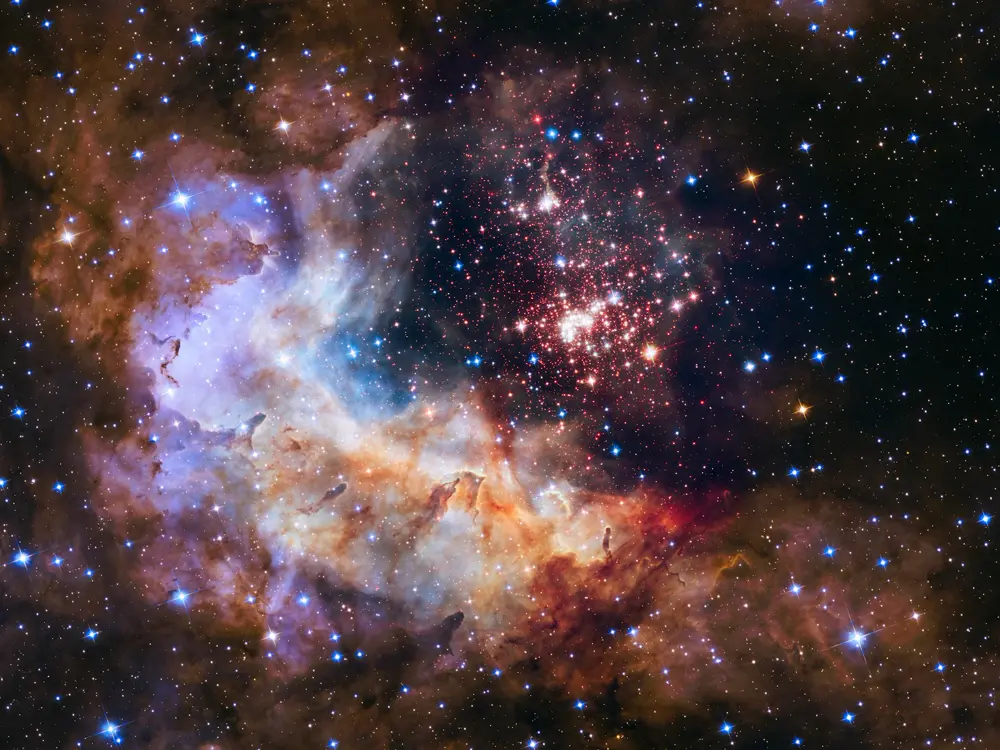
There is something inherently calming and awe-inspiring about gazing into the vastness of space. For many tablet users, the device is not just a tool for productivity but a window into creative and relaxing worlds. Choosing a high res stars wallpaper for tablet can transform a mundane piece of hardware into a stunning piece of digital art. Whether you are an astronomy enthusiast or someone who simply loves the aesthetic of a dark, moody background, the right celestial imagery can significantly enhance your user experience.
- The Allure of Deep Space Imagery
- Technical Requirements: Resolution and Aspect Ratio
- Exploring Different Cosmic Themes
- Display Technology: OLED vs. LCD
- Best Practices for Tablet Customization
Why Choose High Res Stars Wallpaper for Tablet?
When you look at a high-quality image of a vast galaxy, your eyes are drawn to the intricate details that only high-resolution files can provide. A low-quality image will appear pixelated, especially on the high-density Retina or Super AMOLED displays found in modern tablets. By selecting premium celestial backgrounds, you ensure that every star cluster and nebula cloud looks sharp and professional. This is particularly important for astronomy lovers who appreciate the scientific accuracy and depth of real Hubble or James Webb Telescope captures.
Visual Depth and Immersion
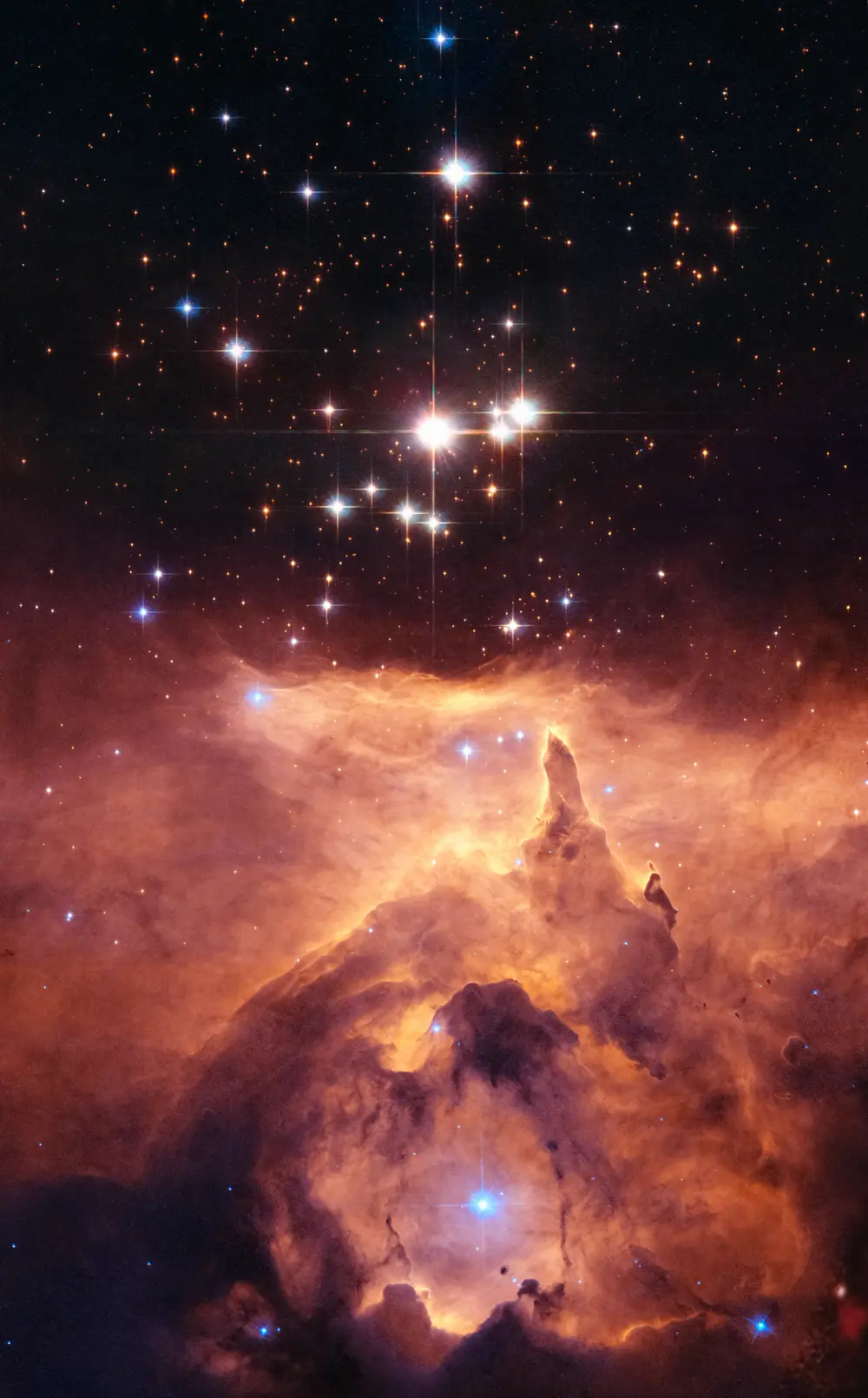
High-resolution imagery provides a sense of three-dimensional depth. On a large tablet screen, a well-composed space image can make the device feel deeper than it actually is. The contrast between the pitch-black vacuum of space and the brilliant light of distant suns creates a visual texture that is incredibly satisfying. This immersion is a key reason why many professionals prefer dark, cosmic themes for their workspace.
Reducing Eye Strain
Using a dark-themed celestial background can also be a practical choice. Many users spend hours staring at their tablets. A bright, white background can cause significant eye fatigue. By opting for a high-resolution star field, you effectively implement a dark mode for your entire UI, which is much gentler on the eyes during nighttime use.
Technical Specifications: Resolution and Aspect Ratio
Not all star wallpapers are created equal. To truly maximize the potential of your tablet, you must understand the relationship between pixel density and aspect ratio.
Understanding Pixel Density (PPI)
Tablets have much higher Pixels Per Inch (PPI) than many desktop monitors. To avoid blurriness, you should aim for images that match or exceed your tablet’s native resolution. If you have a tablet with a 2K or 4K display, a standard 1080p image will look soft and lacking in detail. For the best results, always look for UHD (Ultra High Definition) or 4K assets when searching for cosmic art.
Aspect Ratio Considerations
Tablets come in various shapes. An iPad typically follows a 4:3 aspect ratio, whereas many Android tablets like the Samsung Galaxy Tab series use a wider 16:10 ratio. If you download a wallpaper designed for a smartphone, it will either be stretched or awkwardly cropped. Always ensure the compositional center of the star field is compatible with your device’s orientation. A high-resolution image gives you the “wiggle room” to crop the image into a vertical or horizontal orientation without losing essential quality.
Exploring Different Cosmic Themes
The term ‘space’ covers a massive spectrum of visual styles. Depending on your personal taste, you might prefer one of these specific categories:
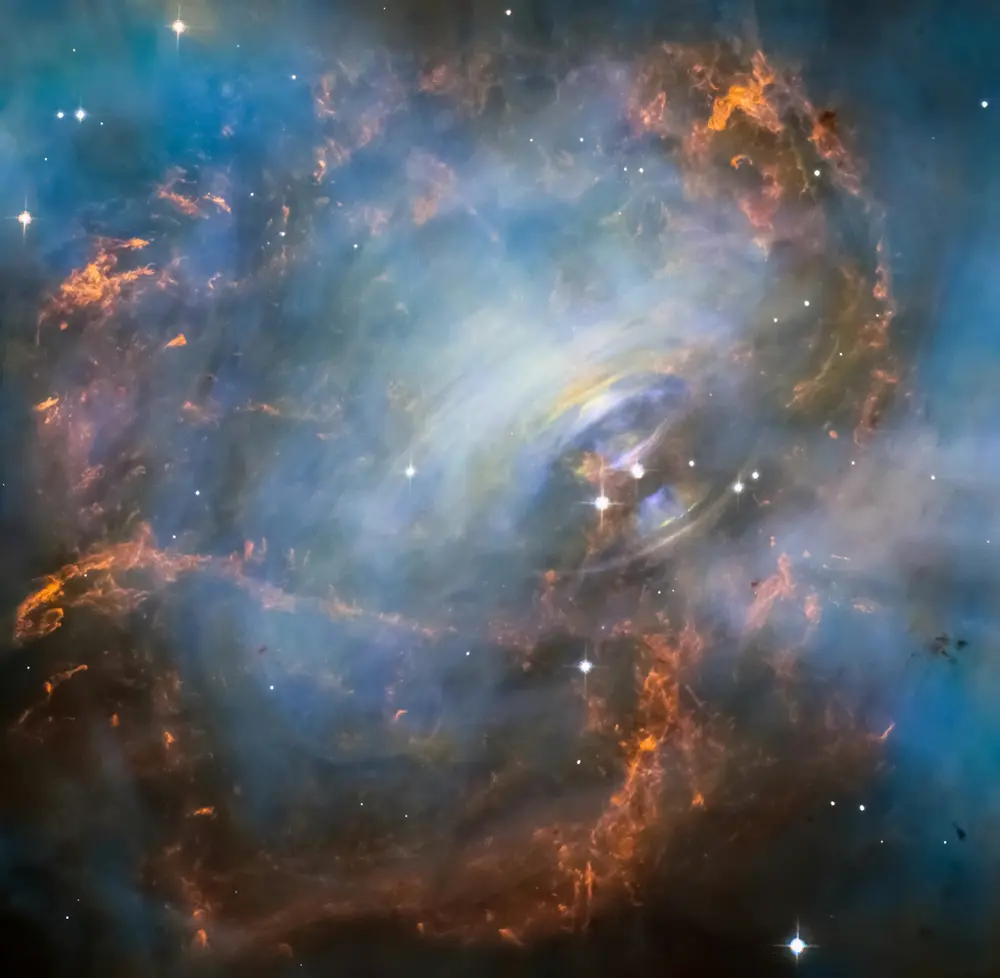
Nebulas and Gas Clouds
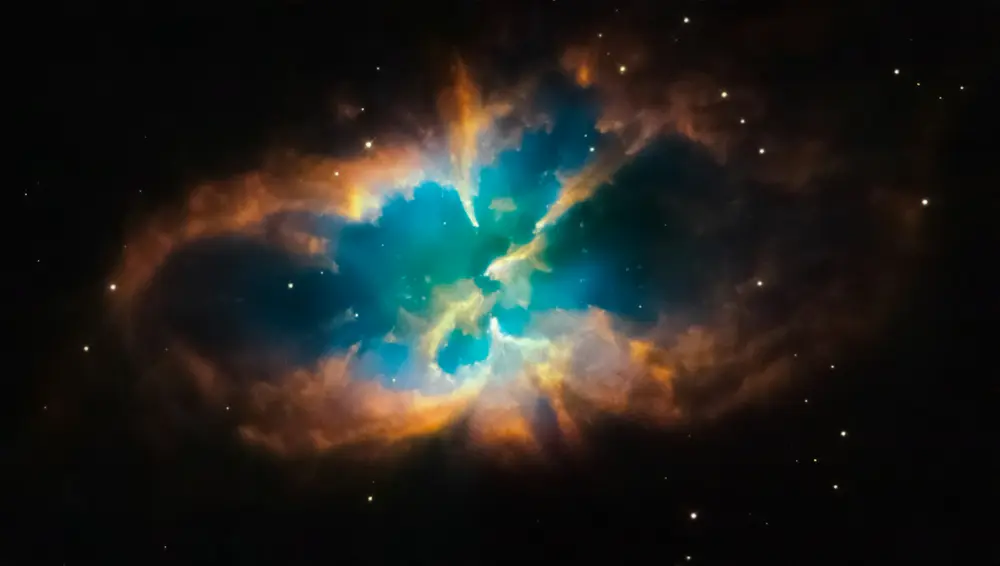
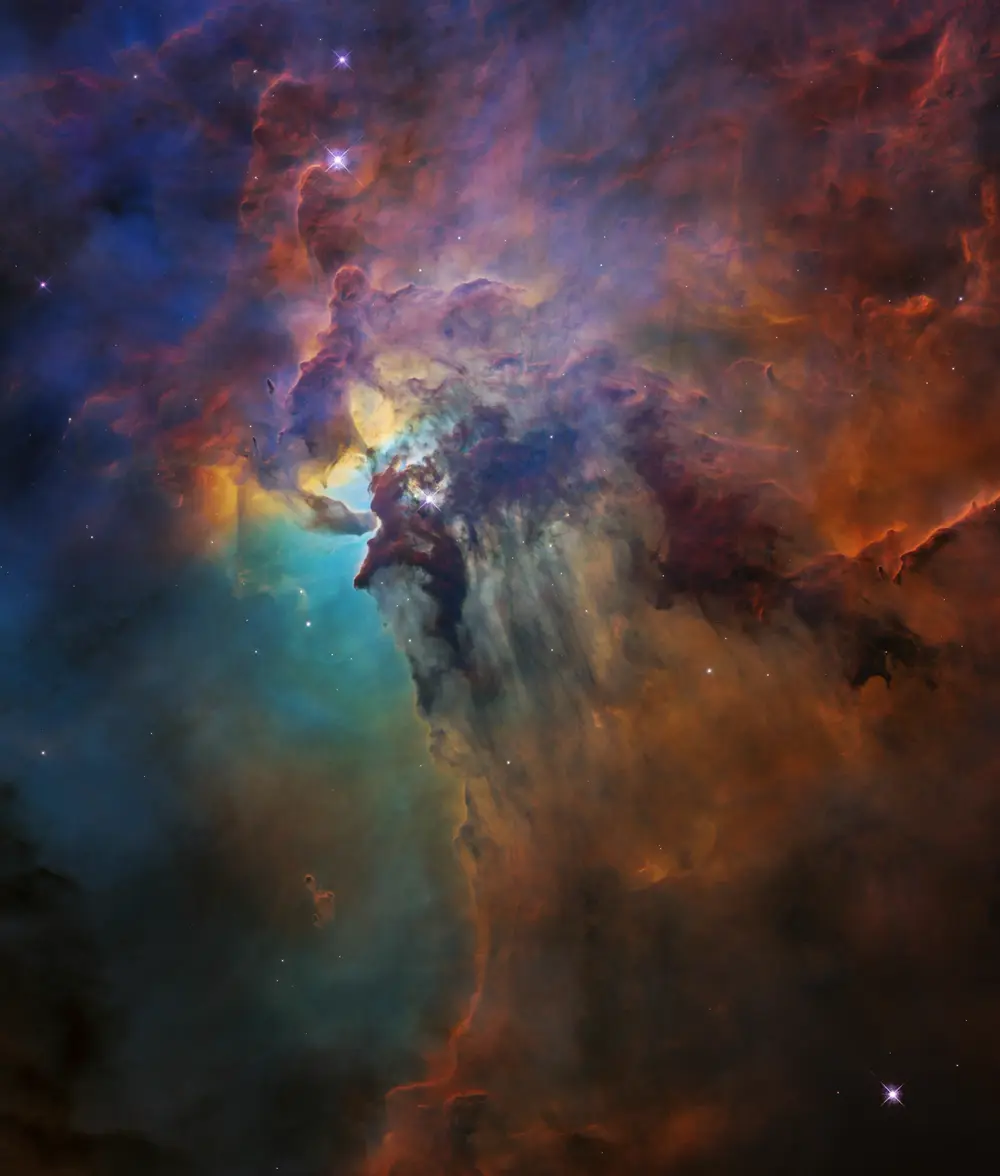
If you want a splash of color, nebula wallpapers are the way to go. These images feature vibrant hues of magenta, cyan, and deep orange, caused by the ionization of gases in space. They provide a more ‘artistic’ and colorful look compared to simple star fields.
Star Clusters and Constellations
For those who prefer a more minimalist or scientific aesthetic, star clusters offer a clean, geometric beauty. Constellation maps can also serve as a sophisticated, intellectual background that looks professional during meetings or presentations.
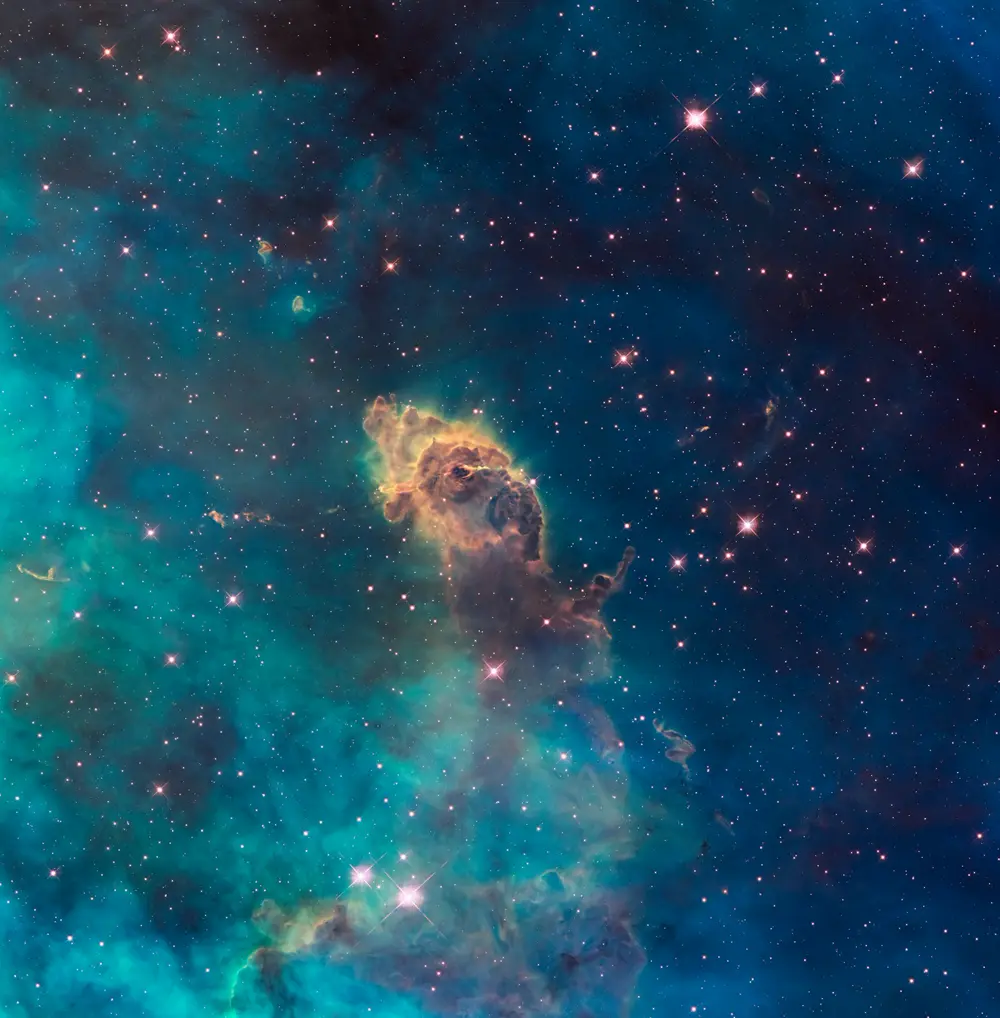
Deep Space Photography vs. Digital Art
There is a distinct difference between a photograph taken by a telescope and a piece of digital space art. Photography offers realism and a sense of wonder rooted in fact, while digital art allows for impossible colors and surrealist compositions that can make your tablet feel like a piece of fantasy concept art.
Optimizing Your Tablet Display for Space Backgrounds
How your wallpaper actually looks depends heavily on your hardware’s capabilities.
The OLED Advantage: True Blacks
If your tablet features an OLED or AMOLED screen, you are in luck. These screens can turn off individual pixels to achieve ‘true black.’ This means that the black parts of your star wallpaper will actually be off, creating an incredible contrast that makes the stars look like they are floating on the glass. This also provides the added benefit of battery conservation, as black pixels consume almost no power.
Color Accuracy and Wide Color Gamut
Modern high-end tablets often support wide color gamuts (like DCI-P3). When selecting a high res stars wallpaper, ensure the file is encoded in a way that takes advantage of these colors. High-bit-depth images (like those in 10-bit color) will prevent ‘banding’—those ugly lines you sometimes see in the gradients of a dark sky.
Conclusion
Investing time into finding the perfect high res stars wallpaper for tablet is a small change that yields a massive impact on your daily device interaction. By focusing on high resolution, matching your aspect ratio, and understanding your screen technology, you can turn your tablet into a gateway to the universe. Whether you choose the vibrant chaos of a nebula or the serene stillness of a distant galaxy, the cosmos is waiting to decorate your screen.
Frequently Asked Questions
1. What is the best resolution for a tablet wallpaper?
For most modern tablets, a resolution of at least 2560 x 1600 pixels is recommended. If you have a high-end device like an iPad Pro, aiming for 4K resolution will ensure the highest level of detail.
2. Will a dark star wallpaper save my battery?
If your tablet has an OLED or AMOLED screen, yes. Since dark pixels are essentially turned off, they consume significantly less energy than bright white pixels.
3. How do I prevent my wallpaper from looking blurry?
Ensure that the image’s aspect ratio matches your tablet and that the file size is large enough. Avoid downloading low-resolution thumbnails; always seek the original, full-sized high-resolution file.
4. Can I use NASA images as my wallpaper?
Absolutely! Most images provided by NASA are in the public domain, making them excellent, high-quality, and free resources for personal wallpaper use.
5. What is the difference between 4K and UHD wallpapers?
While often used interchangeably, UHD (Ultra High Definition) is the standard for consumer electronics, typically referring to a resolution of 3840 x 2160, which provides much more detail than standard HD.
Related posts:

Before you settle on one, glance at Dark Space Wallpaper Photos: Stunning Cosmic Backgrounds too. It pairs nicely with what you just scrolled through.
Know someone whose screen needs a refresh? Pass this link along.
