
Visual aesthetics play a crucial role in how we perceive our digital devices. For iPhone 14 users, choosing the right background is not just about personal taste; it is about optimizing screen real estate and creating a cohesive visual identity. Among the countless styles available, vaporwave has emerged as a dominant force in digital art and mobile customization. This retro-futuristic genre, characterized by its pastel color palettes, retro computer graphics, and surreal landscapes, offers a unique blend of nostalgia and modern design. In this guide, we will explore why this specific aesthetic resonates with modern users and how to effectively implement it on your device without compromising usability or battery life.
- Understanding the Vaporwave Aesthetic
- Optimizing for the iPhone 14 Display
- Practical Tips for Selection
- Common Mistakes to Avoid
- Frequently Asked Questions
Understanding the Vaporwave Aesthetic
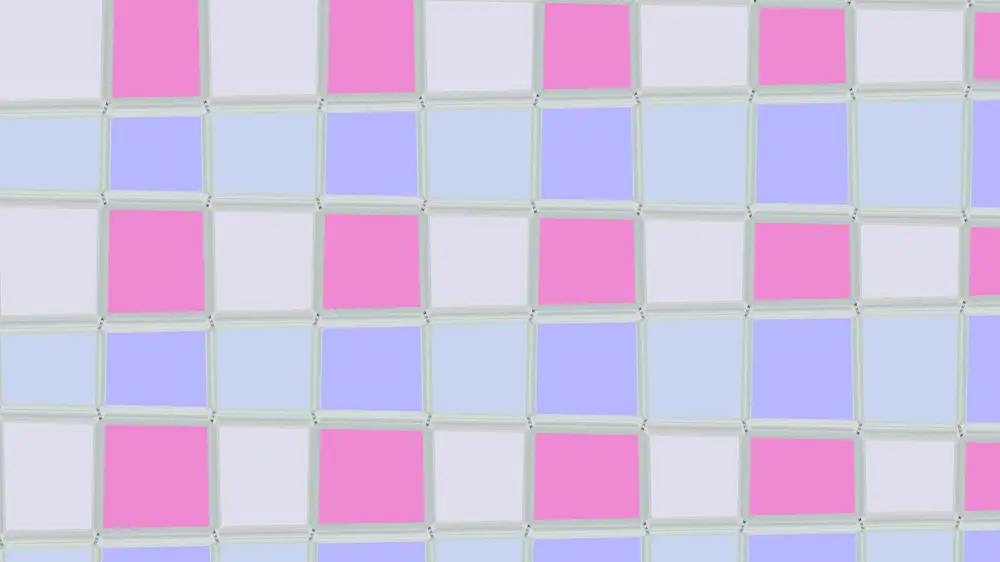
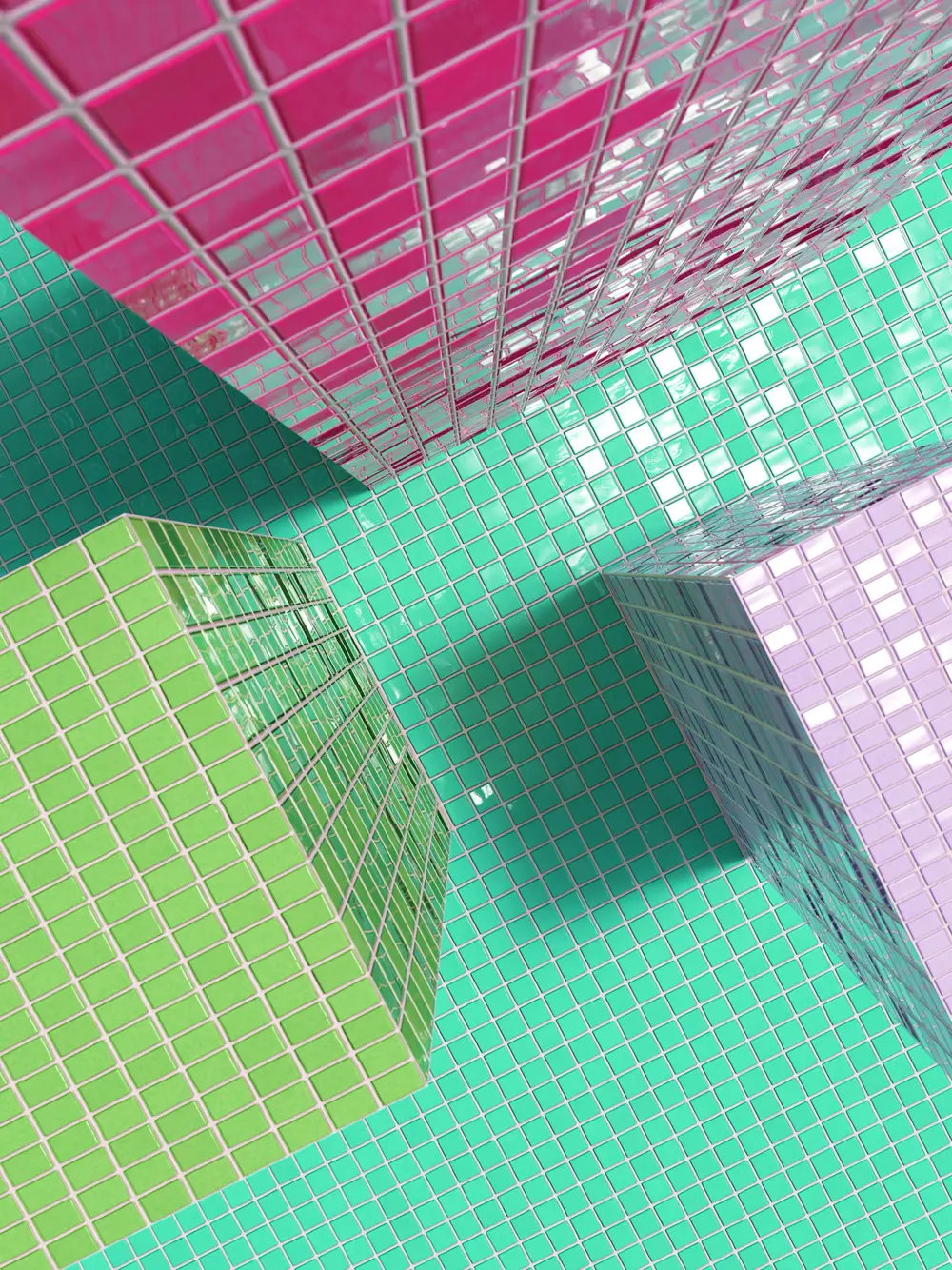
To appreciate why vaporwave wallpaper options are so popular, one must understand the cultural roots of the movement. Originating in the early 2010s, vaporwave is a subgenre of electronic music that also spawned a distinct visual art style. It draws heavily from 1980s and 1990s design elements, including grid landscapes, Greek statues, and neon typography. For the average user, this translates into a calming yet vibrant visual experience that stands out against the minimalist, flat-design trends of contemporary app icons. The use of pastel colors such as pink, purple, and cyan creates a soft contrast that is easy on the eyes during long sessions of scrolling or reading. Furthermore, the surreal imagery often found in these designs provides a mental escape, transforming the phone screen into a small window of alternative reality. This psychological aspect is significant; users often report feeling a sense of calm or creative inspiration when their home screen reflects a specific mood or artistic direction. Unlike busy, high-contrast patterns that can cause visual fatigue, the balanced composition of vaporwave art allows for a harmonious interface. It is important to note that the term ‘vaporwave’ has evolved. Today, it encompasses a wide range of styles, from lo-fi chillout visuals to more aggressive cyberpunk-influenced neon designs. Regardless of the specific variation, the core elements remain consistent: a sense of nostalgia, a digital glitch aesthetic, and a harmonious color scheme. When selecting a background, consider how these elements align with your personal brand and daily usage habits. A well-chosen aesthetic can make your device feel more personalized and less like a generic commodity.
Optimizing for the iPhone 14 Display
The iPhone 14 features a Super Retina XDR display with ProMotion technology, which supports variable refresh rates up to 120Hz. While this capability is primarily driven by hardware, the visual content on the screen plays a role in perceived performance and comfort. High-resolution vaporwave wallpaper files ensure that the intricate details, such as subtle gradients and fine grid lines, remain crisp and clear. Low-resolution images can appear pixelated, especially when zoomed in or viewed from certain angles. Therefore, it is essential to source images with a minimum resolution of 1170 x 2532 pixels, which is the native resolution of the iPhone 14 screen. This ensures that no upscaling artifacts occur, preserving the integrity of the design. Additionally, the dynamic range of the display allows for deep blacks and bright whites, but vaporwave art often relies on mid-tone pastel hues. To maximize the visual impact, look for images with a good balance of light and dark areas. Avoid images that are entirely too bright, as this can increase battery consumption due to OLED pixel illumination. Conversely, images that are too dark may make app icons difficult to read. The ideal background provides a neutral canvas that allows your app icons to remain visible while still showcasing the artistic elements. Consider the placement of elements within the image. Since app icons occupy the central and lower portions of the screen, the most visually complex parts of the wallpaper should be placed in the upper third or the corners. This technique, known as negative space optimization, ensures that the art does not compete with functionality. By understanding the technical specifications of your device, you can make informed decisions that enhance both aesthetics and performance.
Practical Tips for Selection
Selecting the perfect background is a process that requires attention to detail and an understanding of your daily phone usage. Here are some practical strategies to help you choose the best vaporwave wallpaper for your needs.
- Color Temperature: Decide if you prefer warm tones (pinks, oranges) or cool tones (blues, purples). Warm tones are often associated with energy and creativity, while cool tones are linked to calm and focus. Choose based on the primary function of your device for the day.
- Icon Visibility: Before setting the image, preview it with your current app layout. Ensure that no critical apps are obscured by bright or busy parts of the image. You can rearrange your home screen icons to create cleaner rows, which improves the overall look of the vaporwave aesthetic.
- Wallpaper Style: iPhone allows you to set different images for the lock screen and the home screen. For a cohesive look, use the same image for both, but adjust the zoom level. A slightly zoomed-out view for the home screen can provide more breathing room around the icons.
- Battery Considerations: If you are concerned about battery life, avoid images with large areas of pure white or bright neon colors. Instead, opt for darker pastel shades or images with significant black or dark blue areas. This can help reduce power consumption on OLED screens.
It is also worth experimenting with different aspects of the vaporwave genre. Some images feature prominent text or logos, which can clash with your app icons. Others are more abstract, focusing on shapes and colors. Abstract designs tend to be more versatile and timeless, whereas text-heavy images may become outdated as trends change. Consider the longevity of your choice. Will you still find this image appealing after a few months? Selecting a classic vaporwave piece can provide a consistent aesthetic that does not require frequent changes. Finally, pay attention to the file format. JPEG files are generally sufficient for wallpapers, as they offer a good balance between quality and file size. PNG files are larger and may not provide a noticeable improvement in visual quality for this use case.
Common Mistakes to Avoid
Even with the best intentions, users often make mistakes that detract from the overall aesthetic of their device. One common error is ignoring the aspect ratio. Images that are stretched or cropped incorrectly can lead to distorted elements, ruining the composition of the art. Always download images that match the aspect ratio of your iPhone 14 screen, or use a cropping tool to adjust the image before setting it as the wallpaper. Another mistake is neglecting the status bar area. The time, battery indicator, and signal strength are displayed at the top of the screen. If the wallpaper has a bright or busy area in this zone, it can make these essential indicators difficult to read. Ensure that the top portion of your image is relatively simple or dark to maintain visibility. Additionally, many users fail to consider the interaction between their wallpaper and their app icon themes. If you use a custom icon pack with a specific color scheme, your vaporwave wallpaper should complement those colors. For example, if your icons are primarily white and gray, a pastel pink and purple background will create a harmonious look. Conversely, a bright, multi-colored background may clash with minimal icons, creating a chaotic visual experience. Finally, avoid using images with excessive noise or grain. While some grain can add texture and depth, too much can make the image look dirty or low-quality. Clean, smooth gradients are a hallmark of high-quality vaporwave art and contribute to a professional, polished look. By avoiding these common pitfalls, you can ensure that your device looks its best and functions smoothly.
Conclusion
Choosing an aesthetic vaporwave wallpaper for iphone 14 is more than a cosmetic decision; it is an opportunity to personalize your digital experience and enhance your daily interaction with technology. By understanding the aesthetic principles of vaporwave, optimizing for your device’s display capabilities, and avoiding common mistakes, you can create a home screen that is both beautiful and functional. The key is to find a balance between artistic expression and practical usability. Whether you prefer the soft pastels of a lo-fi landscape or the bold neon of a cyberpunk grid, there is a style that suits your taste and needs. Take the time to experiment with different options, and do not be afraid to change your wallpaper as your preferences evolve. Your phone is a reflection of your personality, and the right background can make a significant difference in how you perceive and use your device. Embrace the retro-futuristic charm of vaporwave and transform your iPhone 14 into a unique piece of digital art.
Frequently Asked Questions
What resolution is best for an iPhone 14 vaporwave wallpaper?
The ideal resolution for an iPhone 14 wallpaper is 1170 x 2532 pixels. This matches the native screen resolution and ensures that the image is displayed without any pixelation or blurring. Using a higher resolution is possible but may result in a larger file size without a noticeable improvement in quality.
Does a bright wallpaper drain battery life faster?
Yes, on OLED screens like the one in the iPhone 14, bright pixels consume more power than dark pixels. Therefore, a wallpaper with large areas of bright white or neon colors will drain the battery faster than a darker image. To maximize battery life, choose wallpapers with significant dark or black areas.
Can I use the same image for both the lock screen and home screen?
Yes, you can use the same image for both screens. However, you may want to adjust the zoom level or position of the image for each screen to ensure that app icons are not obscured on the home screen and that the time is visible on the lock screen.
Where can I find high-quality vaporwave wallpapers?
You can find high-quality vaporwave wallpapers on various websites dedicated to digital art, such as Unsplash, Pexels, or specific vaporwave art communities. Ensure that you download images in a high-resolution format and that they have a license that allows for personal use.
How do I remove a wallpaper if I change my mind?
To remove or change a wallpaper, go to Settings, tap on Wallpaper, and select a new image. You can also delete saved wallpapers from your photo library if you no longer need them. The previous wallpaper will be replaced by the new one you select.
Related posts:


Every aesthetic page is another mood for your screen. Keep exploring the related sets below this one.
Save your favourites and share the rest — good wallpapers travel fast.
