
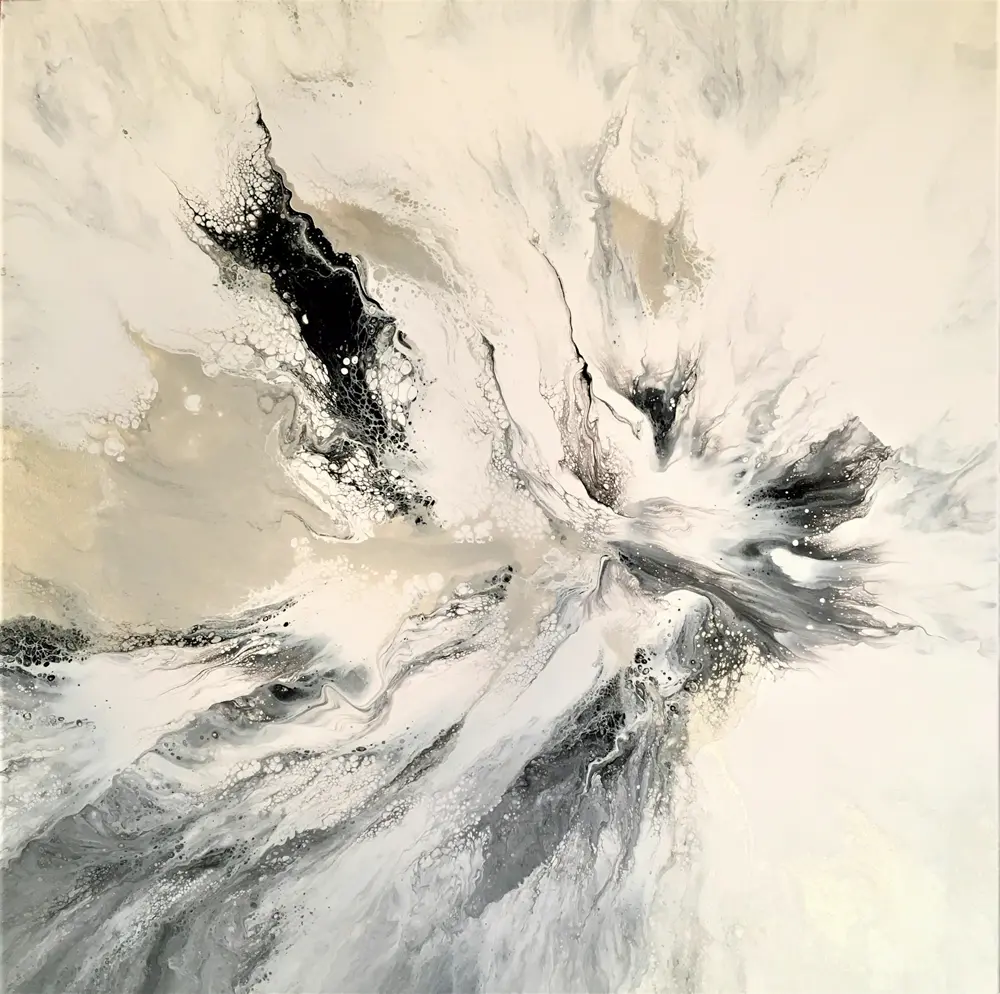
Visual aesthetics in digital spaces have evolved significantly, moving from static images to dynamic, interactive experiences. Among the most captivating trends is the use of animated backgrounds that simulate natural phenomena. Live white fire wallpaper offers a unique visual experience, combining the intensity of flame with the purity of a monochromatic palette. This guide explores the technical aspects, aesthetic benefits, and practical applications of using these dynamic visuals on your devices.
- Understanding the Visual Appeal of White Flames
- Technical Requirements for Smooth Animation
- Desktop vs. Mobile Implementation
- Psychological Impact of Dynamic Backgrounds
- Optimizing Performance and Battery Life
- Frequently Asked Questions
Understanding the Visual Appeal of White Flames
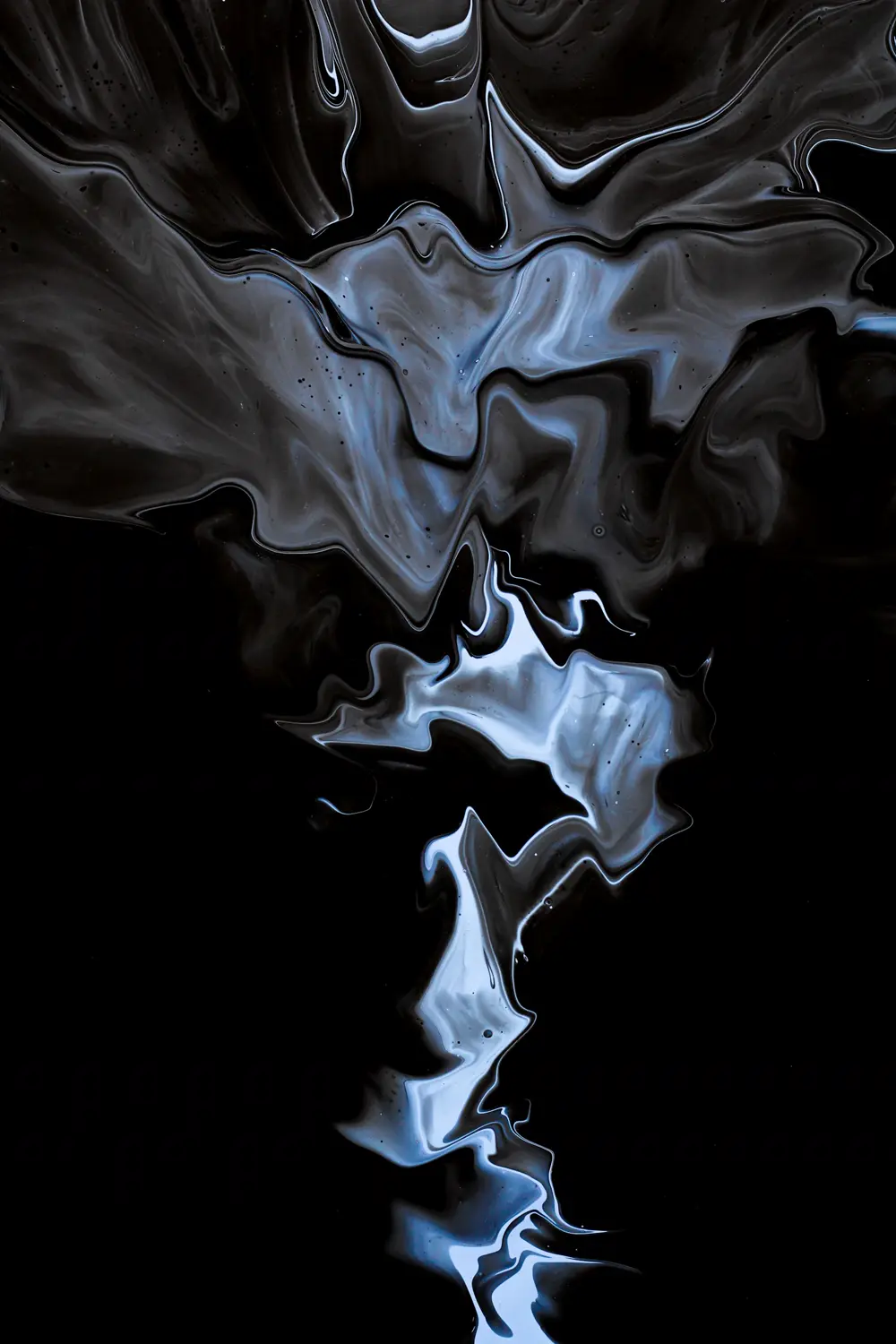
Traditional fire is associated with vibrant oranges, reds, and yellows. However, white fire presents a striking contrast. In physics, the color of a flame depends on its temperature and the chemical composition of the fuel. While pure white flames are rare in nature without specific additives, digital artists simulate this effect to create a surreal, ethereal atmosphere. The use of white in fire visuals conveys purity, high energy, and otherworldly power. For users seeking a sleek, modern aesthetic, this monochromatic approach reduces visual clutter while maintaining high engagement. It stands out against dark mode interfaces, providing a subtle yet powerful backdrop that does not distract from the primary content on screen. Many users find that the soft, glowing nature of white animations is less aggressive than traditional fiery hues, making it suitable for long work sessions.

When selecting a background, it is crucial to consider how it interacts with your operating system’s theme. For instance, if you are using a dark mode setup, a white flame animation can create a balanced contrast that enhances readability of light text. Conversely, on light mode displays, these wallpapers may require a darker overlay to maintain visibility. theme customization tools often allow users to adjust the opacity and brightness of animated wallpapers, ensuring that the visual effect complements rather than competes with your workflow. Understanding these interactions is the first step in integrating dynamic visuals into your digital environment effectively.
Technical Requirements for Smooth Animation
Unlike static images, live wallpapers rely on continuous rendering, which places a higher demand on your hardware. To achieve a smooth experience, your device must efficiently handle real-time graphics processing. Key technical factors include the speed of your graphics processing unit (GPU) and the amount of available random access memory (RAM). High frame rates, typically 60 frames per second or higher, are essential to prevent jittering or stuttering in the flame animation. If the frame rate drops, the fluid motion of the fire becomes choppy, detracting from the immersive quality.
- GPU Acceleration: The animation should be rendered by the GPU rather than the CPU to free up processing power for other tasks.
- Resolution Matching: The wallpaper resolution must match your screen resolution to avoid scaling artifacts or pixelation.
- File Format: Most live wallpapers are delivered in video formats like MP4 or in dedicated app formats. Video-based wallpapers are generally lighter on resources than complex 3D renderings.
It is also important to consider the file size of the animation. Large video files can consume significant storage space and may take longer to load, especially on mobile devices with limited data plans. Optimized files that maintain high visual quality with lower bitrates are preferable for a seamless user experience.
Desktop vs. Mobile Implementation
The method for applying a live wallpaper varies significantly between desktop operating systems and mobile platforms. On Windows, native support for moving wallpapers is limited, often requiring third-party applications to convert video files into animated desktop backgrounds. These apps run in the background, continuously playing the video on the desktop layer. Users must ensure that these applications are configured to start with the system to avoid frequent re-application. Additionally, some desktop environments may throttle background video playback to save power, which can result in the wallpaper pausing when the mouse is inactive. video playback settings within these utilities often allow users to define these behaviors.
On macOS, the situation is similar, with limited native support. Users typically rely on specific desktop customization tools that support video loops. These tools integrate with the desktop environment, allowing the animation to sit behind open windows. For Android users, the experience is more streamlined. The native gallery and settings menus often support live wallpapers directly, allowing users to set a video file as their home or lock screen background. iOS, however, is more restrictive, generally only supporting live photos for lock screens rather than continuous video loops for the home screen. This difference in platform capability is a critical factor when choosing where to deploy your preferred aesthetic.
Psychological Impact of Dynamic Backgrounds
Visual stimuli have a profound effect on human cognition and emotional state. Dynamic backgrounds can influence focus, stress levels, and productivity. Some users report that the gentle, rhythmic movement of flame animations helps to reduce stress and promote a state of relaxation. The hypnotic quality of fire has been observed in anthropological studies, where the gaze of early humans was drawn to the flickering of campfires. In a modern context, this visual anchor can provide a sense of calm amidst a busy digital workflow. However, others may find the movement distracting, particularly when working with detailed text or data. The key lies in the intensity of the animation. A slow, subtle loop of white fire is less likely to interfere with concentration than a fast, intense burst of particles. Personal experimentation is often required to determine the optimal setting for an individual’s cognitive style. Balancing aesthetic pleasure with functional utility is the primary goal of digital environment design.
Optimizing Performance and Battery Life
One of the most significant drawbacks of live wallpapers is the increased power consumption. Continuous video playback requires the screen to remain active and the processor to render frames constantly. This can lead to reduced battery life on laptops and mobile devices. To mitigate this, users should enable power-saving modes that pause the animation when the device is idle or when the screen brightness is lowered. Many modern operating systems include settings that automatically stop background video playback when the device is charging or when the screen is off. Additionally, users can manually configure their wallpaper applications to pause when specific resource-intensive applications, such as games or video editors, are running. This ensures that the processing power is prioritized for productivity tasks rather than background aesthetics. Regularly monitoring system performance can help identify if the wallpaper is causing lag or overheating issues, allowing for timely adjustments to settings or file quality.
Creating Custom White Fire Effects
For users with advanced skills, creating a custom live white fire wallpaper is a rewarding project. This involves using video editing software to composite flame elements over a dark background. By adjusting the hue and saturation, artists can shift the color spectrum from orange to white. Adding a blur effect can soften the edges of the flames, creating a more ethereal look. Looping the video seamlessly is a critical step, ensuring that the end of the clip matches the beginning to prevent noticeable jumps during continuous playback. Tools like Adobe After Effects or DaVinci Resolve offer the necessary controls for this level of customization. Once the video is rendered, it can be converted into a live wallpaper format using specific converters or applications. This approach allows for unique, personalized visuals that are not available in standard stock libraries, giving users complete creative control over their digital space.
Conclusion
Live white fire wallpaper represents a blend of artistic expression and technical functionality. It offers a visually distinctive alternative to traditional static backgrounds, providing a dynamic atmosphere that can enhance the user experience. By understanding the technical requirements and optimizing for performance, users can enjoy the aesthetic benefits without compromising device efficiency. Whether applied to a desktop or mobile device, the key is to balance the visual impact with practical usability, ensuring that the animation serves as a complement to, rather than a hindrance of, daily digital activities.
Frequently Asked Questions
Q: Why does my live white fire wallpaper drain my battery so quickly?
A: Continuous video rendering requires constant activity from the GPU and CPU. To reduce drain, enable power-saving settings that pause the animation when the device is idle or lower the resolution of the video file.
Q: Can I use a standard MP4 video as a live wallpaper on Windows?
A: Windows does not natively support video as a desktop background. You will need to use third-party applications that can loop video files and place them behind desktop icons.
Q: What is the best file format for a smooth live wallpaper?
A: H.264 MP4 is widely supported and offers a good balance between file size and quality. Ensure the video is encoded at a high bitrate to prevent pixelation during motion.
Q: Do live wallpapers affect gaming performance?
A: They can, as they consume GPU resources. It is recommended to disable or pause the live wallpaper when running resource-intensive games to maximize frame rates.
Q: How do I make the fire look white in video editing software?
A: Use color correction tools to increase brightness and reduce saturation. You may also need to adjust the hue to shift the orange tones towards white, and add a slight blur to soften the edges.
Related posts:
This set is just one corner of aesthetic. Plenty more backgrounds in the same category are waiting for you.
Know someone whose screen needs a refresh? Pass this link along.
