
The Resurgence of Digital Nostalgia
The aesthetic known as synthwave has evolved from a niche music genre into a dominant visual language in digital art. Characterized by its retro-futuristic elements, neon gradients, and grid-based perspectives, this style captures the essence of the 1980s cyberpunk era. Among the many color palettes associated with this movement, the blue synthwave variant stands out for its cool, immersive, and professional tone. Unlike the aggressive pinks and purples often associated with the core genre, blue tones evoke a sense of calm technology, nighttime driving, and digital depth. This guide explores the significance of this specific color scheme, how to source high-quality assets, and how to optimize your digital workspace using these visuals.
- Blue Tonal Analysis and Usage
- Resolution and Display Optimization
- Productivity and Visual Psychology
- Technical Setup for Monitors
Understanding the Blue Synthwave Palette
The classic synthwave look often relies on high-contrast hot pinks and electric purples. However, the blue synthwave sub-genre shifts the focus toward cyan, azure, deep navy, and ice blue. This shift is not merely aesthetic; it changes the psychological impact of the visual. Blue is universally associated with trust, stability, and clarity. In a digital context, this makes blue-based wallpapers particularly effective for environments requiring sustained focus, such as coding, data analysis, or graphic design.
Key Visual Elements
When curating or creating a blue-themed retro-future image, certain elements are critical to maintaining the authentic feel:
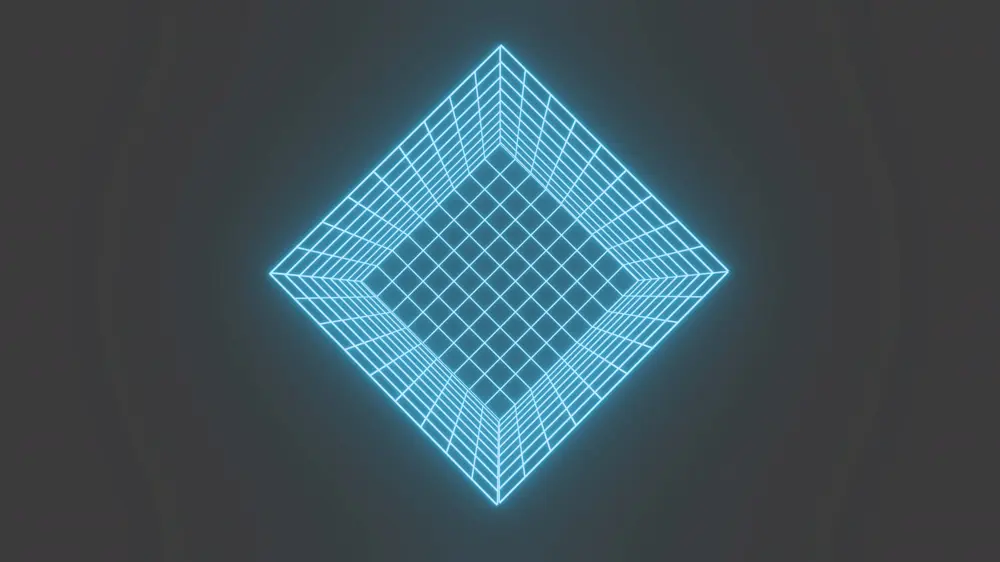
- Neon Grids: The perspective grid is the hallmark of the genre. In blue palettes, these grids often glow with a soft cyan light against a dark blue background, creating a sense of infinite digital space.
- Chromatic Aberration: Subtle color shifts around the edges of objects add a VHS tape effect. In blue themes, this might involve slight magenta or green fringing to maintain contrast without overwhelming the cool tones.
- Starfields and Sunsets: While the sun is a staple, in blue synthwave, it is often depicted as a digital horizon or a fading star, keeping the overall luminance lower to protect eye strain during long screen sessions.
Optimizing Resolution for Modern Displays
Downloading a wallpaper is not just about finding an image; it is about ensuring the technical specifications match your hardware. Many users download blue synthwave wallpaper files in standard 1080p, only to find them pixelated when stretched across a 4K monitor. To achieve the crisp, clean lines that define this aesthetic, the source resolution must match or exceed your native display resolution.
Aspect Ratio Considerations
Most modern monitors operate at a 16:9 aspect ratio, but ultrawide displays (21:9) and vertical screens (9:16 for mobile) are becoming increasingly common. A well-curated collection should offer variants for these formats. If you are using an ultrawide monitor, a standard 16:9 image will result in black bars or excessive cropping, ruining the composition of the grid or sunset elements. Always verify the dimensions before downloading to ensure the focal point remains centered.
The Psychology of Blue in Digital Workspaces
Color psychology plays a significant role in user experience. The use of blue synthwave themes can influence productivity and mood. Unlike warm tones that can be stimulating and potentially distracting, cool blues are known to lower heart rate and promote a state of flow. For professionals who spend eight or more hours a day in front of a screen, this subtle shift in visual temperature can reduce cognitive fatigue.
Reducing Eye Strain
One of the most practical benefits of blue-dominant dark themes is the reduction of screen glare. High-luminance pinks and whites can cause temporary afterimages and dryness. By shifting the palette to deep blues and muted cyans, the overall luminance of the background is lowered. This allows the text and windows in the foreground to stand out clearly without the user’s eyes having to constantly adjust between high and low contrast areas.
Technical Implementation and Customization
Once you have selected the perfect image, applying it correctly is crucial. On most operating systems, the default scaling method may blur the image if the resolution does not match perfectly. For the best results, ensure that your display settings are configured to use the native resolution. Additionally, consider using third-party wallpaper applications that allow for per-monitor customization in multi-display setups. This ensures that your blue synthwave theme remains consistent across all screens, enhancing the immersive experience.
Dynamic Wallpapers
For users with high-performance graphics cards, dynamic wallpapers that simulate the movement of stars or the pulsing of neon grids can further enhance the aesthetic. These animations are subtle and do not distract from work, but they add a layer of life to the static digital environment. When selecting dynamic assets, ensure the file size is optimized to prevent unnecessary RAM usage, which could impact system performance during heavy tasks.
Conclusion
The blue synthwave aesthetic offers a unique blend of nostalgia and modern functionality. By choosing this color palette, users gain a visually appealing workspace that supports focus and reduces eye strain. Whether you are a developer, designer, or gamer, the right wallpaper can transform your digital environment. Focus on high-resolution sources, match your aspect ratio, and embrace the cool tones of the retro-future to create a productive and stylish digital sanctuary.
Frequently Asked Questions
What is the best resolution for a blue synthwave wallpaper on a 4K monitor?
The ideal resolution is 3840×2160 pixels to prevent pixelation. If using an ultrawide monitor, look for 3440×1440 or higher resolutions to maintain the integrity of the grid and neon elements without cropping.
Does using a blue-themed wallpaper reduce eye strain compared to bright colors?
Yes, blue and dark-themed wallpapers generally reduce eye strain by lowering overall screen luminance. This helps prevent glare and allows the eyes to rest more easily during long periods of screen time.
Can I use blue synthwave wallpapers for mobile devices?
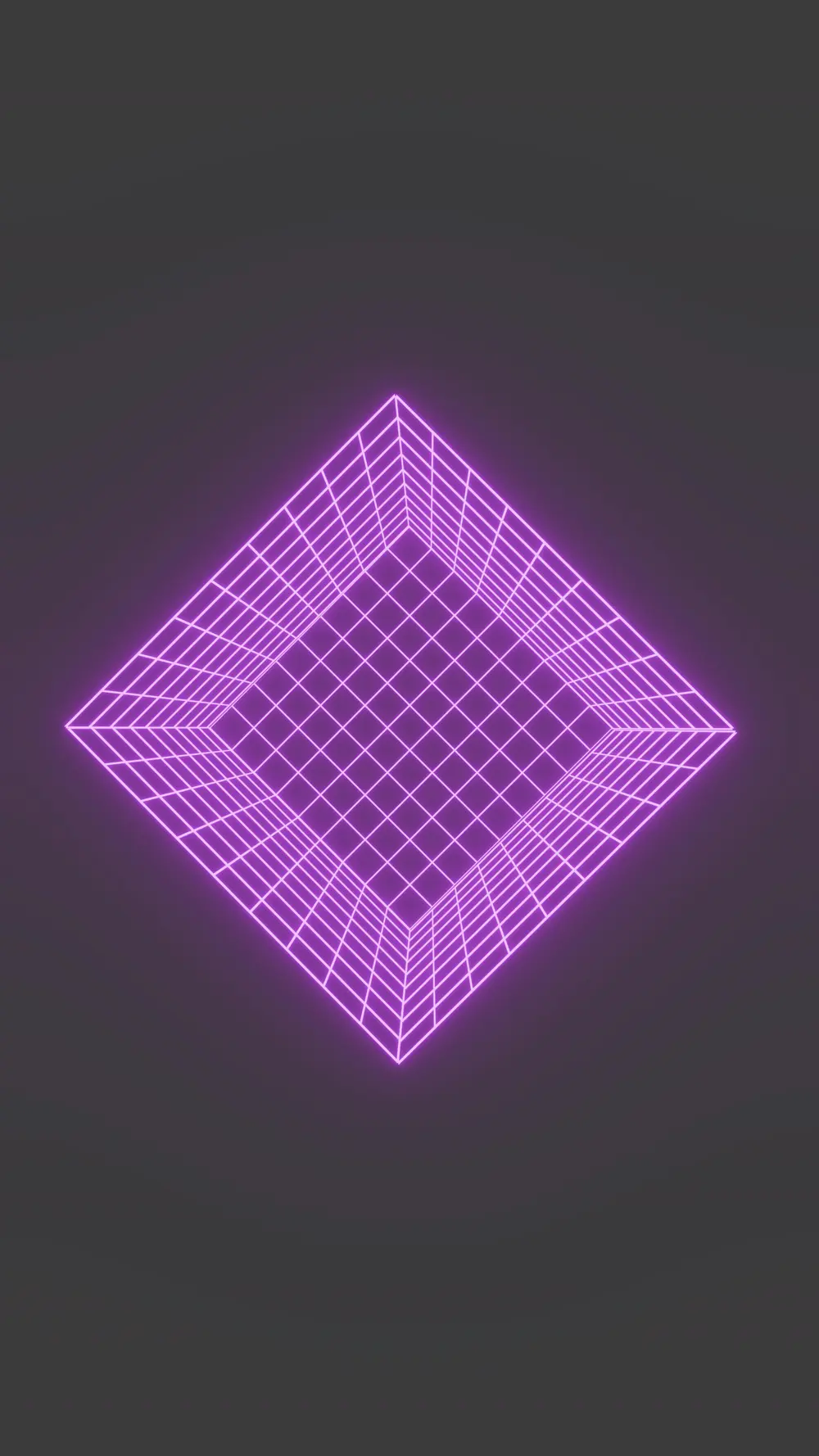
Absolutely. Look for vertical aspect ratios like 9:16 or 19:9 for smartphones. Ensure the focal point, such as the sun or grid center, is positioned to remain visible when the lock screen interface is active.
How do I find high-quality blue synthwave images for free?
Search for specific terms like ‘blue synthwave 4k’ on reputable stock photography or digital art platforms. Look for files labeled as ‘royalty-free’ or ‘CC0’ to ensure you can use them for personal or commercial purposes without cost.
What are the key visual elements that define the blue synthwave style?
Key elements include neon cyan grids, deep navy backgrounds, subtle chromatic aberration, and starfields. The combination of cool tones with retro-futuristic geometry distinguishes it from the more common pink and purple variants.
Related posts:
Before you settle on one, glance at 4K Watercolor Wallpaper: Guide to Widescreen Beauty too. It pairs nicely with what you just scrolled through.
Know someone whose screen needs a refresh? Pass this link along.
