
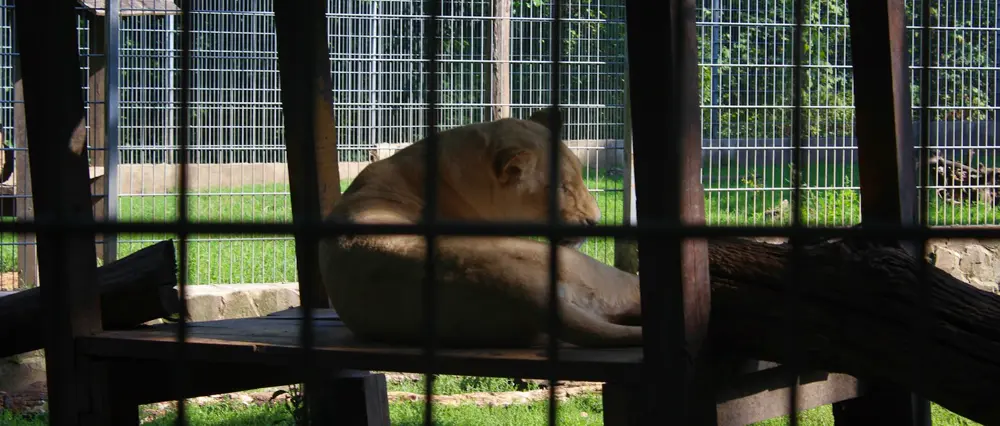
The majestic black lion is a symbol of raw power, mystery, and untamed nature. For many digital enthusiasts, gamers, and design professionals, securing a high-quality black lion wallpaper is not just about aesthetics; it is about setting a mood. Whether you are looking to transform your desktop into a dark, immersive environment or need a seamless background for a creative project, finding free, high-resolution assets is essential. This guide explores the best sources, technical considerations, and design trends surrounding this iconic feline.
- Where to Find Free Assets
- Technical Specs for Optimal Display
- Design Trends and Color Psychology
- Creative Applications
- Frequently Asked Questions
Where to Find Free High-Resolution Black Lion Images
Accessing copyright-free imagery has become easier than ever, but quality varies significantly across platforms. When searching for a black lion wallpaper, you must prioritize sites that offer true royalty-free licenses. Popular repositories like Unsplash, Pexels, and Pixabay host thousands of professional-grade photographs of lions. While most images feature the standard golden tawny coat, specific searches for “black lion” often yield artistic interpretations or rare melanistic variants which are visually striking.
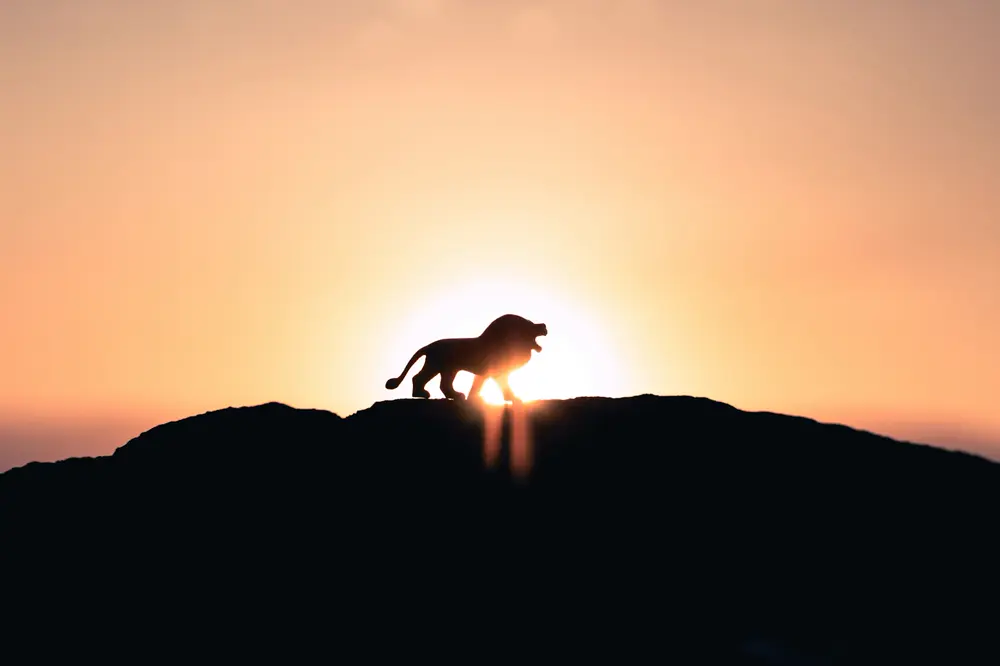
For those seeking more abstract or digital art renditions, platforms like DeviantArt and ArtStation allow artists to share their work for free. However, always check the specific license terms. Some artists require attribution, while others permit commercial use without credit. If you are building a portfolio or a gaming setup, using a lion image from a reputable source ensures you avoid legal pitfalls. Additionally, many stock photo sites offer extended licenses that allow for broader usage, including print and merchandise, which can be a valuable consideration if your digital wallpaper transitions into physical media.
It is also worth noting that AI-generated art platforms are becoming a viable source for unique black lion imagery. These tools can create hyper-realistic or fantasy-based interpretations that do not exist in nature. This is particularly useful for gamers who want a personalized, one-of-a-kind desktop background that reflects their specific aesthetic preferences, whether that be cyberpunk, gothic, or realistic wildlife.
Technical Specifications for Optimal Display
Having the right image is only half the battle; ensuring it displays correctly on your hardware is crucial. A common mistake users make is downloading a 1920×1080 image for a 4K monitor, resulting in pixelation and a soft, blurry appearance. When searching for a black lion wallpaper free download, prioritize the resolution.
Understanding Resolution and Aspect Ratios
Modern displays have moved beyond the standard 16:9 aspect ratio. Ultrawide monitors (21:9), 32:9 monitors, and even square 1:1 displays for mobile devices require specific image dimensions. A high-resolution image should ideally match your screen’s native resolution. For example, a 4K monitor requires an image of at least 3840×2160 pixels. If you are using a laptop, check your display settings to confirm the native resolution before downloading.
File Formats: JPEG vs. PNG
For wallpapers, JPEG files are generally preferred due to their smaller file sizes and efficient compression. However, if the image contains sharp edges, text, or is intended for further editing, a PNG file might be better. PNGs support transparency, which can be useful if you are layering the lion image over a gradient or another background element. Keep in mind that PNG files are significantly larger, so ensure your storage space allows for multiple high-resolution assets.
Design Trends and Color Psychology
The allure of the black lion extends beyond simple visual appeal. In color psychology, black represents authority, elegance, and mystery. When applied to wildlife imagery, it evokes a sense of danger and power. This makes it a popular choice for dark-themed interfaces, gaming setups, and creative portfolios.
The Aesthetic of Dark Mode
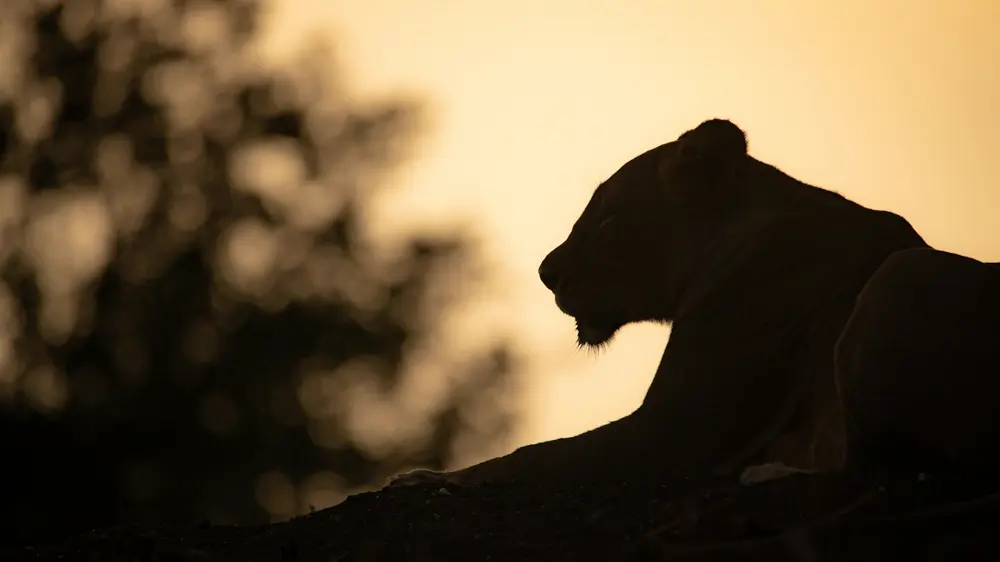
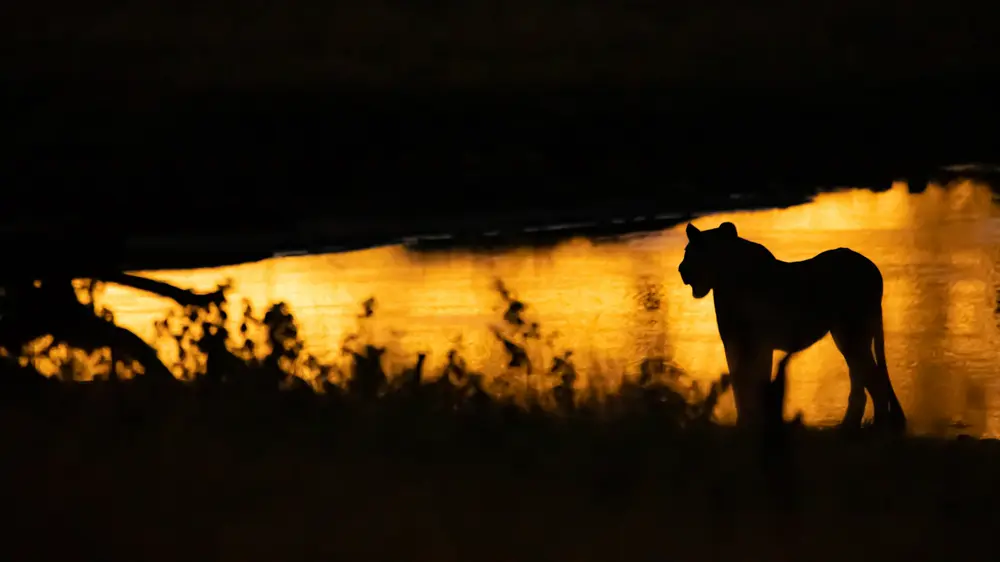
With the rise of dark mode in operating systems and applications, users are increasingly seeking wallpapers that complement this aesthetic. A black lion image often features high contrast, with deep blacks and sharp highlights on the fur or eyes. This contrast helps maintain visual clarity in dark environments, reducing eye strain while keeping the user engaged. The silhouette of a lion against a moonlit sky or a fiery background is a timeless design trope that continues to resonate with audiences.
Minimalism vs. Maximalism
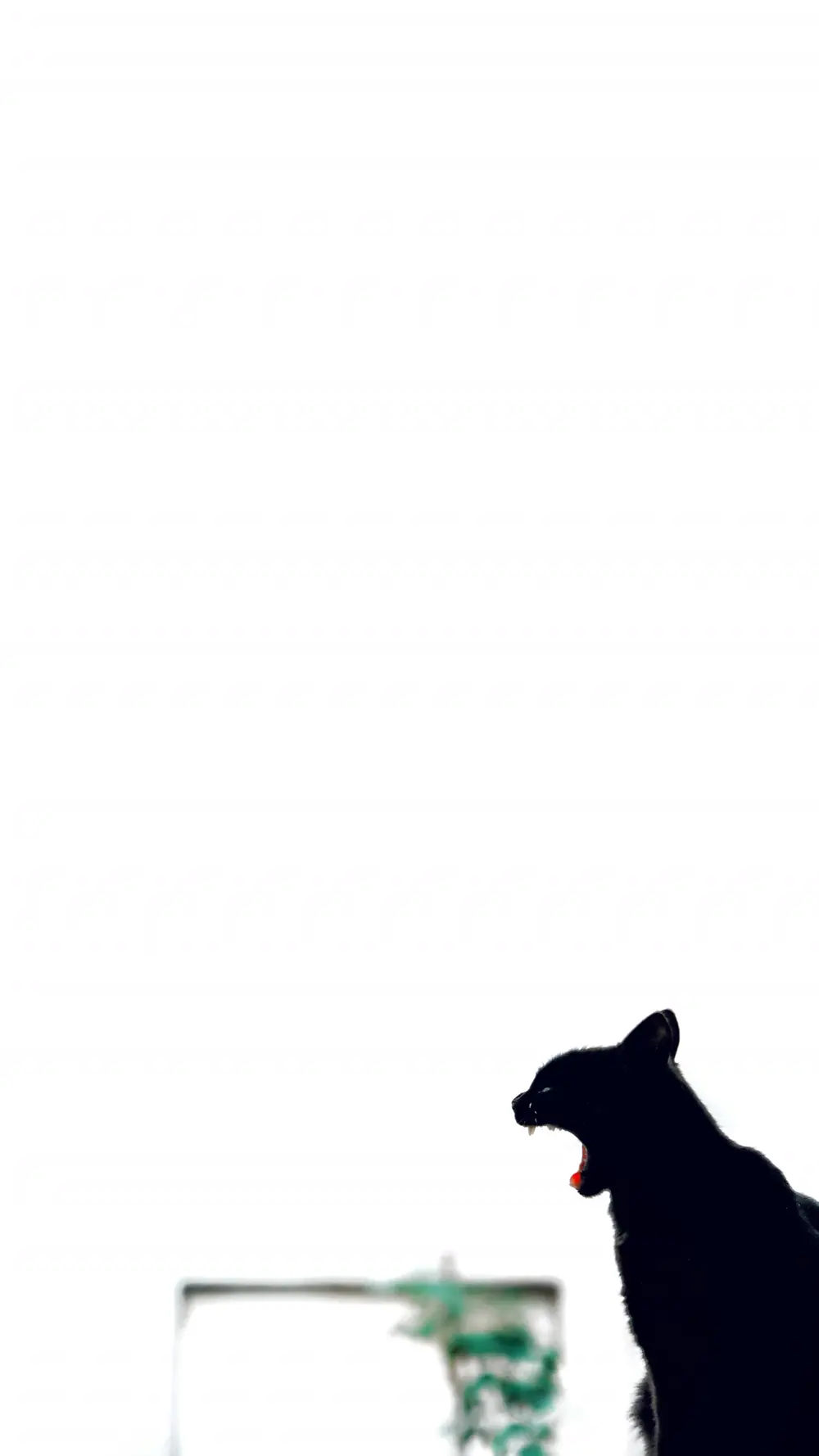
Design trends are shifting towards minimalism, where less is more. A clean, isolated black lion silhouette on a solid black or dark gray background can be incredibly impactful. On the other hand, maximalist designs feature intricate details, such as a lion emerging from smoke, flames, or digital glitch effects. Both approaches have their merits, but the key is consistency. Your wallpaper should complement your desktop icons and overall theme without causing visual clutter.
Creative Applications Beyond the Desktop
While desktop wallpapers are the most common use case, a high-quality black lion image can serve many other purposes. Content creators use such images as thumbnails for YouTube videos, particularly in the gaming and tech niches. The strong visual impact of a lion can increase click-through rates by capturing attention in a crowded feed.
Printers and merchandise creators also utilize these images for t-shirts, posters, and phone cases. The boldness of the black lion makes it ideal for screen printing and sublimation techniques. If you are an artist or designer, these images can serve as inspiration or reference material for your own work. By studying the anatomy, fur texture, and lighting of professional photographs, you can improve your own digital painting or 3D modeling skills.
Furthermore, these images can be used in web design as hero backgrounds for websites with a dark theme. Using a subtle, low-opacity version of a black lion image can add depth and texture to a website without overwhelming the text content. This technique is particularly effective for landing pages that aim to convey strength, luxury, or exclusivity.
Conclusion
Securing a high-quality black lion wallpaper free download is a straightforward process if you know where to look and what to look for. Prioritize high-resolution images from reputable sources, ensure the aspect ratio matches your display, and consider the design trends that align with your personal aesthetic. Whether you are a gamer, a designer, or simply a wildlife enthusiast, the right wallpaper can transform your digital space into a powerful and immersive environment. By understanding the technical and design aspects, you can make informed choices that enhance your user experience.
Frequently Asked Questions
Q: What is the best resolution for a 4K monitor?
A: For a standard 4K monitor, the ideal resolution is 3840×2160 pixels. If you have an ultrawide 4K monitor, you may need a higher width, such as 5120×2160 or 3840×1600, depending on the specific aspect ratio.
Q: Can I use a free black lion image for commercial purposes?
A: It depends on the license. Most images on sites like Unsplash and Pexels allow for commercial use without attribution, but you must verify the specific license for each image. Always read the terms of service to ensure compliance.
Q: Why does my wallpaper look blurry on my screen?
A: This is usually due to a mismatch between the image resolution and your monitor’s native resolution. If the image is smaller than your screen, it will be stretched, resulting in pixelation. Download an image that matches or exceeds your screen’s pixel dimensions.
Q: Are there real black lions in nature?
A: True black lions are extremely rare and often the result of melanism, a genetic condition that produces excess dark pigment. Most “black lion” images found online are artistic interpretations, AI-generated art, or photos of lions in low light conditions.
Q: How do I change my wallpaper on Windows or Mac?
A: On Windows, right-click on the desktop, select Personalize, and then choose Background. On Mac, go to System Preferences, click on Desktop & Screen Saver, and select the image you wish to use. Both systems allow you to browse your local files or choose from presets.
Related posts:

Every 4k-wallpaper page is another mood for your screen. Keep exploring the related sets below this one.
Share this page with a friend who is hunting for a fresh background.
