
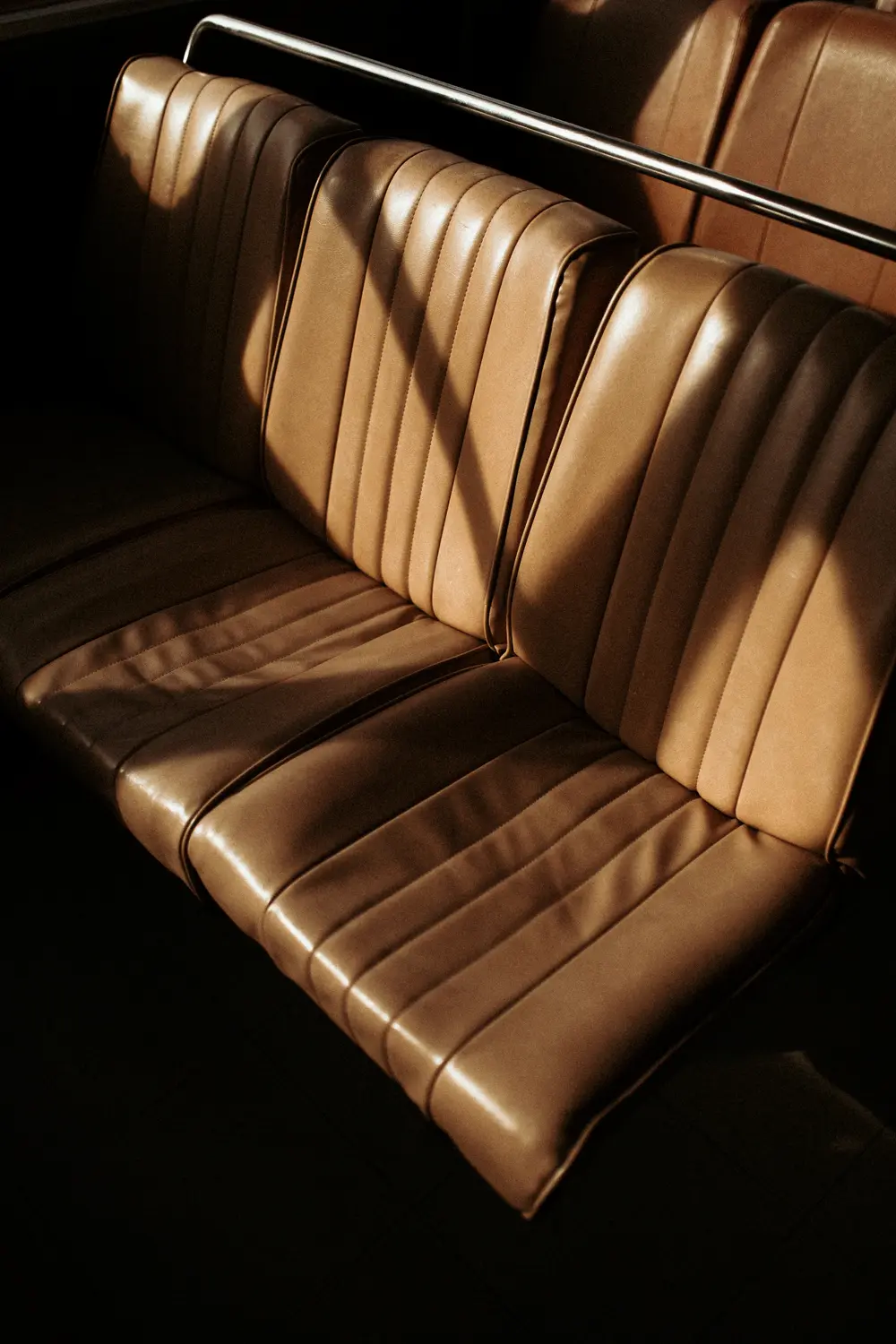
Earthy tones have reclaimed their place in the digital aesthetic, moving beyond mere fashion trends to become a staple in interior design, photography, and digital art. Among these, the brown car wallpaper background stands out as a sophisticated choice for those seeking warmth, stability, and a classic automotive vibe. Whether you are a classic car enthusiast, a modern minimalism advocate, or simply looking to add a touch of organic luxury to your desktop, understanding the nuances of this color palette can transform your daily digital experience.
In This Article
- The Psychology and Aesthetics of Brown in Automotive Art
- Top Styles: From Vintage Rust to Modern Matte
- Optimizing Resolution for Different Devices
- Pairing Brown with Complementary Colors
- Conclusion and Final Thoughts
The Psychology and Aesthetics of Brown in Automotive Art
Brown is often misunderstood as a secondary color, yet in the context of automotive photography and digital backgrounds, it carries significant weight. It is the color of the earth, of leather, and of aged wood. When applied to a car, it suggests heritage, reliability, and a grounded presence. Unlike the aggressive reds or the cold metallic grays, a brown car evokes a sense of calm and luxury. This makes it an excellent choice for calm and focused work environments, reducing visual fatigue over long periods of screen time.
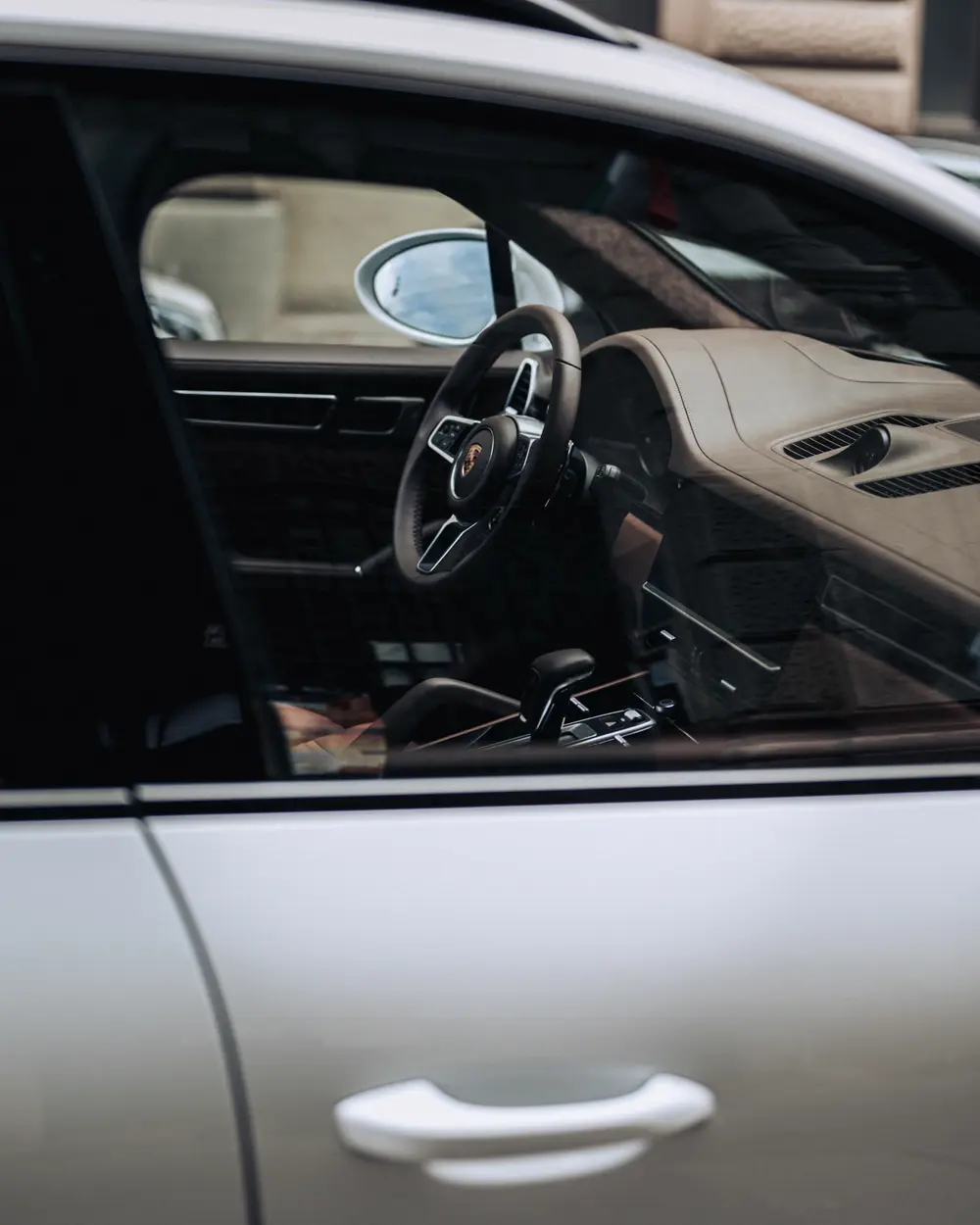
The versatility of brown allows it to adapt to various lighting conditions. In high-contrast photography, a deep chocolate brown can create dramatic shadows that highlight the curves and contours of a vehicle. In softer, golden-hour lighting, it blends seamlessly with the natural environment, creating a harmonious scene that feels both organic and polished. This adaptability is why many designers prefer earthy tones for their design projects, as they provide a neutral yet rich canvas for other elements to pop.
Furthermore, the psychological effect of brown is often associated with stability and trust. For users who spend significant time on their computers for business or creative work, a background that subconsciously promotes a sense of grounding can be beneficial. It is not about distraction, but about creating a backdrop that supports mental clarity. This is why the earthy automotive aesthetic is gaining traction among professionals who value both form and function in their digital spaces.
Top Styles: From Vintage Rust to Modern Matte
When selecting a brown car background, the specific shade and finish of the vehicle play a crucial role in the overall mood. Here are three distinct styles that define this niche:
1. The Vintage Rust and Patina
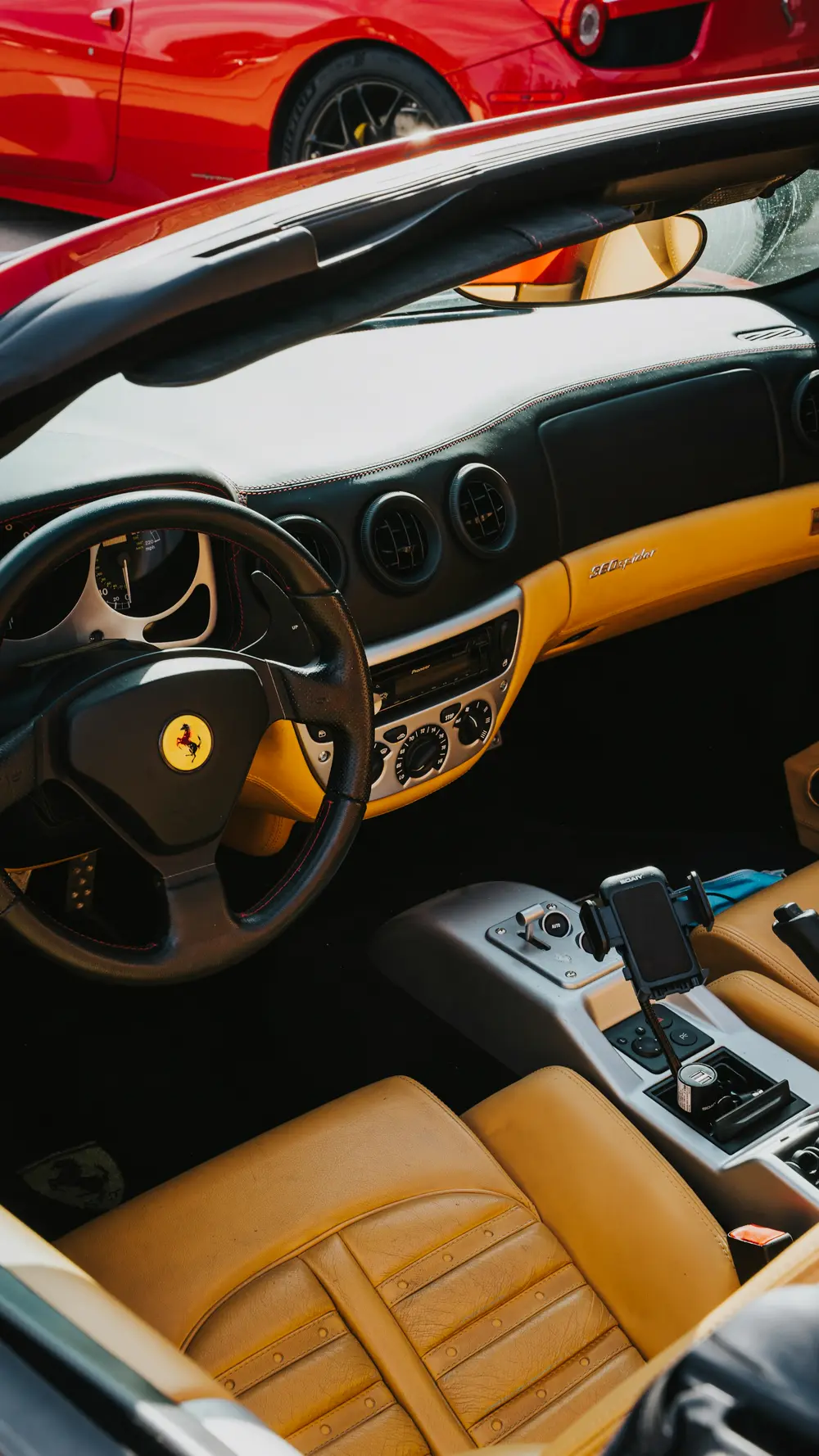
This style leans into the imperfections of age. Think of a classic 1970s muscle car with fading paint, visible rust spots, and a weathered texture. These wallpapers are rich in detail, offering a gritty, industrial vibe. They are perfect for users who appreciate history and the raw beauty of decay. The textures in these images often provide a sense of depth, making the screen feel less flat and more tactile.
2. Modern Matte Cocoa
Matte finishes have become a hallmark of modern luxury. A matte cocoa or taupe car provides a sleek, understated look. The lack of shine reduces glare in the photograph itself, resulting in a softer, more uniform image. This style is ideal for minimalists who want a background that is present but not overpowering. It pairs exceptionally well with clean, sans-serif fonts and simple desktop icons, maintaining a clutter-free aesthetic.
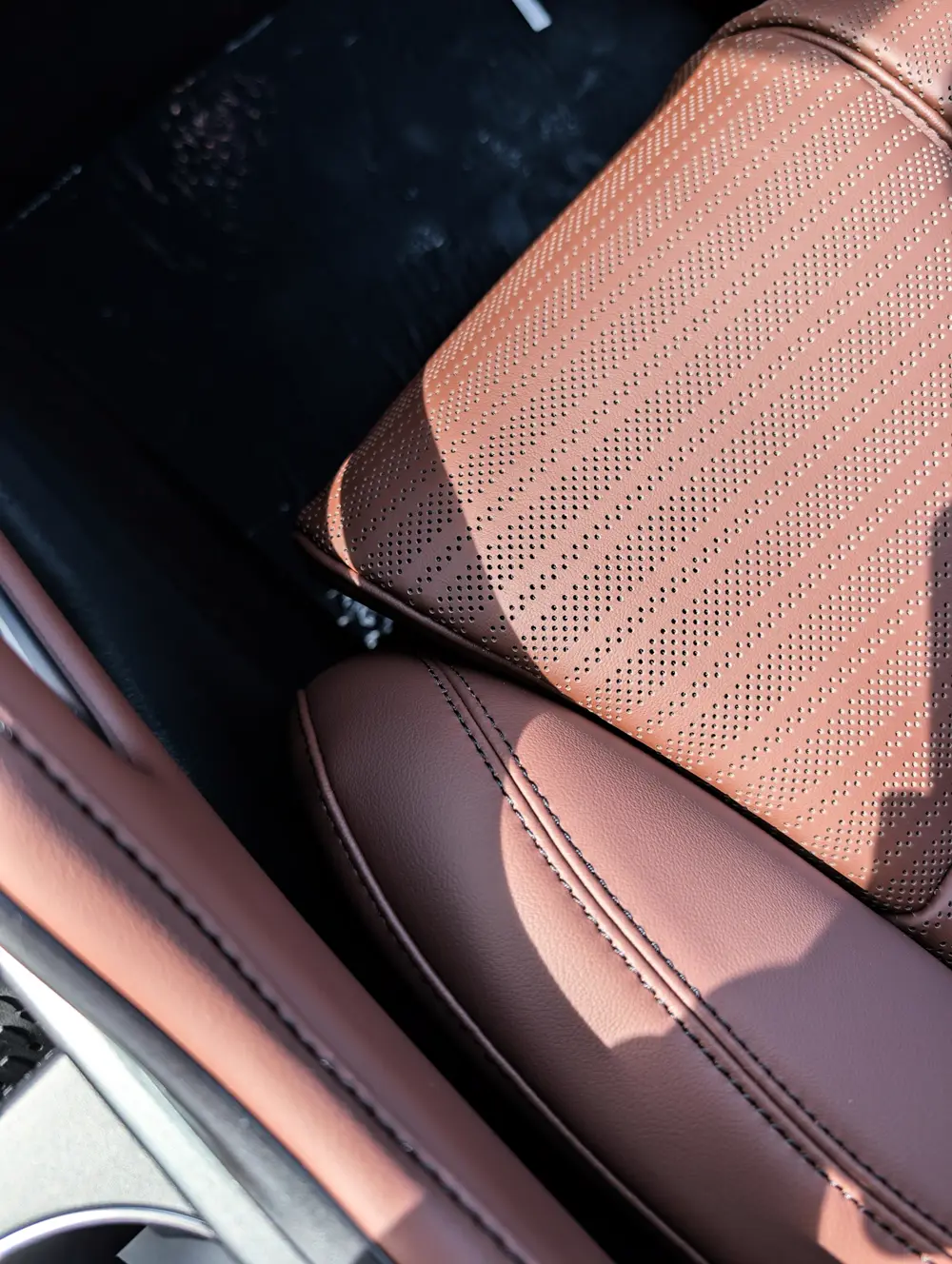
3. Leather Interior Close-ups
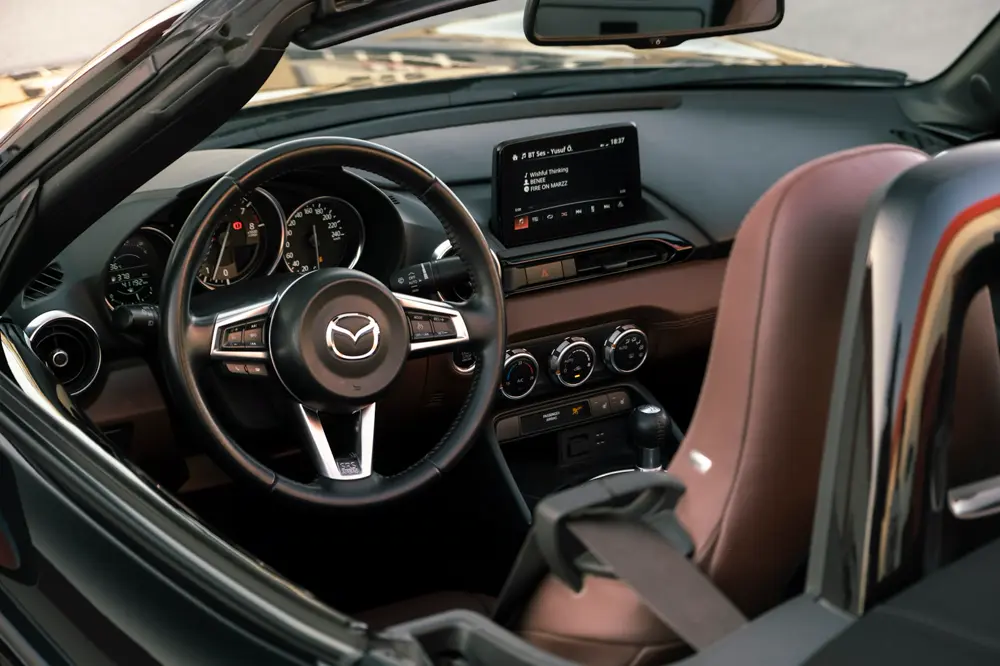
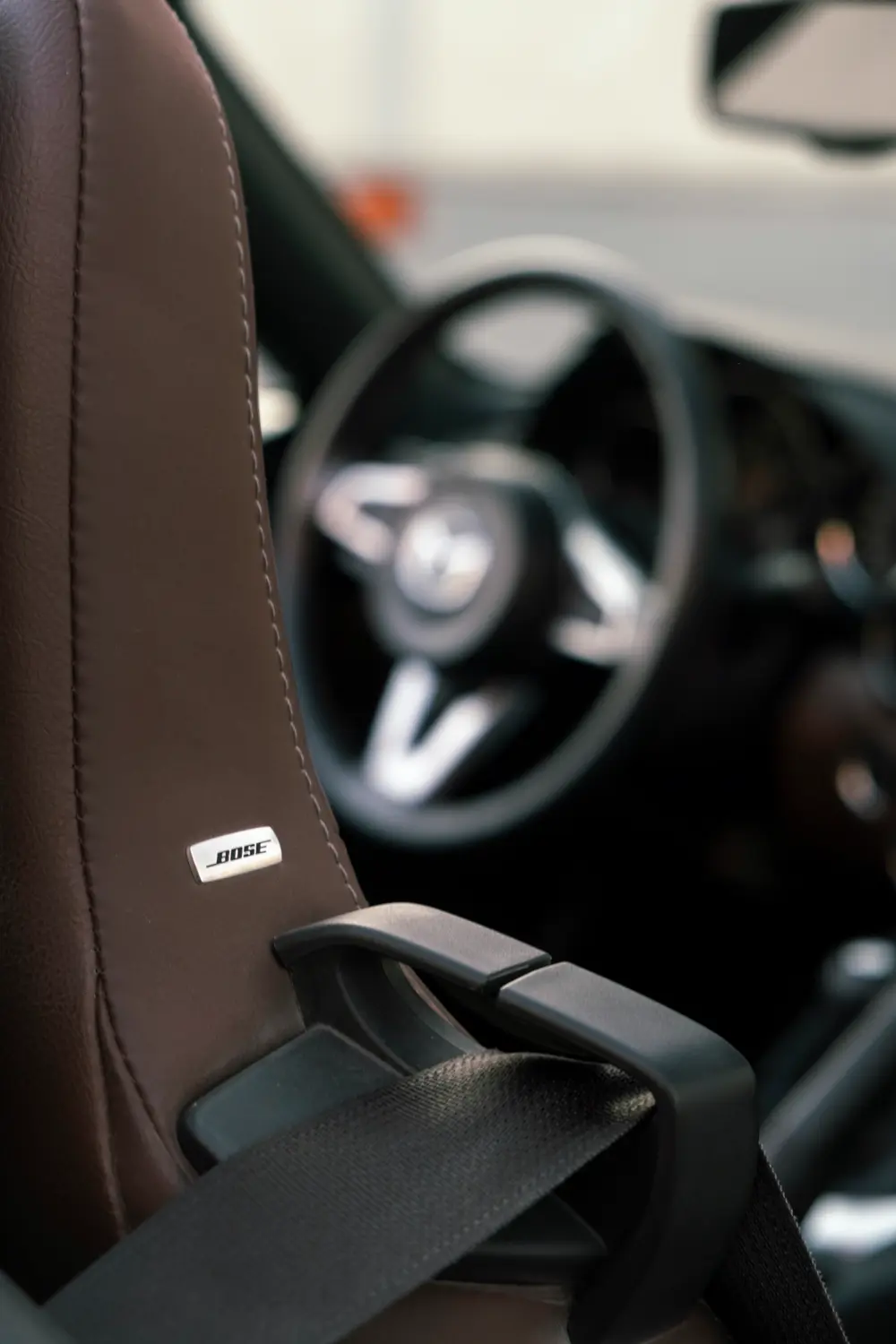
While exterior shots are common, close-ups of brown leather interiors offer a different perspective. The stitching, the grain of the leather, and the ambient lighting inside the car create a cozy, intimate atmosphere. These wallpapers are less about the vehicle’s motion and more about its comfort. They are particularly popular among those who view their car as a personal sanctuary, a second home on wheels.
Optimizing Resolution for Different Devices
Having the right image is only half the battle; ensuring it displays correctly on your specific hardware is equally important. A blurry or pixelated brown car wallpaper background can detract from the overall aesthetic, making the screen look cheap and unprofessional.
Understanding DPI and Screen Size
For standard Full HD monitors (1920×1080), an image at this exact resolution is sufficient. However, for 4K displays (3840×2160) or high-density laptop screens, you must use higher-resolution files to avoid upscaling artifacts. Always download images from reputable sources that offer scalable formats. If you are using the wallpaper on multiple devices, consider cropping the image to fit the aspect ratio of each screen to avoid awkward stretching or black bars.
Color Profile Considerations
Brown is a complex color that can easily shift towards orange or gray depending on the monitor’s calibration. If you notice the brown appearing too reddish or too dull, it may be due to your screen’s color profile. Most modern monitors allow you to adjust the color temperature. Slightly warming the temperature can enhance the richness of the brown, while cooling it may make the image appear more neutral and gray. Experiment with these settings to find the balance that best represents the intended tone of the wallpaper.
Pairing Brown with Complementary Colors
Brown is a neutral base, which means it pairs well with a wide variety of accent colors. However, some combinations work better than others for creating a cohesive desktop environment.
- Gold and Yellow: These warm tones complement brown by adding brightness and energy. A gold accent in your desktop icons or widgets can create a luxurious, high-end feel.
- Green: Brown and green are natural companions, drawing inspiration from forest floors and autumn leaves. This combination is ideal for a relaxed, organic theme.
- White and Cream: These light tones provide contrast, making the brown stand out without being harsh. They are excellent for keeping the desktop clean and readable.
Avoid pairing brown with dark blues or purples, as this can create a muddy, indistinct look. Instead, stick to warm earth tones or crisp neutrals to maintain clarity and visual appeal. The goal is to create a harmonious palette that supports your workflow and enhances your aesthetic preferences.
Conclusion
The brown car wallpaper background is more than just a visual choice; it is a statement of taste and a tool for creating a personalized digital space. By understanding the psychology of the color, selecting the right style, and optimizing for your specific hardware, you can transform your screen into a source of inspiration and calm. Whether you prefer the rugged charm of vintage rust or the sleek sophistication of modern matte finishes, there is a brown car aesthetic that fits your needs. Embrace the warmth and stability of earthy tones, and let your digital environment reflect your personal style.
Frequently Asked Questions
Why is brown considered a sophisticated color in automotive design?
Brown is associated with leather, wood, and earth, which are materials traditionally linked to luxury and craftsmanship. In automotive contexts, it suggests a heritage of quality and a timeless appeal that contrasts with the often fleeting trends of bright, neon colors.
How do I prevent a brown wallpaper from looking washed out on my screen?
Ensure your monitor’s brightness and contrast settings are optimized for your viewing environment. Additionally, check the color profile of your display. If the image looks too gray, try adjusting the color temperature to be slightly warmer, which will enhance the richness of the brown tones.
What is the best resolution for a brown car wallpaper on a 4K monitor?
For a 4K monitor, you should use an image with a resolution of at least 3840×2160 pixels. Using a lower resolution will result in upscaling, which can cause blurriness and pixelation. Always source high-resolution images to ensure crisp details and vibrant colors.
Can brown car wallpapers be used for professional work environments?
Yes, they can be highly effective. Brown is a calming color that reduces eye strain and promotes focus. For professional settings, opt for matte finishes or interior shots that are less visually stimulating than bright exteriors. Ensure the desktop icons are arranged in a way that does not clutter the image, maintaining a clean and organized look.
How do I customize a brown car wallpaper to match my desktop theme?
You can use image editing software to adjust the brightness, contrast, and saturation of the wallpaper. You can also crop the image to fit your screen’s aspect ratio and add subtle overlays or filters to match your preferred aesthetic. Experimenting with different adjustments can help you create a unique look that complements your workflow and personal style.
Related posts:

Before you settle on one, glance at Cool Grey Car Wallpaper: Aesthetic & Minimalist Backgrounds too. It pairs nicely with what you just scrolled through.
Share this page with a friend who is hunting for a fresh background.
