
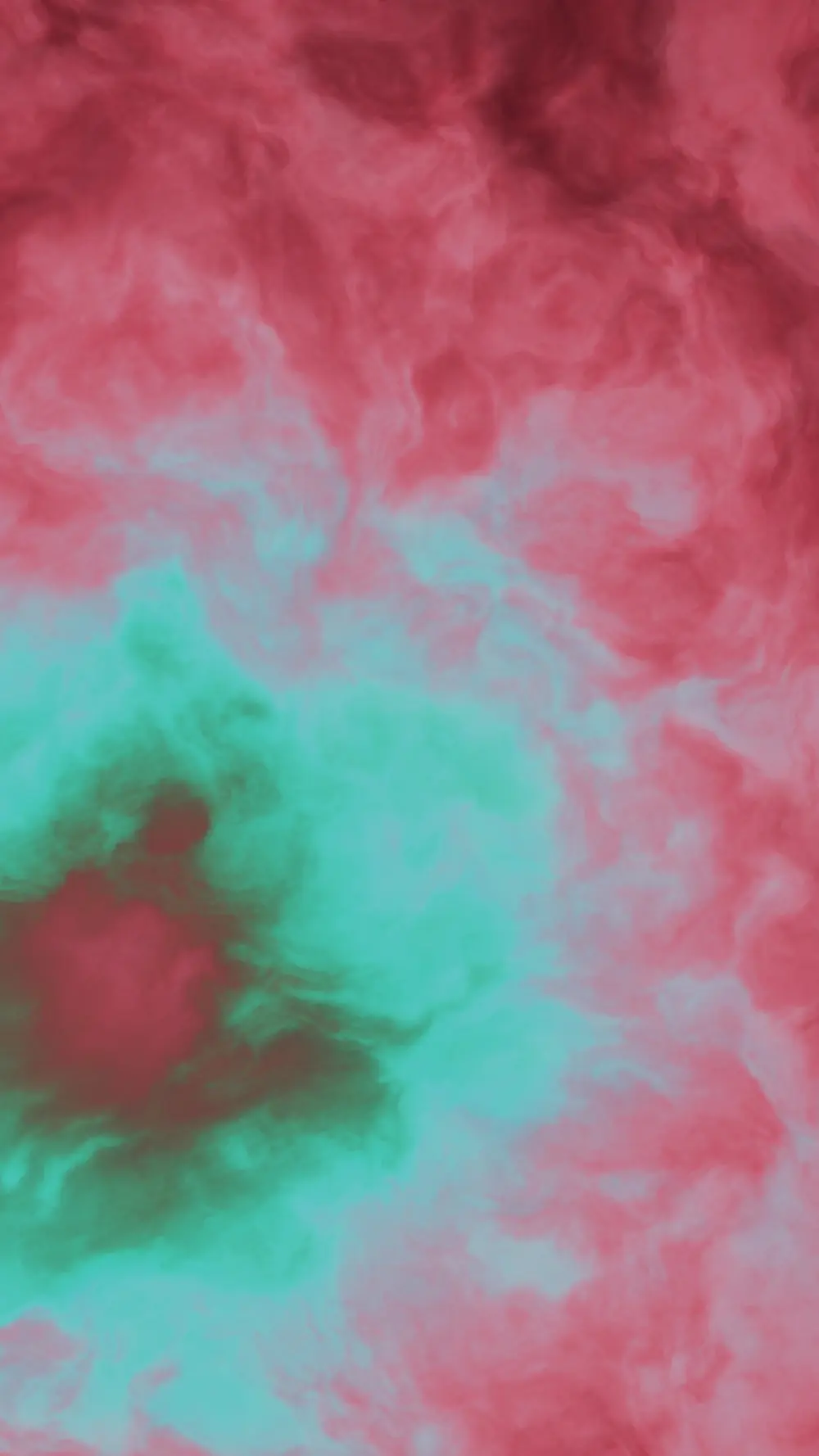
Imagine a digital canvas where calm meets mystery. Cool teal smoke wallpaper designs have emerged as a dominant trend in digital aesthetics, offering a perfect balance between serenity and sophistication. Unlike bright, saturated colors that demand attention, the soft, diffused nature of teal smoke provides a visual retreat. Whether you are curating your desktop for productivity or setting a mobile background for a calming effect, understanding the nuances of this aesthetic can enhance your digital experience significantly. This guide explores the artistic, psychological, and practical aspects of using these atmospheric visuals in your daily digital life.
In This Article
- The Aesthetic Appeal of Teal Smoke
- Psychological Impact on Digital Spaces
- Optimizing Visuals for Productivity
- Curating Your Digital Aesthetic
- Conclusion
- Frequently Asked Questions
The Aesthetic Appeal of Teal Smoke
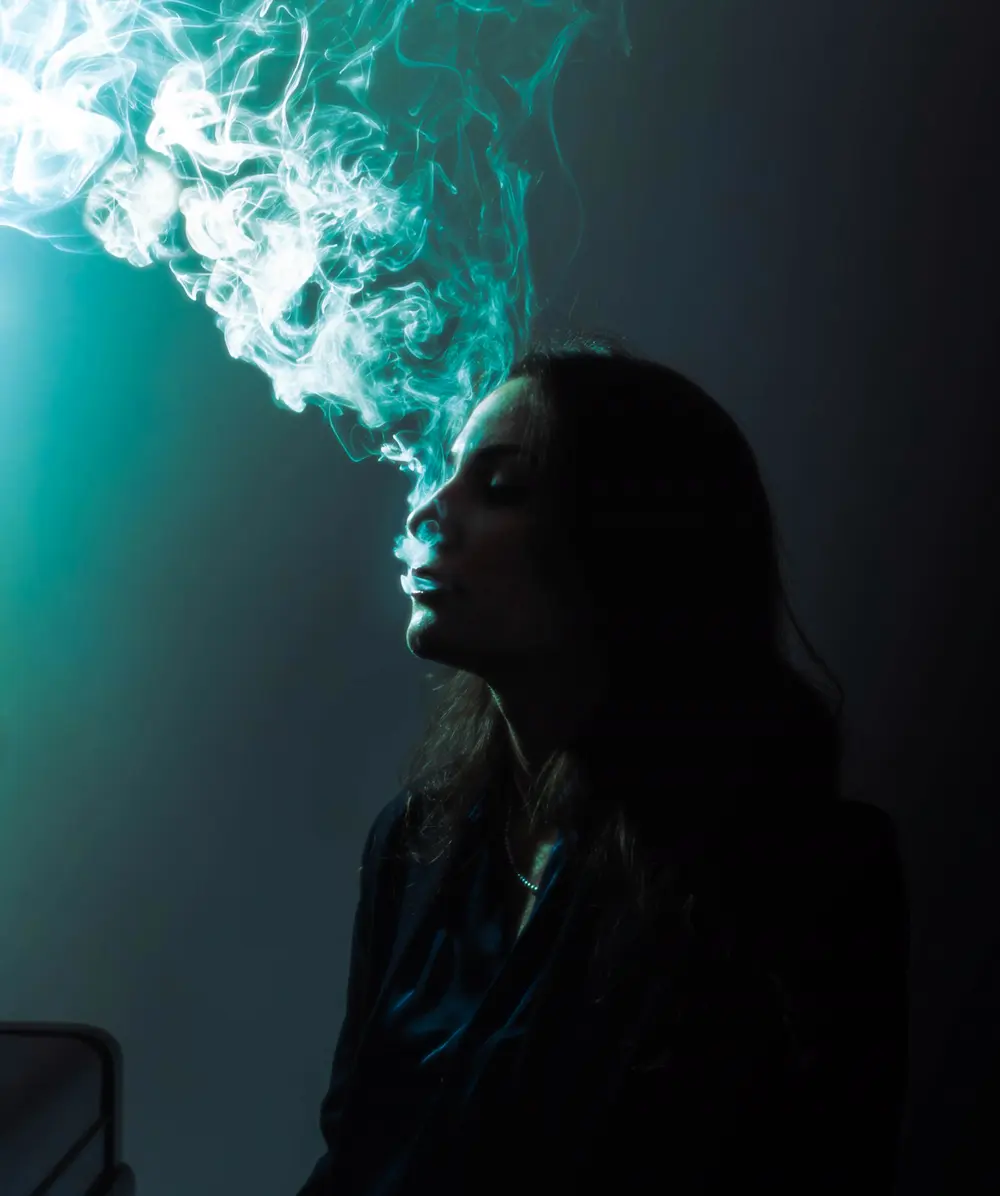
At its core, the teal smoke aesthetic relies on the interplay of light, shadow, and color saturation. Teal, a blend of blue and green, is inherently associated with water, nature, and clarity. When rendered in a smoky form, the color loses its rigidity and gains a fluid, ethereal quality. This effect is often achieved through high-resolution photography of incense smoke or abstract digital gradients that mimic the behavior of vapor.

Why This Color Combination Works
The appeal lies in the subtle contrast. Pure teal can be intense, but when diffused through smoke-like textures, it becomes softer and more inviting. The gray and white tones within the smoke add depth, preventing the background from looking flat. This layered approach creates a sense of dimensionality that is visually pleasing to the human eye. For many users, this style feels less like a static image and more like a living, breathing element of their interface.
Many users find that this specific hue resonates with a sense of modern minimalism. It is clean enough for professional environments but expressive enough for personal devices. For those interested in expanding their visual library, exploring related abstract patterns can provide complementary options that maintain this sophisticated vibe. Additionally, pairing these wallpapers with a curated set of icons can further refine the overall user interface, creating a cohesive look that feels intentional and polished.
Psychological Impact on Digital Spaces
Digital environments are not just functional; they are psychological spaces. The colors we see on our screens for eight hours a day can influence our mood, focus, and even stress levels. Teal smoke wallpaper designs are often chosen for their calming properties. The cool tones of teal are known to lower heart rates and promote a sense of tranquility, making them ideal for individuals who work in high-stress environments.
Focus and Clarity
Unlike warm colors like red or orange, which can stimulate urgency and alertness, the cool spectrum encourages a state of flow. When the background is non-distracting yet visually engaging, the brain can allocate more resources to the task at hand. The smoky texture adds a layer of complexity that keeps the eye interested without overwhelming it. This balance is crucial for maintaining digital mindfulness, where the tool serves the user rather than distracting from the work.
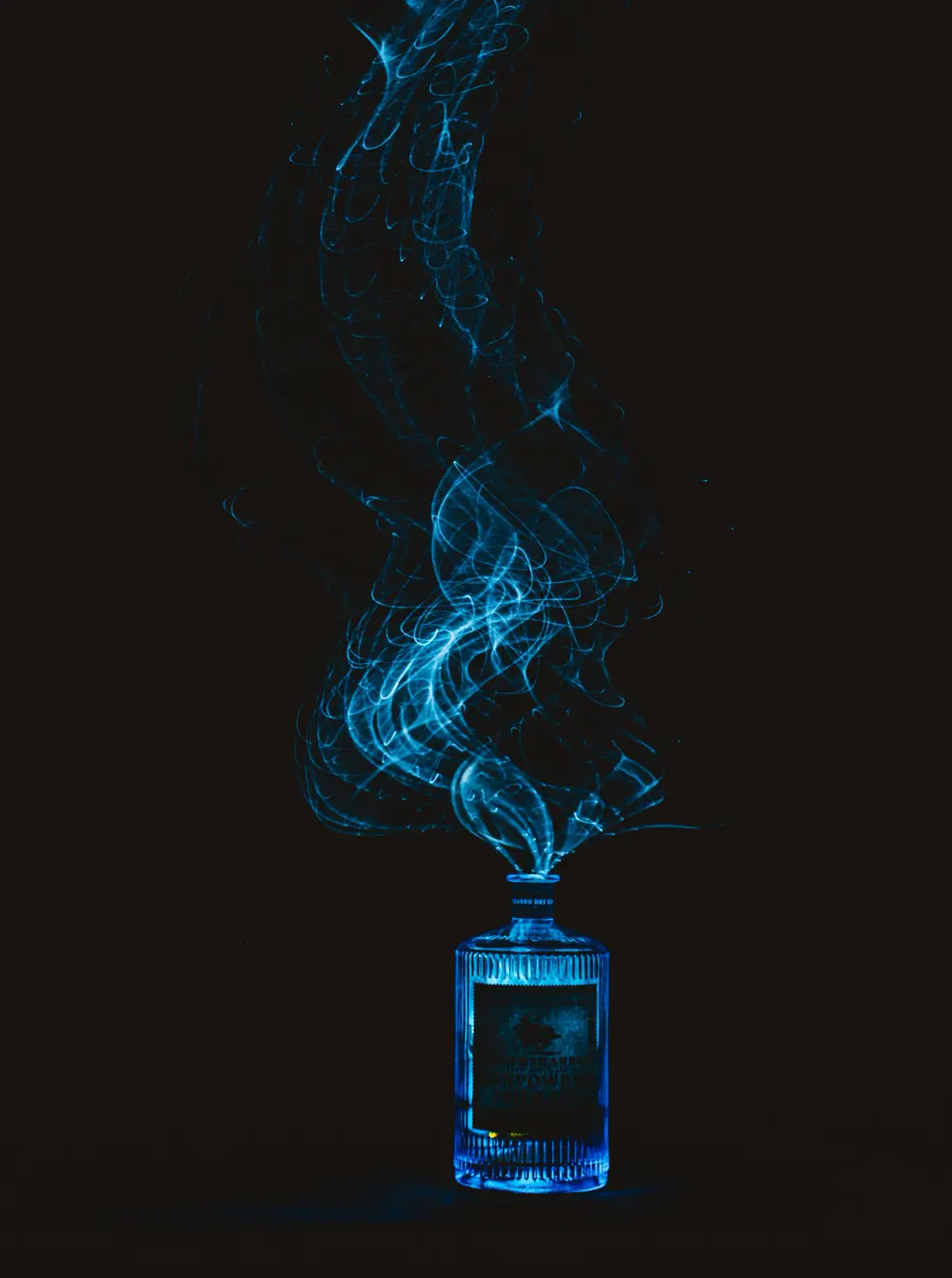
Furthermore, the ambiguity of smoke forms invites a degree of creative interpretation. Viewers often find different shapes or patterns within the swirls, which can serve as a subtle form of mental stimulation. This passive engagement can help break monotony during long work sessions, providing a brief mental reset without the need to switch to a different application or tab.
Optimizing Visuals for Productivity
While aesthetics are important, functionality remains paramount. A beautiful wallpaper can become a hindrance if it reduces readability or contrast for important on-screen elements. When selecting a cool teal smoke wallpaper, it is essential to consider the specific use case. For a desktop environment with a light-themed operating system, a darker, more opaque smoke design may be better suited to ensure text contrast. Conversely, for a dark mode setup, a lighter, more translucent smoke effect can provide necessary separation between the background and the interface elements.
Resolution and Aspect Ratio
Another critical factor is the resolution of the image. A low-resolution wallpaper will appear pixelated and blurry, which can be visually fatiguing over time. Always opt for high-definition images that match your screen’s aspect ratio. For 4K displays, a standard 1080p image will fail to fill the screen, resulting in stretching or black bars. Ensuring the image is crisp and sharp preserves the delicate details of the smoke, which are the primary source of the aesthetic’s charm.
Color Balance and Eye Strain
Blue light is a significant contributor to digital eye strain. While teal contains blue, the specific wavelength and the surrounding green tones can mitigate some of the harshness associated with pure blue light. However, it is still advisable to use blue light filters during evening hours. The smoky texture can also help by reducing the overall luminance of the screen, making it easier on the eyes in dimly lit environments. Users often report feeling less tired at the end of the day when using softer, cooler-toned backgrounds compared to stark white or bright yellow wallpapers.
Curating Your Digital Aesthetic
Your digital setup is a reflection of your personal style. Curating a consistent aesthetic involves more than just choosing a background image. It includes aligning your color schemes across applications, widgets, and system settings. When using a teal smoke theme, consider adjusting your accent colors to match. For instance, using teal or soft blue as the accent color for buttons and highlights can create a seamless visual experience.
Creating a Cohesive Ecosystem
Start by auditing your current digital environment. Do your icons, fonts, and window borders clash with the new wallpaper? If so, consider changing them. Many operating systems allow for extensive customization, enabling you to create a unified look. For mobile users, this might involve changing the lock screen and home screen to matching images. For desktop users, it could mean adjusting the taskbar color or the title bar accents. This level of attention to detail transforms a simple background change into a comprehensive aesthetic overhaul.
Seasonal and Mood-Based Changes
Another strategy is to rotate your wallpapers based on the season or your current mood. Teal smoke works well year-round, but you can adjust the opacity or brightness to match the time of year. In winter, a darker, more intense smoke might feel cozy and insulating. In summer, a lighter, more airy version can evoke a sense of freshness and openness. This dynamic approach keeps your digital space feeling fresh and relevant to your current state of mind.
Conclusion
The cool teal smoke wallpaper trend is more than a passing fad; it represents a shift towards more thoughtful, psychologically aware digital design. By choosing visuals that promote calm, focus, and clarity, users can enhance their productivity and overall well-being. Whether you are a creative professional, a student, or a remote worker, investing time in curating your digital environment can yield significant benefits. Start by experimenting with different resolutions and opacities to find the perfect balance for your setup. Remember, the goal is to create a space that supports your work and reflects your personality, turning a mundane screen into a source of inspiration and peace.
Frequently Asked Questions
What are the best file formats for high-quality wallpapers?
JPG and PNG are the most common formats for wallpapers. JPG files are smaller in size and work well for photographs, while PNG files support transparency and are better for graphics with sharp details. For smoke effects, a high-resolution JPG is usually sufficient unless you plan to overlay other elements that require transparency.
How do I change my wallpaper on different devices?
On Windows, right-click the image and select “Set as desktop background.” On macOS, go to System Preferences, then Desktop & Screen Saver. On iOS, go to Settings, then Wallpaper, and choose a new wallpaper. On Android, go to Settings, then Display, and select Wallpaper. Each operating system has slightly different steps, but the process is generally straightforward.
Does the color of my wallpaper affect my mood?
Yes, color psychology suggests that different hues can influence emotions and cognitive performance. Cool colors like blue and green are generally associated with calmness and focus, making them suitable for work environments. Warm colors can be more stimulating but may increase stress levels if used excessively.
How often should I change my digital wallpaper?
There is no strict rule, but many people change their wallpapers weekly or monthly to avoid visual fatigue. Some users prefer to change them based on the season or their current project. The key is to listen to your own preferences and adjust when you start feeling indifferent or distracted by the background.
Can I use a blurred version of a photo as a wallpaper?
Yes, blurring a high-resolution photo can create a soft, abstract background that reduces visual clutter. This technique is particularly effective for desktop wallpapers, as it ensures that text and icons remain readable while still providing a visually interesting backdrop. Many operating systems have built-in options to blur images for this purpose.
Related posts:


Collections like this one connect to a bigger abstract-art library — Ultra HD Geometric Wallpaper for Android is a good thread to pull next.
Bookmark this collection so your next wallpaper swap is one click away.
