
Are you looking to transform your smartphone’s visual identity? The right background can instantly elevate your user experience, making your device feel fresh, personalized, and aesthetically pleasing. Among the most popular choices for modern smartphone users are Ultra HD geometric wallpapers. These designs combine mathematical precision with vibrant color palettes to create images that are not only visually striking but also optimized for high-resolution displays. Whether you prefer minimalistic lines or complex tessellations, finding the perfect image requires understanding how resolution, contrast, and pattern density interact with your specific device.
- Why Geometric Patterns Dominate Mobile Aesthetics
- Understanding Ultra HD and Retina Display Compatibility
- How to Choose the Right Resolution for Your Phone
- Color Psychology in Abstract Geometric Art
- Optimizing Your Wallpaper for Battery Life
- Download and Installation Best Practices
Why Geometric Patterns Dominate Mobile Aesthetics
Geometric art has experienced a massive resurgence in digital design, largely driven by the rise of flat design and material design philosophies. Unlike photographic wallpapers, which can sometimes compete with app icons for visual attention, geometric patterns offer a clean, structured backdrop that enhances readability. The use of triangles, circles, hexagons, and abstract lines creates a sense of order and sophistication. For Android users, this is particularly important because the home screen is the primary interface for daily interaction. A well-chosen geometric design ensures that your widgets and app icons remain distinct and easily accessible. Furthermore, these patterns often age better than trendy photographic images, maintaining their relevance across software updates and design trend shifts. The mathematical nature of these designs also appeals to users who value logic and structure in their digital environments, creating a psychological comfort zone that feels organized and efficient.
Understanding Ultra HD and Retina Display Compatibility
Not all high-quality images are created equal. The term “Ultra HD” in the context of mobile wallpapers usually refers to resolutions that exceed the standard 1080p, often reaching 1440p, 2K, or even 4K. While 4K is standard for televisions, for smartphones, the key metric is pixel density. Modern Android devices feature high-PPI (pixels per inch) screens, such as OLED or AMOLED displays. If you download an image that is labeled as high definition but lacks the necessary pixel count, it will appear blurry or pixelated when zoomed in. An ultra high-resolution image ensures that every line and curve is rendered with crisp clarity. It is crucial to distinguish between file size and resolution. A large file size does not always mean high resolution; it could simply be poorly compressed. Conversely, a smaller file with a high resolution is ideal for mobile devices as it saves storage space without sacrificing visual quality. When selecting a wallpaper, always check the dimensions. For most modern Android phones, a minimum resolution of 1080×1920 is acceptable, but 1440×3200 or higher is recommended for the best experience on flagship devices.
The Impact of Aspect Ratio
Another critical factor is the aspect ratio. Android screens typically have an aspect ratio of 16:9 or 18:9, though newer models may use 19.5:9 or 20:9. If your wallpaper has a different aspect ratio, your phone will either crop the image or add black bars on the sides. To avoid this, look for wallpapers specifically cropped for mobile. Many designers now offer vertical versions of their geometric art to ensure full-screen coverage without distortion. This attention to detail ensures that the focal points of the design remain centered and visible, rather than being cut off by the screen edges.
How to Choose the Right Resolution for Your Phone
Selecting the correct resolution involves a balance between visual fidelity and performance. While higher resolutions look better, they require more processing power to render, especially on dynamic wallpapers. For static images, the impact is minimal, but it is still good practice to match the resolution to your screen. You can find your phone’s exact resolution in the settings under “Display” or “About Phone.” Once you know the native resolution, you should aim for a wallpaper that is at least 20% larger to allow for slight scaling adjustments if needed. This extra margin ensures that no pixel stretching occurs during installation. Additionally, consider the orientation of your phone. Most users keep their phones in portrait mode for the home screen, so prioritize vertical images. However, some users switch between portrait and landscape, so having a set of wallpapers that work well in both orientations can be beneficial. Using a android specific wallpaper site often provides pre-cropped images that fit these standard dimensions perfectly, saving you the hassle of manual cropping.
Color Psychology in Abstract Geometric Art
The colors in your geometric wallpaper play a significant role in your mood and perception. Cool tones like blues, greens, and purples are often associated with calmness and focus, making them ideal for productivity-focused users. Warm tones like reds, oranges, and yellows can evoke energy and enthusiasm but may be more stimulating and less relaxing. Neutral tones like grayscale, beige, and white offer a timeless, minimalist aesthetic that complements any app icon color scheme. When choosing a geometric design, consider the overall theme of your phone. If you use a dark mode interface, a darker geometric pattern can blend seamlessly and reduce eye strain. Conversely, if you prefer light mode, a lighter background with subtle geometric accents can keep the interface fresh without being distracting. The contrast between the background and the foreground elements (app icons) is also vital. Too much contrast can be jarring, while too little can make icons hard to see. A balanced geometric pattern provides enough visual interest without overwhelming the user interface.
Optimizing Your Wallpaper for Battery Life
For users with OLED or AMOLED screens, the choice of wallpaper can directly impact battery life. These screens turn off individual pixels to display black colors, which consumes no power. Therefore, dark geometric patterns with large areas of black or very dark colors can significantly extend battery life. Lighter colors, on the other hand, require more power to display. If you are conscious of battery consumption, opting for a dark-themed geometric wallpaper is a smart choice. Additionally, avoid wallpapers with highly detailed, high-frequency patterns that change rapidly across the screen, as these can cause the screen to work harder to maintain sharpness. Simple, bold geometric shapes with solid colors are not only aesthetically pleasing but also energy-efficient. This approach aligns with the broader trend of sustainable technology use, where small choices contribute to longer device lifespan and reduced energy consumption.
Download and Installation Best Practices
When downloading wallpapers, ensure you are using reputable sources to avoid malware or low-quality images. Once downloaded, use the default gallery app to set the image as your wallpaper. Most Android devices allow you to adjust the position and zoom level of the wallpaper during installation. Use this feature to center the most important part of the geometric design. If the image is not perfectly aligned, you can crop it manually to ensure that no critical elements are cut off. Additionally, consider setting a separate wallpaper for the lock screen and the home screen. This allows you to use a more complex or colorful design for the lock screen, which is only visible briefly, and a simpler, cleaner design for the home screen, which is visible throughout the day. This dual-wallpaper strategy maximizes both aesthetic appeal and usability. Regularly updating your wallpaper can also refresh your digital environment, keeping your phone feeling new and exciting.
Conclusion
Choosing the right Ultra HD geometric wallpaper for your Android device is a blend of technical knowledge and personal taste. By understanding resolution requirements, aspect ratios, and color psychology, you can select an image that not only looks stunning but also enhances your daily interaction with your phone. Whether you prefer dark, energy-saving designs or bright, vibrant patterns, there is a geometric style that suits your needs. Take the time to explore different options, test them on your device, and find the perfect balance between beauty and functionality. Your smartphone is a personal tool, and its appearance should reflect your unique style and preferences.
Frequently Asked Questions
What is the best resolution for a geometric wallpaper on Android?
The best resolution depends on your specific device, but generally, 1440×3200 or higher is recommended for modern flagship phones. This ensures that the image is sharp and detailed on high-PPI screens. Always check your phone’s native resolution in the settings to find the optimal size.
Do geometric wallpapers affect battery life on OLED screens?
Yes, they can. Dark geometric wallpapers with large areas of black consume less power on OLED screens because the pixels are turned off. Lighter wallpapers require more energy to display, so choosing a dark theme can help extend battery life.
How do I crop a geometric wallpaper to fit my screen?
You can use the built-in cropping tool when setting the wallpaper. Open the image in your gallery app, select “Set as Wallpaper,” and use the pinch-to-zoom and drag gestures to adjust the position and crop the image to fit your screen perfectly.
Are there free sources for high-quality geometric wallpapers?
Yes, many online platforms offer free high-resolution geometric wallpapers. Look for sites that specialize in mobile wallpapers or use search engines to find “free HD geometric wallpaper for Android.” Ensure the source is reputable to avoid low-quality or infected files.
How often should I change my phone’s wallpaper?
There is no strict rule, but changing your wallpaper every few weeks or when you update your apps can keep your phone feeling fresh. Rotating between different geometric styles can also help prevent visual fatigue and keep your interface engaging.
Related posts:
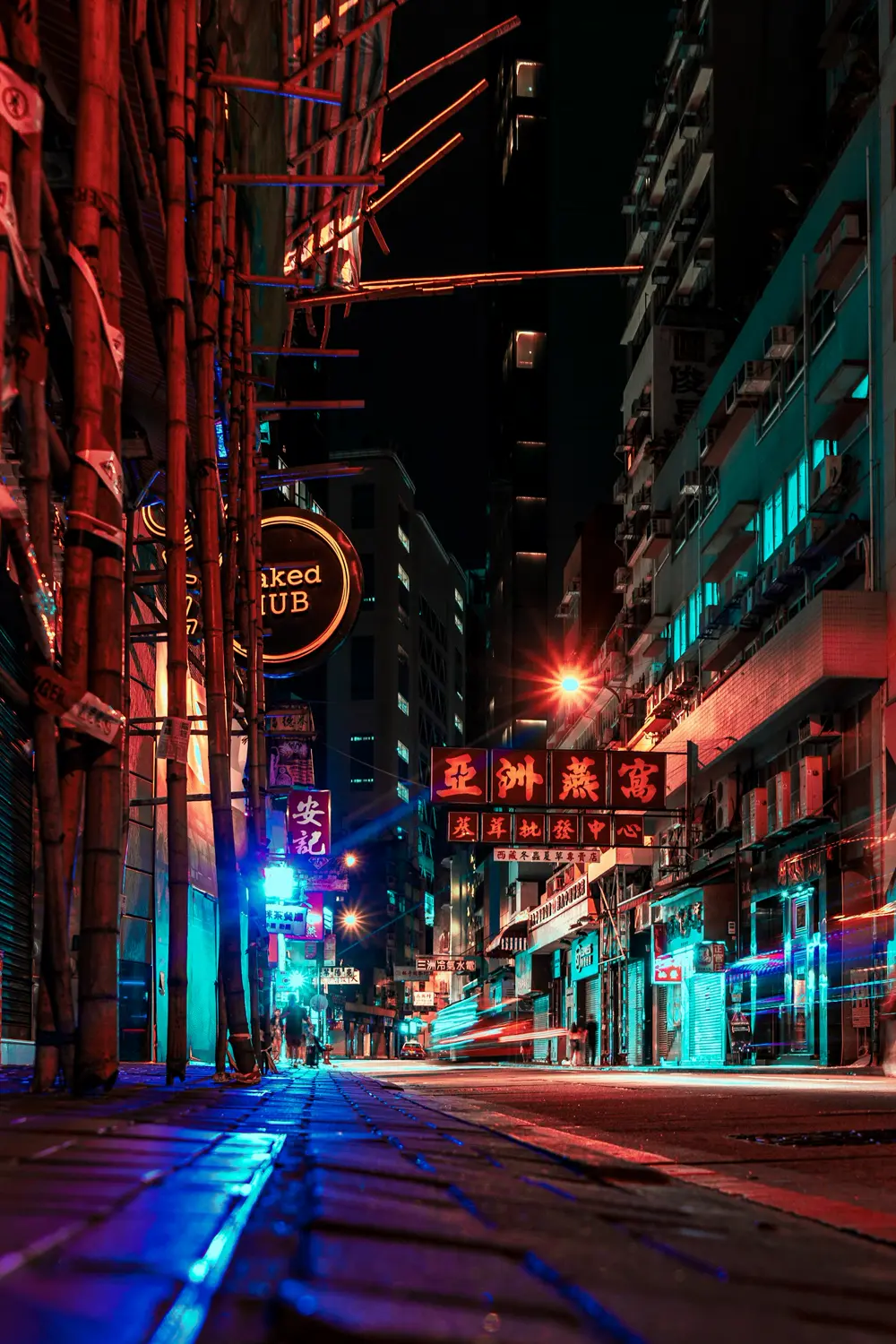
Every abstract-art page is another mood for your screen. Keep exploring the related sets below this one.
Bookmark this collection so your next wallpaper swap is one click away.
