
Visual identity is a powerful form of self-expression, and few symbols carry the weight of the human skull more effectively than when rendered in earthy, organic tones. The dynamic brown skull wallpaper trend has surged in popularity among digital artists, gamers, and interior design enthusiasts who seek a balance between macabre symbolism and natural warmth. Unlike the stark, high-contrast white or black skulls that dominate traditional gothic imagery, brown-toned representations evoke a sense of antiquity, decay, and connection to the earth. This article explores the aesthetic nuances, technical applications, and psychological impact of using these specific visual elements in digital and physical spaces.
- The Aesthetic Appeal of Earthy Tones
- Technical Optimization for Digital Displays
- Psychological Impact and Symbolism
- Creating Custom Brown Skull Art
- Integration into User Interfaces
The Aesthetic Appeal of Earthy Tones
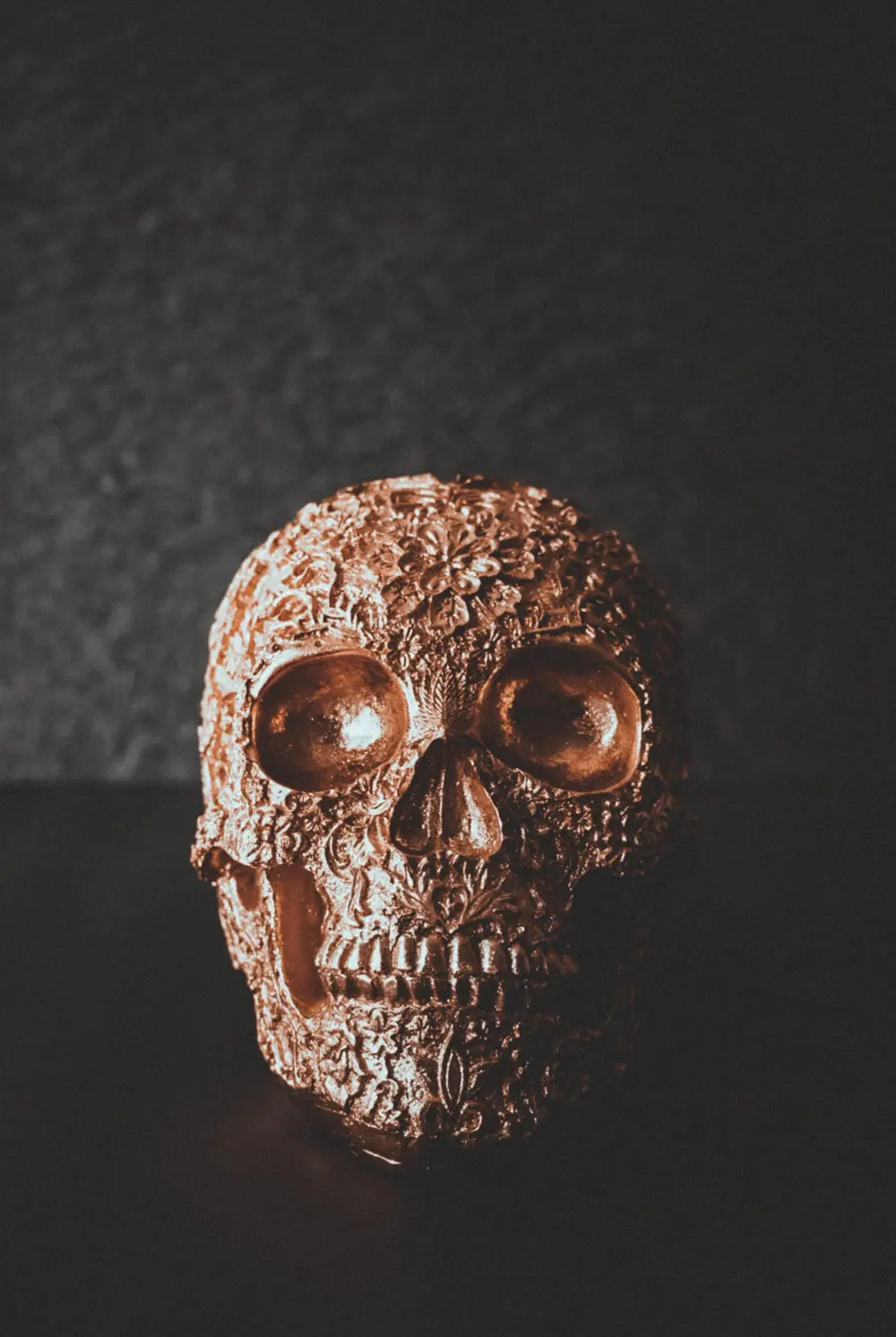
When we discuss brown skull designs, we are often looking at textures that mimic aged bone, wood, stone, or leather. The color brown, in its various shades from tan to deep chocolate, provides a neutral backdrop that allows the structural details of the skull to stand out without the harshness of pure white. This palette is particularly effective in creating a ‘vintage’ or ‘ruined’ aesthetic. It suggests something that has returned to the earth, blending the horror of death with the comfort of natural materials.
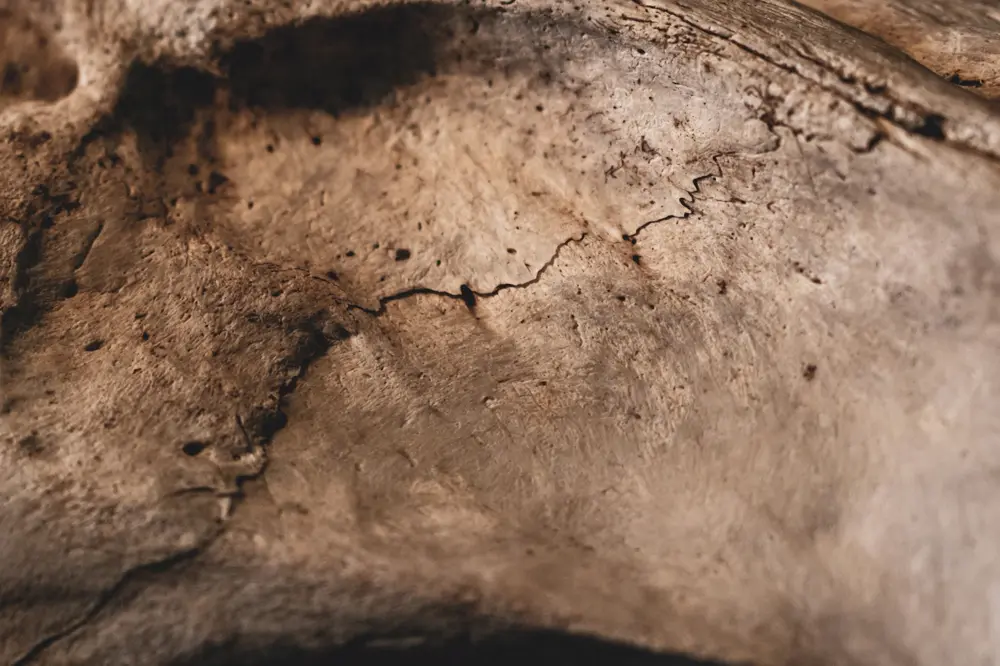
For digital artists, the challenge lies in lighting. Brown is a complex color that shifts dramatically based on light source. A dynamic brown skull wallpaper often utilizes dramatic chiaroscuro lighting, where deep shadows merge with warm highlights. This technique creates depth and a three-dimensional feel, making the flat image appear as if it is emerging from the screen. The use of gradients is crucial here; a flat brown fill will look dull, but a gradient that transitions from warm amber to dark umber gives the object volume and realism. Furthermore, adding subtle textures like cracks, moss, or rust can enhance the organic feel, distinguishing it from sterile, clinical medical illustrations of bones.
Users who prefer this aesthetic often gravitate towards themes of gothic art and dark academia. The brown palette complements other earthy tones like deep greens and burnt oranges, allowing for a cohesive color scheme in a digital setup. Whether used as a desktop background or a mobile lock screen, the warmth of the brown tones can make a dark theme feel less cold and more inviting. It bridges the gap between the intimidating and the artistic, offering a unique visual experience that is both striking and sophisticated. Many designers also incorporate elements of nature, such as roots or leaves, intertwining with the skull to emphasize the cycle of life and death.
Technical Optimization for Digital Displays
Having a visually stunning image is only half the battle; ensuring it performs well on your device is equally important. When selecting or creating a dynamic brown skull wallpaper, resolution and aspect ratio are critical factors. For desktop users, 4K resolution (3840×2160) is the standard for high-end monitors, while mobile users should look for resolutions matching their specific device’s aspect ratio, often 9:16 or 19.9:1. Using a lower resolution image can result in pixelation, which detracts from the intricate details of the skull’s texture.
File format also plays a significant role in performance. JPEG files are generally preferred for wallpapers because they offer a good balance between quality and file size, reducing the load on your device’s storage and memory. However, if the wallpaper includes transparency or is used in a layered design, PNG might be necessary, though it will have a larger file size. To maintain the dynamic feel, some advanced users opt for animated wallpapers, where subtle movements like drifting fog or flickering candles accompany the static skull. These animations should be optimized to run in the background without significantly impacting battery life or system performance.
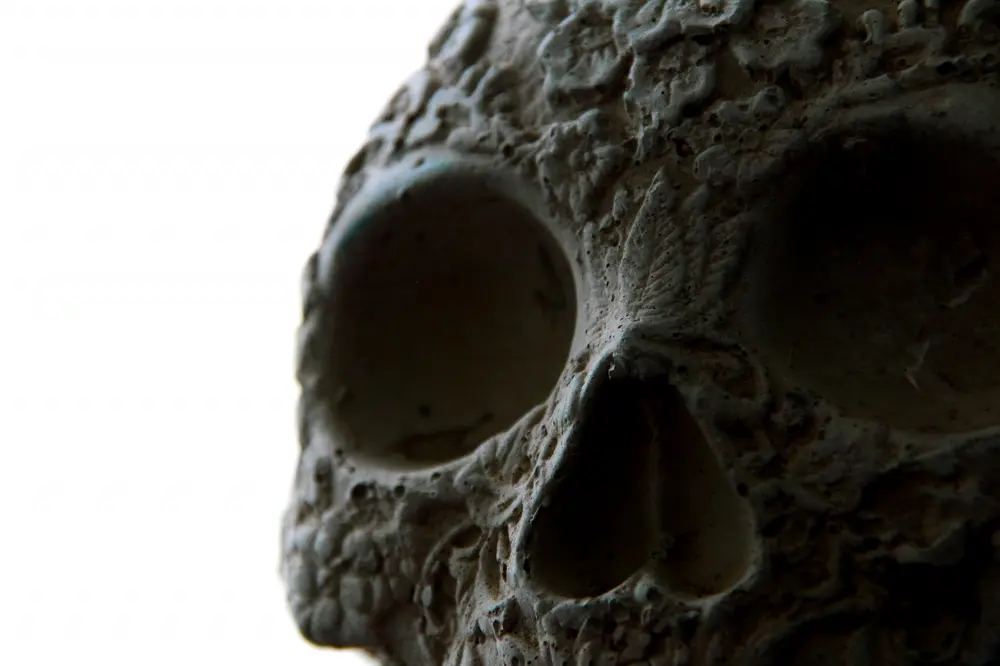
Color accuracy is another technical aspect to consider. Brown is a sensitive color on screens; it can easily appear too orange on monitors with warm color profiles or too gray on cool profiles. It is advisable to view the wallpaper on your specific device before committing to it. If you are creating your own, calibrating your monitor ensures that the brown tones you select will translate accurately across different viewing environments. This attention to detail ensures that the bone color remains consistent and aesthetically pleasing, whether viewed in a bright room or a dimly lit space.
Psychological Impact and Symbolism
Skulls have long been used in art and culture to represent mortality, the passage of time, and the transient nature of life. The memento mori tradition, which serves as a reminder of the inevitability of death, finds a modern expression in these wallpapers. However, the choice of brown adds a layer of psychological comfort. White skulls can feel clinical or frightening, whereas brown skulls feel historical and grounded. They suggest that death is a natural part of the ecosystem, not an external force.
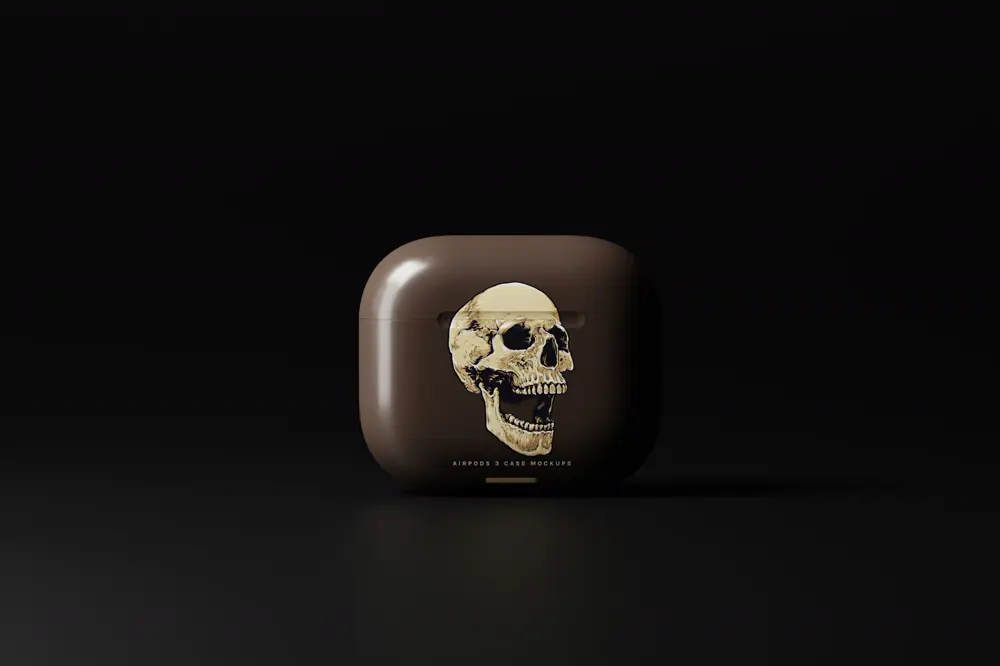
For many users, these images serve as a form of coping mechanism or a philosophical anchor. Staring at a skull image can help detach one from the anxieties of the present moment, placing personal worries in a broader historical context. The earthy tones can also evoke feelings of stability and reliability, as brown is often associated with the ground, wood, and reliability. This duality makes the dynamic brown skull wallpaper a popular choice for those who appreciate dark art but prefer a warmer, less aggressive visual environment. It is a subtle way to acknowledge the darker aspects of existence while maintaining a sense of calm and order.
In professional settings, such as creative studios or game development offices, these wallpapers can inspire a certain edge and creativity. They signal that the user is not afraid to explore complex, dark themes. This visual cue can influence the creative process, encouraging bolder and more nuanced designs. The symbolism is not just about death, but about transformation and the raw material from which new things are created. Understanding this symbolic weight allows users to choose wallpapers that resonate with their personal values and artistic tastes.
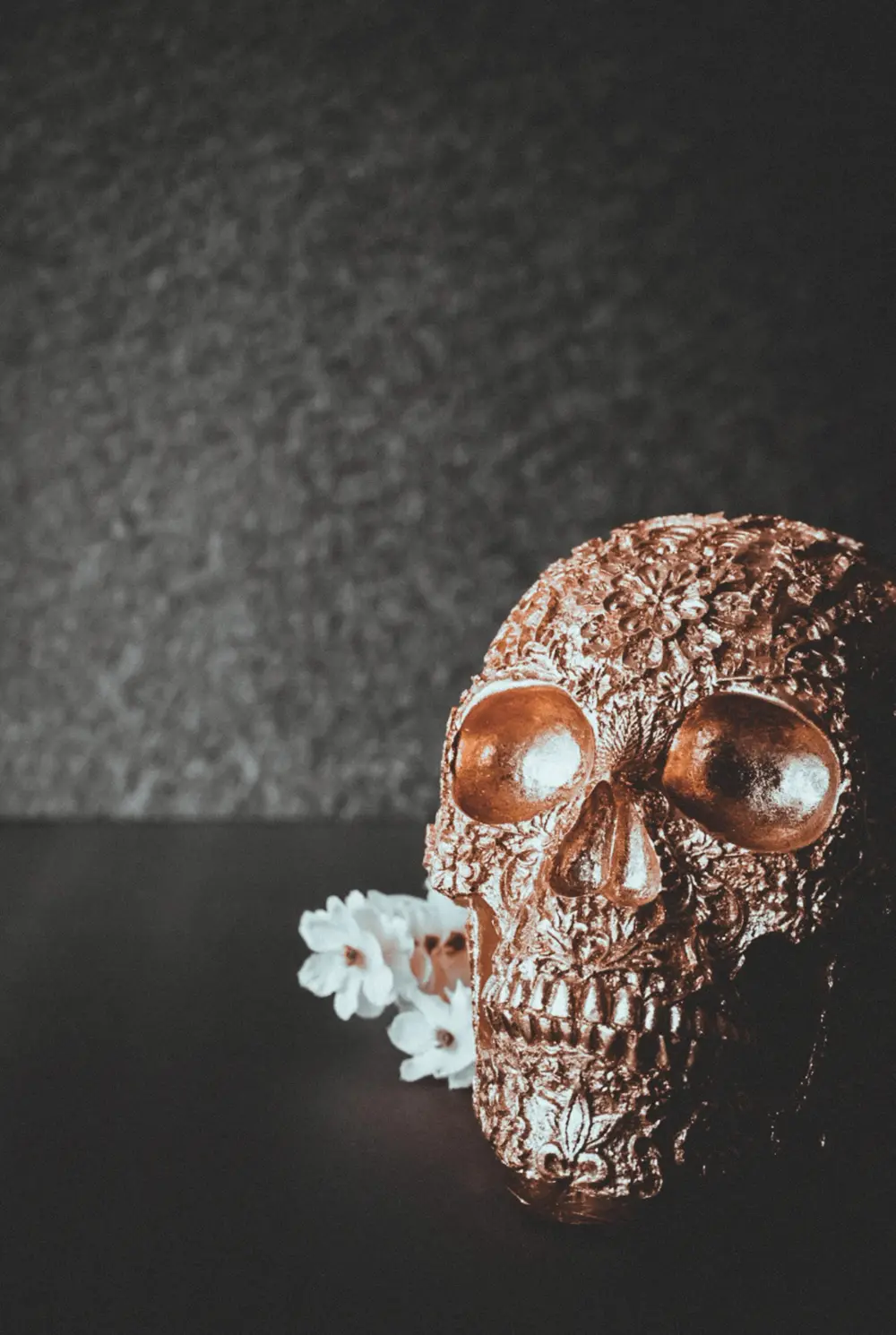
Creating Custom Brown Skull Art
For those who want a truly unique dynamic brown skull wallpaper, creating your own is a rewarding endeavor. Digital painting software like Photoshop, Procreate, or Krita offers extensive tools for manipulating color and texture. Start with a base mesh of the skull, then apply a base layer of mid-tone brown. Use a multiply blend mode to add shadows, focusing on the eye sockets, nasal cavity, and beneath the jaw. Highlight the ridges and teeth with a lighter tan or beige, using a soft brush to create a smooth transition.
Adding texture is where the art truly comes alive. You can use noise filters or import texture maps of cracked earth, rust, or old leather to overlay on the skull. Adjusting the opacity and blend modes of these textures allows you to create a weathered look that feels authentic. Lighting is the final touch; adding a rim light in a warm color can make the skull pop from a dark background. For a dynamic effect, you can create multiple layers of the skull with varying transparency and position them to create a parallax effect if used in an animated format. This process requires patience but results in a personalized piece that reflects your unique style.
Alternatively, 3D rendering software like Blender can be used to model the skull and apply physically based rendering (PBR) materials. This approach allows for realistic lighting and reflections, giving the skull model a tangible quality. Once rendered, the image can be exported at high resolution for use as a wallpaper. Whether you choose 2D painting or 3D rendering, the key is to focus on the interplay of light and shadow to bring the brown tones to life.
Integration into User Interfaces
Beyond desktop backgrounds, elements of the dynamic brown skull wallpaper aesthetic can be integrated into broader user interface designs. Icons, buttons, and loading screens can adopt the same color palette and textural elements to create a cohesive visual language. This consistency enhances the user experience, making the interface feel like a unified whole rather than a collection of disparate parts. For example, a browser theme or a music player skin can use brown skull motifs to create a distinct brand identity.
However, designers must be mindful of readability. Brown backgrounds can sometimes reduce contrast with white or light gray text. Using dark text on lighter brown sections or ensuring sufficient contrast ratios is essential for accessibility. The goal is to maintain the aesthetic appeal without compromising usability. By carefully balancing form and function, designers can create interfaces that are both visually striking and easy to use. This approach is particularly effective in apps that cater to niche communities, such as gaming, music, or art communities, where shared visual languages foster a sense of belonging.
In conclusion, the dynamic brown skull wallpaper is more than just a background image; it is a statement of style, philosophy, and technical precision. By understanding the aesthetic, psychological, and technical aspects of this trend, users can make informed choices that enhance their digital environment. Whether you are an artist creating custom pieces or a user selecting a pre-made design, the brown skull offers a rich canvas for expression. It connects the ancient with the modern, the dark with the warm, providing a unique visual experience that resonates on multiple levels.
Frequently Asked Questions
What makes a brown skull wallpaper different from a white one?
Brown skull wallpapers typically evoke a sense of age, nature, and warmth, whereas white skulls often feel clinical, stark, or modern. The brown palette uses earth tones to suggest decay and return to the earth, making the imagery feel more organic and less intimidating for many users. This color choice also allows for greater textural detail, such as cracks and moss, which are harder to visualize on a uniform white surface.
How do I choose the right resolution for my device?
You should match the wallpaper resolution to your screen’s native resolution for the best clarity. For 4K monitors, look for 3840×2160 images. For mobile devices, check your specific aspect ratio (e.g., 1080×1920 for many phones) and download an image that matches those dimensions. Using a higher resolution than needed is fine, but a lower resolution will result in pixelation and loss of detail.
Can I animate a static brown skull image?
Yes, you can use software like After Effects or specialized wallpaper apps to add subtle animations. Common effects include drifting fog, flickering lights, or slight camera movements. These animations should be subtle to avoid distraction and battery drain. Ensure the animation file is optimized for your device to maintain smooth performance.
What file format is best for wallpapers?
JPEG is generally the best format for static wallpapers because it offers a good balance between file size and image quality. It is widely supported and compresses well, making it ideal for storage. PNG is an alternative if you need transparency or lossless quality, but it results in larger file sizes, which may not be necessary for most wallpaper applications.
How do I customize colors in a skull image?
Use image editing software like Photoshop or GIMP. Select the skull area using a mask or selection tool. Then, use adjustment tools like ‘Hue/Saturation’ or ‘Curves’ to shift the color towards brown tones. You can also use gradient maps to blend different shades of brown for a more dynamic and realistic look.
Related posts:


Plenty more backgrounds are waiting in the related collections below — keep browsing until one sticks.
Save your favourites and share the rest — good wallpapers travel fast.
