
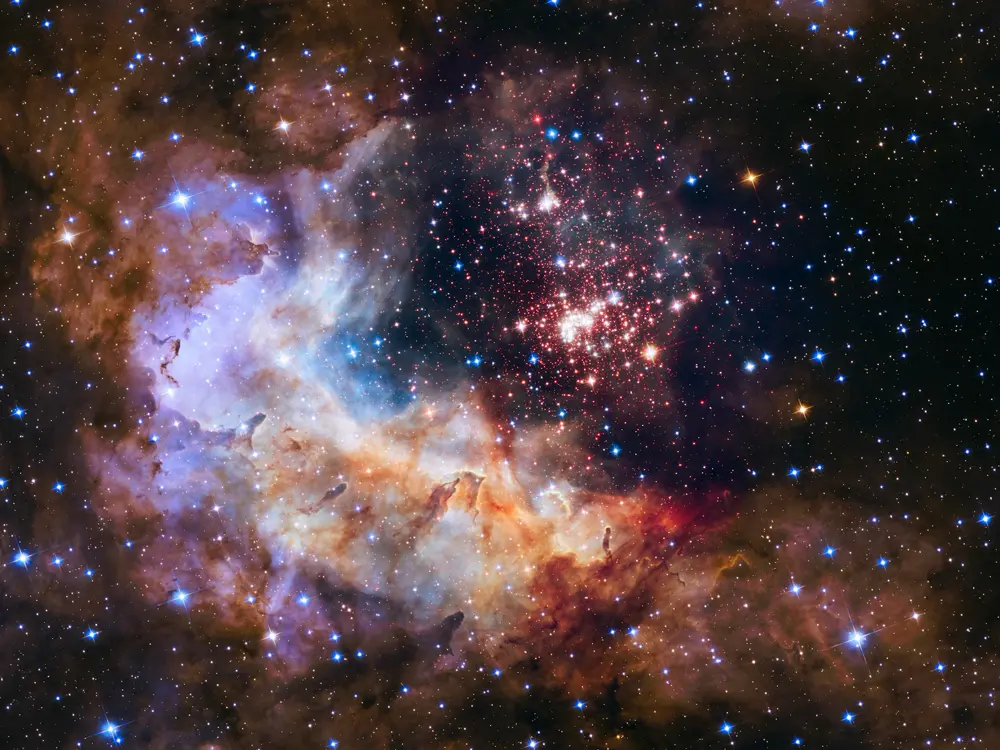
The cosmos has always been a source of infinite inspiration, offering a vast canvas of stars, nebulae, and celestial bodies that captivate the human imagination. For iPhone users, transforming your lock screen into a window to the universe is a popular way to express creativity and find calm in a busy digital life. However, finding the right space wallpaper that balances aesthetic beauty with visual clarity on a modern high-resolution display is more nuanced than simply picking a random image from a search engine. The difference between a blurry, pixelated image and a crisp, immersive 4K background lies in understanding resolution, aspect ratios, and the specific hardware capabilities of your device. This guide explores the best practices for selecting, optimizing, and applying high-resolution space imagery to ensure your iPhone displays the stars with the same brilliance they shine in the night sky.
In This Article
- Understanding iPhone Resolution Needs
- Curating the Best Space Imagery
- Optimizing Images for Display
- Application Tips for Clarity
- Common Mistakes to Avoid
Understanding iPhone Resolution Needs
To achieve a truly high res space wallpaper, you must first understand the technical specifications of your device. Modern iPhones, from the standard models to the Pro Max series, feature OLED or Super Retina XDR displays with pixel densities that exceed 400 PPI. For an image to appear sharp and free of visible pixelation, the source file needs to match or exceed the native resolution of the screen. For most current iPhones, a minimum resolution of 1170 x 2532 pixels is required, but for the largest Pro Max models, images should ideally be at least 1290 x 2796 pixels. If you are using a lower-resolution image and stretching it to fit, the result will be soft and indistinct, particularly in the dark areas of space where noise becomes more apparent. Always source images from reputable astronomical observatories or high-quality stock platforms that offer 4K or higher resolutions to ensure that every planet, star, and nebula retains its definition.
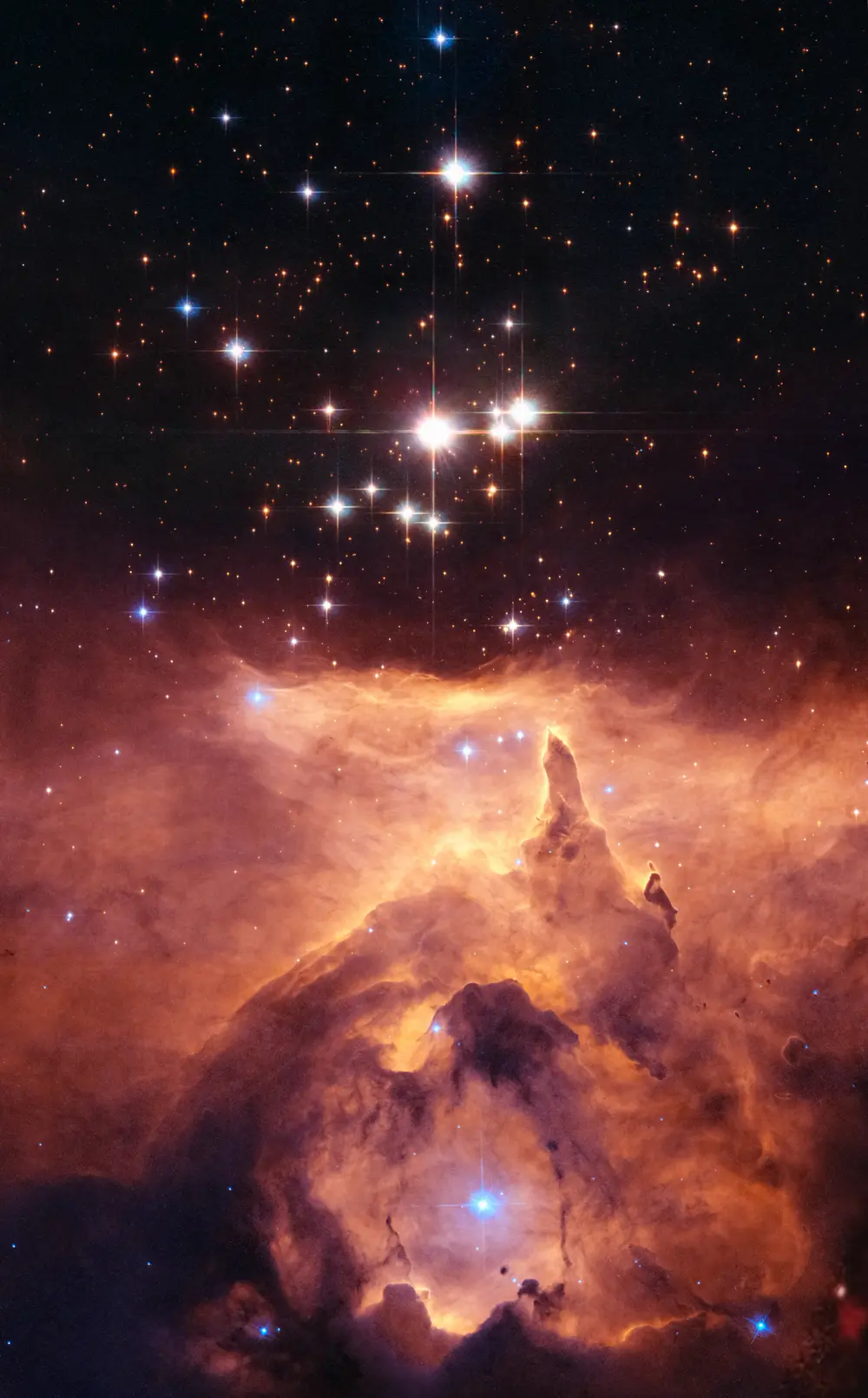
Furthermore, the aspect ratio is critical. iPhones have a tall, narrow aspect ratio, typically around 19.5:9 or 20:9. Many space photos are captured in landscape formats (16:9 or 3:2). Using a landscape image on a portrait screen often leads to excessive cropping, potentially cutting off the main subject, such as a planet or a specific nebula. It is advisable to look for vertically oriented space photography or be prepared to crop carefully to preserve the composition’s integrity. If you are interested in learning more about how to manage your device’s visual settings, you might explore our guide on display optimization for mobile devices.
Curating the Best Space Imagery
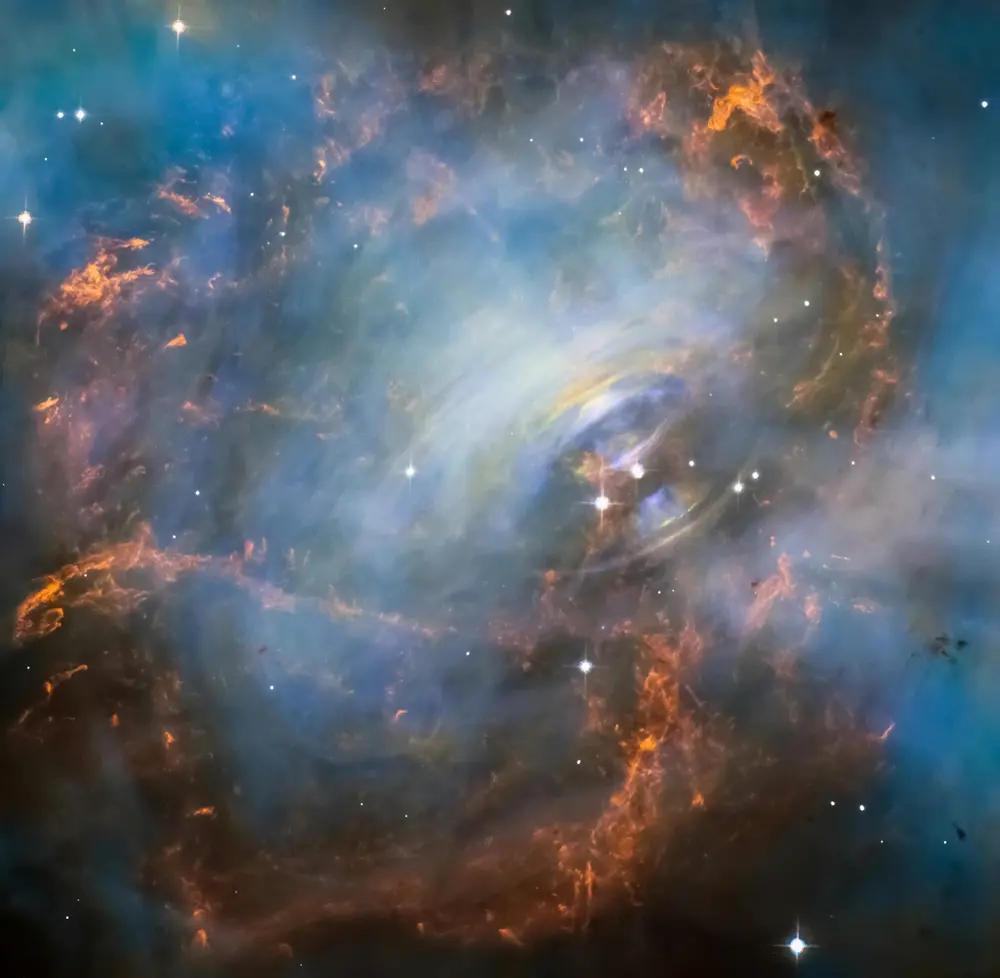
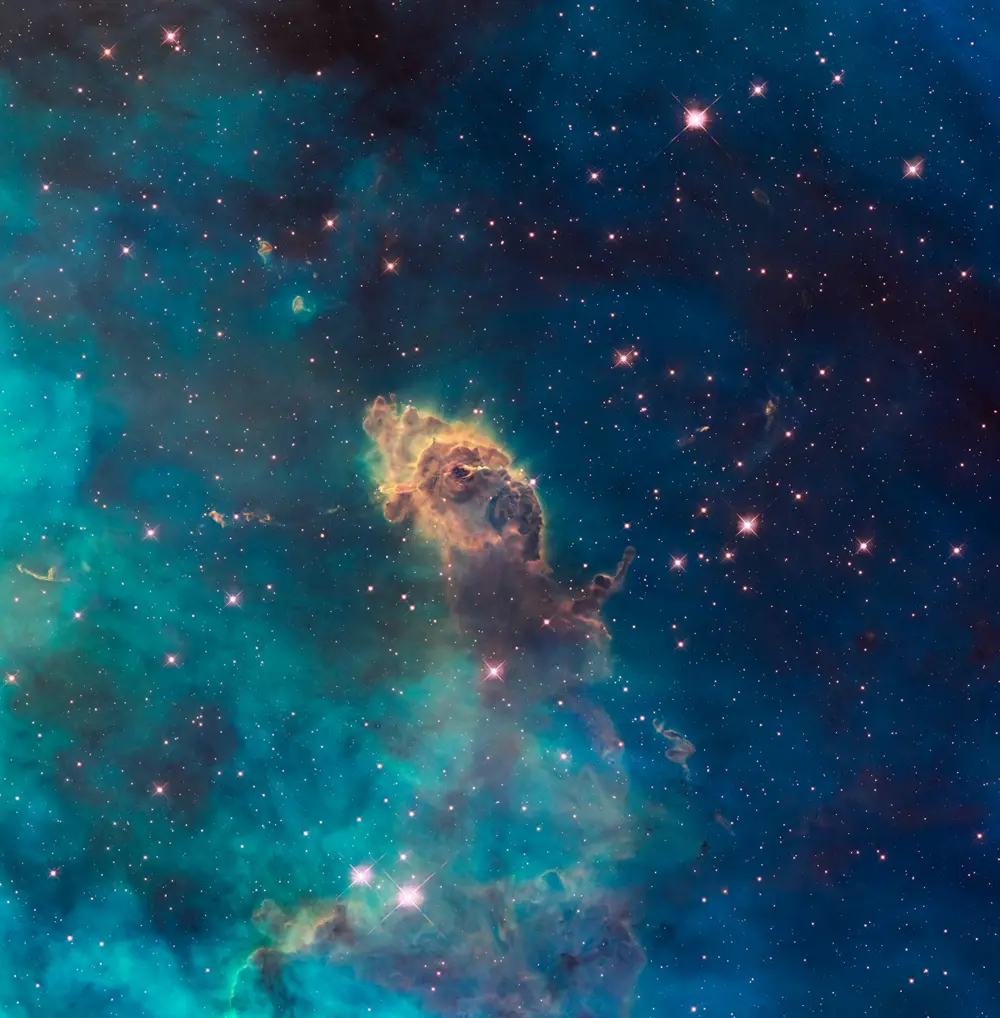
The appeal of space wallpapers lies in their diversity. From the swirling colors of the Orion Nebula to the stark, cratered surface of the Moon, there is a celestial subject for every taste. When curating your collection, consider the balance between light and dark. Pure black backgrounds can sometimes look empty on OLED screens, while busy, colorful nebulae can be visually overwhelming if you have many icons on your home screen. A balanced image, featuring a central subject with a gradient background, often provides the best readability for app icons while still showcasing the beauty of the cosmos.
Popular Celestial Subjects
- Galaxies: The Andromeda Galaxy and the Milky Way core offer intricate details and deep color variations that test the dynamic range of OLED panels.
- Planets: Jupiter’s Great Red Spot or Saturn’s rings are classic choices that provide a sense of scale and grandeur.
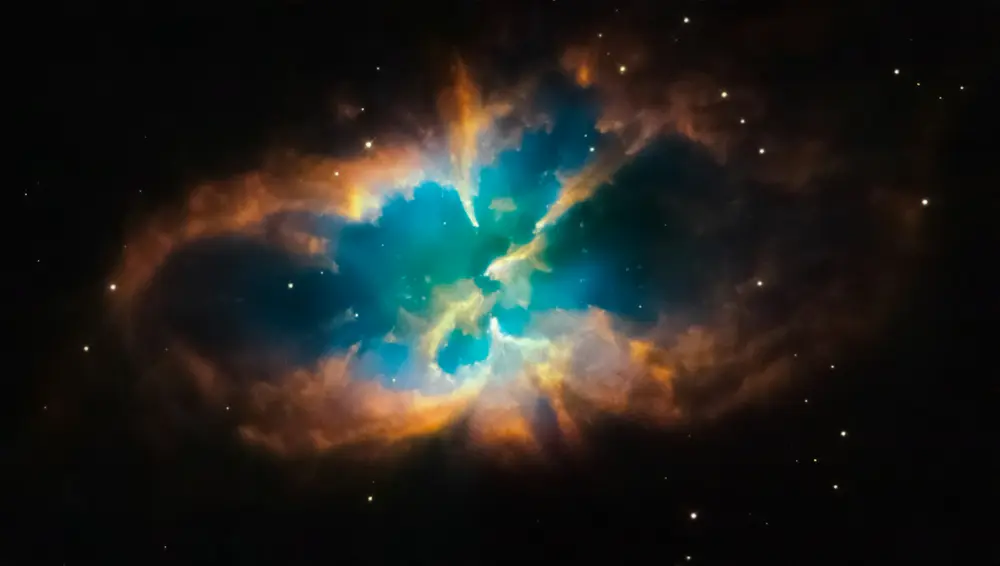
- Nebulae: Emission nebulae like the Eagle Nebula feature vibrant reds, blues, and purples that pop against the dark backdrop.
- Astronauts: Images of astronauts floating in zero gravity add a human element to the vastness of space.
When selecting images, pay attention to the color profile. sRGB is the standard for web and mobile displays, so ensure your wallpapers are optimized for this color space to avoid washed-out colors or inaccurate hues. High-dynamic-range (HDR) images can also be beneficial, as they allow for greater contrast between the brightest stars and the darkest voids, enhancing the three-dimensional feel of the wallpaper.
Optimizing Images for Display
Even with a high-resolution source file, proper optimization is key to maintaining performance and visual quality. Large image files can consume significant storage space and may slow down the rendering process when switching between home screens or lock screens. Compressing the image to a reasonable file size without sacrificing visual fidelity is an essential step. For JPEG files, a quality setting of 80-90% usually strikes the right balance between file size and detail retention. For PNG files, which are larger, consider converting to JPEG unless transparency is required, which is rarely the case for full-screen wallpapers.
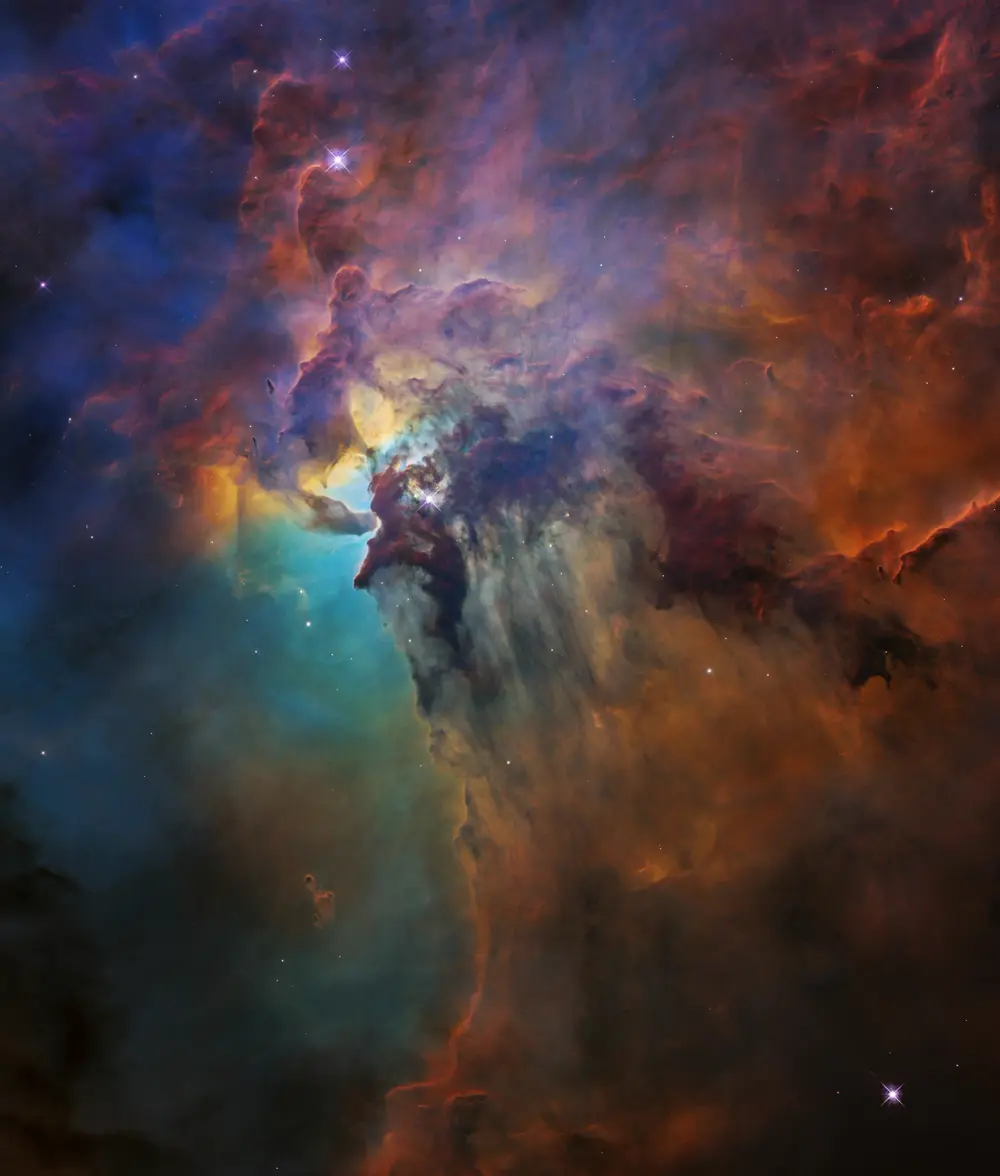
Color correction is another aspect of optimization. Space images often require adjustment to reveal hidden details in the shadows or to prevent highlights from blowing out. If the nebula appears too bright, it may become a glowing blob on your screen, obscuring the finer details of the star fields. Conversely, if the image is too dark, the details in the planetary surfaces may be lost. Use basic editing tools to adjust the contrast and brightness, ensuring that the image looks vibrant on your specific device. If you need further guidance on image editing basics, you can find more resources in our editing tutorials section.
Aspect Ratio Adjustment
As mentioned earlier, aspect ratio mismatch is a common issue. If you are using a landscape image, you have two main options: center cropping or scaling. Center cropping removes the sides of the image, which is ideal if the main subject is in the middle. Scaling fits the entire width of the image, but leaves black bars at the top and bottom, which defeats the purpose of an immersive wallpaper. A third option is to use a tool that allows for “smart cropping,” which analyzes the image content and crops in a way that preserves the most important visual elements. This is particularly useful for complex space scenes with multiple points of interest.
Application Tips for Clarity
Once you have your optimized, high-resolution space wallpaper ready, the application process on iPhone is straightforward but requires attention to detail. Navigate to Settings, then Wallpaper, and select “Add New Wallpaper.” From there, you can choose “Photos” to access your library. After selecting the image, you will be able to zoom and pan to adjust the position. It is important to align the main subject of the wallpaper with the center of the screen, as this is where the eye naturally falls. Additionally, consider the placement of your app icons. If you have a busy wallpaper, you may want to use a solid color or a subtle gradient for your home screen to ensure that your icons remain visible and easy to tap.
For the lock screen, you can enable the “Perspective Zoom” effect, which adds a subtle parallax movement as you tilt your phone. This effect can enhance the depth of space wallpapers, making the stars appear to float above the surface. However, if the image is too busy, the zoom effect can cause visual fatigue. In such cases, it is better to disable the effect and keep the image static. You can also choose whether to apply the wallpaper to both the lock screen and the home screen, or just one. Using a different image for each can provide a fresh look without compromising the readability of your home screen icons.
Common Mistakes to Avoid
Many users make simple errors that detract from the quality of their space wallpapers. One common mistake is using images with visible compression artifacts, such as banding in gradients or blockiness in dark areas. These artifacts are more noticeable on high-resolution screens and can ruin the immersive experience. Always inspect your images at 100% zoom before applying them to your phone. Another mistake is ignoring the safe area. Modern iPhones have notches or dynamic islands at the top of the screen. If the main subject of your wallpaper is placed in this area, it will be obscured by the cutout. Design your composition with the safe area in mind, keeping important elements away from the top center of the screen.
Finally, avoid using images that are too small. It is tempting to use a 1080p image because it is easy to find, but on a 4K-equivalent mobile display, it will look pixelated. Always aim for the highest resolution available that is practical for your storage needs. By avoiding these common pitfalls, you can ensure that your space wallpaper looks professional and visually stunning. For more tips on maintaining device performance, check out our article on performance optimization.
Conclusion
Transforming your iPhone into a portal to the cosmos is a rewarding experience that combines technical precision with artistic appreciation. By understanding the resolution requirements, curating high-quality imagery, and optimizing files for display, you can create a wallpaper that is both beautiful and functional. The key is to balance detail with readability, ensuring that the vastness of space enhances your daily digital interactions rather than distracting from them. Whether you prefer the serene beauty of a distant galaxy or the dramatic contrast of a lunar eclipse, the right high-res space wallpaper can serve as a constant reminder of the universe’s infinite wonder. Take the time to select and adjust your images carefully, and enjoy the crisp, immersive view of the stars on your device.
Frequently Asked Questions
Q: What is the ideal resolution for an iPhone space wallpaper?
A: For most modern iPhones, an image with a minimum resolution of 1170 x 2532 pixels is recommended. For Pro Max models, 1290 x 2796 pixels or higher is ideal to prevent pixelation and ensure sharp detail.
Q: Why does my space wallpaper look blurry on my phone?
A: Blurriness usually occurs when the source image resolution is lower than the screen’s native resolution. Stretching a low-res image to fit a high-res display results in loss of detail. Always use images that match or exceed your device’s screen dimensions.
Q: Should I use JPEG or PNG for my space wallpaper?
A: JPEG is generally preferred for space wallpapers because it offers a good balance of quality and file size. PNG files are larger and only necessary if you need transparency, which is not typical for full-screen space backgrounds.
Q: How do I prevent the notch from covering the main subject?
A: When adjusting the wallpaper in the settings, ensure the main subject is centered and away from the top edge of the screen. Use the zoom and pan tools to move critical elements out of the safe area where the notch or dynamic island is located.
Q: Can I use 4K images as wallpapers on my iPhone?
A: Yes, you can use 4K images, but they will be downsampled to fit your screen. While this ensures high quality, it increases file size. For optimal performance and storage efficiency, images at the native resolution of your specific iPhone model are sufficient.
Related posts:



Before you settle on one, glance at Space Galaxy Wallpapers: A Guide to Cosmic Backgrounds too. It pairs nicely with what you just scrolled through.
Share this page with a friend who is hunting for a fresh background.
