
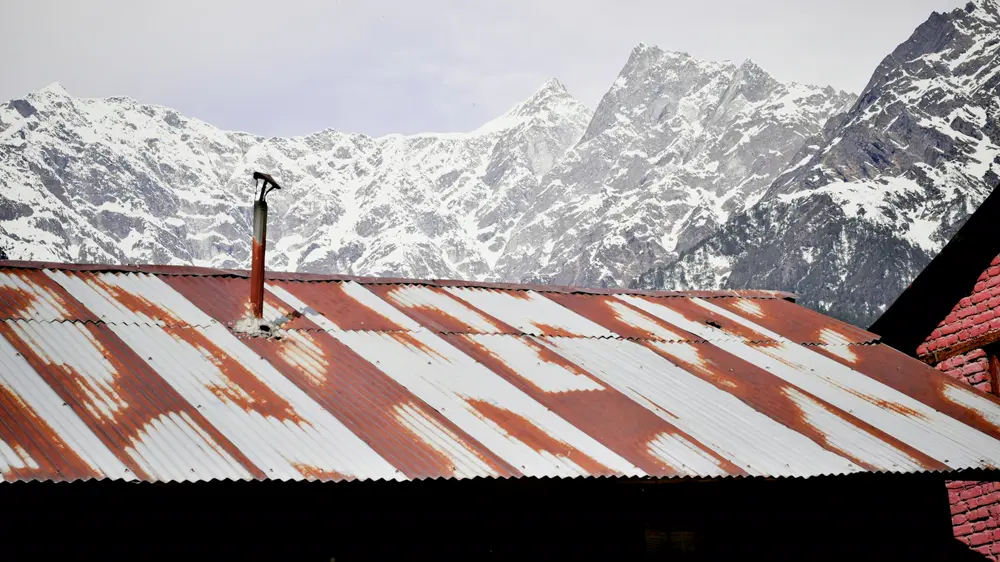
4K Wallpapers: Enhance Your Ultra HD Display
The world of display technology has rapidly advanced, with 4K Ultra High Definition (UHD) becoming increasingly common in televisions, monitors, and even smartphones. But simply having a 4K display isn’t enough to fully appreciate its capabilities. The visual experience is heavily reliant on the quality of the content displayed, and that includes wallpapers. A stunning 4K wallpaper can truly bring your screen to life, showcasing the incredible detail and clarity that this resolution offers. This article explores the world of 4K wallpapers, covering where to find them, what to look for, and how they can elevate your viewing experience.
With the increasing affordability of 4K screens, more people are discovering the benefits of higher resolution. However, using a low-resolution image stretched to fit a 4K display results in a blurry, pixelated mess. This defeats the purpose of investing in a high-quality screen. That’s where dedicated 4K wallpapers come in, providing images specifically designed to take advantage of the increased pixel density.

Understanding 4K Resolution
Before diving into the world of 4K wallpapers, it’s important to understand what 4K resolution actually means. 4K UHD refers to a display resolution of 3840 x 2160 pixels – four times the resolution of Full HD (1920 x 1080). This means there are over eight million pixels packed into the screen, resulting in incredibly sharp and detailed images. To fully appreciate this level of detail, you need content that is also at 4K resolution. Using a 4K wallpaper ensures that every pixel is utilized, creating a visually immersive experience.
Where to Find High-Quality 4K Wallpapers
Numerous online resources offer a wide variety of 4K wallpapers. Here are some popular options:

- Unsplash: A fantastic source for free, high-resolution photos, many of which are available in 4K.
- Pexels: Similar to Unsplash, Pexels offers a vast library of free stock photos and videos, including 4K wallpapers.
- Pixabay: Another excellent resource for free images, with a dedicated section for 4K wallpapers.
- Wallhaven: A community-driven platform with a massive collection of wallpapers, including a large selection of 4K options.
- Desktop Background: Offers a curated selection of 4K wallpapers, categorized by theme and style.
When choosing a source, consider the licensing terms. Most of the sites listed above offer images under a free license, but it’s always a good idea to double-check the specific terms before using an image for commercial purposes. If you’re looking for something a bit different, you might also consider exploring digital art platforms for unique 4K creations.
What Makes a Good 4K Wallpaper?
Not all 4K wallpapers are created equal. Here are some factors to consider when choosing the perfect image for your display:

- Resolution: Ensure the image is genuinely 3840 x 2160 pixels. Anything less will be upscaled, resulting in a loss of quality.
- Subject Matter: Choose an image that you find visually appealing and that complements your personal style.
- Color Palette: Consider the colors in the wallpaper and how they will interact with your icons and other screen elements.
- Complexity: A busy wallpaper can be distracting, while a simple wallpaper may lack visual interest. Find a balance that works for you.
- File Size: While 4K images are inherently larger in file size, excessively large files can slow down your system.
Sometimes, a beautifully composed photograph can really enhance your desktop experience. Finding the right aesthetic can also improve your focus while working. If you’re interested in customizing your entire desktop experience, you might want to explore desktop customization software.
Optimizing 4K Wallpapers for Your System
Once you’ve downloaded a 4K wallpaper, you may need to optimize it for your specific system. Some operating systems automatically scale images to fit the screen, while others require manual adjustments. Here are a few tips:

- Set the wallpaper as a “tile” or “stretch” option: Avoid the “center” option, as it will leave black bars around the image if it doesn’t perfectly match your screen resolution.
- Adjust the image position: Some operating systems allow you to adjust the position of the wallpaper, ensuring that the most important elements are visible.
- Consider using a wallpaper manager: Wallpaper managers allow you to easily switch between multiple wallpapers, schedule wallpaper changes, and optimize images for your display.
The Impact of 4K Wallpapers on Visual Experience
The difference between a low-resolution wallpaper and a true 4K wallpaper on a 4K display is significant. A 4K wallpaper provides:
- Increased Sharpness: Images appear incredibly sharp and detailed, with no pixelation.
- Enhanced Clarity: Colors are more vibrant and accurate, and details are more visible.
- Greater Immersion: A high-quality wallpaper can create a more immersive and engaging visual experience.
- Improved Aesthetics: A well-chosen 4K wallpaper can significantly enhance the overall look and feel of your desktop.
Beyond the purely aesthetic benefits, using 4K wallpapers can also reduce eye strain. The increased clarity and sharpness make it easier to focus on the screen, reducing the need for your eyes to work as hard. This is especially important for those who spend long hours in front of a computer.

Conclusion
Investing in a 4K display is a great step towards a superior visual experience. However, to truly unlock the potential of your screen, you need to pair it with high-quality 4K wallpapers. By choosing the right images and optimizing them for your system, you can create a stunning and immersive desktop environment. With a wealth of free resources available online, finding the perfect 4K wallpaper is easier than ever. Don’t settle for less – elevate your viewing experience with the clarity and detail of 4K.
Frequently Asked Questions
- What is the ideal file size for a 4K wallpaper?
While 4K images are naturally larger, aim for files under 5MB to avoid performance issues. The exact ideal size depends on your system’s capabilities, but keeping it relatively small ensures smooth operation. Larger files aren’t always better, especially if they cause lag.
- Can I use a non-4K image and upscale it to fit my 4K screen?
You can, but it won’t look as good as a native 4K image. Upscaling stretches the existing pixels, resulting in a blurry or pixelated appearance. While some upscaling algorithms are better than others, they can’t magically create detail that wasn’t there to begin with.
- Where can I find 4K wallpapers with specific themes (e.g., nature, abstract)?
Most wallpaper websites (like Unsplash, Pexels, and Wallhaven) allow you to search by keyword. Use specific terms like “4K nature wallpaper” or “4K abstract background” to narrow down your results. You can also explore curated collections on Pinterest and other image-sharing platforms.
- Do animated 4K wallpapers consume more system resources?
Yes, animated wallpapers (also known as live wallpapers) generally consume more system resources than static images. This is because they require continuous processing to animate the image. If you have a less powerful computer, using an animated 4K wallpaper may result in performance issues.
- How often should I change my 4K wallpaper?
There’s no right or wrong answer! It depends on your personal preference. Some people like to change their wallpaper daily, while others prefer to stick with a single image for weeks or months. Experiment and find what works best for you. Using a wallpaper manager can automate this process.
Related posts:


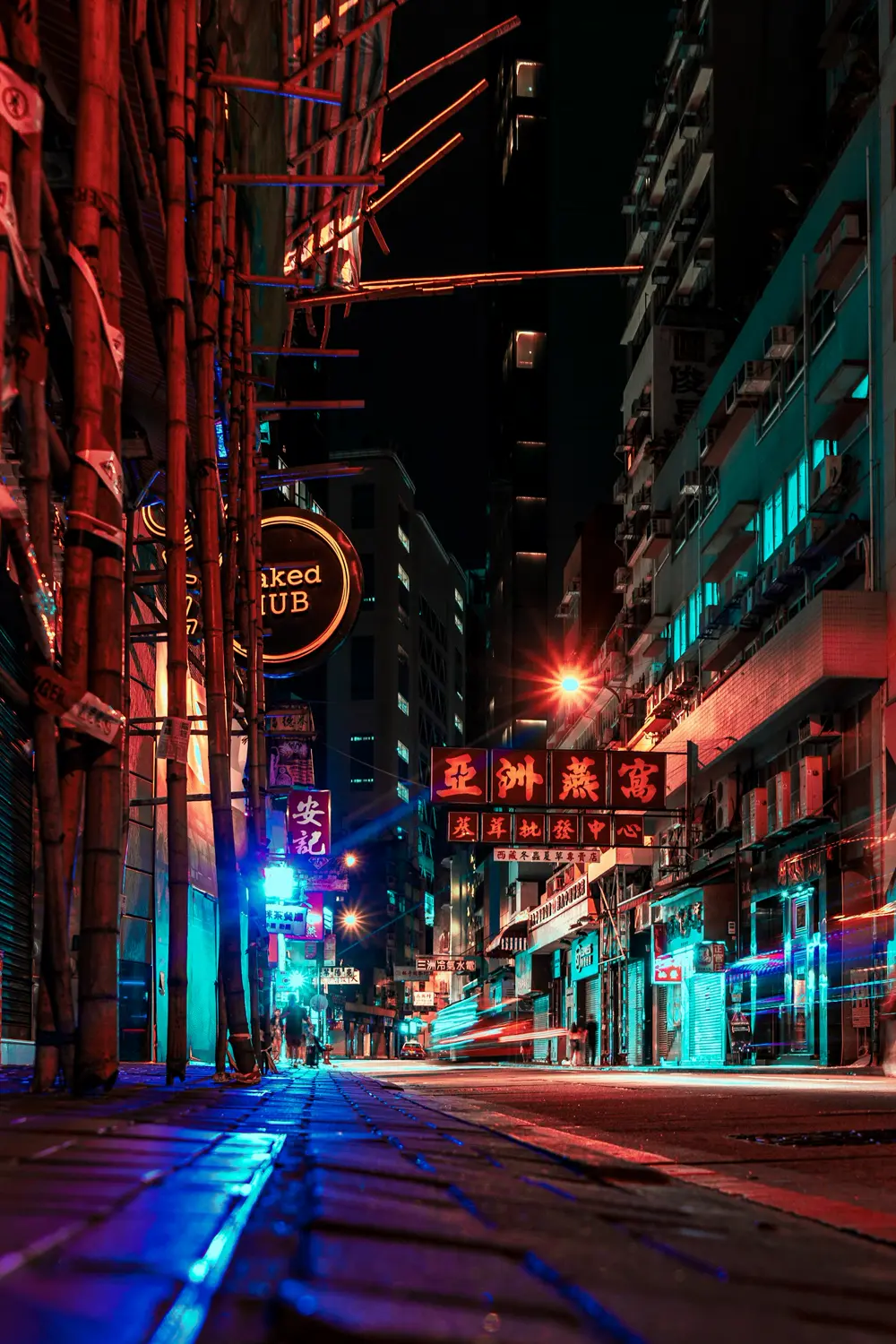
Every 4k-resolution page is another mood for your screen. Keep exploring the related sets below this one.
Share this page with a friend who is hunting for a fresh background.
