
Linux Wallpapers: Stunning Ultra HD Options
For many Linux users, customizing their desktop environment is a core part of the experience. A significant element of this customization is choosing the perfect wallpaper. With the increasing availability of high-resolution displays, the demand for ultra HD (4K and beyond) wallpapers has surged. This article explores where to find beautiful, high-quality wallpapers to elevate your Linux desktop, covering various sources and considerations for different desktop environments.
The visual appeal of your operating system can significantly impact your daily computing experience. A well-chosen wallpaper can be inspiring, calming, or simply aesthetically pleasing. Fortunately, the Linux community is rich with resources for finding and downloading stunning wallpapers, ranging from abstract art to breathtaking landscapes.
Where to Find Ultra HD Linux Wallpapers
Several websites specialize in providing high-resolution wallpapers suitable for Linux desktops. Here are some of the most popular and reliable options:
- Unsplash: A fantastic source of free, high-resolution photos. While not exclusively for Linux, the vast library offers countless options that look great on any desktop.
- Pexels: Similar to Unsplash, Pexels provides a wide selection of free stock photos, many of which are available in ultra HD.
- Wallhaven: A dedicated wallpaper website with a strong focus on quality and a large community. It offers advanced search filters to help you find exactly what you’re looking for.
- Pixabay: Another excellent resource for free stock photos and wallpapers, including a growing collection of ultra HD images.
- Desktopography: A curated collection of wallpapers, often featuring unique and artistic designs.
Choosing Wallpapers for Different Desktop Environments
While most wallpapers will work across different Linux desktop environments (GNOME, KDE Plasma, XFCE, Cinnamon, etc.), some environments offer specific features or recommendations. For example:
- KDE Plasma: Plasma allows for dynamic wallpapers that change based on the time of day or other criteria. You can also use slideshows with seamless transitions.
- GNOME: GNOME supports both static and dynamic wallpapers, and its settings allow you to adjust the wallpaper’s zoom and position.
- XFCE: XFCE is lightweight and efficient, and it handles wallpapers well. You can easily set a single image or a slideshow.
Consider the color scheme of your desktop environment and choose wallpapers that complement it. Dark themes often pair well with vibrant, colorful wallpapers, while light themes may benefit from more subdued or minimalist designs. If you’re looking to further personalize your system, you might consider exploring themes to match your wallpaper.
Optimizing Wallpapers for Your Display
Using an ultra HD wallpaper on a lower-resolution display can sometimes lead to performance issues or a blurry image. Here are some tips for optimizing wallpapers for your screen:
- Resolution: Choose a wallpaper that matches or is slightly larger than your screen resolution.
- File Size: Larger file sizes can impact performance, especially on older hardware. Opt for compressed images without sacrificing too much quality.
- Scaling: Most desktop environments offer scaling options. Experiment with different scaling modes (e.g., zoom, fill, stretch) to find the best fit for your display.
Wallpaper Management Tools
Several tools can help you manage your wallpaper collection and automate the process of changing wallpapers. Some popular options include:
- Variety: A popular wallpaper changer that automatically downloads and sets new wallpapers from various online sources.
- Wallpapper: A simple and lightweight wallpaper manager for Linux.
- DesktopFeeder: Another wallpaper changer with a wide range of customization options.
Creating Your Own Linux Wallpapers
If you’re feeling creative, you can create your own wallpapers using image editing software like GIMP or Inkscape. This allows you to personalize your desktop with unique designs and artwork. You can also find tutorials online for creating stunning wallpapers tailored to your preferences. Consider the aspect ratio of your monitor when designing your own images.
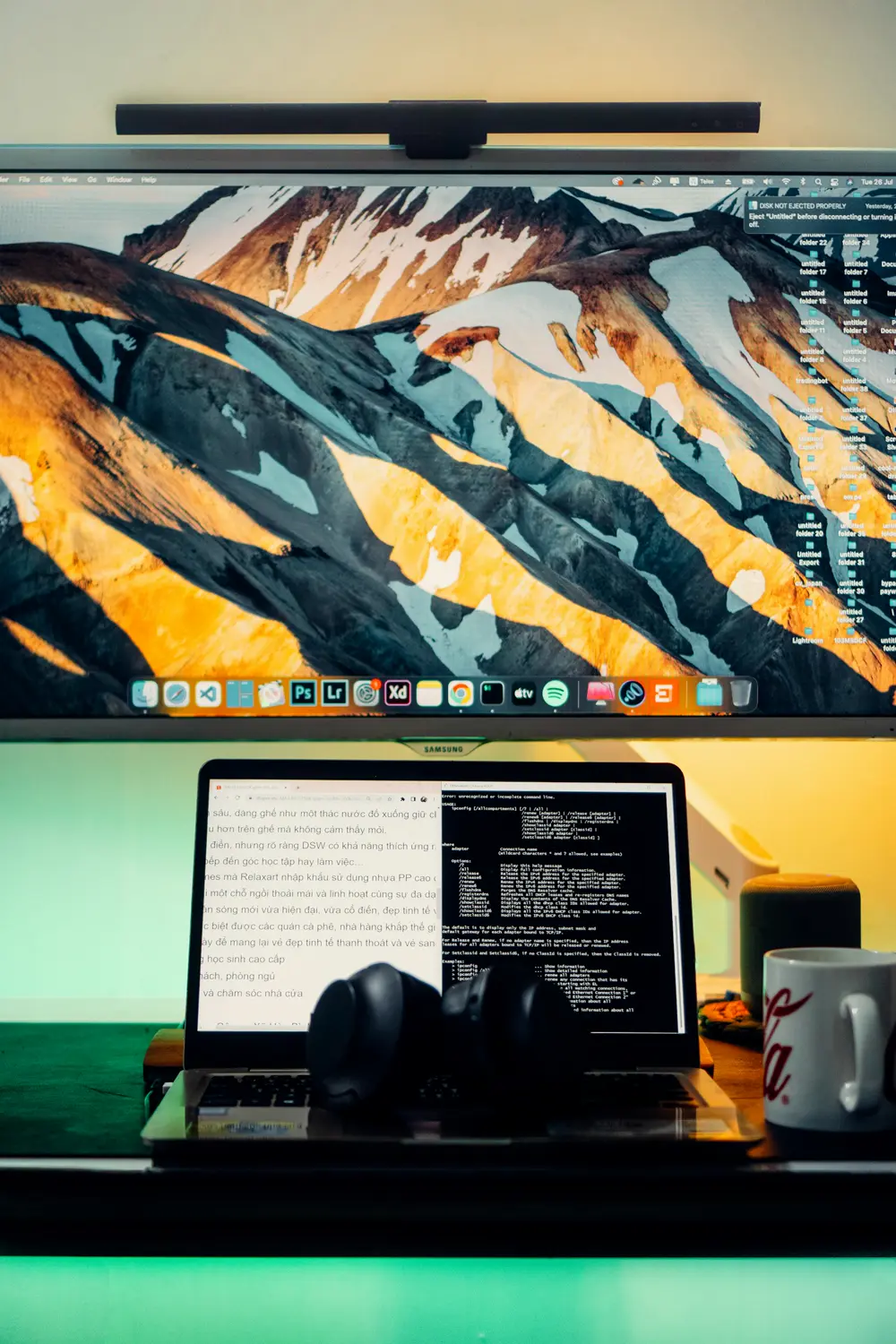
The Importance of Wallpaper Aesthetics
While seemingly a minor detail, your desktop wallpaper can have a surprisingly significant impact on your mood and productivity. A visually appealing wallpaper can create a more enjoyable and inspiring work environment. Experiment with different styles and images to find what works best for you. A clean and uncluttered desktop, combined with a beautiful wallpaper, can contribute to a more focused and efficient workflow.
Conclusion
Finding the perfect ultra HD wallpaper for your Linux desktop is easier than ever, thanks to the abundance of online resources and wallpaper management tools. Whether you prefer stunning landscapes, abstract art, or minimalist designs, there’s a wallpaper out there to suit your taste. Take the time to explore the options and personalize your desktop to create a visually appealing and inspiring computing experience. Remember to consider your desktop environment and display resolution for optimal results.
Frequently Asked Questions
What is the best resolution for a Linux wallpaper?
The best resolution depends on your monitor. Ideally, choose a wallpaper that matches your screen’s resolution (e.g., 1920×1080, 3840×2160). If an exact match isn’t available, a slightly larger resolution is preferable, as it allows for scaling without losing quality.
Where can I find wallpapers that aren’t just pictures?
Websites like Wallhaven offer wallpapers categorized by style, including abstract, patterns, and artistic renderings. You can also find dynamic wallpapers that change over time or respond to system events.
How do I change my wallpaper in KDE Plasma?
Right-click on the desktop, select ‘Configure Desktop,’ then navigate to the ‘Wallpaper’ section. From there, you can choose a static image, a slideshow, or a dynamic wallpaper.
Can I use any image as a wallpaper?
Yes, you can use almost any image as a wallpaper, but the quality will vary. High-resolution images generally look best. Ensure the image is in a supported format (e.g., JPG, PNG).
Are there any Linux-specific wallpaper websites?
While many websites offer wallpapers suitable for Linux, Wallhaven is particularly popular within the Linux community and often features wallpapers specifically tailored to Linux users.
Related posts:


Found a favourite here? 4K Wallpapers: Elevate Your Visual Experience (2026) is the natural next stop on this trail.
Know someone whose screen needs a refresh? Pass this link along.
