
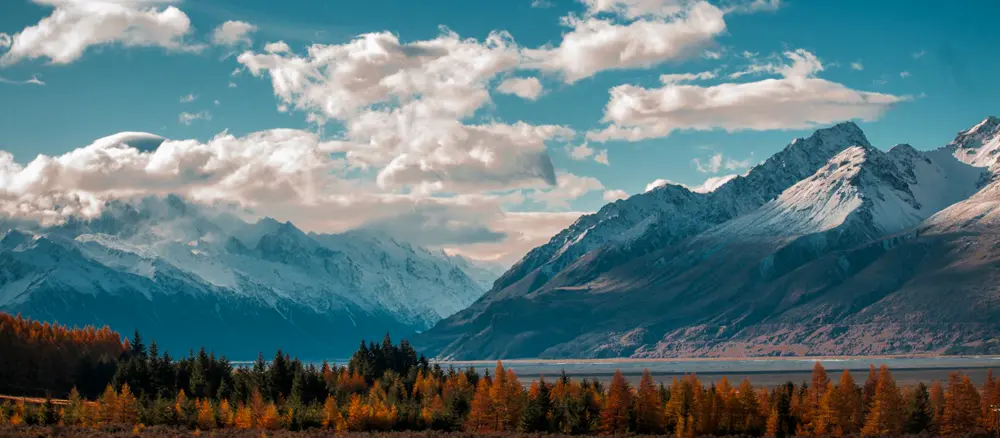
4K Dual Monitor Wallpapers: Stunning Visuals
In today’s digital age, many computer users are opting for a dual-monitor setup to boost productivity and enhance their overall computing experience. However, a dual-monitor setup isn’t complete without visually appealing wallpapers that span across both screens. This article explores the world of 4K dual monitor wallpapers, covering where to find them, what to look for, and how to set them up for a truly immersive visual experience.
The demand for high-resolution wallpapers has surged with the increasing popularity of 4K displays. A 4K resolution (3840 x 2160 pixels) offers incredible clarity and detail, making images appear sharper and more vibrant. When using dual monitors, especially with minimal bezels, a seamless wallpaper can transform your workspace into a captivating visual environment.

Why Choose 4K Wallpapers for Dual Monitors?
Using 4K wallpapers on a dual-monitor setup offers several advantages. Firstly, the high resolution ensures that images don’t appear pixelated or stretched, even across two screens. This is particularly important for large, detailed images or panoramic scenes. Secondly, 4K wallpapers can significantly enhance the aesthetic appeal of your workspace, making it more enjoyable and inspiring. A well-chosen wallpaper can reduce eye strain and improve focus by providing a visually pleasing backdrop.
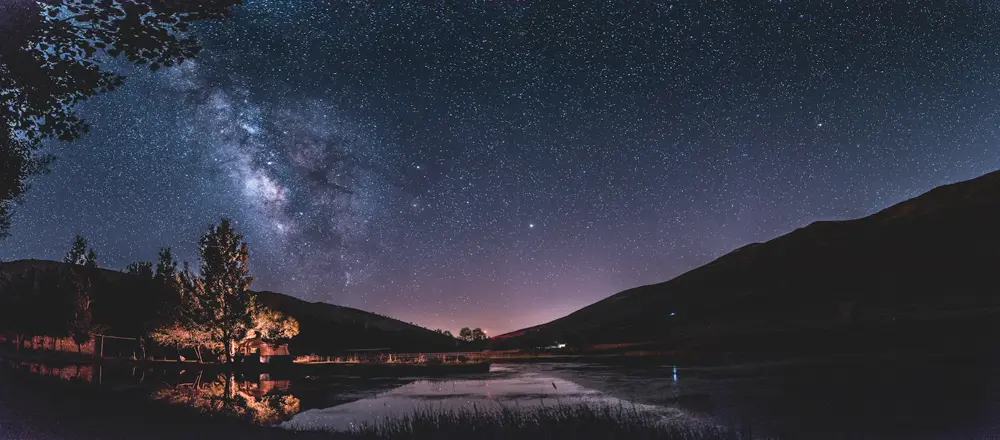
Beyond aesthetics, 4K wallpapers can also contribute to a more immersive experience, especially when gaming or watching movies. A panoramic image that spans both monitors can draw you into the content, making it feel more realistic and engaging. Consider how a landscape image might feel more expansive when viewed across two screens.
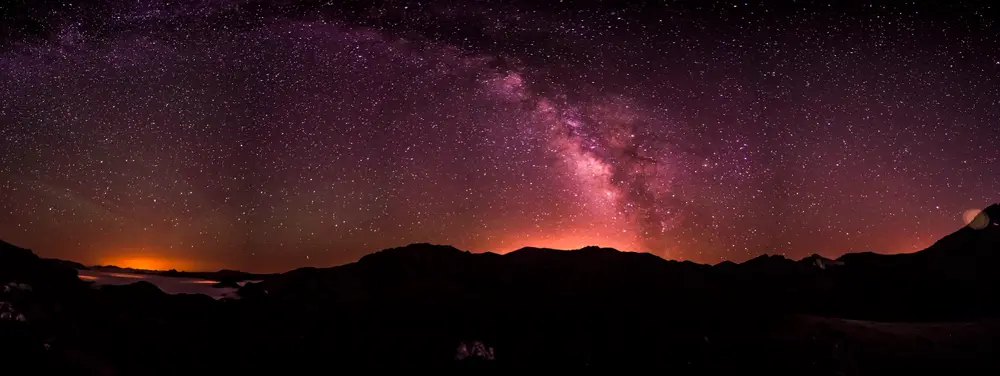
Where to Find High-Quality 4K Dual Monitor Wallpapers
Several websites and resources offer a wide selection of 4K dual monitor wallpapers. Here are some popular options:
- Unsplash: A fantastic source for free, high-resolution photos, including many suitable for dual monitors.
- Pexels: Similar to Unsplash, Pexels offers a vast library of free stock photos and videos.
- Wallhaven: A dedicated wallpaper website with a large collection of 4K and ultra-wide wallpapers.
- Desktop Wallpaper HD: Offers a curated selection of high-quality wallpapers, including options for dual monitors.
- Reddit (r/wallpapers): A community-driven subreddit where users share their favorite wallpapers.
When searching for wallpapers, use keywords like “dual monitor,” “4K,” “ultra-wide,” and “panoramic” to narrow down your results. You might also find inspiration by searching for specific themes, such as landscapes, cityscapes, abstract art, or space exploration. If you’re looking for something different, you could explore abstract art options.
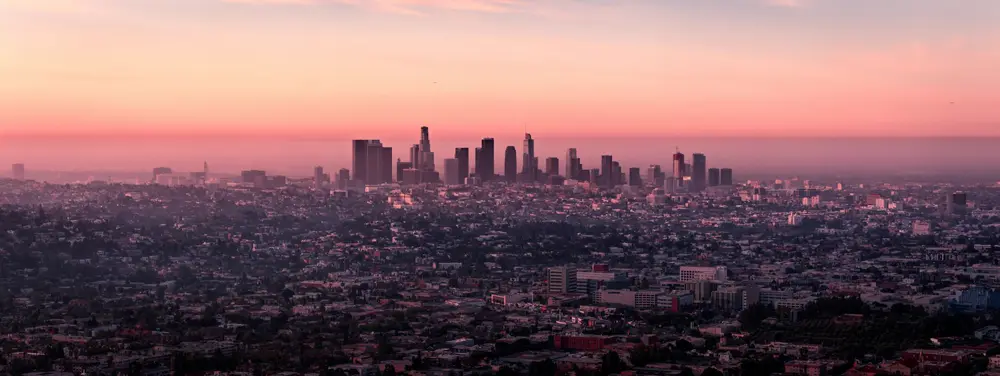
What to Look for in a Dual Monitor Wallpaper
Not all wallpapers are created equal, especially when it comes to dual-monitor setups. Here are some key factors to consider:
- Resolution: Ensure the wallpaper is at least 3840 x 1280 pixels to cover two 1920 x 1080 monitors without stretching or pixelation. For larger or higher-resolution monitors, you’ll need an even higher resolution.
- Aspect Ratio: Look for wallpapers with an aspect ratio of 21:9 or wider to seamlessly span across both screens.
- Composition: Choose images with a balanced composition that looks good when split across two monitors. Avoid images with important elements centered, as they might get cut off.
- Color Palette: Consider the color scheme of your wallpaper and how it complements your overall workspace aesthetic.
- Personal Preference: Ultimately, the best wallpaper is one that you enjoy looking at!
Setting Up 4K Dual Monitor Wallpapers
Setting up a dual-monitor wallpaper can vary depending on your operating system. Here’s a general guide for Windows and macOS:
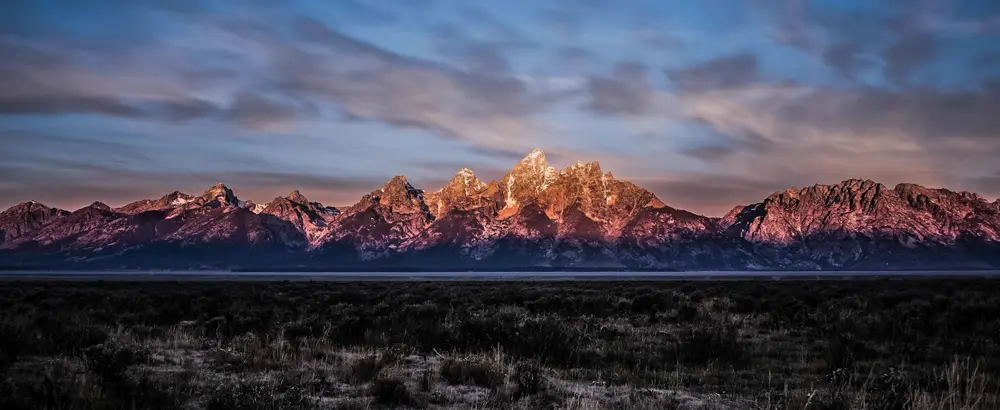
Windows
- Download the wallpaper image.
- Right-click on the desktop and select “Personalize.”
- In the Personalization settings, go to “Background.”
- Choose “Picture” as the background type.
- Select the downloaded wallpaper image.
- Choose “Span” from the “Choose a fit” dropdown menu.
macOS
- Download the wallpaper image.
- Go to System Preferences > Desktop & Screen Saver.
- Select the downloaded wallpaper image.
- Choose “Fill Screen” to span the image across both monitors.
Some software applications, like DisplayFusion, offer more advanced features for managing dual-monitor wallpapers, such as the ability to set different wallpapers for each monitor or create custom wallpaper rotations. If you’re struggling with the built-in options, these tools can be incredibly helpful.
Tips for Creating a Seamless Dual Monitor Experience
Beyond choosing the right wallpaper, here are a few tips for creating a seamless dual-monitor experience:
- Minimize Bezels: Opt for monitors with thin bezels to minimize the visual separation between screens.
- Align Monitors Properly: Ensure your monitors are perfectly aligned to create a smooth, continuous visual surface.
- Match Monitor Settings: Calibrate your monitors to ensure they have the same brightness, contrast, and color settings.
- Hide Taskbars: Hide the taskbars on both monitors to maximize screen space.
Conclusion
4K dual monitor wallpapers are a fantastic way to elevate your computing experience. By choosing high-resolution images with appropriate aspect ratios and following the setup instructions, you can create a visually stunning and immersive workspace. Experiment with different themes and styles to find the perfect wallpaper that suits your preferences and enhances your productivity. Remember to regularly update your wallpapers to keep your workspace fresh and inspiring.
Frequently Asked Questions
What is the ideal resolution for a dual monitor 4K wallpaper?
The ideal resolution depends on your monitor setup. For two 1920×1080 monitors, 3840×1280 is a good starting point. For higher resolution or larger monitors, you’ll need a higher resolution image to avoid pixelation. Always aim for an image that matches or exceeds the combined width of your monitors.
Can I use a single image across three or more monitors?
Yes, you can, but finding images with the appropriate aspect ratio and resolution can be challenging. Ultra-wide images designed for multiple monitors are available, but they are less common than dual-monitor wallpapers. You may need to experiment with different images and settings to achieve a satisfactory result.
Where can I find wallpapers specifically designed for curved monitors?
Some wallpaper websites, like Wallhaven, allow you to filter by monitor type, including curved monitors. You can also search for “curved monitor wallpaper” on Google or other search engines. Keep in mind that the curvature of your monitor will affect how the wallpaper appears, so you may need to adjust the image or settings to achieve the desired effect.
How do I prevent my wallpaper from being stretched or distorted?
Ensure you’re using an image with the correct resolution and aspect ratio for your monitor setup. In your operating system’s display settings, choose the “Span” or “Fill Screen” option to properly scale the image across both monitors. Avoid using the “Stretch” or “Tile” options, as these can distort the image.
Are there any tools to automatically change wallpapers on a schedule?
Yes, several applications can automatically rotate wallpapers on a schedule. DisplayFusion is a popular option for Windows, while macOS has built-in features for creating slideshows. These tools allow you to create a playlist of your favorite wallpapers and set them to change at regular intervals, keeping your workspace visually dynamic.
Related posts:


This set is just one corner of 4k. Plenty more backgrounds in the same category are waiting for you.
Save your favourites and share the rest — good wallpapers travel fast.
