
Paper Cutout Effect: Creating Stunning Visuals
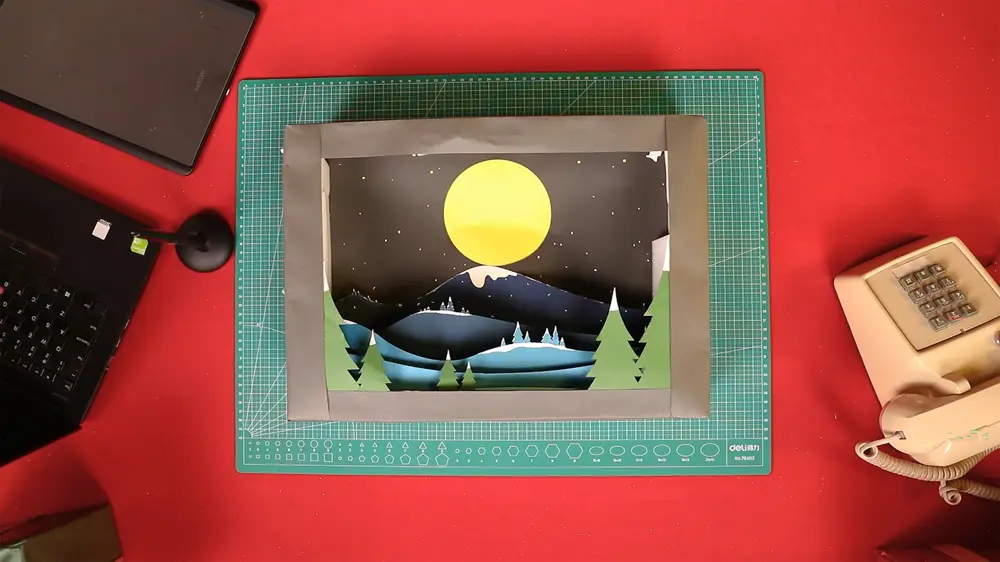
The paper cutout effect, a technique that mimics the look of layered paper art, has gained significant popularity in graphic design, animation, and photography. This style evokes a sense of whimsy, nostalgia, and handcrafted artistry. It’s a versatile approach that can be applied to various projects, from simple illustrations to complex scenes. This article explores the essence of the paper cutout effect, its applications, and how to achieve it digitally.
Initially a physical art form, involving meticulously cutting and layering paper, the paper cutout effect has seamlessly transitioned into the digital realm. Digital tools now allow artists to replicate this look with greater ease and flexibility, opening up new creative possibilities. The appeal lies in its unique aesthetic – a blend of simplicity, depth, and texture.
Understanding the Aesthetic
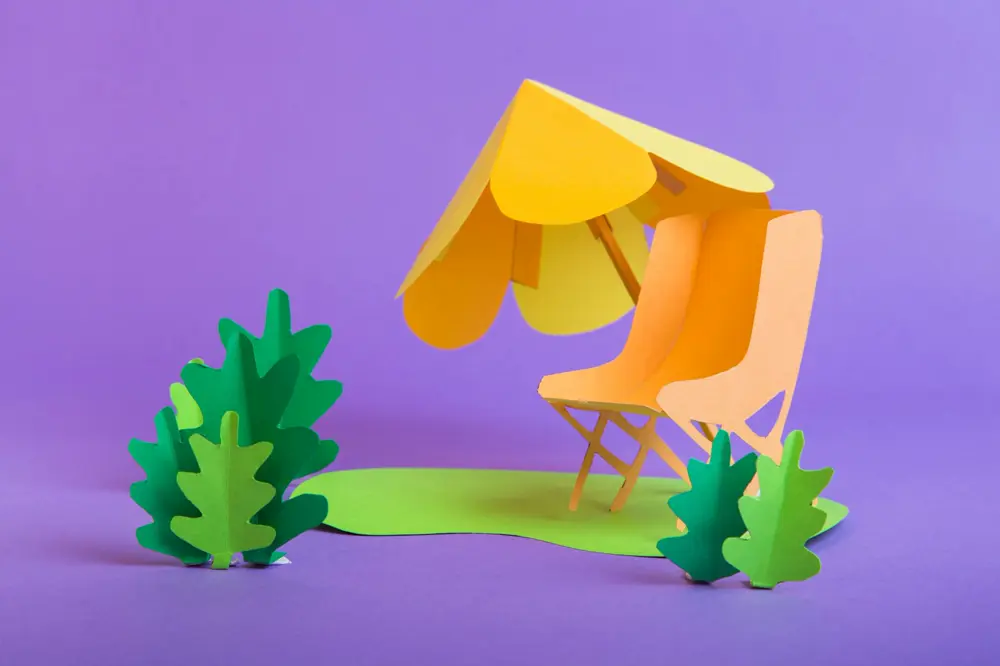
The core of the paper cutout effect lies in its distinct visual characteristics. These include:
- Layering: Multiple layers of ‘paper’ are stacked to create depth and dimension.
- Flatness: Each layer typically maintains a flat, two-dimensional appearance.
- Defined Edges: Clean, crisp edges define the shapes and forms within each layer.
- Texture: Subtle textures can be added to simulate the look and feel of real paper.
- Color Palette: Often features a limited, harmonious color palette, enhancing the handcrafted feel.
These elements combine to create a visually engaging style that’s both charming and sophisticated. The effect can range from minimalist and abstract to highly detailed and realistic, depending on the artist’s vision.
Applications Across Different Mediums
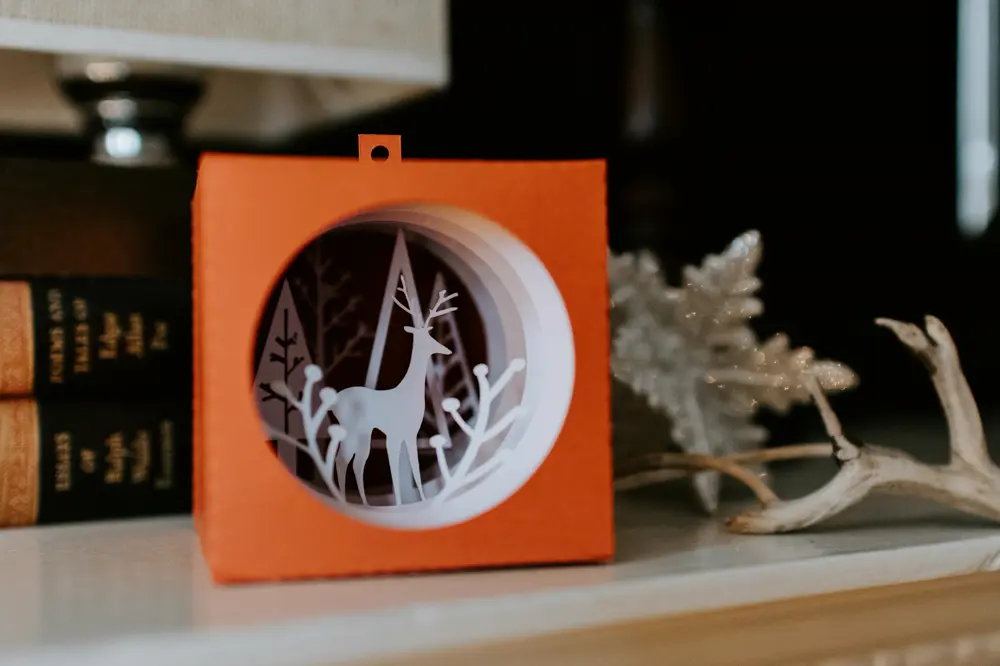
The paper cutout effect isn’t confined to a single artistic discipline. Its versatility allows it to shine in various applications:
Graphic Design
In graphic design, the paper cutout effect is used for creating illustrations, logos, website backgrounds, and marketing materials. It adds a unique touch to branding, making it stand out from the competition. The handcrafted aesthetic can convey a sense of authenticity and creativity. Consider how this style can enhance branding efforts.
Animation
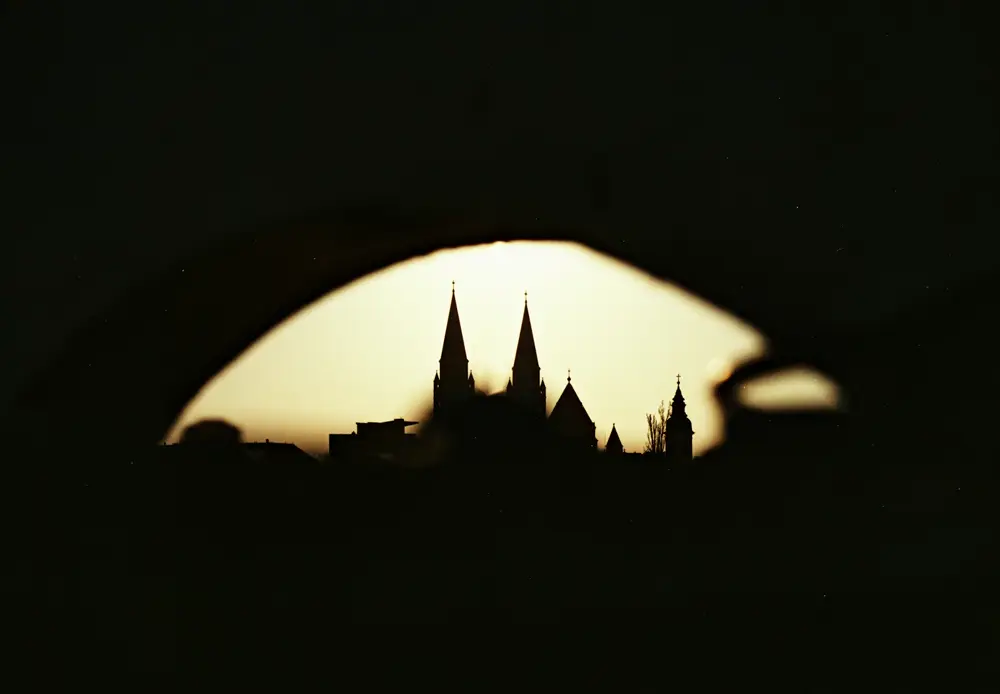
Paper cutout animation, also known as stop-motion animation, is a classic technique that involves physically manipulating paper cutouts frame by frame. However, the effect can also be replicated digitally, offering greater control and efficiency. This style is often used for short films, explainer videos, and animated series.
Photography
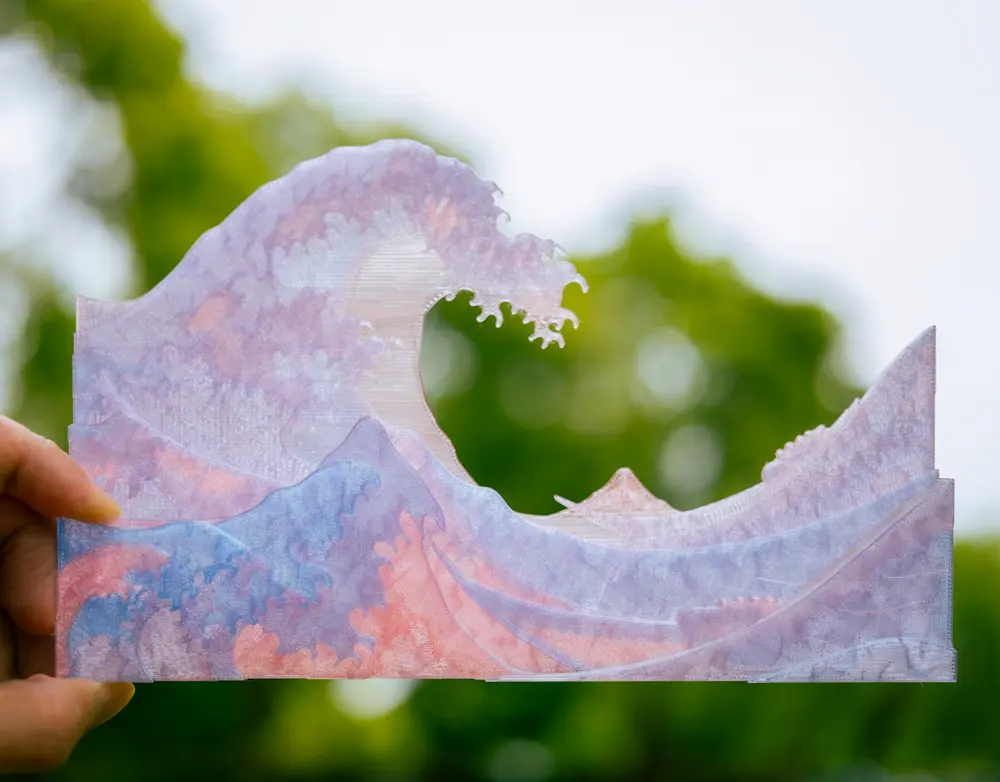
Photographers can incorporate the paper cutout effect into their work by digitally adding paper-like elements to their images. This can involve creating paper cutouts of objects or characters and seamlessly integrating them into a photograph. It’s a creative way to add a surreal or whimsical touch to portraits, landscapes, and still life photography.
Web Design
The paper cutout effect can be used to create visually appealing website elements, such as hero images, illustrations, and icons. It can add depth and personality to a website, making it more engaging for visitors. The style can also contribute to a unique user experience.
Achieving the Effect Digitally
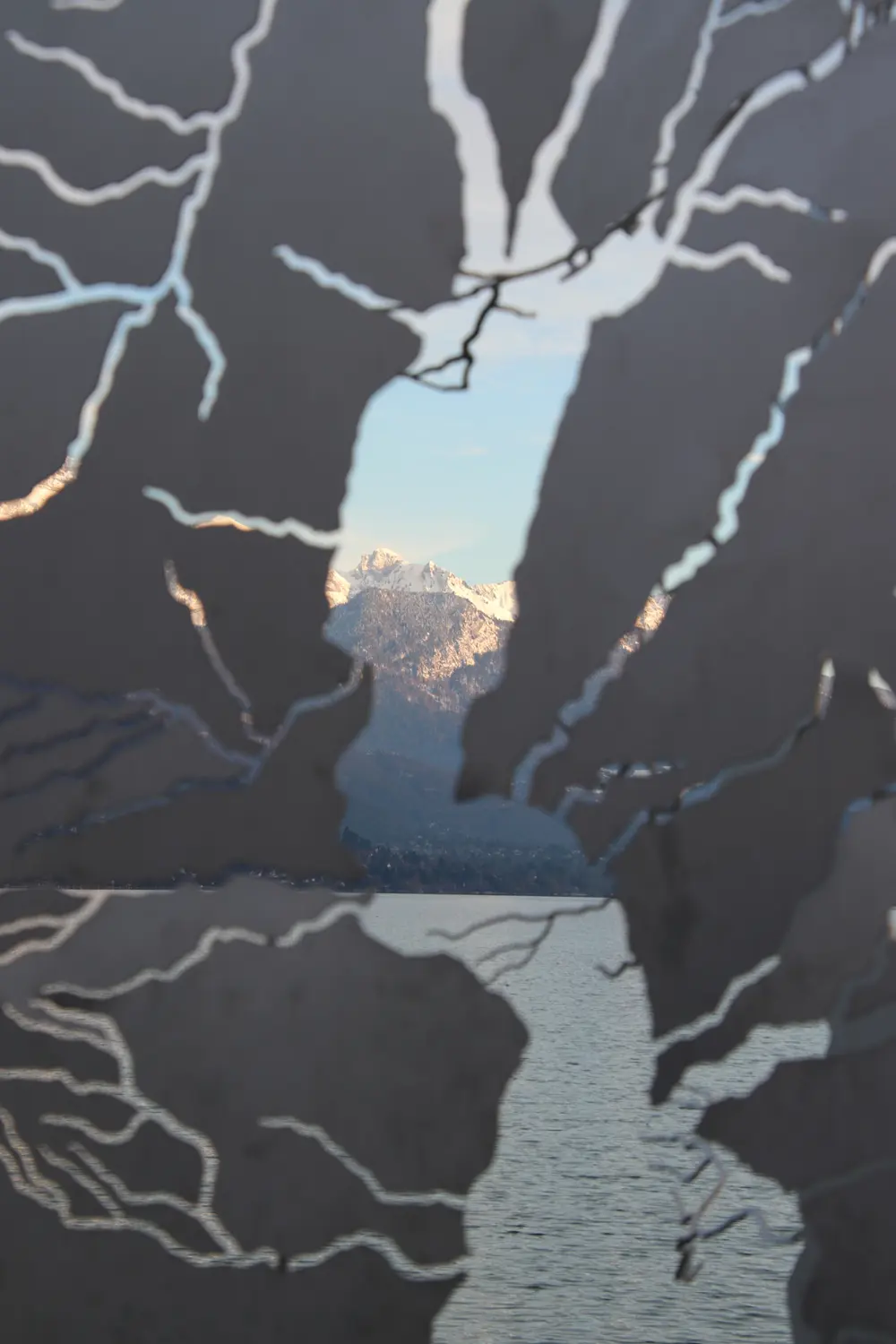
Several digital tools and techniques can be used to create the paper cutout effect:
Software Options
- Adobe Photoshop: A versatile tool for creating and manipulating images, Photoshop allows you to create paper cutouts using layers, masks, and blending modes.
- Adobe Illustrator: Ideal for creating vector-based paper cutouts, Illustrator offers precise control over shapes and lines.
- Procreate: A popular iPad app for digital painting and illustration, Procreate provides a range of brushes and tools for creating paper-like textures.
- Affinity Designer: A cost-effective alternative to Adobe Illustrator, Affinity Designer offers similar features for vector-based design.
Key Techniques
- Layering: Create separate layers for each element of your design.
- Masking: Use masks to define the shapes and forms of your paper cutouts.
- Blending Modes: Experiment with blending modes to create subtle shadows and highlights.
- Texture: Add paper textures to your layers using brushes or texture overlays.
- Color: Choose a limited, harmonious color palette.
- Shadows: Add subtle drop shadows to create a sense of depth.
By mastering these techniques, you can create stunning paper cutout visuals that capture the essence of this unique art form. Understanding design principles will further enhance your results.
Tips for a Realistic Look
To make your digital paper cutouts look more realistic, consider these tips:
- Paper Texture: Use high-resolution paper textures to add authenticity.
- Subtle Imperfections: Introduce slight imperfections, such as uneven edges or wrinkles, to mimic the look of real paper.
- Lighting: Pay attention to lighting and shadows to create depth and dimension.
- Color Variation: Use subtle color variations within each layer to add visual interest.
- Layer Order: Carefully consider the order of your layers to create the desired effect.
Conclusion
The paper cutout effect is a captivating visual style that blends artistry and technique. Whether you’re a graphic designer, animator, or photographer, this effect offers a unique way to express your creativity. By understanding its core principles and mastering the digital tools available, you can create stunning visuals that evoke a sense of wonder and nostalgia. The versatility of this style ensures its continued relevance in the ever-evolving world of visual arts.
Frequently Asked Questions
What software is best for creating a paper cutout effect?
Adobe Photoshop and Illustrator are industry standards, offering robust tools for layering, masking, and texture creation. However, Procreate (for iPad) and Affinity Designer are excellent, more affordable alternatives. The best choice depends on your skill level and project requirements.
How can I make my digital paper cutouts look more realistic?
Adding high-resolution paper textures, subtle imperfections (like slightly uneven edges), and realistic lighting and shadows are key. Experiment with color variations within each layer to avoid a flat, artificial look.
Is the paper cutout effect suitable for all types of projects?
While versatile, the paper cutout effect works best for projects where a handcrafted, whimsical, or nostalgic aesthetic is desired. It’s particularly effective for illustrations, branding, and animation. It might not be the best choice for projects requiring a highly realistic or modern look.
What are some good resources for learning more about the paper cutout effect?
Online tutorials on platforms like YouTube and Skillshare offer step-by-step guidance. Adobe’s official documentation and various design blogs also provide valuable insights and techniques. Searching for “paper cutout tutorial” will yield numerous helpful resources.
Can I use stock images to create a paper cutout effect?
Yes, you can! However, ensure the stock images have sufficient resolution and detail to allow for effective masking and texture application. You’ll likely need to edit the images significantly to achieve the desired paper cutout look.
Related posts:

Collections like this one connect to a bigger digital-art library — Digital Art: Exploring Surrealist Dreamscapes is a good thread to pull next.
Bookmark this collection so your next wallpaper swap is one click away.
