
The Allure of Animated Pink Marble Textures
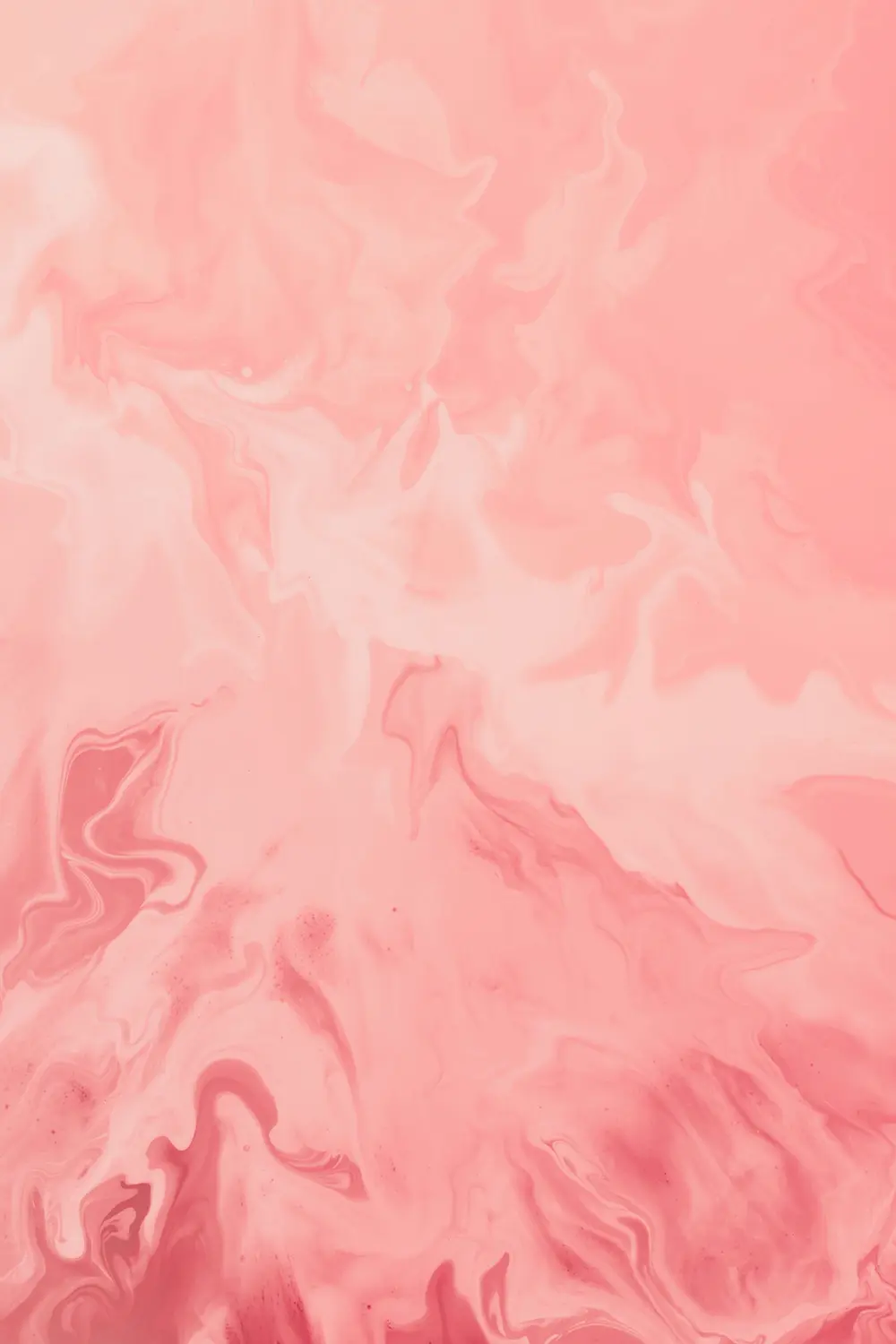
In the modern digital era, our screens are more than just functional tools; they are extensions of our personal style and workspace atmosphere. One of the most captivating trends in digital customization is the use of an animated pink marble wallpaper. Unlike static backgrounds, a moving marble texture introduces a sense of life, depth, and continuous motion that can transform a boring desktop into a mesmerizing visual experience. The organic flow of marble, combined with the soothing tones of pink, creates a perfect balance between luxury and relaxation.
- The Appeal of Pink Marble Motion
- Popular Styles and Visual Variations
- Implementation Across Devices
- Technical Performance and Battery Optimization
- Finding the Best High-Resolution Files
When searching for the perfect wallpaper, users often find themselves drawn to textures that feel both natural and otherworldly. The swirling patterns of rose quartz or blush-toned stone provide a rhythmic visual that is easy on the eyes. This subtle movement helps in creating a unique aesthetic that can shift the mood of an entire room, especially when using large monitors or high-definition displays.
The Psychology of Pink and Marble Patterns
Color psychology plays a massive role in why pink marble animations are so popular. Pink is often associated with calmness, compassion, and creativity. When these hues are integrated into a marble pattern, the chaotic but structured nature of the stone veins provides a grounding effect. The fluid dynamics of an animated marble background mimic the movement of water or clouds, which has been scientifically shown to reduce stress levels during long working hours.
Why Motion Matters in Digital Design
Static images can eventually become part of the “visual noise” that we ignore. However, micro-movements—such as the slow drift of a pink cloud or the shimmering of a gold vein within a marble slab—capture the eye’s attention without being distracting. This is known as ambient motion. It provides enough visual interest to prevent boredom but remains subtle enough to allow you to focus on your primary tasks, making it an ideal choice for productivity-focused setups.
Popular Styles of Pink Marble Animations
Not all marble textures are created equal. Depending on your device and the mood you want to set, you can choose from several distinct sub-styles of animated pink stone backgrounds.
Fluid Liquid Marble
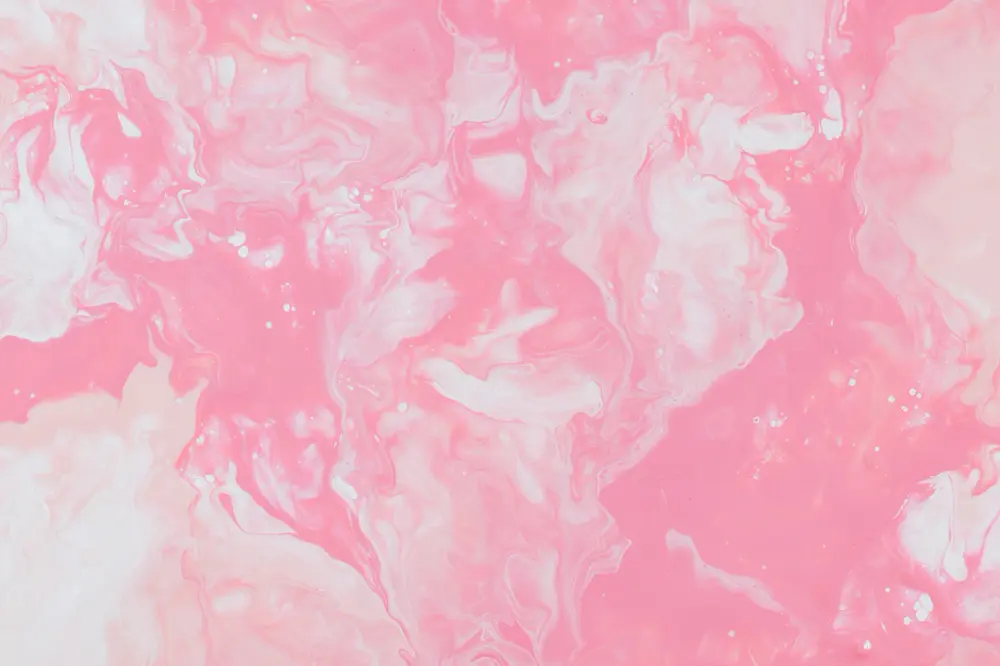
This style mimics the look of liquid pigments being swirled together in water. The colors blend seamlessly, creating soft gradients of salmon, rose, and cream. This is particularly effective for those who enjoy a dreamy, ethereal vibe. The lack of sharp edges in liquid marble makes it one of the most relaxing options for a live wallpaper.
Rose Quartz and Gemstone Textures
For a more high-end, luxury feel, rose quartz animations focus on translucency and light refraction. These wallpapers often simulate how light passes through a semi-precious stone. You will see glints of light and deeper shadows that give the screen a three-dimensional appearance. It is a sophisticated choice for professional workstations that want a touch of elegance.
Abstract Pastel Swirls with Metallic Accents
If you want something more striking, look for pink marble designs that include metallic gold or silver veins. The contrast between the soft pink base and the sharp, shimmering metallic lines creates a high-dynamic-range (HDR) effect. When these veins “glow” or move slightly, it adds a layer of visual complexity that looks stunning on OLED screens.
How to Use Animated Wallpapers on Different Devices
Deploying an animated pink marble background requires different approaches depending on whether you are using a computer or a mobile device.
Desktop and Laptop Implementation
For Windows and macOS users, a standard video file won’t work as a wallpaper by itself. You will typically need software such as Wallpaper Engine (available on Steam) or Live Wallpaper Maker. These tools allow you to loop high-quality MP4 or WebM files seamlessly. For a seamless experience, ensure the animation is a ‘perfect loop,’ meaning the end of the video matches the beginning exactly to avoid a visible jump.
Mobile Device Optimization
On iOS and Android, the process is slightly different. Many modern smartphones support Live Wallpapers natively. For Android, you can often use video files directly through third-party launcher apps. On iPhone, you may need to convert your animation into a Live Photo to achieve the desired effect on the lock screen. Always ensure the aspect ratio matches your phone’s screen (usually 9:16) to prevent stretching the marble patterns.
Technical Performance and Battery Optimization
One of the biggest concerns with using motion backgrounds is the impact on system resources. Because the computer or phone must constantly render new frames, it can consume more power than a static image.
Impact on CPU and GPU
An animated pink marble wallpaper uses the Graphics Processing Unit (GPU) to render the movement. If the animation is high-resolution (4K) and has a high frame rate (60 FPS), it will draw more power. To mitigate this, look for animations that have low-complexity movement. Slow, sweeping motions are much easier for your hardware to process than fast, chaotic shifts.
Battery Life Considerations
For mobile users, a live wallpaper will undoubtedly decrease battery life more than a static one. To balance aesthetics and efficiency, consider using the animated version for your lock screen and a static, high-quality image of the same marble pattern for your home screen. This way, you get the visual “wow factor” when you wake your phone, but your battery remains stable while you are using apps.
Finding the Best High-Resolution Files
To truly appreciate the intricate details of pink marble veins, you need high-quality assets. Avoid low-resolution GIFs, as they often suffer from color banding—a phenomenon where the smooth pink gradients appear as distinct, ugly stripes. Instead, search for 4K motion graphics in MP4 format. Professional stock sites and creative communities like Behance or specialized wallpaper forums are the best places to find premium-grade animations that offer true depth and clarity.
Conclusion
Switching to an animated pink marble wallpaper is a simple yet powerful way to refresh your digital environment. Whether you prefer the soft, soothing flows of liquid marble or the opulent shimmer of rose quartz with gold veins, these moving textures offer a level of immersion and style that static images simply cannot match. By choosing the right style and being mindful of your device’s performance, you can create a workspace that is both beautiful and inspiring.
Frequently Asked Questions
1. Will an animated wallpaper slow down my computer?
If you use a high-resolution, high-frame-rate animation, it may increase GPU usage. However, for most modern computers, a well-optimized loop will have a negligible impact on performance during everyday tasks.
2. What is the best file format for live marble wallpapers?
MP4 is the most widely supported format for desktop software like Wallpaper Engine, while WebM is excellent for web-based or lightweight applications due to its efficient compression.
3. How do I prevent color banding in pink gradients?
Color banding occurs when the bit depth is too low. To avoid this, always download high-bitrate files (preferably 10-bit if available) and ensure the animation is rendered in a high-resolution format like 4K.
4. Can I use these wallpapers on my professional work computer?
Yes, if you choose a subtle, slow-moving marble pattern. Avoid overly bright or fast-moving animations to maintain a professional atmosphere that doesn’t distract you or others.
5. How do I make an animation loop perfectly?
In video editing software, you can create a seamless loop by duplicating the clip, reversing the second clip, and cross-fading them. This ensures the motion flows continuously without a jarring reset.
Related posts:

New screens deserve new looks — the aesthetic-background shelf keeps growing, so check back for the latest drops.
Know someone whose screen needs a refresh? Pass this link along.
