
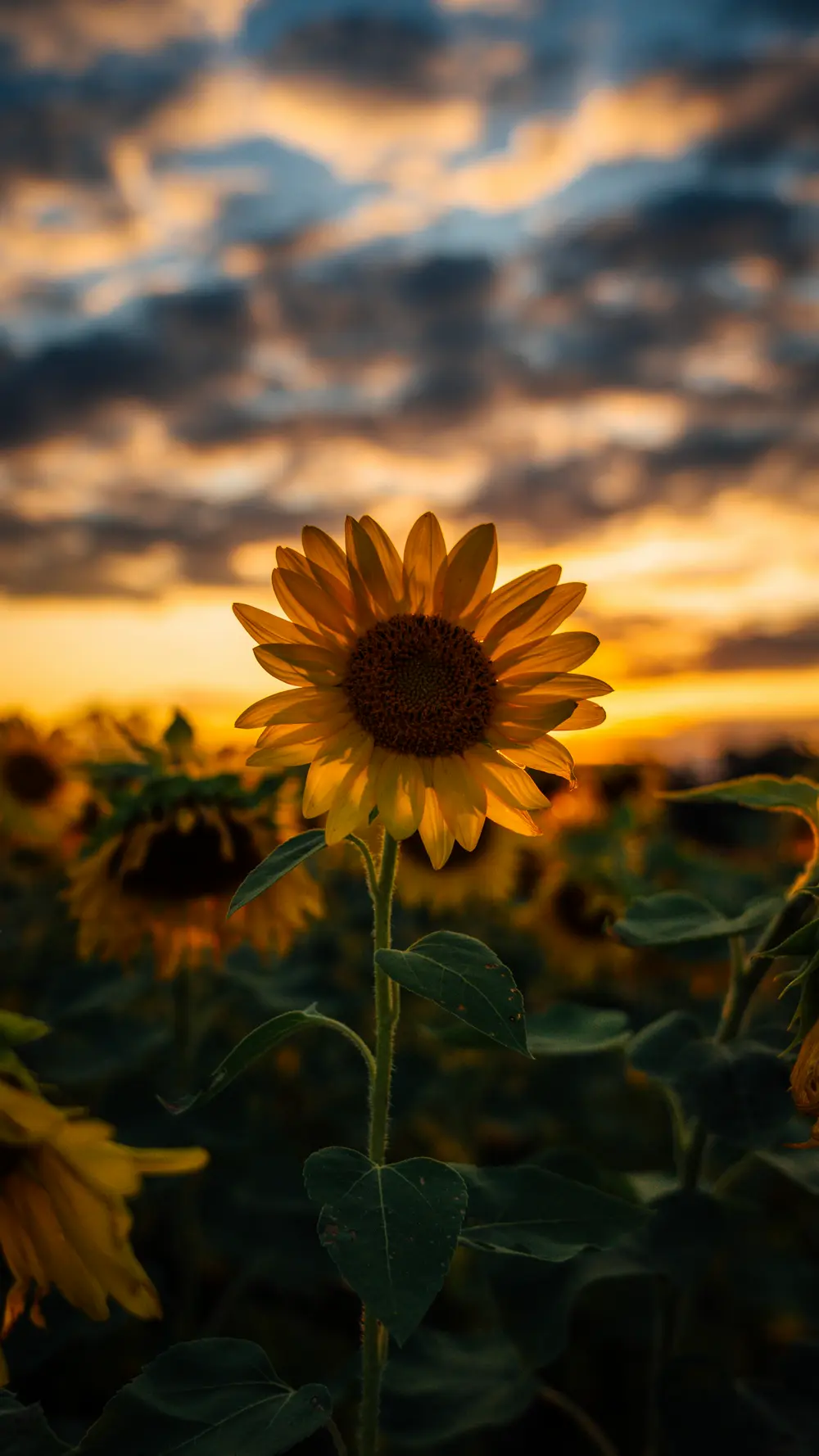
In the rapidly evolving digital landscape, our visual environment plays a crucial role in our mental well-being and productivity. Whether you are glancing at your smartphone during a break or staring at a dual-monitor setup during a long workday, the imagery you choose to surround yourself with matters. A high resolution cream sunflower wallpaper offers more than just a pretty picture; it provides a sense of calm, a touch of nature, and a sophisticated color palette that avoids the visual fatigue often caused by overly bright or saturated backgrounds.
- Why Choose Cream-Toned Florals?
- Understanding Resolution and Image Quality
- Popular Styles: From Macro to Vintage
- Optimizing Wallpapers for Different Devices
- The Psychology of Color in Digital Spaces
- Frequently Asked Questions
The Timeless Appeal of Cream-Toned Florals
Sunflowers are globally recognized as symbols of warmth, longevity, and happiness. However, the traditional bright, aggressive yellow of a sunflower can sometimes feel overwhelming when used as a full-screen background. This is where the cream sunflower aesthetic becomes incredibly valuable. By opting for cream, beige, or pastel-toned sunflowers, you maintain the organic beauty of the flower while introducing a soft visual texture that is much easier on the eyes.
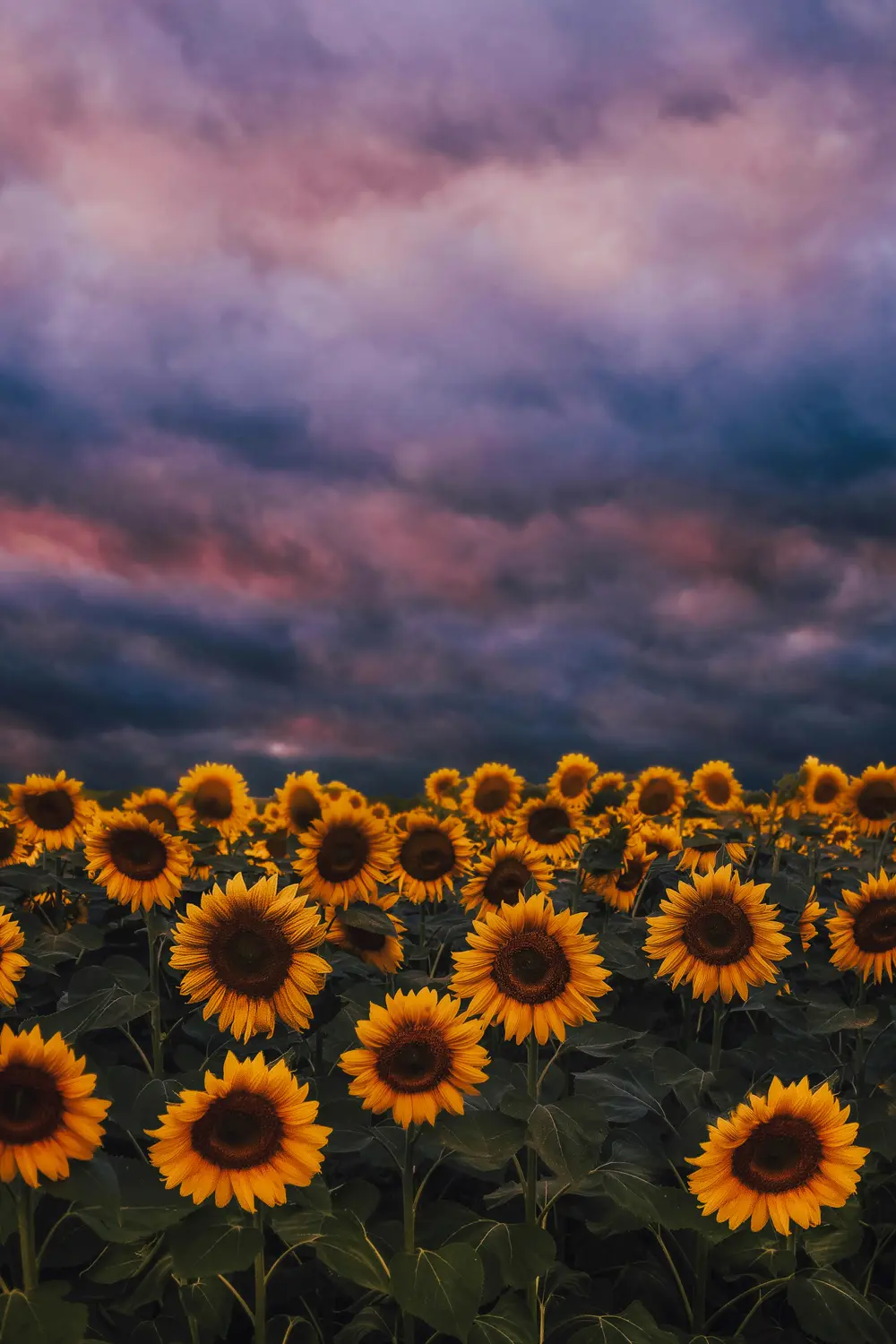
Integrating a floral theme into your desktop or mobile device can create a sanctuary of peace amidst a chaotic digital workflow. Many users find that aesthetic backgrounds with muted tones help reduce cognitive load, allowing them to focus more intensely on their primary tasks. These designs often feature a sophisticated blend of ivory, soft gold, and subtle greens, making them perfect for both professional and personal devices.
Color Theory and Visual Comfort
In color psychology, cream is considered a neutral, soothing color. Unlike pure white, which can cause glare on high-brightness screens, cream offers a warm, diffused light quality. When paired with the golden hues of a sunflower, it creates a harmonious analogous color scheme. This balance is essential for users who spend upwards of eight hours a day in front of a screen, as it minimizes the intensity of the light hitting the retina.

Understanding Resolution and Image Quality
When searching for a high resolution cream sunflower wallpaper, the term ‘resolution’ is the most critical factor. A low-quality image may look fine on a small smartphone screen, but once applied to a 27-inch 4K monitor, the lack of detail becomes painfully obvious. You will notice pixelation, blurring around the edges of the flower petals, and a loss of the fine textures that make nature photography so captivating.
The Difference Between HD, Full HD, and 4K
To ensure your background looks crisp and professional, you should aim for the following specifications depending on your device:
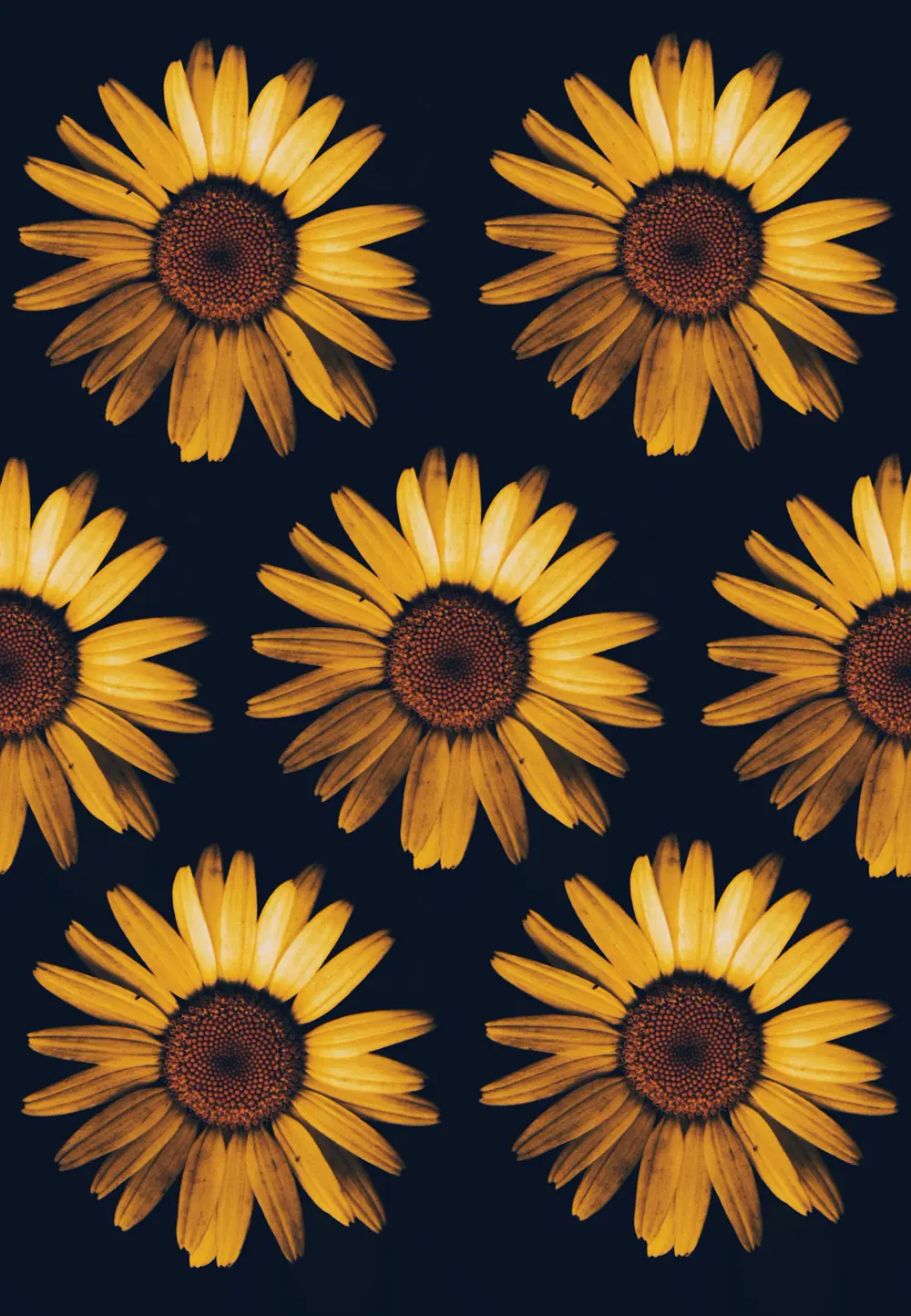
- Full HD (1080p): Ideal for standard laptops and most smartphone displays. The resolution is typically 1920×1080 pixels.
- 4K Ultra HD: Essential for high-end monitors and large desktop setups. A 4K image (3840×2160) provides four times the detail of 1080p, ensuring that every micro-detail of the sunflower’s pollen and petal veins is visible.
- Retina Display Optimization: For Apple users, looking for high-DPI (Dots Per Inch) images is vital to take full advantage of the pixel-dense screens.
Always look for file formats like PNG for maximum quality, or high-bitrate JPEG files to balance clarity with storage space. Avoid downloading compressed images from social media platforms, as these are often stripped of their metadata and resolution to save bandwidth.
Popular Styles of Cream Sunflower Backgrounds
Not all sunflower wallpapers are created equal. Depending on your personal style—whether you prefer minimalist modernism or cozy cottagecore—there are several distinct ways these images are captured and styled.
Macro Photography: The Beauty in Detail
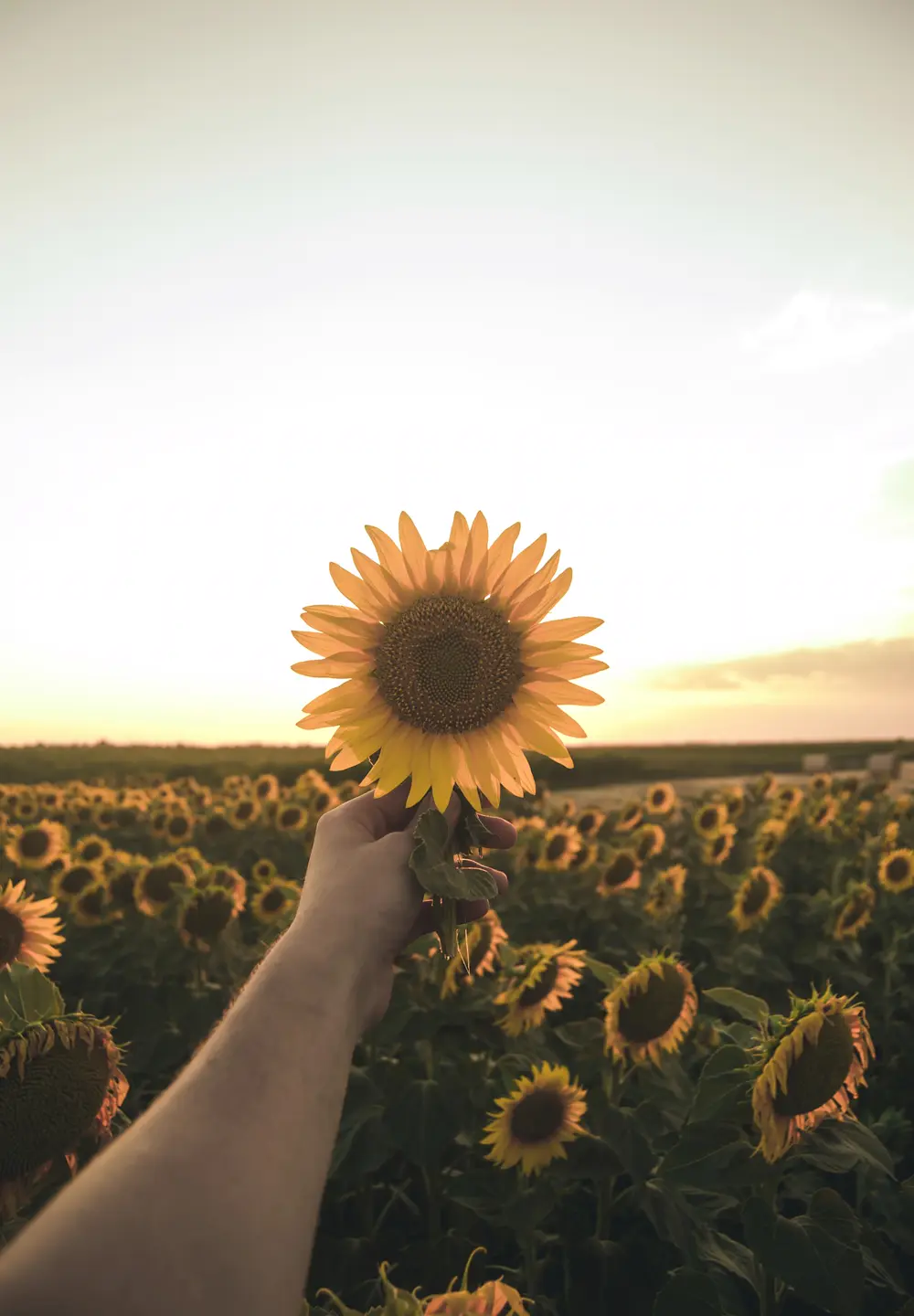
Macro photography focuses on extreme close-ups. In a high-resolution sunflower shot, this allows you to see the intricate geometric patterns of the sunflower’s center. When these shots are processed with a cream-colored filter or captured in soft morning light, they become abstract masterpieces of nature. The depth of field (bokeh effect) is usually shallow, meaning the background is a soft, creamy blur, which helps your desktop icons stand out clearly.
Vintage and Cottagecore Aesthetics
For those who love a nostalgic feel, vintage-style sunflower wallpapers are a top choice. These often feature sepia tones, film grain, or a slightly desaturated palette that mimics old film photography. This style pairs perfectly with a “warm” desk setup involving wooden accessories and soft lighting. It evokes a sense of timeless elegance and rustic charm.
Minimalist Botanical Illustrations
If you find real photography too “busy,” consider digital illustrations. A minimalist cream sunflower might consist of simple line art or soft watercolor washes. These are excellent for users who want a clutter-free workspace. The simplicity of the design ensures that your files and folders remain the primary focus, while the sunflower provides a subtle, artistic accent.
Optimizing Wallpapers for Different Devices
A common mistake is using a horizontal desktop wallpaper for a vertical smartphone screen. To maintain the visual integrity of your high-resolution image, you must consider the aspect ratio.
Desktop and Laptop Setups
For computers, you want a landscape orientation. Wide-angle shots of sunflower fields in soft cream light work beautifully here. If you use a multi-monitor setup, look for ultra-wide wallpapers that can span across both screens without being awkwardly cropped.
Mobile Phone Backgrounds
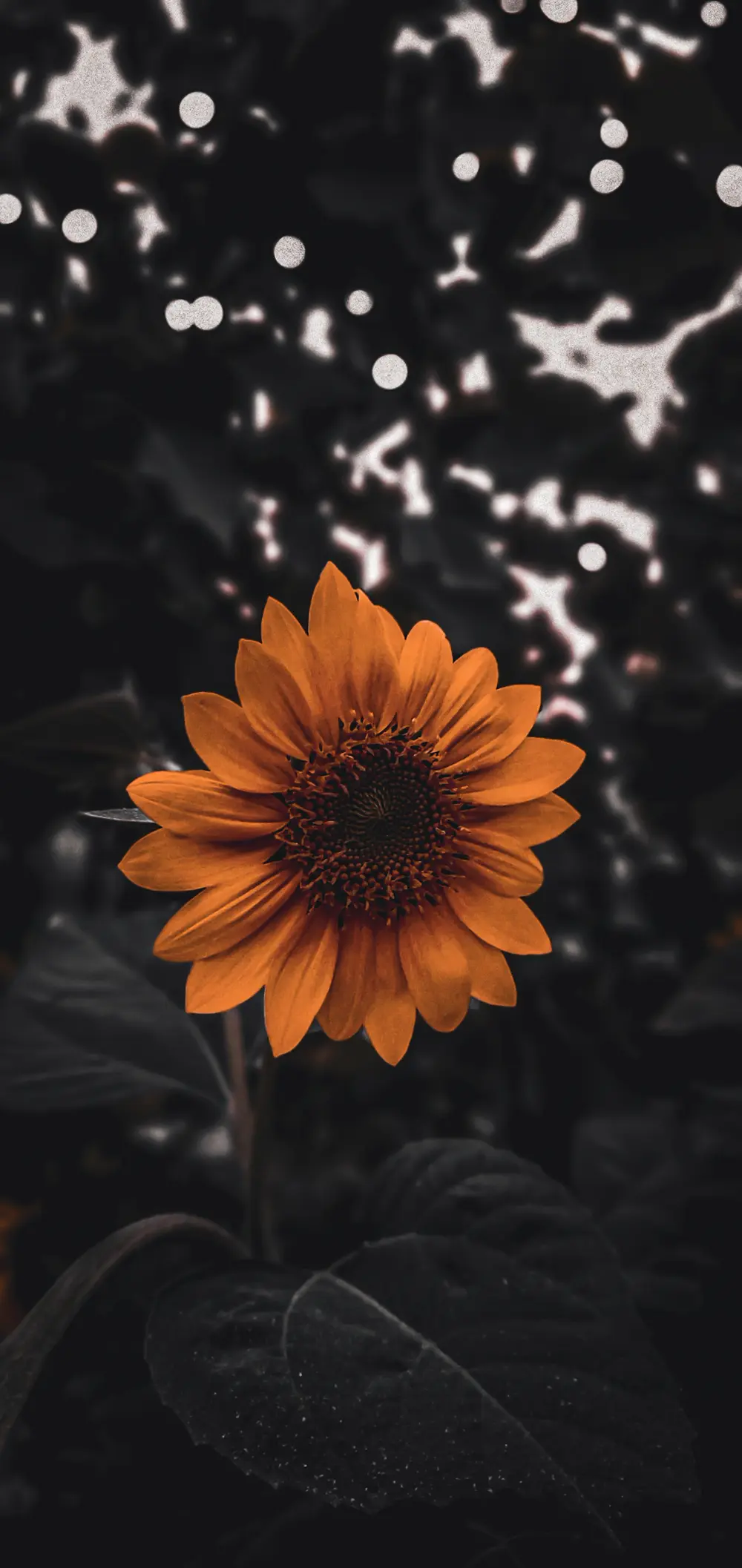
Smartphones require portrait orientation. A vertical shot focusing on a single, elegant sunflower stem can be incredibly striking. Ensure that the main subject of the photo is not located in the center if your phone’s clock or notification widgets cover that area. Aim for a compositional balance that keeps the sunflower visible around your apps.
Conclusion
Choosing a high resolution cream sunflower wallpaper is a small but impactful way to personalize your digital environment. By prioritizing high-definition quality and selecting a color palette that favors soft creams and gentle yellows, you create a space that is both beautiful and functionally soothing. Whether you opt for the intricate detail of macro photography or the simplicity of a minimalist illustration, the right background can truly enhance your daily digital experience.
Frequently Asked Questions
1. How can I tell if a sunflower wallpaper is actually high resolution?
Check the pixel dimensions before downloading. For a desktop, look for at least 1920×1080. For 4K, look for 3840×2160. If the image looks blurry when you zoom in, it is likely low resolution.
2. Why do cream-colored wallpapers feel more relaxing than bright yellow ones?
Cream tones have lower luminance and saturation compared to bright yellow. This reduces the amount of high-energy light hitting your eyes, which helps prevent eye strain and creates a calmer psychological state.
3. Can I use a high-resolution desktop wallpaper on my phone?
Yes, but it won’t look perfect. Because desktop images are horizontal and phones are vertical, the image will be heavily cropped. It is better to find a dedicated vertical version of the same image.
4. What is the best file format for wallpapers?
PNG is generally superior because it is a lossless format, meaning it won’t lose quality every time it is saved. However, high-quality JPEGs are perfectly fine and take up less storage space.
5. How does ‘bokeh’ affect a wallpaper’s usability?
Bokeh refers to the aesthetic quality of the blur in out-of-focus areas. A wallpaper with heavy bokeh is excellent for desktops because the blurred background makes your text and icons much easier to read.
Related posts:



Every aesthetic-wallpaper page is another mood for your screen. Keep exploring the related sets below this one.
Bookmark this collection so your next wallpaper swap is one click away.
