
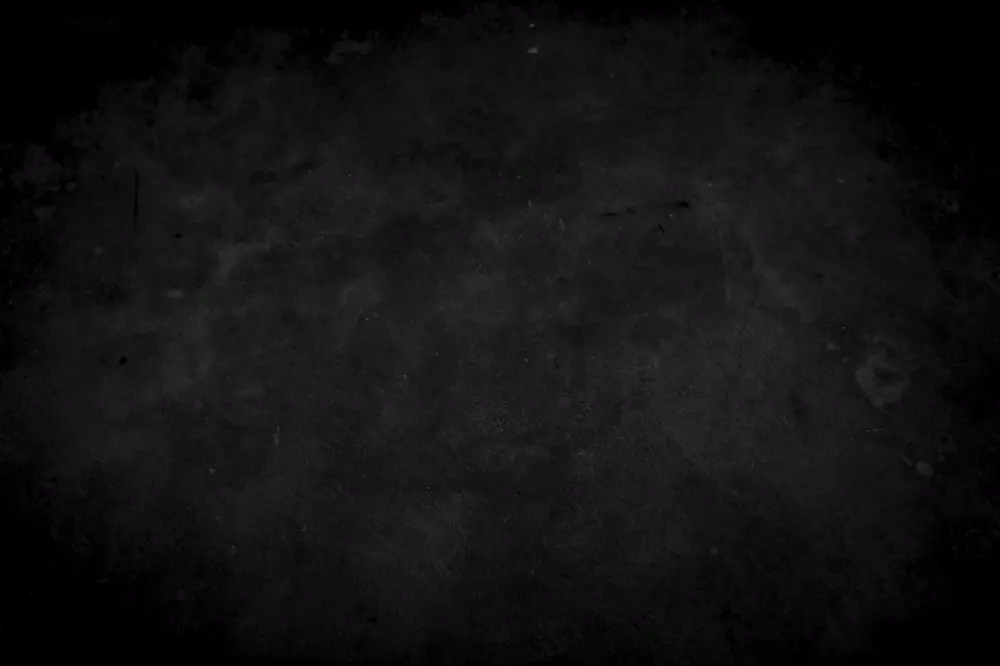
Transform Your Workspace with High Res Grunge Wallpaper for Dual Monitor Setups
In the modern digital workspace, your desktop environment is more than just a place to store icons; it is a reflection of your personal style and a key component of your productivity atmosphere. For enthusiasts of the distressed aesthetic, finding the perfect high res grunge wallpaper for dual monitor setups can be a transformative experience. Unlike clean, minimalist backgrounds that can feel sterile, grunge textures offer a sense of depth, character, and visual complexity that keeps the eyes engaged without being overly distracting.
A dual monitor configuration provides a massive canvas, but it also presents unique challenges. A standard wallpaper will either be stretched awkwardly or repeated, breaking the immersion. To truly leverage a multi-screen setup, you need high-resolution imagery that respects the physical boundaries of your monitors while creating a cohesive, panoramic story across both screens. This guide explores the technical requirements, stylistic choices, and optimization tips to help you master the art of the grunge desktop.
- Understanding the Grunge Aesthetic
- Technical Specs: Resolution and Aspect Ratio
- Popular Grunge Sub-genres for Desktops
- How to Align Wallpapers Across Dual Screens
- Maintaining Visual Balance
The Aesthetic Allure of Grunge Textures
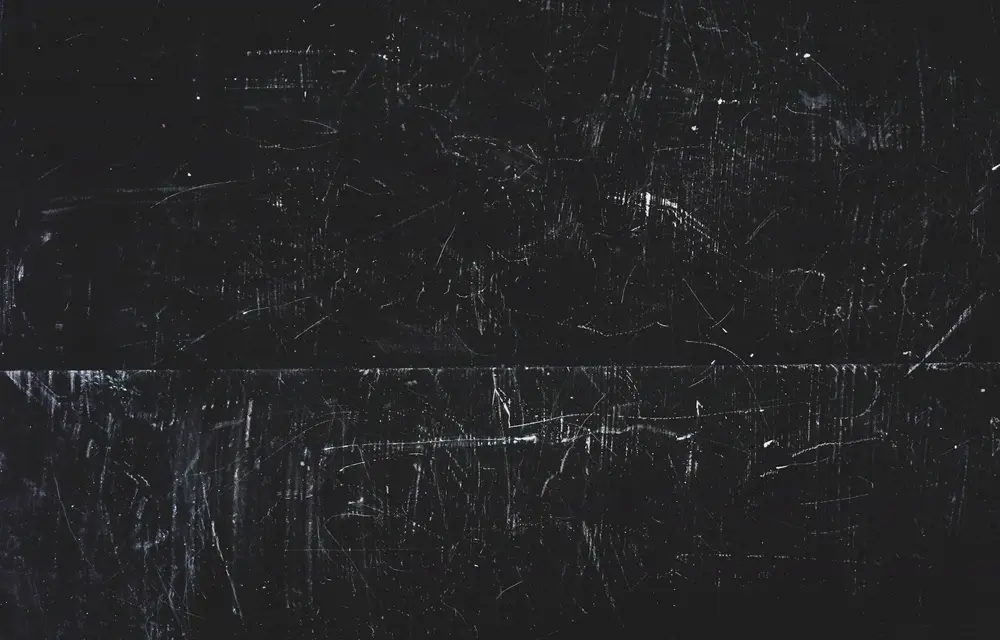
Why do so many professionals and gamers gravitate toward grunge textures? The answer lies in the psychological impact of visual complexity. Grunge is characterized by imperfections—scratches, stains, weathered surfaces, and faded colors. These elements provide a tactile quality to a digital medium, making your screen feel less like a piece of glass and more like a textured canvas.
When you select a high res grunge wallpaper for dual monitor use, you are opting for an environment that hides the harshness of digital perfection. This is particularly useful for those who spend long hours staring at screens, as the organic irregularities of grunge can reduce the “starkness” of a bright LED panel. Whether you are looking to upgrade your desktop experience or simply want a moodier atmosphere for late-night coding or gaming, grunge offers unparalleled versatility. By choosing high-resolution files, you ensure that these intricate details—like the grain of old paper or the rust on a metal sheet—remain crisp and don’t turn into muddy pixels.
Technical Requirements: Resolution and Aspect Ratio
To achieve a professional look, you cannot simply download any image you find on a search engine. A dual monitor setup requires specific mathematical considerations to ensure the image spans correctly across your hardware.
The Importance of High Resolution (4K and Beyond)
When dealing with two screens, you are effectively doubling the pixel count requirement. If you have two 1080p monitors, your total canvas is 3840×1080. However, if you use a standard 1920×1080 image, it will look blurry and pixelated when stretched. For a truly premium feel, aim for 4K resolution or even 8K assets. Higher pixel density ensures that the subtle textures of the grunge aesthetic—such as fine dust particles or hairline scratches—are rendered with absolute clarity. This is vital for maintaining the visual fidelity that high-end monitor owners expect.

Mastering Aspect Ratios
There are two primary ways to approach a dual monitor setup:
- Extended Desktop (Split): Each monitor acts as a separate space. In this case, you can use two separate 16:9 images that share a similar color palette or texture style.
- Panoramic/Ultra-Wide: This treats both monitors as one continuous display (effectively a 32:9 aspect ratio). This is where the best grunge wallpapers shine, as a single, massive texture can flow seamlessly from the left monitor to the right, creating a unified landscape of grit and shadow.
Exploring Different Grunge Sub-genres for Your Setup
Grunge is not a monolith. Depending on your hardware setup and your personal taste, you might prefer one of these distinct stylistic directions:
Industrial and Metallic Textures
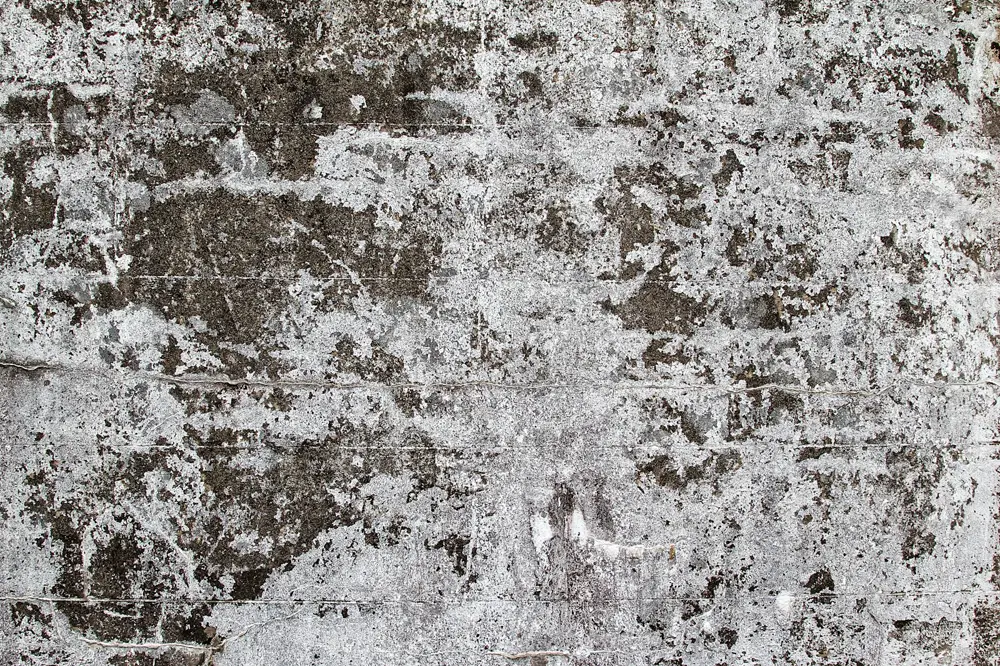
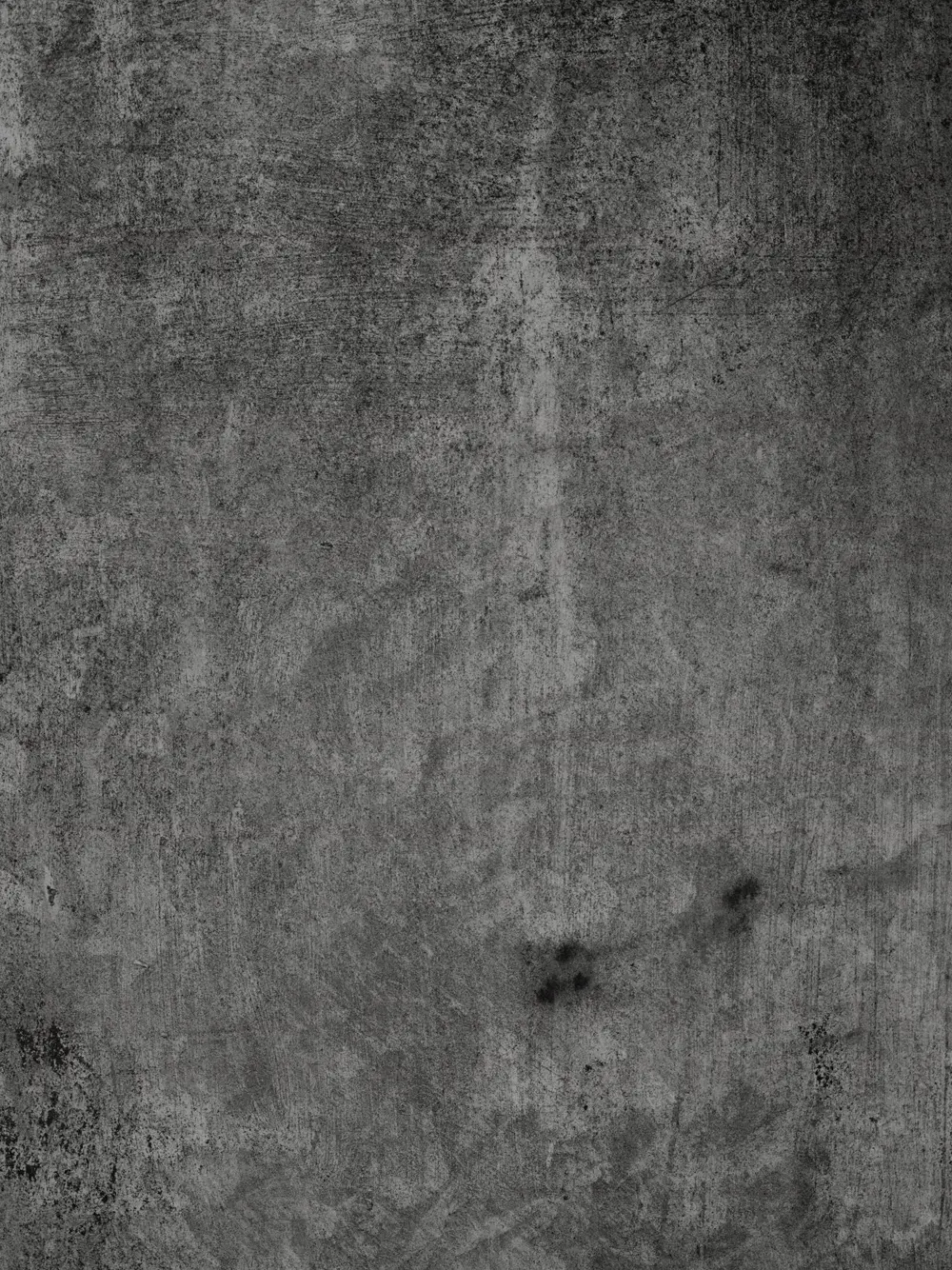
This sub-genre focuses on heavy metals, rusted iron, brushed steel, and concrete. It is an excellent choice for those with a minimalist or tech-focused setup. The cool tones of steel and the warm, orange hues of rust provide a sophisticated color contrast that can make your RGB peripherals pop without clashing.
Distressed Paper and Vintage Aesthetics
If you prefer a warmer, more organic feel, look for textures that mimic old parchment, stained canvas, or weathered leather. These analog-inspired textures are perfect for creators, writers, and designers who want a workspace that feels more like a physical studio than a digital workstation.

Dark Minimalist Grunge
For users who want to minimize eye strain and maximize focus, dark minimalist grunge is the way to go. These wallpapers feature deep blacks, charcoal grays, and subtle, dark textures like smoke or matte carbon fiber. They provide the “grit” of grunge without the visual noise that can lead to distraction during intensive tasks.
Expert Tips for Perfect Alignment and Visual Balance
The biggest mistake users make with dual monitors is a “broken” wallpaper. This happens when the seam between the two monitors cuts through a primary focal point or a line of text, making the setup look unpolished.
Solving the “Middle Seam” Issue
When using a single wide image, pay attention to where the physical bezels of your monitors sit. You want to ensure that no critical texture or design element is “cut in half” in a way that feels jarring. A good rule of thumb is to choose images where the texture is non-directional or repetitive enough that the break at the bezel is almost imperceptible. Alternatively, use a “center-weighted” composition where the most interesting part of the grunge texture is centered on one screen, and the other screen provides a complementary, less busy texture.
Color Matching Your Hardware
Your wallpaper should complement your physical environment. If you have a silver/white setup, consider light-colored grunge textures like bleached concrete or light gray stone. If you have a blacked-out, “stealth” setup, lean into dark metals and deep shadow textures. This creates a cohesive ecosystem between your physical desk and your digital space.
Conclusion
Selecting a high res grunge wallpaper for dual monitor use is about balancing technical precision with artistic expression. By prioritizing high resolution, understanding your aspect ratio, and choosing a sub-genre that matches your aesthetic, you can transform a standard multi-screen setup into a visually stunning, professional environment. Don’t settle for low-quality images; invest in high-fidelity textures that respect the power of your hardware and enhance your daily digital experience.
Frequently Asked Questions
1. How can I find wallpapers specifically designed for two monitors?
Look for images with an aspect ratio of 32:9 or resolutions like 3840×1080 or 5120×1440. Searching specifically for ‘ultrawide wallpaper’ or ‘dual monitor wallpaper’ will yield better results than a general search.
2. Will a single large image work if my monitors are different sizes?
It is difficult. If your monitors have different resolutions or physical dimensions, a single image will likely look distorted on one of them. In this case, it is better to find two separate images that share a similar ‘grunge’ theme.
3. Why does my grunge wallpaper look blurry on my dual monitors?
This is usually due to low resolution. If the image’s pixel count is lower than the combined pixel count of your monitors, the OS will stretch it, causing blurriness. Always check the pixel dimensions before downloading.
4. What is the best file format for high-quality textures?
For wallpapers, PNG is generally superior to JPG because it uses lossless compression, which preserves the fine, grainy details essential to the grunge aesthetic.
5. Can I use grunge wallpapers to reduce eye strain?
Yes. Darker, low-contrast grunge textures (like charcoal or dark concrete) can reduce the amount of bright light emitted by your screens, making them more comfortable for long-term use in low-light environments.
Related posts:


Still browsing? Marble Wallpaper for PC: The Ultimate Guide to Desktop Elegance is another collection worth a look — fresh picks in the same spirit.
Know someone whose screen needs a refresh? Pass this link along.
