
The Psychological Impact of Digital Aesthetics
In the modern era, our computers are more than just tools; they are digital sanctuaries where we spend the majority of our professional and personal lives. The visual environment of your desktop can significantly influence your cognitive load, mood, and overall productivity. One of the most enduring trends in high-end digital design is the use of marble wallpaper for pc setups. This choice is not merely about luxury; it is about the intersection of organic complexity and minimalist order.
Marble, with its unique veining patterns and geological history, offers a visual depth that standard gradients or flat colors cannot replicate. When translated to a high-definition screen, these textures provide a sense of stability and sophistication. Whether you are a creative professional seeking inspiration or a student needing a calm workspace, a well-chosen stone texture can transform a cluttered screen into a curated masterpiece.
- Enhances focus through minimalist design.
- Provides a sense of luxury and high-end professionalism.
- Reduces visual boredom through organic, non-repetitive patterns.
Why Choose Marble Wallpaper for Your PC?
Transitioning from generic, high-saturation landscapes to a textured marble wallpaper for pc can fundamentally change your relationship with your hardware. Unlike busy photographic backgrounds that compete with your desktop icons, marble offers a sophisticated backdrop that supports your workflow. The subtle interplay of light and shadow within the stone veins creates a tactile illusion that makes the screen feel more premium.
Choosing a marble theme allows for incredible flexibility in your minimalist workspace. You can pair light marble with dark icon sets for high contrast, or use dark marble with neon-themed widgets for a modern, cyberpunk-meets-classical aesthetic. This versatility is why many design enthusiasts prioritize stone textures when building their ultimate setup.
Exploring Different Marble Textures and Styles
Not all marble is created equal. Depending on your specific search intent and the ambient lighting of your room, different types of marble patterns will yield different results.
White Marble: The Minimalist Standard
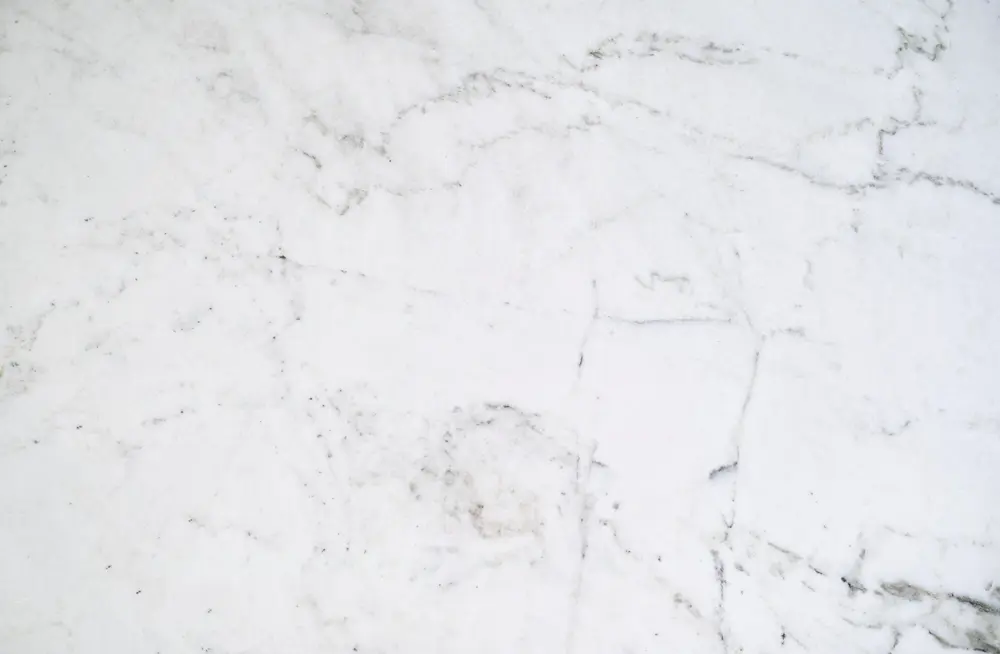
White marble, specifically styles reminiscent of Carrara or Calacatta, is the gold standard for productivity. These backgrounds are characterized by a bright, airy base with soft grey or gold veining. A white marble wallpaper helps to make a small screen feel more expansive. It is an excellent choice for users who prefer light mode interfaces, as it creates a seamless transition between the desktop and application windows. The primary benefit here is the reduction of visual noise, allowing your eyes to settle on your active tasks without distraction.
Black and Dark Marble: The Professional Edge
For those who spend long hours in front of a monitor, dark marble textures—such as Nero Marquina—are often superior. Darker backgrounds are a cornerstone of dark mode optimization, significantly reducing blue light exposure and eye strain during late-night sessions. A black marble background provides a heavy, grounded feeling that exudes authority and professionalism. When paired with high-quality, colorful icons, the dark stone makes the colors pop, creating a stunning visual hierarchy.
Colored and Exotic Marble Patterns
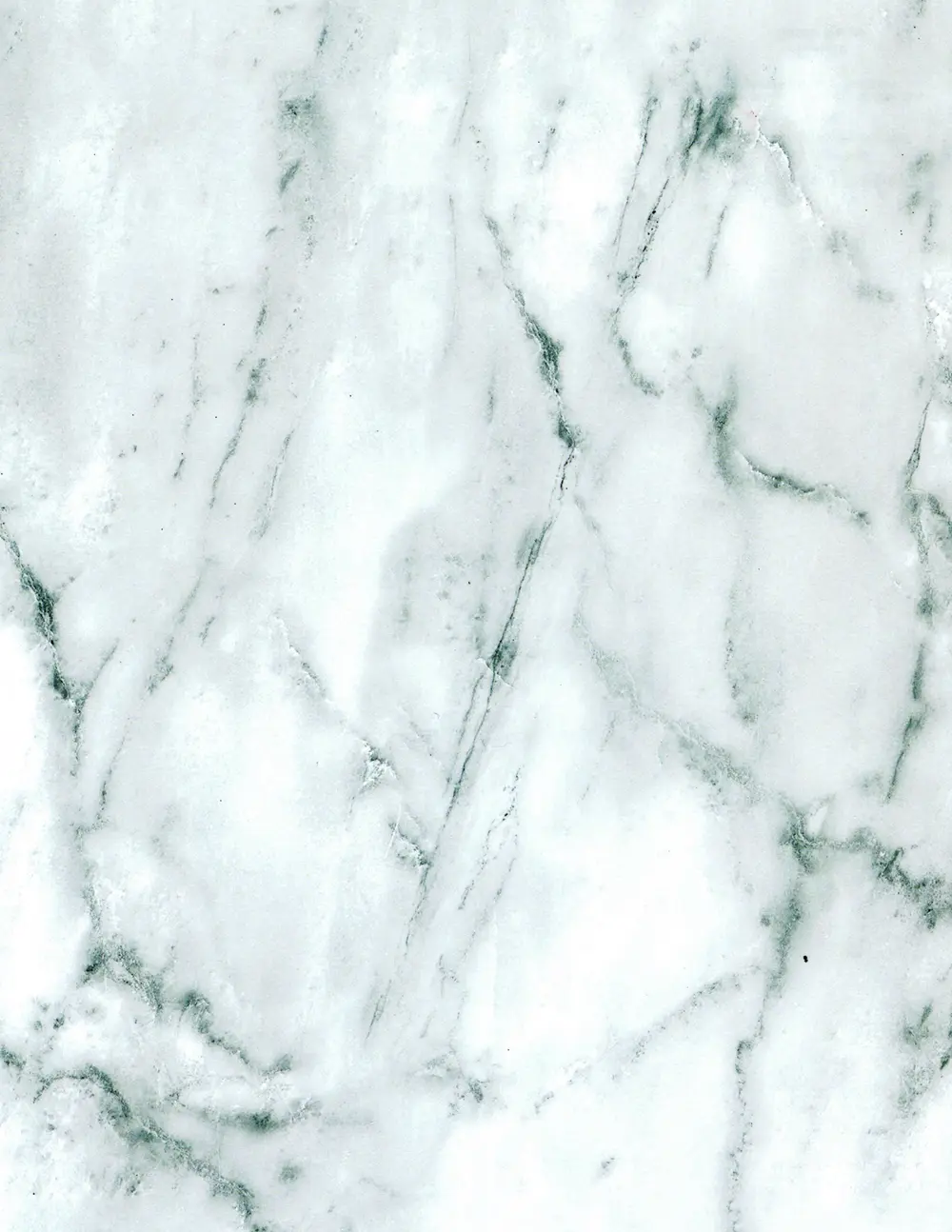
If you find traditional white or black too predictable, the world of exotic stones offers endless possibilities. Think of green marble for a refreshing, botanical feel, or pink onyx for a soft, calming atmosphere. These colored textures can be used to match your RGB lighting setup or the physical color palette of your office furniture. Using a colored stone texture is a way to inject personality into your digital space without resorting to the chaotic imagery of pop culture wallpapers.
Technical Specifications: Resolution and Aspect Ratio
To truly appreciate the intricate details of stone veining, you must prioritize image resolution. A low-resolution marble image will appear pixelated, destroying the illusion of depth and making your desktop look amateurish. Always aim for at least 1920×1080 (Full HD), though 4K (3840×2160) is highly recommended for modern high-density displays.
Beyond resolution, consider your aspect ratio. If you are using an ultrawide monitor, a standard 16:9 marble wallpaper will appear stretched or cropped awkwardly. You should specifically seek out 21:9 aspect ratio wallpapers to ensure the veins of the marble flow naturally across your entire field of view. Furthermore, pay attention to the DPI (Dots Per Inch); high-quality textures should maintain sharpness even when viewed on large, high-resolution panels.
How to Curate a Cohesive Desktop Setup
A great wallpaper is only one part of a successful desktop aesthetic. To achieve a truly professional look, you must consider how the marble texture interacts with other elements of your OS. Here are a few expert tips for curation:
- Icon Management: Use consistent icon packs. If you have a dark marble background, consider using monochromatic or metallic icon sets to maintain the theme.
- Taskbar Transparency: Utilize tools like TranslucentTB to make your taskbar clear. This allows the marble texture to flow uninterrupted from the top to the bottom of the screen.
- Widget Synergy: If you use desktop widgets (like clocks or weather), ensure their colors complement the veining of your marble. A gold vein in the marble pairs beautifully with gold-accented widgets.
- Color Theory: Use the 60-30-10 rule. Let the marble be your 60% (base), your icons/folders be your 30% (secondary), and your accents (widgets/highlights) be your 10%.
Finding High-Quality Marble Wallpapers
Where you source your images matters. Avoid low-quality “wallpaper sites” that host compressed, watermarked images. Instead, look toward professional photography platforms and high-definition texture libraries. Websites like Unsplash or Pexels offer stunning, high-resolution shots of real marble that can be used as backgrounds. For those seeking more stylized or 3D-rendered marble, digital art communities can provide unique, hyper-realistic textures that aren’t found in nature.
Conclusion
Investing time in finding the perfect marble wallpaper for pc is a small but impactful way to upgrade your digital lifestyle. Whether you opt for the bright simplicity of white Carrara or the moody sophistication of black Marquina, stone textures provide a level of elegance that few other patterns can match. By focusing on high resolution, appropriate aspect ratios, and cohesive desktop organization, you can turn your computer into a beautiful, high-performance workspace that inspires you every time you sit down to work.
Frequently Asked Questions
1. Will a marble wallpaper make my desktop icons harder to see?
Not if you choose the right contrast. For light marble, use dark icons; for dark marble, use light or vibrant icons. The key is ensuring the visual weight of the icon isn’t lost in the stone’s pattern.
2. Can I use marble wallpapers on multiple monitors?
Yes, and it looks spectacular. You can either use the same pattern on all screens for consistency or find a “panoramic” marble texture that stretches across your entire multi-monitor setup.
3. Is 4K marble wallpaper worth the extra storage?
Absolutely. Because marble relies on fine, intricate details like veins and pores, the higher pixel density of a 4K image is much more noticeable and provides a much more realistic depth effect.
4. How do I prevent my wallpaper from looking blurry?
Ensure the image resolution matches or exceeds your monitor’s native resolution. If you have a 4K monitor, a 1080p image will always look blurry due to upscaling.
5. Are dark marble wallpapers better for night use?
Yes, dark marble reduces the amount of light emitted by your screen, which can help minimize eye fatigue and makes it easier to transition to a dark room environment.
Related posts:



Every 4k-wallpapers page is another mood for your screen. Keep exploring the related sets below this one.
Share this page with a friend who is hunting for a fresh background.
