
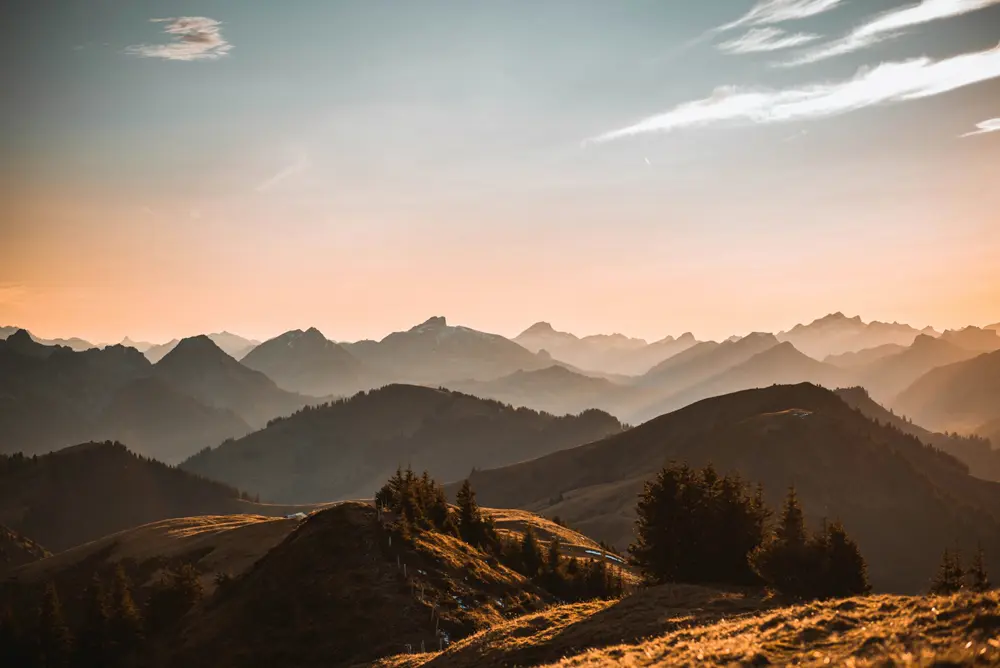
Transform Your Desktop with High Resolution Mountain Wallpapers
In the modern era of computing, our monitors are no longer just tools for productivity; they are windows into other worlds. When you spend eight to ten hours a day staring at a screen, the aesthetic quality of your digital environment matters. Selecting a high resolution mountain wallpaper for widescreen setups can fundamentally shift your workspace from a sterile digital grid to a source of daily inspiration and tranquility. Whether you are using a standard 16:9 monitor or a massive 21:9 ultrawide display, the right landscape can enhance focus and reduce eye strain through natural color palettes and expansive vistas.
- Why Resolution and Aspect Ratio Matter
- Top Styles of Mountain Landscapes
- Choosing Between 4K, 5K, and 8K
- Optimizing Your Desktop Aesthetic
- Frequently Asked Questions
The Importance of Aspect Ratio and Pixel Density
When searching for the perfect background, many users make the mistake of simply downloading the largest file available without considering their specific monitor’s geometry. A widescreen display is characterized by its horizontal orientation, designed to provide a more immersive field of view. For those using ultrawide monitors, a standard 16:9 image will often result in awkward black bars or extreme stretching, which destroys the integrity of the nature photography.
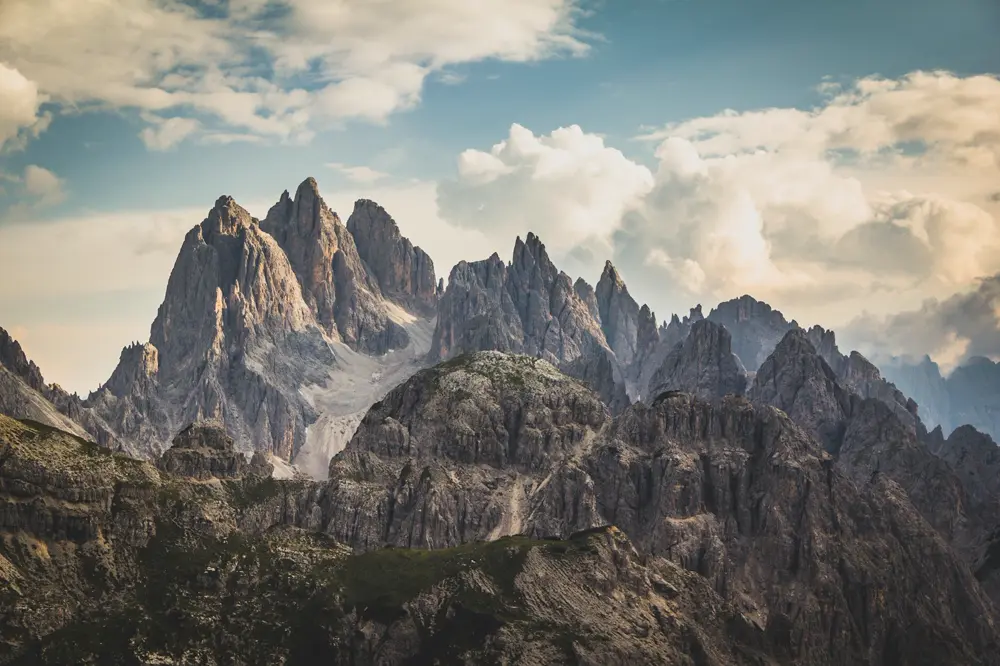
To achieve true immersion, your wallpaper must match the aspect ratio of your screen. For instance, a 21:9 monitor requires a panoramic image that captures the lateral breadth of a mountain range. If the resolution is too low, the pixel density will be insufficient, resulting in a blurred or ‘fuzzy’ appearance that detracts from the majesty of the scene. For high-end setups, seeking out landscape imagery that supports at least 3840 x 2160 pixels (4K) is the baseline for modern professional displays.
Understanding PPI and Clarity
Pixels Per Inch (PPI) determines how sharp an image looks to the human eye. On a large widescreen monitor, a low-resolution image will suffer from visible pixelation. When selecting your high resolution mountain wallpaper for widescreen, always aim for an image where the resolution exceeds your monitor’s native resolution. This ensures that the sharpness and fine details—such as the texture of granite cliffs or the dusting of snow on a peak—remain crisp and lifelike.
Popular Styles of Mountain Landscapes for Desktop Backgrounds
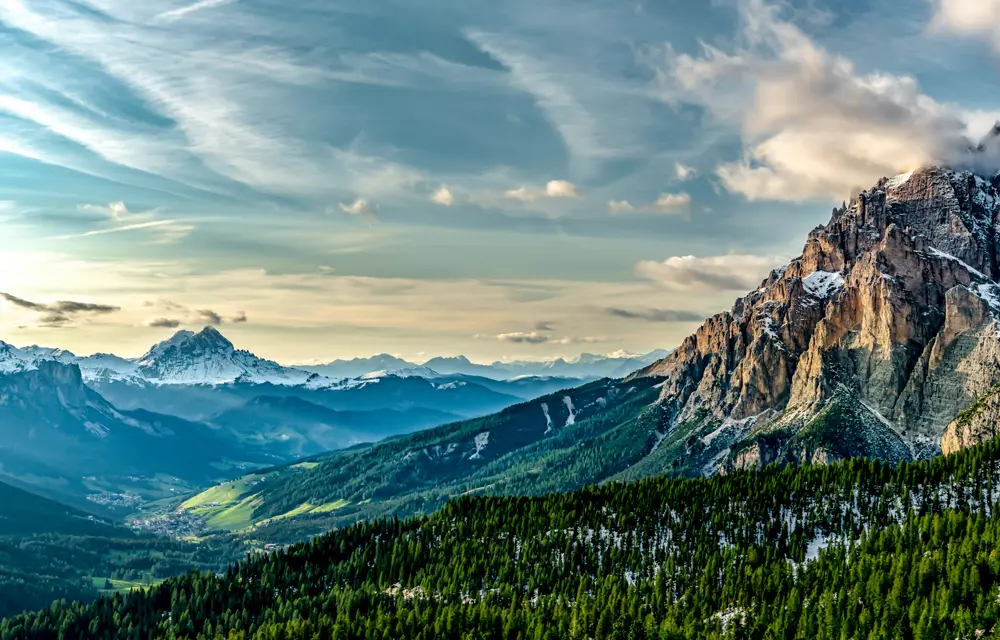
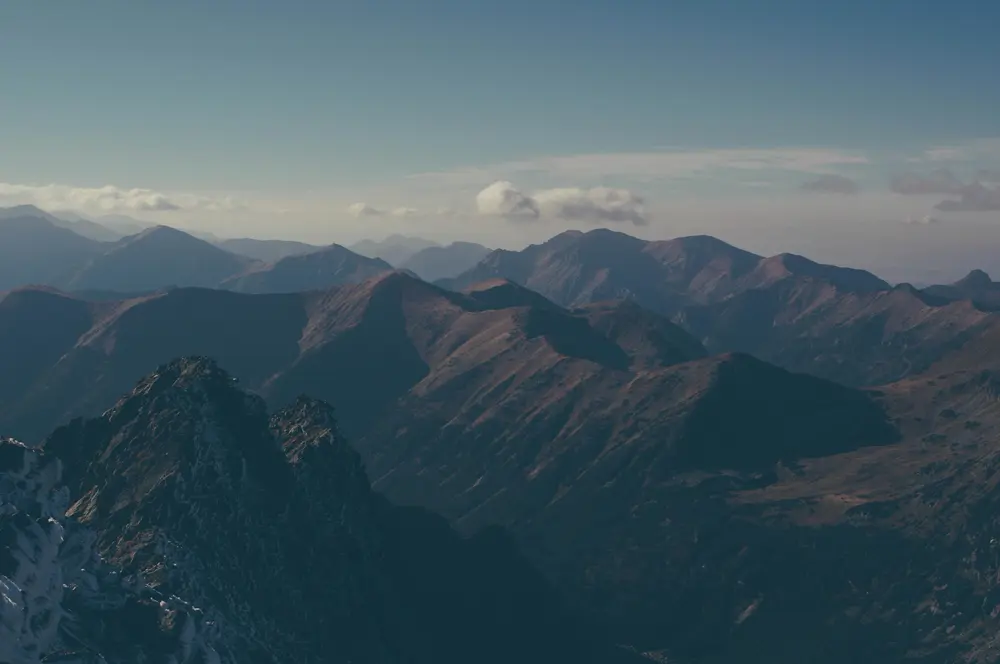
Not all mountain photography is created equal. Depending on your personal taste and the “vibe” of your workspace, different styles of mountain imagery can evoke different psychological responses. From the calming influence of misty valleys to the high-energy thrill of jagged summits, your choice defines your digital atmosphere.
Minimalist Alpine Peaks
For professionals who prefer a clean, distraction-free workspace, minimalist mountain wallpapers are an excellent choice. These often feature a single, prominent peak set against a solid-colored sky—perhaps a soft pastel morning or a deep twilight blue. By reducing visual clutter, these wallpapers help maintain focus on desktop icons and open windows, preventing the background from competing with your active tasks.
Dramatic Snow-Capped Summits
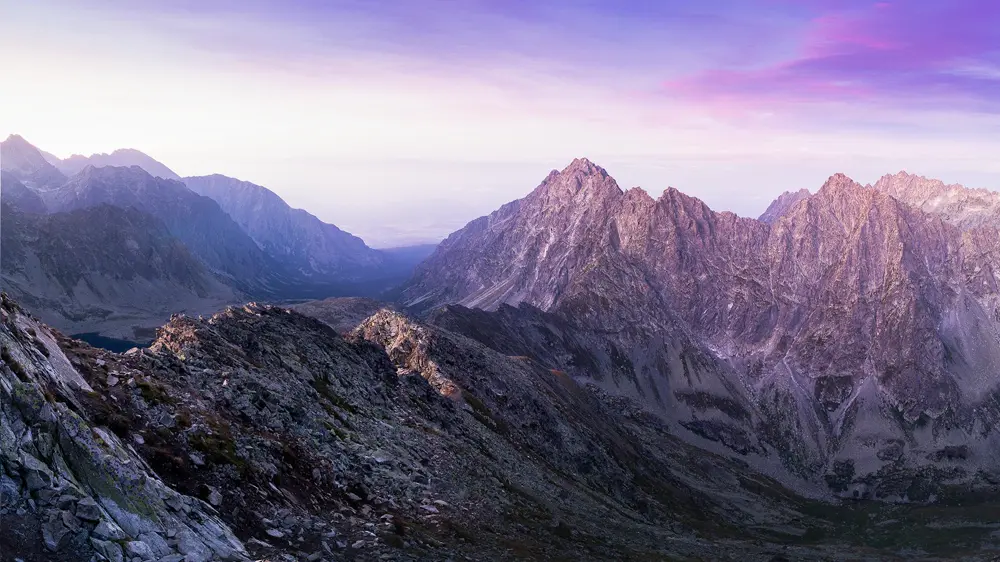
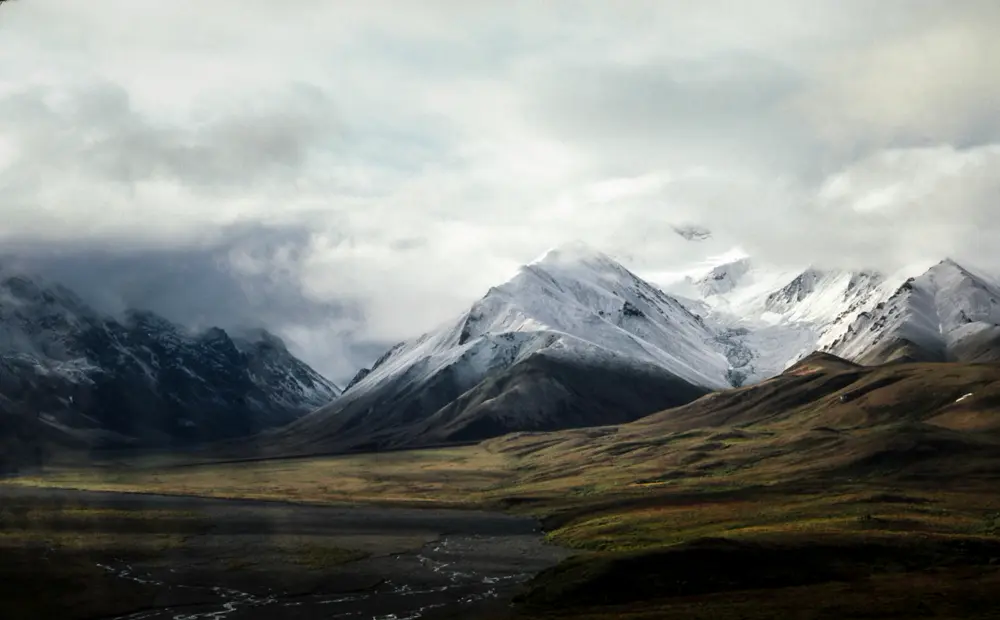
If you seek a sense of power and grandeur, look for images featuring rugged, snow-covered peaks. High-contrast photography, where the dark shadows of the rock face meet the brilliant white of fresh snow, creates a sense of depth that is particularly effective on large widescreen monitors. These images often utilize dynamic range to show detail in both the brightest highlights and the darkest shadows, making the scene feel three-dimensional.
Sunset and Golden Hour Vistas
The ‘Golden Hour’ is a favorite among landscape photographers for a reason. The warm, directional light of a setting sun hitting a mountain range creates a palette of oranges, pinks, and deep purples. This style of scenic wallpaper is incredibly soothing and can make a home office feel more inviting. The long shadows cast across valleys add a layer of cinematic complexity that standard midday shots simply cannot match.
Technical Considerations: 4K vs. 8K and HDR
As display technology evolves, the gap between 4K and 8K is becoming more significant for enthusiasts. While 4K is the current industry standard, 8K resolution offers an unprecedented level of detail that is particularly beneficial for ultra-wide or multi-monitor setups. When you zoom into an 8K mountain landscape, you can often see individual pine needles or the fine cracks in a glacier.
The Role of HDR (High Dynamic Range)
If you own an HDR-compatible monitor, you should prioritize wallpapers specifically mastered for HDR. Standard images (SDR) are limited in their ability to display extreme brightness and deep shadows simultaneously. An HDR mountain wallpaper can make the sunlight reflecting off a glacial lake appear to actually glow, providing a level of realism that traditional images cannot replicate. This depth of color and light is what truly elevates a desktop from a simple screen to an immersive experience.
How to Organize Your Desktop with Scenic Wallpapers
A beautiful wallpaper can be ruined by a chaotic desktop. To truly benefit from your high resolution mountain wallpaper, consider these organizational tips:
- Use Transparent Icons: Some enthusiasts use custom icon packs that are transparent or minimal to allow the landscape to shine through.
- Group by Color: If you use different wallpapers for different times of day (e.g., a bright morning mountain shot and a dark night shot), organize your folders to match these themes.
- Wall-to-Wall Setup: If using multiple monitors, look for super-ultrawide images (like 5760 x 1440) that span across both screens seamlessly, creating one continuous mountain range.
Conclusion
Selecting the right high resolution mountain wallpaper for widescreen is about more than just finding a pretty picture; it is about choosing a visual companion for your digital life. By considering your monitor’s aspect ratio, the pixel density, and the lighting style that best suits your mood, you can transform your workspace into a breathtaking vista. Whether you crave the quiet solitude of a misty peak or the vibrant energy of a sunset over the Alps, the perfect mountain view is waiting to elevate your desktop experience.
Frequently Asked Questions
1. What is the ideal resolution for a 21:9 ultrawide monitor?
For most 21:9 ultrawide monitors, a resolution of at least 3440 x 1440 is recommended. This ensures that the image is crisp and fills the entire width of the screen without stretching.
2. Will a 4K wallpaper look good on a standard 1080p monitor?
Yes, it will. A 4K image will simply be downsampled to fit your 1080p screen, which often results in a very sharp and clean appearance due to the high amount of detail available.
3. How can I find wallpapers that don’t make my icons hard to read?
Look for images with ‘negative space’—areas of the image that are relatively simple, such as a clear sky or a calm lake. Placing your icons in these less busy areas ensures they remain visible.
4. Is there a difference between ‘HD’ and ‘4K’ wallpapers?
Yes. HD (High Definition) typically refers to 1080p (1920×1080), while 4K refers to a much higher resolution (3840×2160). 4K provides four times the detail of standard HD.
5. Can using high-resolution wallpapers slow down my computer?
Modern computers handle high-resolution wallpapers with ease. However, if you use a ‘Live Wallpaper’ or an animated background, it may consume more CPU and RAM than a static image.
Related posts:
Before you settle on one, glance at Ultra HD Brown Forest Wallpaper: Guide to Nature Aesthetics too. It pairs nicely with what you just scrolled through.
Save your favourites and share the rest — good wallpapers travel fast.
