
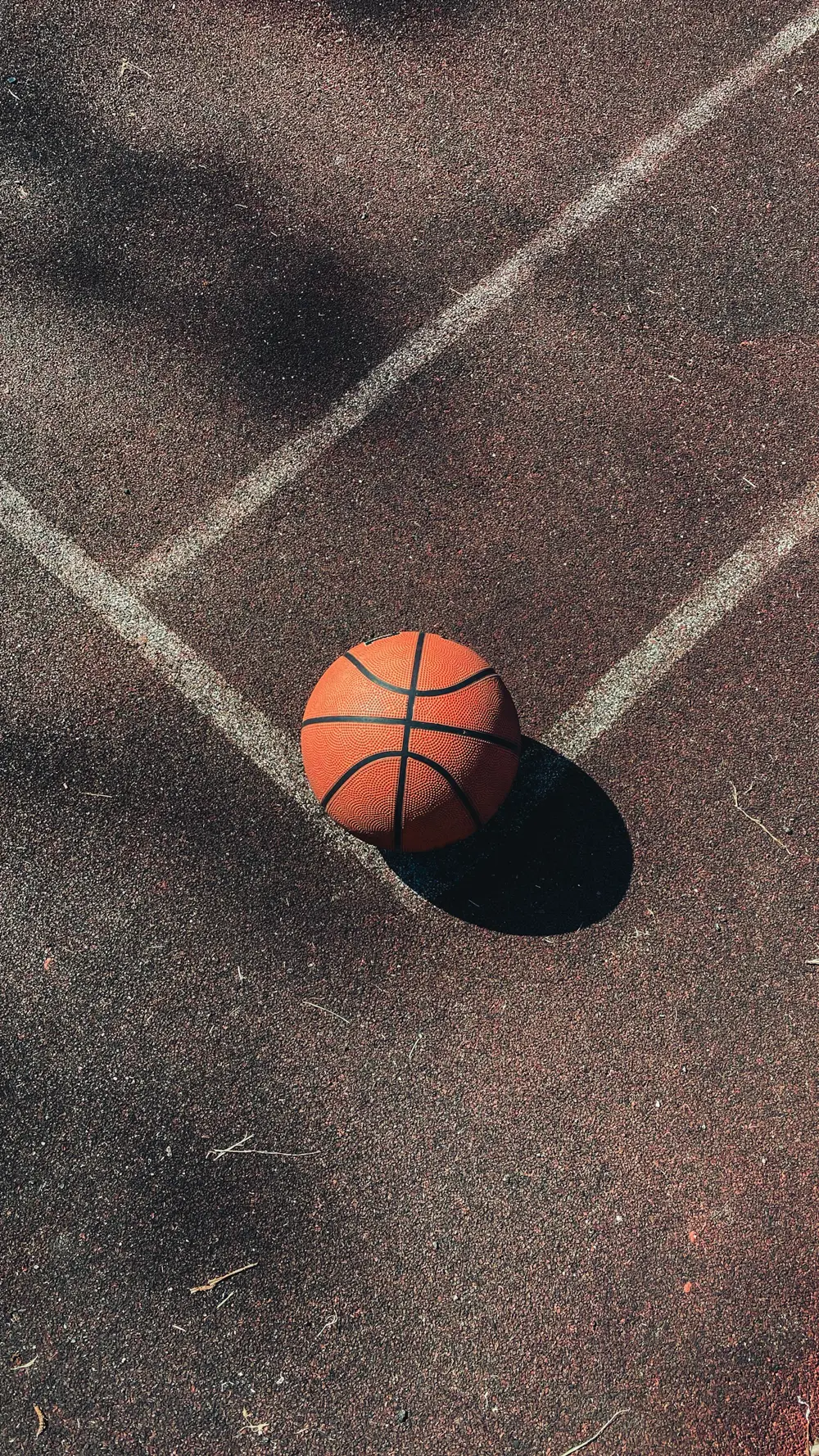
Elevating Your Digital Aesthetic with Turquoise Basketball Wallpapers
In the modern era of digital personalization, your background is more than just a static image; it is a reflection of your personality, your passions, and your aesthetic sensibilities. For fans of the game, nothing captures the intensity and rhythm of the court quite like high-quality sports imagery. However, the standard orange and hardwood hues can sometimes feel overwhelming or visually cluttered. This is where the turquoise basketball wallpaper trend comes in, offering a refreshing, modern, and visually soothing twist to classic sports photography.
Whether you are a professional athlete, a casual fan, or a gamer looking to theme your setup, the fusion of teal, cyan, and turquoise tones with the dynamic movement of basketball creates a unique visual harmony. This color palette balances the high energy of the sport with a sense of cool composure, making it perfect for long sessions of work or play. In this guide, we will explore the nuances of this aesthetic, how to choose the right resolution, and why this specific color choice is taking the digital design world by storm.
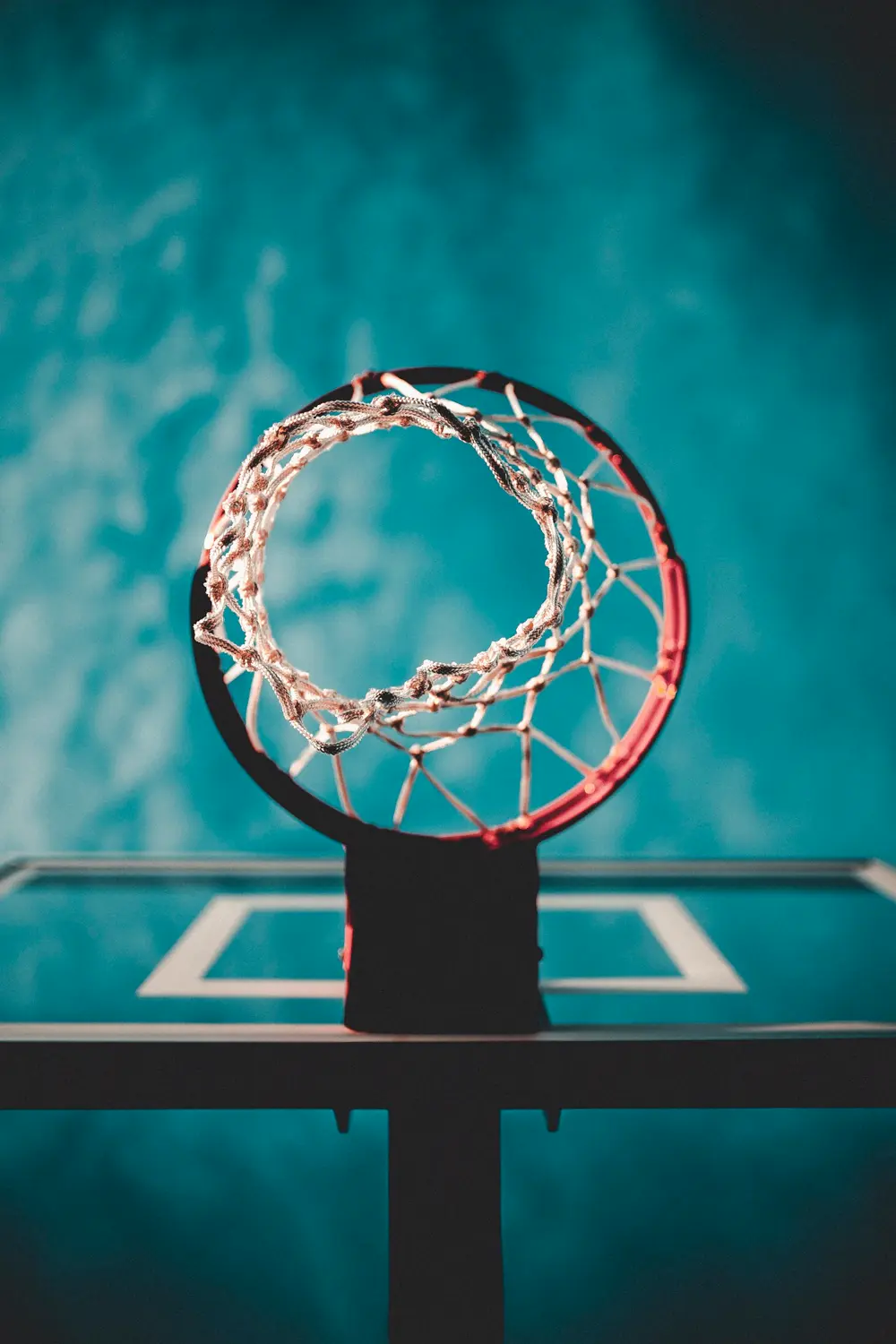
- The Psychology of Turquoise in Sports Design
- Popular Styles of Turquoise Basketball Imagery
- Technical Guide to Resolution and Aspect Ratios
- How to Curate a Cohesive Tech Setup
- Frequently Asked Questions
The Psychology of Turquoise in Sports Design
Color theory plays a massive role in how we perceive digital environments. While traditional basketball imagery relies heavily on warm tones—deep oranges, reds, and yellows—these colors are known to stimulate excitement and even anxiety if overused. By introducing turquoise, a blend of blue and green, we tap into a different psychological response. Blue is associated with stability and focus, while green represents growth and balance.
When applied to a basketball theme, turquoise acts as a visual stabilizer. It allows the viewer to appreciate the dynamic movement and athletic power of the subject without the visual fatigue that bright, saturated warm colors can cause. If you are looking to refine your digital space, finding the right basketball imagery can transform your mood. A well-chosen wallpaper can shift your workspace from a chaotic environment to one of focused calm.
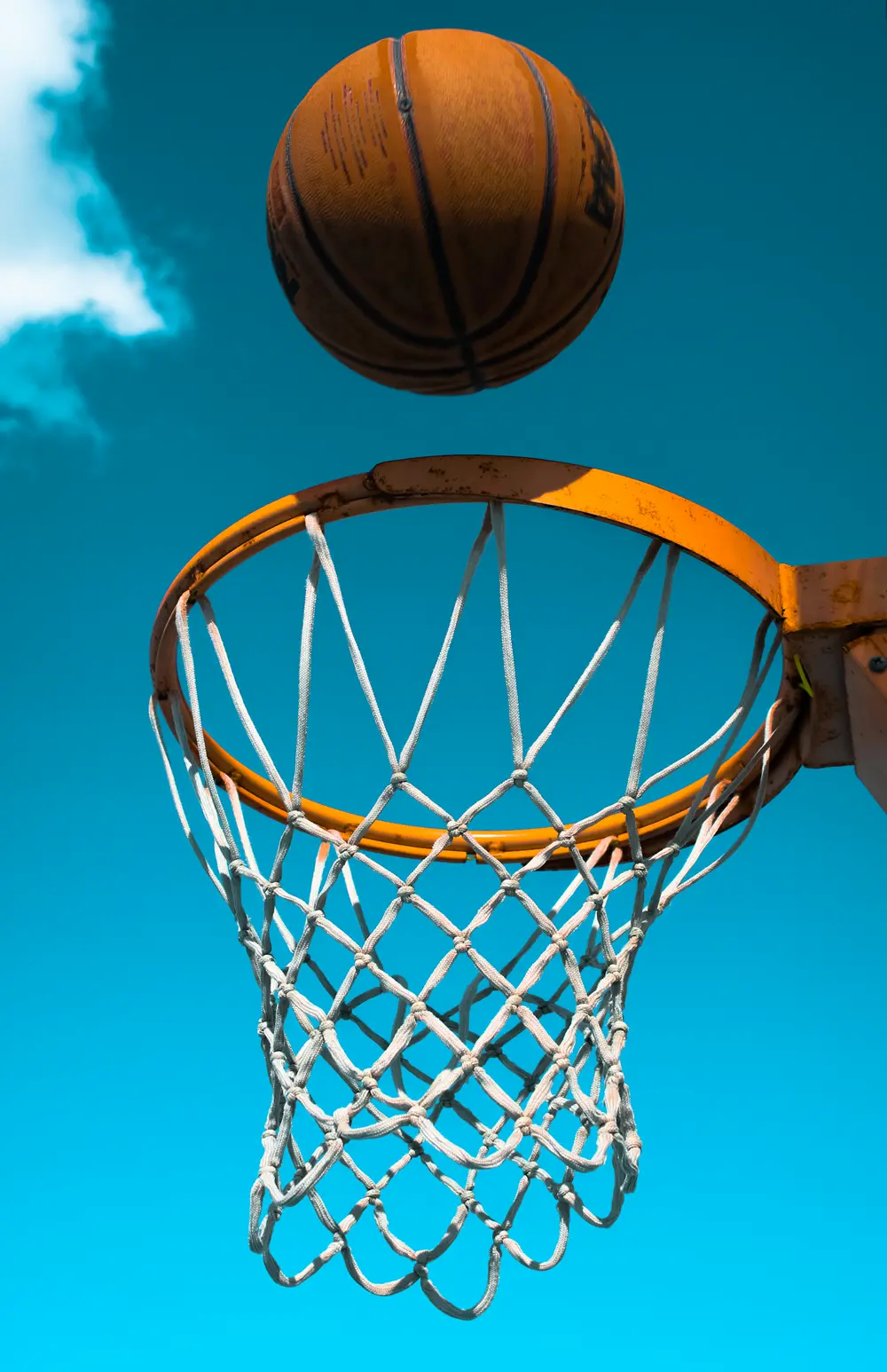
Balancing Energy and Tranquility
The beauty of a turquoise aesthetic lies in its ability to represent both the “cool” composure of a clutch player and the “electric” energy of a fast break. In many modern graphic designs, turquoise is used as a neon accent, providing a futuristic, cyberpunk vibe to traditional sports themes. This makes it particularly popular among the gaming community, where high-contrast, cool-toned setups are the standard.
Popular Styles of Turquoise Basketball Imagery
Not all wallpapers are created equal. Depending on your device and your personal taste, you might prefer different artistic approaches to the turquoise basketball theme. Here are the most sought-after styles currently trending in the digital art community.

Minimalist Silhouettes and Negative Space
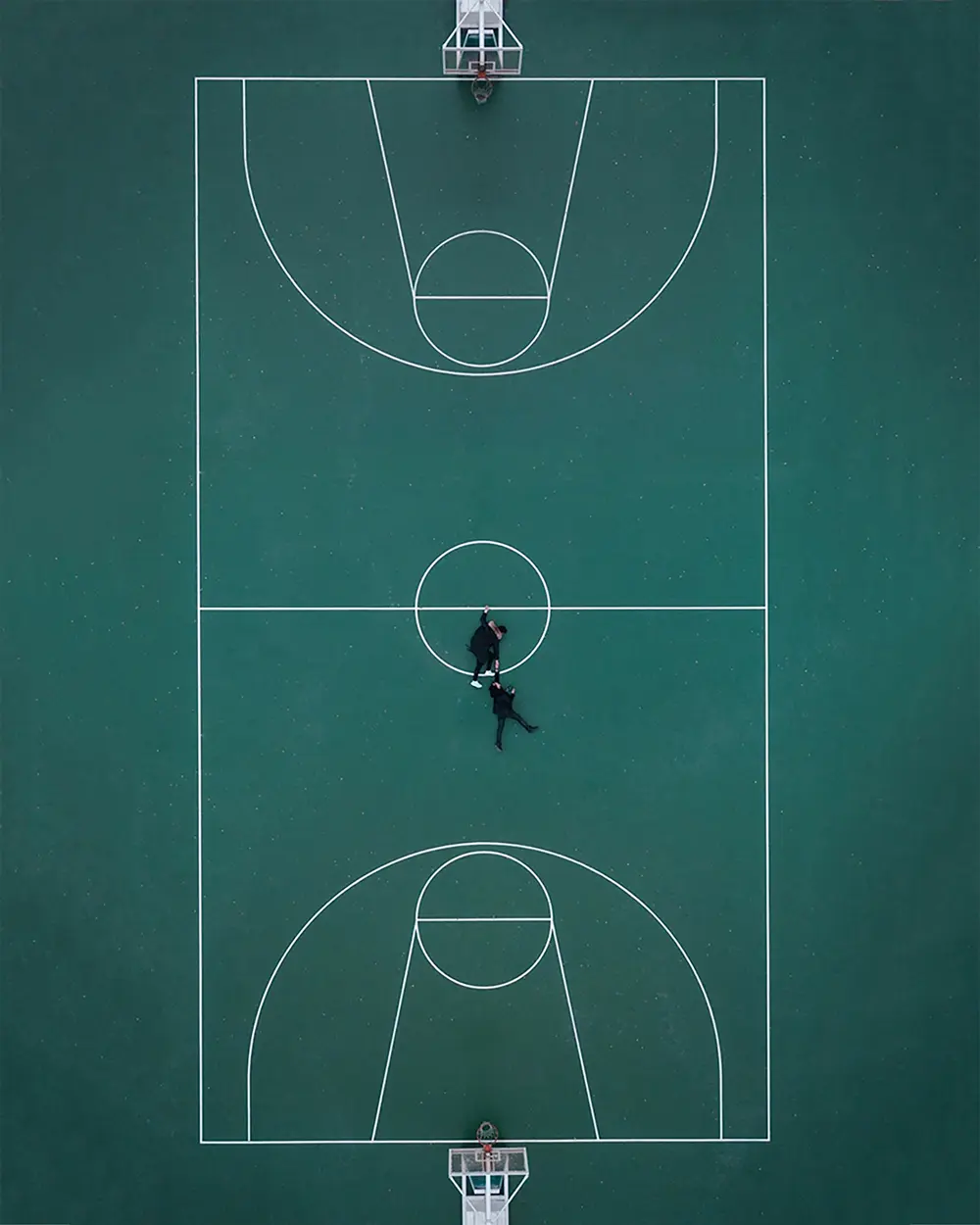
Minimalism is a powerful tool in digital design. A minimalist turquoise basketball wallpaper often features a single, sharp silhouette of a player mid-dunk or a lone basketball resting on a court, set against a vast, monochromatic turquoise background. This style is excellent for desktop users because it provides plenty of “negative space,” ensuring that your desktop icons remain visible and easy to find. It avoids the visual clutter that often plagues high-action photography.
Macro Textures: The Grip and the Grain
For those who appreciate the finer details of the game, macro photography offers a different kind of thrill. Imagine a close-up shot of a basketball where the dimpled texture of the leather is highlighted by teal lighting or cyan shadows. These images focus on the tactile nature of the sport. The interplay of light and shadow on the pebbled surface of the ball, rendered in shades of turquoise, creates a sophisticated and abstract look that feels more like fine art than a simple sports photo.
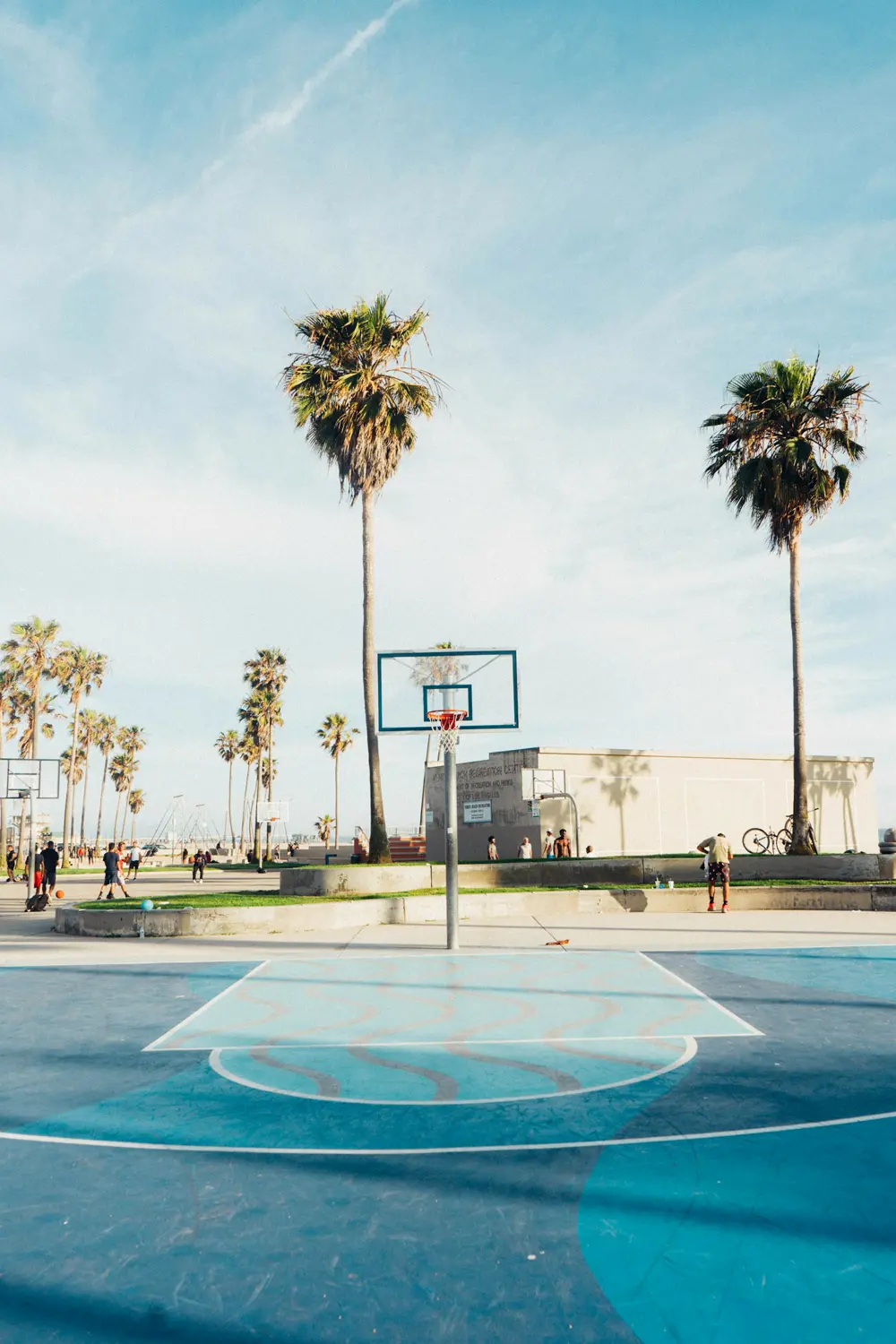
Neon and Cyberpunk Sports Themes
If you want your setup to feel like it belongs in a futuristic arena, look for cyberpunk-inspired basketball wallpapers. These typically feature heavy use of neon turquoise lights, dark shadows, and perhaps some digital glitch effects. This style is perfect for RGB-heavy gaming setups, where the turquoise glow of the wallpaper can be matched with your keyboard and mouse lighting for a seamless, immersive experience.
Technical Guide to Resolution and Aspect Ratios
To truly enjoy your new aesthetic, you must ensure that the image quality matches your hardware. A low-resolution image on a high-definition screen will appear blurry and unprofessional, breaking the immersion you are trying to create.
Mobile vs. Desktop Requirements
The requirements for a smartphone are vastly different from those of a gaming monitor. When searching for your perfect background, keep the following in mind:
- Desktop/Laptop: Look for a minimum of 1920×1080 (Full HD), though 4K resolution (3840×2160) is highly recommended for larger monitors to ensure crispness and detail.
- Smartphone: Mobile screens are vertical. You need high-resolution portrait images. Look for aspect ratios like 9:16 or 19.5:9, depending on whether you use an iPhone or an Android device.
- Ultrawide Monitors: If you own an ultrawide setup, standard wallpapers will look stretched or poorly cropped. Search specifically for 21:9 aspect ratio images to maintain the integrity of the composition.
Understanding Compression and File Formats
Always aim for high-quality file formats. PNG files are generally superior to JPEGs for wallpapers because they use lossless compression, meaning you won’t see those ugly “blocks” or artifacts in the smooth turquoise gradients. If you are downloading from a wallpaper site, always check the file size; a larger file usually indicates higher bit depth and better color accuracy.
How to Curate a Cohesive Tech Setup
A turquoise basketball wallpaper is a statement piece, and it works best when it is part of a larger thematic ecosystem. If you want to take your desk setup to the next level, consider these steps:
- Match Your RGB: Set your PC’s internal lighting, keyboard, and mouse to a matching turquoise or cyan hex code. This creates a “unified field” of color that makes your desk look professionally designed.
- Complementary Colors: If you don’t want a purely monochromatic look, pair turquoise with its complementary color on the wheel, which is a soft orange or coral. This can be achieved through small desk accessories or subtle accent lights.
- Clean Desktop Management: As mentioned earlier, minimalist wallpapers work best with organized desktops. Use tools like Fences or simply group your icons to prevent them from obscuring the beautiful turquoise gradients of your new background.
Conclusion
Switching to a turquoise basketball wallpaper is an easy and cost-effective way to refresh your digital environment. By moving away from the standard high-contrast oranges and embracing the calming yet energetic tones of teal and cyan, you create a space that promotes both focus and passion. Whether you choose a minimalist silhouette, a gritty macro texture, or a neon-drenched cyberpunk scene, the key is to select an image that resonates with your personal style and fits the technical specifications of your device. Embrace the blue-green side of the court and transform your screen today.
Frequently Asked Questions
1. Why does turquoise look better than orange on my screen?
Turquoise provides a lower visual strain. While orange is high-energy and can be fatiguing over long periods, turquoise is more balanced, making it ideal for reducing eye strain during long work or gaming sessions.
2. Where can I find high-quality 4K turquoise basketball wallpapers?
You can find high-resolution imagery on professional stock photo sites, dedicated wallpaper communities, or by using specific search terms on high-end image hosting platforms.
3. Can I use a horizontal basketball wallpaper on my vertical phone screen?
You can, but the phone will likely crop the sides of the image, which might cut out the main subject. It is always better to search specifically for portrait-oriented mobile wallpapers.
4. Does the color of my wallpaper actually affect my performance?
While it won’t make you play better instantly, color psychology suggests that calming colors like turquoise can help maintain focus and reduce stress, which indirectly aids in better concentration and performance.
5. What is the best file format for a desktop wallpaper?
PNG is the best choice for wallpapers, especially those with gradients or soft colors like turquoise, as it prevents the color banding and compression artifacts common in JPEGs.
Related posts:

Collections like this one connect to a bigger aesthetic library — Aesthetic Water Wallpaper for Phone: Best Calming Backgrounds is a good thread to pull next.
Know someone whose screen needs a refresh? Pass this link along.
