
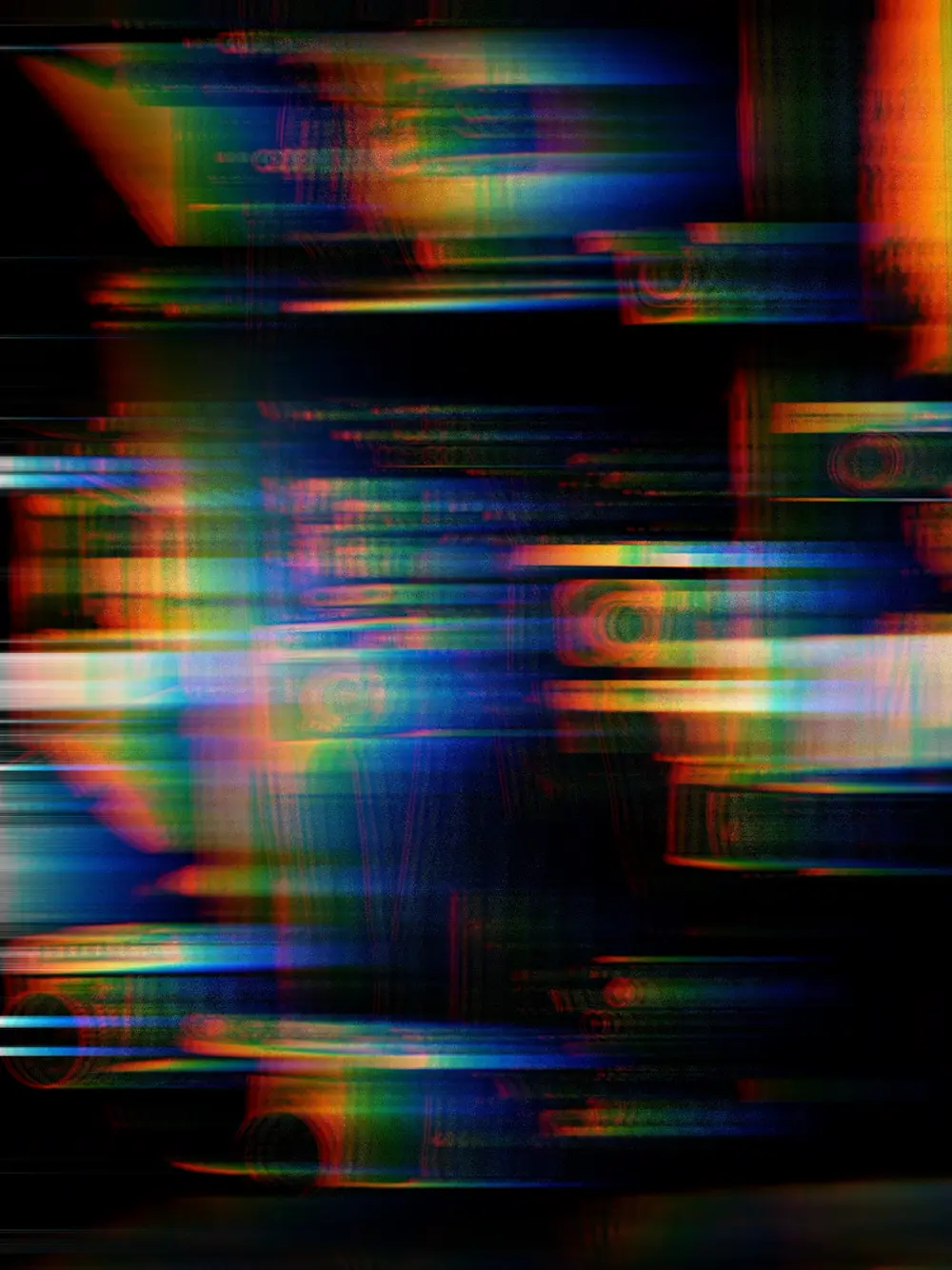
In the realm of digital aesthetics, the 3D glitch wallpaper has emerged as a defining visual style for tech enthusiasts and creative professionals alike. Far more than a simple background image, these visuals capture the transient, distorted beauty of digital error, blending futuristic 3D elements with the jagged, unpredictable nature of data corruption. For desktop users, selecting the right visual environment can significantly impact mood, focus, and even the perceived performance of a workstation. This article explores the intricacies of glitch art, why it resonates with modern digital culture, and how to curate a high-quality 3D glitch aesthetic for your personal or professional setup.
In This Article
- Understanding the 3D Glitch Aesthetic
- Psychological Impact of Digital Distortion
- Technical Specifications for Desktops
- Curating Your Visual Environment
Understanding the Aesthetic of Digital Error
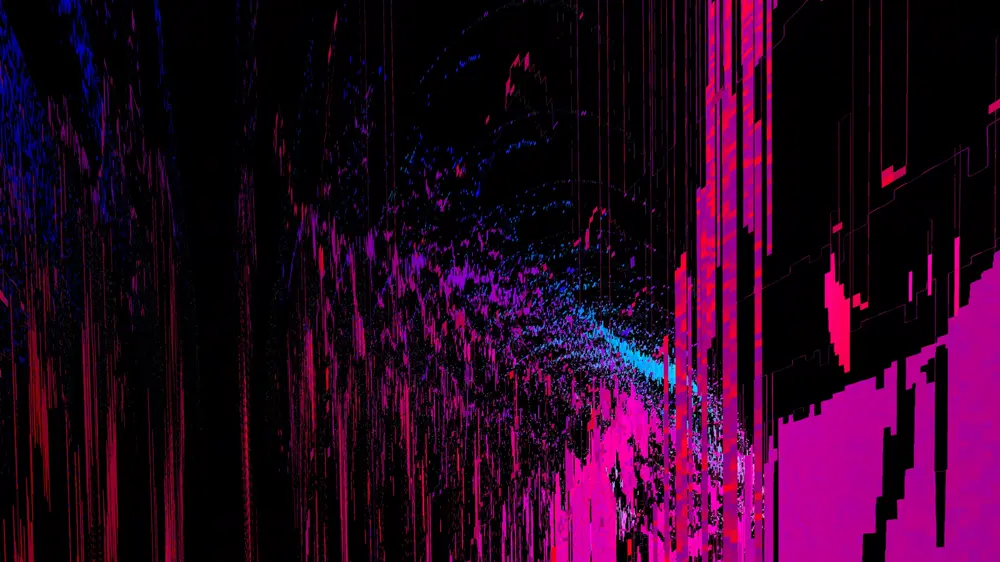
The 3D glitch wallpaper style is rooted in the concept of “glitch art,” which celebrates unintentional errors in digital systems as a form of artistic expression. Unlike traditional 3D rendering that aims for photorealistic smoothness, glitch aesthetics intentionally introduce visual noise, pixel sorting, color channel shifts, and geometric fragmentation. This creates a dynamic tension between order and chaos. When applied to a desktop background, these elements transform a static screen into a vibrant canvas that reflects the complex, layered nature of modern computing.
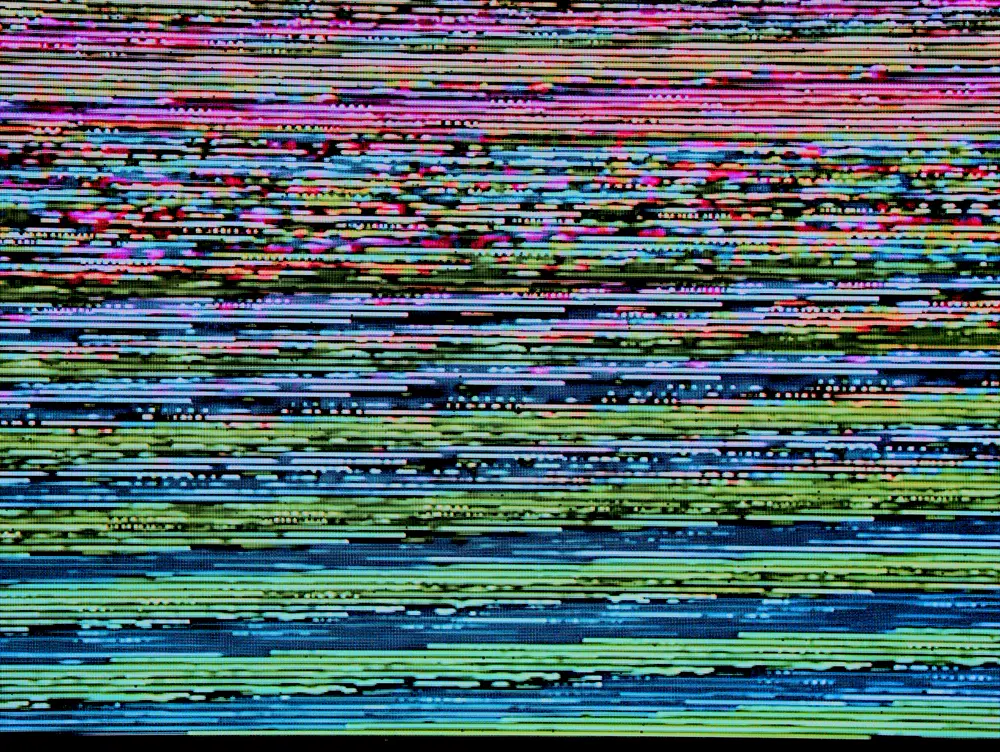
For users interested in exploring this visual genre further, it is beneficial to look at how different styles interact with interface elements. Many enthusiasts find that pairing a chaotic background with a minimalist user interface creates a striking contrast that enhances readability while maintaining visual interest. You can explore various glitch variations to see how specific color palettes influence the overall mood of your workspace.
The evolution of this style has been driven by advancements in real-time rendering engines and the accessibility of 3D modeling software. What was once the domain of high-end motion graphics is now available in high-resolution static formats suitable for high-density displays. The key to a successful 3D glitch wallpaper lies in the balance of distortion; too little, and it looks like a standard render, while too much can become visually overwhelming and distracting for long periods of screen time.
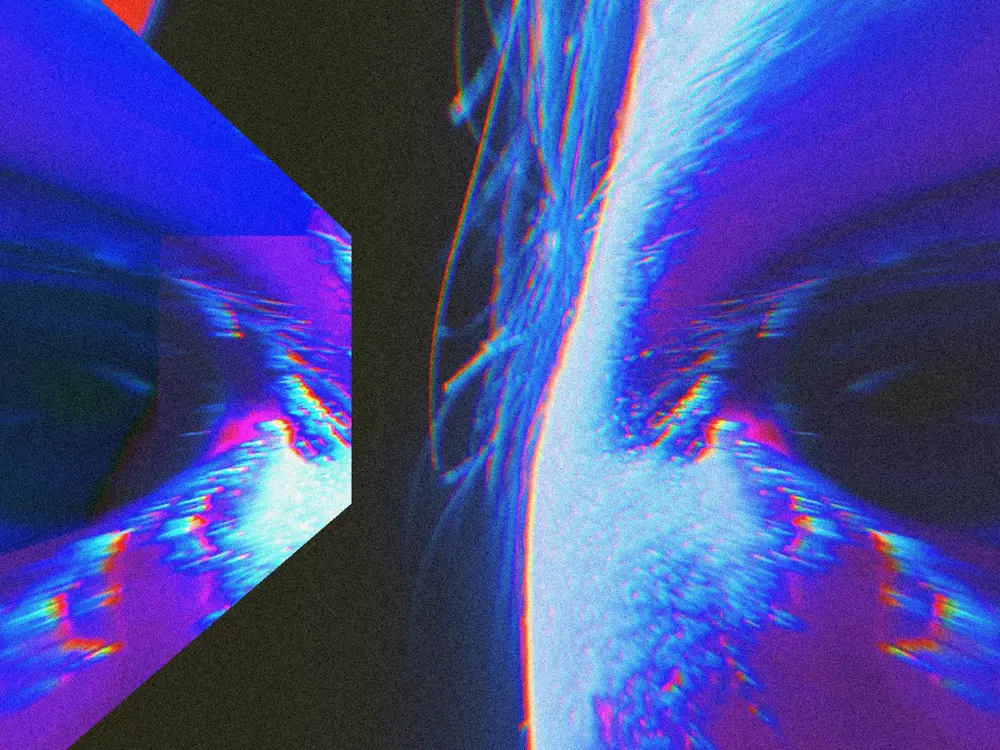
The Role of Color and Light
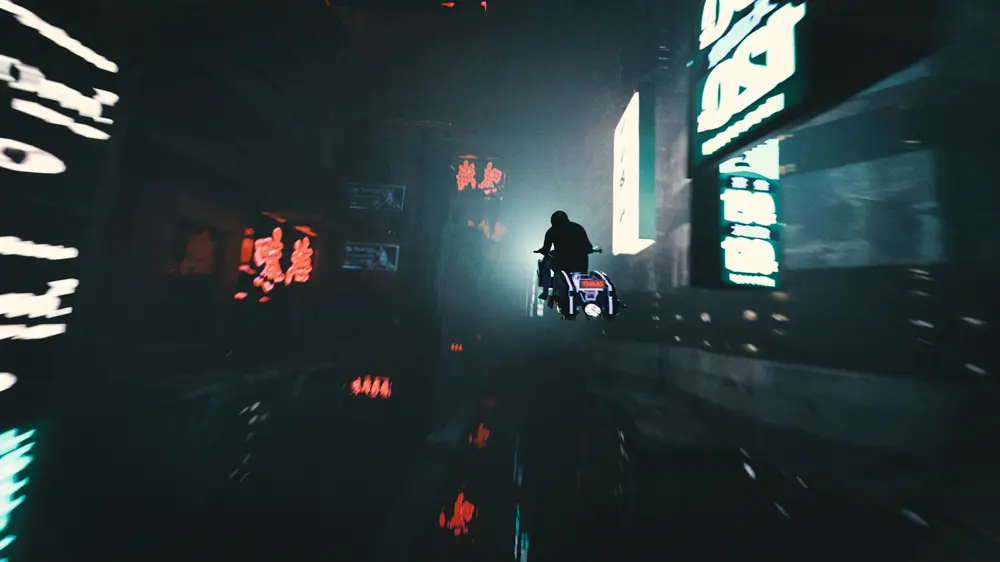
Color is the primary vehicle for emotional resonance in glitch aesthetics. Neon pinks, electric blues, and deep blacks are staples of the genre, evoking a cyberpunk or retro-futuristic atmosphere. These high-contrast colors pop against dark mode interfaces, making them ideal for evening work sessions or gaming environments. The interplay of light in 3D glitch scenes often involves sharp, directional lighting that casts long, distorted shadows, adding depth to the fragmented geometry.
Psychological Impact of Visual Distortion
While some might view visual distortion as chaotic, many users report that 3D glitch wallpaper designs can serve as a mental anchor in a digital world. The abstract nature of glitch art allows the brain to disengage from specific narrative elements, reducing cognitive load compared to photographic backgrounds. This is particularly useful for developers, data analysts, and content creators who spend hours staring at screens. The unpredictable patterns provide a subtle source of novelty that can combat monotony without demanding active attention.
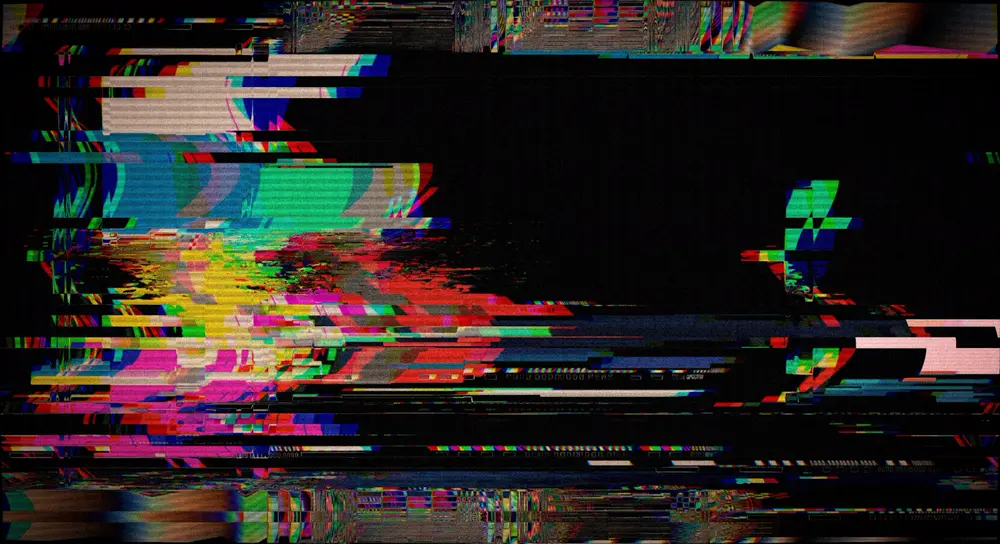
Furthermore, the aesthetic aligns with the broader cultural fascination with the intersection of technology and humanity. Glitch art serves as a visual metaphor for the fragility of digital systems, reminding users of the underlying code and hardware that power their devices. This awareness can foster a deeper appreciation for the tools at one’s disposal. For those who enjoy the technical side of visual design, understanding the rendering techniques behind these images can enhance the viewing experience, turning a simple background into a study in digital craftsmanship.
Balancing Distraction and Inspiration
The key to utilizing a 3D glitch wallpaper effectively is moderation. If the glitch effects are too aggressive, they may cause eye strain or distract from on-screen content. It is recommended to choose wallpapers where the most intense visual elements are positioned in the corners or edges of the screen, leaving the central area relatively calm. This spatial distribution allows the user to focus on their tasks while still enjoying the aesthetic benefits of the surrounding design.
Technical Specifications for Optimal Display
To fully appreciate the detail inherent in a 3D glitch wallpaper, the display resolution and quality are paramount. High Dynamic Range (HDR) displays are particularly well-suited for this genre, as they can reproduce the intense highlights and deep blacks that define glitch aesthetics. On standard SDR monitors, the contrast may appear flattened, potentially diminishing the impact of the visual distortion. Therefore, users with high-refresh-rate, high-resolution monitors should seek out images specifically optimized for these capabilities.
File format also plays a role in performance. High-resolution PNG files preserve the sharpness of glitched pixels without the compression artifacts found in JPEGs, which can introduce unwanted blurring or banding in dark areas. For users with lower-end hardware, a slightly lower resolution image may load faster and reduce GPU load, though the visual fidelity will be compromised. It is essential to match the wallpaper resolution to your native screen resolution to avoid scaling artifacts that can muddy the fine details of the glitch effects.
Compatibility with Multi-Monitor Setups
For users with dual or triple monitor setups, creating a cohesive 3D glitch wallpaper experience requires careful planning. A single panoramic image can span across screens, but the continuity of the glitch pattern must be maintained to avoid a jarring visual break. Alternatively, using mirrored or symmetrical glitch designs on each monitor can create a unified aesthetic. Tools for generating custom multi-monitor wallpapers are widely available and can help ensure that the visual flow remains consistent across all displays.
Curating Your Personal Visual Environment
Choosing a 3D glitch wallpaper is a form of personal expression that reflects your relationship with technology. Whether you prefer the subtle, abstract distortions of data corruption or the bold, vibrant explosions of neon geometry, the right image can transform your digital workspace. Start by identifying the color palettes and levels of distortion that resonate with your personal style. Experiment with different placements and see how they interact with your desktop icons and open windows.
Additionally, consider the context in which you use your computer. A more intense, high-contrast 3D glitch wallpaper might be perfect for a gaming rig or a creative studio, while a more subdued, monochromatic glitch design could be better suited for a professional office environment. The flexibility of this aesthetic allows for customization that matches any workflow, making it a versatile choice for a wide range of users.
Integrating with Theme Settings
To maximize the impact of your 3D glitch wallpaper, consider aligning your system theme and accent colors with the wallpaper’s palette. For example, if your wallpaper features dominant cyan and magenta hues, setting your taskbar and window accents to a neutral grey or white can create a clean, balanced look. This integration ensures that the visual elements of your operating system complement the background rather than clashing with it, resulting in a cohesive and polished desktop experience.
Conclusion
The 3D glitch wallpaper represents a unique intersection of art and technology, offering a visually stimulating alternative to traditional desktop backgrounds. By understanding the aesthetic principles, psychological effects, and technical requirements of this style, users can curate a digital environment that is both functional and inspiring. Whether you are a developer, designer, or simply a tech enthusiast, embracing the beauty of digital error can add a layer of depth and personality to your daily computing experience. As display technology continues to advance, the potential for even more intricate and immersive glitch aesthetics will only grow, making this a timeless choice for the modern digital workspace.
Frequently Asked Questions
What is the best resolution for a 3D glitch wallpaper?
The best resolution is one that matches your native display resolution to ensure sharpness. For 4K monitors, a 3840×2160 pixel image is ideal. Higher resolutions can be used, but they may increase file size without providing additional visual benefit on standard displays.
Do 3D glitch wallpapers affect system performance?
Static wallpapers have a negligible impact on system performance. However, if you use an animated or live wallpaper version of a 3D glitch design, it may consume more GPU resources. For static images, the effect on performance is virtually non-existent.
How can I find high-quality 3D glitch wallpapers?
Search for terms like “4K 3D glitch art” or “cyberpunk glitch wallpaper” on reputable stock photography sites or digital art communities. Look for images with high bit-depth and lossless compression formats like PNG to preserve detail.
Is the glitch aesthetic suitable for professional work?
Yes, if chosen carefully. Subtle, monochromatic glitch designs can be professional and add a touch of creativity without being distracting. Avoid overly bright or chaotic designs that may interfere with on-screen content during long work sessions.
Can I create my own 3D glitch wallpaper?
Yes, using 3D modeling software like Blender or Cinema 4D, you can create 3D scenes and apply glitch shaders or post-processing effects. Alternatively, you can use photo editing software to apply pixel sorting and color channel shifts to existing images.
Related posts:

Found a favourite here? 3D Glitch Wallpaper for iPhone 15: The Ultimate Aesthetic Guide is the natural next stop on this trail.
Bookmark this collection so your next wallpaper swap is one click away.
