
The Impact of High-Resolution Visuals on Your Mobile Experience
Every time you wake up your smartphone, the first thing you see is your lockscreen. For a gamer, this isn’t just a functional interface; it is a portal into another world. Choosing a high res gaming wallpaper for lockscreen settings can transform a generic device into a personalized piece of art that reflects your passion. Whether it is the neon-soaked streets of a cyberpunk dystopia or the sweeping, ethereal landscapes of a high-fantasy RPG, the quality of the image dictates the level of immersion you feel every single day.
In the modern era of mobile displays, particularly with the rise of AMOLED and OLED technology, the demand for high-fidelity imagery has never been higher. A low-quality, pixelated image doesn’t just look bad; it actively detracts from the premium feel of your hardware. This guide explores everything you need to know about selecting, optimizing, and utilizing the best gaming visuals for your mobile device.
- The Importance of Pixel Density and Resolution
- Choosing Genres: From Cyberpunk to Retro
- Optimizing for OLED vs. LCD Screens
- Technical Tips for Perfect Fit and Scaling
- Where to Source Premium Wallpapers
Why High-Res Gaming Visuals Matter for Your Device
When we talk about high-resolution, we aren’t just talking about a large file size. We are talking about pixel density. As mobile screens have become smaller yet more incredibly sharp, the number of pixels packed into every inch (PPI) has skyrocketed. If you attempt to use a standard 1080p image on a modern 4K-capable smartphone, you may notice slight blurring or loss of detail during transitions. Utilizing a dedicated gaming aesthetic requires an image that can hold up under scrutiny.
Furthermore, the color depth of your wallpaper plays a massive role. High-end games use sophisticated lighting engines like Unreal Engine 5 to create realistic shadows and light blooms. A high-quality wallpaper allows these subtle gradients to appear smooth rather than ‘banded.’ Banding occurs when there aren’t enough color data points to transition smoothly from one shade to another, a common issue with compressed, low-quality images.
Integrating high-fidelity visuals also impacts the perceived premium nature of your smartphone. A sharp, vibrant image makes the screen appear more alive, enhancing the overall user interface experience. For those who spend hours in digital worlds, having that connection visible on their most-used device is a fundamental part of the gaming lifestyle.
Understanding Aspect Ratios and Scaling
One of the biggest mistakes users make is downloading a desktop wallpaper for a mobile lockscreen. Desktop monitors are typically 16:9, while modern smartphones are much taller, often utilizing 19.5:9 or even 21:9 ratios. If you use a horizontal image, you will either have to crop out most of the action or deal with ugly black bars. Always look for vertical-native gaming art to ensure the composition remains intact.
Popular Gaming Genres for Mobile Lockscreens
Not all gaming wallpapers serve the same aesthetic purpose. Depending on your mood and your device’s capabilities, different genres offer vastly different visual benefits.
Cyberpunk and Sci-Fi Aesthetics
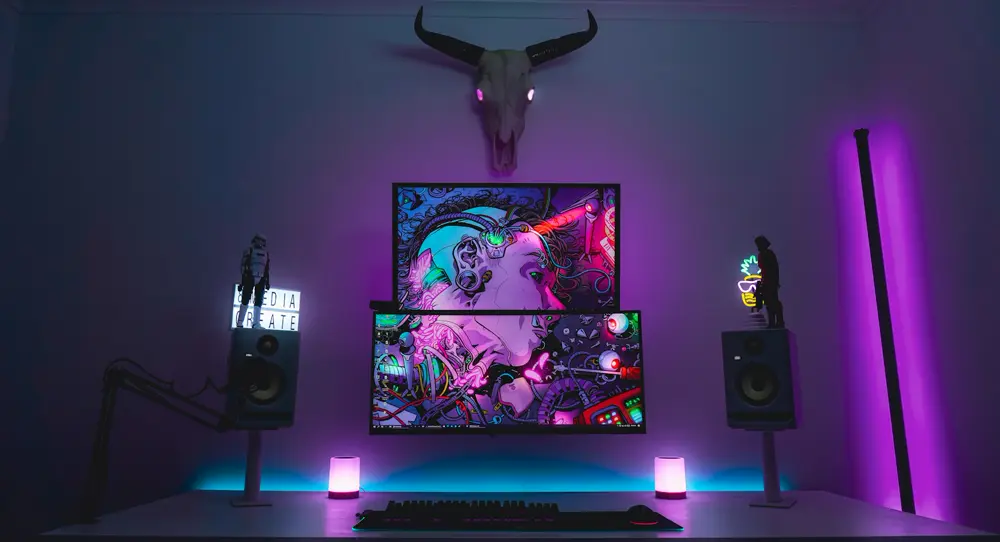
If you want your phone to pop, Cyberpunk-themed wallpapers are unbeatable. These images are characterized by high contrast, neon blues, magentas, and deep blacks. They are perfect for testing the color accuracy of your screen. The high saturation levels in sci-fi art create a sense of energy and futuristic flair that is perfect for a lockscreen that catches the eye.
High-Fantasy and RPG Landscapes
For a more calming, immersive experience, many gamers opt for fantasy landscapes. Think of the vast, rolling hills of an open-world RPG or the majestic view from a dragon’s perch. These wallpapers often use a wider spectrum of natural colors—greens, golds, and sky blues—providing a sense of scale and awe. They work exceptionally well as a backdrop that doesn’t distract too heavily from your notifications.
Minimalist and Character-Centric Art
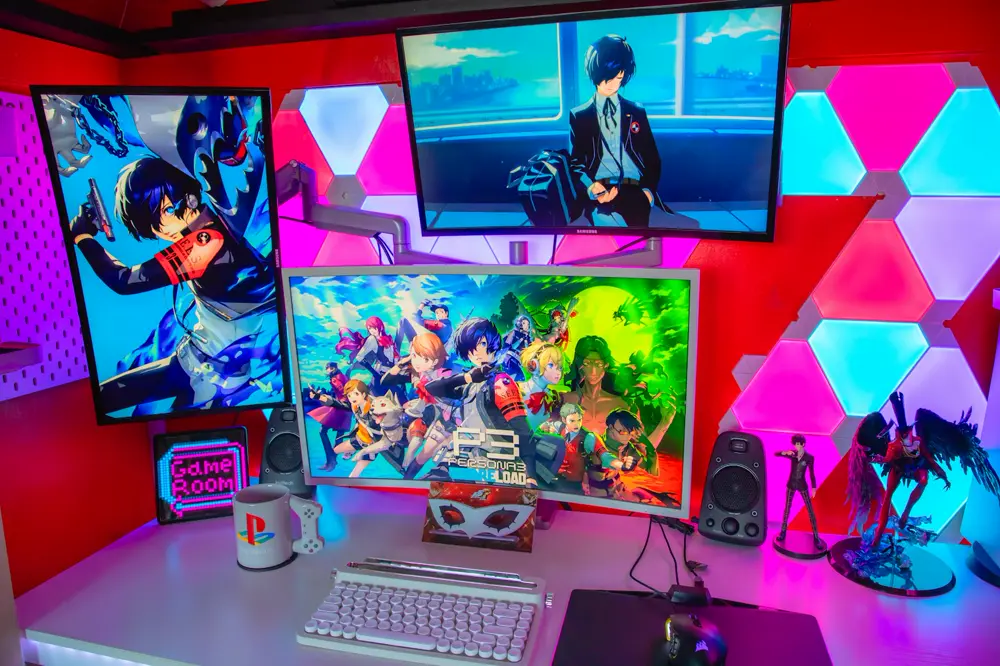
Sometimes, less is more. Minimalist gaming wallpapers focus on a single iconic character or a simple logo against a solid or gradient background. This is an excellent choice if you prefer a clean, organized look. Character-centric art, such as a high-definition portrait of a protagonist, allows for a strong focal point that feels personal and intentional.
Optimizing for Your Screen Type: OLED vs. LCD
To truly master your mobile aesthetic, you must understand the hardware behind your glass. The type of panel in your phone dictates which wallpapers will look their best.
The Magic of OLED and AMOLED
If you own a flagship device with an OLED (Organic Light Emitting Diode) screen, you have a superpower: true blacks. In an OLED screen, each pixel is individually lit. When a pixel needs to show black, it turns off completely. This means that a dark gaming wallpaper with deep black backgrounds won’t just look cool—it will actually save battery life. By choosing wallpapers with large areas of black, you are reducing the total power consumption of your device.
LCD and IPS Displays
On an LCD (Liquid Crystal Display) screen, a backlight is always on, even when displaying black. Therefore, you won’t get that infinite contrast. For these screens, you might find that vibrant, high-brightness wallpapers look better, as they don’t rely on the ‘true black‘ effect to create depth. Focus instead on high-saturation images that utilize the full brightness range of your backlight.
How to Maintain Image Quality and Avoid Blurriness
Even the best image can look terrible if it is handled incorrectly. Follow these professional tips to ensure your lockscreen remains crisp:
- Avoid Screenshots: Never use a screenshot of a game as a wallpaper if you can help it. Screenshots often compress the image and lower the resolution. Instead, look for official concept art or high-resolution promotional renders.
- Check the DPI: Ensure the image has a high Dots Per Inch (DPI) count. For mobile, you want something that matches or exceeds your screen’s native resolution.
- Mind the File Format: PNG files generally offer better quality than JPEGs because they use lossless compression. If you have the choice, always go with PNG for maximum detail.
- Use Proper Scaling Tools: If you must resize an image, use an AI-based upscaler rather than standard stretching to prevent pixelation.
Conclusion
A high res gaming wallpaper for lockscreen is more than just a background; it is an extension of your identity as a gamer. By understanding the technical nuances of your device—such as its aspect ratio, screen type, and resolution—you can select imagery that not only looks stunning but also enhances the longevity and efficiency of your phone. From the high-contrast neon of cyberpunk cities to the serene landscapes of epic adventures, the right wallpaper makes every interaction with your device a mini-celebration of the games you love.
Frequently Asked Questions
1. What is the best resolution for a mobile gaming wallpaper?
For most modern smartphones, aiming for a resolution of at least 1440 x 3200 pixels is ideal. This ensures that even on high-density displays, the image remains sharp and free of artifacts.
2. Will dark wallpapers actually save my battery?
If you have an OLED or AMOLED screen, yes. Because black pixels are physically turned off, using dark-themed gaming wallpapers can significantly reduce power consumption compared to bright, white-heavy images.
3. Why does my wallpaper look blurry after I set it?
This usually happens due to improper scaling. If the image aspect ratio doesn’t match your phone, the software stretches the image to fit, causing blur. Always try to find vertical-format images.
4. Where can I find official high-quality game art?
The best sources are often official game websites, press kits provided by developers, or dedicated wallpaper communities that curate high-resolution assets.
5. Is it better to use a static image or a live wallpaper?
Static images offer the highest clarity and best battery performance. Live wallpapers can be visually impressive but often consume more CPU/GPU resources and can drain the battery faster.
Related posts:
Still browsing? 4K Green Architecture Wallpaper: Nature Meets Modern Design is another collection worth a look — fresh picks in the same spirit.
Save your favourites and share the rest — good wallpapers travel fast.
