
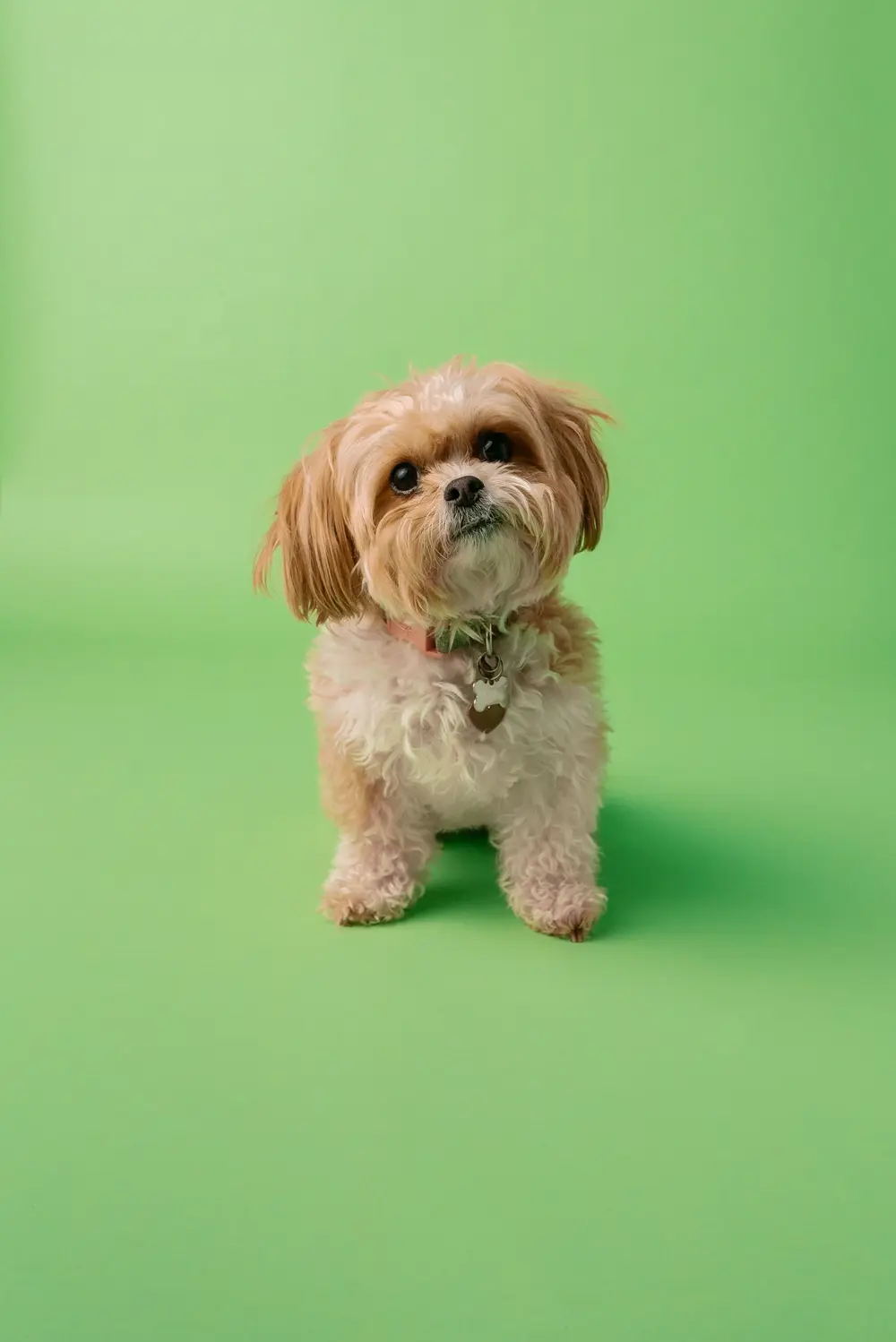
Your smartphone is more than just a tool; it is a canvas that reflects your personality. For the millions of dog lovers who carry their pets in their hearts, finding the perfect digital representation of their furry companions on their screens is a priority. The search for a high-quality, **ultra hd dog wallpaper for iphone** is not just about aesthetics; it is about creating a daily visual reminder of the bond you share with your pet. However, navigating the internet for images that are truly high-resolution, free from watermarks, and optimized for the unique aspect ratios of modern iPhones can be frustrating. This guide explores the technical aspects of selecting the right image, how to optimize it for your specific device, and where to find the best resources for stunning canine photography.
- Understanding Resolution and Aspect Ratios
- Sourcing High-Quality Dog Images
- Optimizing for Your iPhone Model
- Aesthetic Trends in Pet Photography
- Frequently Asked Questions
Understanding Resolution and Aspect Ratios
Before downloading any image, it is crucial to understand why standard web images often look pixelated or blurry on modern smartphones. The term Ultra HD generally refers to resolutions of 4K (3840 x 2160 pixels) or higher. While this is impressive for desktop monitors, iPhones use different screen densities. For an iPhone user, the key metric is not just pixel count but pixels per inch (PPI). Modern iPhones like the 14 Pro or 15 Pro Max feature Super Retina XDR displays with high PPI counts. If you download a 1080p image intended for a laptop, it will lack the necessary detail to fill the phone screen sharply. To achieve a truly crisp look, you need images that are at least 2x or 3x the physical dimensions of your screen. This ensures that every strand of fur and every glint in the dog’s eye remains sharp, even when viewed up close.
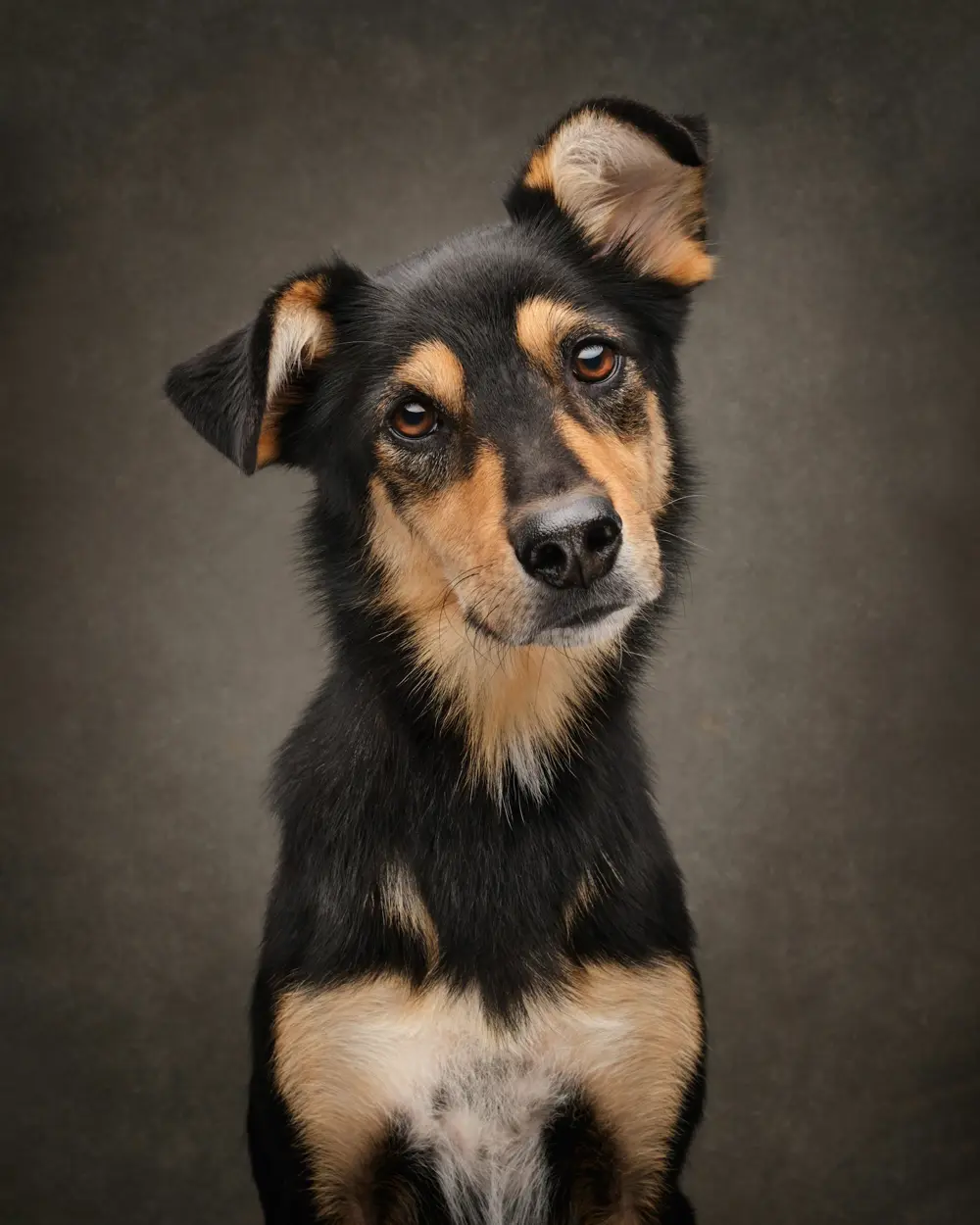
Furthermore, aspect ratio is equally important. Most modern iPhones have a 19.5:9 or 20:9 aspect ratio. A landscape image with a 16:9 ratio will result in significant cropping when set as a full-screen wallpaper, potentially cutting off the subject’s face. Therefore, when searching for a ultra hd dog wallpaper for iphone, prioritize vertical or square formats that align with the phone’s screen shape. This prevents unwanted black bars or excessive cropping that might obscure the main subject.
Sourcing High-Quality Dog Images
Where do you find these high-resolution images? Stock photo websites are a common starting point, but they often come with licensing fees or watermarks. For a personal wallpaper, you want royalty-free or Creative Commons licensed content. Platforms like Unsplash, Pexels, and Pixabay are excellent resources. They offer vast libraries of professional-grade photography that is free for personal use. When searching these platforms, use specific keywords such as “golden retriever portrait,” “puppy close up,” or “dog in nature” combined with filters for “vertical” orientation.
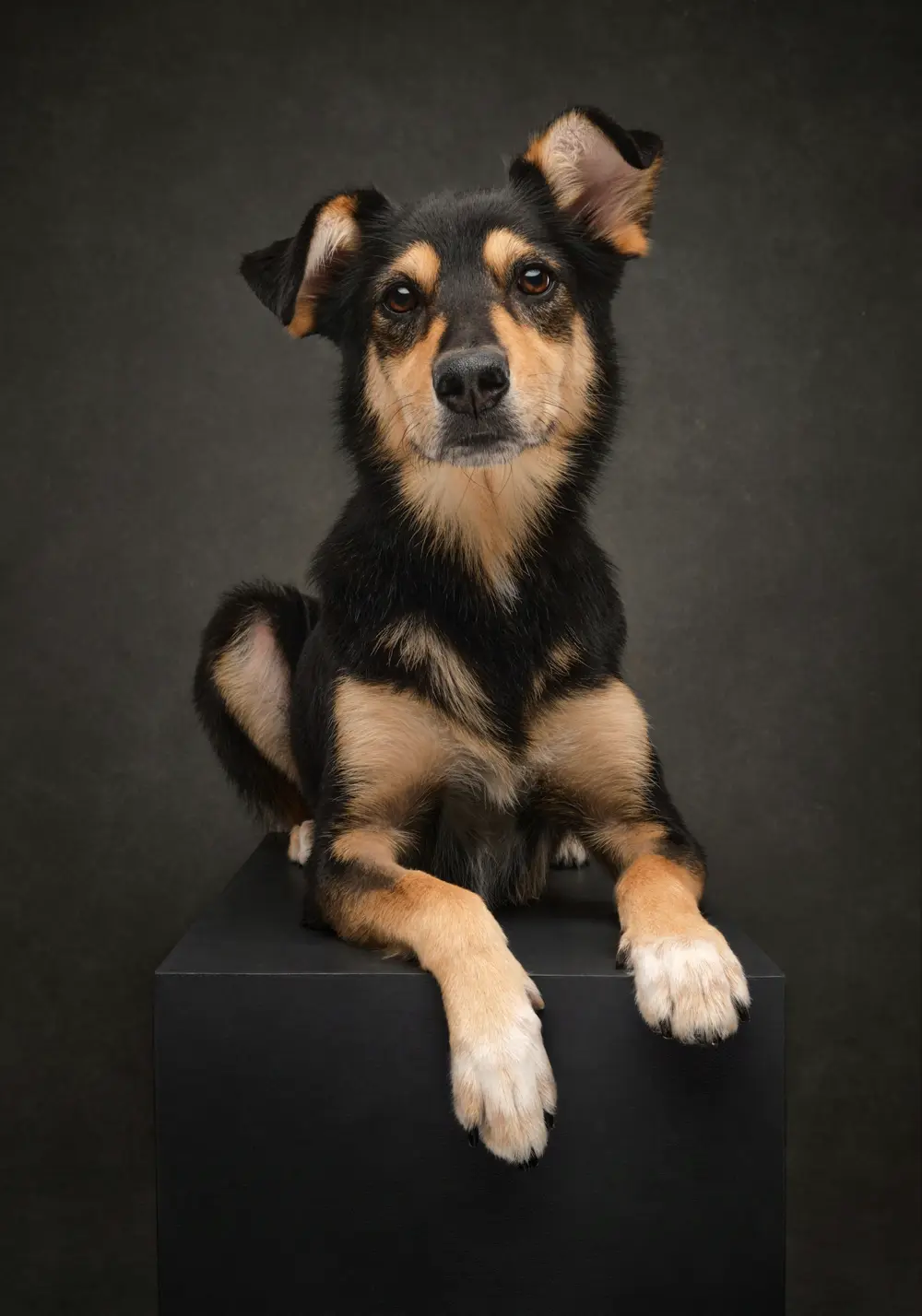
Another excellent option is to use your own photography. If you have a smartphone with a good camera, snapping high-quality shots of your own dog can provide a more personal touch. Look for natural lighting and a clean background to ensure the image translates well to a screen. If your camera lacks the resolution, consider using AI upscaling tools. These tools can take a standard 1080p image and enhance it to 4K resolution, adding detail and removing noise. This process, known as super-resolution, can significantly improve the quality of older photos, making them suitable for high-density displays. Always check the metadata of the image to ensure it has sufficient resolution before applying any enhancements.
Optimizing for Your iPhone Model
Once you have selected your image, the next step is optimization. iOS handles wallpapers differently depending on whether you are using the old version or the newer iOS 16/17 versions. In newer iOS versions, Apple introduced a zoom feature that allows the wallpaper to subtly shift and zoom as you scroll through your apps. This effect looks best with images that have a clear subject in the center and some negative space around it. If your image is too busy or cluttered, the zoom effect can make the screen look chaotic. Therefore, choose images with a strong focal point, such as the dog’s face, positioned slightly off-center to accommodate the zoom effect.
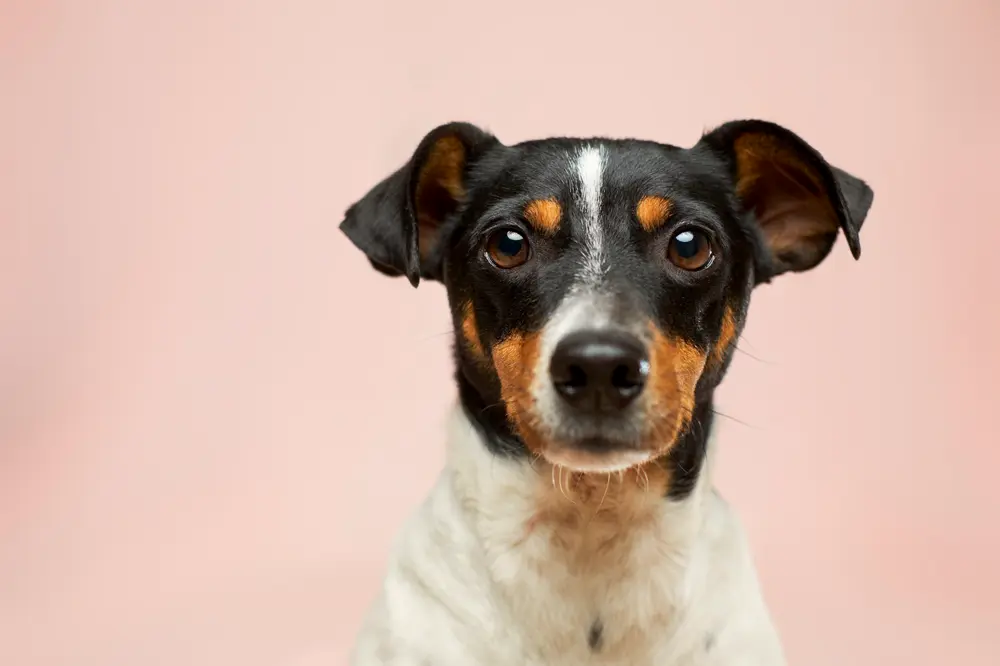
To apply the wallpaper correctly, go to Settings, tap on Wallpaper, and then Add New Wallpaper. From there, you can choose your image from the Photo Library. Use the pinch-to-zoom gesture to adjust the scale. It is often helpful to zoom in slightly to ensure that the most critical parts of the image are not obscured by the home screen icons. You can also choose to hide the lock screen icons for a cleaner look, allowing the ultra hd dog wallpaper to take center stage. Remember that the lock screen and home screen can have different wallpapers in iOS 16 and later. You might want to use a darker version for the lock screen to ensure the time and widgets remain legible, while using a brighter, more vibrant version for the home screen.
Aesthetic Trends in Pet Photography
The world of digital art and photography is constantly evolving, and pet photography is no exception. Current trends show a preference for candid, natural moments rather than posed studio shots. Images that capture a dog in the middle of a play, looking up at the sky, or resting peacefully often evoke a stronger emotional response. These images feel authentic and less commercial. Additionally, there is a growing trend towards black and white photography for pets. High-contrast monochrome images can highlight the texture of fur and the intensity of the eyes, creating a timeless and sophisticated look that complements the sleek design of the iPhone.
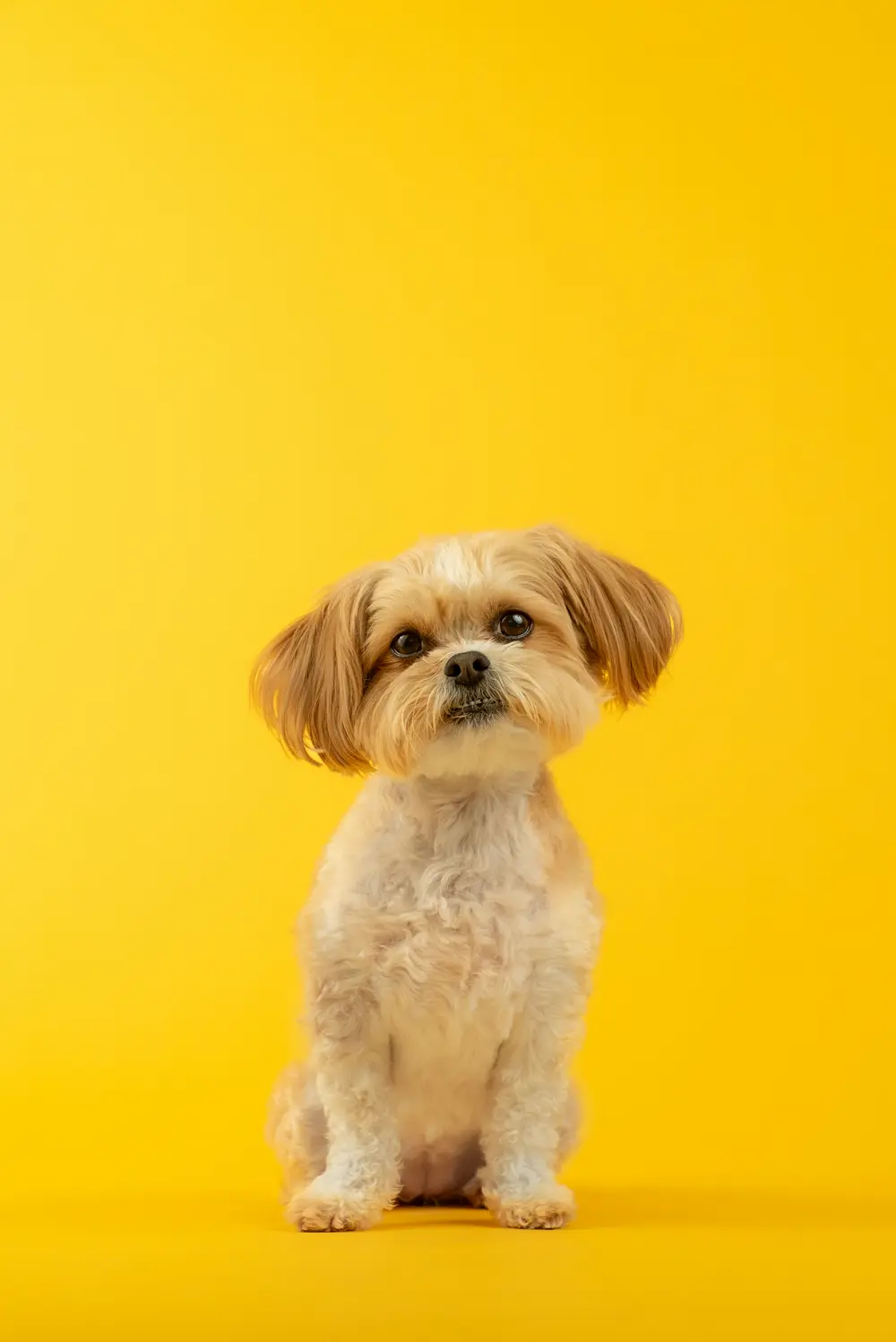
Color palette also plays a significant role in how a wallpaper is perceived. Warm tones, such as golds, oranges, and creams, can create a cozy and inviting atmosphere. Cool tones, like blues and greys, can make the device feel more professional and calm. When choosing a wallpaper, consider the overall theme of your phone. If you use many colorful apps, a neutral or monochromatic dog wallpaper might provide a better balance. Conversely, if your app icons are muted, a vibrant, colorful image of a dog can add a pop of personality to your interface. Experiment with different styles to find what resonates most with your personal taste and the aesthetic of your device.
Frequently Asked Questions
What is the best resolution for an iPhone wallpaper?
For the latest iPhone models, a resolution of at least 1290 x 2796 pixels is recommended. However, for the best quality, aim for 4K images (3840 x 2160 or higher) and crop them to fit the aspect ratio. This ensures maximum sharpness on high-PPI screens.
Can I use any image as a wallpaper without quality loss?
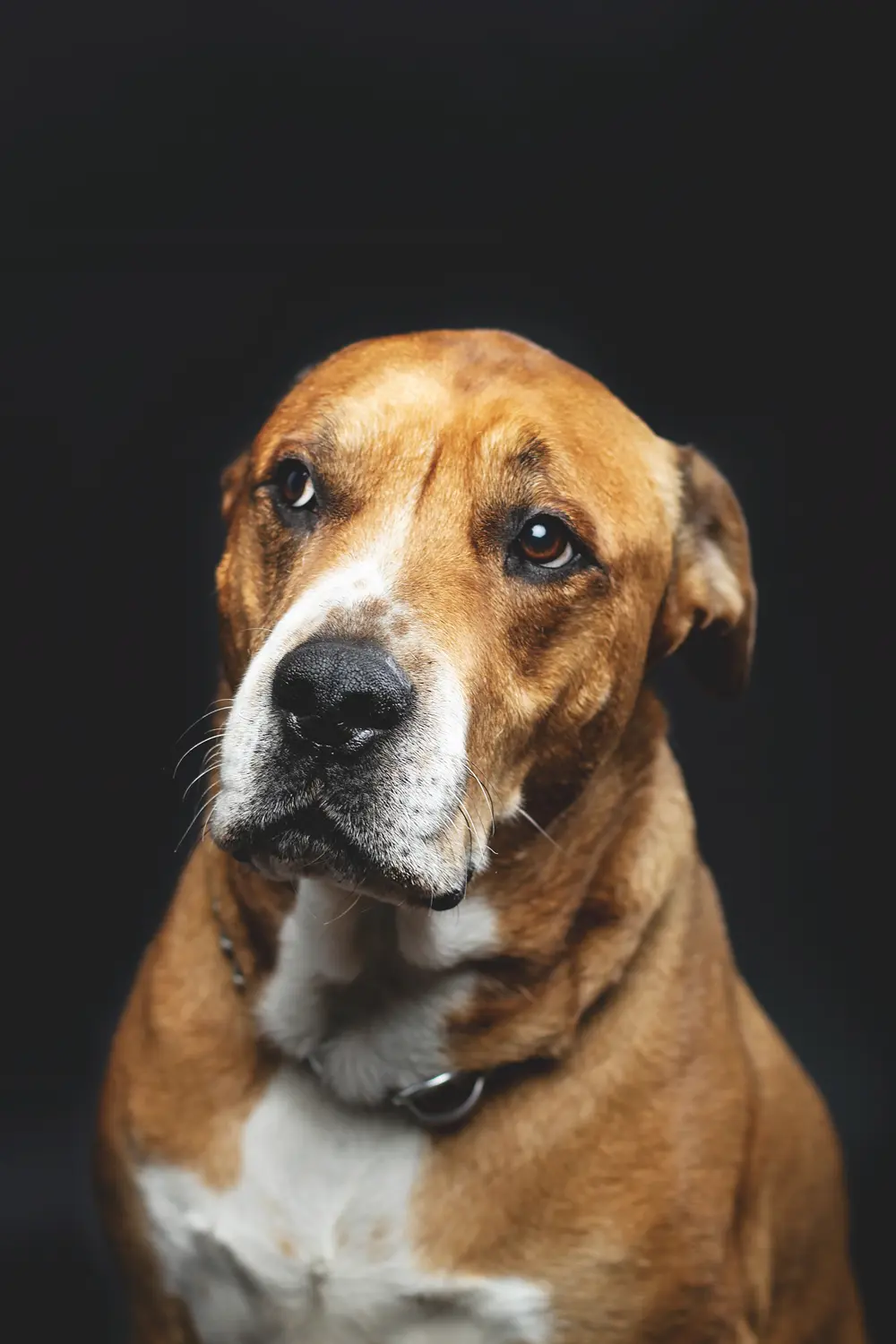
Not necessarily. If the source image is low-resolution, it will appear pixelated when stretched to fill the screen. Always start with a high-resolution source image. If you must use a lower-resolution image, consider using an AI upscaler to enhance it before setting it as your wallpaper.
How do I remove the background from a dog photo for a wallpaper?
You can use built-in iOS tools or third-party apps like Background Eraser or Canva. Take a photo of your dog, use the “Remove Background” feature, and then place the dog over a solid color or gradient background. This creates a clean, modern look that is easy to read on a screen.
Do dark wallpapers save battery life on iPhones?
On OLED screens (used in Pro models), dark wallpapers can save battery life because the pixels for black areas are turned off. However, the difference is minimal for most users. Choose a dark wallpaper if you prefer the aesthetic, but do not rely on it as a primary battery-saving strategy.
Where can I find free, high-quality dog wallpapers?
Websites like Unsplash, Pexels, and Pixabay offer free, high-resolution images for personal use. Search for “dog portrait” or “puppy close up” and filter by vertical orientation to find images that fit iPhone screens well.
Related posts:
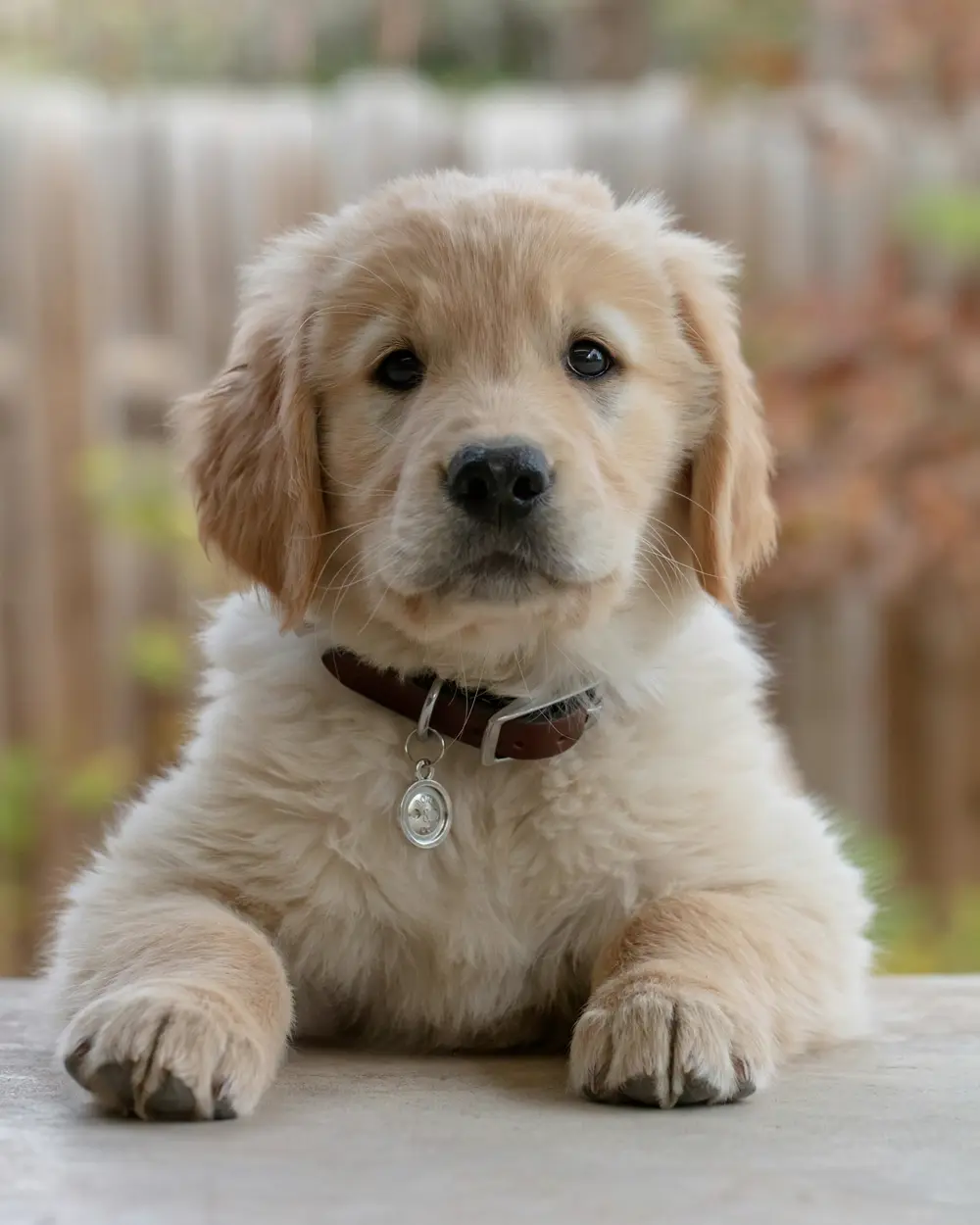
Still browsing? 4K Dog Wallpaper for Lockscreen: Best High-Res Puppy Backgrounds is another collection worth a look — fresh picks in the same spirit.
Know someone whose screen needs a refresh? Pass this link along.
