
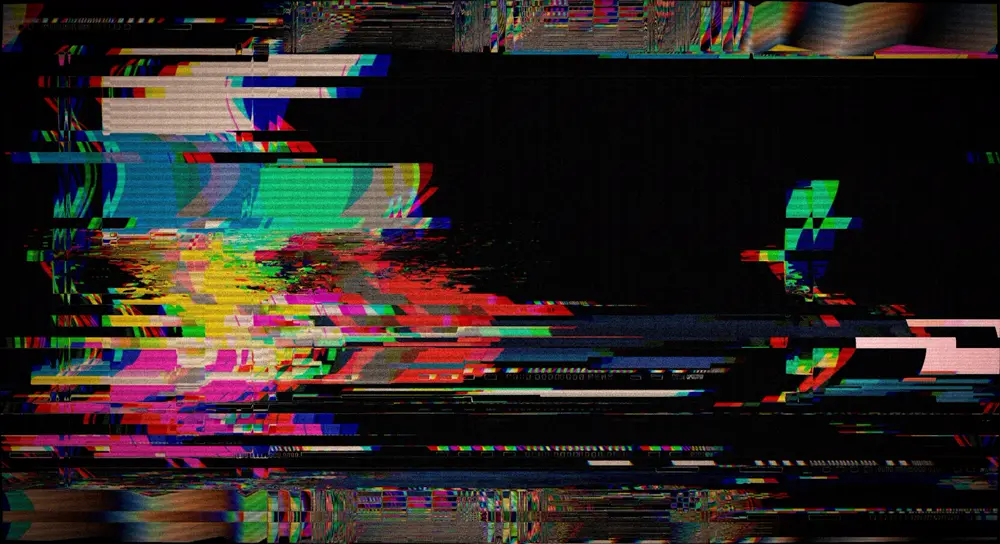
Understanding the Glitch Aesthetic
In the modern era of digital design, the concept of perfection is being challenged by the beauty of imperfection. Glitch art, once considered a technical error or a sign of a failing system, has evolved into a sophisticated visual movement. For iPhone users who want to move beyond generic landscapes and standard patterns, an ultra HD glitch wallpaper offers a unique way to express a futuristic, rebellious, or highly stylized digital identity.
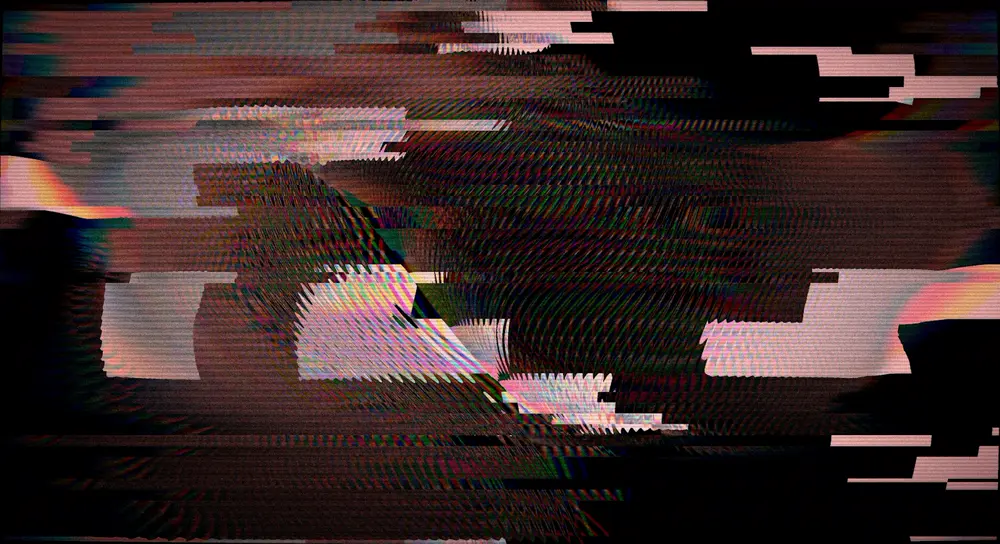
Glitch art mimics the appearance of digital or analog errors, such as signal interference, broken data, or hardware malfunctions. Instead of seeing these as flaws, designers harness them to create striking textures and mesmerizing color shifts. When applied to the high-resolution screen of an iPhone, these effects become even more impactful, turning your device’s display into a piece of moving, breathing digital expression.
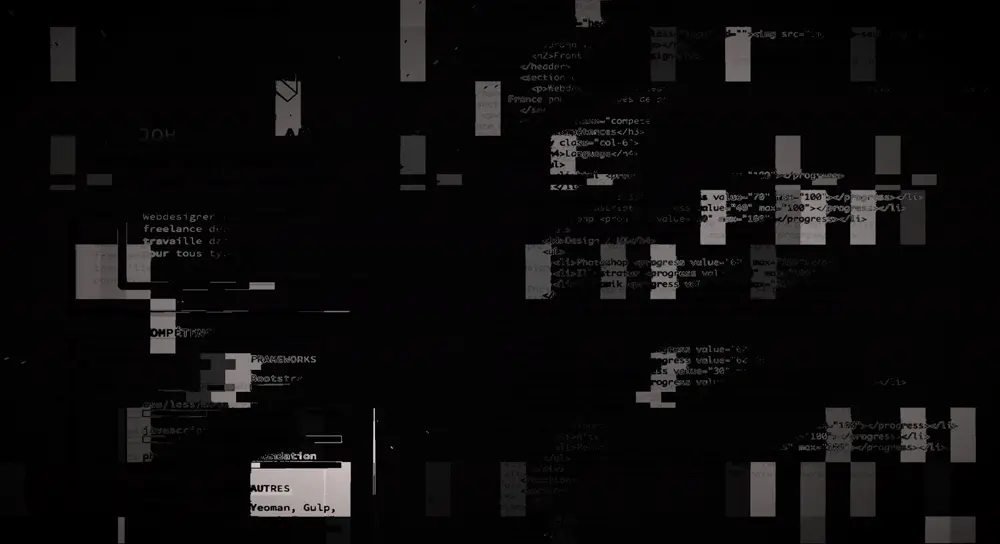
- Pixel Sorting: A technique where pixels are rearranged to create a melting or streaked effect.
- Chromatic Aberration: The separation of color channels (red, green, and blue) to create a fringing effect.
- Data Moshing: The intentional manipulation of video compression to create visual distortions.
If you are looking to enhance your device’s look, finding the right aesthetic is crucial. Exploring various wallpaper styles can help you narrow down exactly which type of digital distortion resonates with your personal style.
Why Choose Ultra HD Glitch Wallpapers?
Why settle for a standard photograph when you can have a high-energy, dynamic background? There are several technical and psychological reasons why glitch art is currently trending among smartphone enthusiasts.
Optimizing for OLED and Super Retina XDR Displays
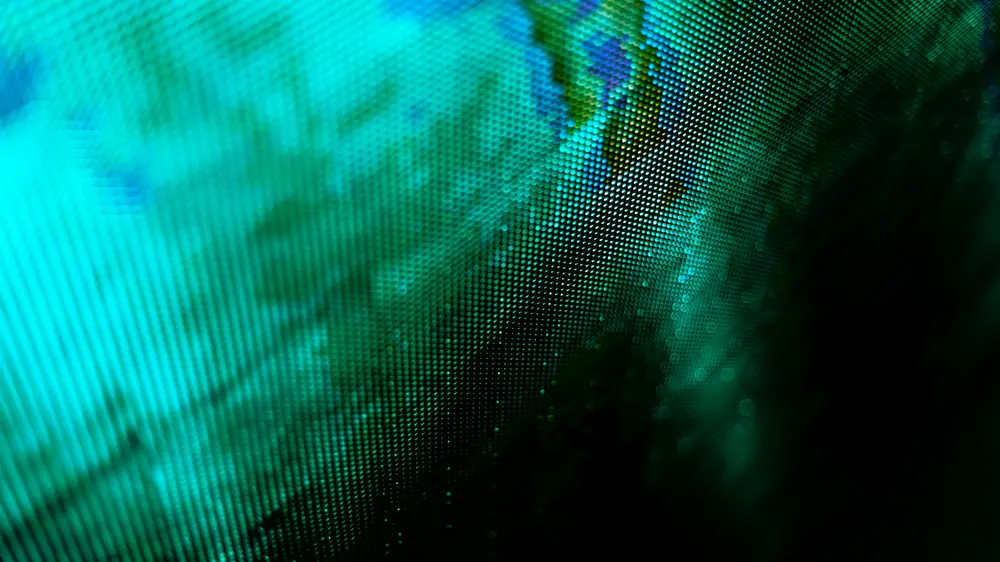
Most modern iPhones, particularly the Pro and Pro Max models, utilize OLED technology. This means that when a pixel is displaying true black, it is actually turned off, consuming zero power. Glitch wallpapers often feature high-contrast elements—bright neon lines against deep, dark voids. This design choice doesn’t just look stunning; it also helps in maximizing the visual benefits of your Super Retina XDR display while potentially aiding in battery efficiency compared to bright, full-color solid backgrounds.
Visual Depth and Sensory Stimulation
Traditional wallpapers often provide a static, calm experience. In contrast, digital distortion provides a sense of depth and movement. The interplay of chromatic aberration and varying light intensities creates a 3D-like effect that makes the screen feel less like a flat surface and more like a window into a digital dimension. This visual complexity can make the interface of your iPhone feel more modern and integrated with the art.
Popular Styles of Glitch Art for iPhone
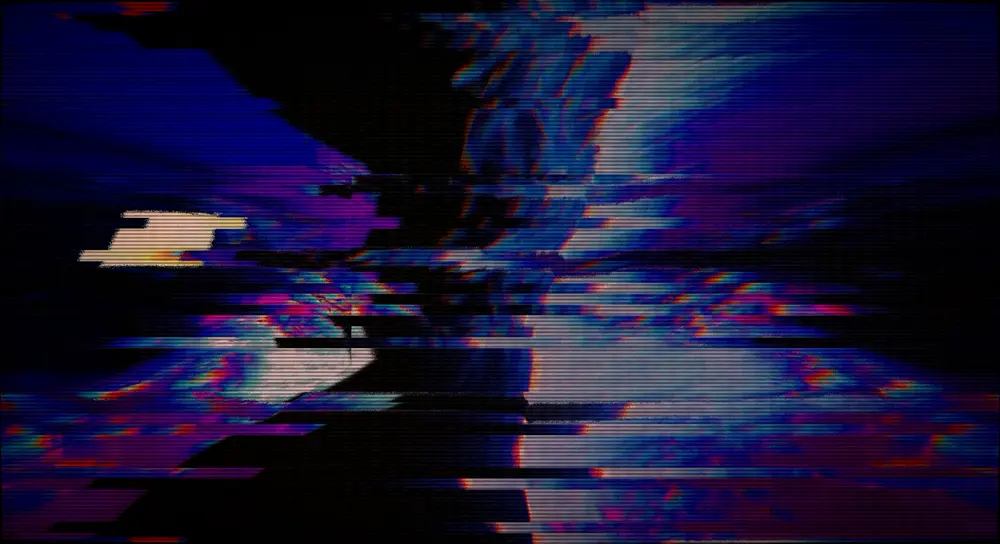
Not all glitch art is created equal. Depending on your preference, you might lean toward something subtle or something that screams high-energy cyberpunk. Here are the most popular categories.
Cyberpunk and Neon Glitch
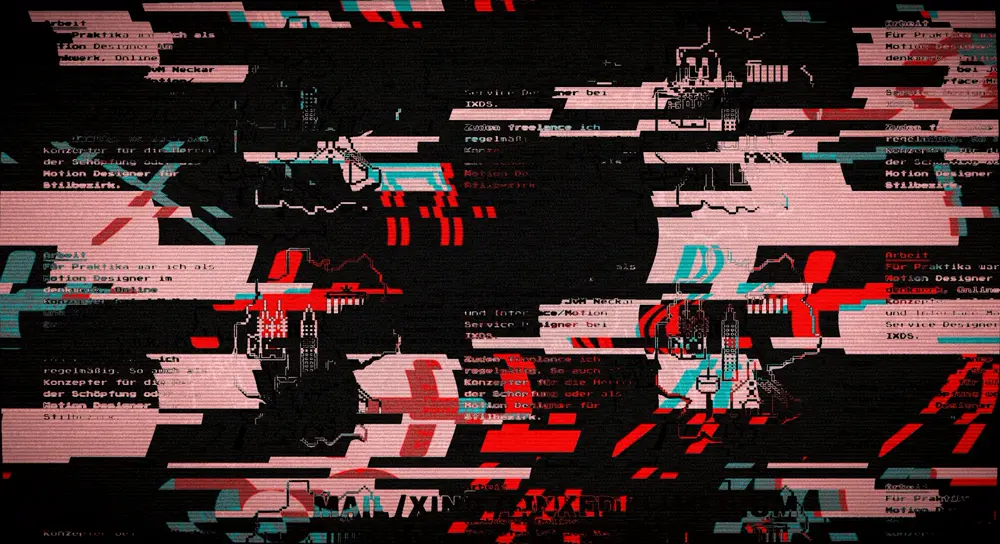
This is perhaps the most iconic form of glitch art. Inspired by sci-fi aesthetics, it focuses on high-contrast neon colors like electric blue, hot pink, and acid green. These wallpapers often depict urban environments or abstract data streams, perfectly suited for users who love the futuristic, high-tech vibe of the cyberpunk genre.
Vaporwave and Retro-Futurism
If you prefer a nostalgic touch, the vaporwave aesthetic is the way to go. This style blends 80s and 90s retro elements with glitchy, lo-fi textures. Expect to see pastel color palettes, marble statues, and classic computer error windows. It is a dreamy, surrealist approach to digital noise that feels both old and new at the same time.
Minimalist Digital Distortions
For those who find full-scale glitching too overwhelming, minimalist glitch wallpapers offer a refined alternative. These designs use subtle pixel shifts or tiny amounts of color fringing on a solid or gradient background. They provide a touch of “edge” without cluttering your app icons or distracting from your daily tasks.
Technical Requirements for the Best Experience
To ensure your wallpaper looks truly Ultra HD, you cannot simply download any low-resolution image. The quality of the source file is paramount to avoid blurriness or heavy pixelation that looks unintentional rather than artistic.
Resolution and Aspect Ratio
iPhone screens have specific aspect ratios that vary by model. When searching for 4K glitch backgrounds, ensure the image has a high enough vertical resolution to cover your screen without stretching. An image that is too small will undergo upscaling, which ruins the crispness of the digital textures. Always aim for images that match or exceed the native resolution of your specific iPhone model.
Color Accuracy and HDR
Because iPhones are capable of displaying a wide color gamut, look for wallpapers that support High Dynamic Range (HDR). A high-quality glitch wallpaper should have deep blacks and extremely bright, vibrant highlights. This ensures that the digital artifacts and color separations look sharp and intentional, rather than washed out.
Conclusion
Choosing an ultra HD glitch wallpaper for your iPhone is more than just a cosmetic change; it is a way to embrace the complex, beautiful chaos of the digital age. Whether you prefer the high-octane energy of cyberpunk neon, the nostalgic haze of vaporwave, or the clean lines of minimalist distortion, there is a glitch style for every personality. By prioritizing high resolution and OLED-friendly contrast, you can transform your smartphone into a stunning piece of modern digital art.
Frequently Asked Questions
1. What makes a glitch wallpaper ‘Ultra HD’?
An Ultra HD glitch wallpaper refers to an image with a very high pixel density and resolution (typically 4K or higher) that allows the intricate details of the digital distortions, such as pixel sorting and color noise, to appear sharp and crisp on high-resolution iPhone screens.
2. Do glitch wallpapers drain my iPhone battery faster?
It depends on the design. Glitch wallpapers with large areas of true black are actually better for OLED screens and can help save battery. However, wallpapers that are extremely bright and use high luminosity across the entire screen may consume more power.
3. How can I tell if a glitch image is high quality?
Look for clean edges in the “distorted” areas. In a high-quality 4K image, the ‘errors’ should look sharp and intentional. If the image looks blurry or ‘muddy’ when you zoom in, it is likely a low-resolution file that will not look good on your iPhone.
4. Can I use glitch art as a lock screen and home screen?
Absolutely! Many users prefer a more intense, high-contrast glitch version for their lock screen and a more subtle, minimalist version for their home screen to ensure their apps remain easy to read.
5. What is the main difference between glitch art and regular digital noise?
Digital noise is often random and unwanted graininess found in low-light photos. Glitch art, however, is a deliberate aesthetic choice where digital errors are manipulated and composed to create a specific visual style or pattern.
Related posts:
Still browsing? Ultra HD Blue Galaxy Wallpaper: The Ultimate Cosmic Guide is another collection worth a look — fresh picks in the same spirit.
Save your favourites and share the rest — good wallpapers travel fast.
