
Ultra HD Wallpapers: Elevate Your Desktop Experience
In today’s digital age, our desktops are more than just workspaces; they’re extensions of our personalities. A visually appealing desktop can boost mood, enhance productivity, and simply make spending time on our computers more enjoyable. One of the easiest ways to transform your digital environment is through the use of high-quality wallpapers. This article explores the world of ultra HD wallpapers, covering their benefits, where to find them, and how to choose the perfect images to suit your style.
The demand for higher resolution displays has skyrocketed in recent years. From 4K monitors becoming increasingly affordable to the prevalence of high-pixel-density laptops, the need for wallpapers that can match this visual fidelity is greater than ever. Standard HD wallpapers can appear pixelated or blurry on these advanced screens, diminishing the overall viewing experience. This is where ultra HD wallpapers come into play.
What are Ultra HD Wallpapers?
Ultra HD, often referring to 4K resolution (3840 x 2160 pixels), represents a significant leap in image clarity compared to traditional HD (1920 x 1080 pixels). Ultra HD wallpapers contain four times the number of pixels as 1080p, resulting in incredibly sharp, detailed, and vibrant images. This increased resolution is particularly noticeable on larger screens, where the difference is most pronounced.
Beyond 4K, even higher resolutions like 8K (7680 x 4320 pixels) are emerging, though their adoption is still relatively limited. However, even a 4K wallpaper will look fantastic when scaled down to a lower resolution display, offering a superior visual experience compared to wallpapers designed for lower resolutions.
Benefits of Using Ultra HD Wallpapers
- Enhanced Visual Clarity: The most obvious benefit is the incredible detail and sharpness of the images.
- Improved Aesthetics: A beautiful wallpaper can significantly enhance the overall look and feel of your desktop.
- Increased Productivity: A calming or inspiring background can positively impact your mood and focus.
- Modern Look: Using high-resolution wallpapers demonstrates attention to detail and a modern aesthetic.
- Better Experience on Multiple Monitors: Ultra HD wallpapers scale well across multiple displays, creating a seamless visual experience.
Where to Find Ultra HD Wallpapers
Numerous websites offer a vast selection of ultra HD wallpapers. Here are some popular options:
- Unsplash: Known for its high-quality, free-to-use images.
- Pexels: Another excellent source of free stock photos and wallpapers.
- Pixabay: Offers a wide variety of free images, including wallpapers.
- Wallhaven: A dedicated wallpaper website with a large and active community.
- Desktop Background: Provides a curated selection of high-resolution wallpapers.
Many of these sites allow you to search for wallpapers based on keywords, colors, and categories. Some also offer features like daily wallpaper updates and the ability to create collections.

Choosing the Right Wallpaper
Selecting the perfect wallpaper is a matter of personal preference. However, here are a few tips to help you make the right choice:
- Consider Your Screen Size and Resolution: Ensure the wallpaper is appropriate for your display.
- Match Your Style: Choose images that reflect your personality and interests.
- Think About Color Schemes: Select wallpapers with colors that complement your icons and overall desktop theme.
- Avoid Clutter: Busy wallpapers can be distracting. Sometimes, a simple and minimalist design is best.
- Test Different Options: Don’t be afraid to experiment with different wallpapers until you find one you love.
If you’re looking to further customize your computer’s appearance, you might consider exploring different themes. A well-chosen theme can complement your wallpaper and create a cohesive visual experience.
Optimizing Wallpapers for Performance
While ultra HD wallpapers look stunning, they can sometimes impact system performance, especially on older or less powerful computers. Here are a few tips to optimize your wallpaper for performance:
- Choose Smaller File Sizes: If you have a choice between two similar wallpapers, opt for the one with the smaller file size.
- Disable Wallpaper Slideshows: Constantly changing wallpapers can consume system resources.
- Adjust Scaling Options: Experiment with different scaling options (e.g., “Fit,” “Stretch,” “Tile”) to find the best balance between visual quality and performance.
Regularly maintaining your computer, including clearing temporary files and updating drivers, can also help improve overall performance and ensure your wallpapers display smoothly. You can also look into desktop organization tips to keep things running efficiently.
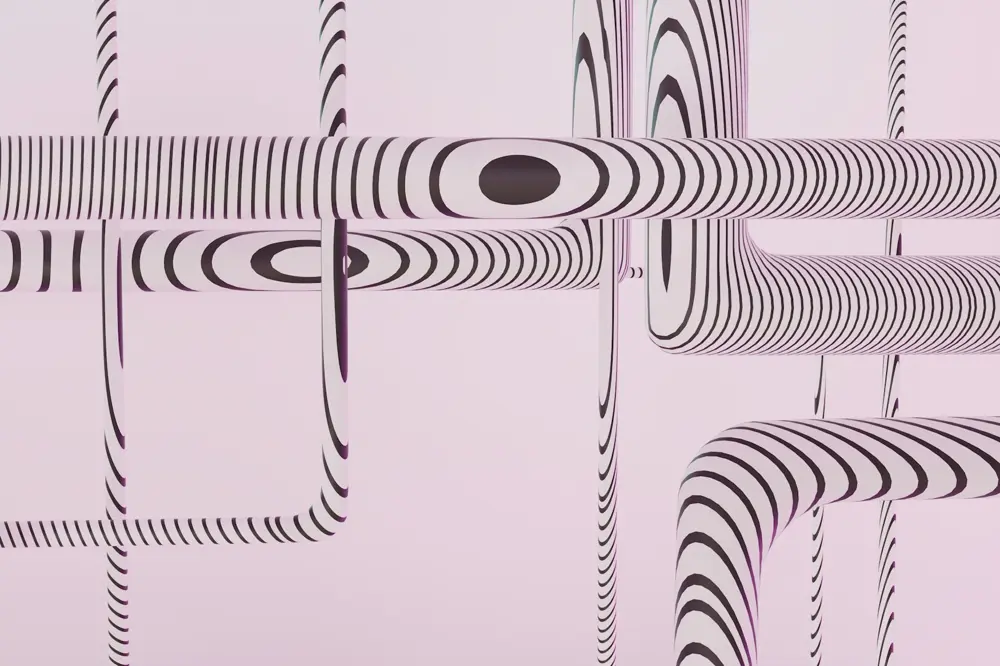
The Future of Desktop Personalization
As display technology continues to evolve, we can expect even higher resolution wallpapers to become more commonplace. Dynamic wallpapers, which change based on the time of day or other factors, are also gaining popularity. Furthermore, advancements in artificial intelligence may allow for personalized wallpaper recommendations based on user preferences and activities.
Conclusion
Ultra HD wallpapers are a simple yet effective way to elevate your desktop experience. By choosing high-quality images that suit your style and optimizing them for performance, you can create a visually stunning and productive digital environment. With a wealth of resources available online, finding the perfect wallpaper is easier than ever. Embrace the power of high-resolution imagery and transform your desktop into a reflection of your personality.
Frequently Asked Questions
-
What is the best resolution for my wallpaper?
The best resolution depends on your monitor’s native resolution. If you have a 4K monitor, use a 4K wallpaper (3840 x 2160 pixels). For a 1080p monitor, a 1920 x 1080 wallpaper is ideal. Using a higher resolution wallpaper than your monitor supports won’t improve visual quality and may impact performance.
-
Where can I find free ultra HD wallpapers?
Unsplash, Pexels, and Pixabay are excellent sources for free ultra HD wallpapers. Wallhaven and Desktop Background also offer a wide selection, though some images may have licensing restrictions. Always check the license before using an image.
-
Will a 4K wallpaper slow down my computer?
It depends on your computer’s specifications. Older or less powerful computers may experience a slight performance decrease. However, most modern computers can handle 4K wallpapers without issue. Optimizing your wallpaper settings and maintaining your system can help minimize any potential impact.
-
How do I change my wallpaper?
The process varies depending on your operating system. In Windows, right-click on the desktop, select “Personalize,” and then choose “Background.” In macOS, go to “System Preferences,” then “Desktop & Screen Saver.” You can then select a new image or browse for one on your computer.
-
Can I use any image as a wallpaper?
You can use most images as a wallpaper, but it’s important to consider the image’s resolution and aspect ratio. Images with low resolution may appear pixelated or blurry. Also, be mindful of copyright restrictions. Only use images that you have the right to use.
Related posts:
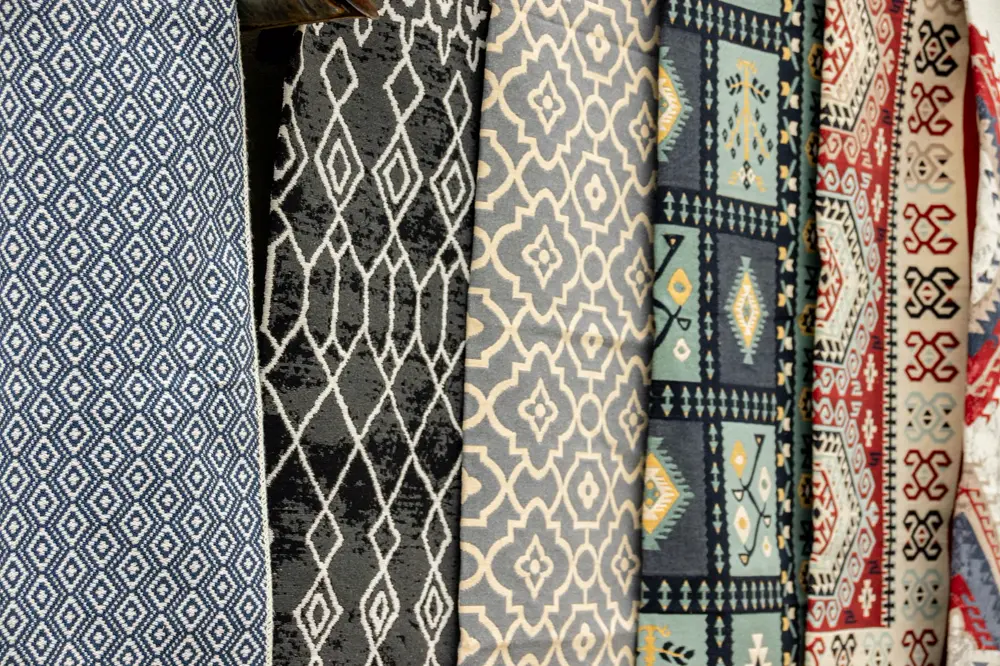


This set is just one corner of 4k-wallpapers. Plenty more backgrounds in the same category are waiting for you.
Save your favourites and share the rest — good wallpapers travel fast.
