
4K Wallpapers for Tablets: Stunning Visuals
Tablets, with their increasingly larger and higher-resolution screens, deserve visuals that match their capabilities. Gone are the days when a simple, low-resolution image would suffice. Today’s tablets, especially those boasting Ultra HD (4K) displays, demand wallpapers that are equally impressive. This article explores the world of 4K wallpapers specifically tailored for tablets, covering where to find them, what to look for, and how to optimize them for the best possible viewing experience.
The shift towards 4K displays on tablets isn’t just about numbers; it’s about immersion. A crisp, detailed wallpaper can transform your tablet from a functional device into a window to breathtaking landscapes, abstract art, or vibrant designs. But finding the right wallpaper can be a challenge. Many images available online are either too small, too low in quality, or simply don’t translate well to the larger tablet screen.
Why Choose 4K Wallpapers for Your Tablet?
The benefits of using 4K wallpapers on a 4K tablet are significant. Firstly, sharpness and clarity are dramatically improved. Pixels are less noticeable, resulting in a smoother, more realistic image. Secondly, detail is enhanced. You’ll notice textures, subtle gradients, and intricate patterns that would be lost with lower-resolution images. This is particularly noticeable with nature photography or detailed artwork. Finally, a high-quality wallpaper simply looks better. It elevates the overall aesthetic of your tablet and makes it more enjoyable to use.
Where to Find High-Quality 4K Tablet Wallpapers
Several excellent resources offer a wide selection of 4K wallpapers for tablets. Here are a few popular options:
- Unsplash: A fantastic source of free, high-resolution photos. Many images are suitable for tablets, and the quality is consistently high.
- Pexels: Similar to Unsplash, Pexels offers a vast library of free stock photos, including many 4K options.
- Pixabay: Another excellent resource for free images, with a dedicated section for wallpapers.
- Wallhaven: A community-driven wallpaper site with a large collection of 4K wallpapers, categorized by various themes.
- Zedge: While known for ringtones, Zedge also offers a substantial collection of wallpapers, including 4K options.
When browsing these sites, pay attention to the image resolution. Ensure it’s at least 3840 x 2160 pixels (the standard 4K resolution) to avoid pixelation or stretching. You might also consider exploring specialized wallpaper apps available on your tablet’s app store. Some apps curate collections specifically for tablets and offer features like automatic wallpaper changing and image optimization.
Optimizing 4K Wallpapers for Your Tablet
Simply downloading a 4K image isn’t always enough. You may need to optimize it for your specific tablet model to ensure the best possible results. Here’s how:
- Resolution Matching: While 4K is the standard, your tablet’s exact resolution might be slightly different. Check your tablet’s specifications and resize the wallpaper accordingly.
- File Format: JPEG is a common format, but PNG often offers better quality, especially for images with sharp lines and text.
- Image Compression: Large 4K images can consume significant storage space and potentially impact performance. Consider compressing the image slightly without sacrificing too much quality.
- Tablet Settings: Explore your tablet’s display settings. Some tablets offer options to optimize wallpaper rendering or adjust image scaling.
Finding the perfect balance between image quality and file size is crucial. A slightly compressed 4K wallpaper that looks great and doesn’t slow down your tablet is preferable to a massive, uncompressed image that strains your device’s resources. If you’re looking for ways to further customize your tablet experience, you might find android customization options helpful.
Popular 4K Wallpaper Themes for Tablets
The best wallpaper theme is subjective, but here are some popular choices for tablets:
- Landscapes: Breathtaking mountain ranges, serene beaches, and lush forests look stunning on a large, high-resolution screen.
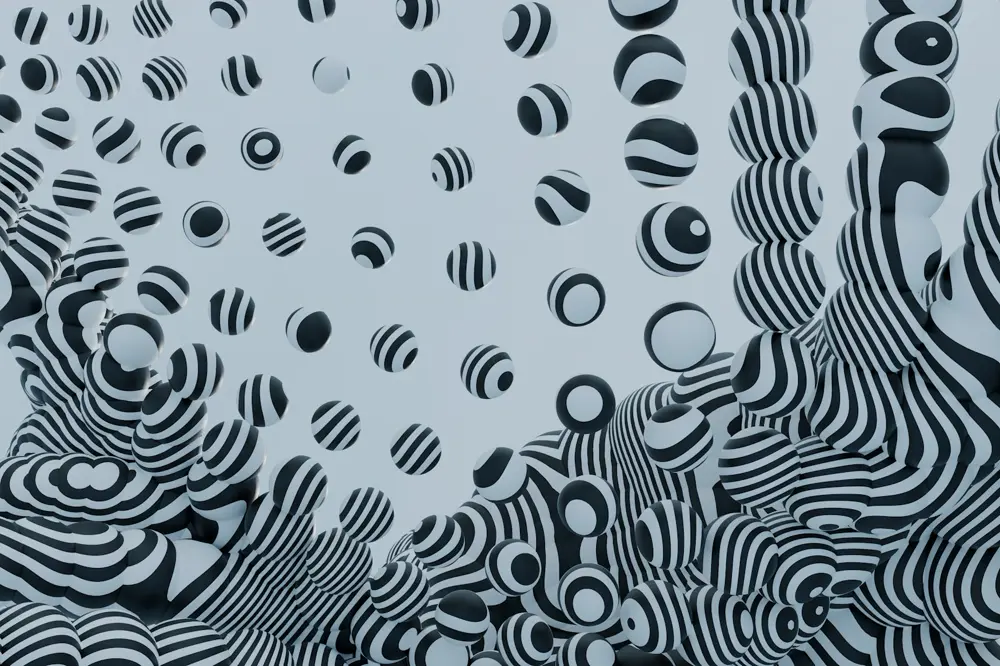
- Abstract Art: Bold colors, geometric shapes, and intricate patterns can add a modern and artistic touch to your tablet.
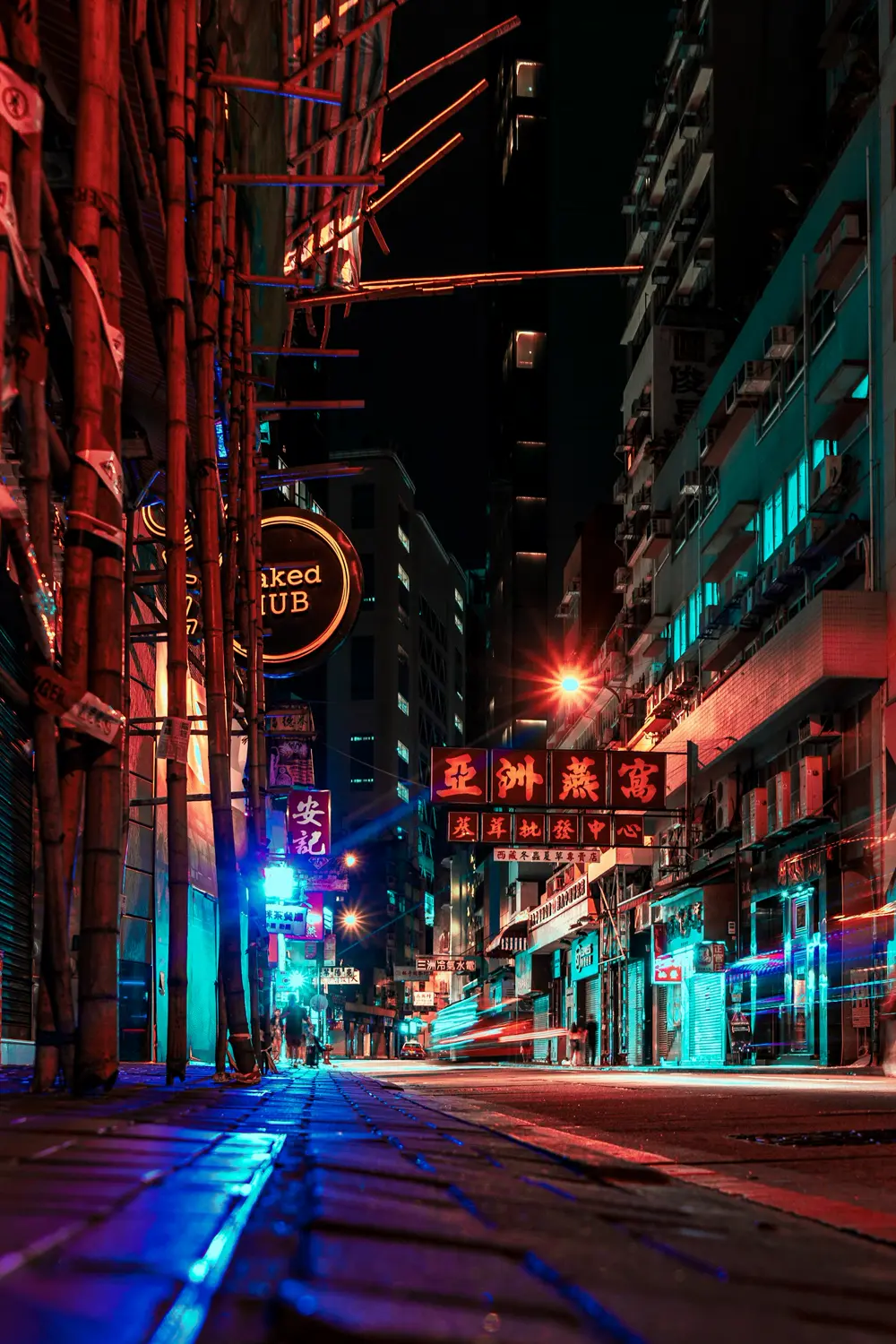
- Cityscapes: Iconic city skylines and bustling street scenes can create a dynamic and energetic vibe.
- Nature Close-Ups: Detailed images of flowers, insects, or water droplets reveal the beauty of the natural world.
- Minimalist Designs: Simple, clean designs with muted colors can create a calming and sophisticated look.
Consider your personal preferences and the overall aesthetic you want to achieve when choosing a wallpaper theme. Don’t be afraid to experiment with different styles until you find something that resonates with you. You can also explore different themes to completely change the look and feel of your tablet.
The Future of Tablet Wallpapers
As tablet technology continues to evolve, we can expect even higher-resolution displays and more sophisticated wallpaper features. Dynamic wallpapers that respond to user interaction or change based on the time of day are becoming increasingly popular. We may also see more integration with AI, allowing tablets to automatically generate wallpapers based on your preferences. The possibilities are endless, and the future of tablet wallpapers is undoubtedly bright.
Conclusion
4K wallpapers can significantly enhance the visual experience on your tablet. By choosing high-quality images, optimizing them for your device, and exploring different themes, you can transform your tablet into a stunning visual showcase. With a wealth of resources available online, finding the perfect 4K wallpaper for your tablet is easier than ever. Embrace the power of high-resolution visuals and unlock the full potential of your tablet’s display.
Frequently Asked Questions
-
What is the ideal resolution for a 4K tablet wallpaper?
While 4K generally means 3840 x 2160 pixels, your tablet’s exact resolution might differ slightly. Check your tablet’s specifications to find the optimal resolution for a perfect fit. Using an image slightly larger than the screen resolution is generally better than using one that’s too small.
-
Can using a 4K wallpaper drain my tablet’s battery?
Yes, potentially. Larger, more detailed images require more processing power to render, which can consume more battery life. However, the impact is usually minimal, especially on modern tablets with efficient processors. Optimizing the image file size can help mitigate battery drain.
-
Where can I find wallpapers specifically designed for tablets?
While many wallpaper sites offer images suitable for tablets, some apps and websites curate collections specifically for larger screens. Zedge and certain wallpaper apps available on the Google Play Store or Apple App Store are good places to start.
-
What’s the difference between JPEG and PNG for tablet wallpapers?
JPEG is a lossy compression format, meaning some image data is discarded to reduce file size. PNG is a lossless format, preserving all image data. PNG generally offers better quality, especially for images with sharp lines and text, but files are typically larger. For most wallpapers, the difference is subtle.
-
How do I change the wallpaper on my tablet?
The process varies slightly depending on your tablet’s operating system (Android or iPadOS). Generally, you can long-press on the home screen, select “Wallpapers,” and choose a new image from your gallery or a pre-installed collection. You can also access wallpaper settings through your tablet’s settings menu.
Related posts:
Every 4k-wallpapers page is another mood for your screen. Keep exploring the related sets below this one.
Bookmark this collection so your next wallpaper swap is one click away.
