
Linux 4K Wallpapers: Stunning Backdrops for Your Desktop
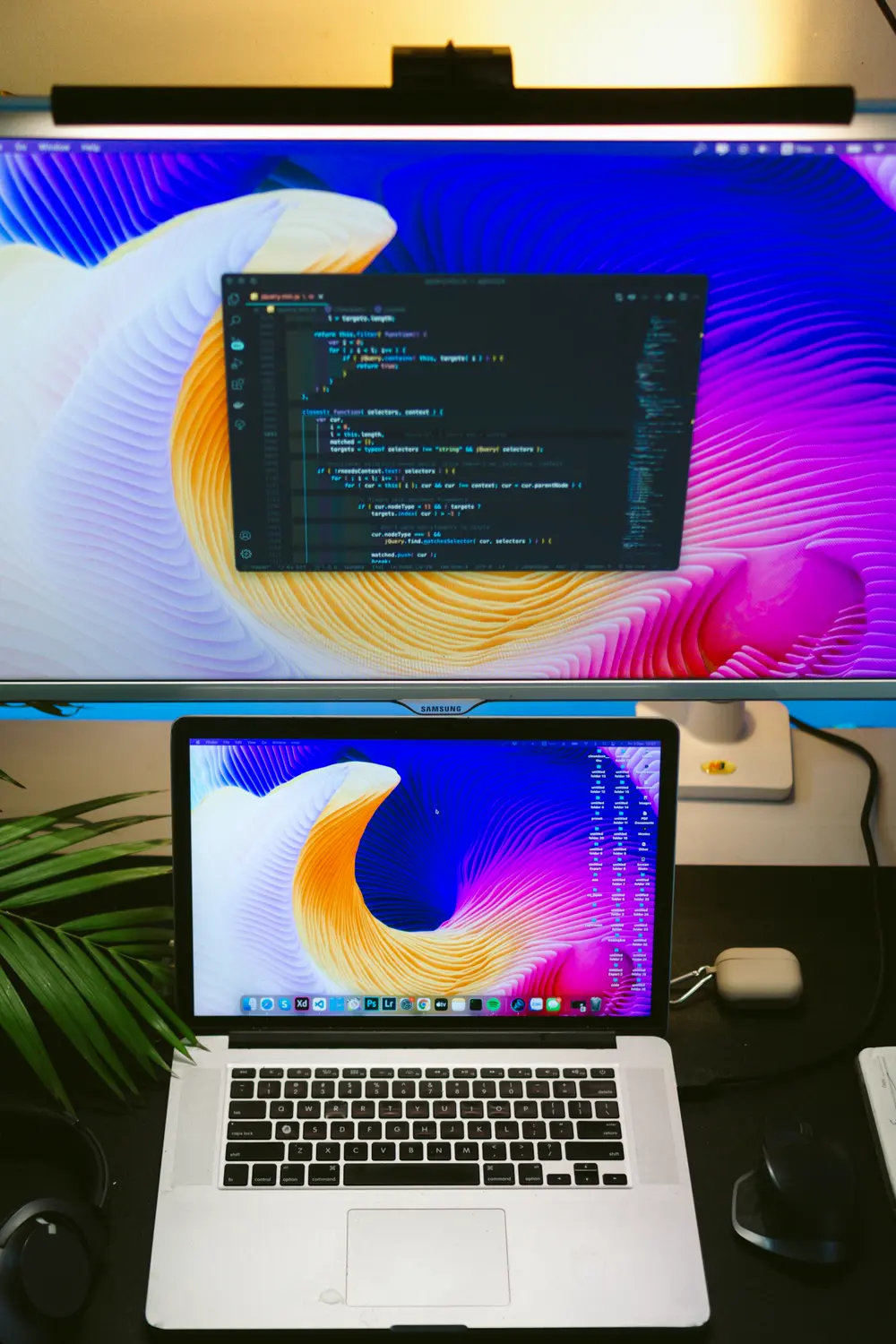
The Linux desktop experience is renowned for its customizability. One of the simplest, yet most impactful ways to personalize your system is through wallpapers. With the increasing prevalence of high-resolution displays, especially 4K monitors, the demand for visually striking, high-quality wallpapers has surged. This article explores where to find amazing 4K wallpapers specifically tailored for Linux desktop environments, covering various sources, popular themes, and tips for optimizing your wallpaper experience.
Choosing the right wallpaper isn’t just about aesthetics; it can also affect your mood and productivity. A calming landscape might be ideal for focused work, while a vibrant abstract design could inspire creativity. Fortunately, the Linux community offers a wealth of options to suit every taste.
Where to Find High-Quality 4K Linux Wallpapers
Several excellent resources cater specifically to Linux users seeking 4K wallpapers. Here are some of the most popular:
- Unsplash: A vast library of freely usable images, including a significant collection of 4K wallpapers. The quality is consistently high, and the licensing allows for both personal and commercial use.
- Pexels: Similar to Unsplash, Pexels offers a wide range of free stock photos and videos, with a dedicated section for 4K wallpapers.
- Wallhaven: A community-driven wallpaper site with a strong focus on high-resolution images. Wallhaven allows you to filter by resolution, aspect ratio, and even color palette.
- Reddit (r/wallpapers, r/linuxwallpaper): These subreddits are treasure troves of user-submitted wallpapers. You’ll find a diverse range of styles and themes, often including wallpapers specifically created for Linux desktops.
- Desktop Backgrounds from KDE Store: If you’re using the KDE Plasma desktop environment, the KDE Store offers a curated collection of wallpapers designed to complement the Plasma aesthetic.
Popular Wallpaper Themes for Linux
The beauty of Linux is its flexibility, and that extends to wallpaper choices. Here are some consistently popular themes:
Abstract Wallpapers
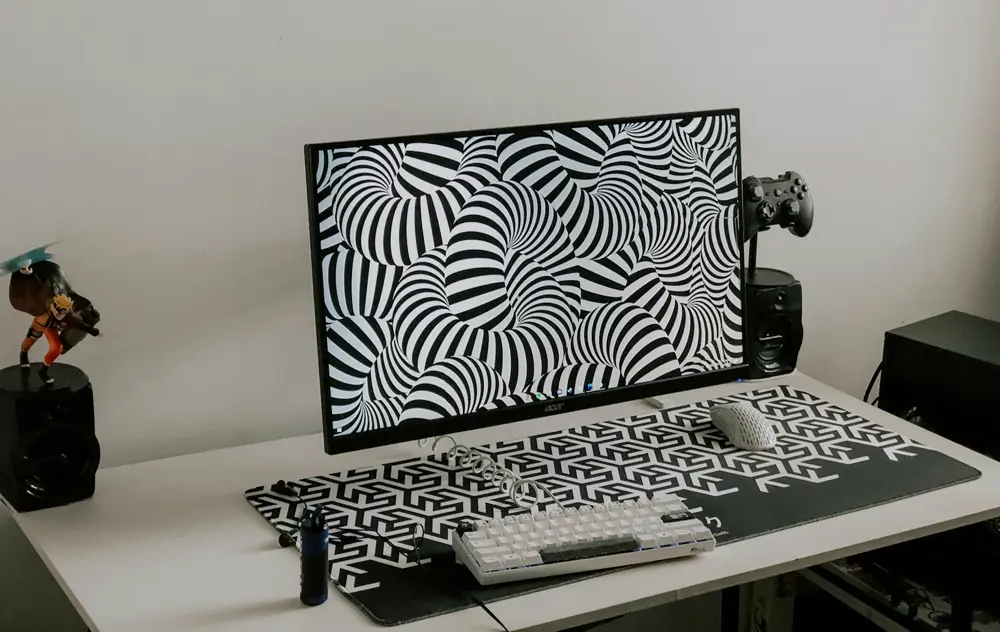
Abstract designs offer a modern and visually engaging look. They often feature bold colors, geometric shapes, and intricate patterns. These wallpapers can add a touch of sophistication to your desktop without being distracting. They work well with minimal desktop setups.
Landscape Wallpapers
From majestic mountains to serene beaches, landscape wallpapers bring the beauty of nature to your screen. They can create a calming and relaxing atmosphere, perfect for long work sessions. Consider seasonal landscapes to match the time of year.
Sci-Fi and Futuristic Wallpapers
For those who enjoy science fiction, futuristic wallpapers featuring spaceships, planets, and cyberpunk cityscapes are a great choice. These wallpapers can add a sense of wonder and excitement to your desktop. If you enjoy gaming, these themes often complement that aesthetic.
Minimalist Wallpapers
Minimalist wallpapers prioritize simplicity and elegance. They typically feature solid colors, subtle gradients, or simple geometric shapes. These wallpapers are ideal for users who prefer a clean and uncluttered desktop. They can also help to reduce visual fatigue.
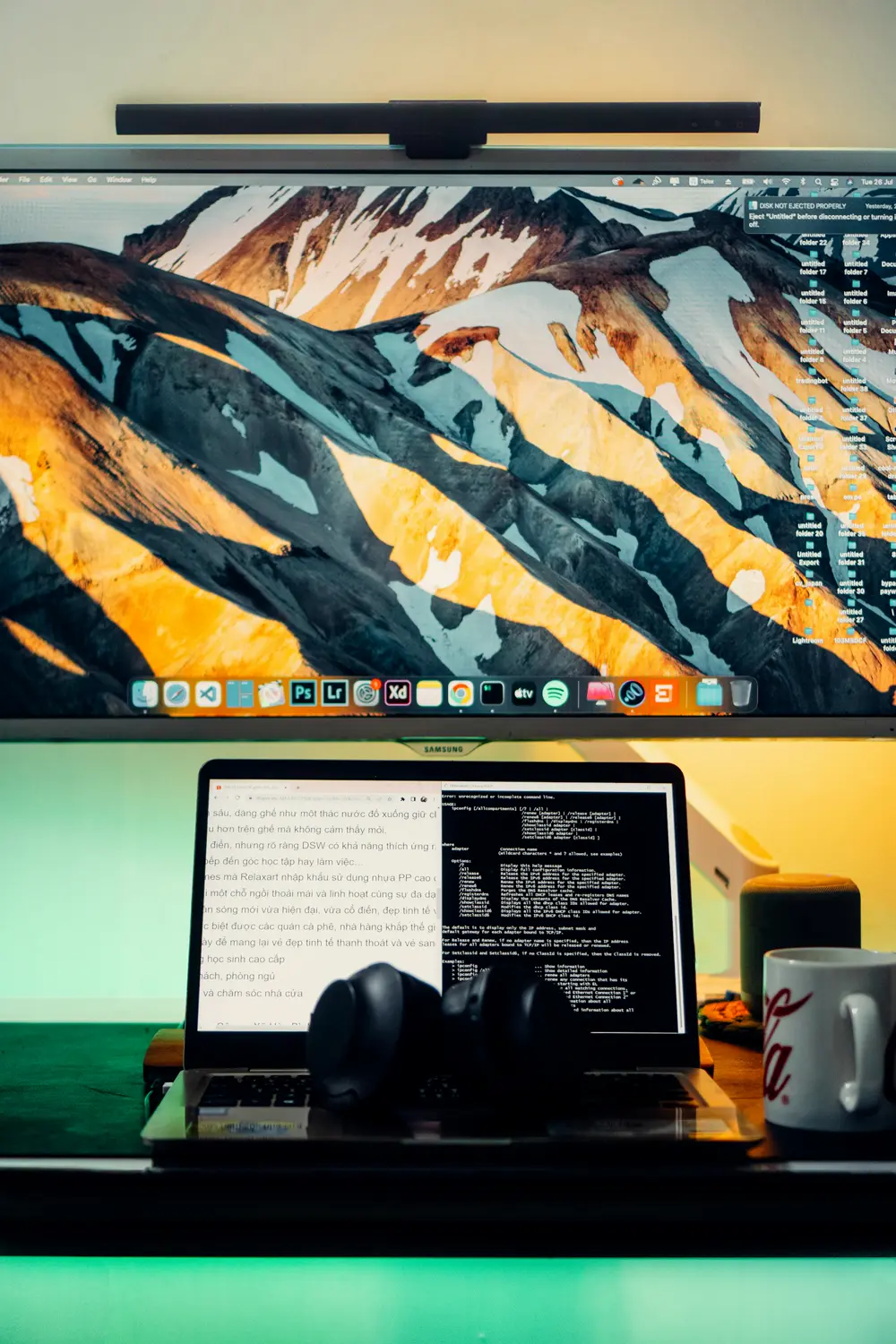
Dark Mode Wallpapers
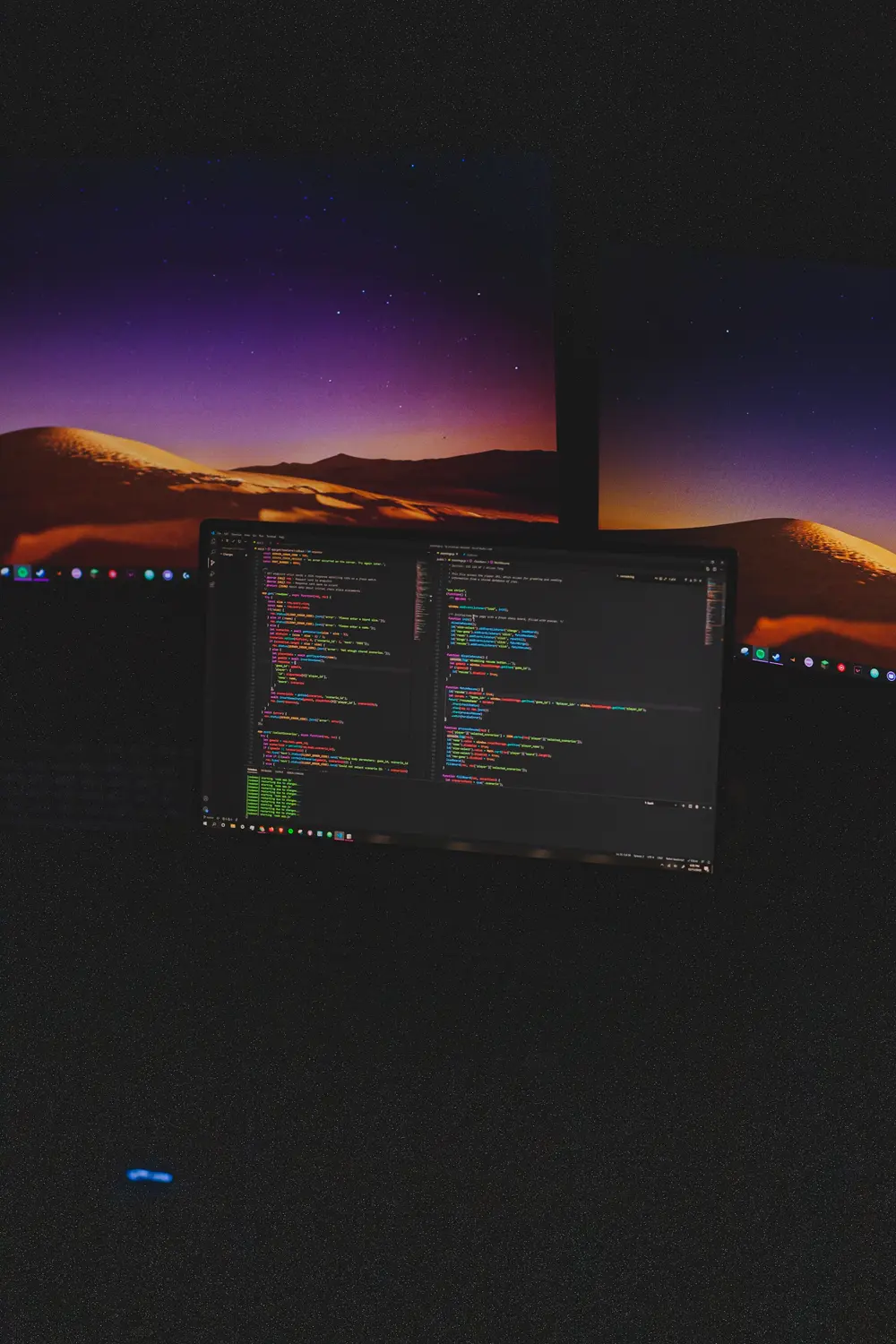
With the increasing popularity of dark mode, dark wallpapers have become increasingly sought after. These wallpapers feature dark colors and subtle textures, providing a comfortable viewing experience in low-light conditions. They also help to conserve battery life on laptops with OLED screens.
Optimizing Your Wallpaper Experience
Once you’ve found the perfect wallpaper, here are a few tips to optimize your viewing experience:
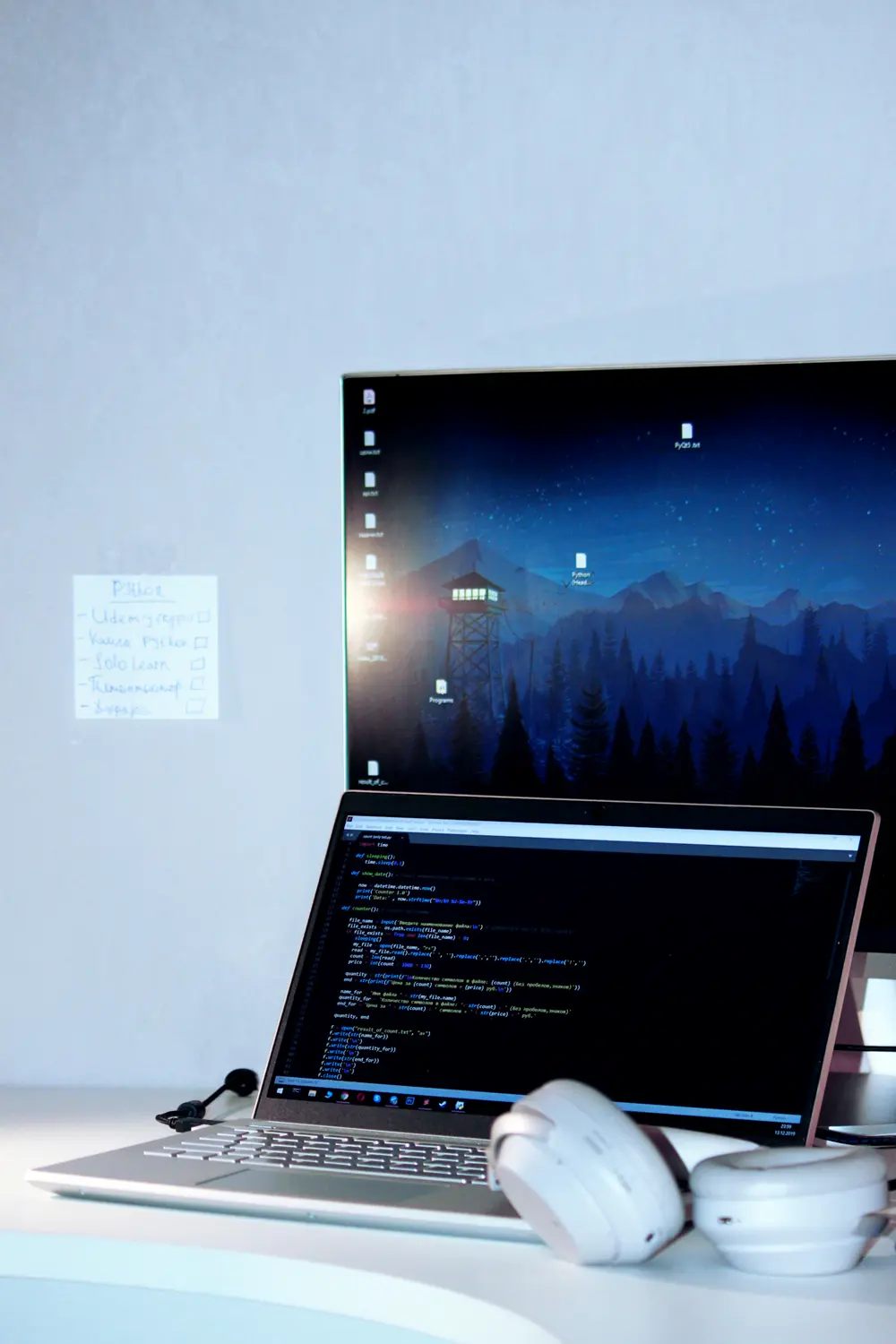
- Set the correct resolution: Ensure your wallpaper resolution matches your monitor’s native resolution for the sharpest image quality.
- Choose the right scaling mode: Experiment with different scaling modes (e.g., stretch, zoom, tile, center) to find the one that best suits your wallpaper and screen size.
- Consider a wallpaper changer: Wallpaper changer applications automatically rotate through a collection of wallpapers at specified intervals, keeping your desktop fresh and dynamic.
- Adjust brightness and contrast: Fine-tune your monitor’s brightness and contrast settings to ensure the wallpaper looks its best.
- Be mindful of icons and text: Choose a wallpaper that doesn’t make it difficult to see your desktop icons or text.
Beyond Static Images: Dynamic Wallpapers
For a truly immersive experience, consider using dynamic wallpapers. These wallpapers aren’t static images but rather animations or videos that play on your desktop. Several tools and applications allow you to set dynamic wallpapers on Linux, adding a unique and captivating element to your system. These can range from subtle animations to complex visual effects.
Conclusion
Finding the perfect 4K wallpaper for your Linux desktop is a rewarding experience. With a wealth of resources available and a diverse range of themes to choose from, you can easily create a visually stunning and personalized desktop environment. Remember to prioritize high-resolution images, optimize your settings, and experiment with different styles to find what works best for you. A well-chosen wallpaper can significantly enhance your overall computing experience.
Frequently Asked Questions
What is the best resolution for a 4K wallpaper?
The standard resolution for 4K wallpapers is 3840×2160 pixels. This ensures the image is sharp and clear on 4K displays. However, some wallpapers may be slightly higher or lower, depending on the aspect ratio.
Where can I find wallpapers specifically designed for dark mode?
Websites like Wallhaven and Unsplash have sections dedicated to dark wallpapers. You can also search on Reddit (r/darkwallpapers) for user-submitted options. Using a dark theme with a complementary wallpaper can reduce eye strain.
Can I use any image as a wallpaper on Linux?
Generally, yes. Linux supports a wide range of image formats, including JPG, PNG, and GIF. However, the image quality will depend on the original resolution and compression. For the best results, use high-resolution images.
How do I change my wallpaper on different Linux desktop environments?
The process varies depending on your desktop environment (e.g., GNOME, KDE Plasma, XFCE). Typically, you can right-click on the desktop and select “Change Background” or access the settings through the system menu.
Are there any tools to automatically change wallpapers?
Yes, several wallpaper changer applications are available for Linux, such as Variety and Wallpapper. These tools allow you to set a directory of wallpapers and automatically rotate through them at specified intervals.
Related posts:

Every 4k page is another mood for your screen. Keep exploring the related sets below this one.
Know someone whose screen needs a refresh? Pass this link along.
