
Ultra HD Wallpapers: Elevate Your Desktop
In today’s digital age, our desktops are more than just workspaces; they’re extensions of our personalities. A visually appealing desktop can boost mood, enhance productivity, and simply make spending time on your computer more enjoyable. One of the easiest ways to transform your digital environment is through the use of high-quality wallpapers. Specifically, ultra HD wallpapers offer a level of detail and clarity that standard resolution images simply can’t match.
This article will explore the world of ultra HD wallpapers, covering their benefits, where to find them, how to choose the right ones for your style, and tips for optimizing them for your display. We’ll delve into the technical aspects of resolution and aspect ratios, and discuss how these factors impact the overall visual experience.
The Benefits of Ultra HD Wallpapers
Why choose ultra HD wallpapers over standard definition options? The answer lies in the sheer visual quality. Ultra HD, typically referring to 3840 x 2160 pixels (4K), offers four times the resolution of Full HD (1920 x 1080). This translates to incredibly sharp images, vibrant colors, and a level of detail that makes your desktop come alive.
- Enhanced Visual Clarity: Every icon, text element, and image on your desktop will appear crisper and more defined.
- Immersive Experience: High-resolution wallpapers create a more immersive and engaging desktop environment.
- Showcase Your Display: If you’ve invested in an ultra HD monitor, using ultra HD wallpapers is the best way to showcase its capabilities.
- Improved Aesthetics: A beautiful wallpaper can significantly improve the overall look and feel of your desktop.
Finding the Best Ultra HD Wallpapers
Numerous websites offer a vast selection of ultra HD wallpapers. Here are some popular options:
- Unsplash: Known for its high-quality, free-to-use photos, including a wide range of ultra HD options.
- Pexels: Another excellent source for free stock photos and wallpapers.
- Pixabay: Offers a diverse collection of free images, including ultra HD wallpapers.
- Wallhaven: A dedicated wallpaper website with a large community and a focus on high-resolution images.
- Desktop Background: Provides a curated selection of wallpapers, categorized by theme and resolution.
When browsing these sites, pay attention to the licensing terms to ensure you’re using the wallpapers legally. Most of the sites listed above offer images under a free license, but it’s always a good idea to double-check.
Choosing Wallpapers That Suit Your Style
The best wallpaper for you is one that reflects your personal taste. Consider the following factors when making your selection:
- Theme: Do you prefer landscapes, cityscapes, abstract art, nature scenes, or something else entirely?
- Color Palette: Choose colors that complement your desktop icons and overall aesthetic.
- Complexity: A busy wallpaper can be distracting, while a minimalist wallpaper can create a clean and uncluttered look.
- Mood: Select a wallpaper that evokes the mood you want to create – calming, energizing, or inspiring.
Don’t be afraid to experiment with different wallpapers until you find one that you truly love. You can even create a rotation of wallpapers to keep things fresh and interesting. Sometimes, a simple, elegant background is all you need to enhance your workflow. Consider how the wallpaper interacts with your taskbar and any widgets you might use.
Understanding Resolution and Aspect Ratio
To ensure your wallpaper looks its best, it’s important to understand resolution and aspect ratio. Resolution refers to the number of pixels in an image (e.g., 3840 x 2160). Aspect ratio is the ratio of the image’s width to its height (e.g., 16:9).
Most modern monitors have a 16:9 aspect ratio. However, some ultrawide monitors have a 21:9 aspect ratio, and older monitors may have a 4:3 aspect ratio. Before downloading a wallpaper, check your monitor’s resolution and aspect ratio to ensure the wallpaper will fit properly. Using a wallpaper with the wrong aspect ratio can result in distortion or black bars around the edges.
Optimizing Wallpapers for Your Display
Once you’ve downloaded an ultra HD wallpaper, you may need to optimize it for your display. Here are a few tips:
- Resize the Image: If the wallpaper is larger than your screen resolution, you can resize it using image editing software.
- Adjust Brightness and Contrast: Adjust the brightness and contrast settings to ensure the wallpaper looks its best on your monitor.
- Enable Wallpaper Stretching or Tiling: Some operating systems allow you to stretch or tile wallpapers to fit your screen. However, this can sometimes result in a loss of image quality.
- Consider Dual Monitors: If you have a dual-monitor setup, you can use a single wallpaper that spans both screens or choose separate wallpapers for each monitor.
Experiment with different settings to find what works best for your display and personal preferences. A well-optimized wallpaper can make a significant difference in the overall visual experience. You might also find that certain wallpapers look better with specific desktop themes. Desktop customization is a great way to personalize your computing experience.
Conclusion
Ultra HD wallpapers are a simple yet effective way to elevate your desktop appearance and enhance your overall computing experience. By choosing high-quality images that suit your style and optimizing them for your display, you can create a visually stunning and immersive desktop environment. With a wealth of resources available online, finding the perfect ultra HD wallpaper is easier than ever. So, take the time to explore the options and transform your digital workspace into a reflection of your personality.
Frequently Asked Questions
1. Where can I find truly free ultra HD wallpapers without watermarks?
Unsplash, Pexels, and Pixabay are excellent resources for free ultra HD wallpapers without watermarks. Wallhaven also offers many free options, but always double-check the license for each image. These sites generally provide high-quality images suitable for any desktop.
2. What’s the difference between 4K and Ultra HD, and does it matter for wallpapers?
The terms 4K and Ultra HD are often used interchangeably, but technically, 4K refers to a specific resolution of 4096 x 2160 pixels, commonly used in the film industry. Ultra HD (3840 x 2160) is the resolution typically used for consumer displays and wallpapers. For most desktop applications, the difference is negligible, and you can safely use either term.
3. How do I set an ultra HD wallpaper without it looking blurry?
Ensure the wallpaper resolution matches or exceeds your monitor’s resolution. Also, check your display settings to confirm that scaling is set to the recommended level. Avoid stretching the image, as this will cause it to appear blurry. If your operating system offers options like “fill” or “fit,” experiment with those to find the best result.
4. Can using ultra HD wallpapers slow down my computer?
Generally, no. Modern computers have enough processing power and memory to handle ultra HD wallpapers without significant performance issues. However, if you have a very old or low-end computer, you might experience a slight slowdown. If this happens, try using a less complex wallpaper or reducing the number of background applications.
5. What aspect ratio should I look for when downloading wallpapers for a 21:9 ultrawide monitor?
For a 21:9 ultrawide monitor, you should look for wallpapers with a 21:9 aspect ratio (e.g., 3440 x 1440 or 5760 x 2160). Using a wallpaper with a different aspect ratio will result in black bars or distortion. Many wallpaper websites have filters to help you find wallpapers with the correct aspect ratio.
Related posts:
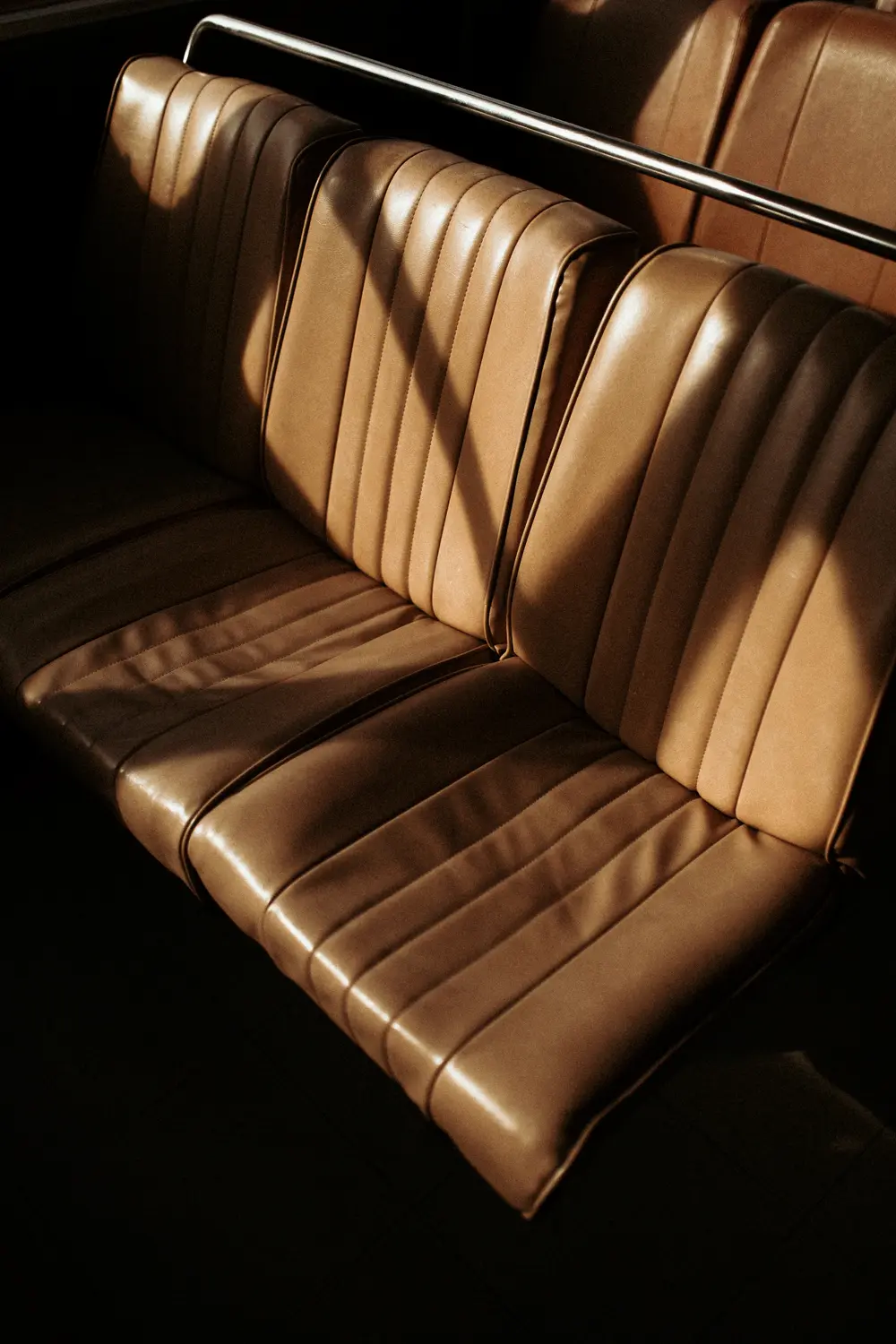
This set is just one corner of 4k-wallpapers. Plenty more backgrounds in the same category are waiting for you.
Bookmark this collection so your next wallpaper swap is one click away.
