
Ultra HD Wallpapers: Enhance Your Visual Experience
In today’s digital age, the quality of our displays is constantly improving. From smartphones and tablets to computer monitors and televisions, we’re surrounded by screens capable of displaying incredibly detailed images. To truly take advantage of these advancements, using high-resolution wallpapers is essential. This article explores the world of Ultra HD (UHD) wallpapers, detailing their benefits, where to find them, and how to optimize them for your devices.
The term “Ultra HD” generally refers to resolutions of 3840 x 2160 pixels (4K) and higher. These resolutions offer four times the number of pixels compared to Full HD (1920 x 1080), resulting in sharper, more detailed, and more immersive visuals. Choosing the right wallpaper can significantly impact your overall viewing experience, making everything from browsing the web to watching movies more enjoyable.
Why Choose Ultra HD Wallpapers?
The benefits of using UHD wallpapers extend beyond simply looking pretty. Here’s a breakdown of why upgrading to higher resolution backgrounds is worthwhile:
- Enhanced Visual Clarity: The increased pixel density means images appear sharper and more defined, reducing pixelation and blurring.
- Improved Immersion: Detailed wallpapers can create a more immersive experience, especially when gaming or watching videos.
- Better Aesthetics: A high-quality wallpaper can elevate the overall look and feel of your device, making it more visually appealing.
- Future-Proofing: As display technology continues to advance, UHD wallpapers will become increasingly important for maximizing visual fidelity.
Finding the Best Ultra HD Wallpapers
Numerous online resources offer a vast selection of UHD wallpapers. Here are some popular options:
- Unsplash: A fantastic source for free, high-quality photos, many of which are available in UHD resolutions.
- Pexels: Similar to Unsplash, Pexels provides a wide range of free stock photos and wallpapers.
- Pixabay: Another excellent platform for free images, including UHD wallpapers.
- Wallhaven: A dedicated wallpaper website with a large collection of user-submitted UHD backgrounds.
- Desktop Background: Offers a curated selection of UHD wallpapers categorized by theme and style.
When searching for wallpapers, pay attention to the resolution. Ensure the image matches or exceeds your screen’s resolution to avoid stretching or pixelation. Also, consider the file size. Larger resolutions typically mean larger file sizes, which can impact loading times and device performance. Finding a balance between quality and file size is key.
Optimizing Ultra HD Wallpapers for Your Device
Simply downloading a UHD wallpaper isn’t always enough. You may need to optimize it for your specific device to ensure optimal performance and visual quality.
Desktop Computers
On Windows, right-click on the desktop, select “Personalize,” and then “Background.” Choose the wallpaper image and select a “Choose a fit” option. “Fill” is generally the best option for UHD wallpapers, as it will stretch the image to fit the screen without distorting it. “Fit” will display the image in its original size, potentially leaving black bars around the edges. Consider using a dual-monitor wallpaper if you have multiple screens for a seamless look.
Smartphones and Tablets
The process for setting a wallpaper on mobile devices varies depending on the operating system (Android or iOS). Generally, you’ll need to access your device’s settings, navigate to the “Display” or “Wallpaper” section, and select the desired image. Many smartphones offer options to crop or resize the wallpaper to fit the screen perfectly. Be mindful of battery consumption; animated wallpapers, while visually appealing, can drain battery life more quickly. You might also want to explore device themes that include coordinated wallpapers and icons.
Televisions
Setting a UHD wallpaper on a smart TV typically involves accessing the TV’s settings menu and navigating to the “Background” or “Wallpaper” section. Some TVs allow you to use custom images, while others only offer pre-installed options. Ensure the image is compatible with the TV’s resolution and aspect ratio. Using a static wallpaper is generally recommended for TVs, as animated wallpapers can be distracting during viewing.
Types of Ultra HD Wallpapers
The world of UHD wallpapers is incredibly diverse. Here are some popular categories:
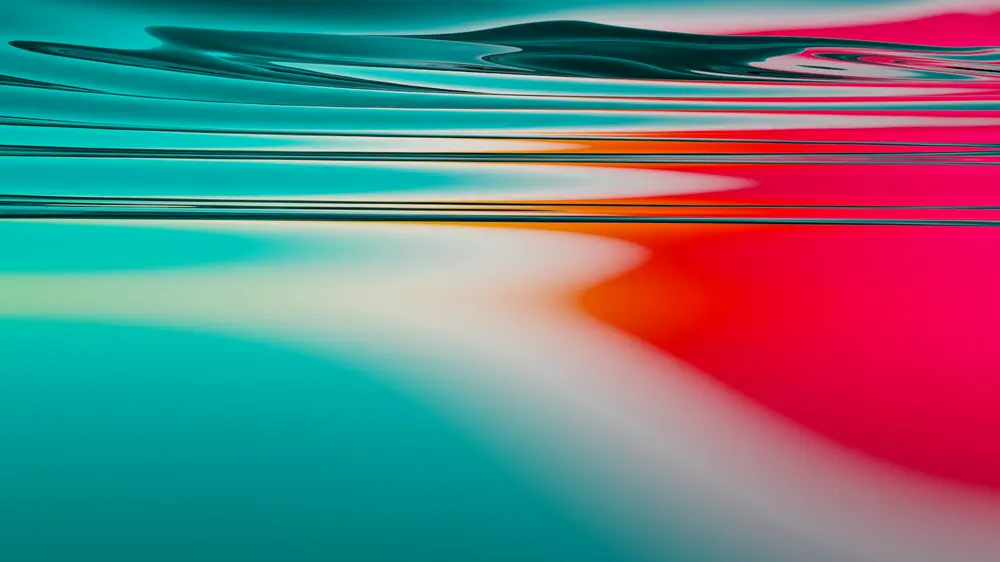
- Nature Landscapes: Stunning images of mountains, forests, oceans, and other natural environments.
- Cityscapes: Captivating views of bustling cities and iconic landmarks.
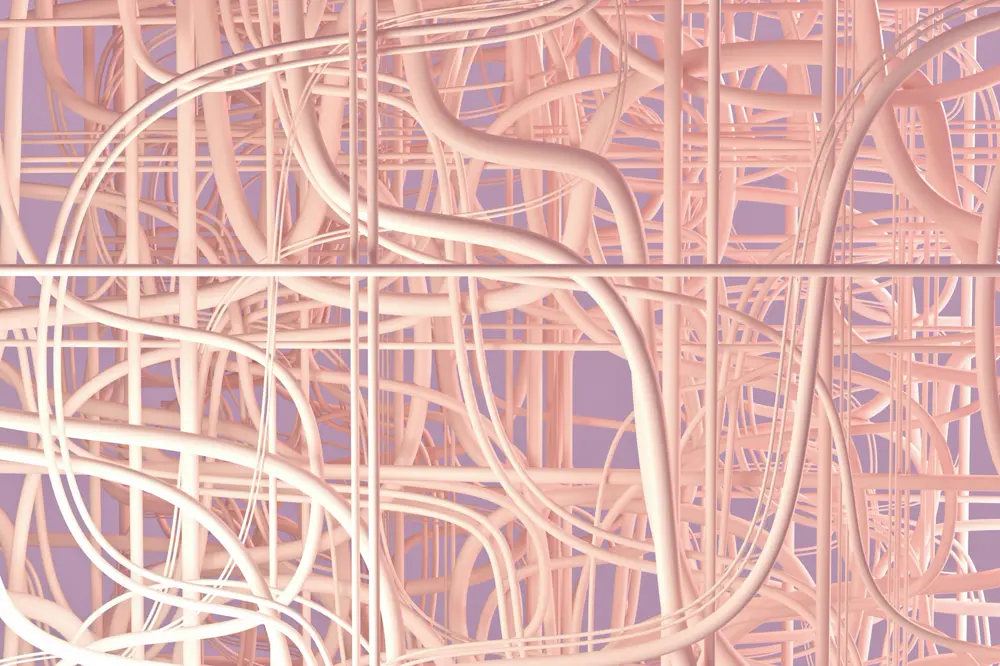
- Abstract Art: Visually striking designs and patterns.
- Minimalist Wallpapers: Simple and elegant backgrounds with clean lines and muted colors.
- Gaming Wallpapers: Images featuring characters and scenes from popular video games.
- Space and Astronomy: Breathtaking photos of galaxies, nebulae, and planets.
The Future of Wallpapers
As technology continues to evolve, we can expect even more innovative wallpaper options. Dynamic wallpapers that change based on the time of day or weather conditions are becoming increasingly popular. Interactive wallpapers that respond to user input are also on the horizon. The integration of artificial intelligence (AI) could lead to personalized wallpapers that are tailored to individual preferences. The possibilities are endless.
Conclusion
Ultra HD wallpapers are a simple yet effective way to enhance your visual experience. By choosing high-resolution images and optimizing them for your devices, you can enjoy sharper, more detailed, and more immersive visuals. With a wealth of online resources available, finding the perfect UHD wallpaper is easier than ever. So, take the time to upgrade your backgrounds and unlock the full potential of your displays.
Frequently Asked Questions
1. What is the difference between 4K and Ultra HD?
While often used interchangeably, 4K refers specifically to a resolution of 3840 x 2160 pixels. Ultra HD is a broader term that encompasses resolutions higher than Full HD, including 4K and 8K. Essentially, 4K is a type of Ultra HD.
2. Will a UHD wallpaper slow down my computer?
It depends on your computer’s specifications. A high-resolution wallpaper can consume more system resources, particularly RAM and CPU. However, on modern computers with sufficient processing power, the impact is usually minimal. If you experience performance issues, try using a slightly smaller image or closing unnecessary applications.
3. Where can I find animated Ultra HD wallpapers?
Several websites offer animated UHD wallpapers, such as Wallpaper Engine (Steam) and ArtStation. However, be aware that animated wallpapers can consume more battery life on mobile devices and may impact performance on older computers.
4. How do I ensure a wallpaper fits my screen perfectly without distortion?
Most operating systems offer various wallpaper fitting options. “Fill” typically stretches the image to fit the screen, while “Fit” displays the image in its original size, potentially leaving black bars. Experiment with different options to find the best fit for your screen and wallpaper.
5. Are there any copyright concerns when using wallpapers?
When downloading wallpapers, pay attention to the licensing terms. Websites like Unsplash, Pexels, and Pixabay offer royalty-free images that can be used without attribution. However, other websites may require you to obtain permission or purchase a license before using their images.
Related posts:
New screens deserve new looks — the 4k shelf keeps growing, so check back for the latest drops.
Save your favourites and share the rest — good wallpapers travel fast.
